
Free Event FlowChart Templates
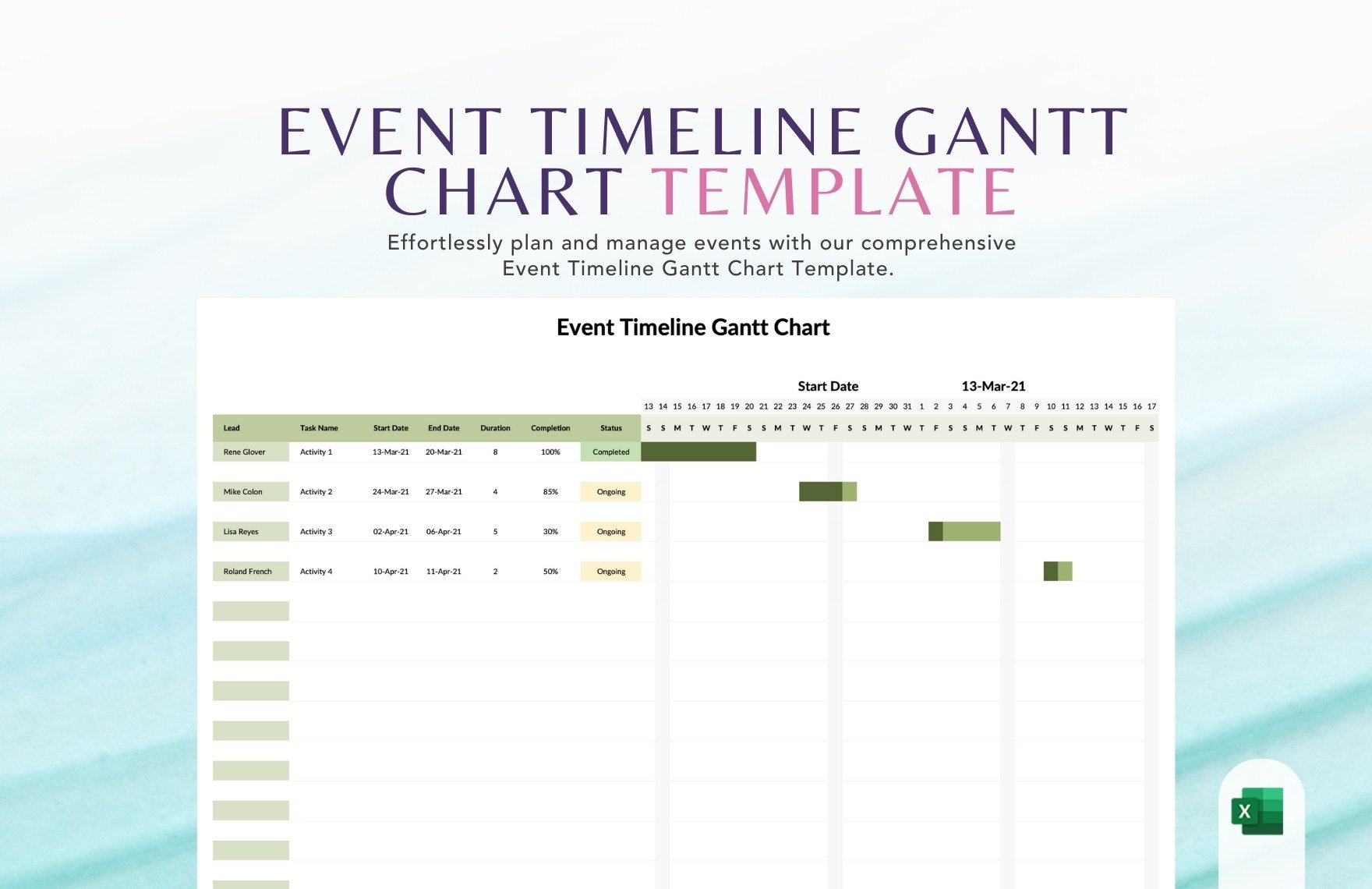
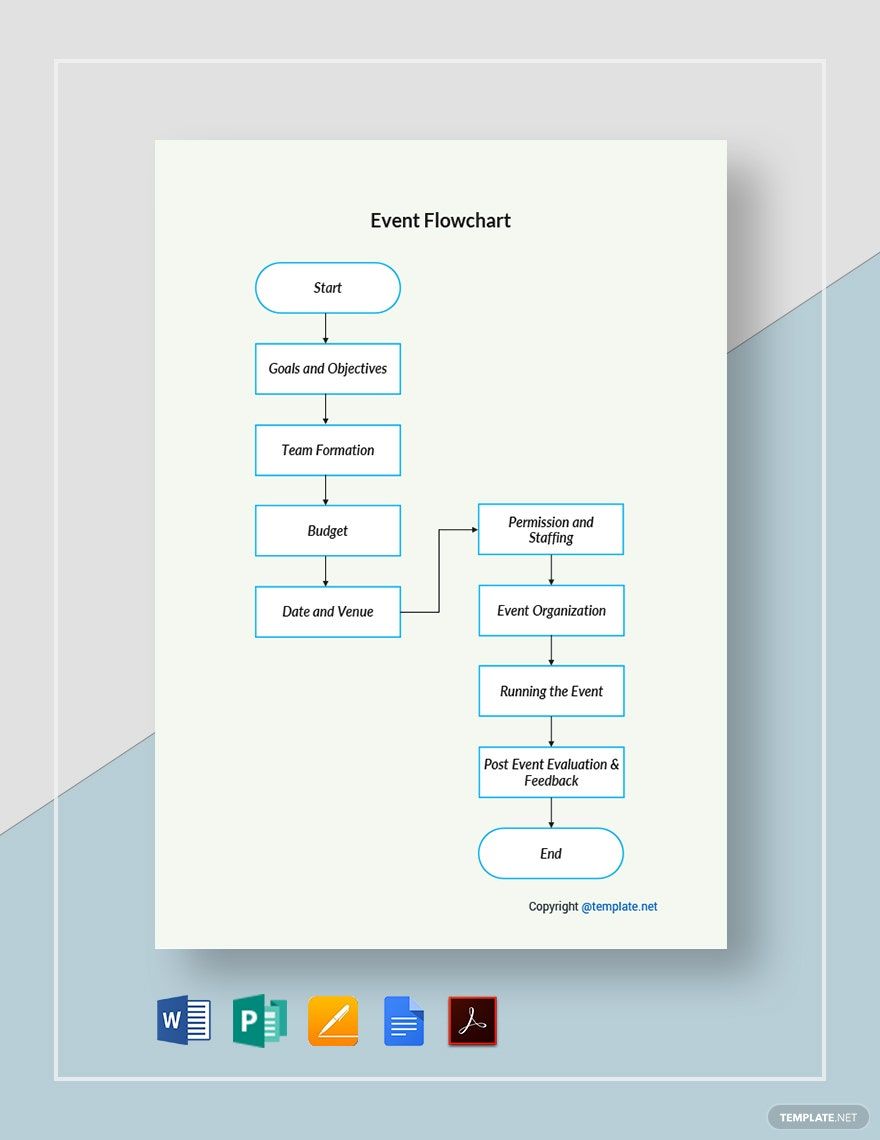
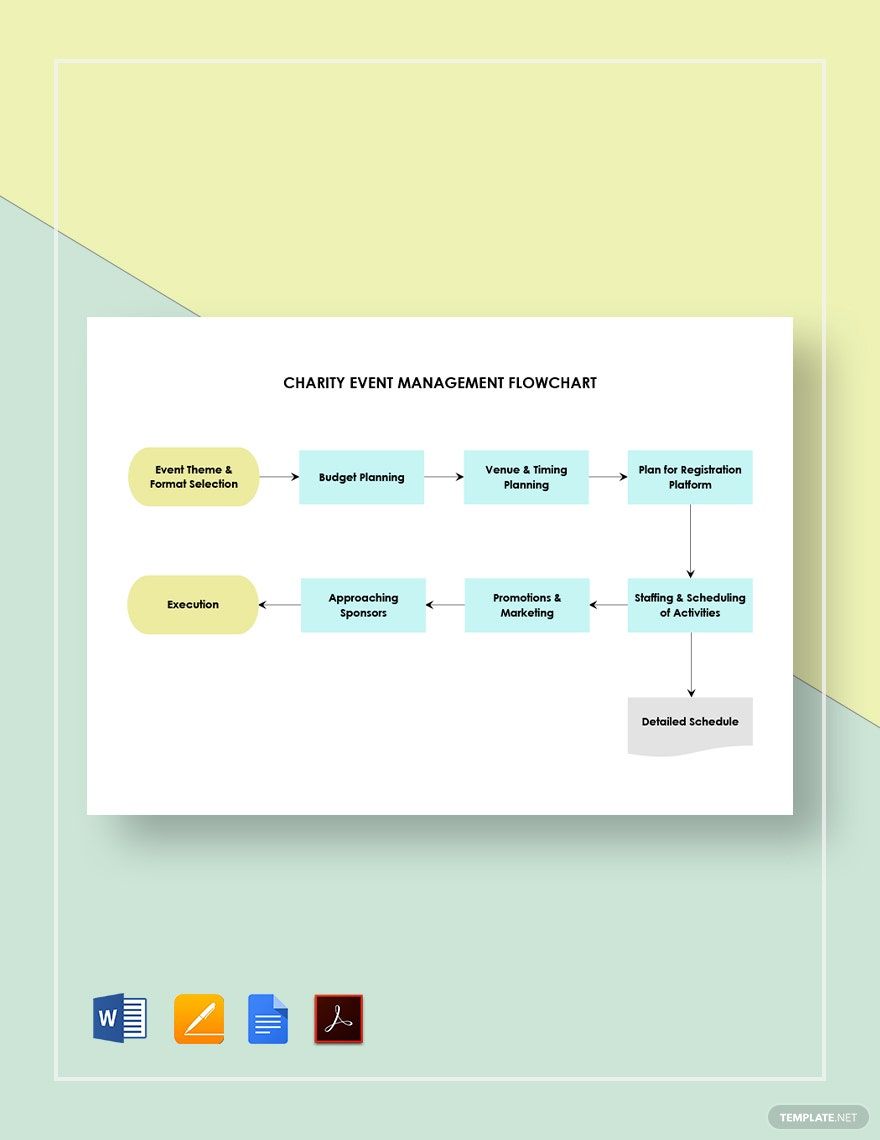
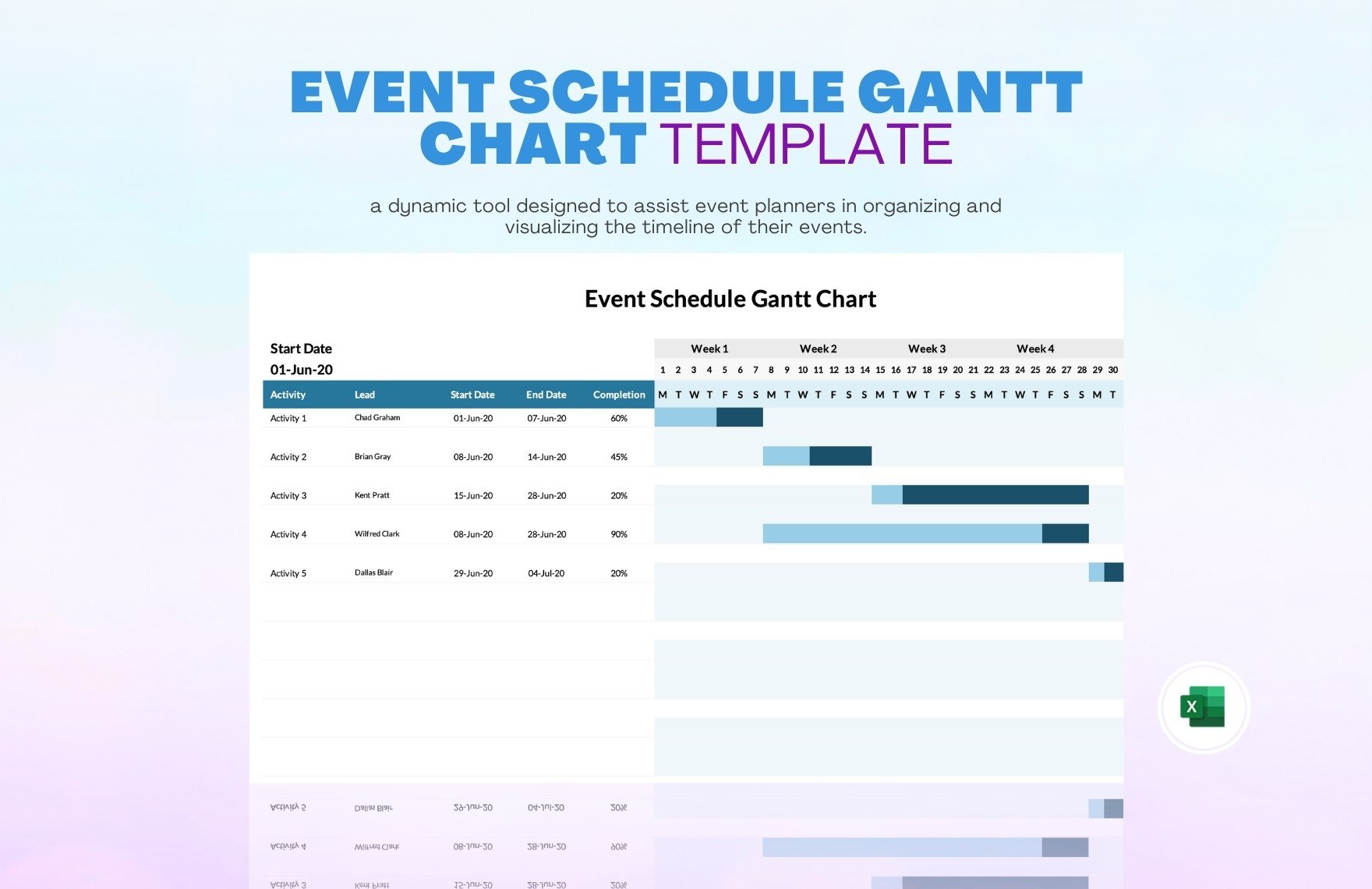
Event FlowChart Templates: Usage, Design, and Download Options

What is a Event FlowChart?
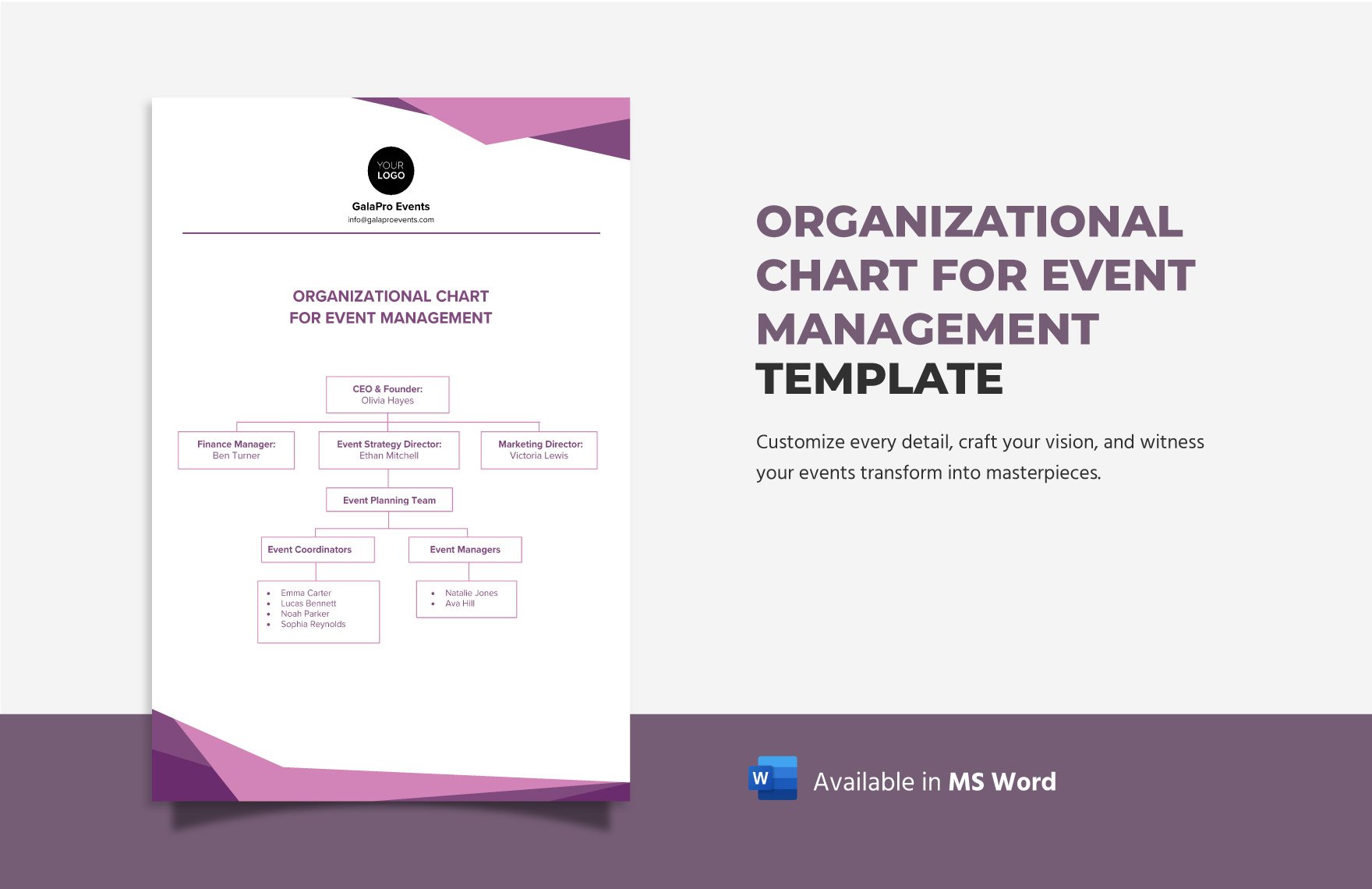
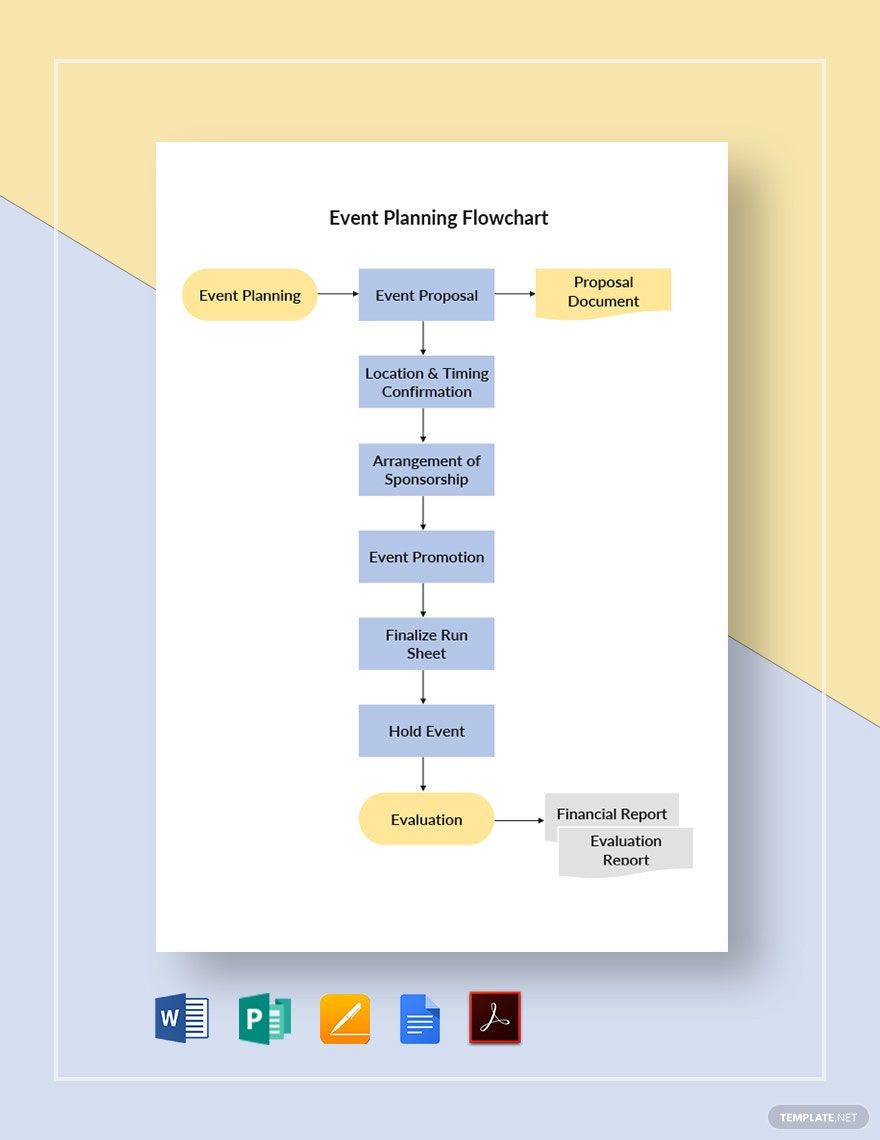
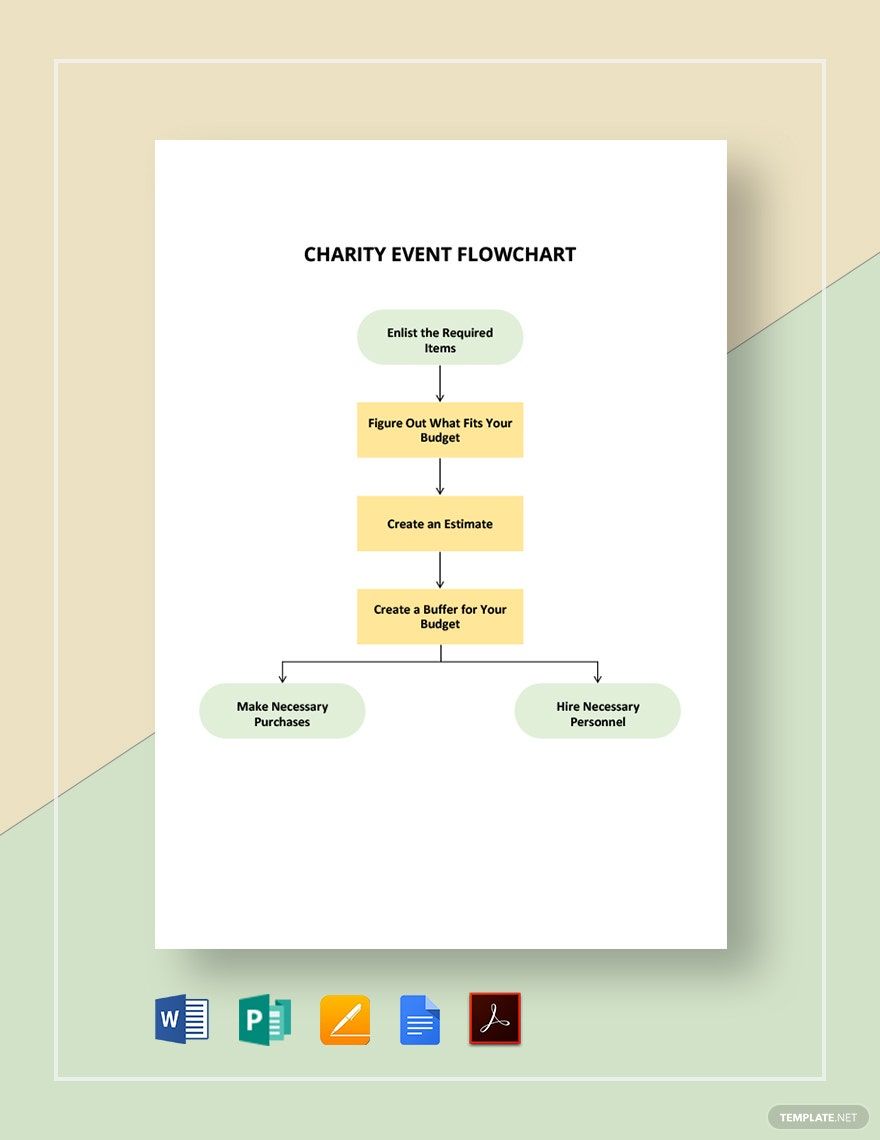
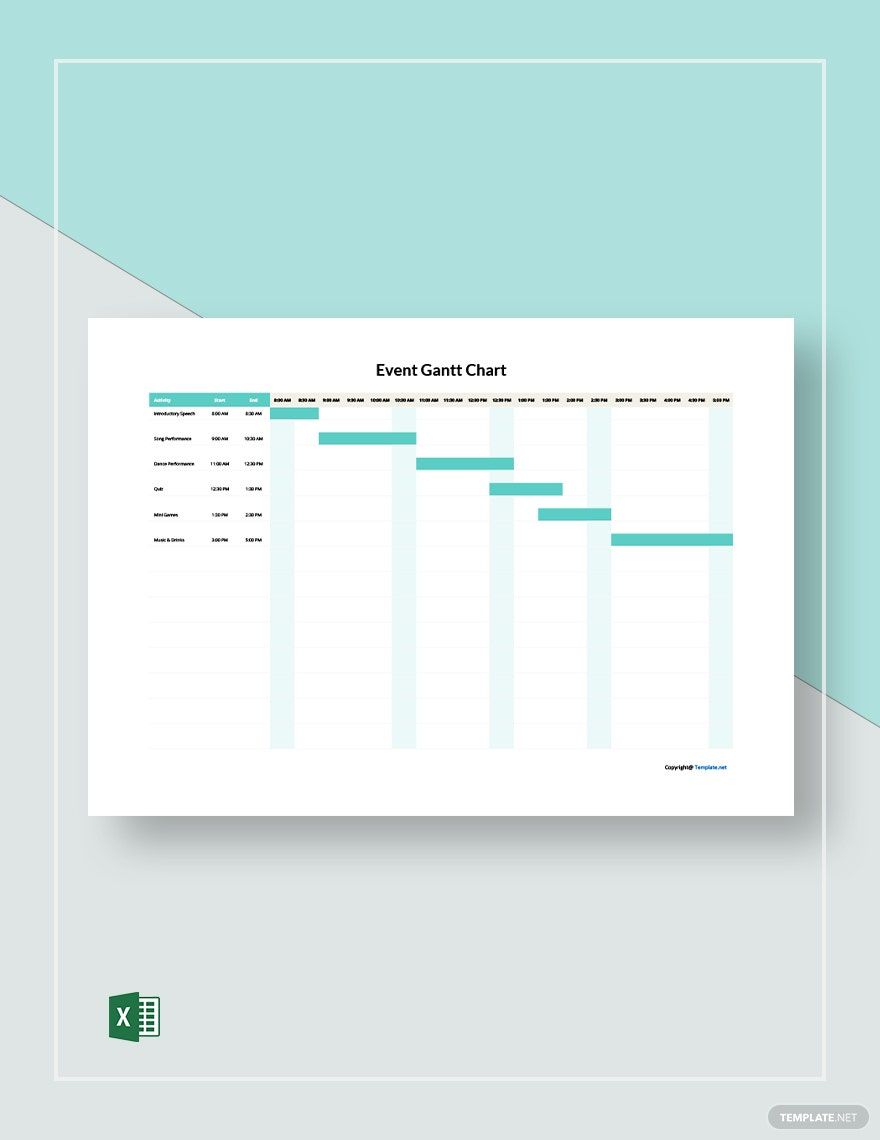
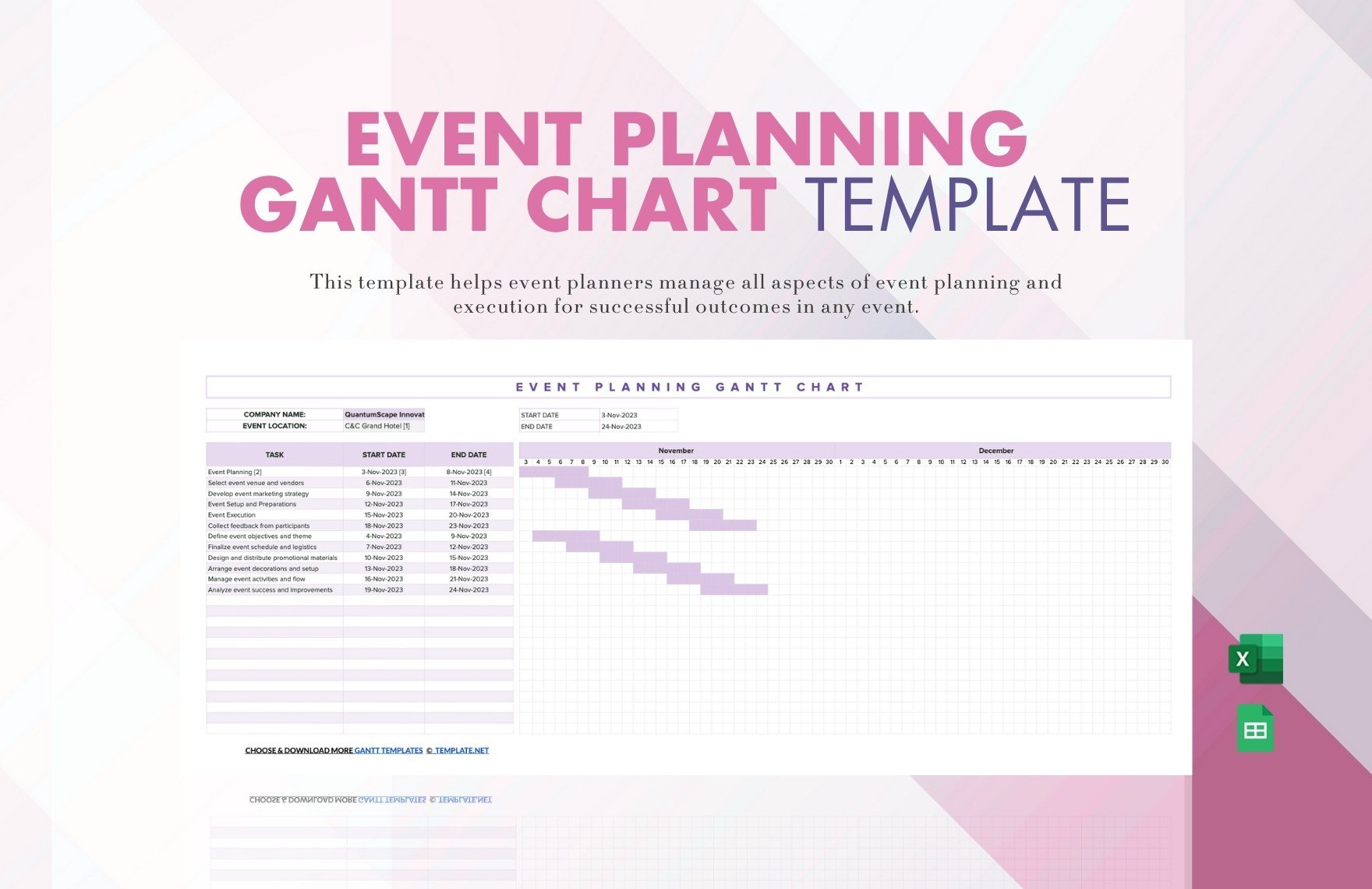
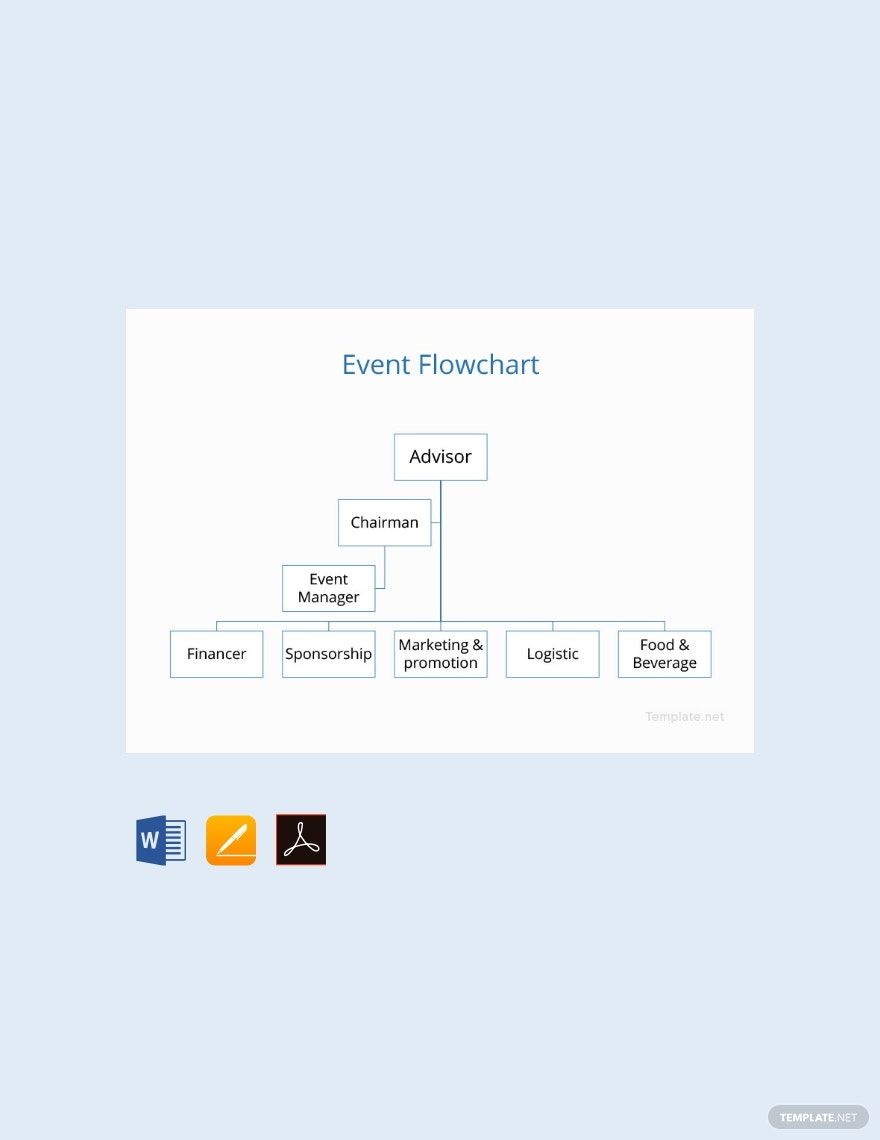
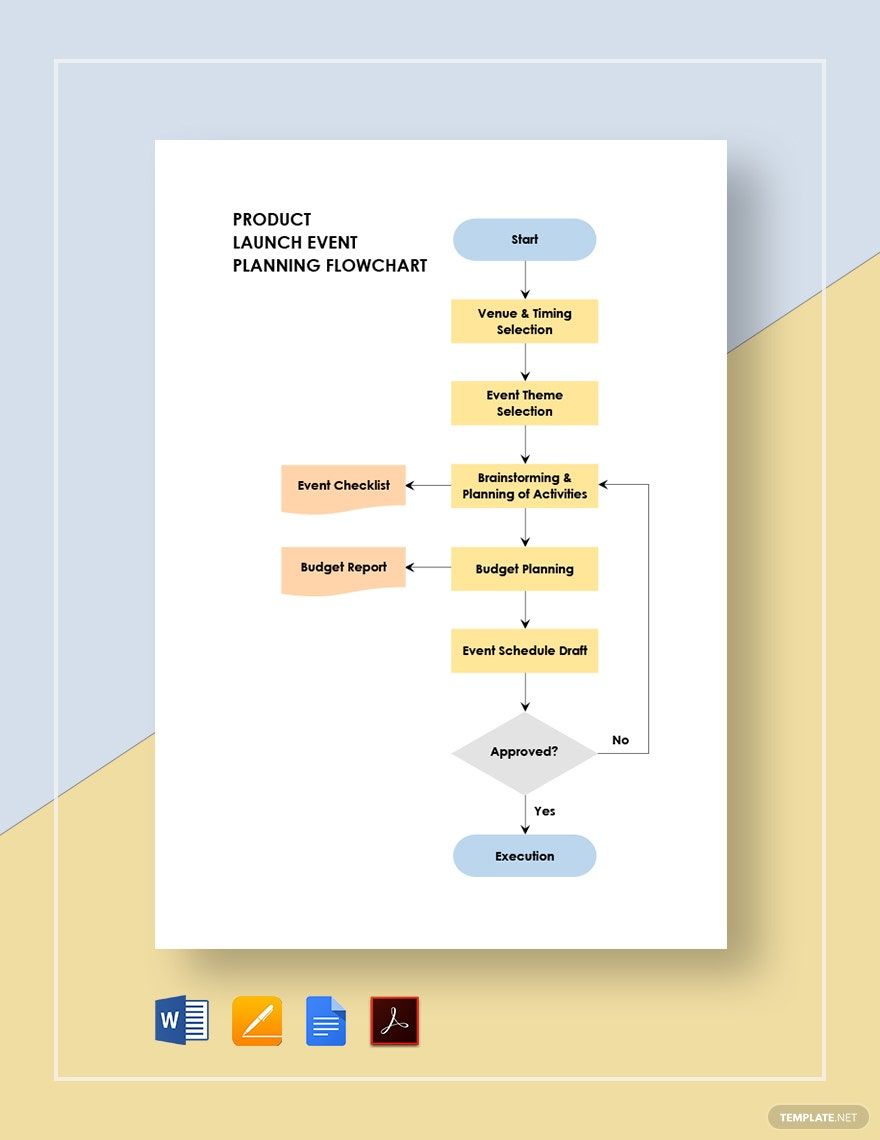
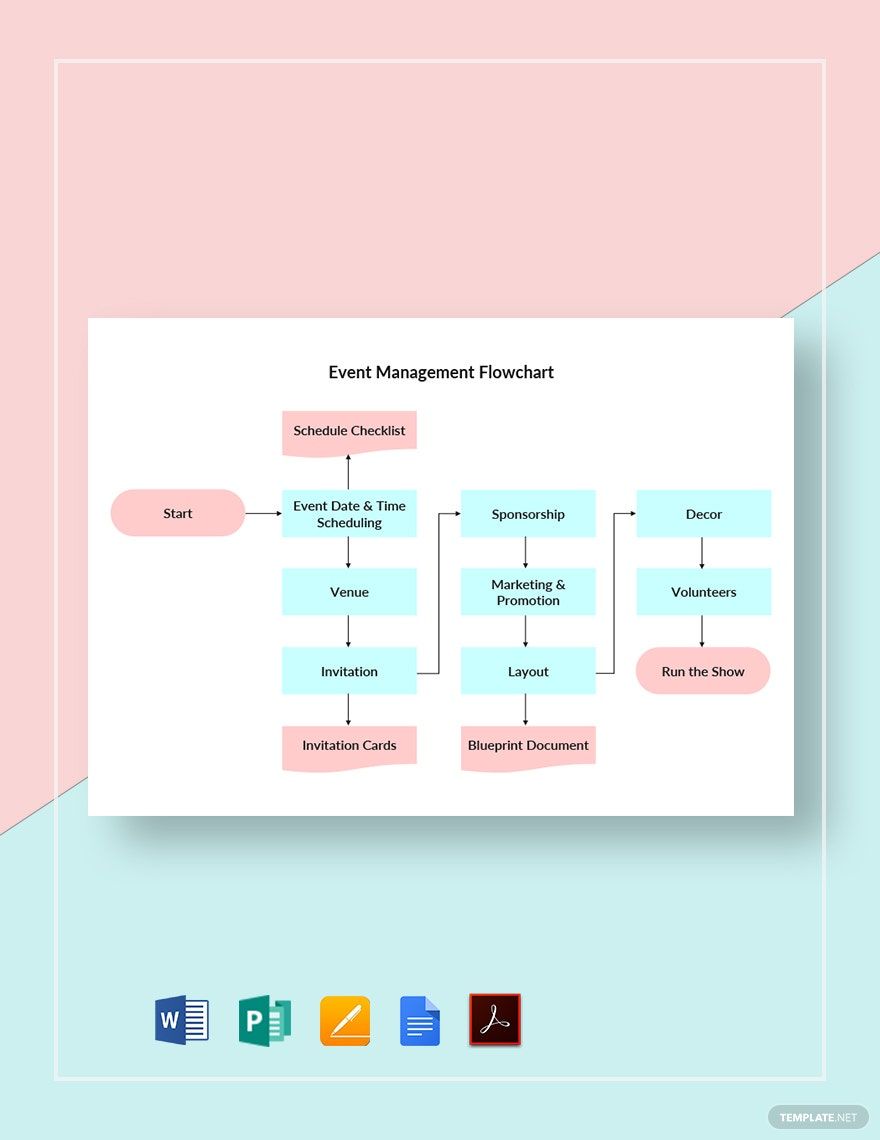
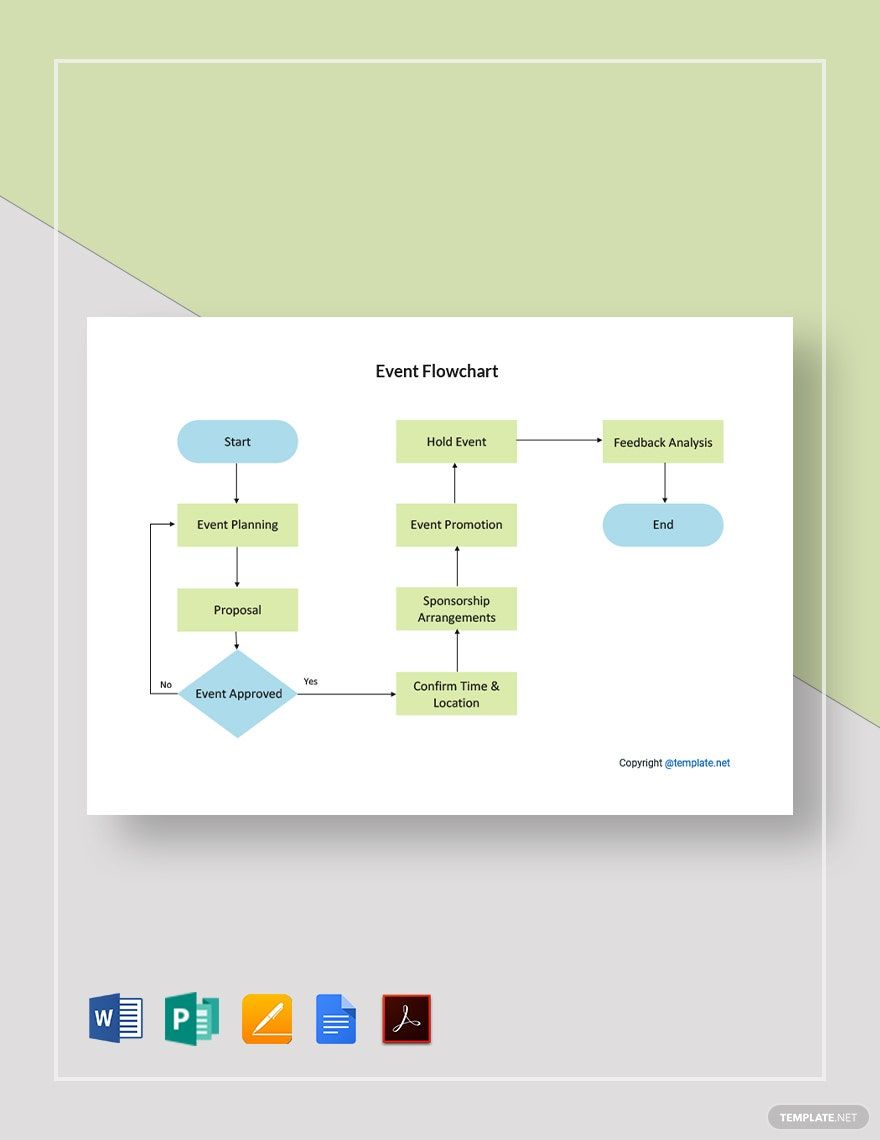
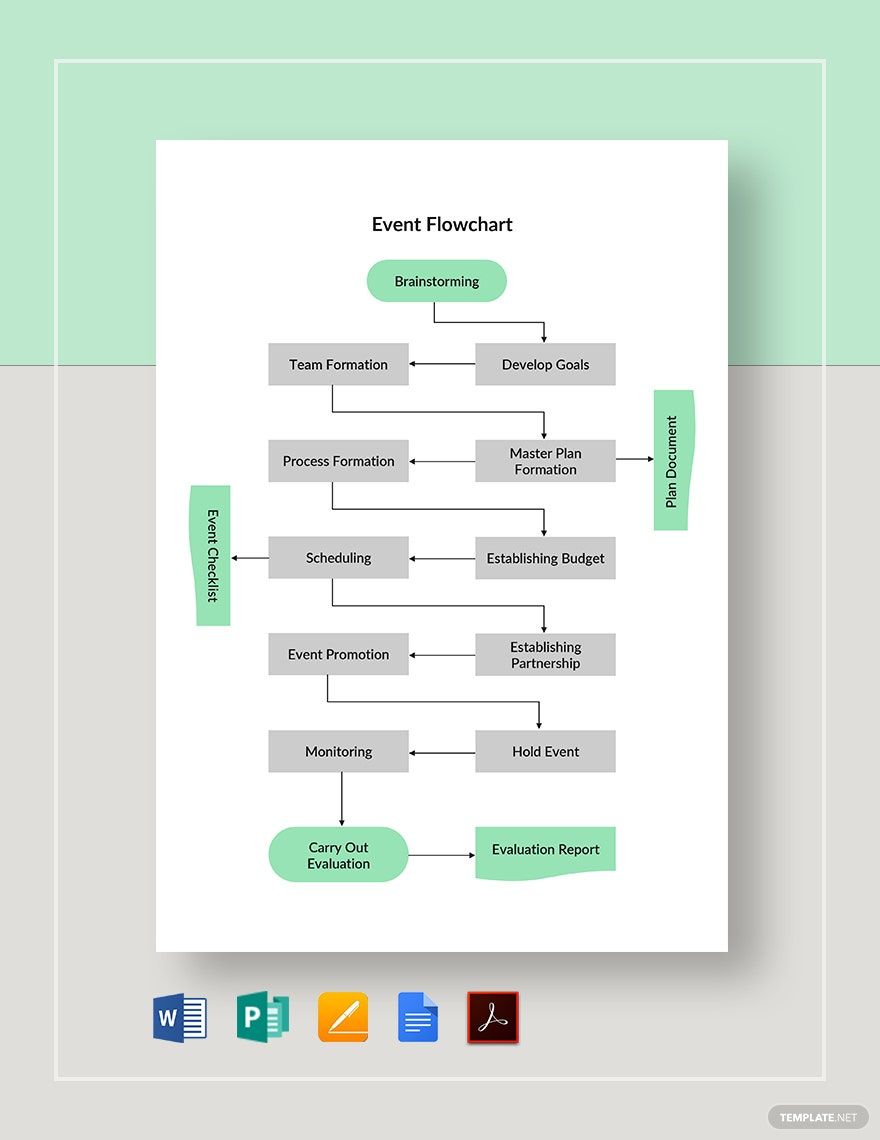
An Event FlowChart is a visual diagram representing the chronological sequence of events or process steps. Event FlowChart templates include editable text areas, design layers, and layout blocks that simplify customizing the flow of events for professional presentations and reports.

Why use a Event FlowChart?
Using an Event FlowChart helps clarify complex processes by illustrating the event sequence clearly. Event FlowChart templates enable fast customization with layered design and professional layouts to communicate event flows effectively and improve audience understanding.

Who typically uses Event FlowCharts?
Event FlowCharts are typically used by project managers, event planners, business analysts, and educators to organize and present step-by-step event sequences. Ready-made Event FlowChart templates streamline design and editing for these professionals.

What size should a Event FlowChart be?
Event FlowCharts vary in size depending on the presentation context, commonly designed around 8.5 × 11 inches or 11 × 17 inches for clarity. Templates on Template.net support common sizes with editable layout blocks to adjust dimensions easily.

What are the best tips for designing a Event FlowChart?
Best tips for designing an Event FlowChart include using clear layout blocks, consistent shapes for events, and prominent headlines to highlight key steps. Utilize Template.net templates with layered customization to maintain clarity and visual appeal.

How do you print a Event FlowChart?
To print an Event FlowChart, use templates that support high-resolution export and adjust size to standard paper like 8.5 × 11 inches. Template.net templates allow direct online editing and provide print-ready formats ensuring professional print quality.

What elements should a Event FlowChart include?
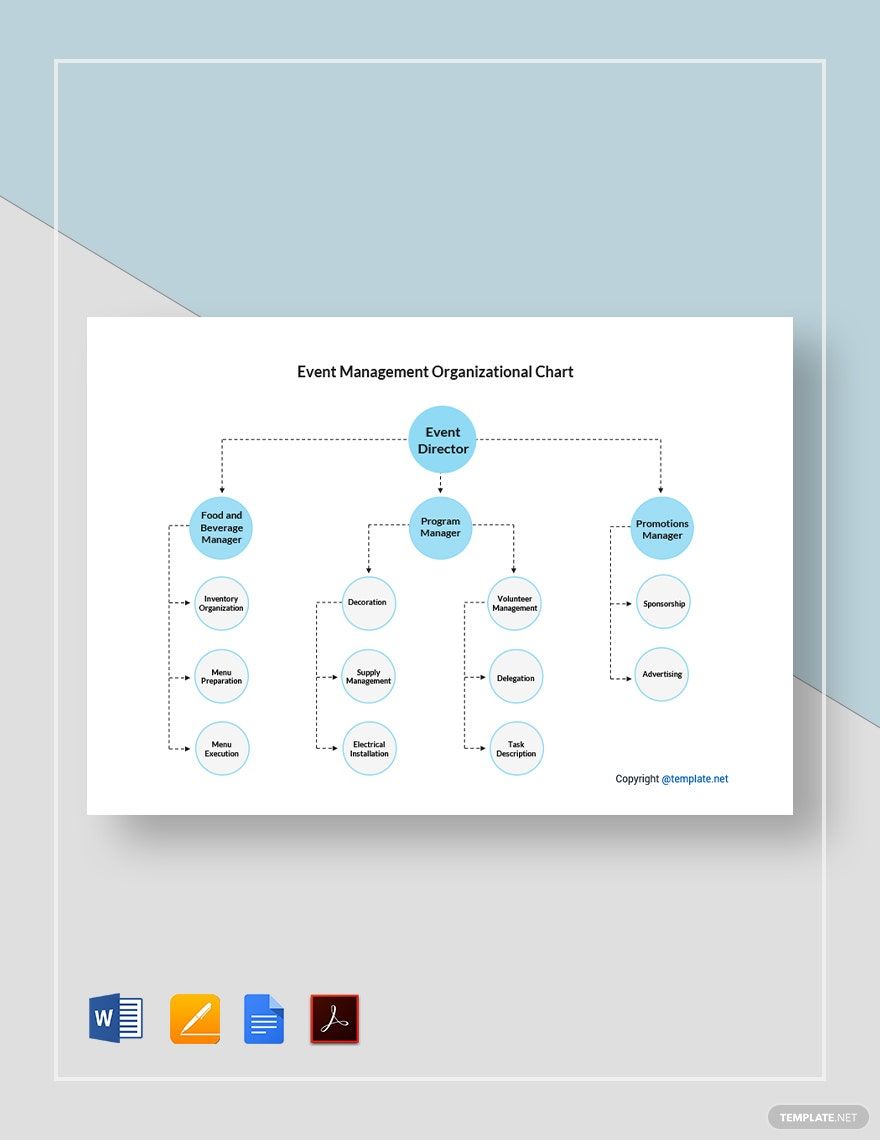
An Event FlowChart should include clear event nodes, directional arrows, headlines, and key information sections to explain each step. Templates on Template.net offer these design layers fully editable for precise customization.

What file formats can I download for a Event FlowChart?
Template.net Event FlowChart templates support multiple download formats for editing and printing, including Word, PDF, and Google Docs.

Can I create a new Event FlowChart using AI?
Template.net provides an AI-powered tool that generates new Event FlowChart designs from prompts, enabling quick creation of customized flowcharts. Try the Chart Generator to create professional Event FlowCharts with ease.
