
Free Radar Chart Templates


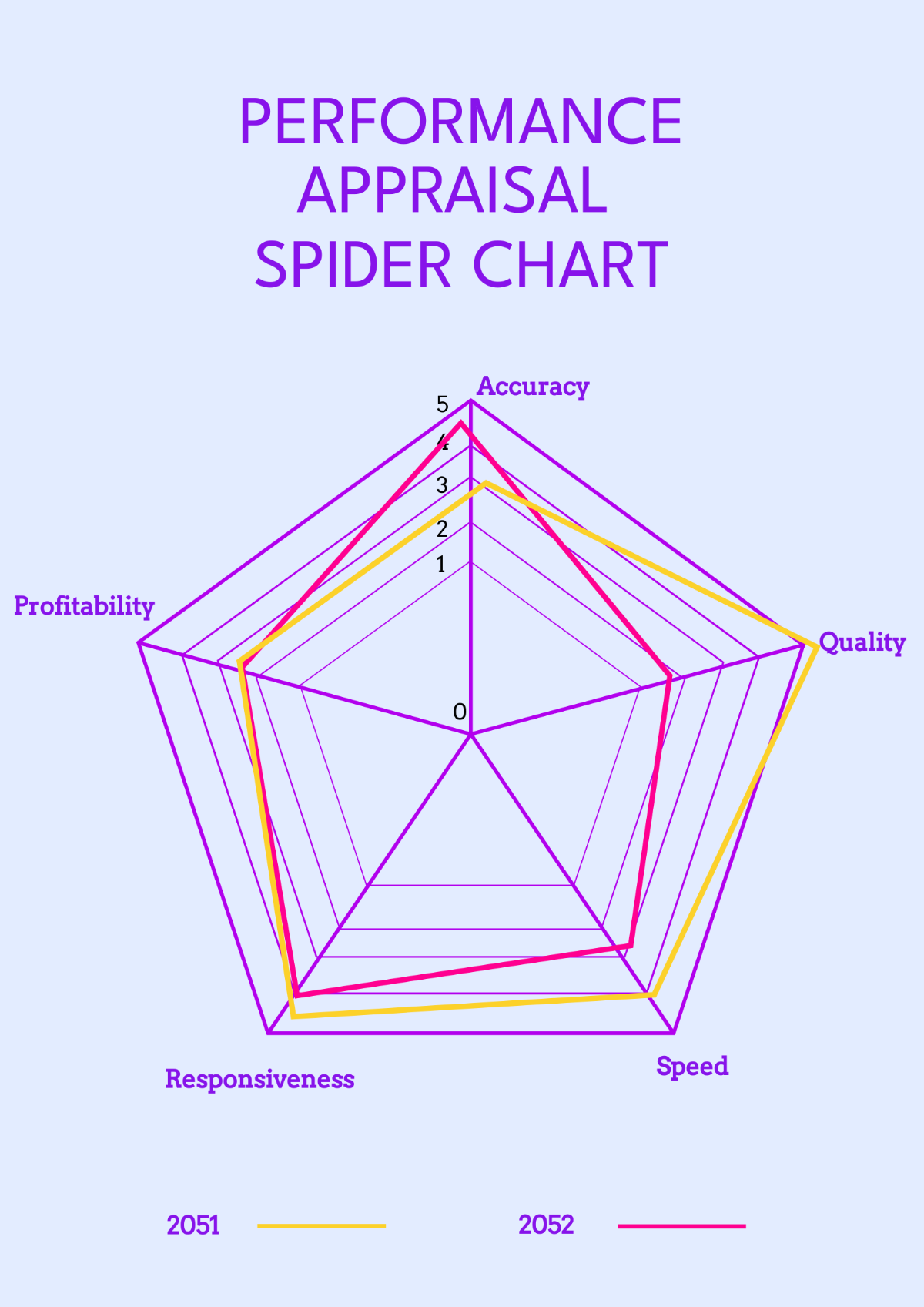
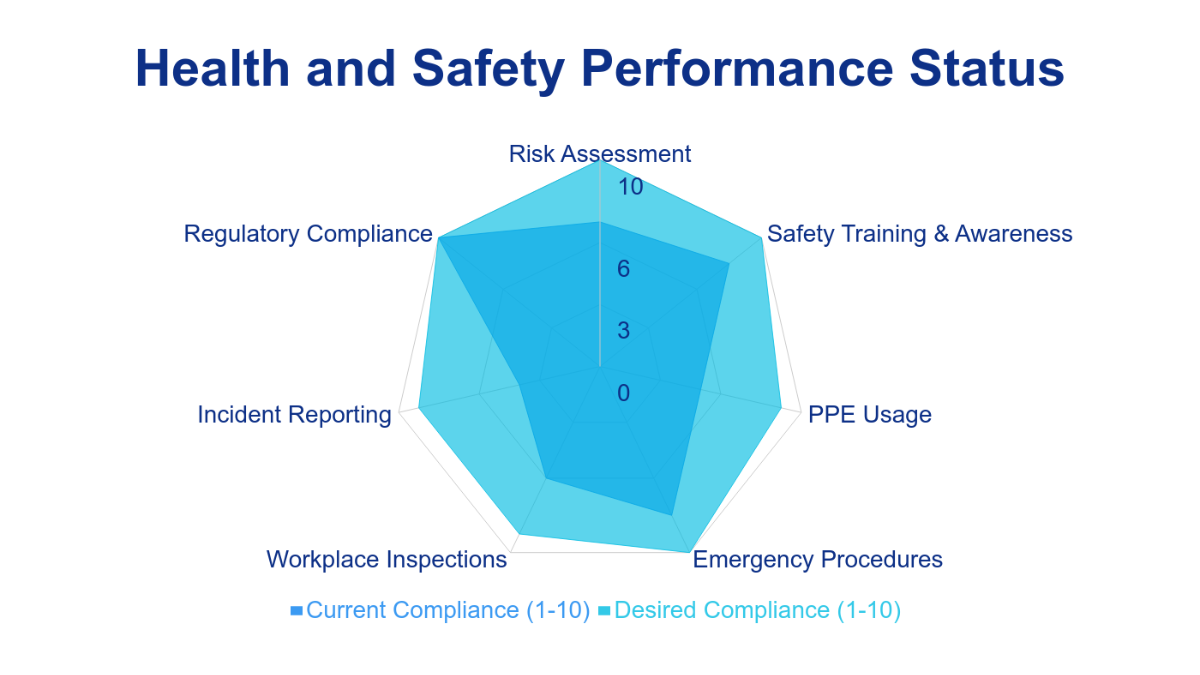

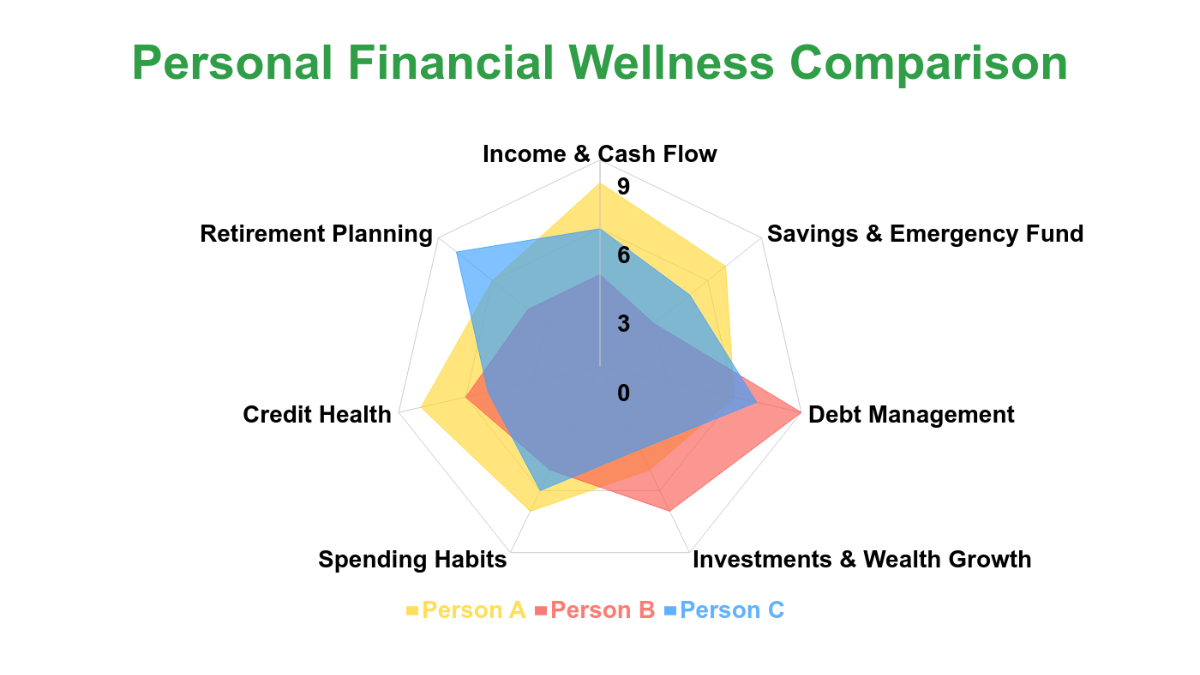

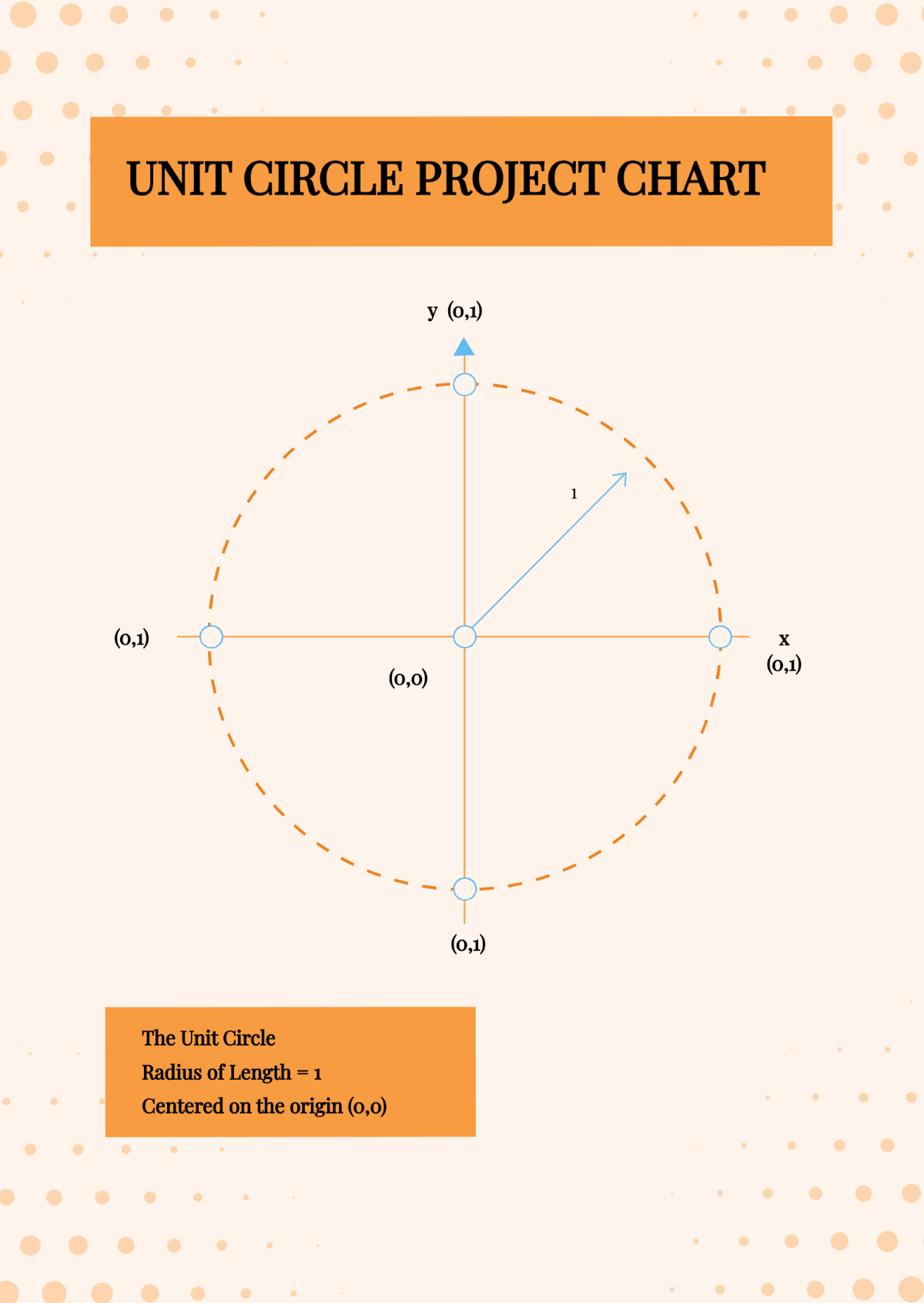
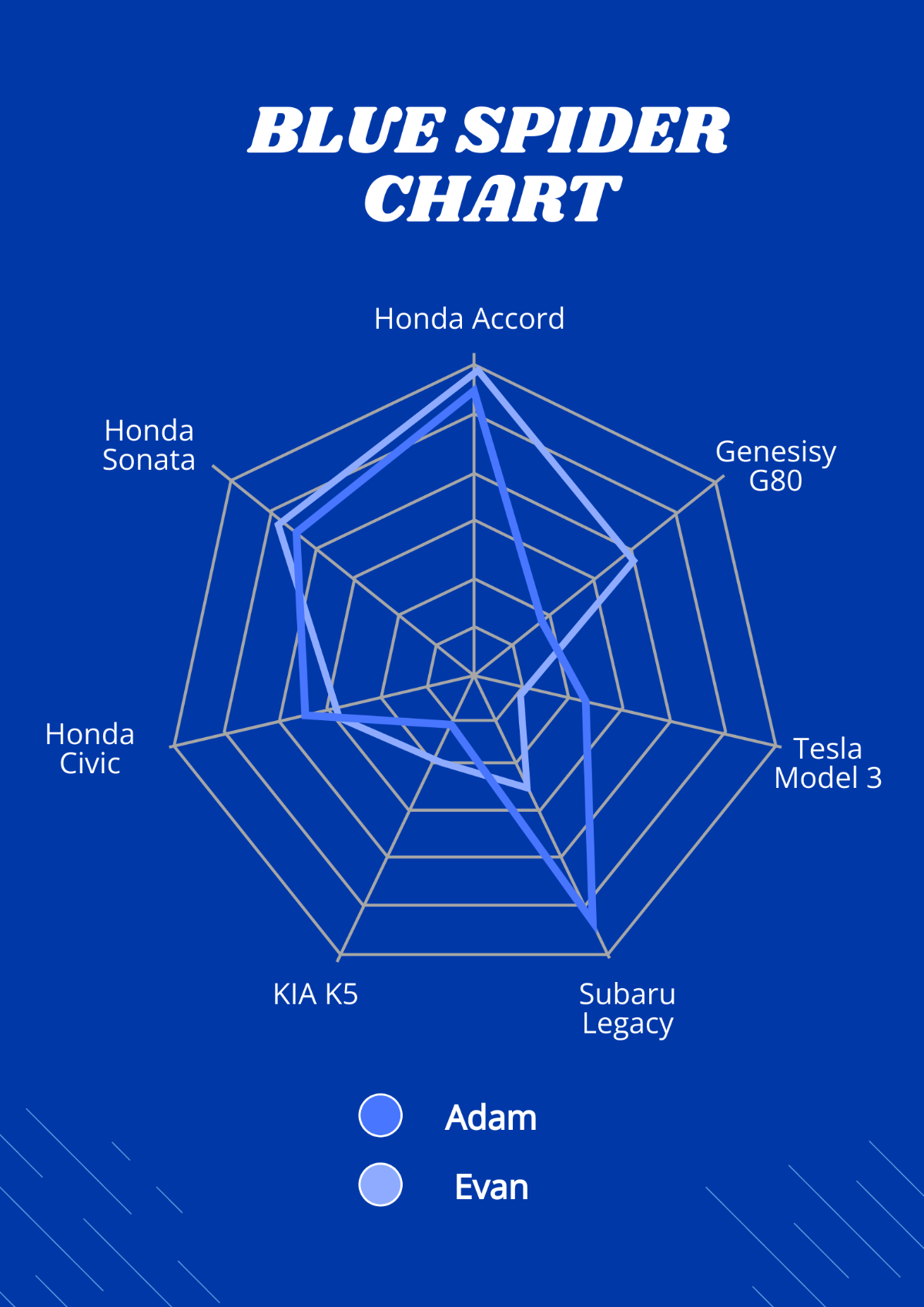
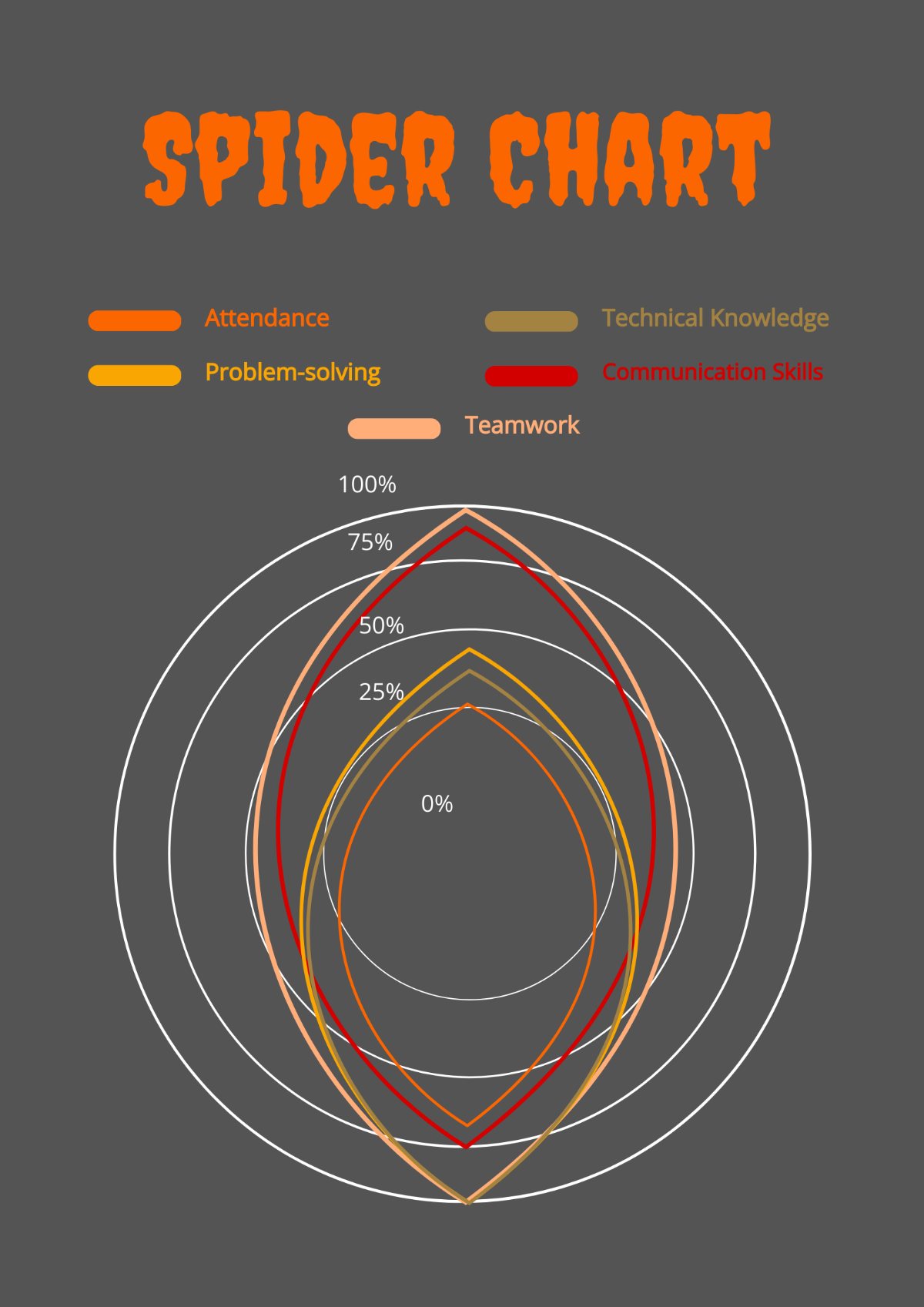
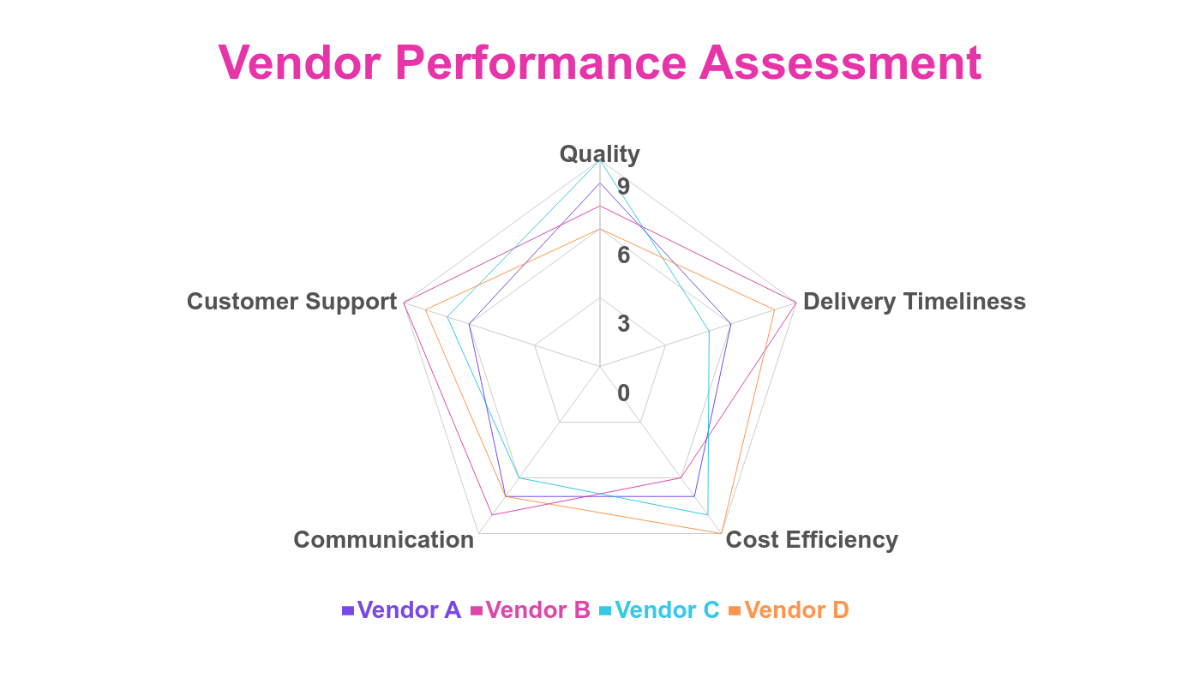


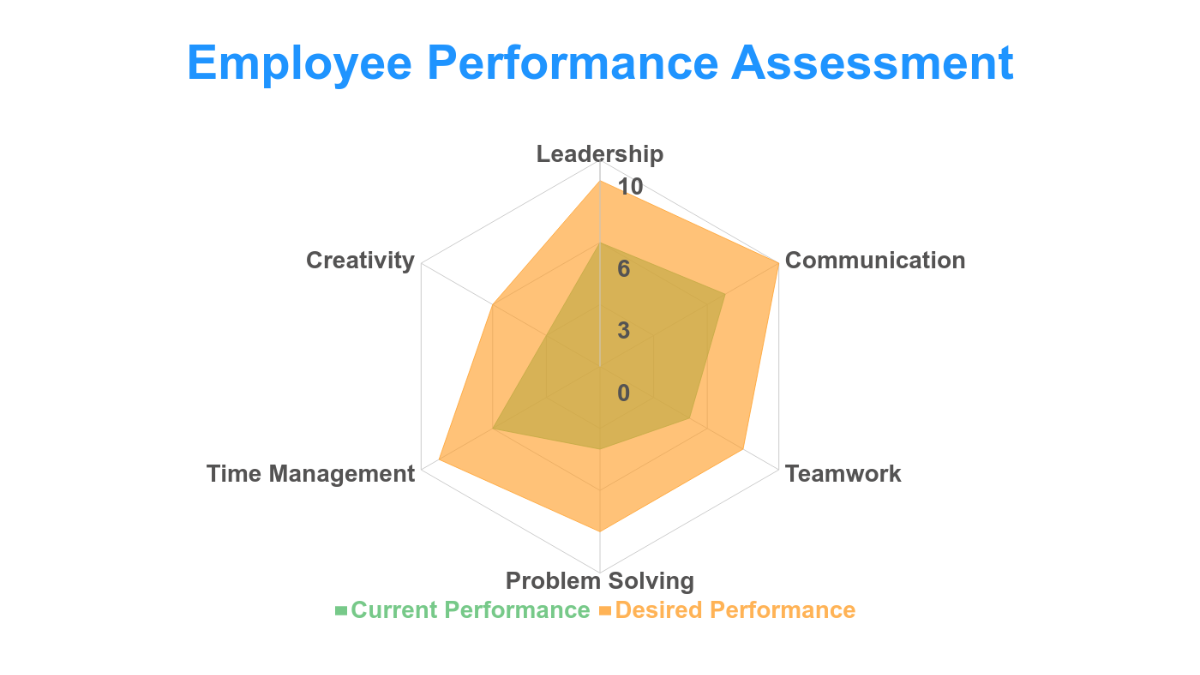





Radar Chart Templates: Definition, Uses, and Design Tips

What is a Radar Chart?
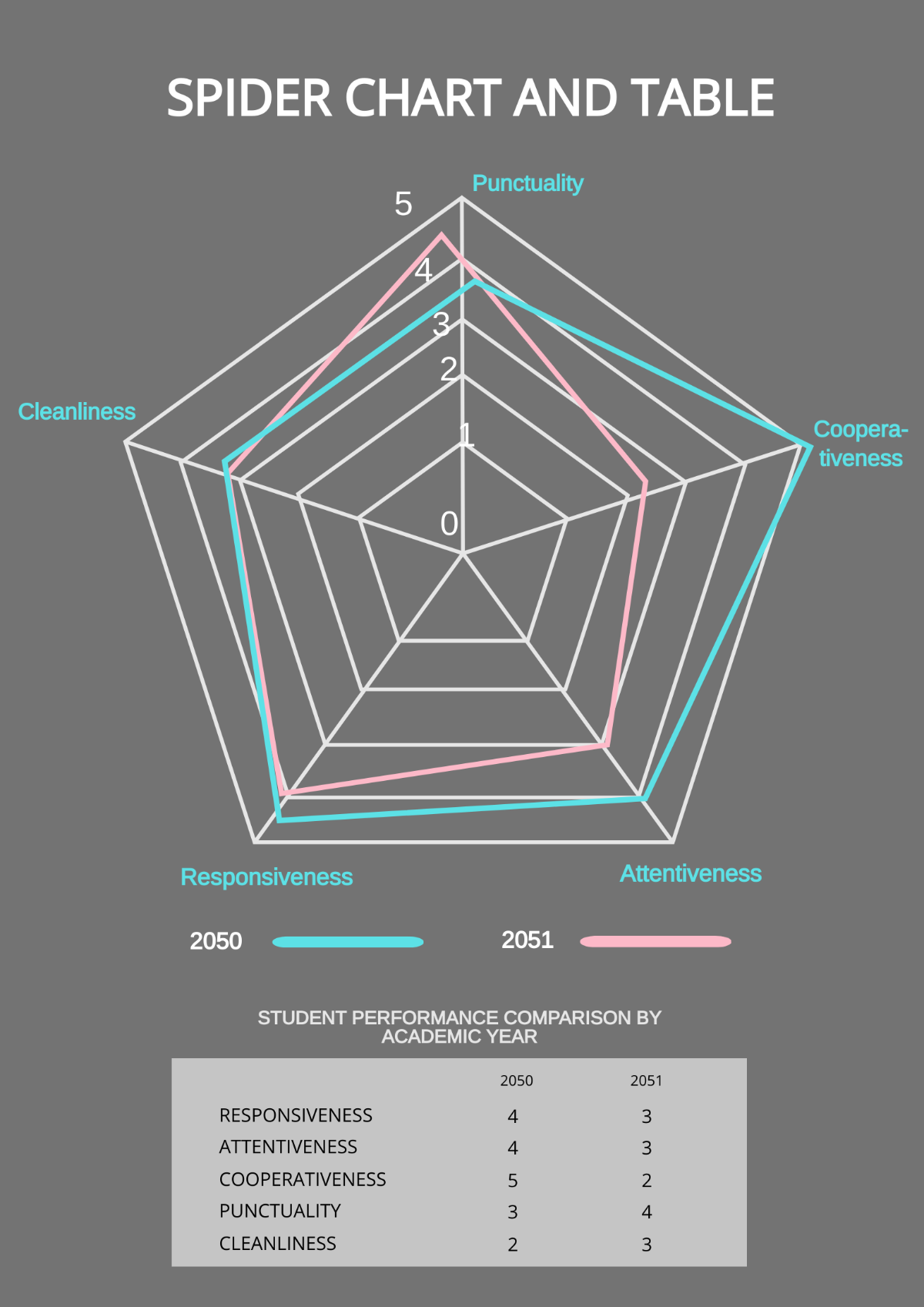
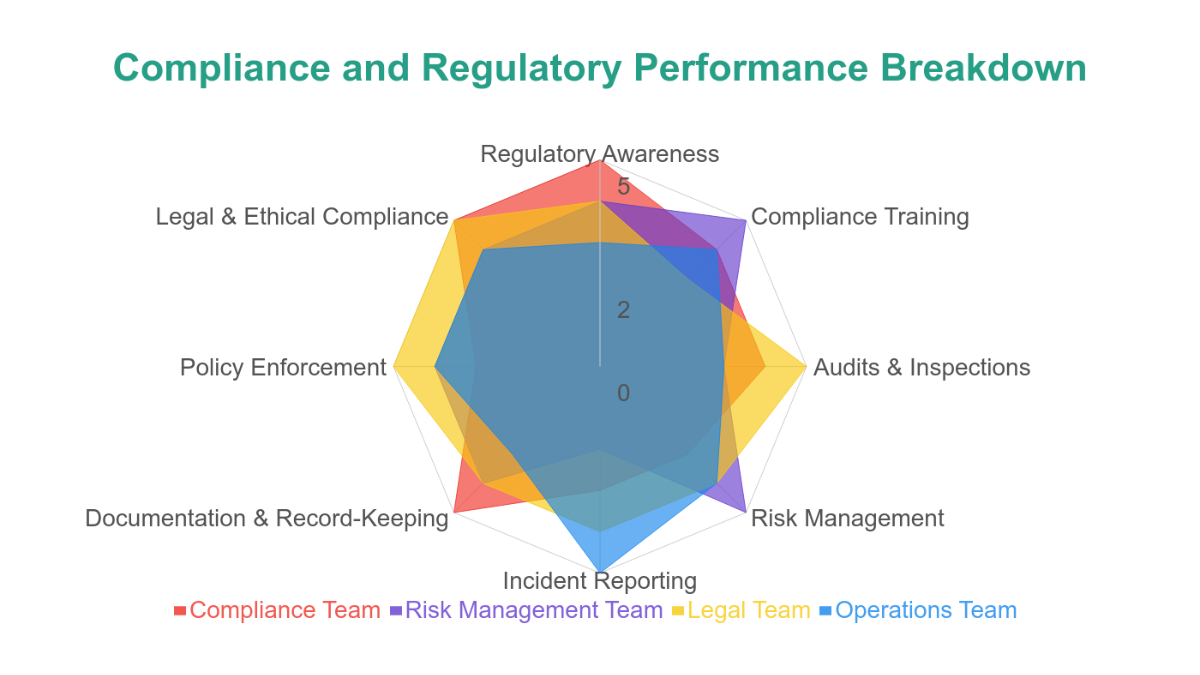
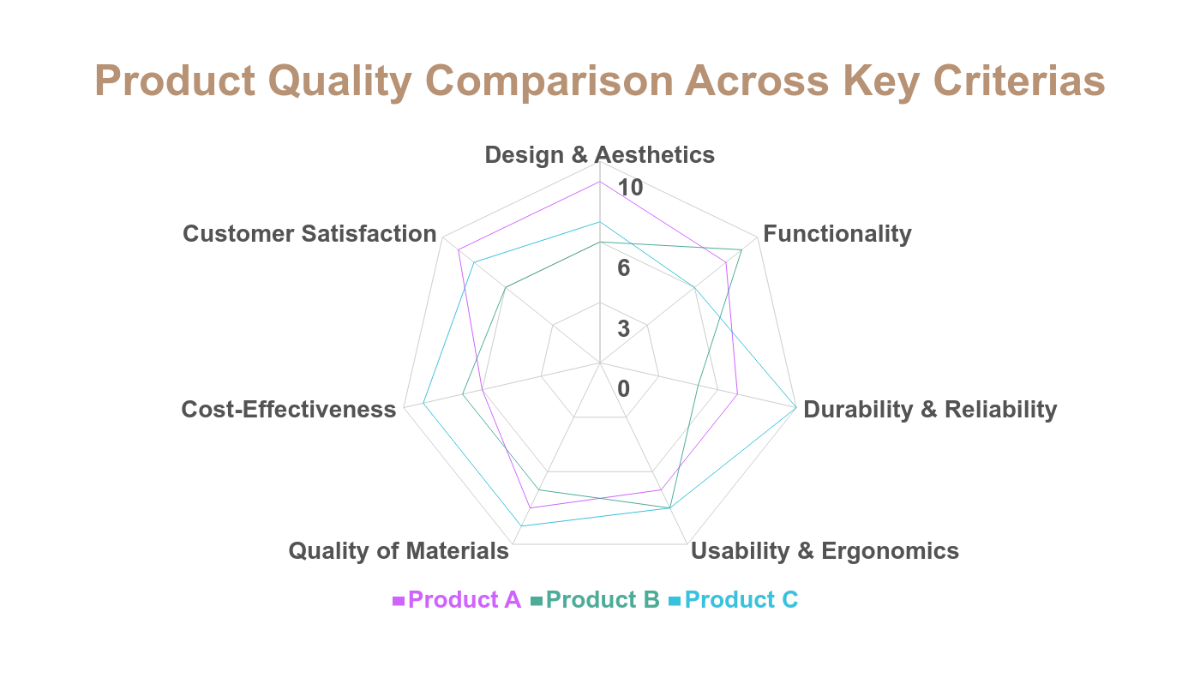
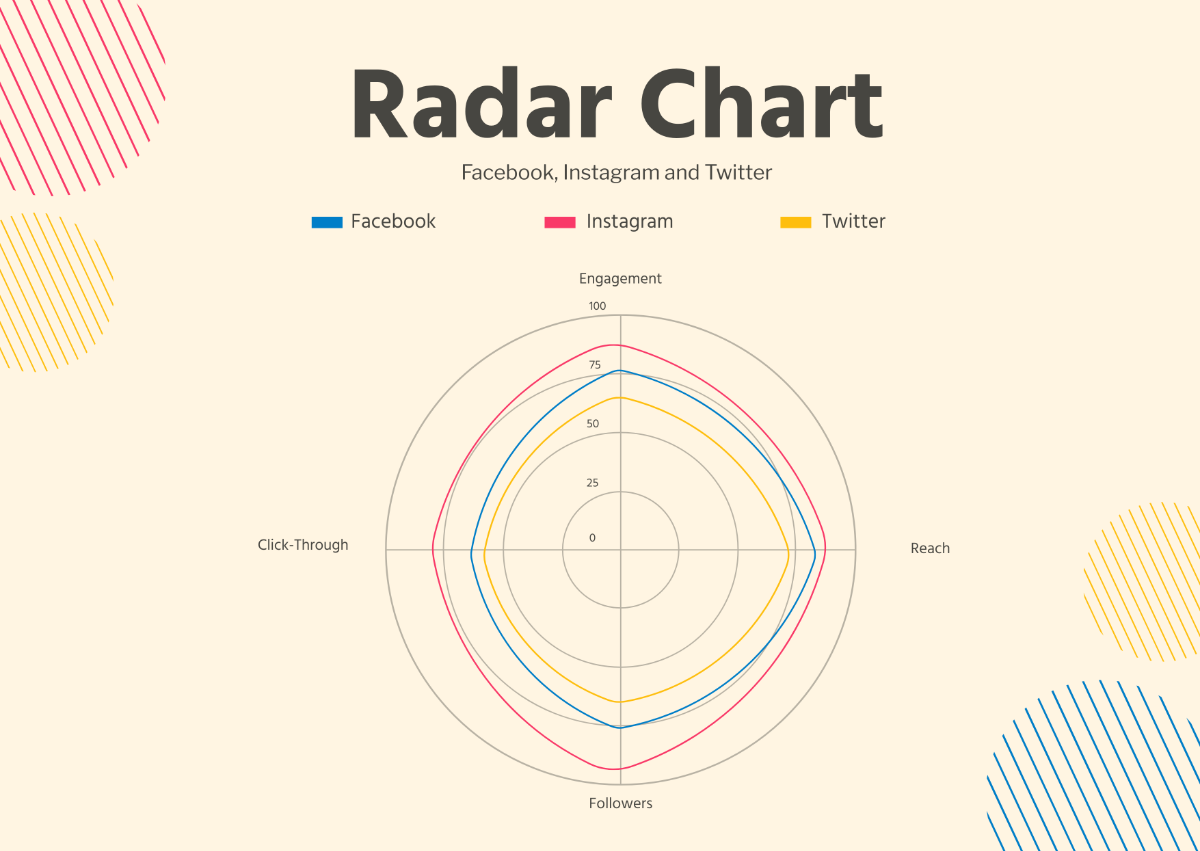
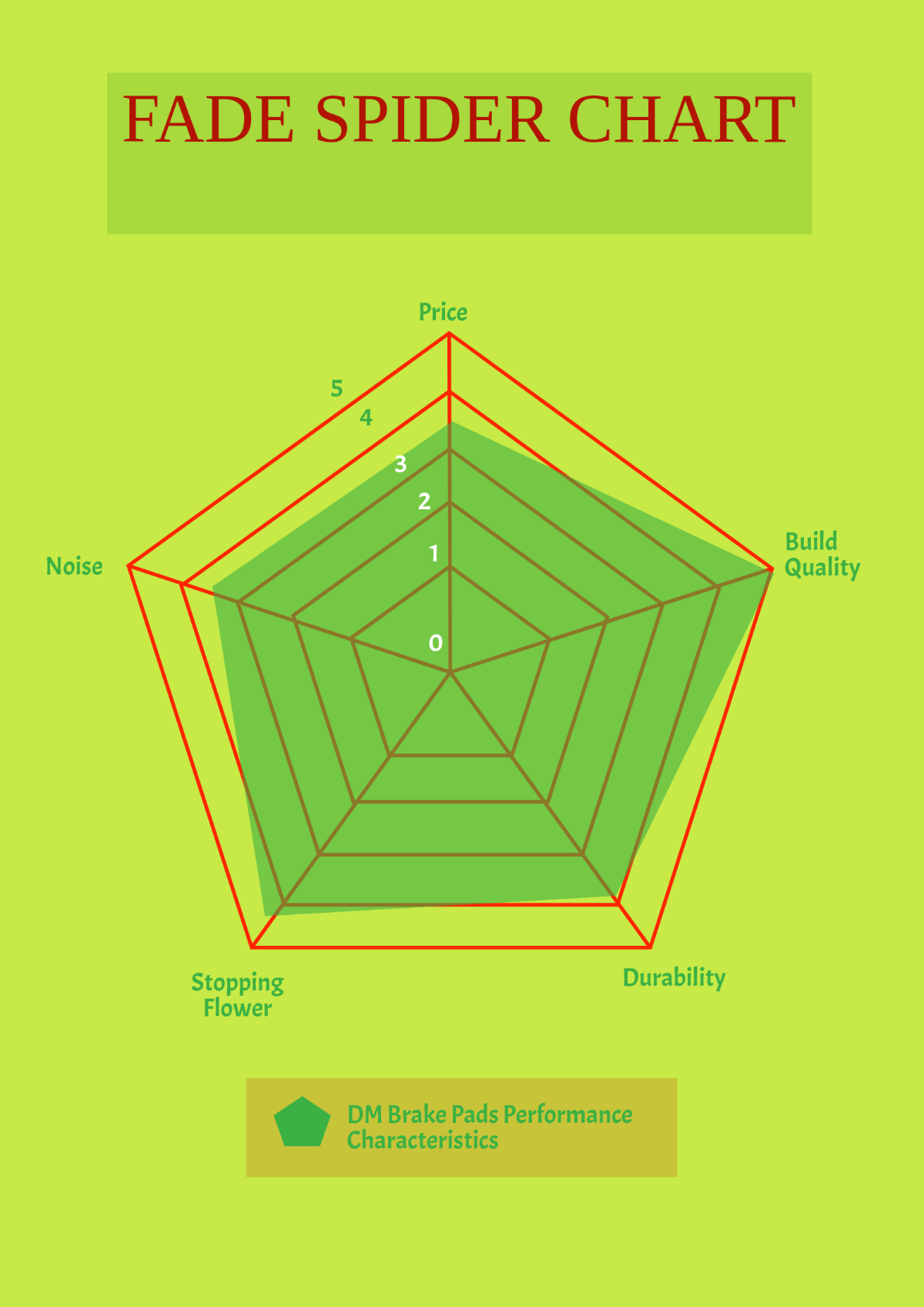
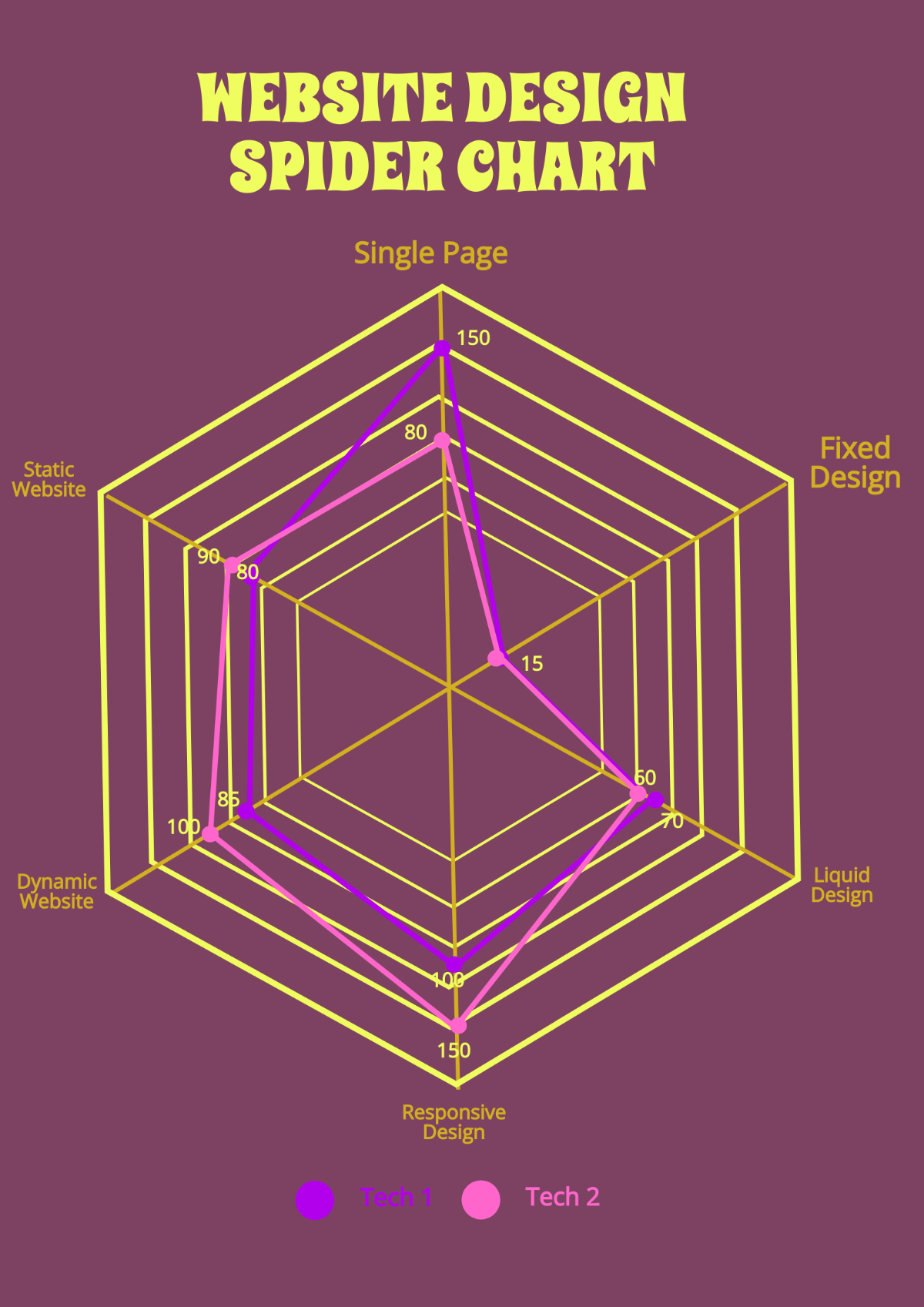
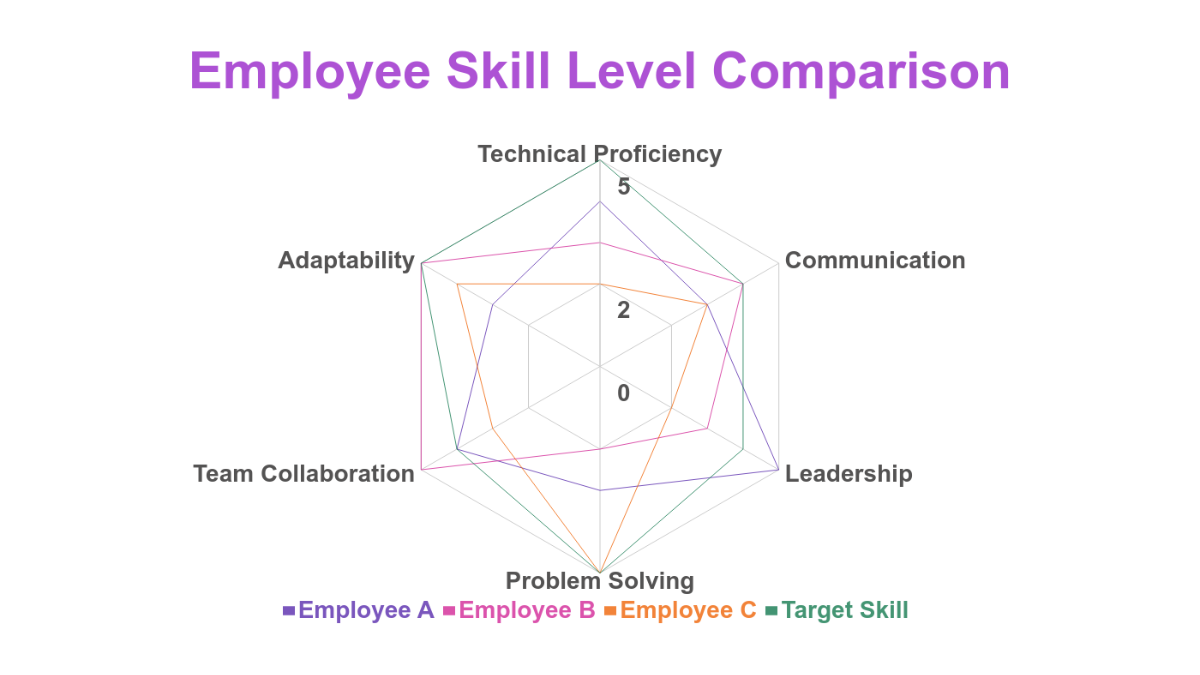
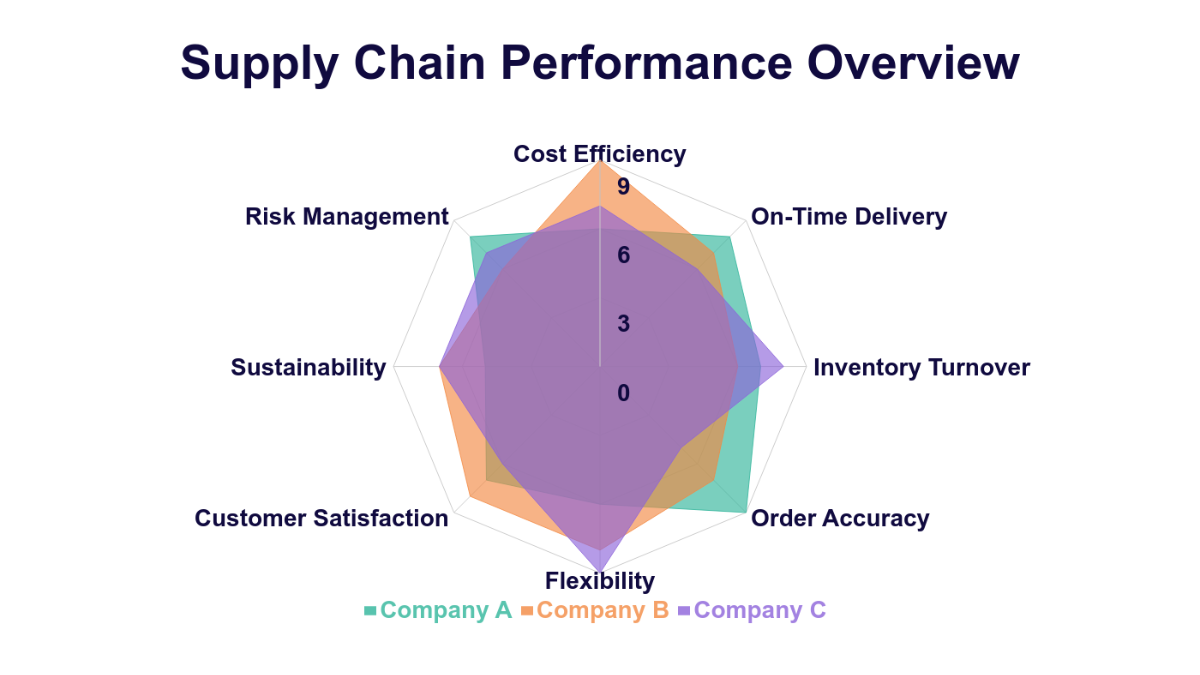
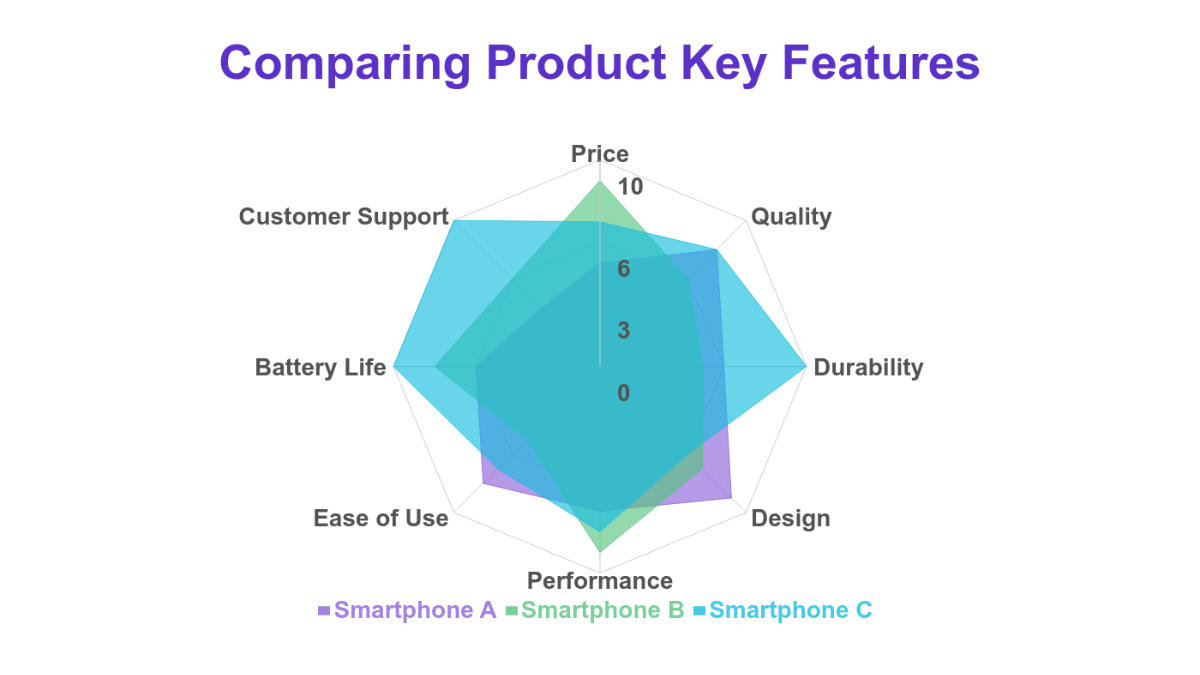
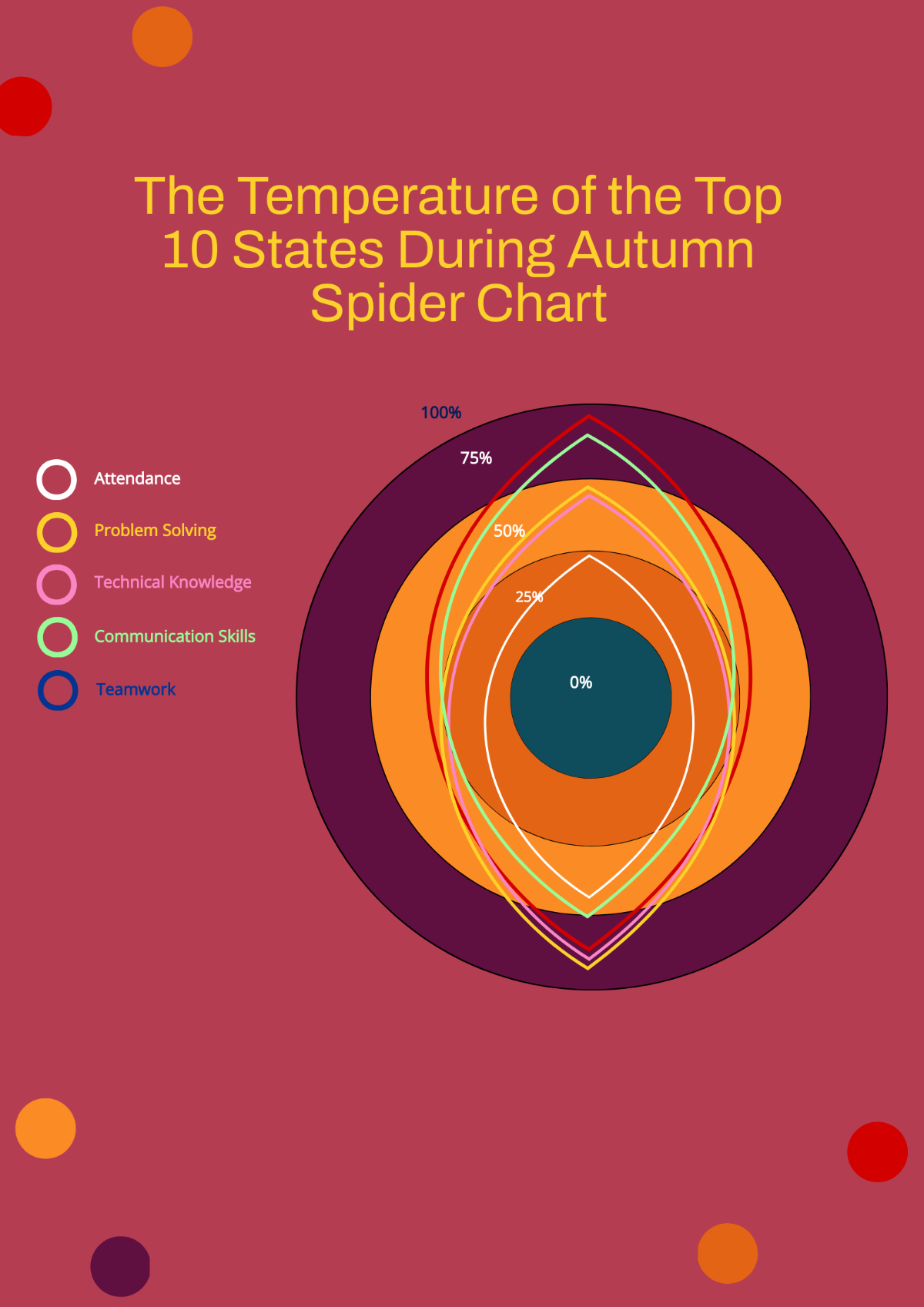
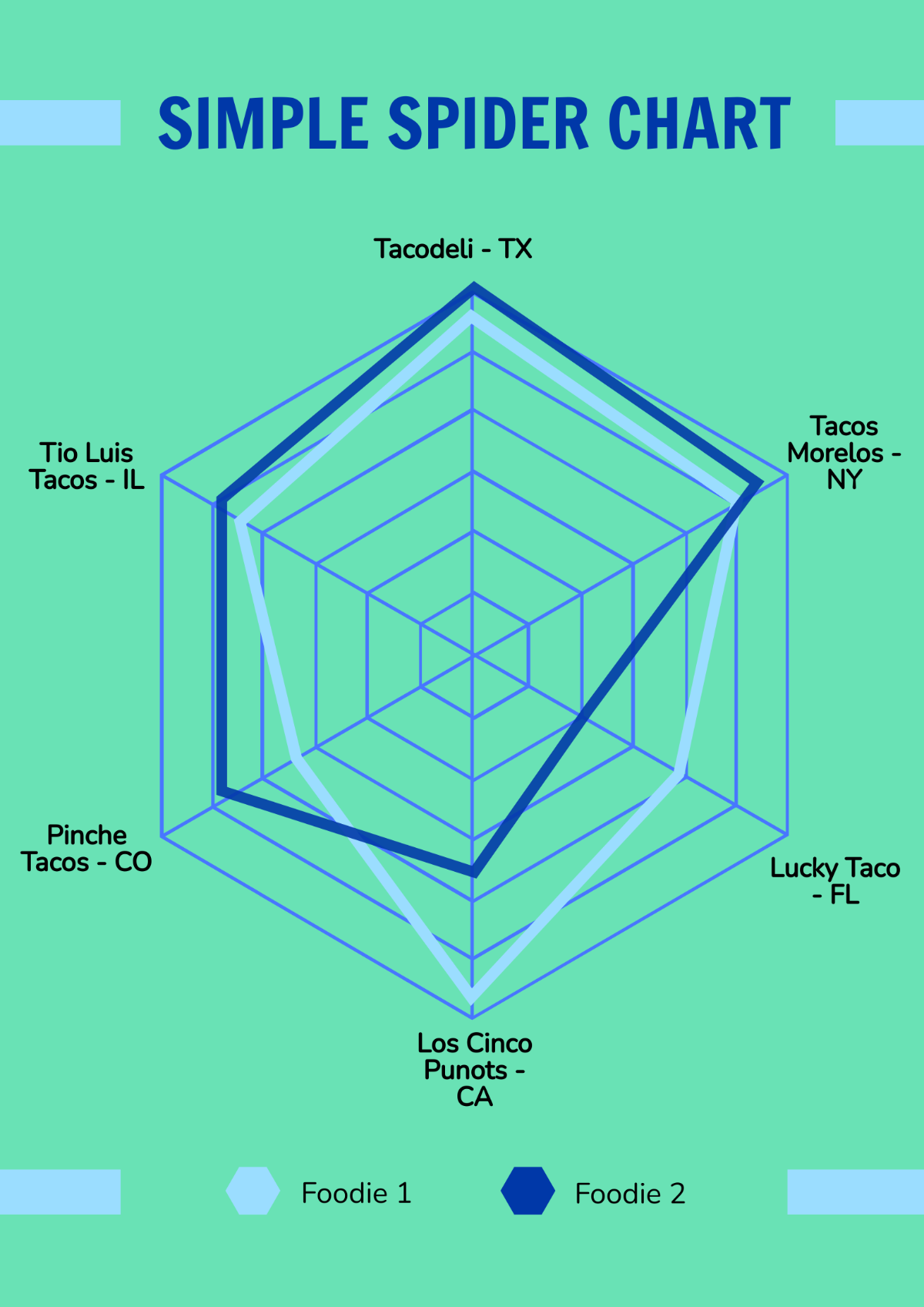
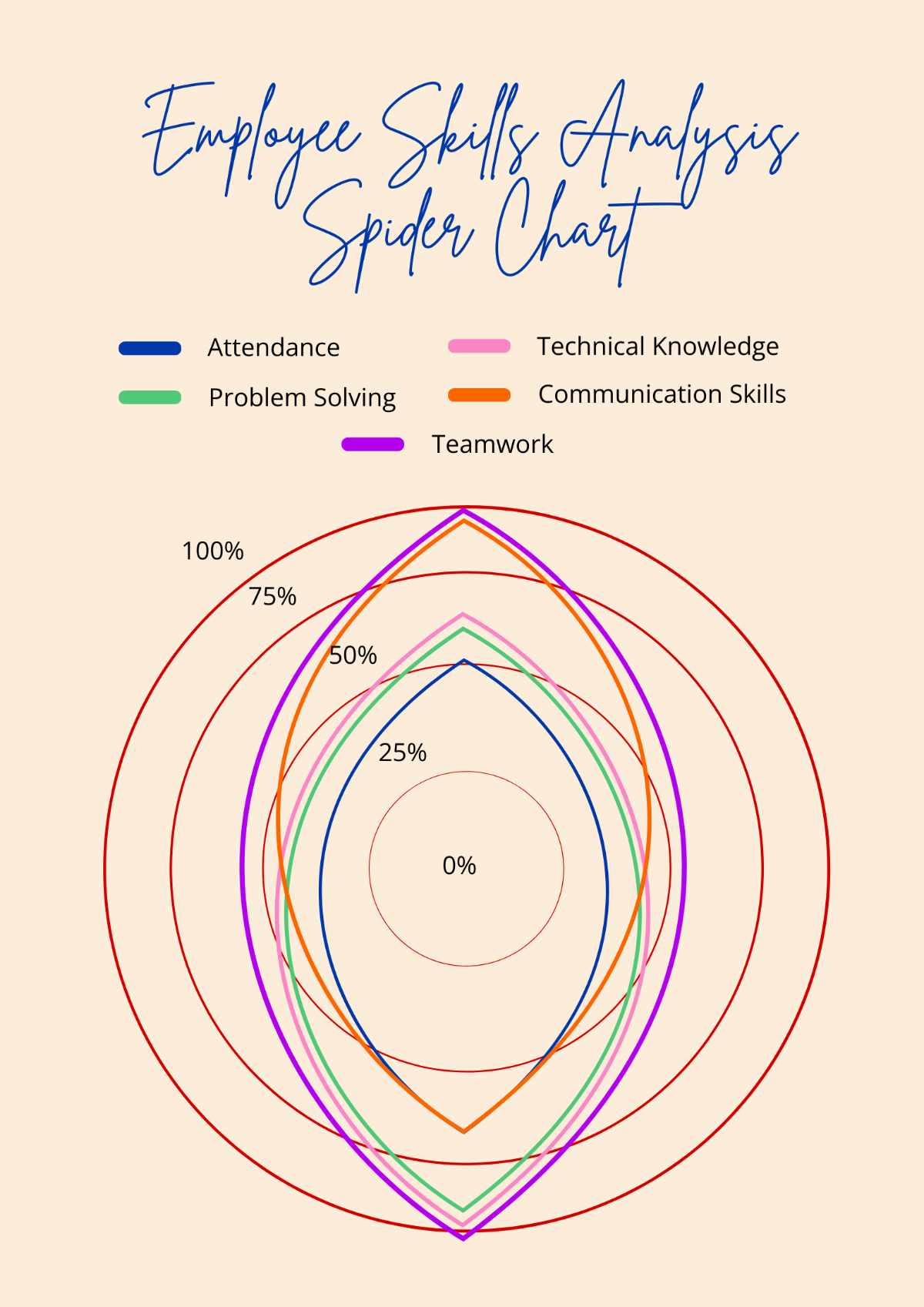
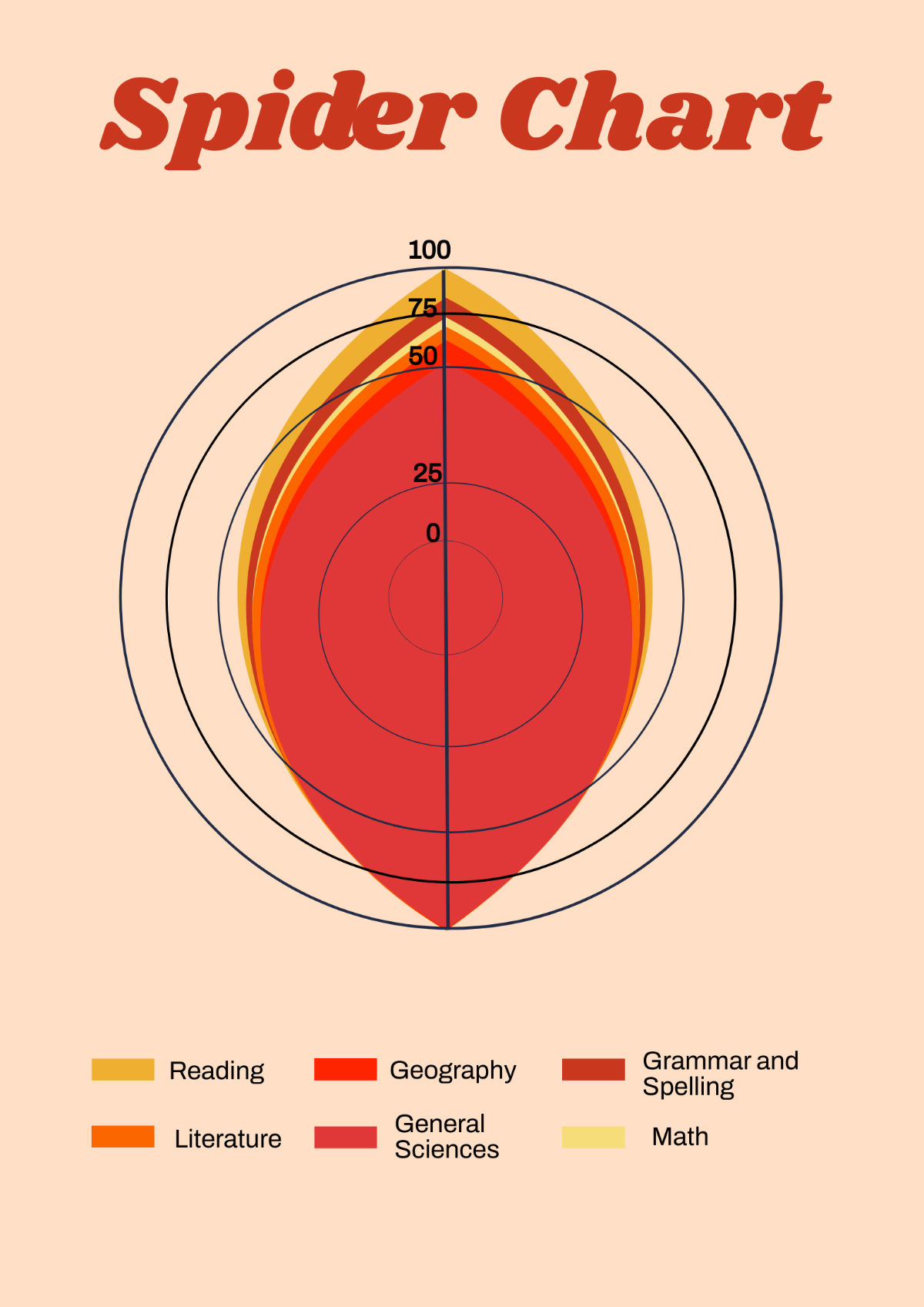
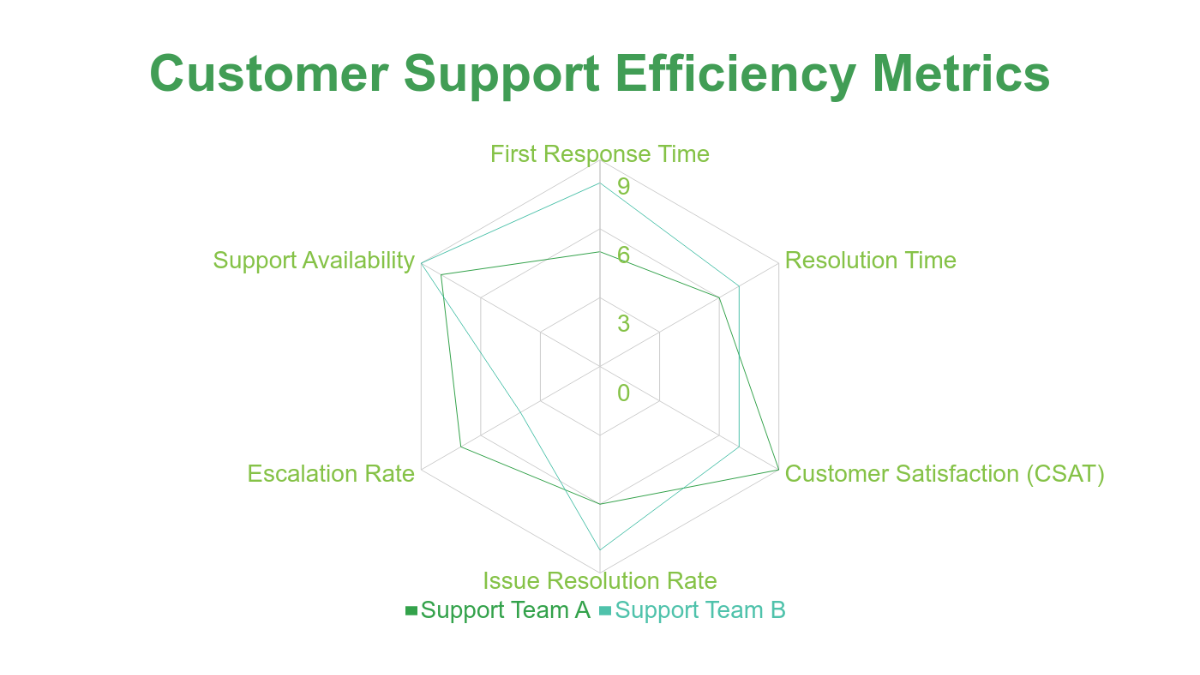
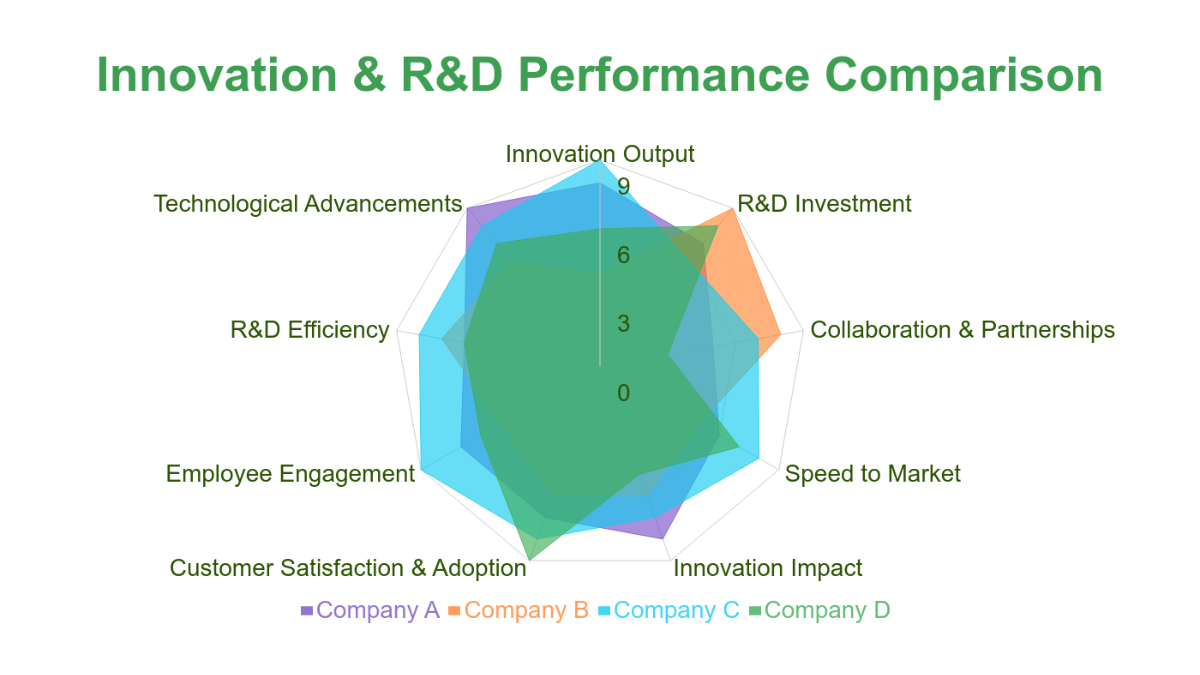
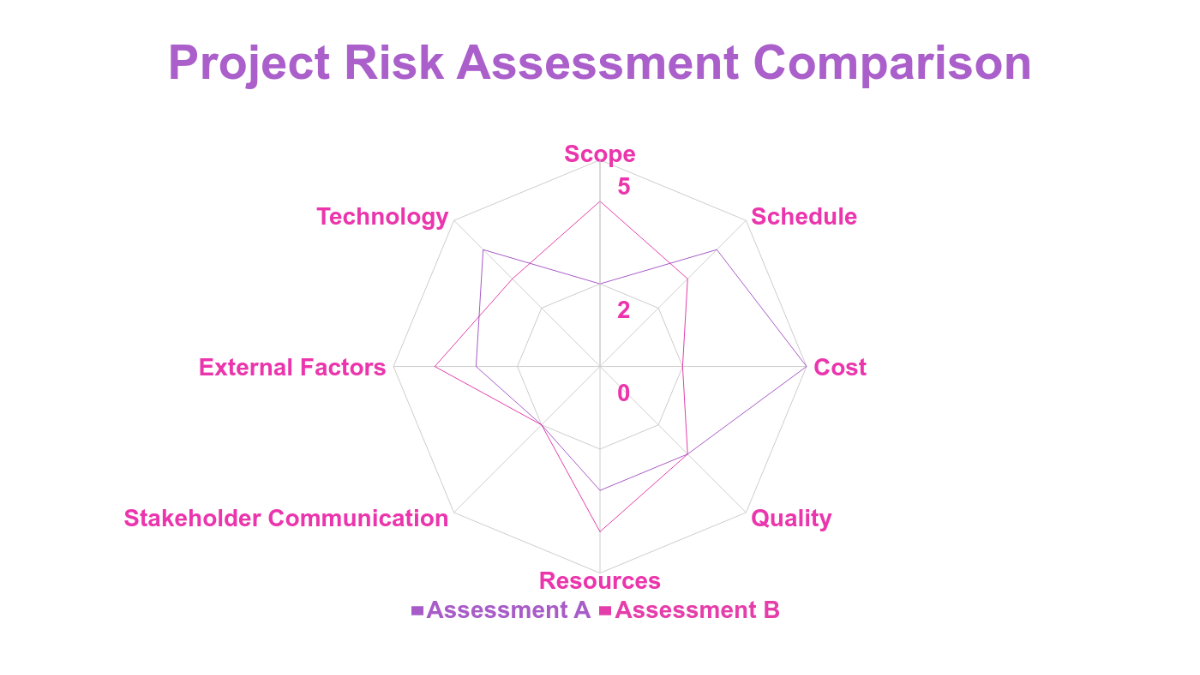
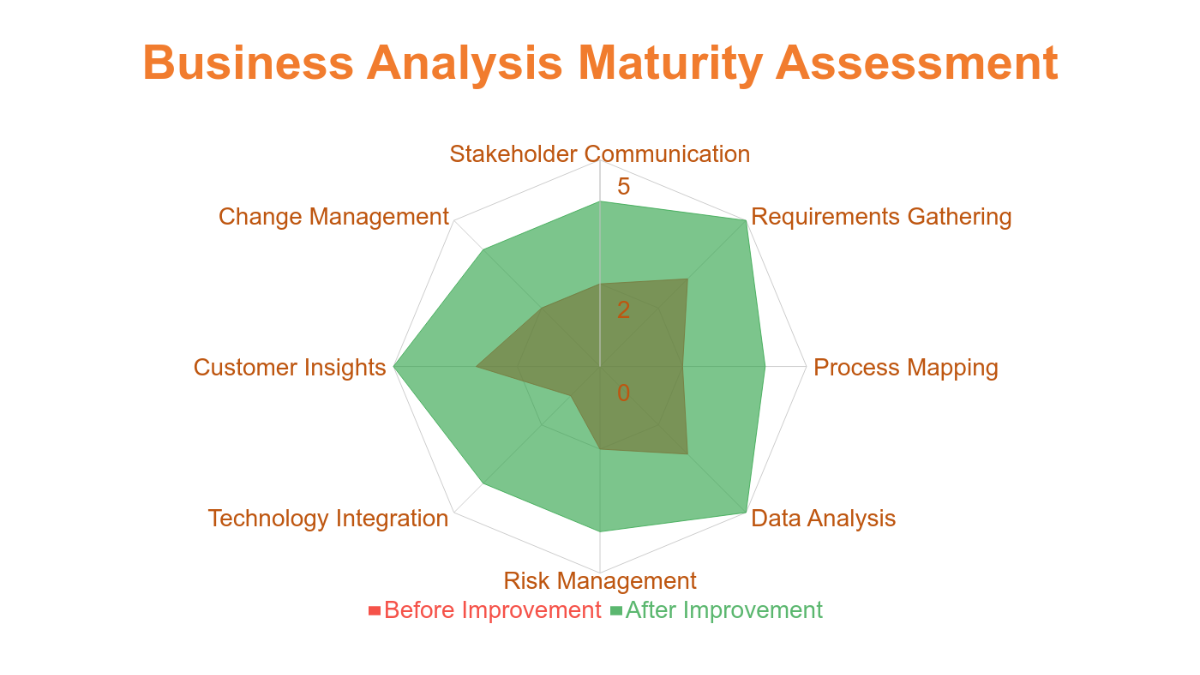
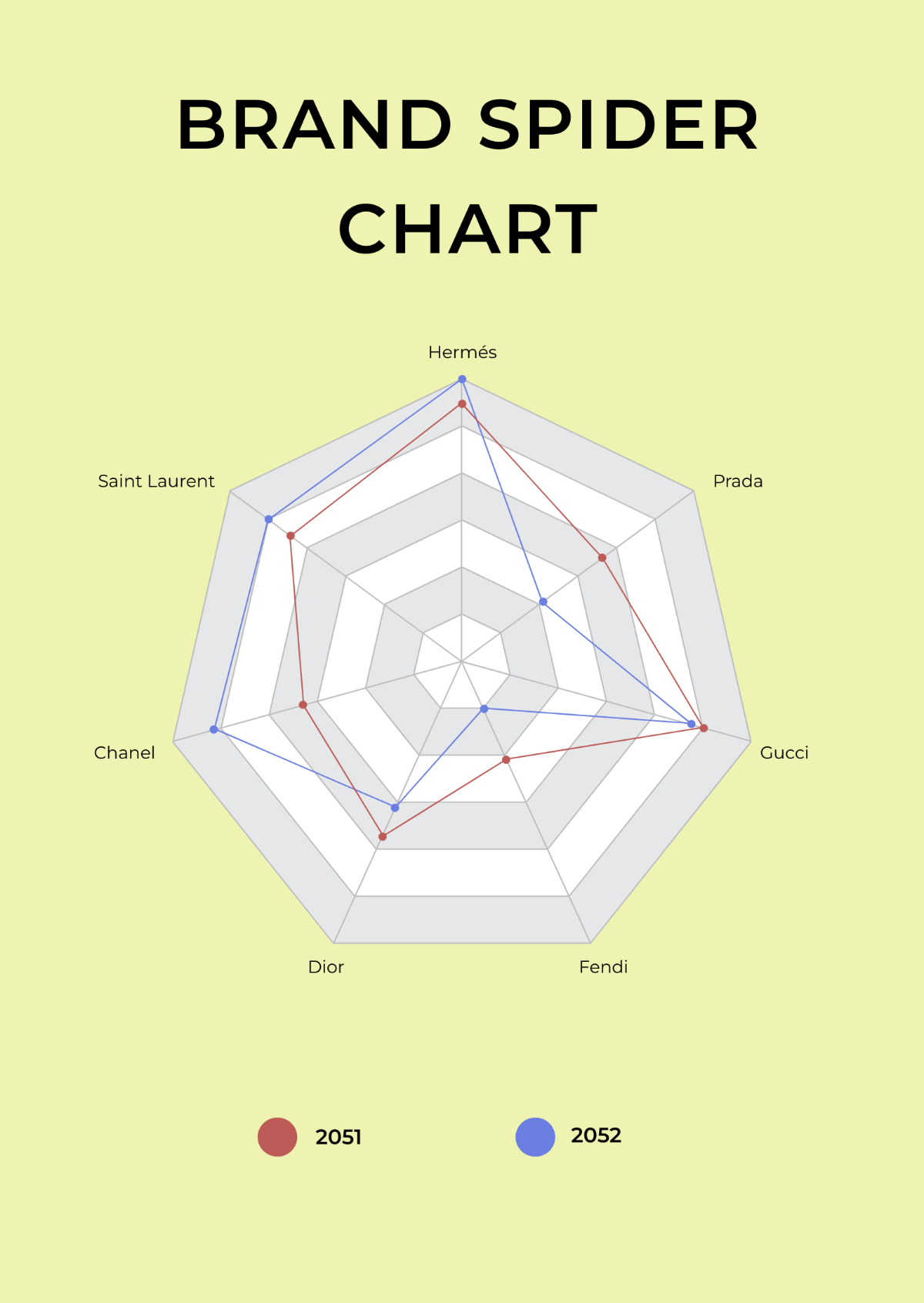
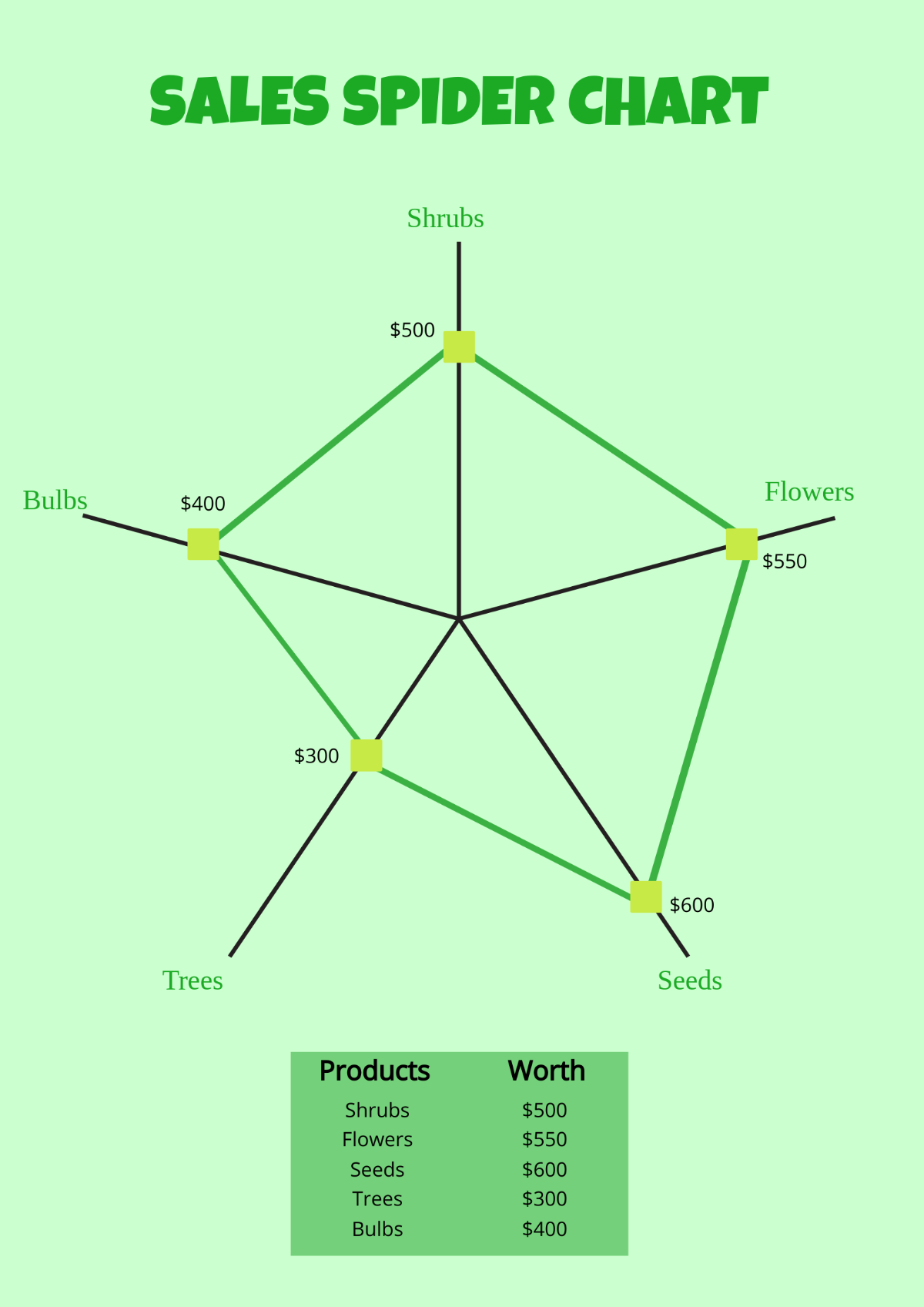
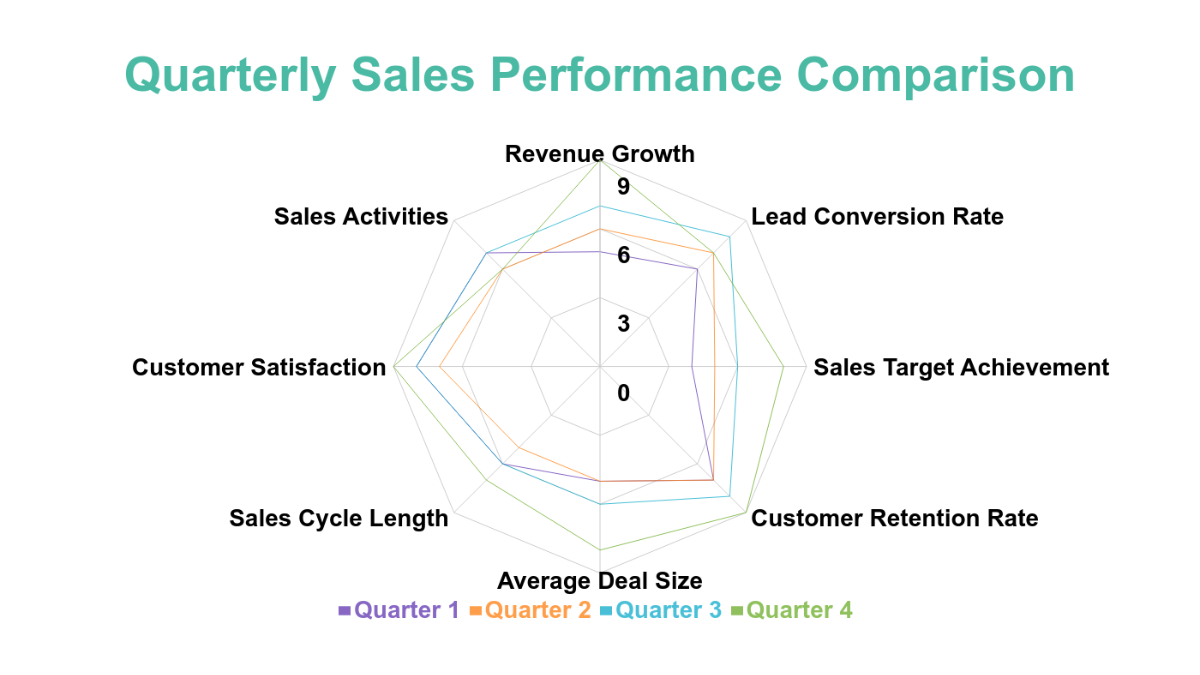
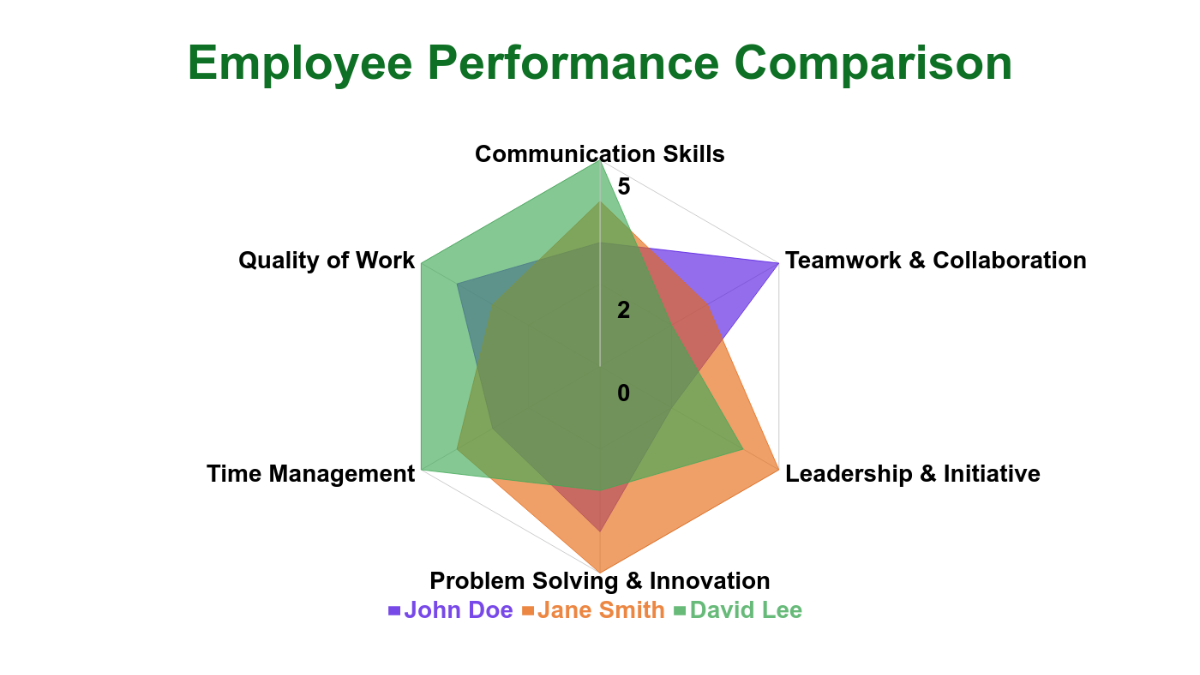
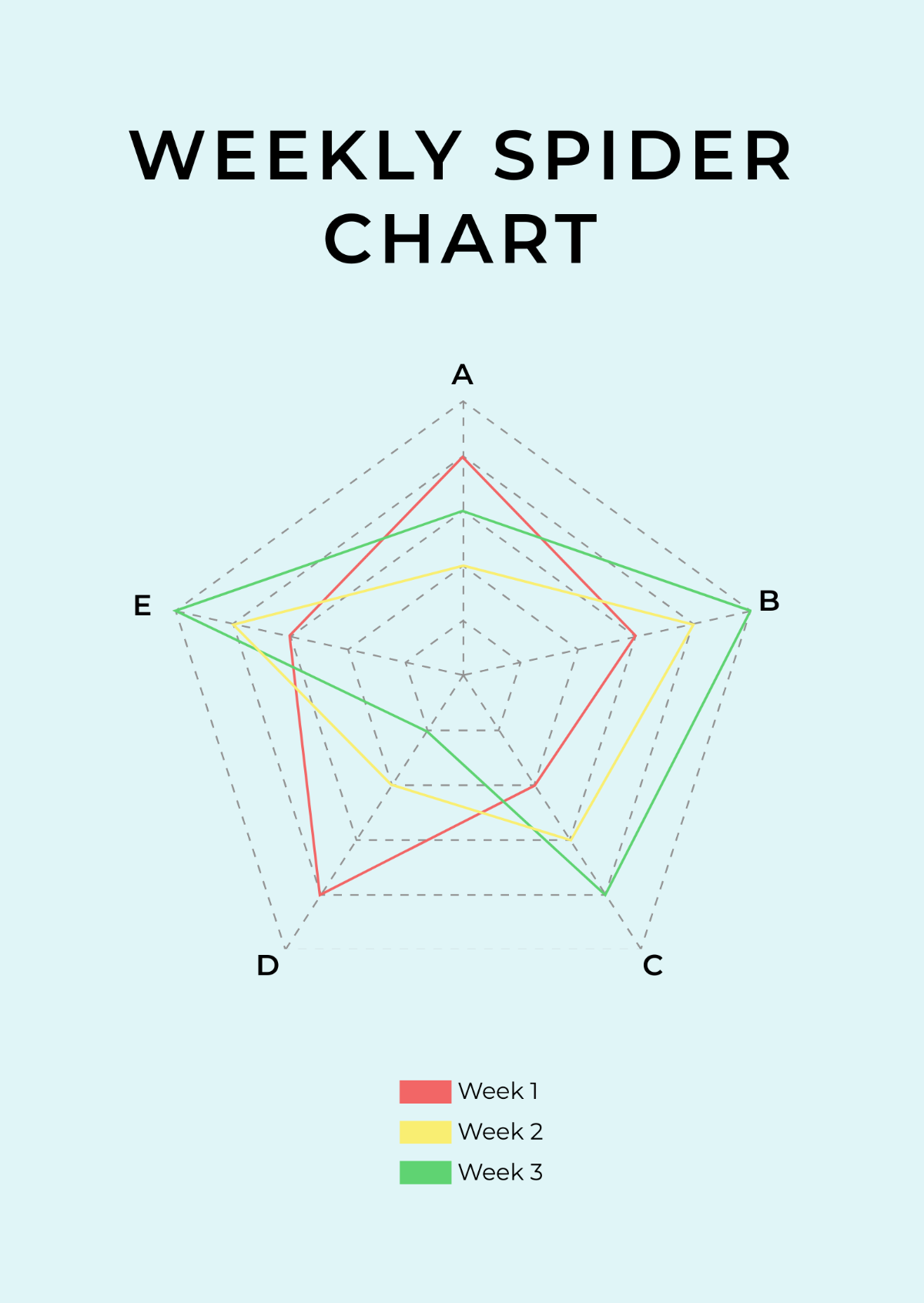
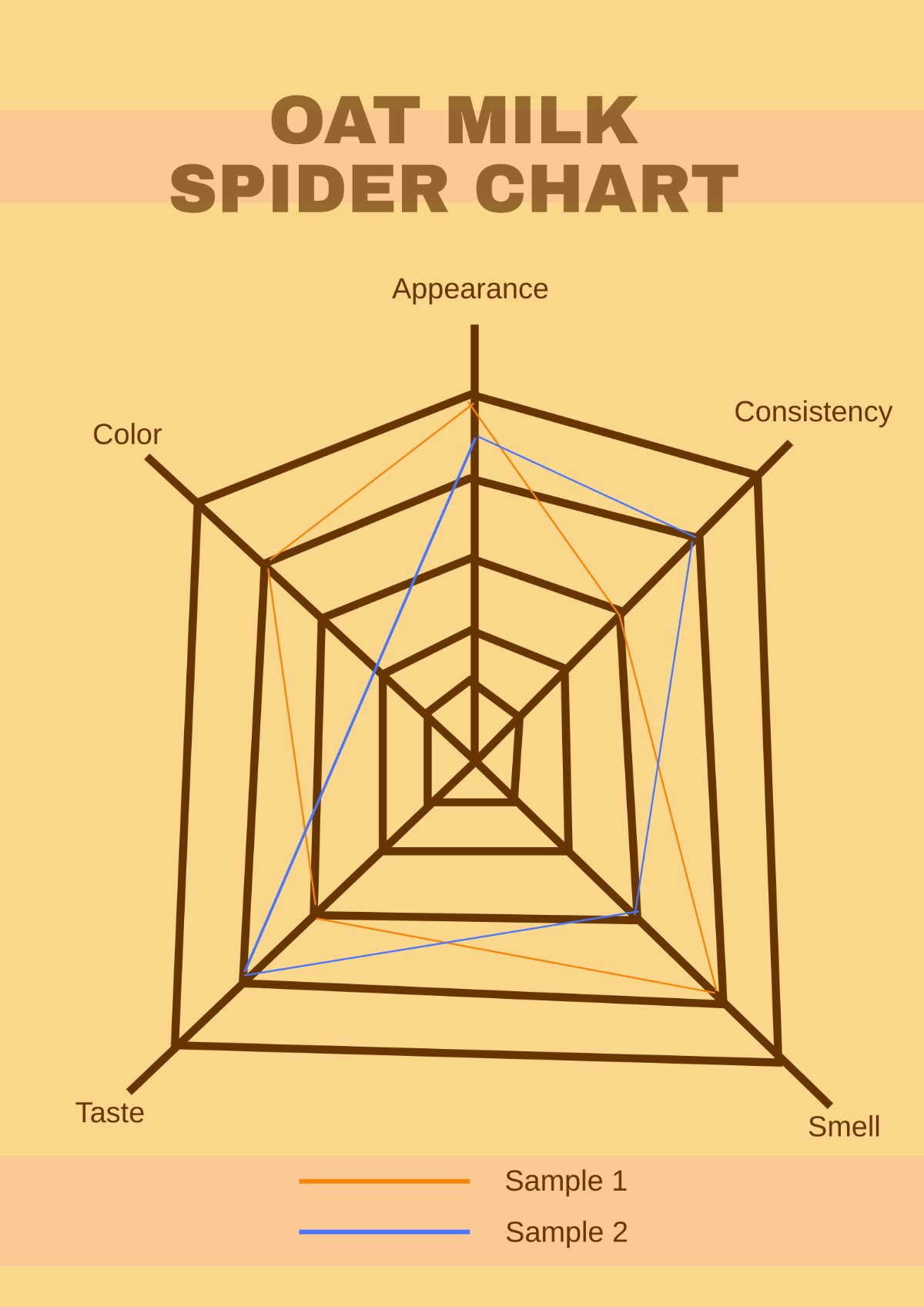
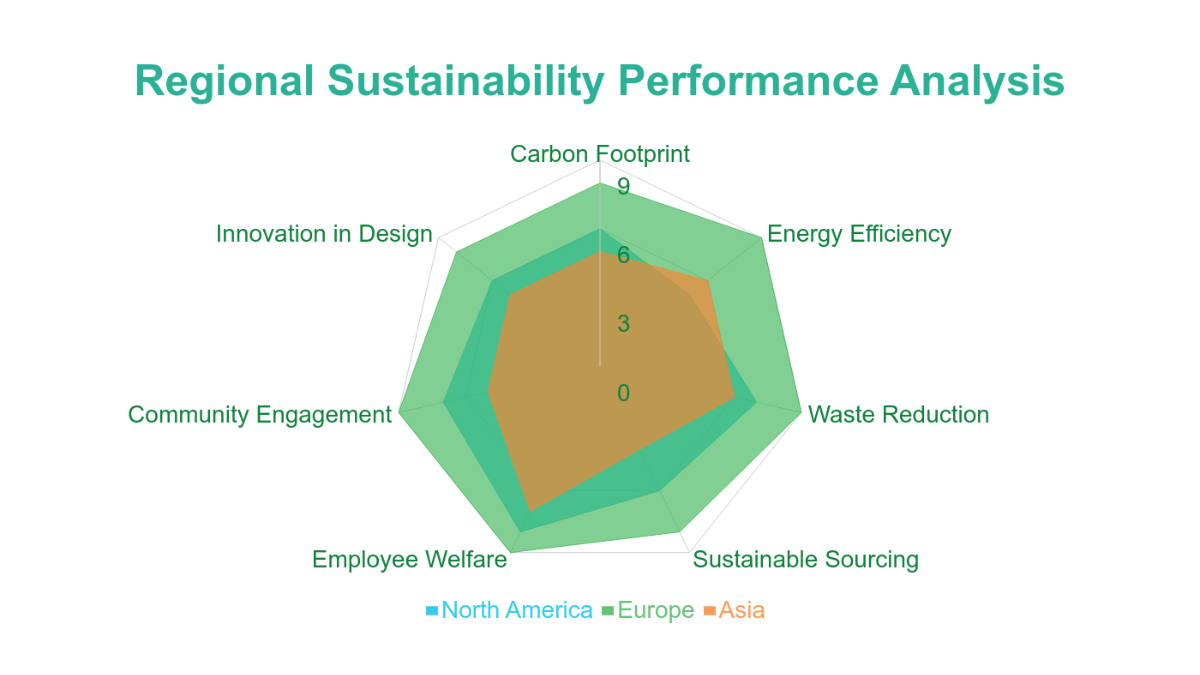
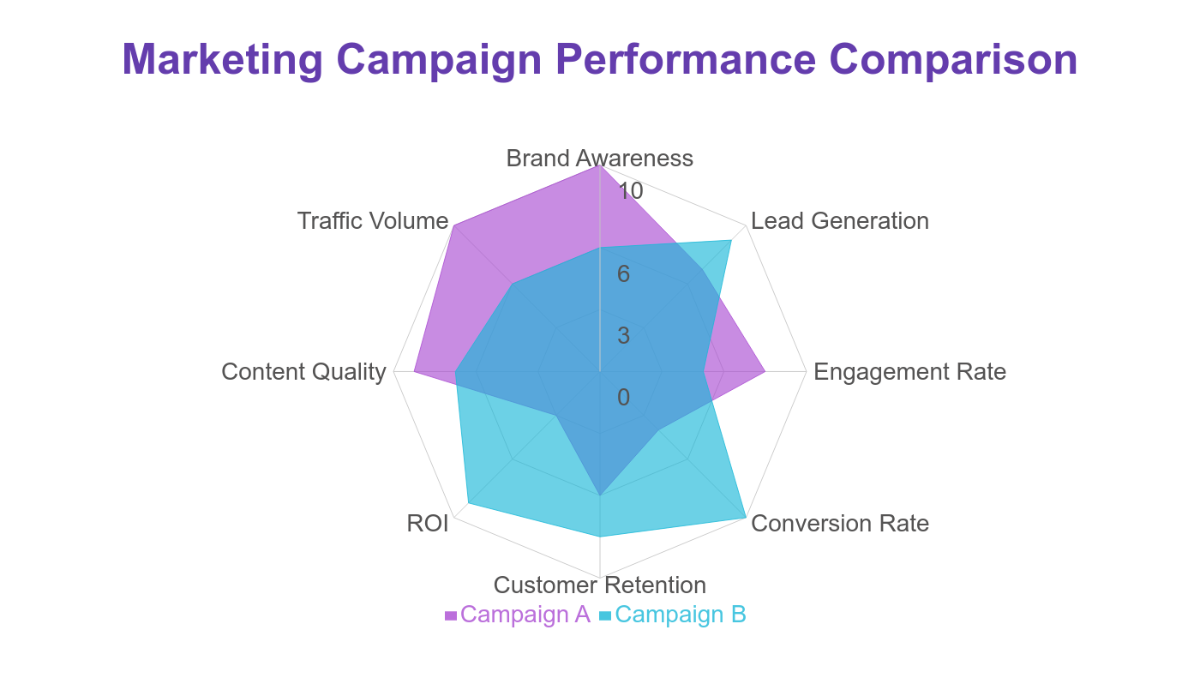
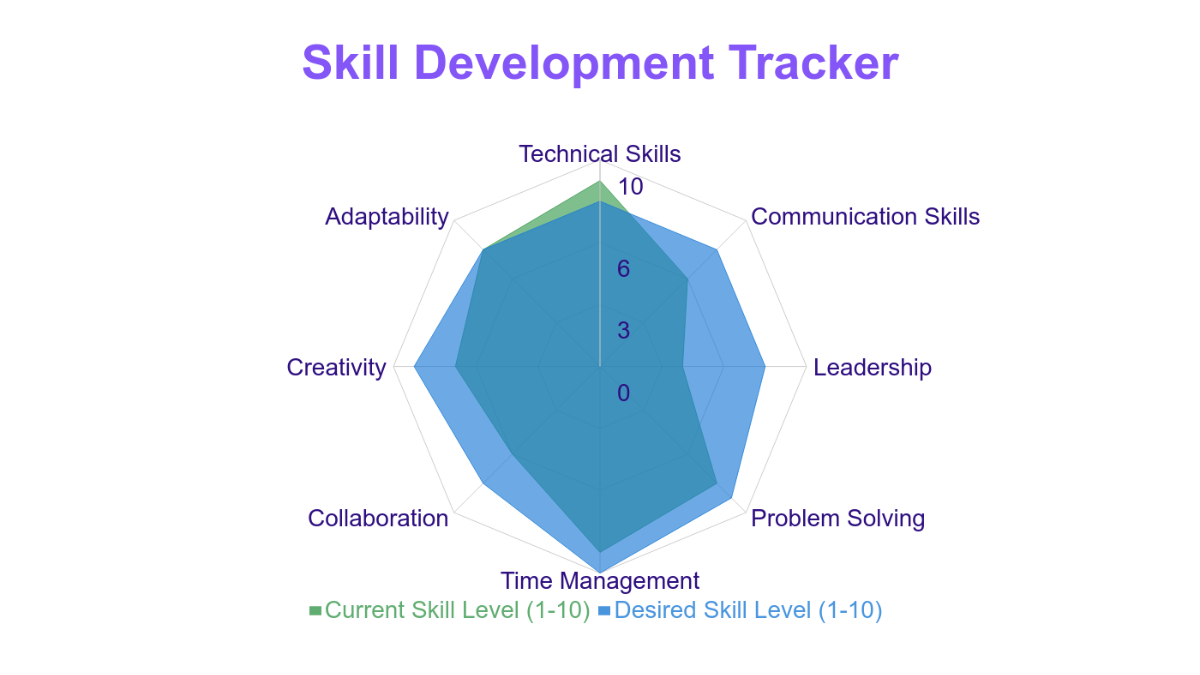
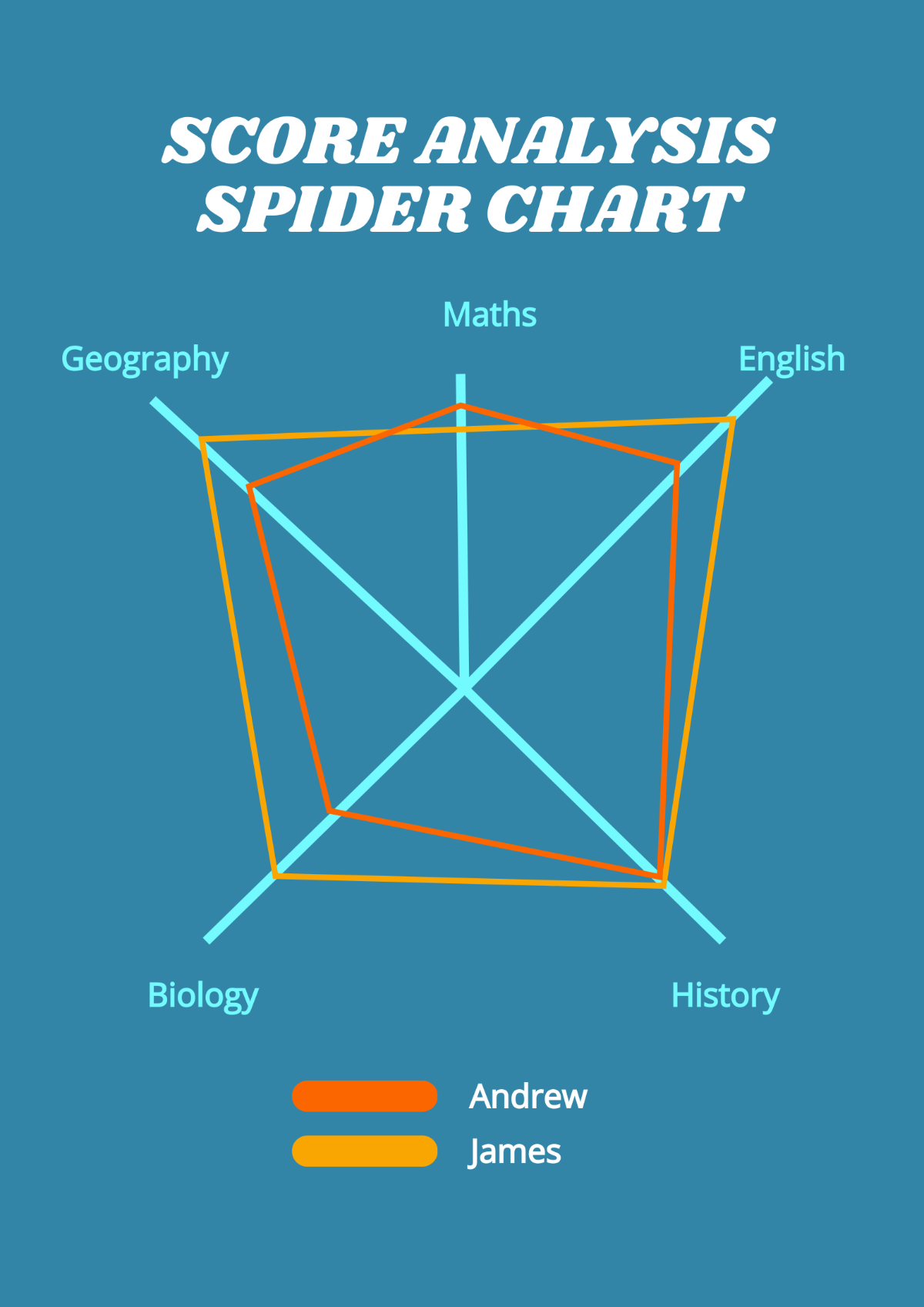
A radar chart is a graphical method of displaying multiple variables represented on axes starting from the same point. Radar chart templates visually compare quantitative data across different categories using concentric gridlines, data points, and spoke-like axes. These templates are fully customizable online for quick editing.

Why use a Radar Chart?
Radar charts are used to compare multiple variables in a clear and concise visual format, highlighting strengths and weaknesses across categories. Using radar chart templates helps users create professional layouts with layered design customization and easy-to-edit graphics, speeding up data presentation and analysis.

Who typically uses Radar Charts?
Radar charts are commonly used by analysts, marketers, educators, and business professionals to visualize complex data sets. Radar chart templates on Template.net cater to these users by offering editable text areas and customizable layout blocks for tailored presentations and reports.

What size should a Radar Chart be?
Radar charts typically range in size depending on their use, but a common size is 8.5 × 11 inches for print and digital reports. Template.net’s radar chart templates come in professional dimensions with scalable design layers that ensure clarity and readability at various sizes.

What are the best tips for designing a Radar Chart?
Effective radar chart design includes using clear labels, contrasting colors, and consistent scales for each axis. Template.net’s radar chart templates provide layered customization to adjust graphics and data points, ensuring professional and visually appealing results.

How do you print a Radar Chart?
To print a radar chart, select a high-resolution template and export it in a print-friendly format. Template.net’s radar chart templates support downloadable formats optimized for printing, retaining design layers and color accuracy for professional output.

What elements should a Radar Chart include?
A radar chart should include axes for each variable, data points connected by lines, concentric gridlines for scale, and legends for clarity. Template.net radar chart templates offer these design layers as editable elements to customize the visual presentation.

What file formats can I download for a Radar Chart?
Template.net radar chart templates support multiple export formats suitable for editing and printing, including Google Sheets. These formats ensure compatibility with various software and maintain editable text areas and design layers.

Can I create a new Radar Chart using AI?
Template.net provides an AI-powered tool that generates new Radar Chart designs from prompts. Use the AI Radar Chart and Graph Generator to create unique and professional radar charts quickly with customizable features.
