
Free Background Templates









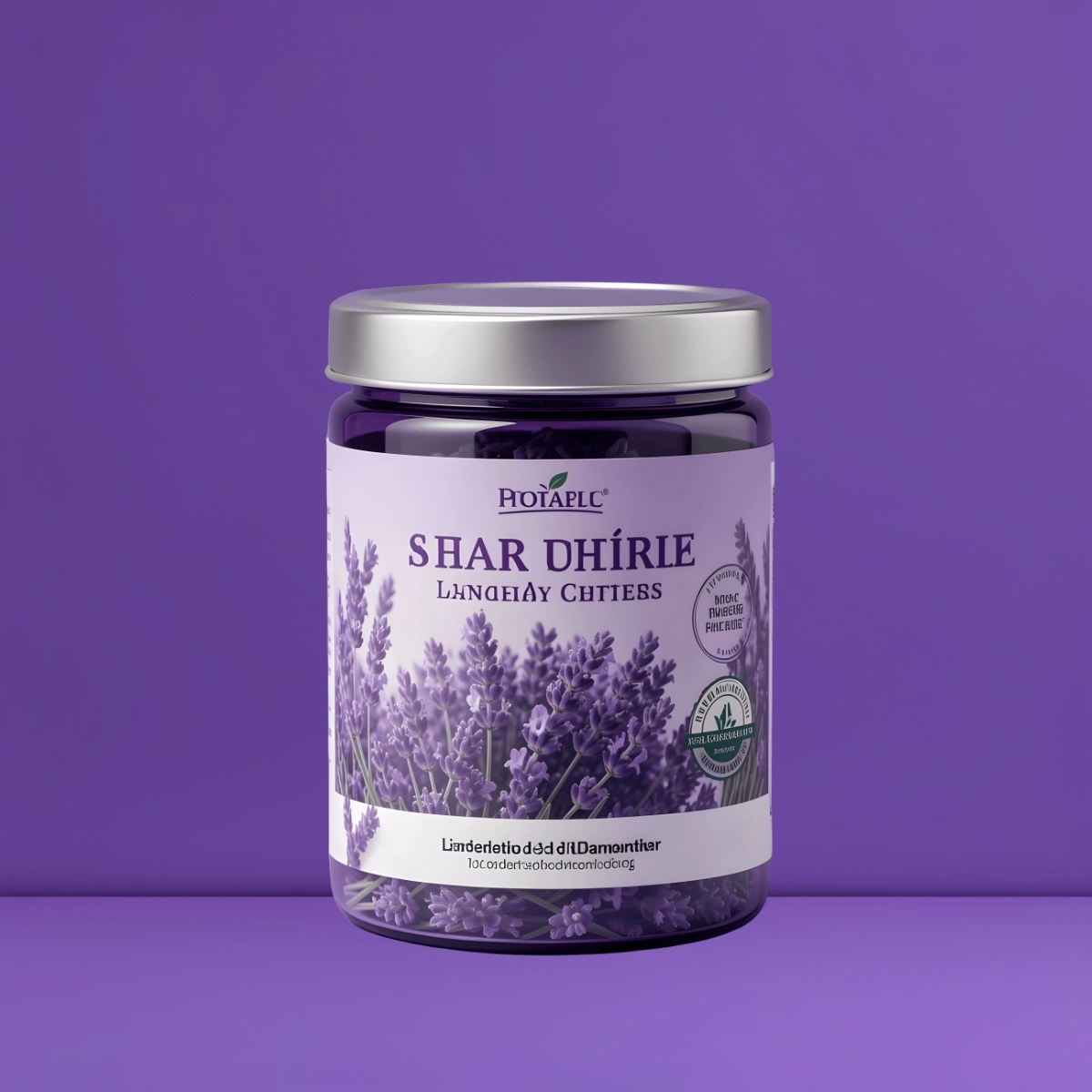










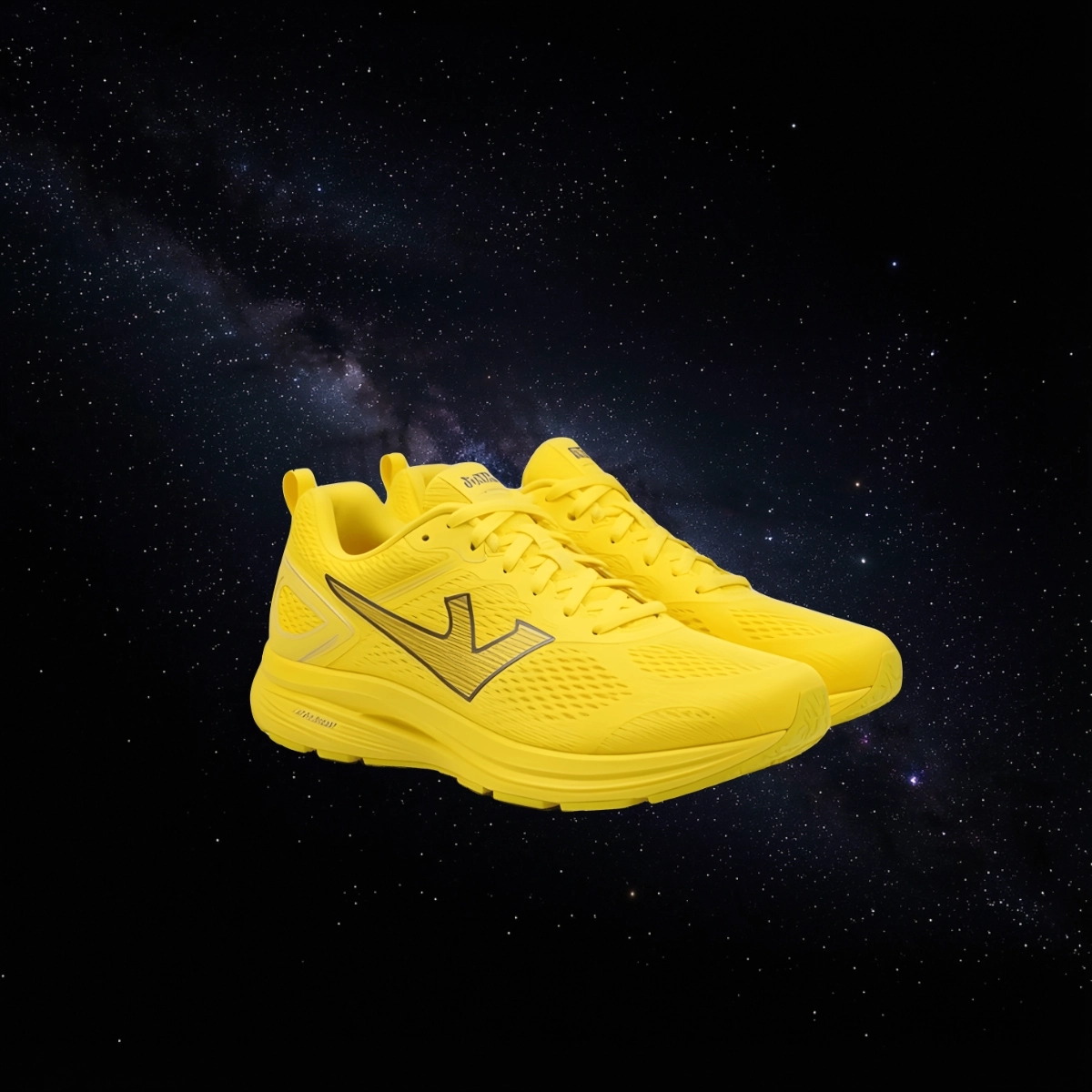

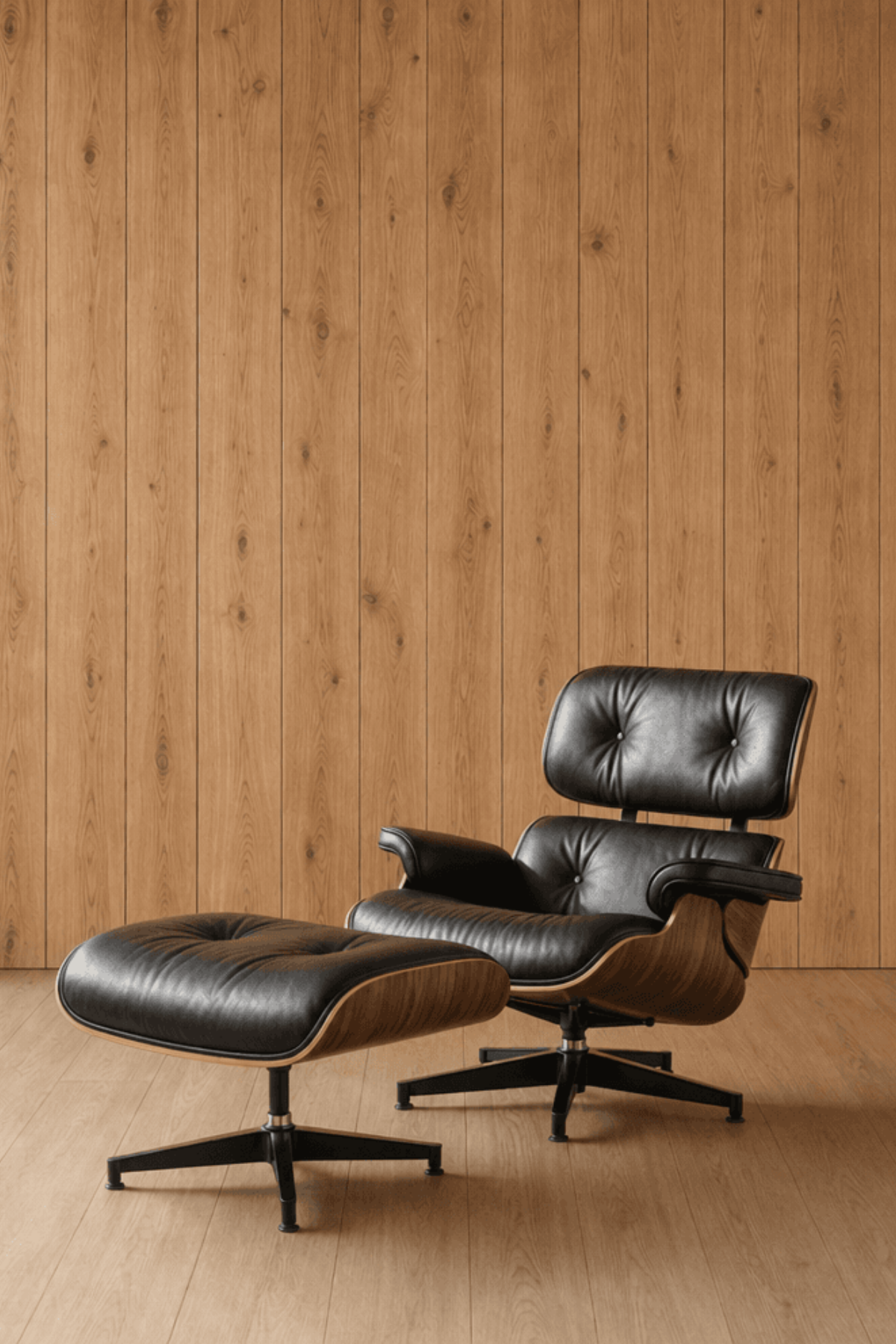




















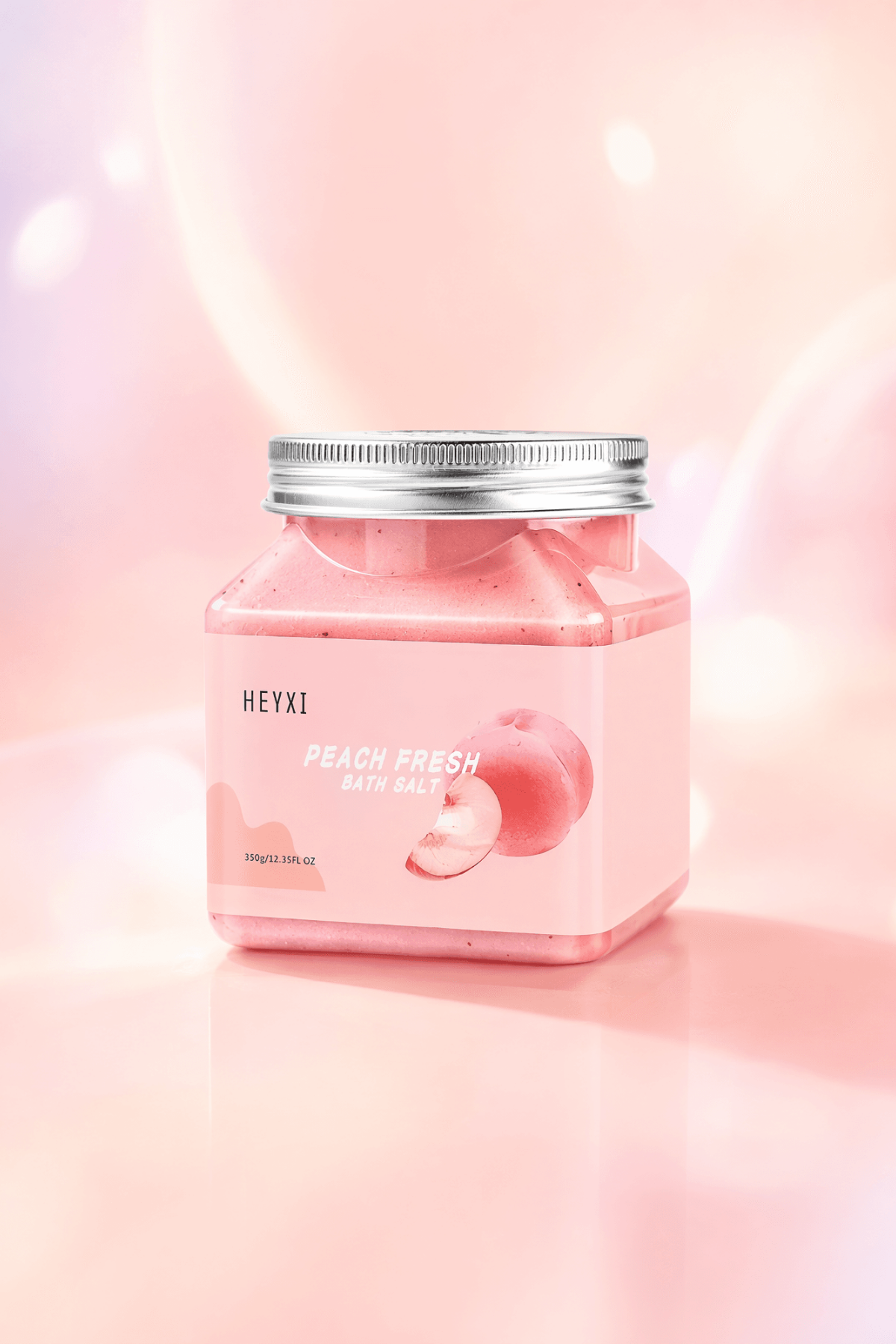

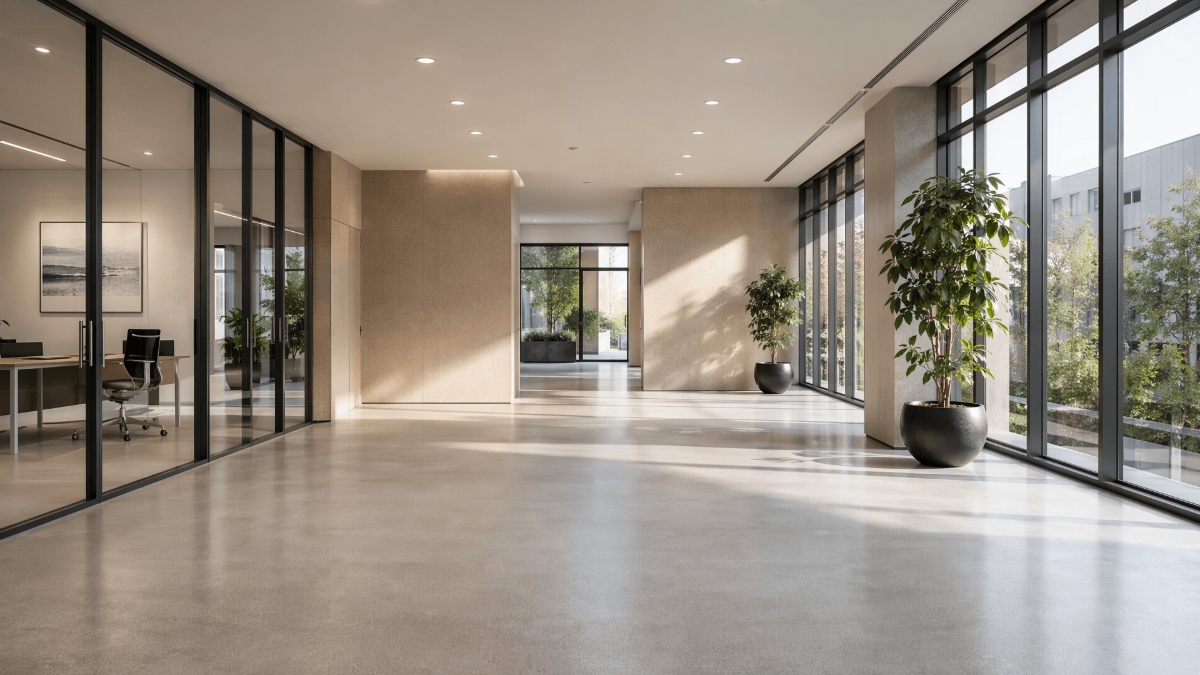




Free Background Templates: Customizable Design Guide, Sizes, and Download Formats
What is a Background?
A Background is a visual design or image that serves as the backdrop of a project, enhancing the overall look and feel while supporting the main content. Backgrounds can be used in digital designs, presentations, social media, and print materials to add depth and style.
Why should I use a Background?
You should use a Background to create visual interest, establish mood, and improve readability in your designs. Backgrounds help your content stand out by providing contrast and a cohesive style that supports your message.
Who uses Backgrounds?
Backgrounds are used by graphic designers, marketers, content creators, educators, and business professionals who want to enhance presentations, social media posts, websites, and printed materials with appealing visuals.
What are the best tips for designing my Background?
When designing your Background, consider these best tips:
- Keep it simple to avoid overpowering your content
- Use complementary colors that match your brand or theme
- Incorporate subtle textures or gradients for depth
- Choose appropriate contrast for readability
- Maintain consistency across all materials
- Use high-resolution images for clarity
- Consider the mood you want to evoke
- Test on multiple devices for digital projects
- Balance visual elements and whitespace
- Align with your target audience preferences
What file formats can I download for my Background?
Template.net provides Background templates that support multiple export formats for easy editing and sharing. You can download your Background in Word, Google Docs, PDF, PSD, Apple Pages, Illustrator, PowerPoint, and Google Slides.
Can I create a Background using AI?
Template.net provides an AI-powered tool that generates new Background designs from prompts. You can explore creative and customized Backgrounds using the Background Generator.
What are the ideal pixel dimensions for my digital Background?
When designing a digital Background, use these common pixel dimensions for optimal display:
- 1920 × 1080 pixels for full HD screens
- 1080 × 1080 pixels for Instagram posts
- 1280 × 720 pixels for HD video backgrounds
- 1080 × 1920 pixels for Instagram stories or vertical backgrounds
- 2560 × 1440 pixels for QHD displays
- 3840 × 2160 pixels for 4K screens
What visual elements should I include in my Background?
Effective Backgrounds include these visual elements to enhance design:
- Color gradients for smooth transitions
- Subtle textures to add depth
- Geometric shapes for structure
- Abstract patterns to create interest
- Light effects such as glows or shadows
- Minimalist icons for branding
- Blurred images for focus on foreground
- Consistent color palette matching your brand
What are the benefits of using a Background in my projects?
Using a Background provides several benefits:
- Enhances visual appeal and professionalism
- Supports brand identity and messaging
- Improves content readability through contrast
- Creates mood and atmosphere
- Engages viewers and holds attention
- Unifies design elements cohesively
- Provides context for the content
- Allows customization for various platforms
