







































Free Facebook Cover Templates: Customizable Design Guide, Sizes, and Download Formats
What is a Facebook Cover?
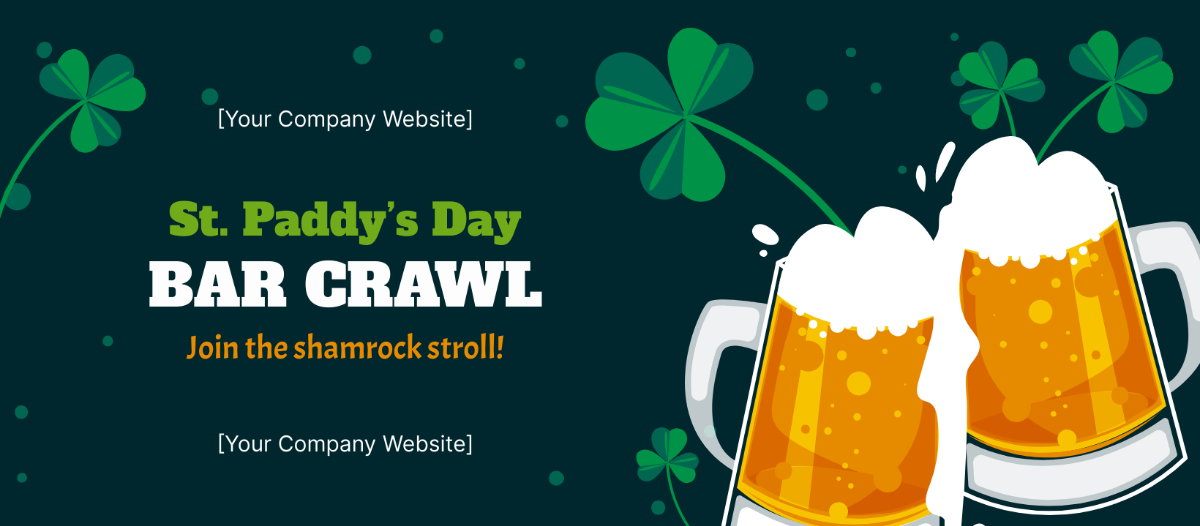
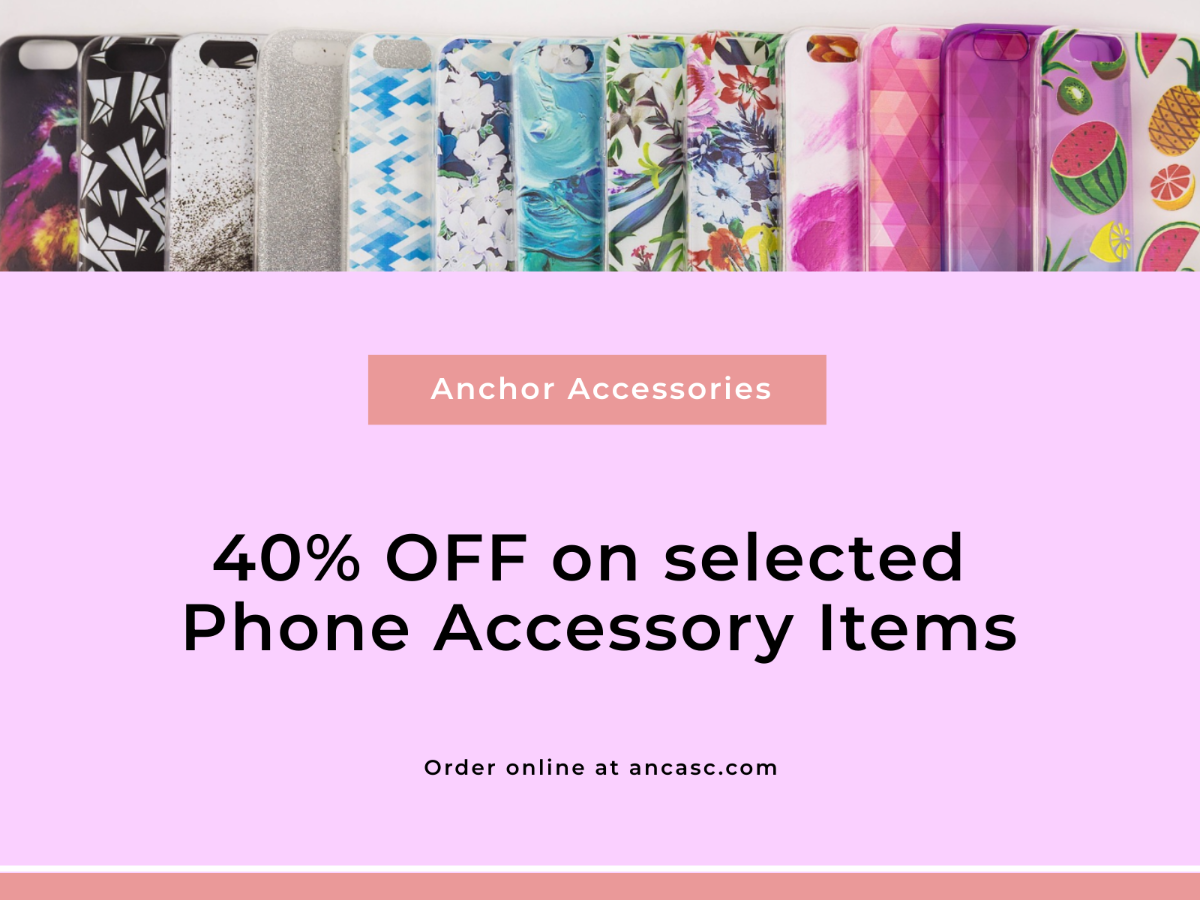
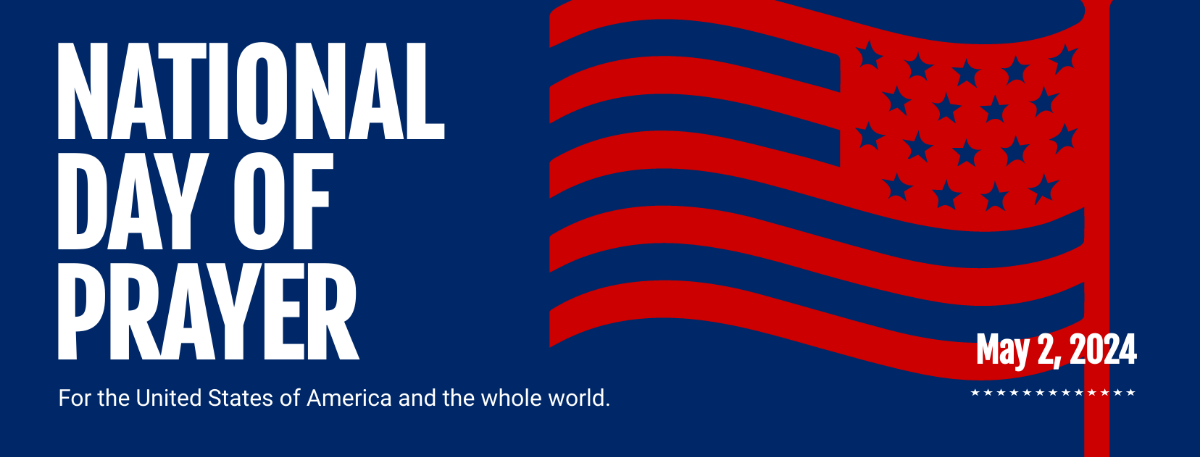
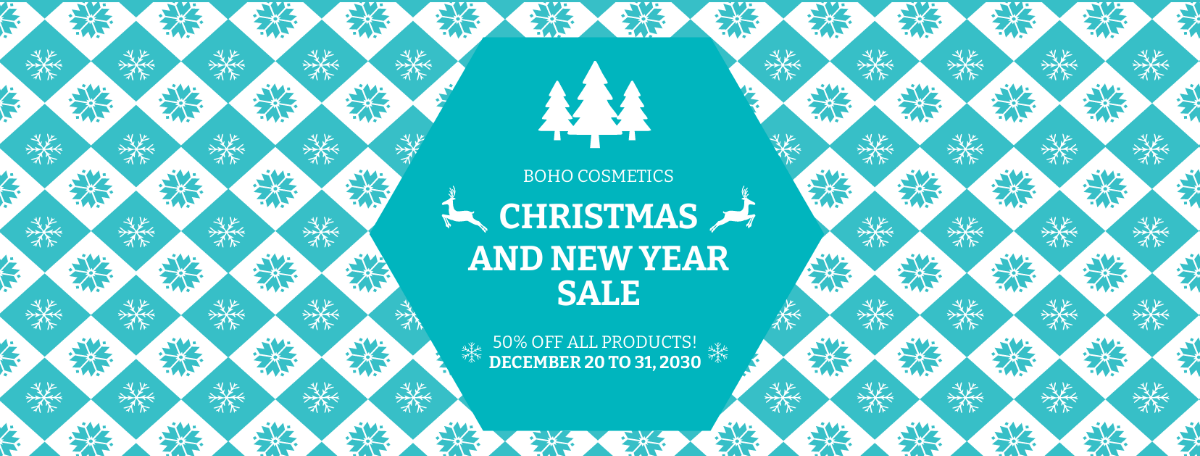
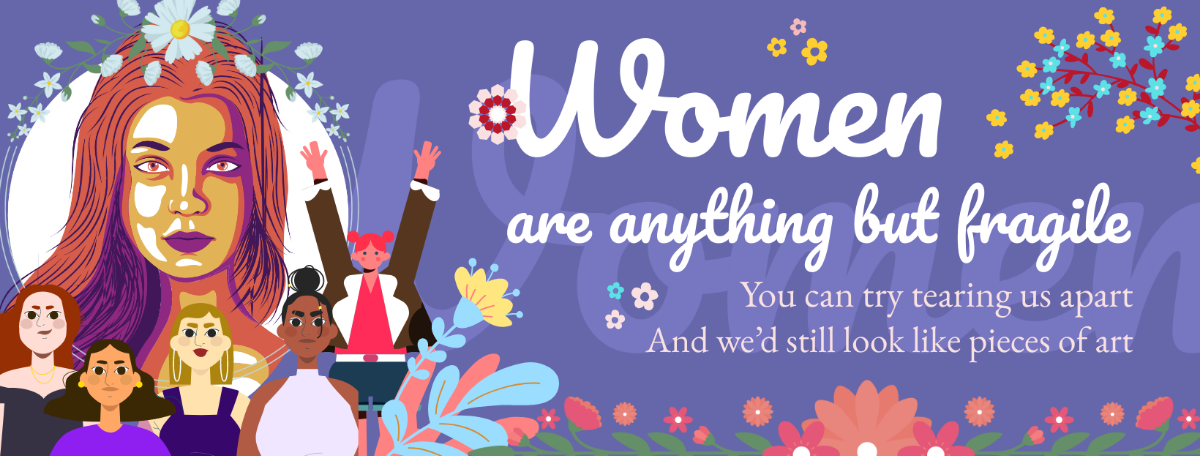
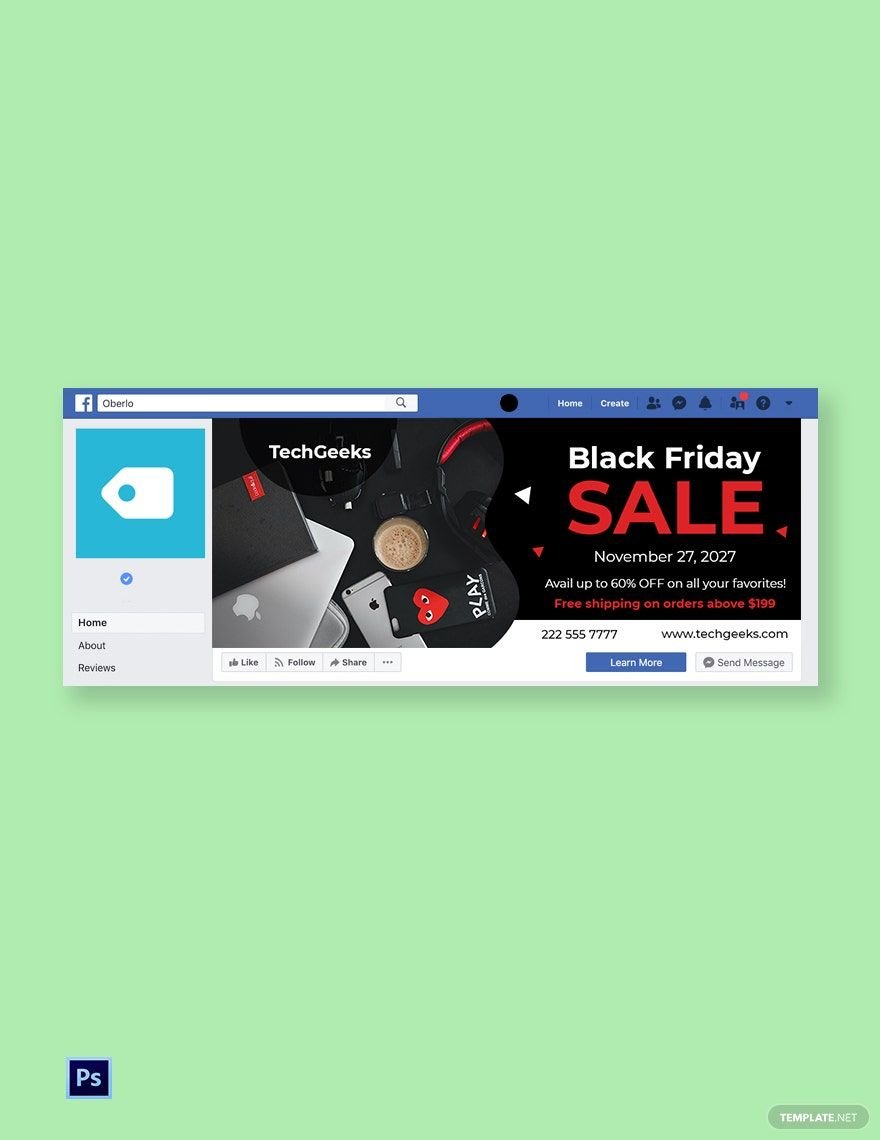
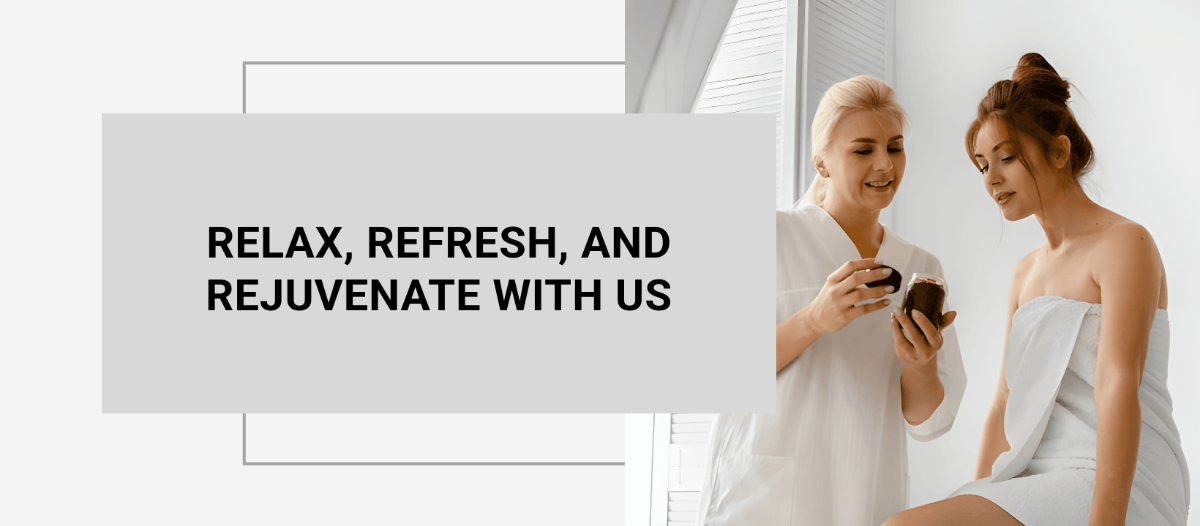
A Facebook Cover is a large, customizable banner image displayed on your Facebook profile or page that visually represents your personal brand or business. It enhances your Facebook presence with graphics, photos, and text elements designed to engage visitors.
Why should I use a Facebook Cover?
Using a Facebook Cover helps you create a strong first impression and visually communicate your brand identity or personal style. It increases engagement, professionalism, and helps you stand out among other profiles or pages.
Who uses Facebook Covers?
Facebook Covers are used by individuals, businesses, brands, influencers, and organizations to showcase their identity, promotions, or events. Anyone wanting to enhance their Facebook profile or page with a personalized visual element can use Facebook Covers.
What are the best tips for designing my Facebook Cover?
Effective Facebook Cover designs balance aesthetics and clarity. Consider these tips:
- Use the recommended size of 820 × 312 pixels for desktop and 640 × 360 pixels for mobile
- Focus on a clear, bold focal point like your logo or slogan
- Maintain brand colors and fonts for consistency
- Keep text minimal and readable with high contrast
- Use high-resolution images to avoid pixelation
- Leave space for profile picture overlay on the left side
- Test visibility on multiple devices before finalizing
What file formats can I download for my Facebook Cover?
Template.net Facebook Cover templates support multiple export formats for easy editing and sharing. You can download templates as PDF, PSD, and Illustrator files.
Can I create a Facebook Cover using AI?
Yes, Template.net provides an AI-powered tool that generates new Facebook Cover designs from your prompts. You can try the Facebook Cover Photo Generator to create unique covers effortlessly.
What are the ideal pixel dimensions for my Facebook Cover?
Facebook Covers require specific pixel dimensions for optimal display across devices. Use these sizes:
- Desktop: 820 × 312 pixels
- Mobile: 640 × 360 pixels
- Minimum width: 400 pixels
- Minimum height: 150 pixels
- Recommended file size: Less than 100 kilobytes for faster loading
What visual elements should I include in my Facebook Cover?
Your Facebook Cover should include visual elements that represent your brand or personality. Consider these components:
- Brand logo or personal photo
- Tagline or slogan text
- Background patterns or textures
- Call-to-action buttons or messages
- Consistent color schemes
- Space for profile picture overlay
- High-quality images or illustrations
What are the benefits of using Facebook Covers?
Using Facebook Covers provides several benefits to your profile or page:
- Enhances visual appeal to attract visitors
- Communicates brand identity clearly
- Improves engagement with followers
- Promotes events or offers effectively
- Creates a professional impression
- Supports storytelling through visuals
