
Free Checkered Clipart








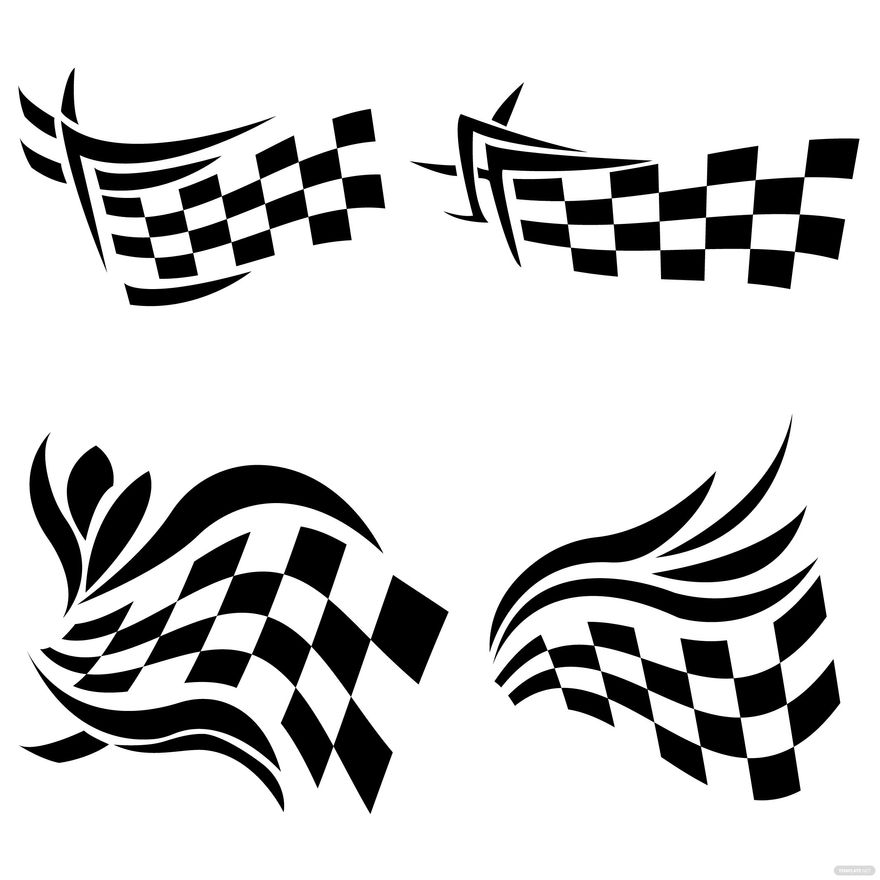

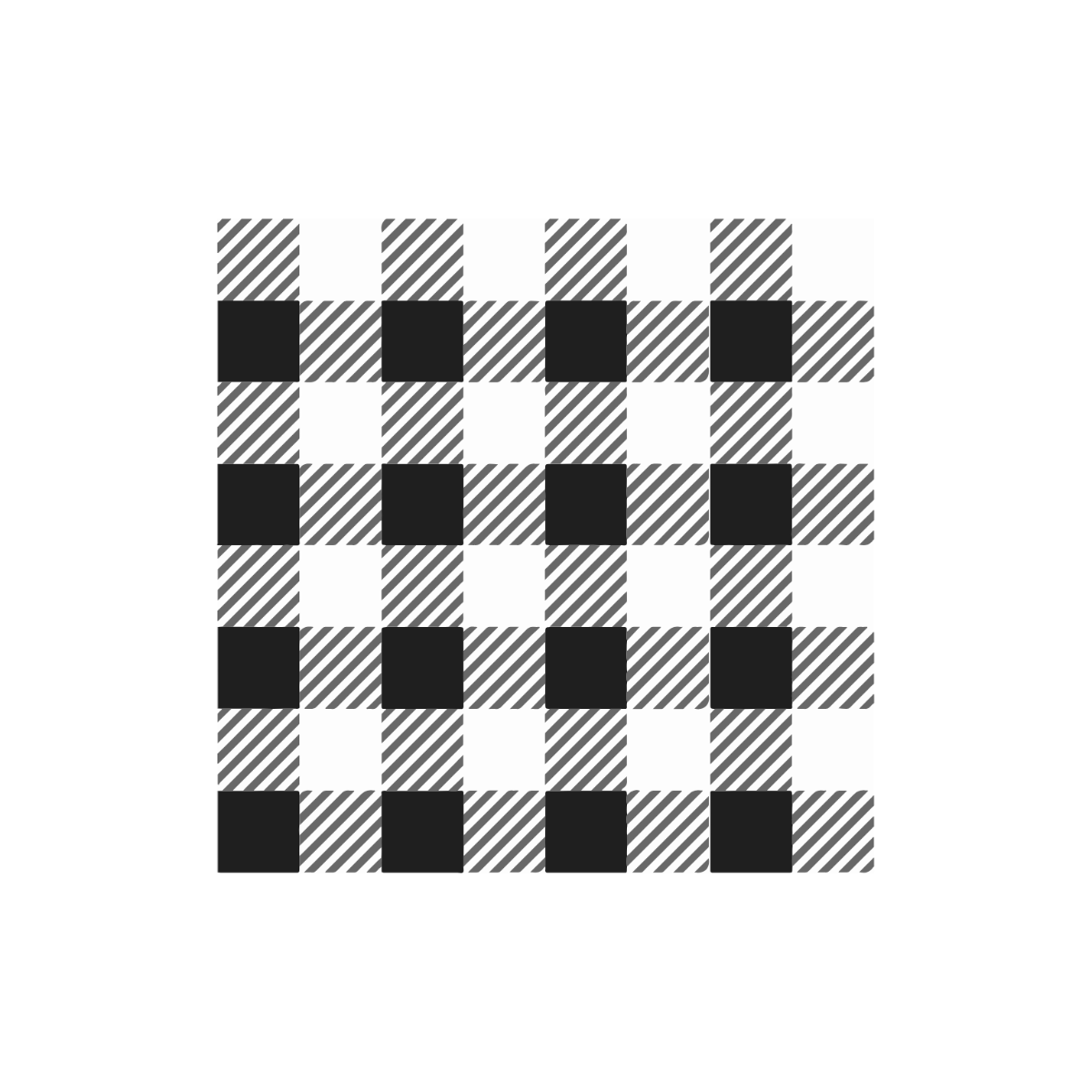
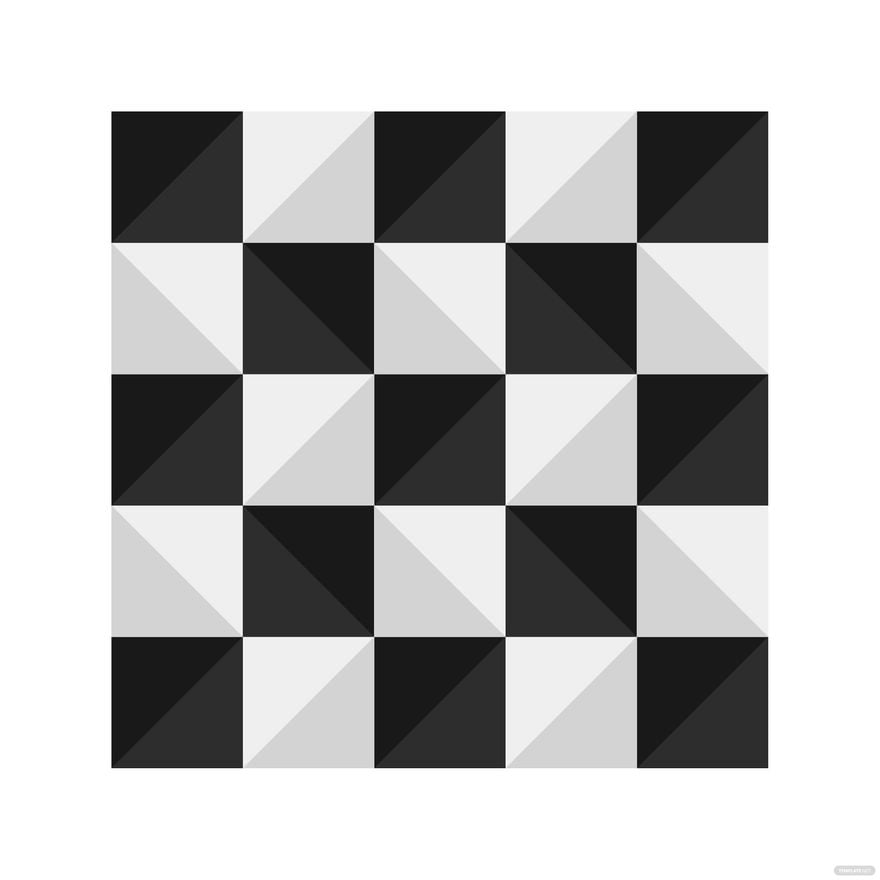



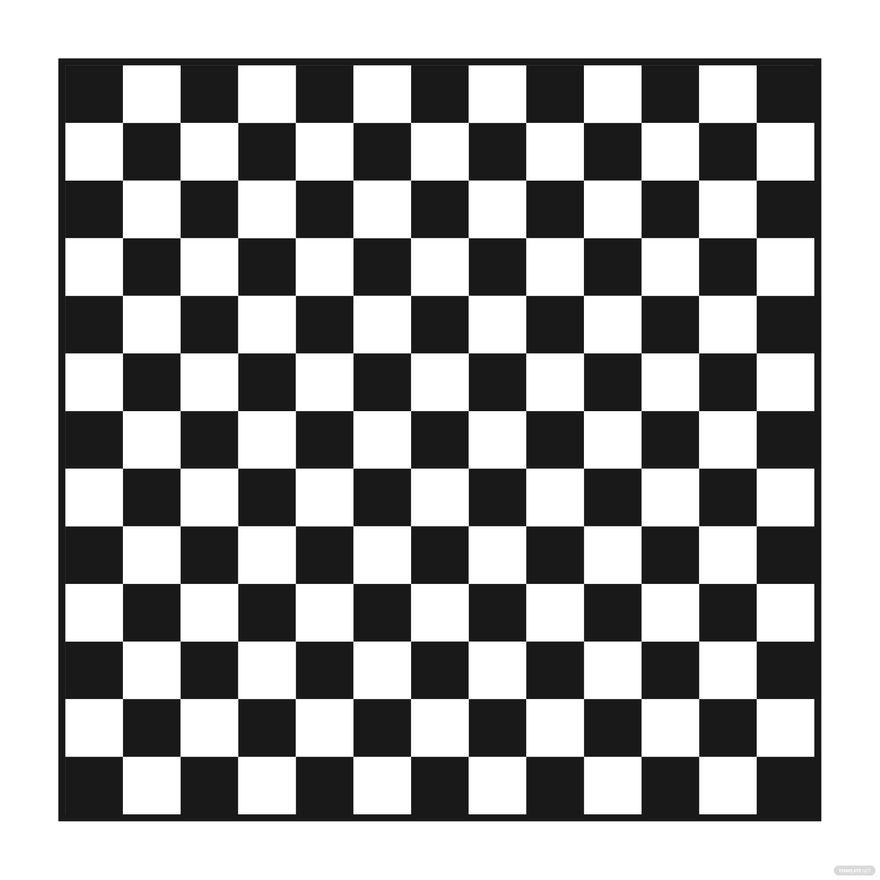




Checkered Clipart: Definition, Uses, and Customization Guide
What is a Checkered Clipart?
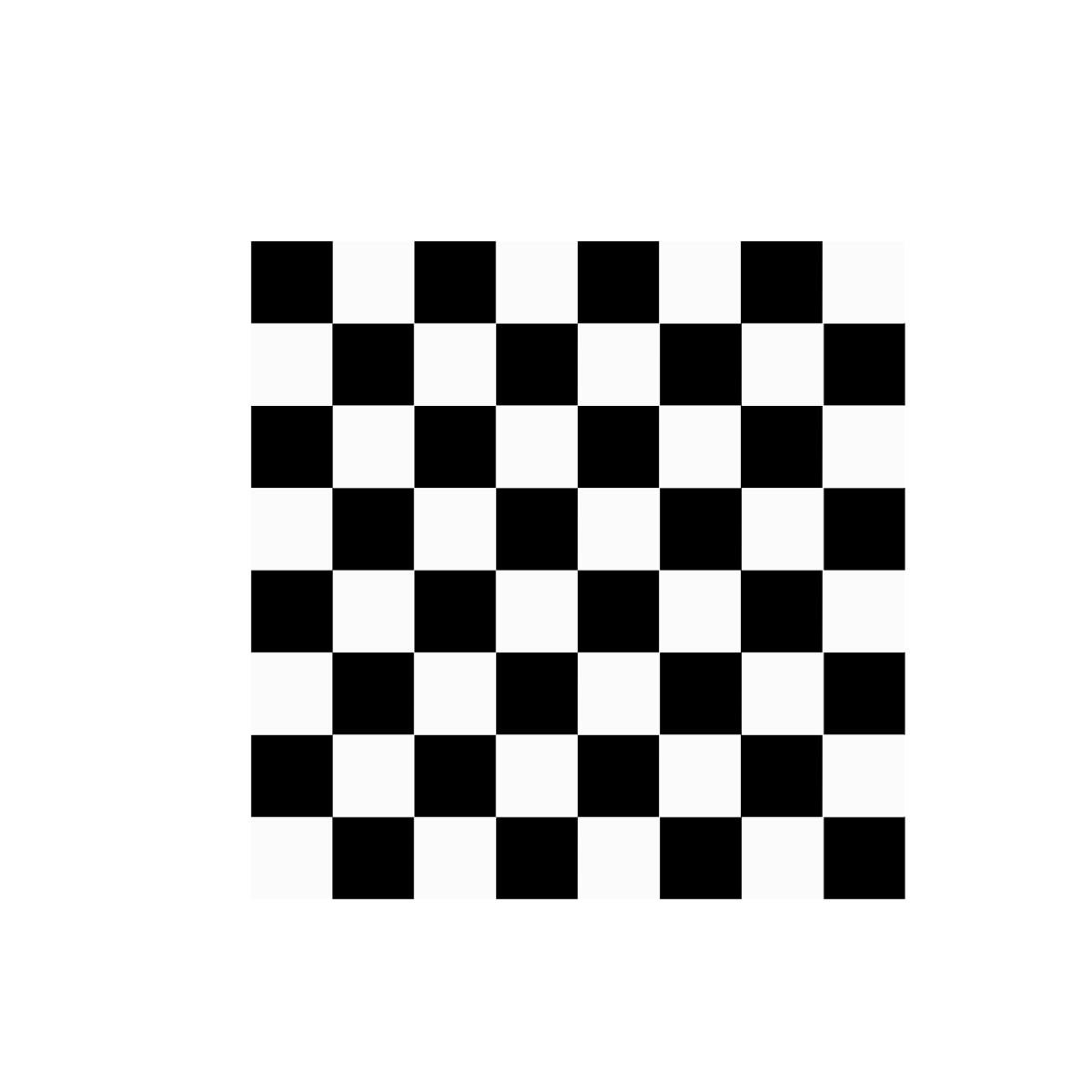
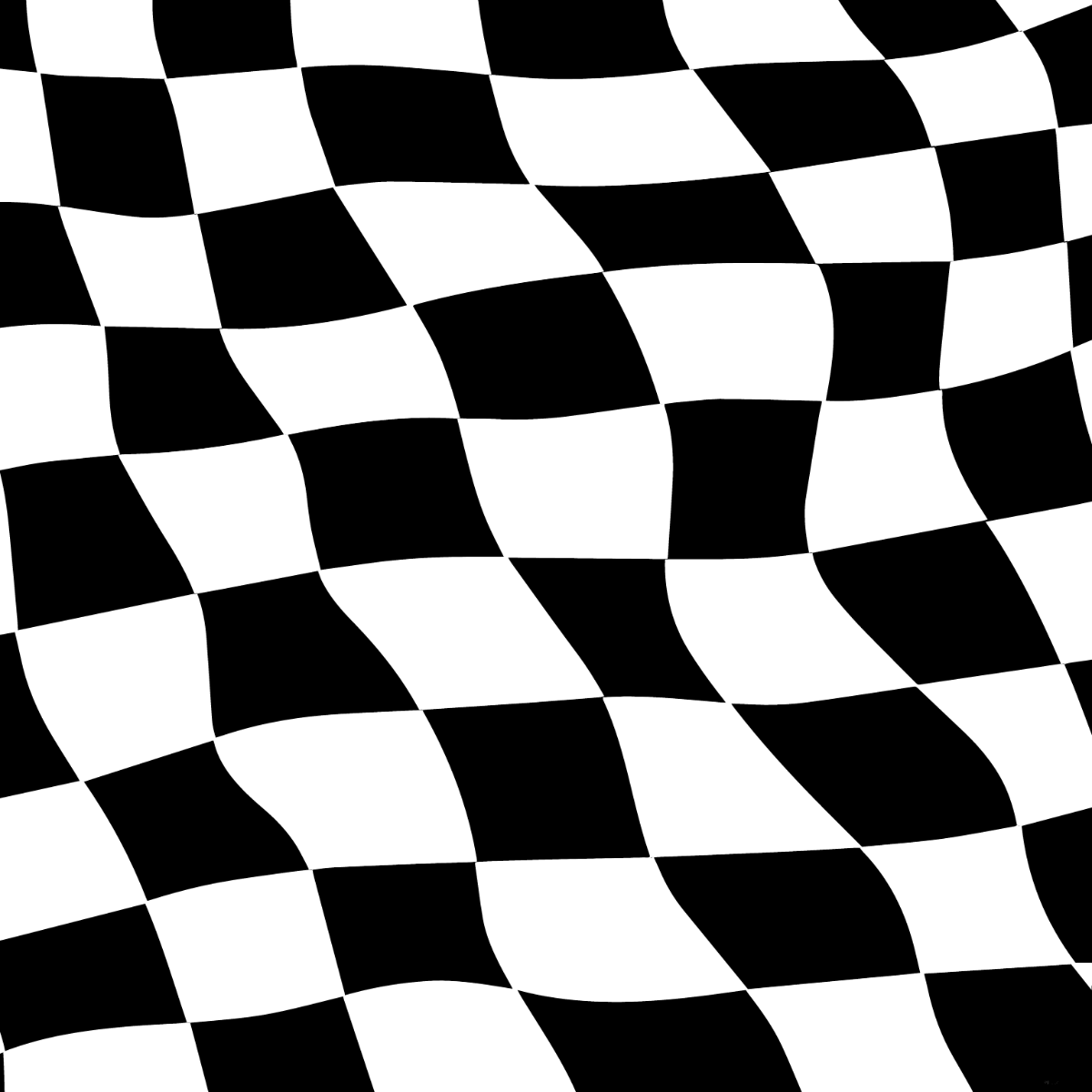
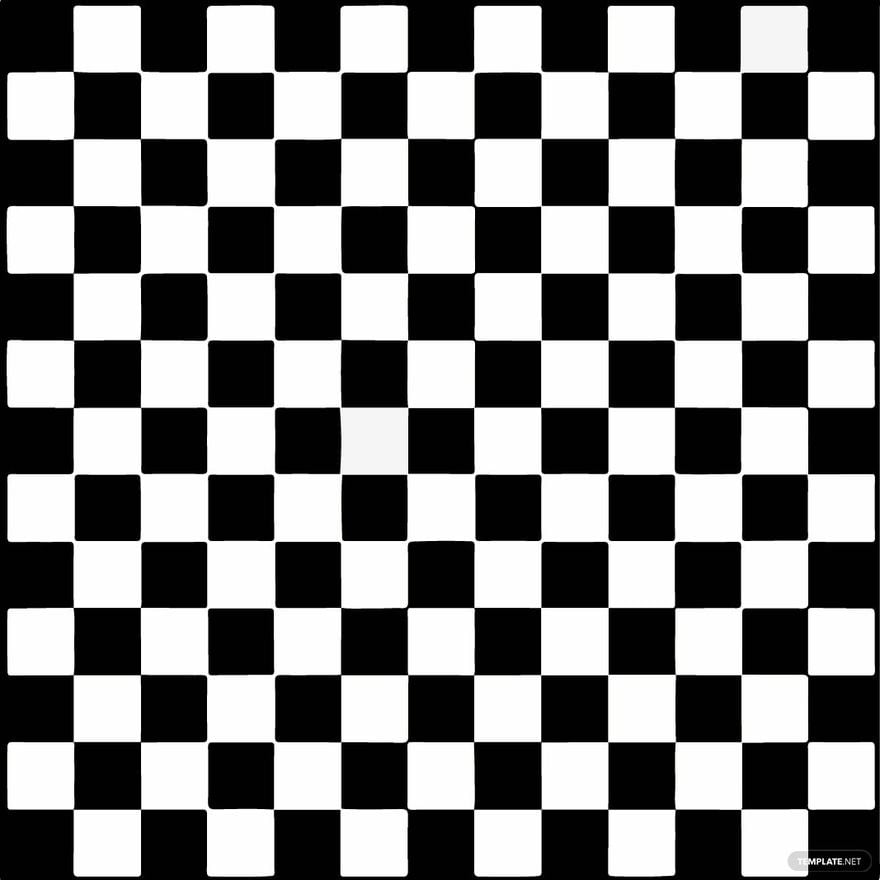
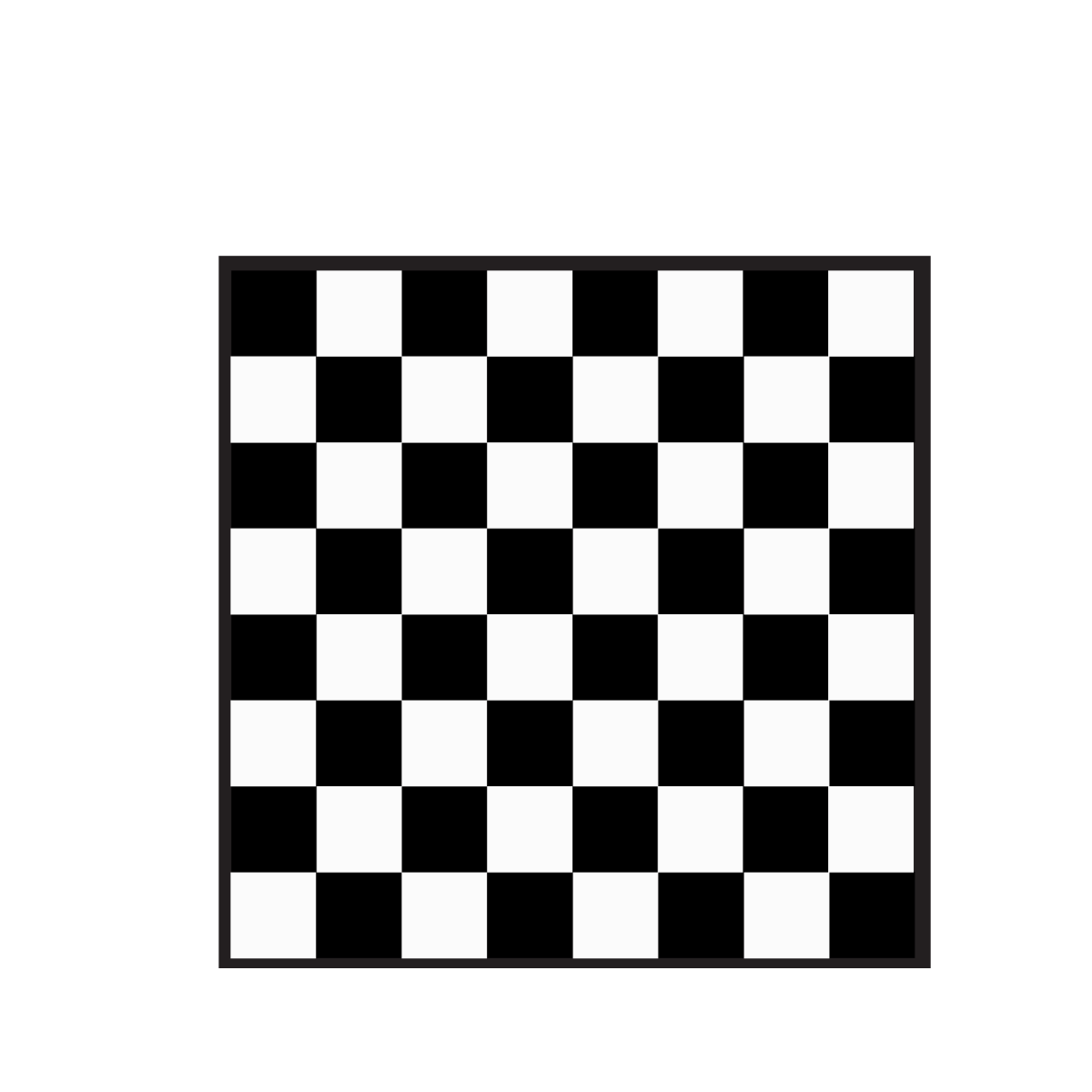
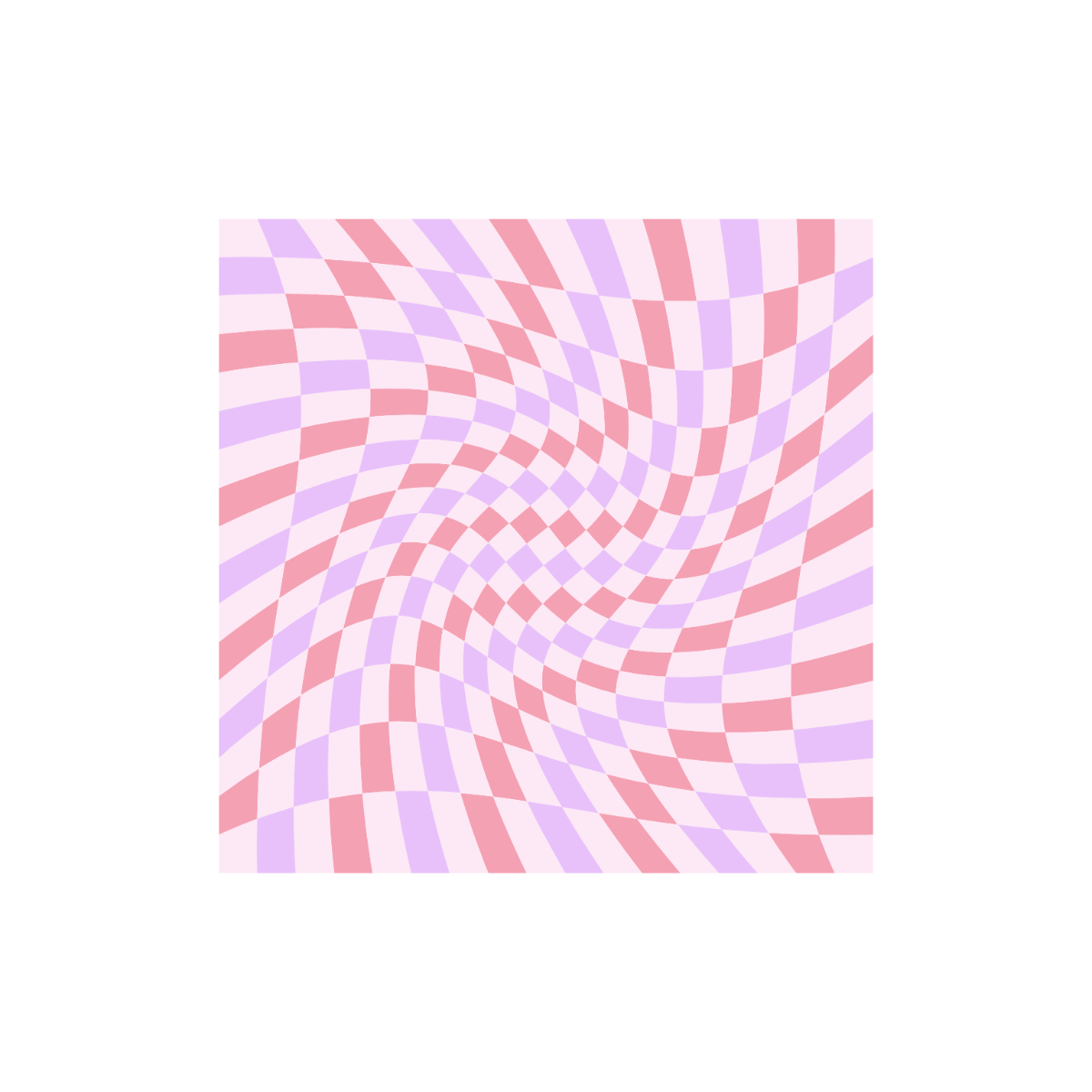
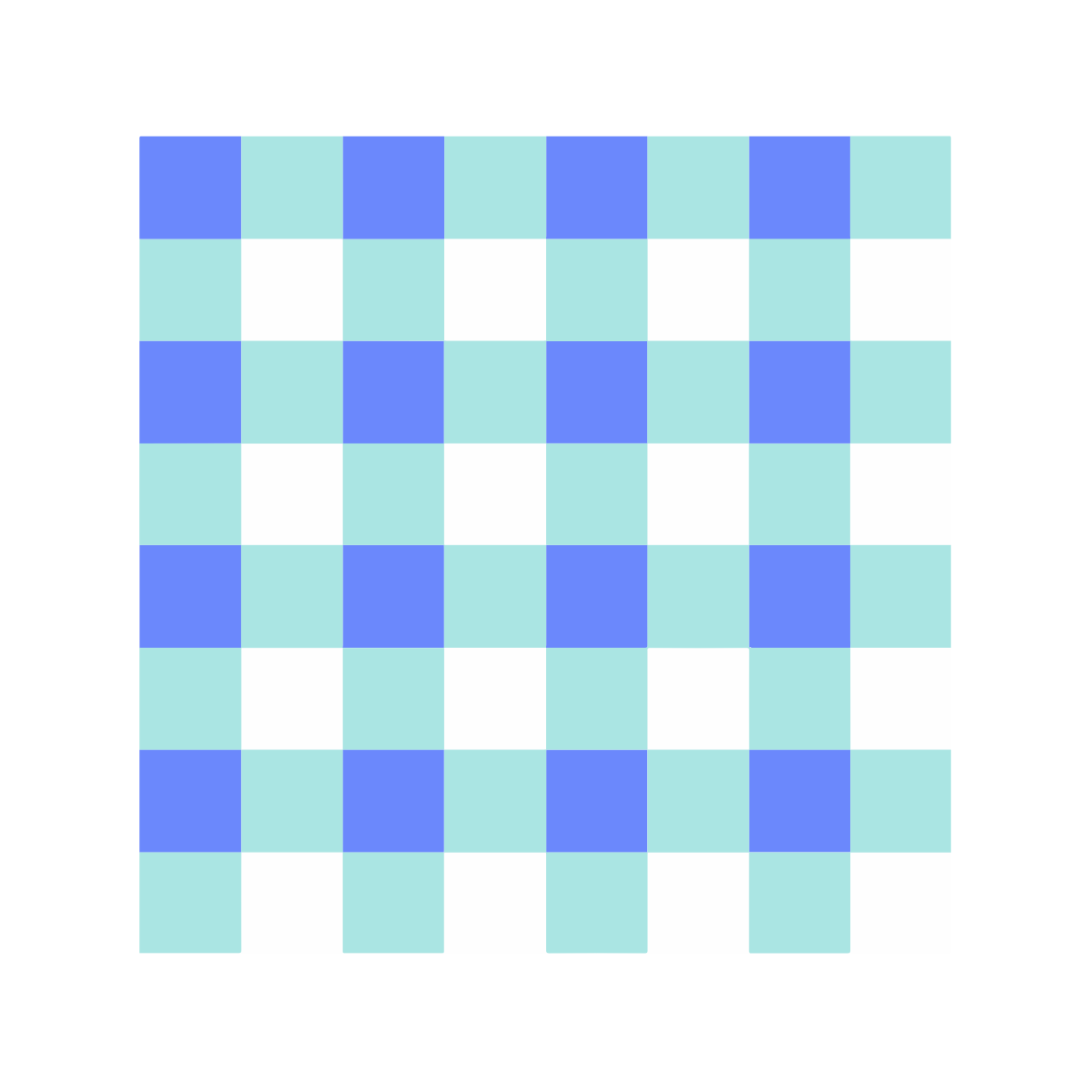
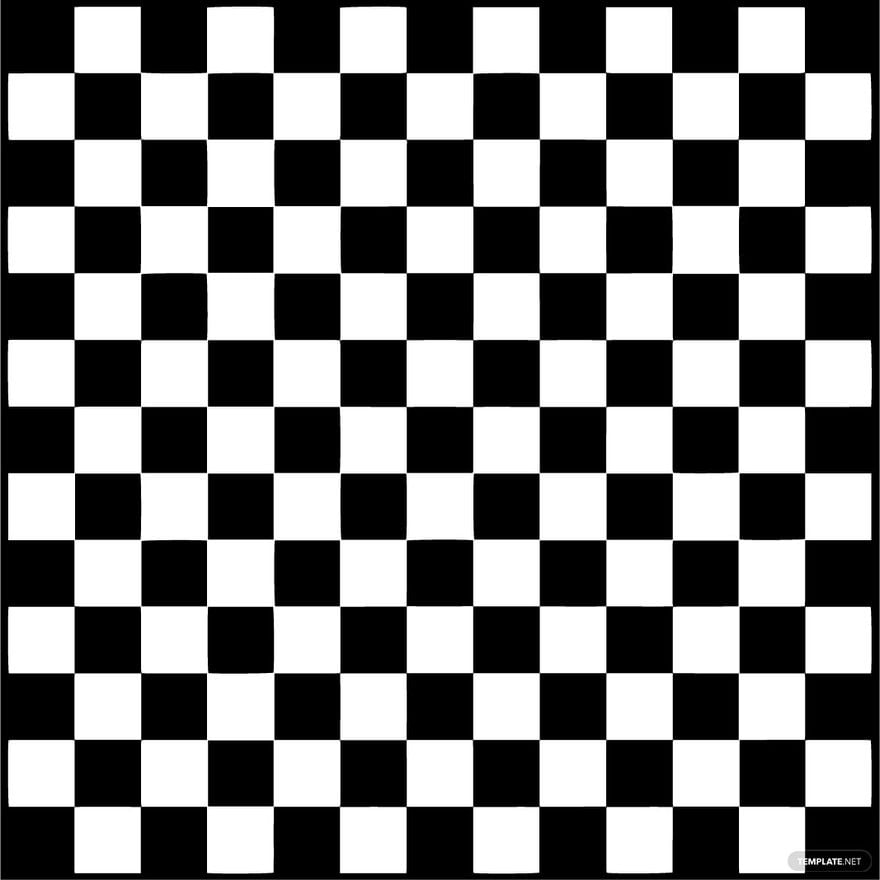
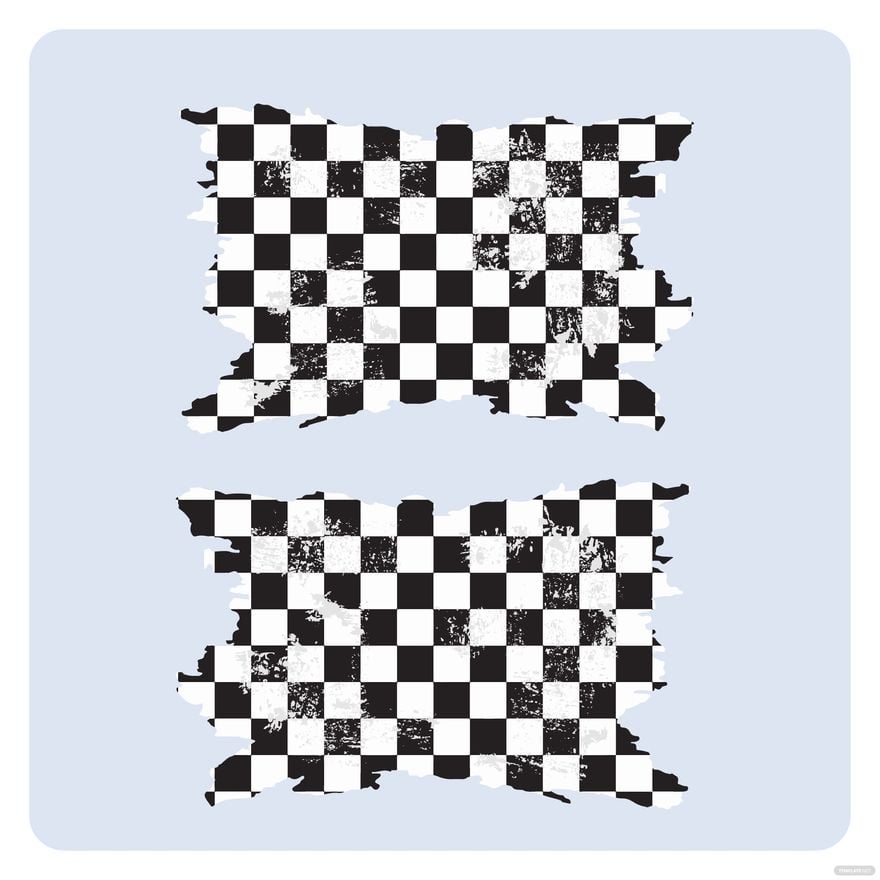
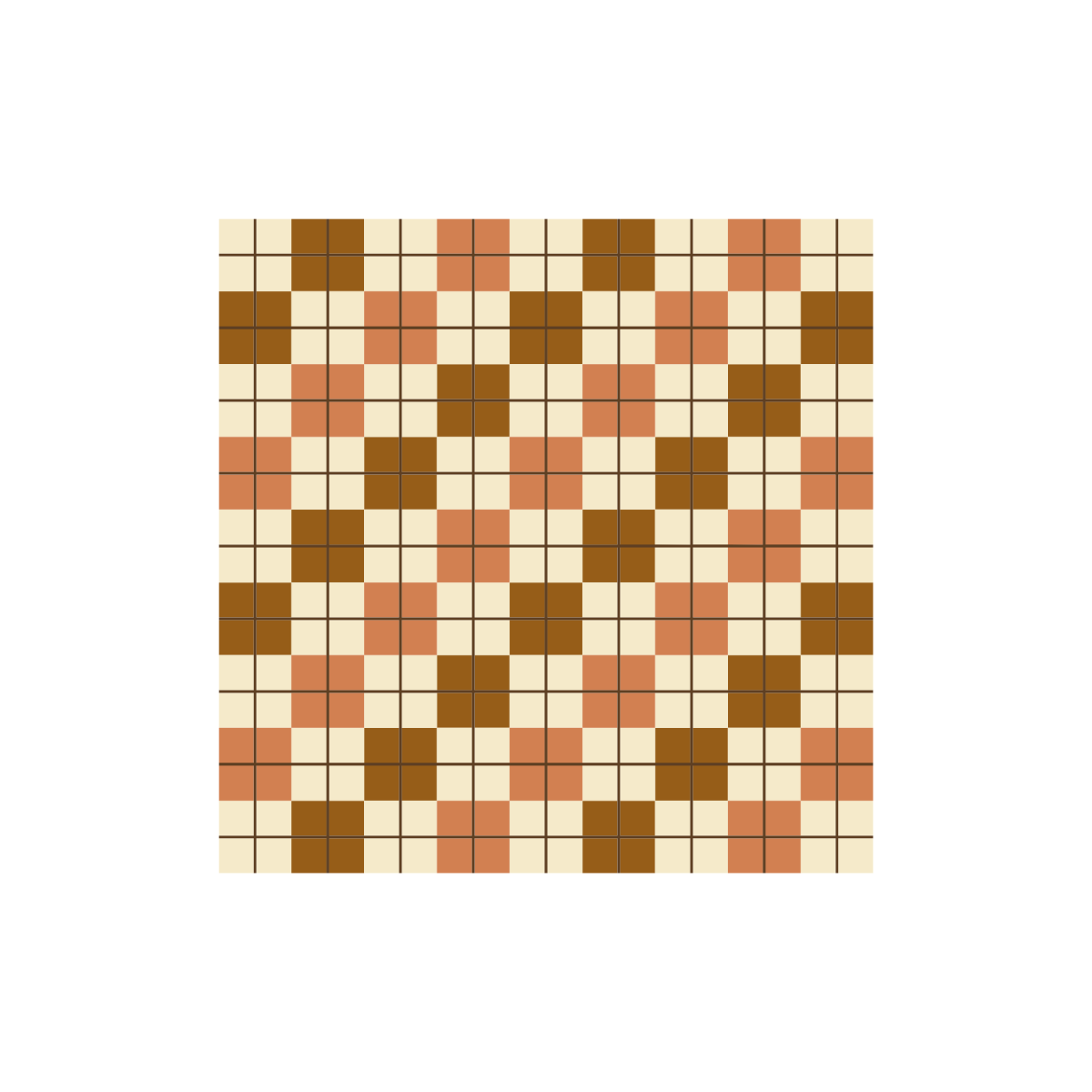
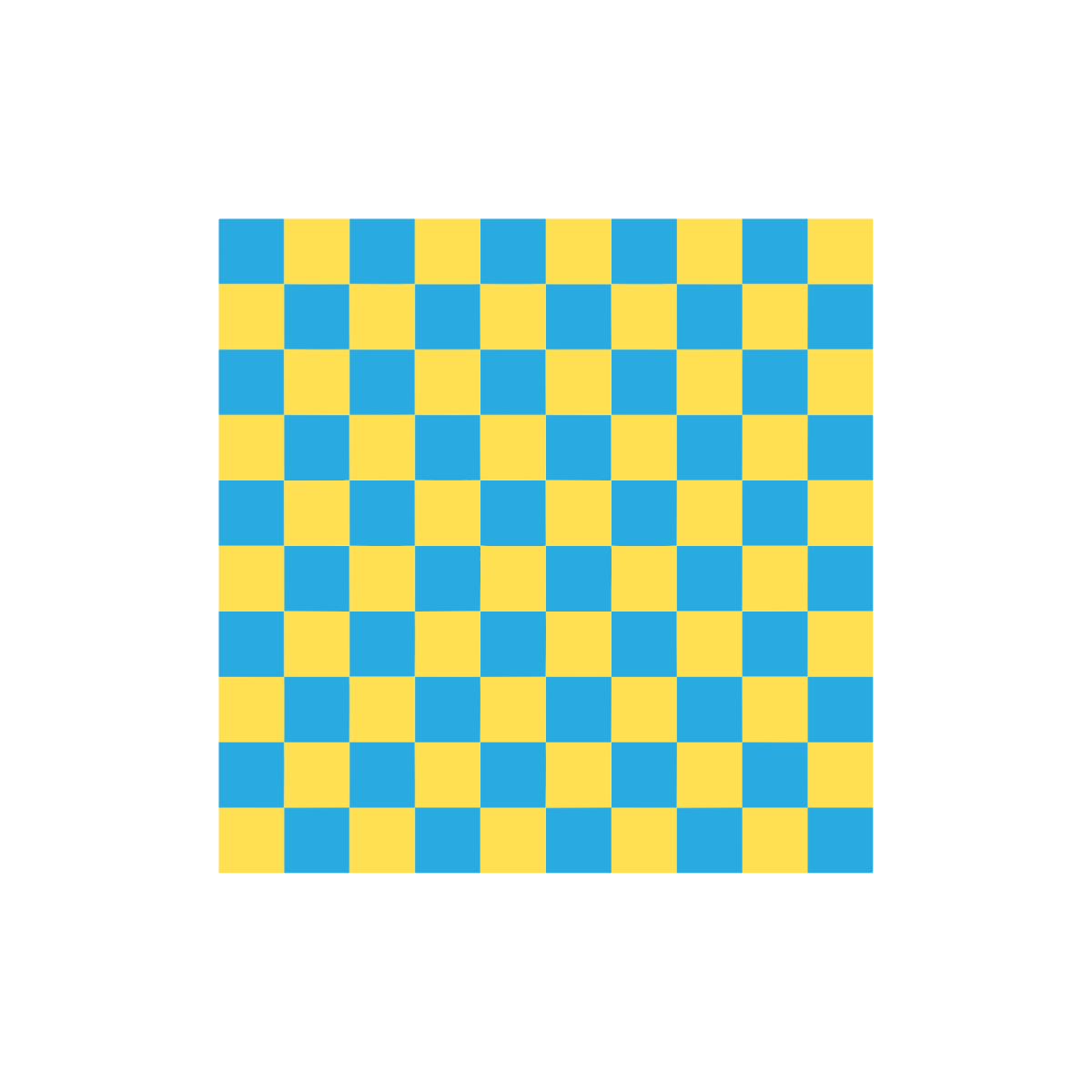
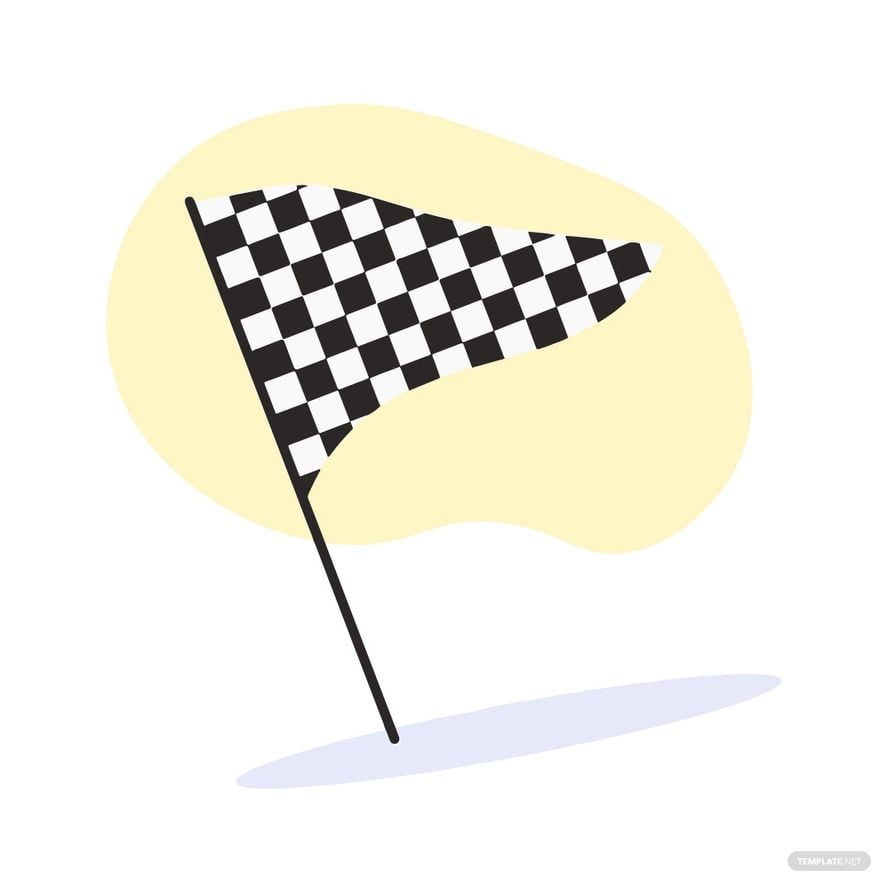
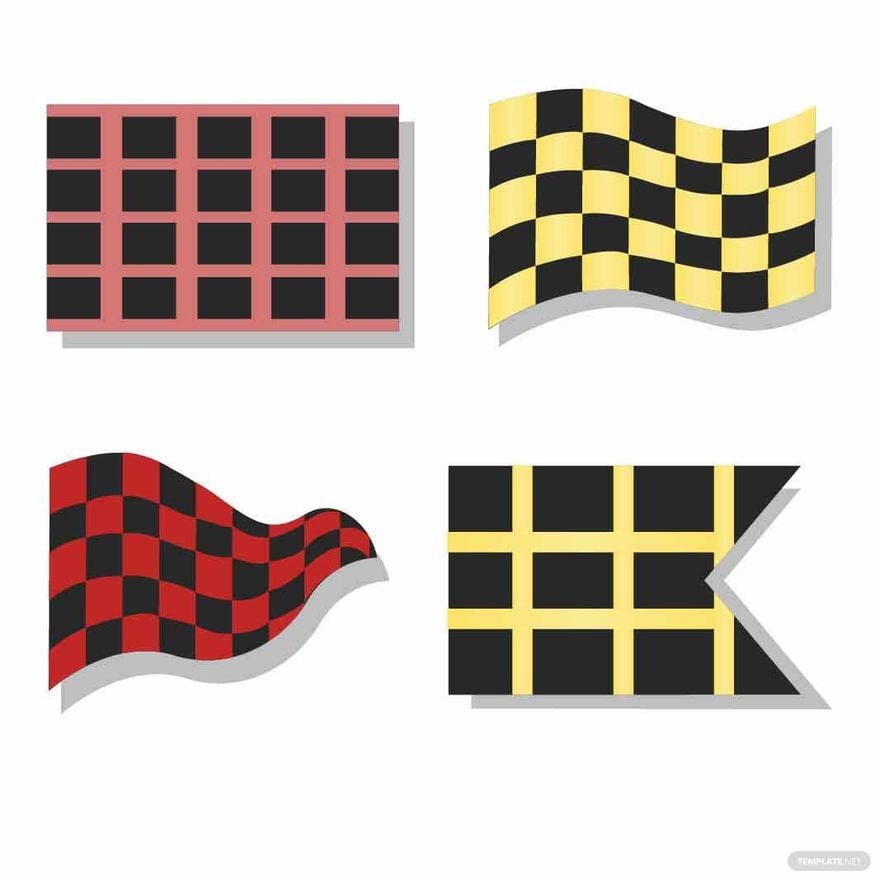
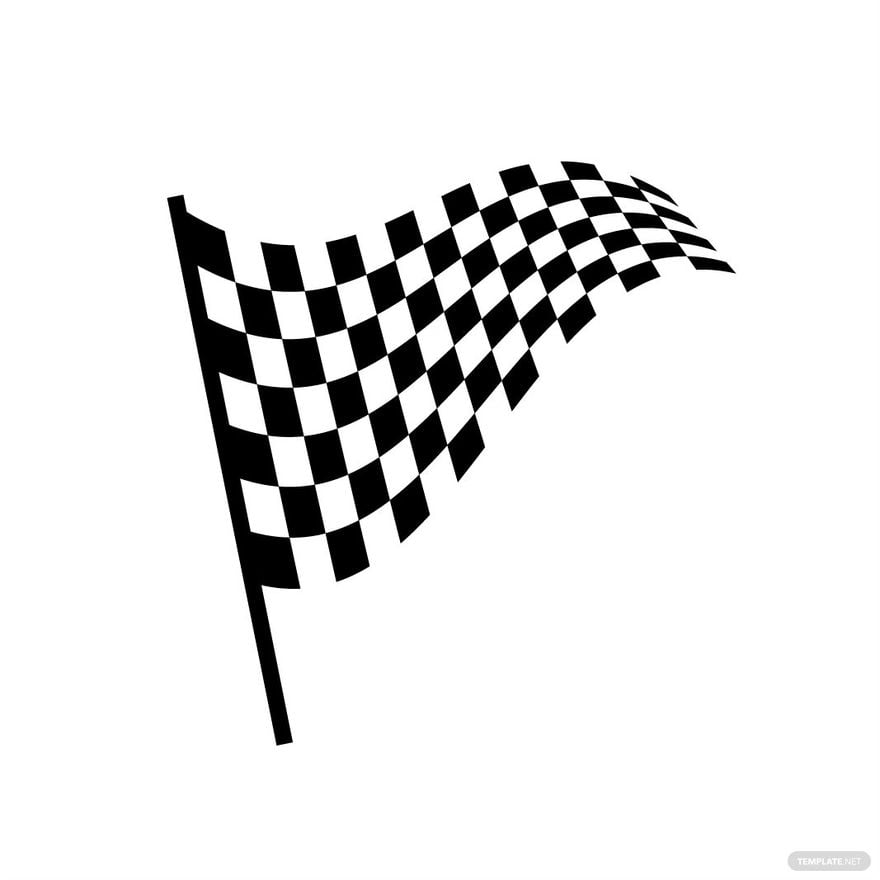
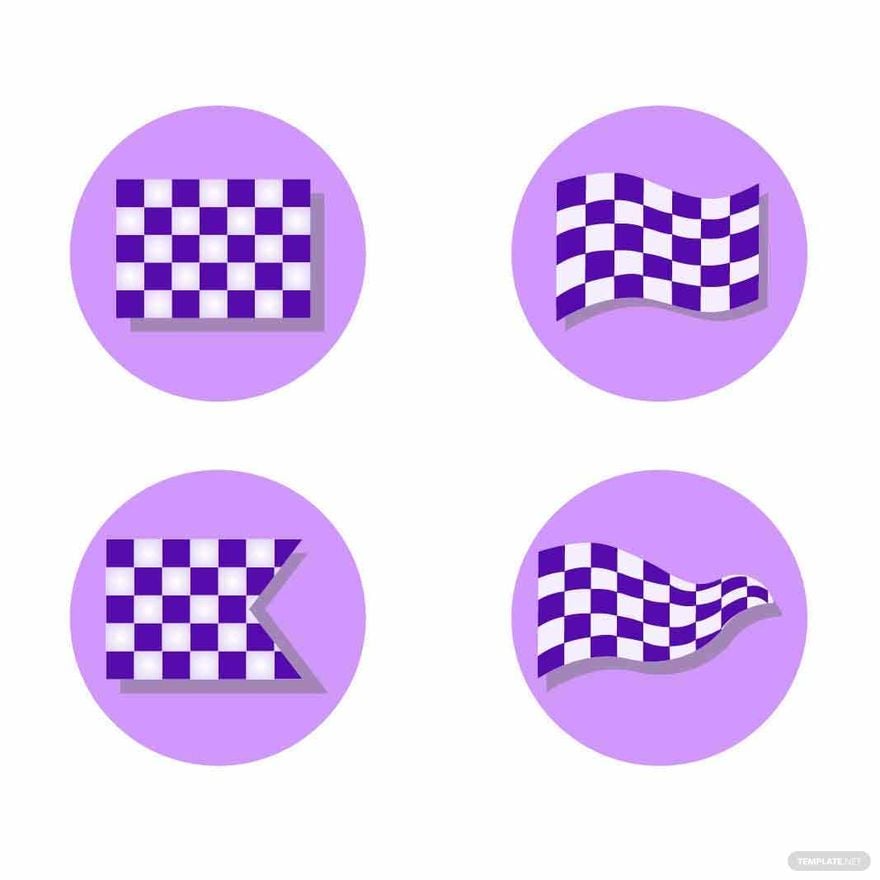
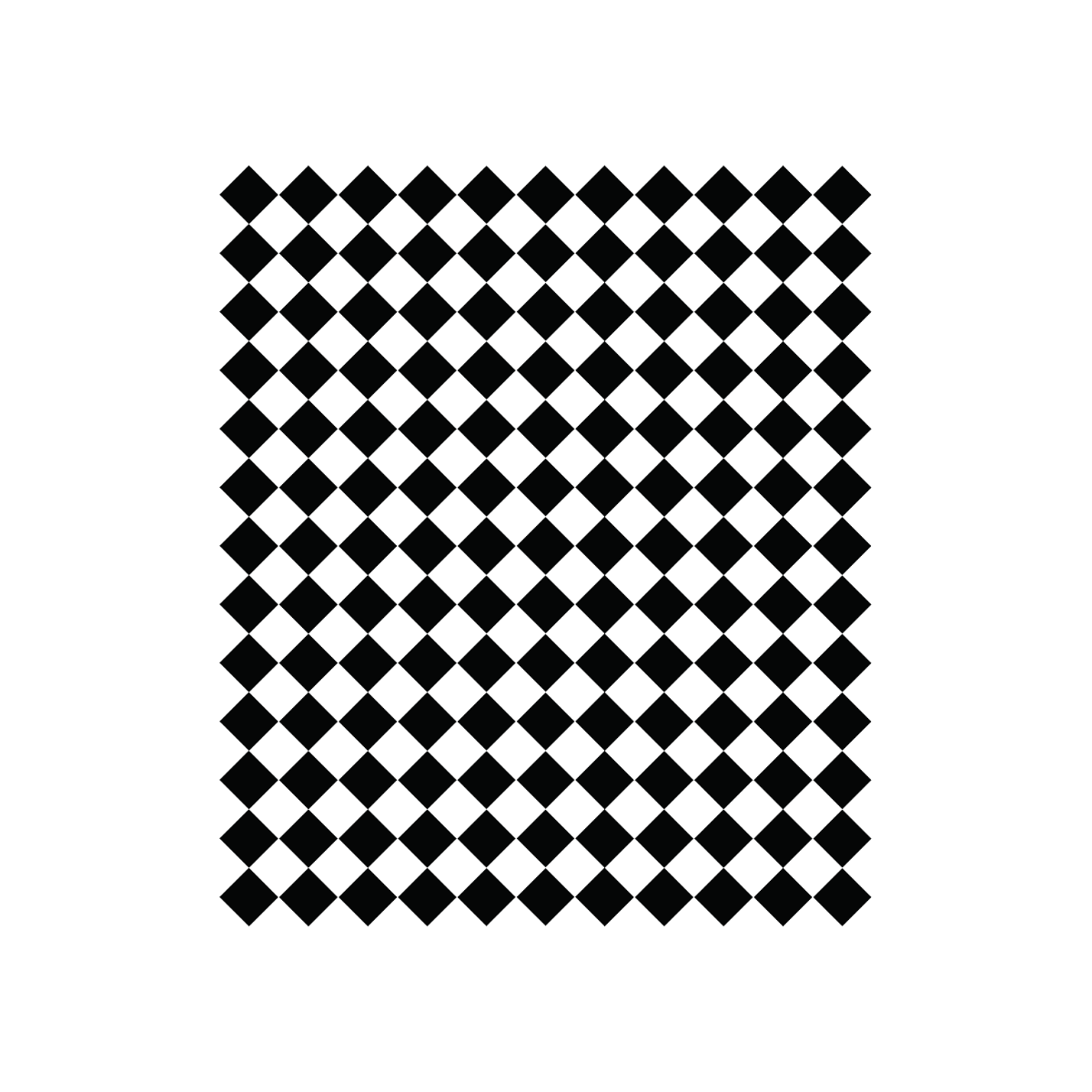
A Checkered Clipart is a graphic design featuring a pattern of alternating squares typically used for backgrounds or decorative elements. These cliparts come as editable graphics with layered design components ready for customization. Template.net provides ready-made templates that enable quick online editing of such designs.
Why use a Checkered Clipart?
Using a Checkered Clipart adds a visually striking patterned background or accent to your projects, enhancing design depth and professional appeal. The templates from Template.net allow for fast online editing, making it easy to customize patterns for various uses without advanced design skills.
Who typically uses Checkered Cliparts?
Checkered Cliparts are commonly used by graphic designers, marketers, educators, and content creators who need patterned visuals for presentations, social media, and branding. Template.net’s editable templates cater to both professionals and beginners seeking customizable layouts with ease of online editing.
What size should a Checkered Clipart be?
The size of a Checkered Clipart depends on the project but commonly ranges from 4 × 6 inches to 8.5 × 11 inches for print and adaptable digital sizes for web use. Template.net offers scalable templates with adjustable dimensions editable online to fit any required size.
What are the best tips for designing a Checkered Clipart?
When designing a Checkered Clipart, focus on consistent square sizes, contrasting colors, and balanced layout blocks for visual harmony. Use Template.net’s layered templates to experiment with colors and patterns easily through online editing for professional results.
How do you print a Checkered Clipart?
To print a Checkered Clipart, use high-resolution templates from Template.net that support print-ready formats. Ensure the print size matches your project dimensions and select CMYK color mode for accurate colors. Online editing allows adjustments to design layers before downloading for professional printing.
What elements should a Checkered Clipart include?
A Checkered Clipart should include alternating colored squares, consistent spacing, and optionally textured or shaded layers for depth. Template.net’s templates feature editable design layers that allow users to customize each element online for unique looks.
What file formats can I download for a Checkered Clipart?
Template.net’s Checkered Clipart templates support multiple export formats suitable for editing and printing such as Checkered Clipart. Users can download files in formats optimized for various software and print needs, ensuring flexibility and professional output.
Can I create a new Checkered Clipart using AI?
Template.net provides an AI-powered tool that generates new Checkered Clipart designs from prompts. Users can access the Clipart Generator to create unique, customizable patterns quickly with online editing capabilities.
