Free Sword Clipart
Sword Clipart: Definition, Usage, and Design Insights
What is a Sword Clipart?
Sword cliparts are ready-made graphical illustrations of swords designed for various creative projects. These cliparts provide layered designs that users can customize online. Template.net offers professional sword clipart templates that are editable directly in the browser for fast, quality results.
Why use a Sword Clipart?
Using sword cliparts helps add visual impact and thematic elements to designs quickly with editable graphics. Sword clipart templates simplify the creation process by offering professional layouts that can be customized online. Template.net enables rapid editing to produce impressive results without complex design software.
Who typically uses Sword Cliparts?
Sword cliparts are commonly used by graphic designers, educators, marketers, and content creators who need professional visual elements. These users leverage customizable templates on Template.net to quickly edit and incorporate sword graphics into projects such as presentations, flyers, and digital media.
What size should a Sword Clipart be?
Sword cliparts should be sized according to the project requirements, often ranging from small icons to larger images like 4 × 6 inches or 8.5 × 11 inches. Template.net provides scalable sword clipart templates that allow users to adjust size while maintaining clarity and detail through layered design customization.
What are the best tips for designing a Sword Clipart?
Effective sword clipart designs focus on clean lines, balanced proportions, and clear layered elements for easy customization. Using Template.net's templates allows users to edit text areas and graphics layers to create visually appealing and professional sword clipart quickly online.
How do you print a Sword Clipart?
To print sword cliparts, use high-resolution templates from Template.net that support standard print sizes like 8.5 × 11 inches. Ensure the design layers are properly adjusted for print clarity. Template.net provides downloadable formats optimized for professional printing and easy online editing before print.
What elements should a Sword Clipart include?
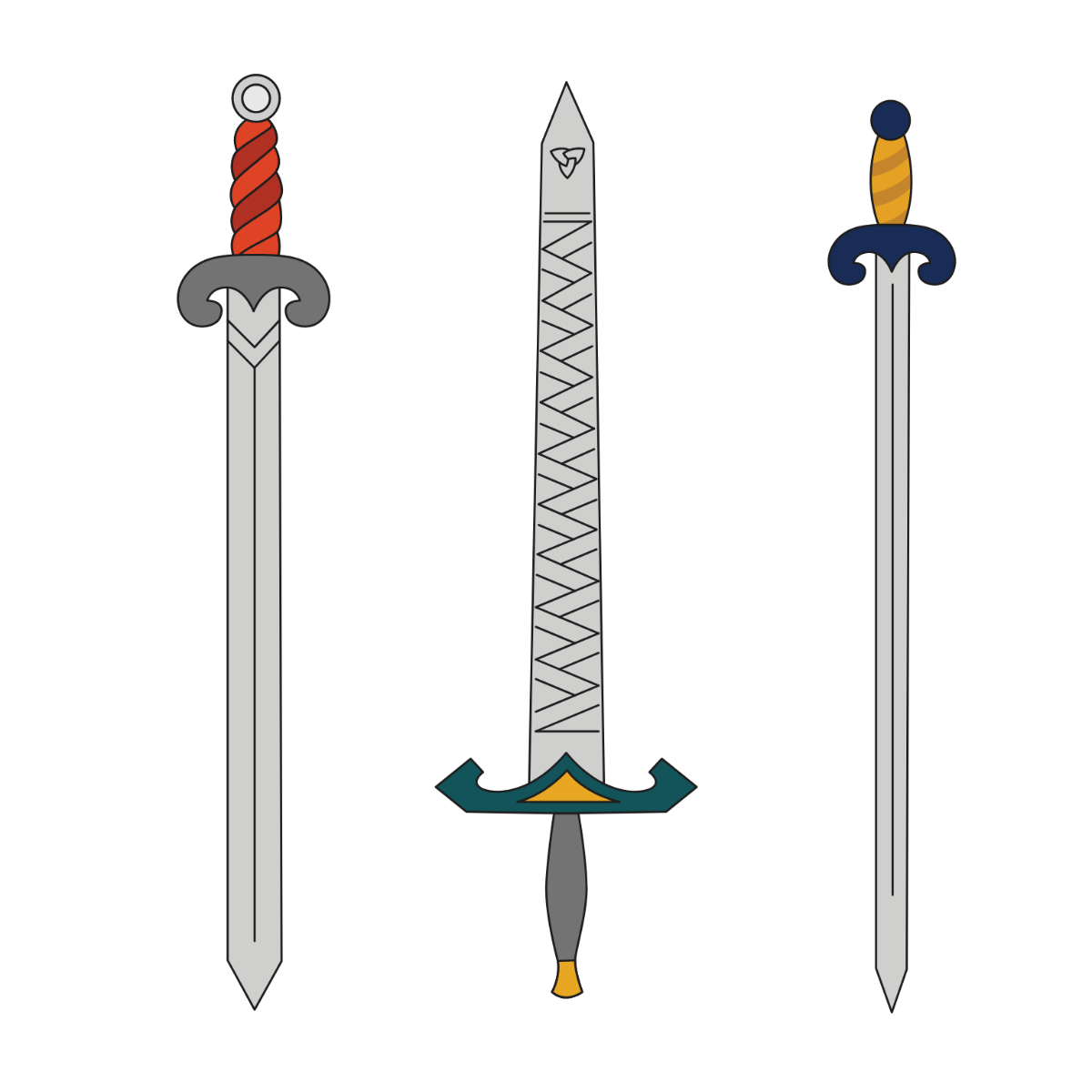
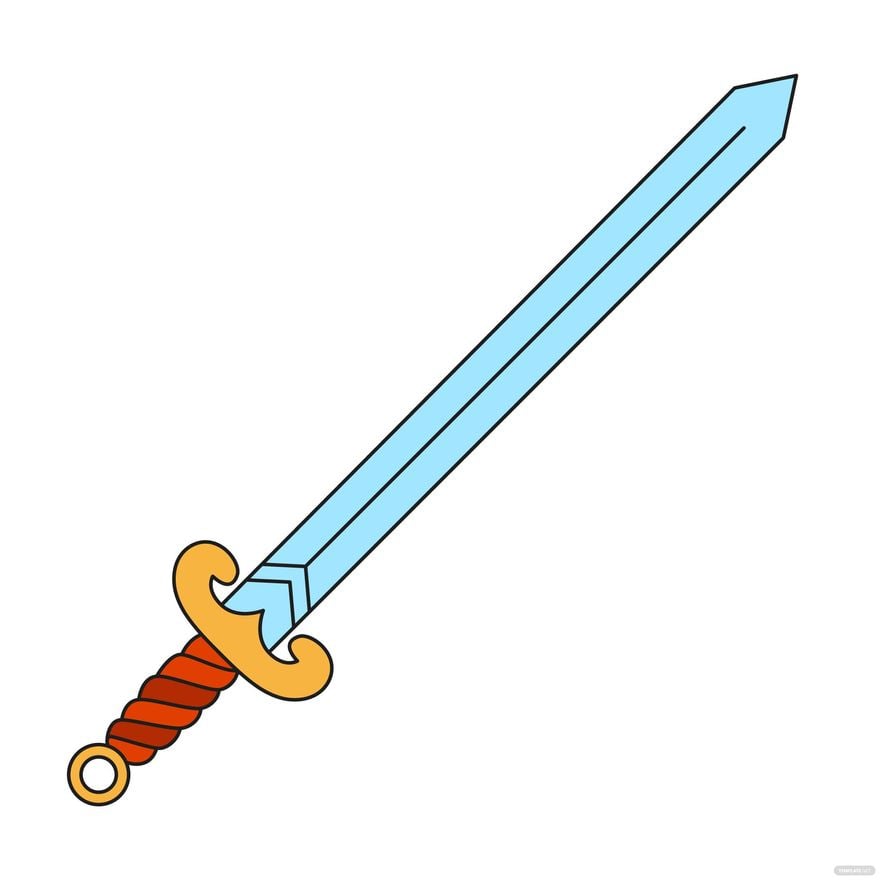
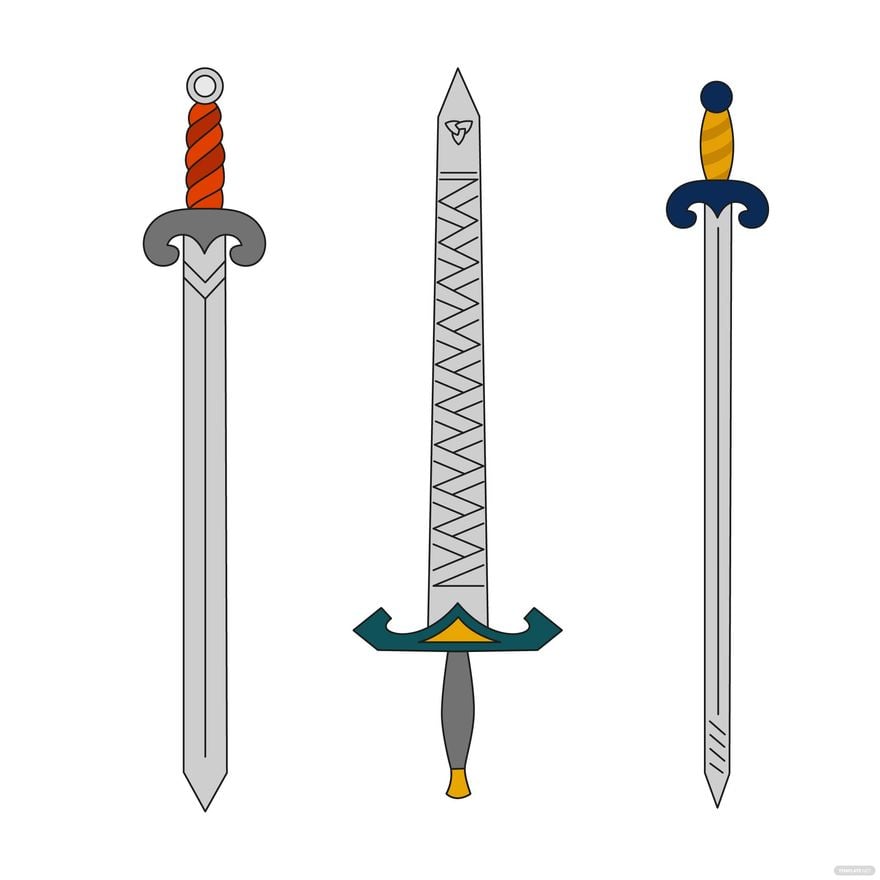
Sword cliparts should include distinct sword shapes, blade details, handle decorations, and often background or shadow layers. Template.net’s sword clipart templates feature editable design layers that allow users to customize each element for a unique and professional look.
Can I create a new Sword Clipart using AI?
Template.net provides an AI-powered tool that generates new sword clipart designs from prompts, enabling users to create unique graphics quickly. Use the Clipart Generator to explore creative sword clipart options with easy online editing.
