Free Symbol Clipart


































Symbol Clipart: Definition, Uses, and Design Tips
What is a Symbol Clipart?
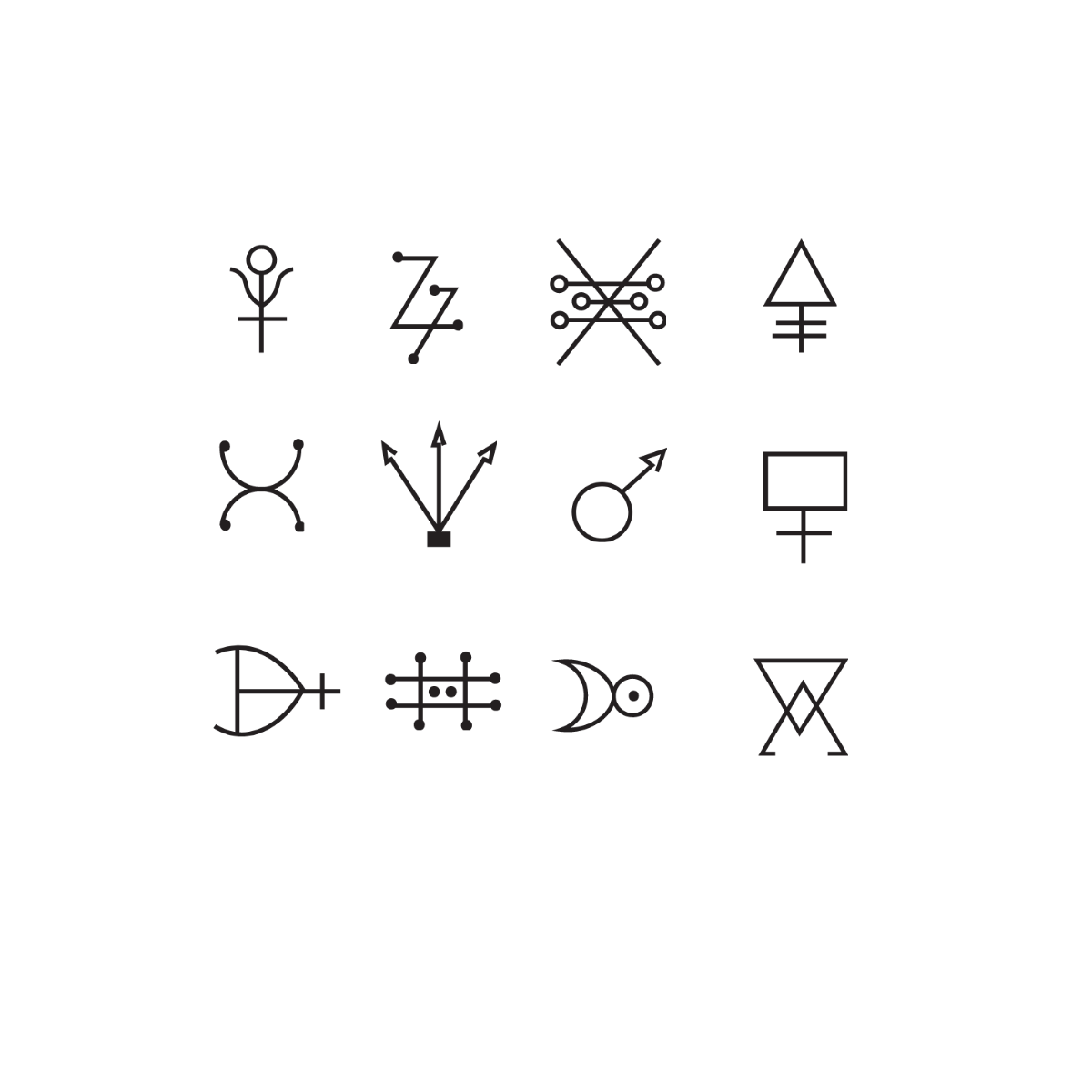
Symbol Clipart is a collection of ready-made graphical icons or images that represent concepts, signs, or ideas visually. These cliparts serve as editable design layers in graphic projects, allowing users to incorporate meaningful images quickly. Template.net provides professional layouts that users can customize online for fast results.
Why use a Symbol Clipart?
Using Symbol Clipart enhances visual communication by adding clear and recognizable graphics to designs, making messages more effective. These cliparts save time with ready-made templates and enable fast customization through in-browser editing on Template.net for professional-quality outcomes.
Who typically uses Symbol Cliparts?
Symbol Cliparts are commonly used by graphic designers, marketers, educators, and content creators who need customizable template elements to convey ideas visually. Template.net supports these users with layered design customization accessible online for quick and professional design creation.
What size should a Symbol Clipart be?
Symbol Cliparts vary in size based on project needs but are typically designed in scalable vector formats for flexibility. Common sizes include 4 × 4 inches or adaptable dimensions for different layouts. Template.net templates provide editable text areas and scalable design layers to fit diverse size requirements.
What are the best tips for designing a Symbol Clipart?
Effective Symbol Clipart design includes using clear shapes, consistent style, and simple graphics that convey meaning at small sizes. Incorporate layered design customization and maintain visual balance. Template.net offers professional layouts and editable design layers to help create polished cliparts efficiently.
How do you print a Symbol Clipart?
Symbol Cliparts should be printed using high-resolution files to maintain clarity and sharpness. Use Template.net’s downloadable templates in print-ready formats with professional layout settings. Ensure proper color profiles and scaling via the editable design layers before printing for best results.
What elements should a Symbol Clipart include?
Symbol Cliparts should include clear graphic shapes, defined design layers, and optionally editable text areas for context. These template elements enable easy customization and ensure the clipart communicates the intended message effectively. Template.net supports these features online for quick editing.
What file formats can I download for a Symbol Clipart?
Template.net supports multiple export formats for Symbol Clipart, including Free AI Clipart Generator. Users can download cliparts in commonly used formats suitable for editing and printing such as SVG, PNG, EPS, and PDF to ensure professional layouts and compatibility.
Can I create a new Symbol Clipart using AI?
Template.net provides an AI-powered tool that generates new Symbol Clipart designs from prompts, enabling users to create unique graphics effortlessly. Access the tool at Clipart Generator to start designing instantly with AI assistance.
