
Free Frame Clipart














Frame Clipart: Definition, Usage, and Customization Tips
What is a Frame Clipart?
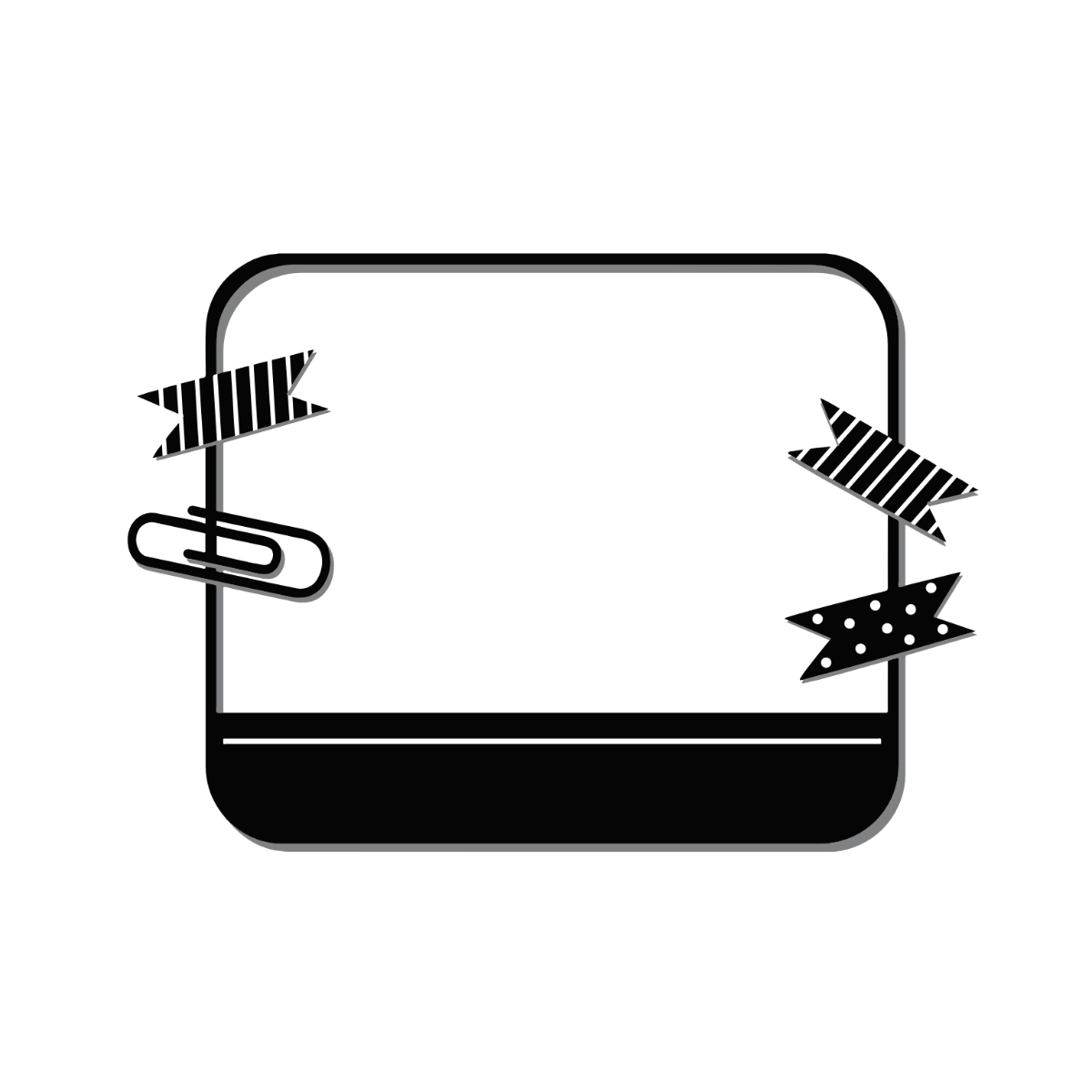
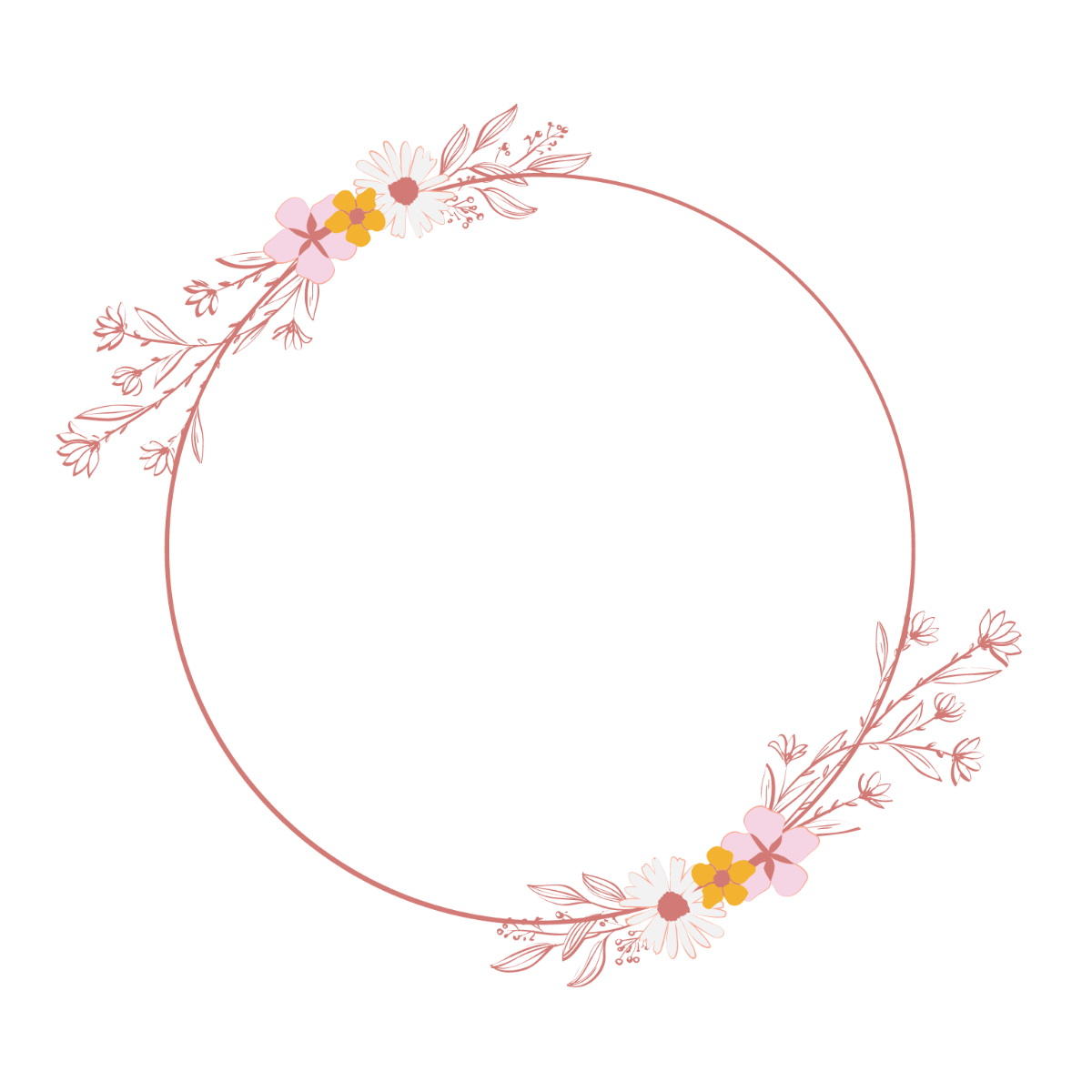
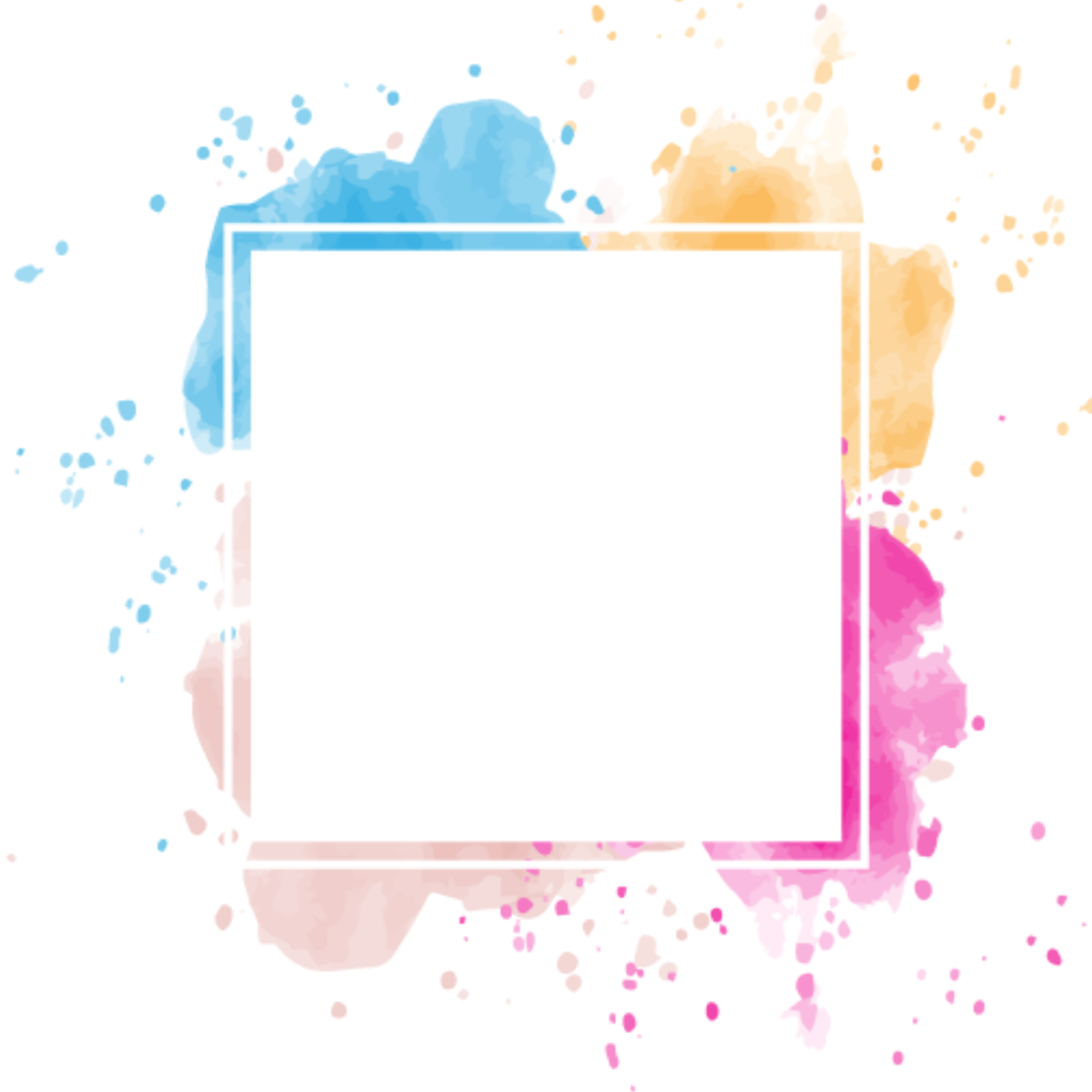
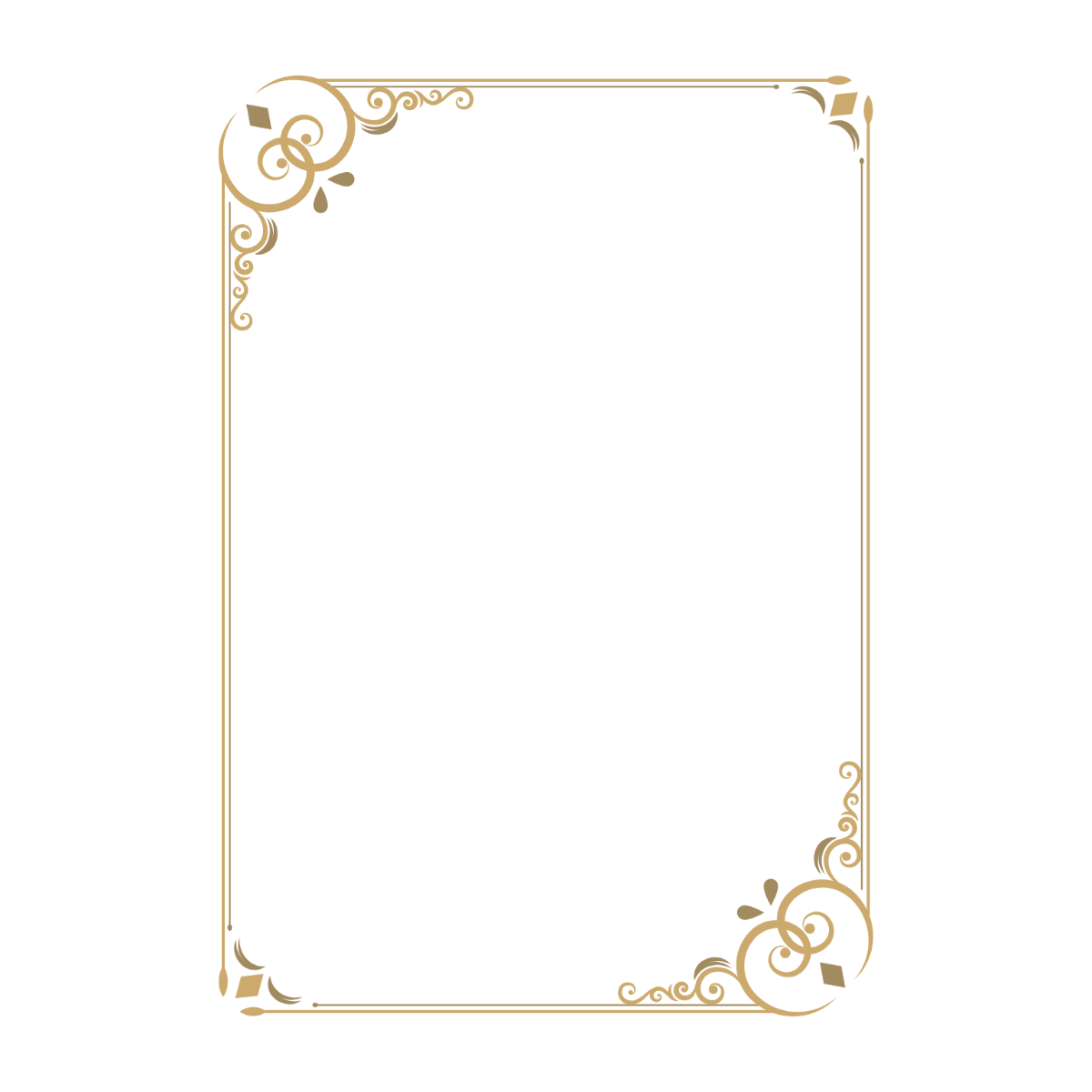
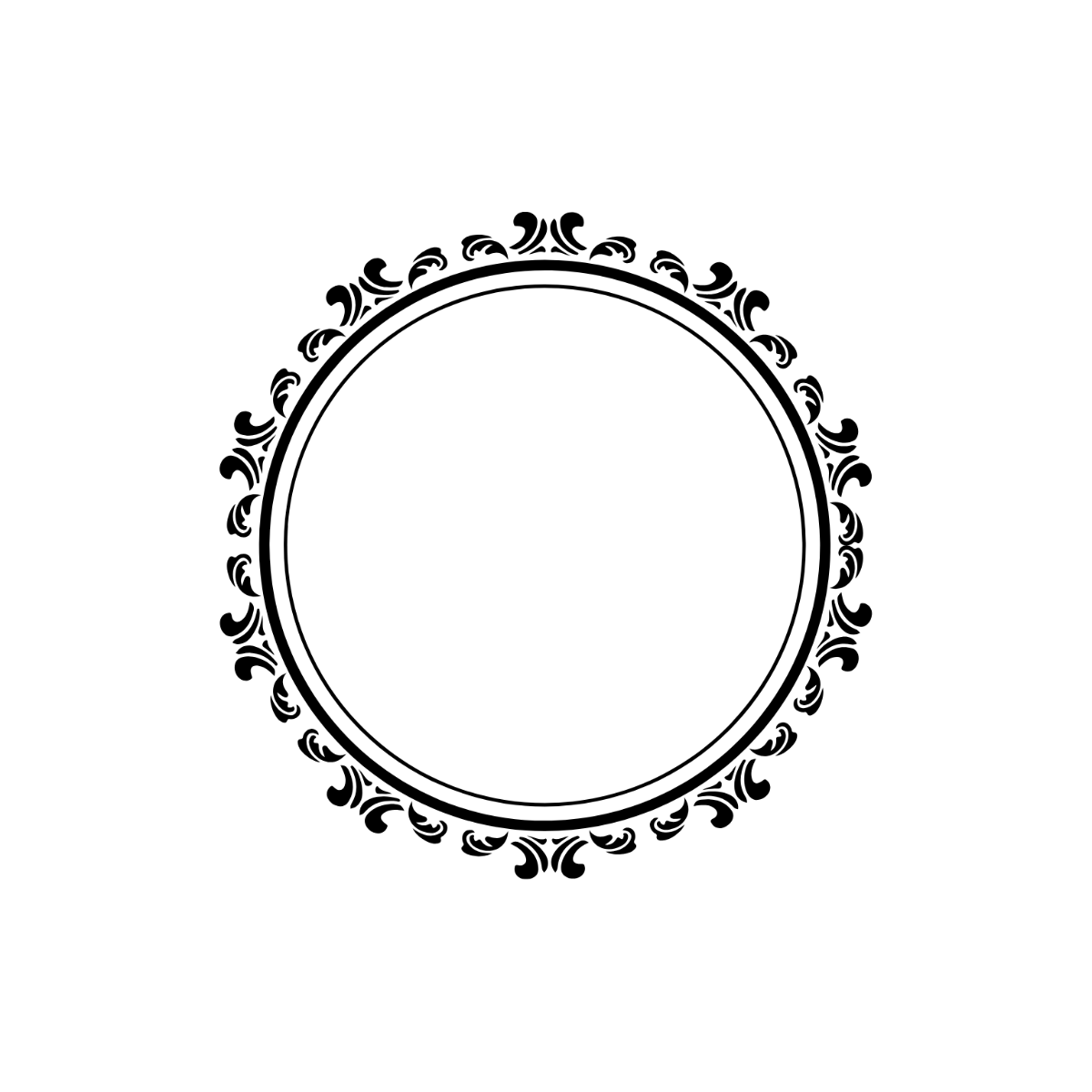
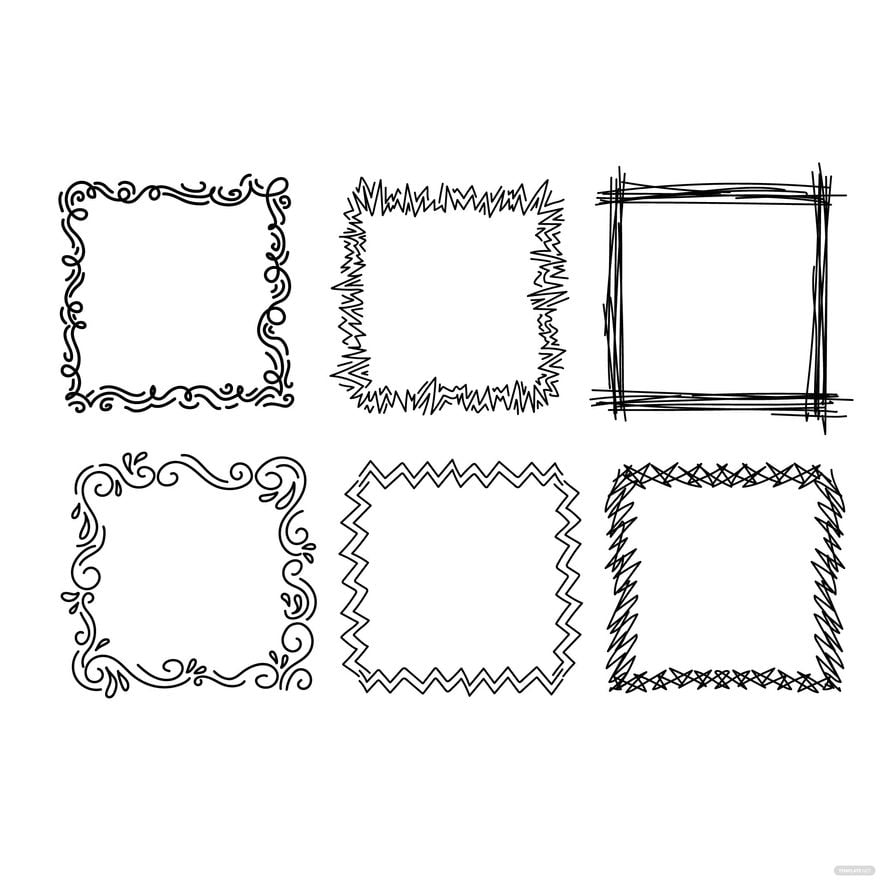
Frame clipart is a collection of decorative digital borders or graphic elements used to highlight images, text, or designs. These ready-made templates provide customizable frames that enhance visual appeal in various projects.
Why use a Frame Clipart?
Using frame clipart adds visual emphasis and professional polish to designs by enclosing content within attractive borders. Frame cliparts allow fast customization and improve the overall layout balance in creative projects.
Who typically uses Frame Cliparts?
Frame cliparts are commonly used by graphic designers, marketers, and content creators who need quick access to customizable decorative borders for social media posts, invitations, presentations, and websites.
What size should a Frame Clipart be?
Frame clipart sizes vary depending on project needs but typically fit common dimensions like 4 × 6 inches, 5 × 7 inches, or 8.5 × 11 inches. Templates from Template.net offer scalable layered designs that adjust to different sizes easily.
What are the best tips for designing a Frame Clipart?
Effective frame clipart designs focus on balanced spacing, clean lines, and layered customization. Use contrasting colors and editable text areas to enhance readability and visual impact in your layouts.
How do you print a Frame Clipart?
To print frame clipart, export the design from Template.net in a high-resolution format and select appropriate print settings for quality output. Ensure the layout blocks and graphics are preserved for sharp, professional prints.
What elements should a Frame Clipart include?
Frame cliparts should include decorative borders, design layers for customization, and optionally editable text areas. These elements ensure flexibility and allow users to tailor the frame to their project’s style and content.
What file formats can I download for a Frame Clipart?
Template.net supports multiple export formats for frame clipart templates, including Frame Clipart. These formats enable both easy editing and high-quality printing.
Can I create a new Frame Clipart using AI?
Template.net provides an AI-powered tool that generates new frame clipart designs from text prompts, allowing fast creation of unique frames. Explore the Clipart Generator for this feature.
