Free Computer Clipart Templates


Computer Clipart: Definition, Usage, and Design Insights
What is a Computer Clipart?
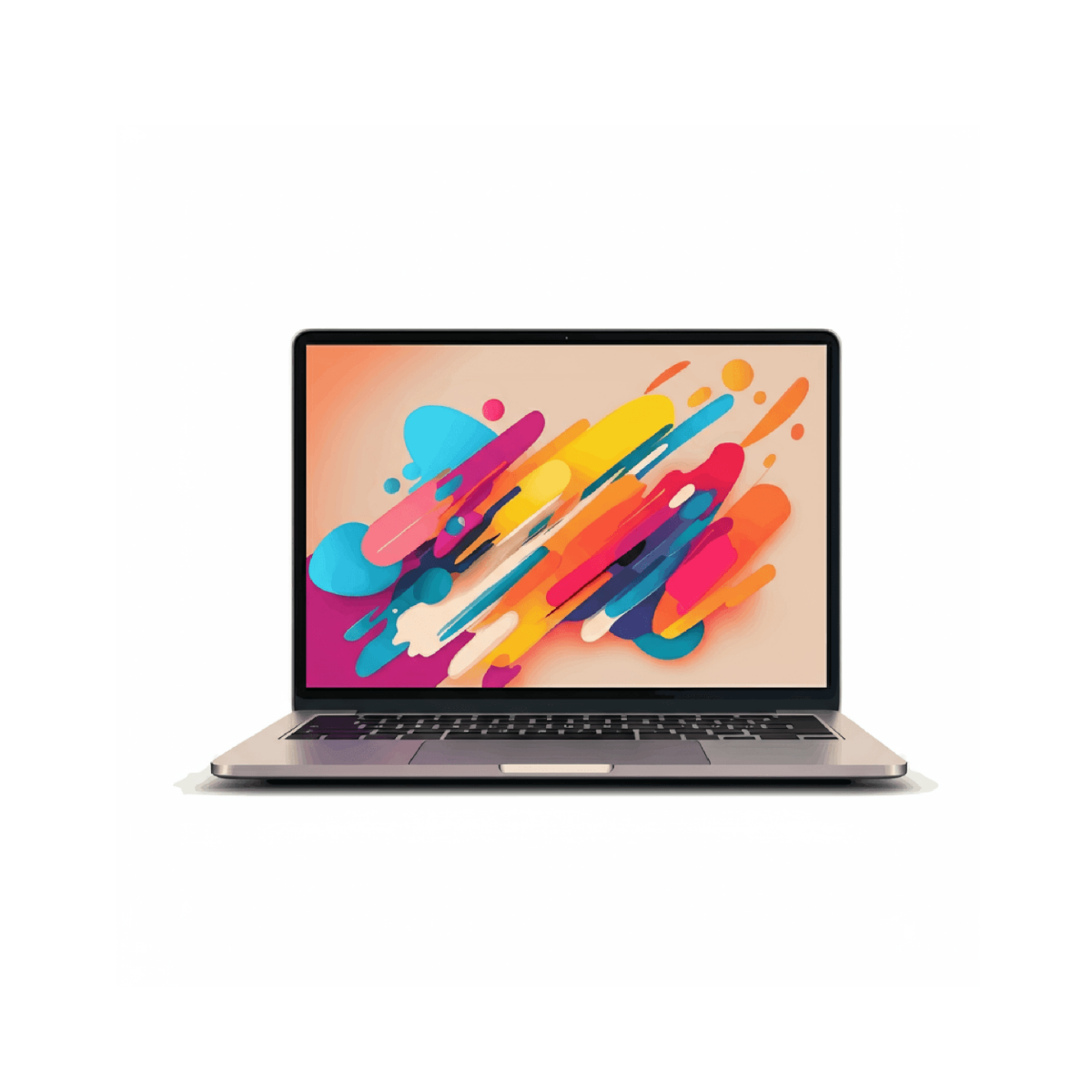
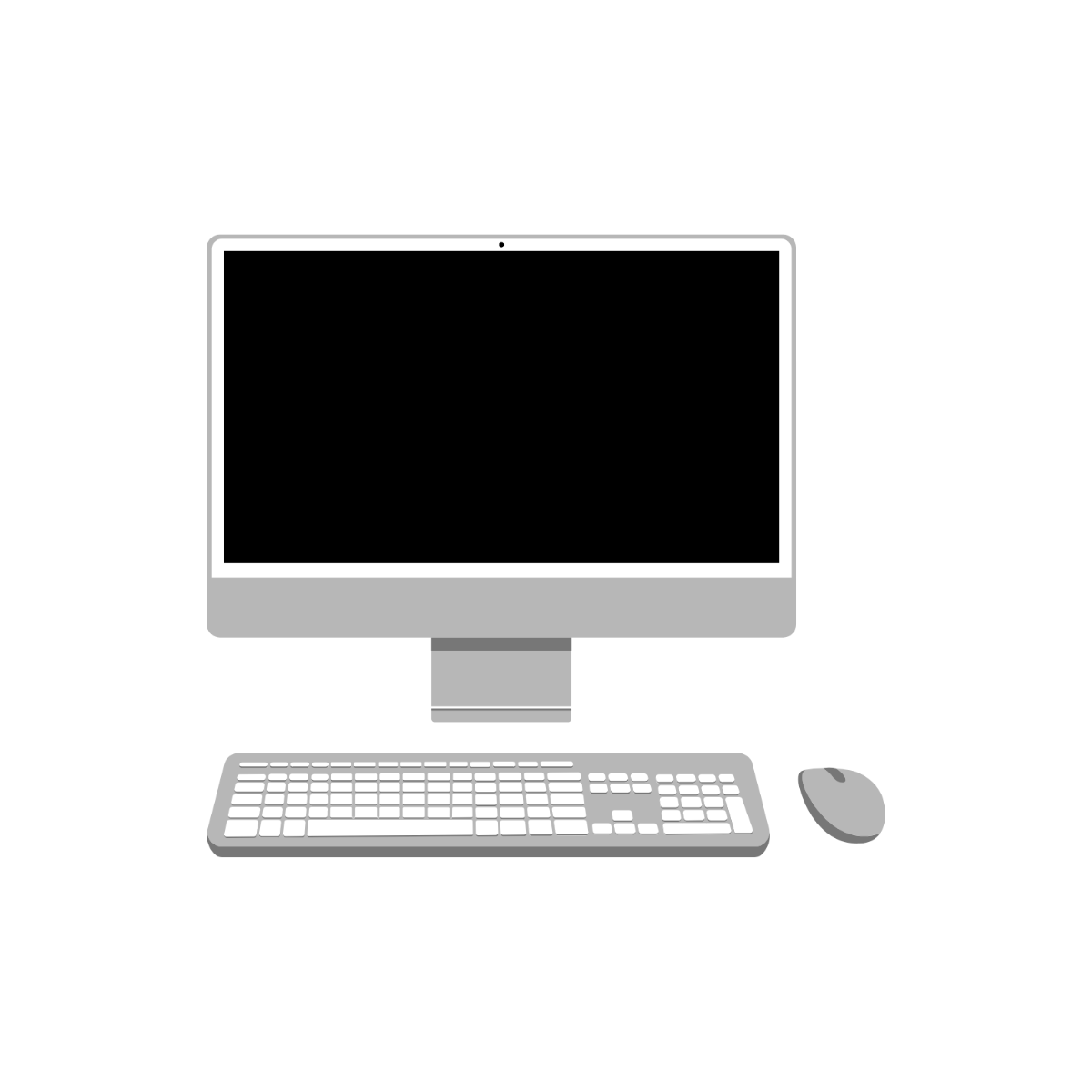
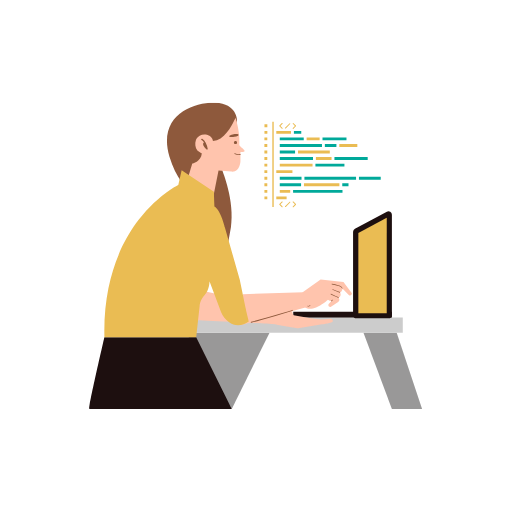
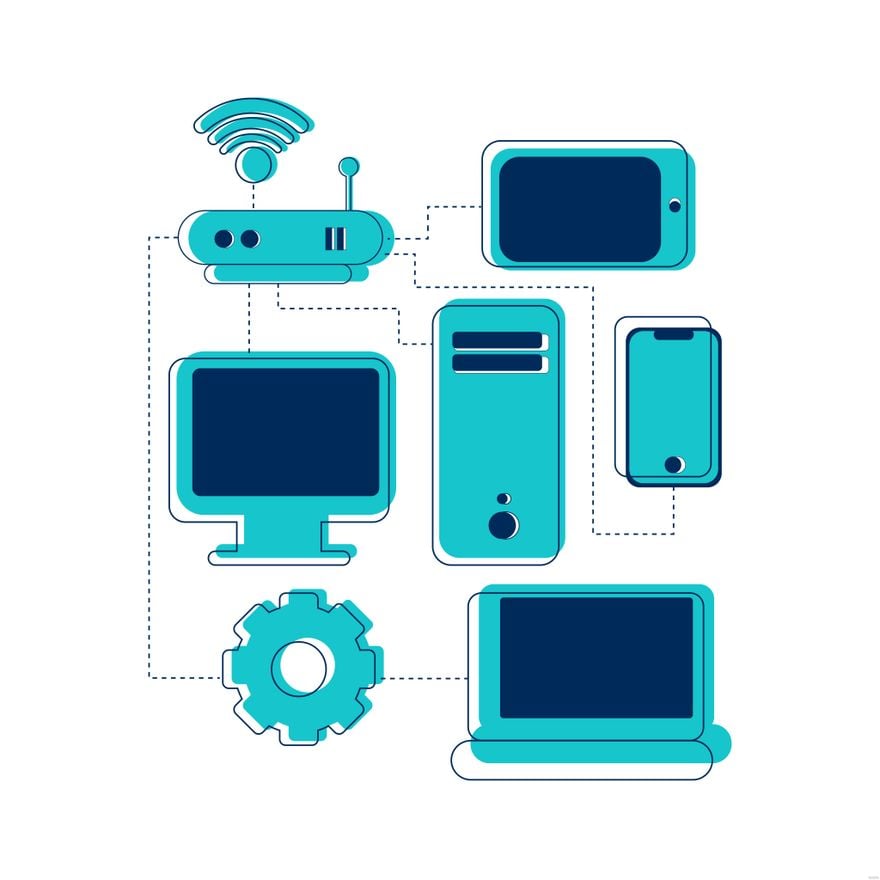
A computer clipart is a ready-made digital graphic or illustration used to visually enhance documents and designs. These cliparts come as editable templates with layered design elements that users can customize online for professional results.
Why use a Computer Clipart?
Using computer cliparts speeds up design projects by providing professional layouts and editable graphics that you can customize online. These cliparts make designs more engaging without requiring advanced graphic skills.
Who typically uses Computer Cliparts?
Computer cliparts are commonly used by educators, marketers, designers, and business professionals who need ready-made visuals to enhance presentations and documents with minimal effort using online editing tools.
What size should a Computer Clipart be?
The size of computer cliparts varies but commonly fits within digital designs sized 8.5 × 11 inches or smaller. Templates include scalable design layers that ensure clarity and quality at various dimensions.
What are the best tips for designing a Computer Clipart?
Effective computer clipart design includes using clean lines, balanced colors, and clear graphics. Employ editable text areas and layered customization to keep designs flexible and visually appealing.
How do you print a Computer Clipart?
To print computer cliparts, ensure the template is downloaded in a high-resolution format and set to the correct size, such as 8.5 × 11 inches. Use print-ready layouts with color management for sharp, professional output.
What elements should a Computer Clipart include?
Computer cliparts should include layered graphics, editable components, and clear visual elements like icons or symbols to enhance customizability and ease of use in various projects.
Can I create a new Computer Clipart using AI?
Template.net provides an AI-powered tool that generates new computer clipart designs from prompts, enabling quick creation of unique graphics. Try the Clipart Generator to explore this feature.
