
Free Circle Clipart

















Circle Clipart: Definition, Usage, and Design Insights
What is a Circle Clipart?
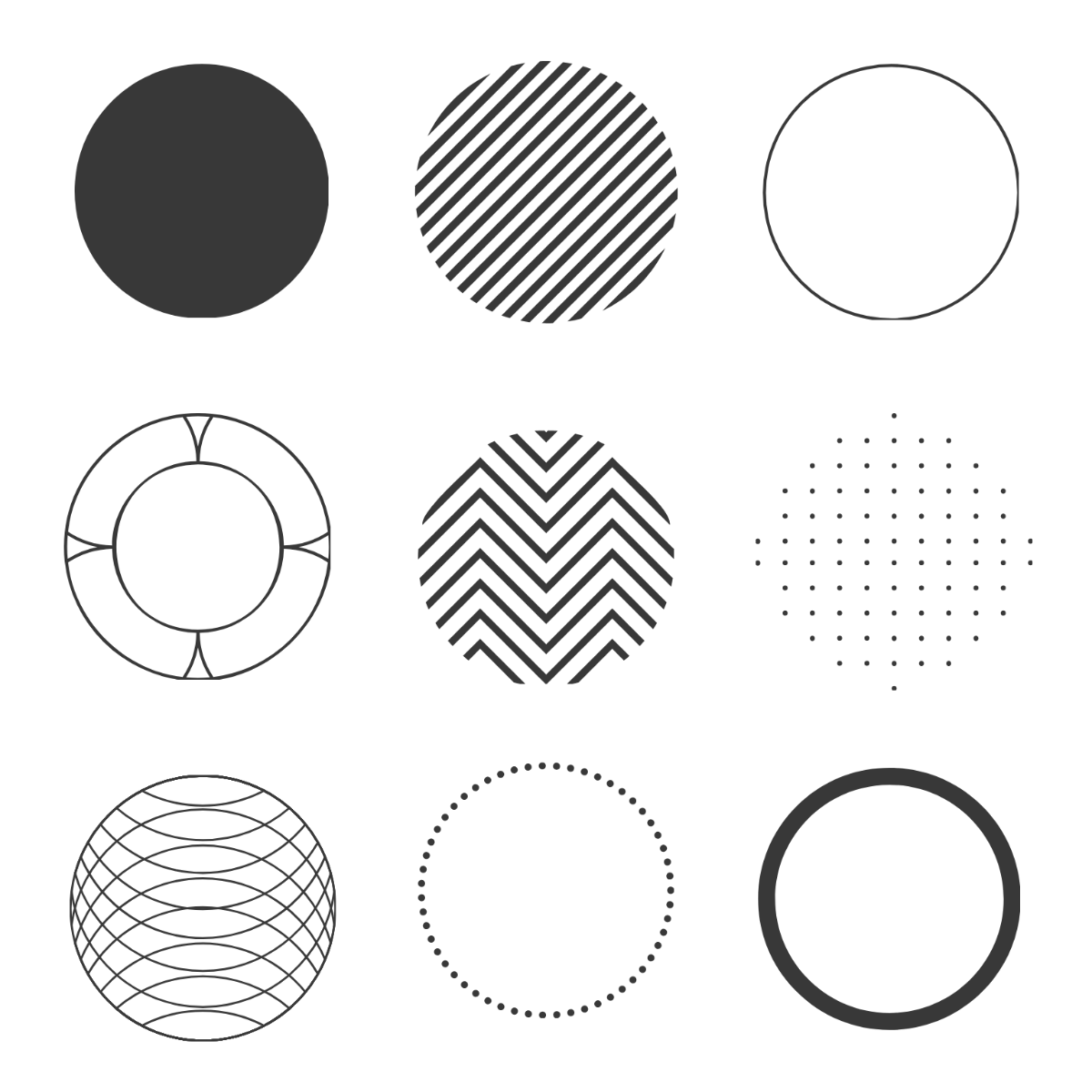
Circle clipart is a collection of graphic designs featuring circular shapes used to enhance visual projects. These cliparts serve as decorative elements in various layouts and can be customized for different styles. Template.net provides ready-made templates with editable layers for quick online editing.
Why use a Circle Clipart?
Circle cliparts add visual interest and balance to designs by incorporating smooth, rounded shapes. Using circle cliparts enhances layout flow and highlights key information sections. Template.net offers professionally designed templates with customizable text areas to speed up creative workflows.
Who typically uses Circle Cliparts?
Circle cliparts are commonly used by graphic designers, marketers, educators, and content creators for projects like presentations and social media posts. Template.net’s templates suit various users by providing layered customization and easy online editing for professional results.
What size should a Circle Clipart be?
Circle clipart sizes vary depending on the project but typically range from small icons to large background elements. Common sizes include 2 × 2 inches for icons and up to 8.5 × 11 inches for full-page graphics. Template.net templates support scalable designs editable online to fit any size requirement.
What are the best tips for designing a Circle Clipart?
Effective circle clipart design involves using balanced shapes, consistent color schemes, and layered elements for depth. Incorporate editable text areas and maintain simplicity to enhance versatility. Template.net templates provide these features for fast, professional online customization.
How do you print a Circle Clipart?
To print circle clipart, use high-resolution templates with print-ready formats and CMYK color profiles. Ensure the clipart fits standard sizes like 8.5 × 11 inches for clear output. Template.net offers downloadable templates optimized for printing and online editing to adjust designs before print.
What elements should a Circle Clipart include?
Circle clipart should include layers for easy editing, bold outlines, and optional text boxes for customization. Incorporating color fills and shadows adds depth. Template.net’s templates provide these layered design features for smooth online adjustments.
Can I create a new Circle Clipart using AI?
Template.net provides an AI-powered tool that generates new circle clipart designs from text prompts, enabling quick creation of unique graphics. You can access this feature using the Clipart Generator for seamless online customization.
