
Free Cute Clipart







Cute Clipart: Definition, Uses, and Design Insights
What is a Cute Clipart?
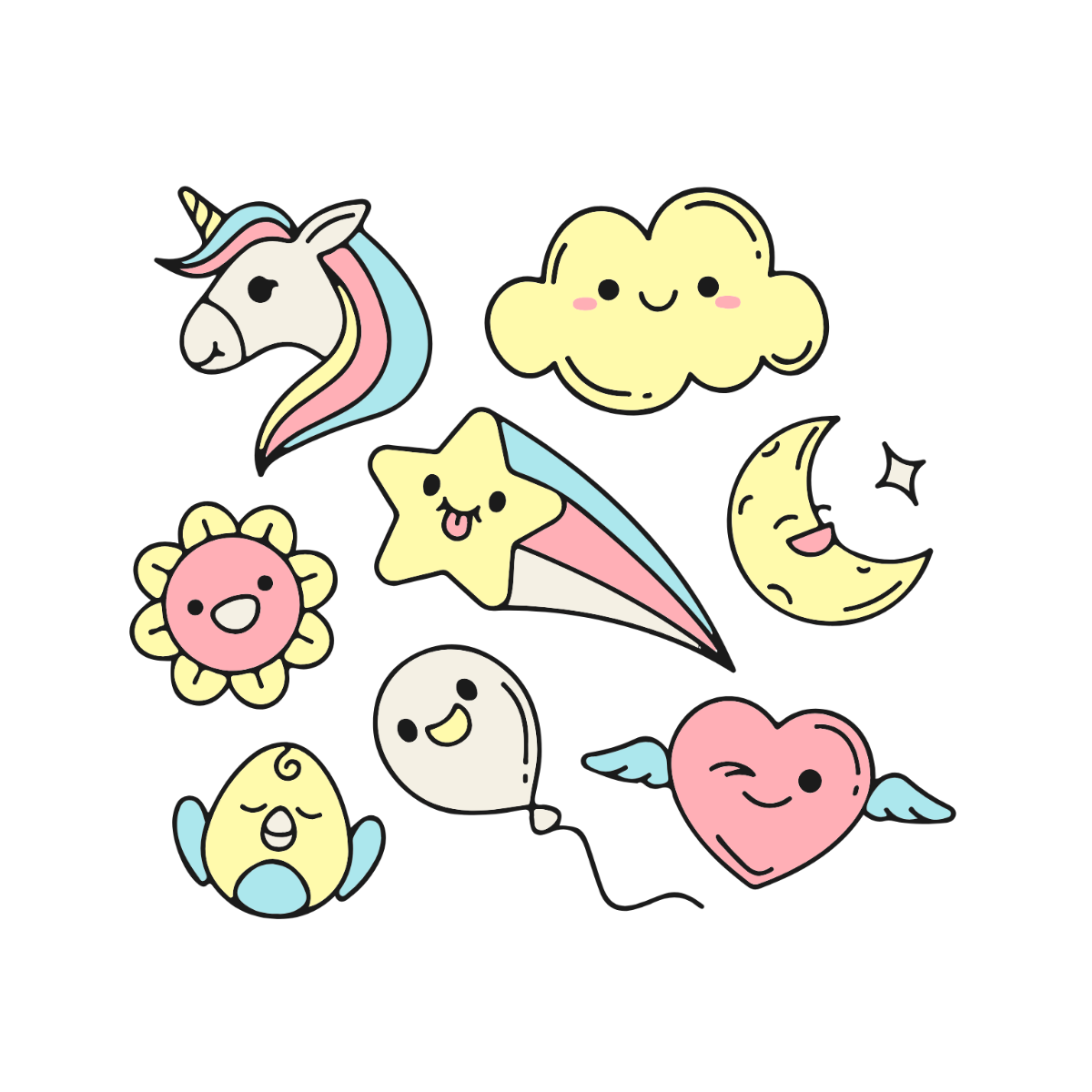
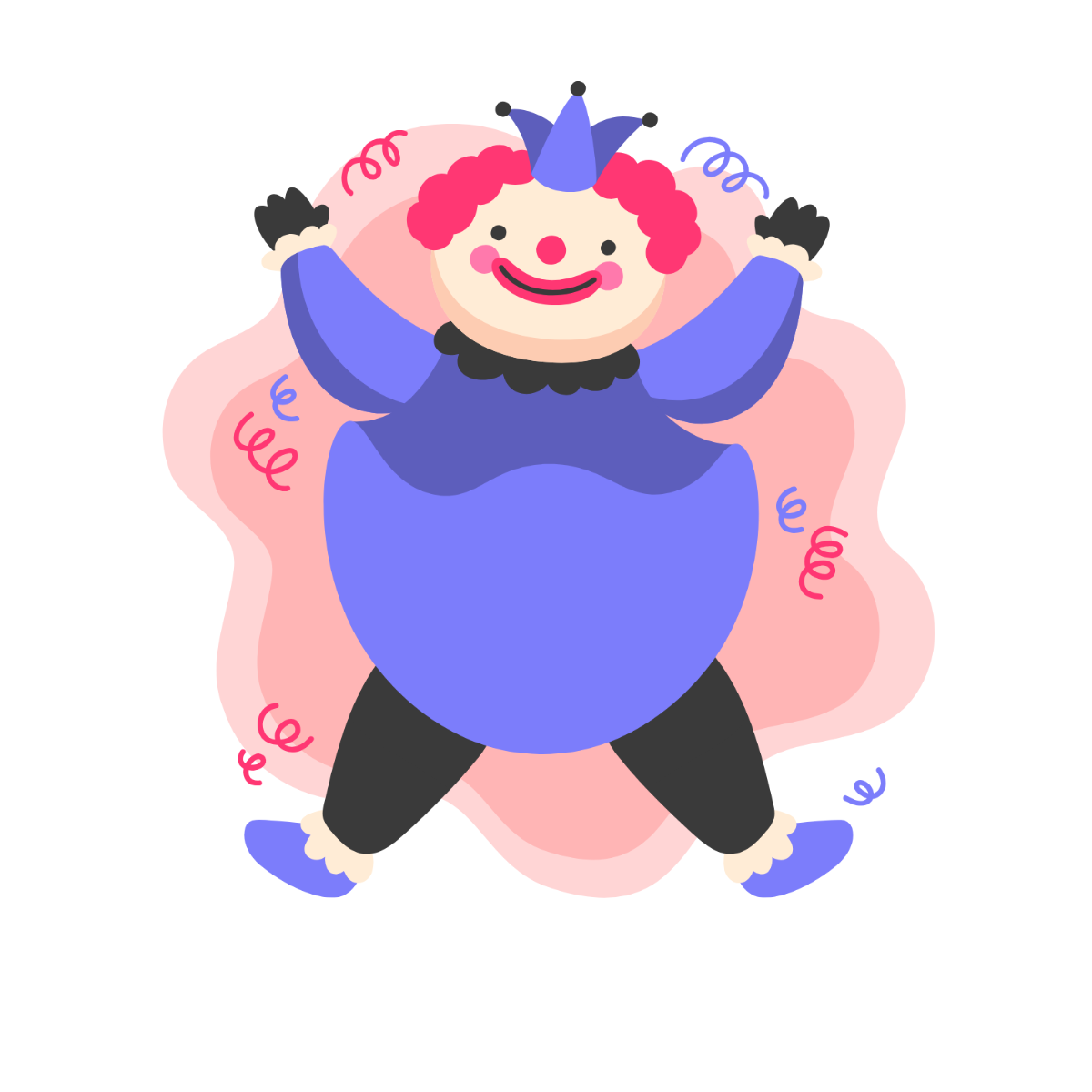
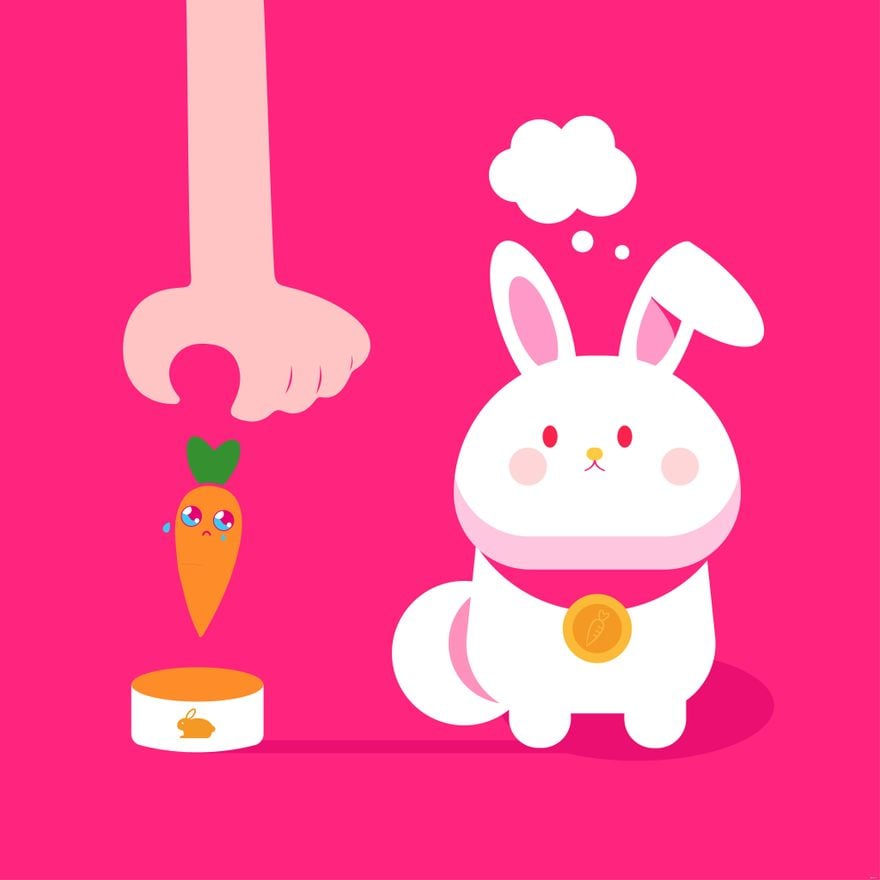
Cute clipart is a collection of adorable, whimsical graphics designed to enhance creative projects or presentations. These cliparts are available as ready-made templates with editable graphics and layered design elements for customization. Template.net provides online editing tools for quick, professional results.
Why use a Cute Clipart?
Cute cliparts add a playful and engaging visual appeal to designs, making content more attractive and relatable. Using these cliparts from Template.net ensures professional layouts, customizable graphics, and fast online editing to enhance any project effortlessly.
Who typically uses Cute Cliparts?
Cute cliparts are commonly used by educators, marketers, designers, and content creators seeking playful visuals for presentations, social media, and print materials. Template.net supports these users with editable templates that enable easy online customization and professional outcomes.
What size should a Cute Clipart be?
Cute cliparts typically come in scalable vector formats allowing flexible sizing, but common sizes include 4 × 6 inches to 8.5 × 11 inches depending on the project. Template.net offers layered templates that support resizing without quality loss for versatile use.
What are the best tips for designing a Cute Clipart?
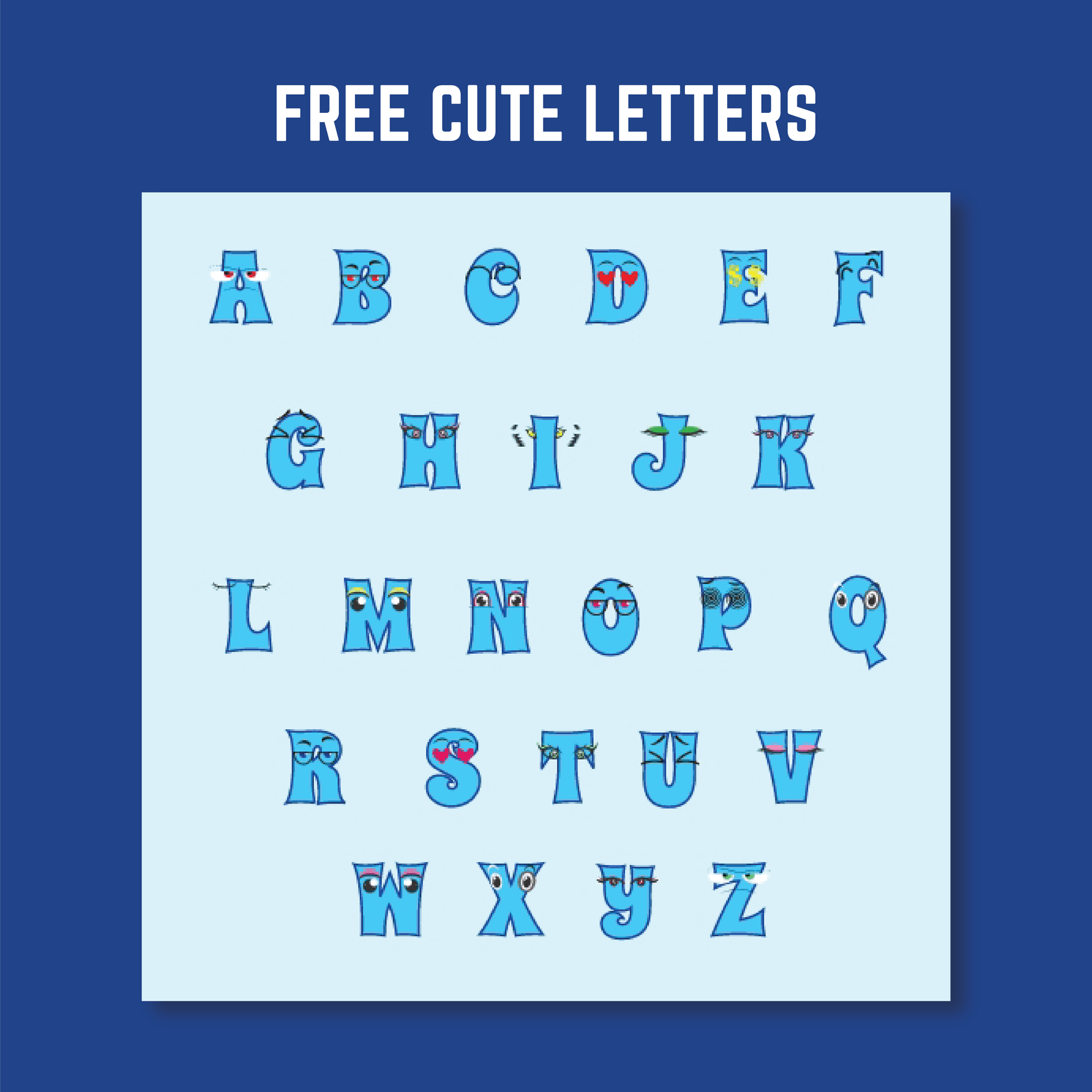
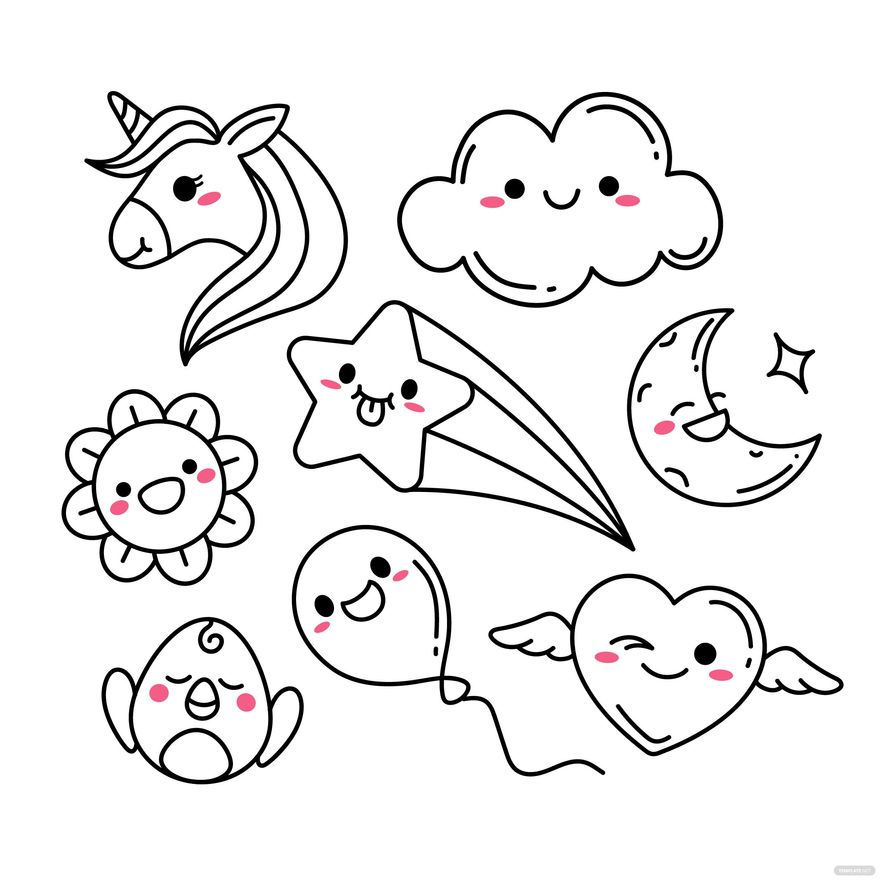
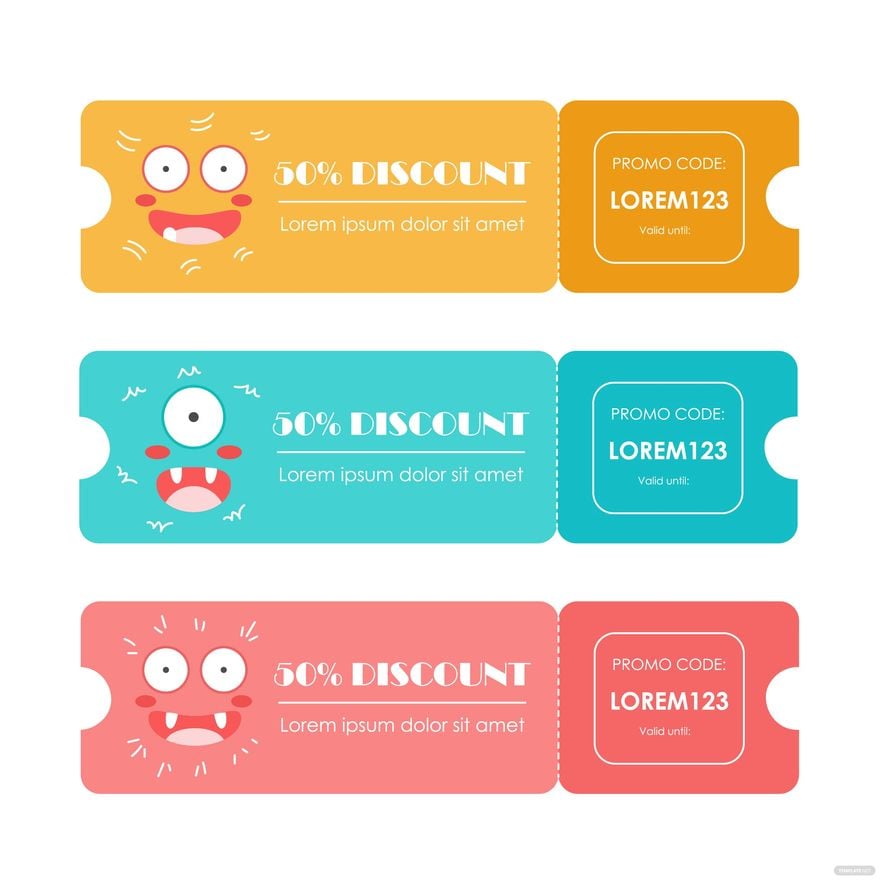
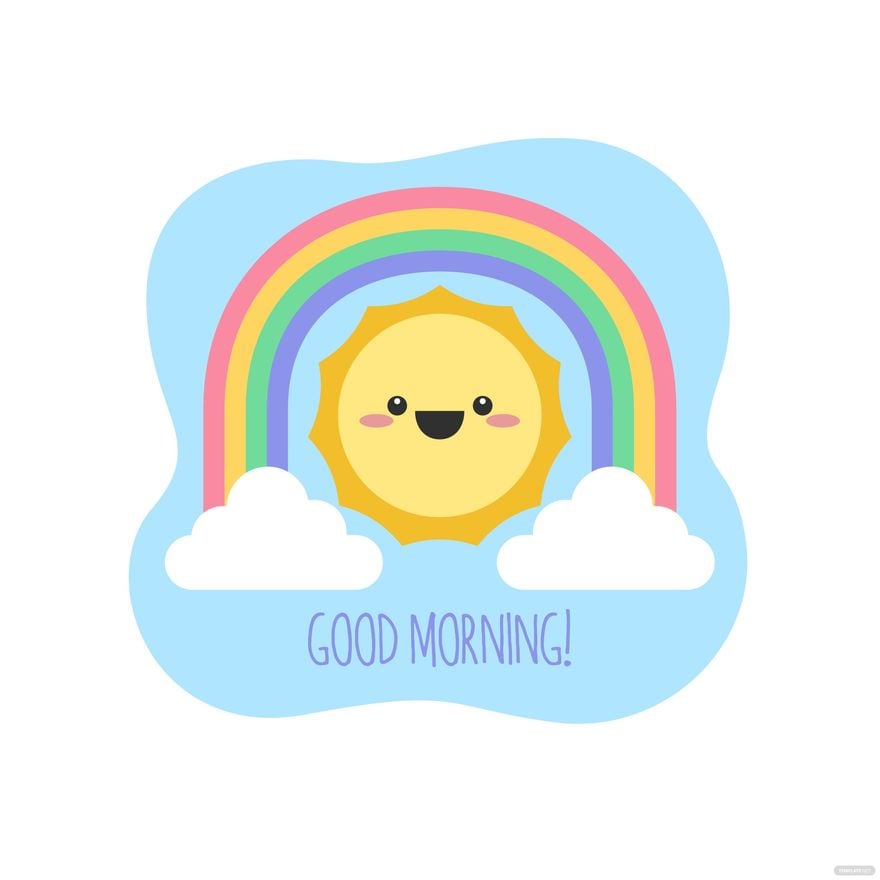
Designing cute cliparts involves using soft colors, simple shapes, and expressive faces with layered design elements. Incorporating editable text areas and balanced composition ensures versatile, appealing templates. Template.net provides customizable templates to guide design creativity.
How do you print a Cute Clipart?
Cute cliparts should be printed using high-resolution files on quality paper to retain clarity and color vibrancy. Template.net templates support print-ready formats with layered designs that maintain professional quality across various print sizes.
What elements should a Cute Clipart include?
Cute cliparts often include expressive characters, soft shapes, pastel colors, and layered graphics that allow easy customization. Key template elements such as editable backgrounds and text fields enhance flexibility. Template.net templates embrace these design layers for user editing.
Can I create a new Cute Clipart using AI?
Template.net provides an AI-powered tool that generates new cute clipart designs based on user prompts. You can access this feature with the Clipart Generator for fast, customizable results.
