
Free Friendship Day Clipart







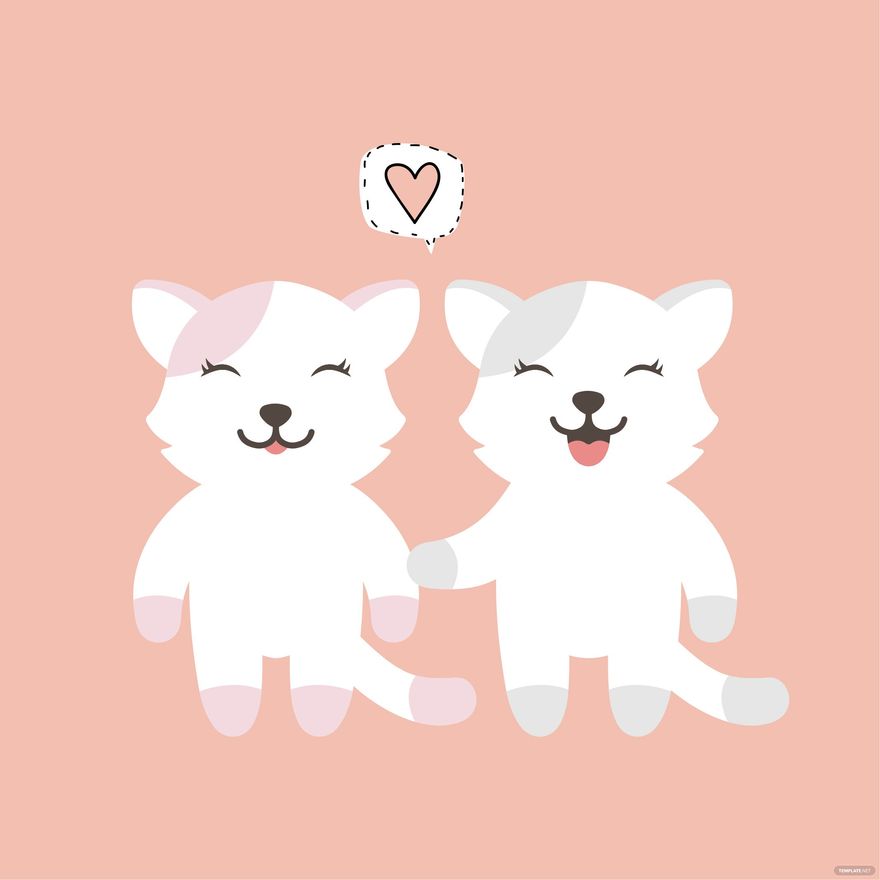


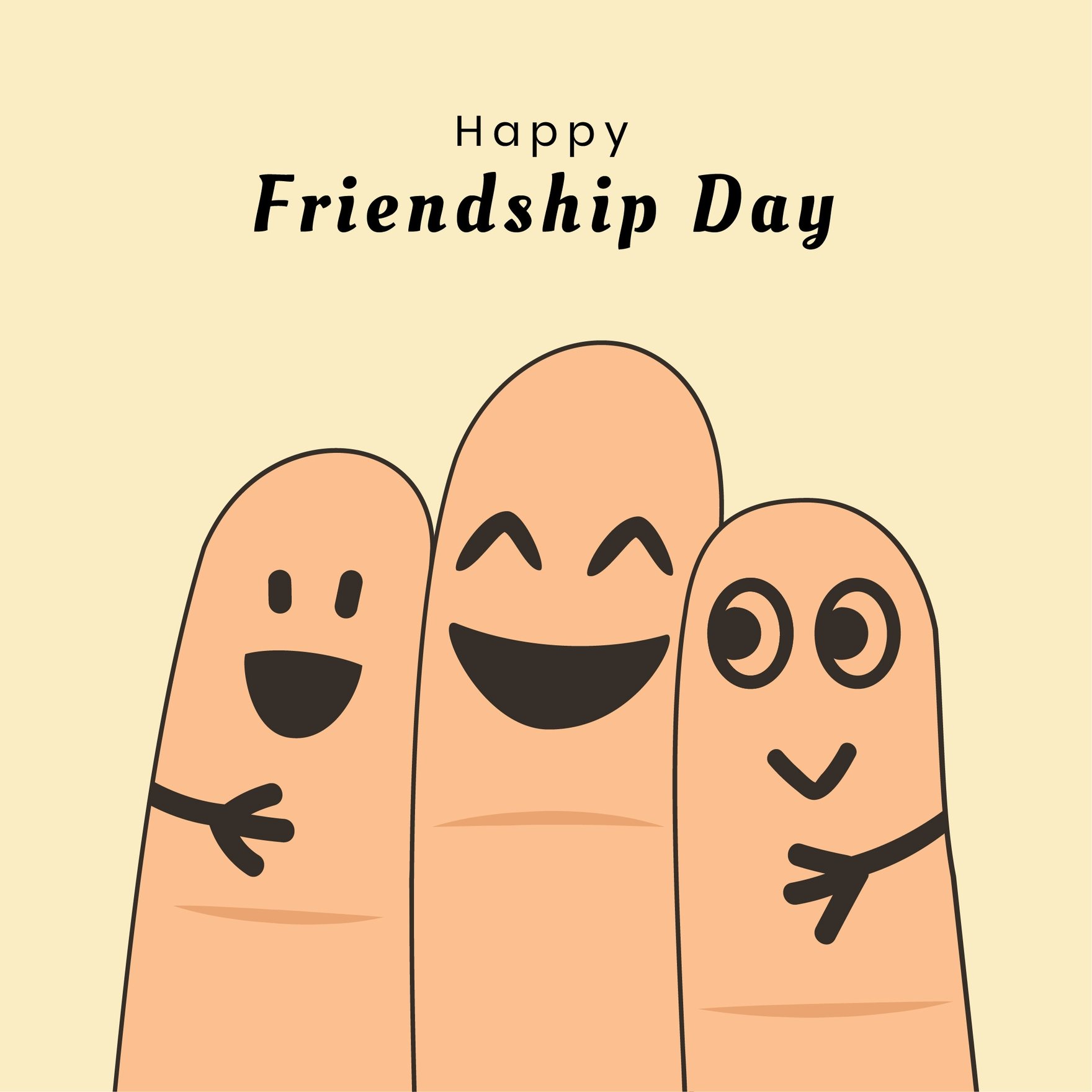

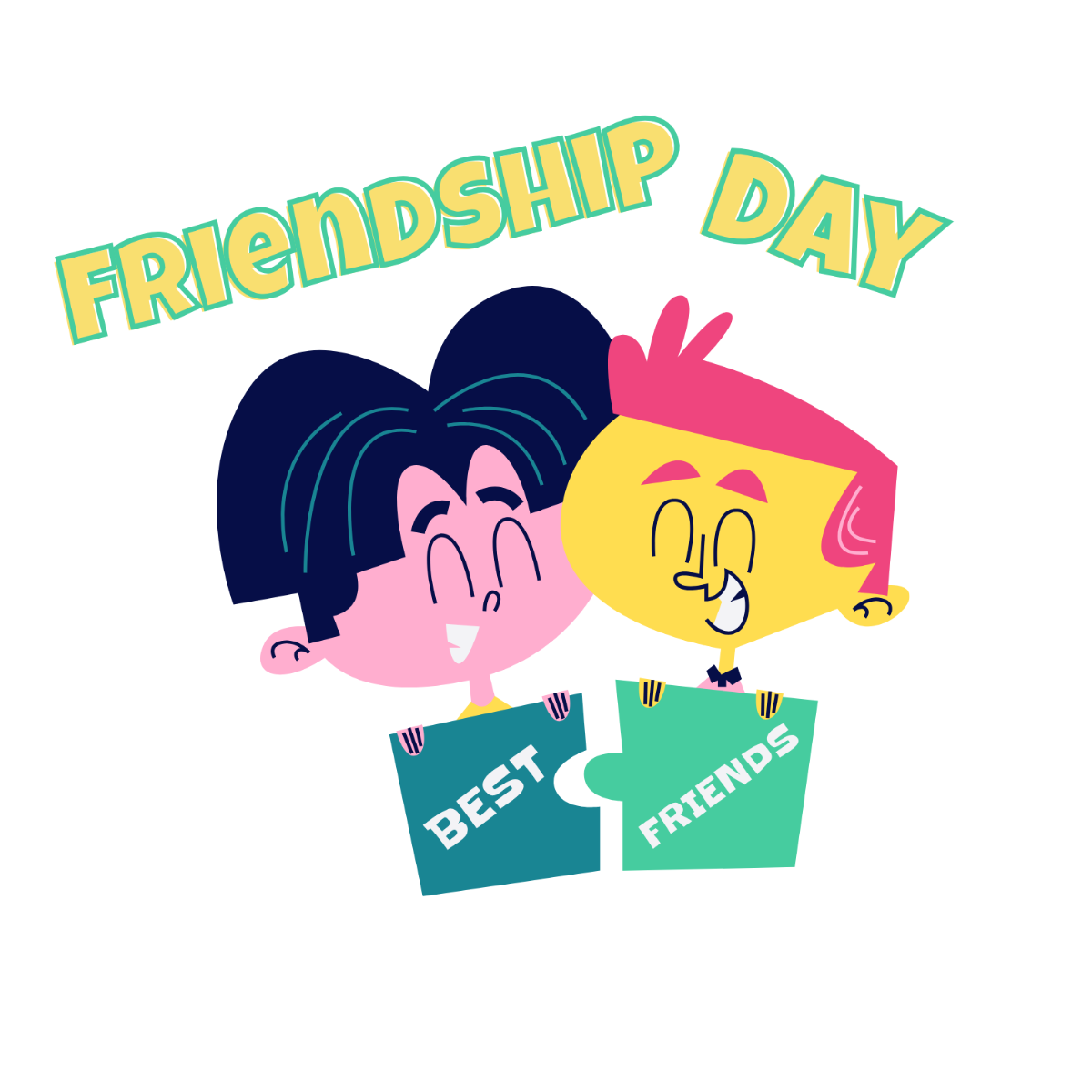
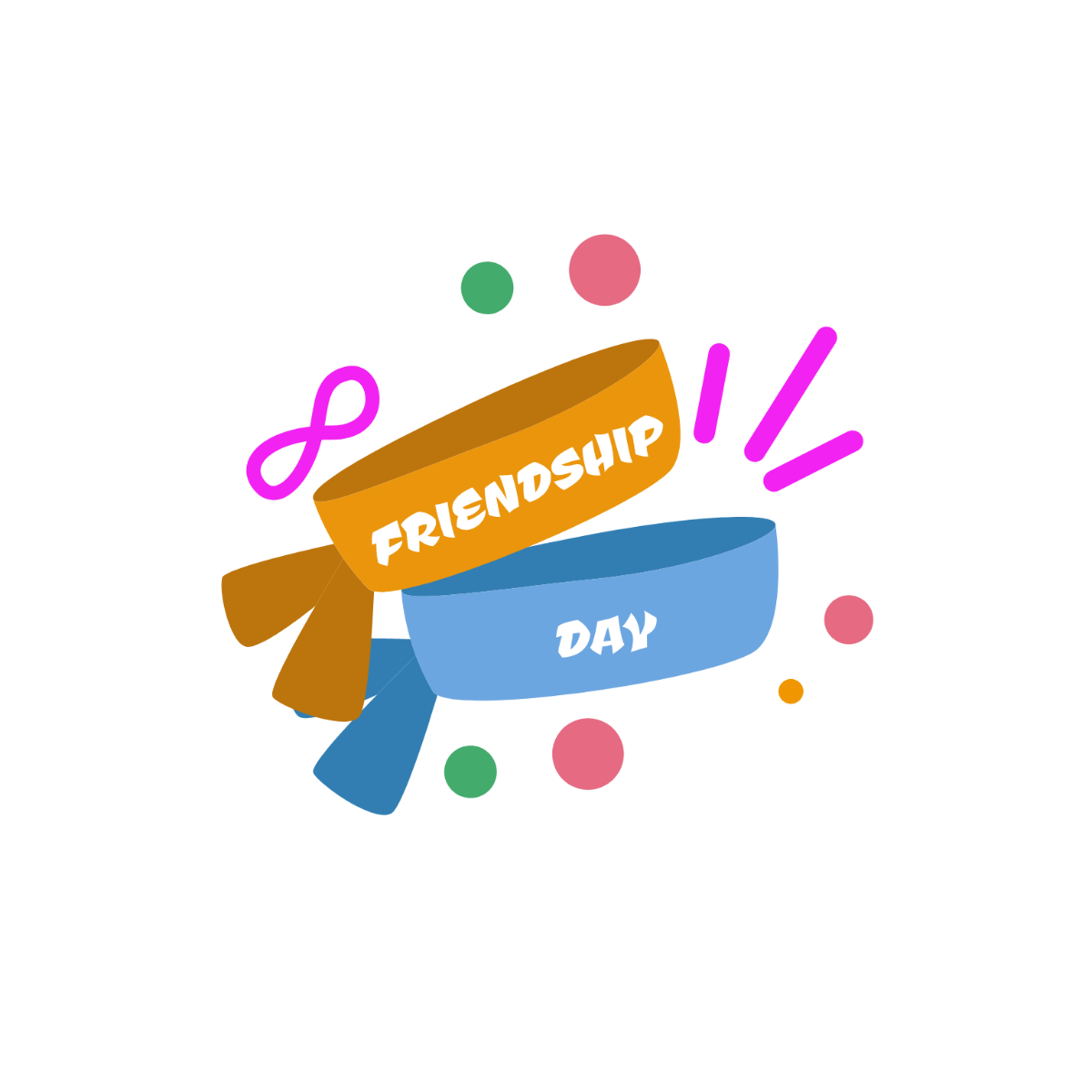
Friendship Day Clipart: Definition, Uses, and Design Tips
What is a Friendship Day Clipart?
A Friendship Day Clipart is a collection of editable graphics and design elements themed around celebrating friendship. These cliparts are available as ready-made templates on Template.net, allowing users to customize images and layout blocks directly online for various creative projects.
Why use a Friendship Day Clipart?
Using a Friendship Day Clipart provides professional and visually appealing designs quickly without starting from scratch. These cliparts offer layered customization and editable text areas, enabling fast creation of themed content that enhances messages of friendship across digital and print media.
Who typically uses Friendship Day Cliparts?
Friendship Day Cliparts are typically used by designers, marketers, educators, and social media managers who want to create engaging friendship-themed visuals. Template.net’s templates cater to users seeking easy online editing and customizable graphics for cards, posts, and event materials.
What size should a Friendship Day Clipart be?
Friendship Day Cliparts come in various sizes depending on the project, commonly ranging from 4 × 6 inches to 8.5 × 11 inches. Template.net provides resizable templates that can be edited online to fit specific print and digital dimensions with professional quality.
What are the best tips for designing a Friendship Day Clipart?
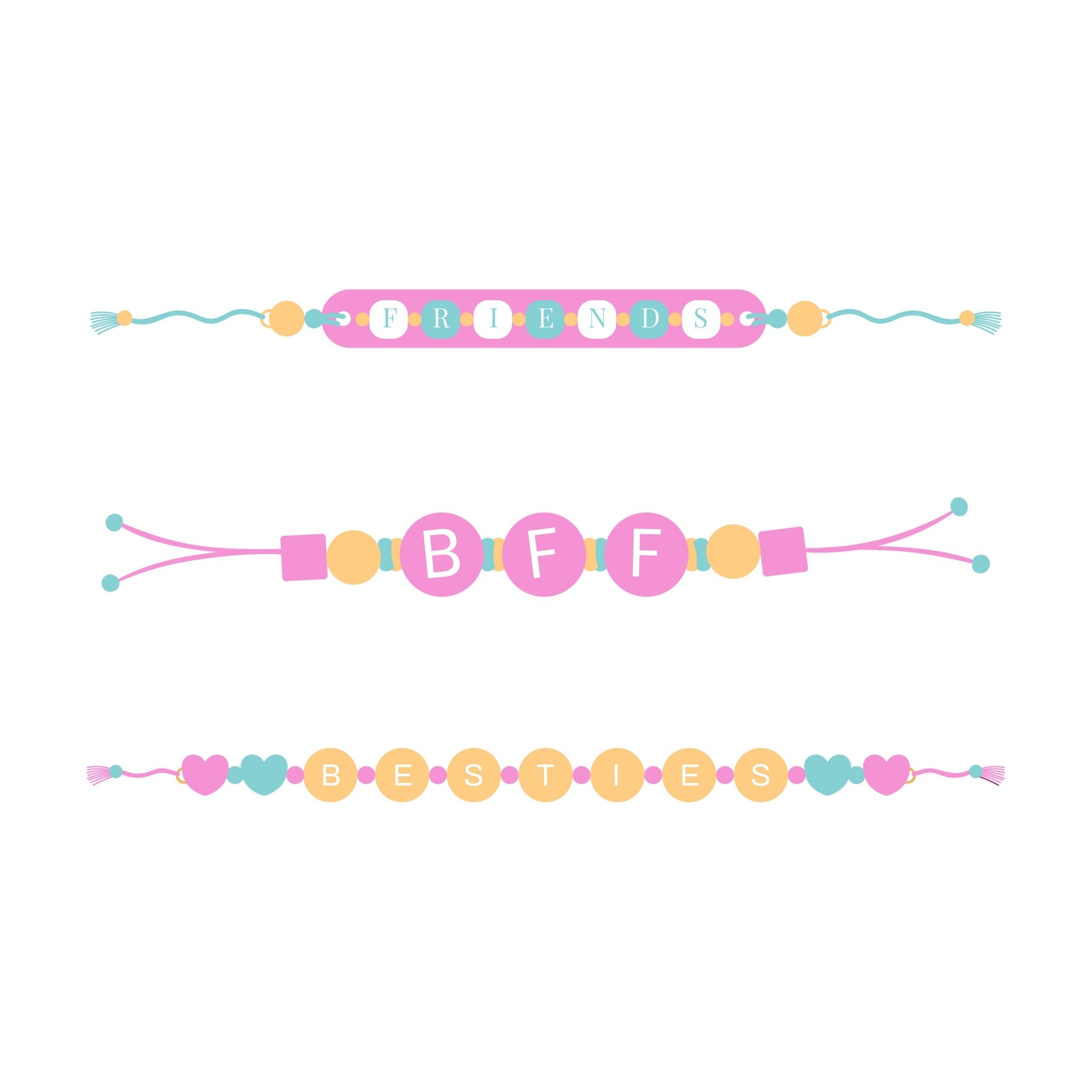
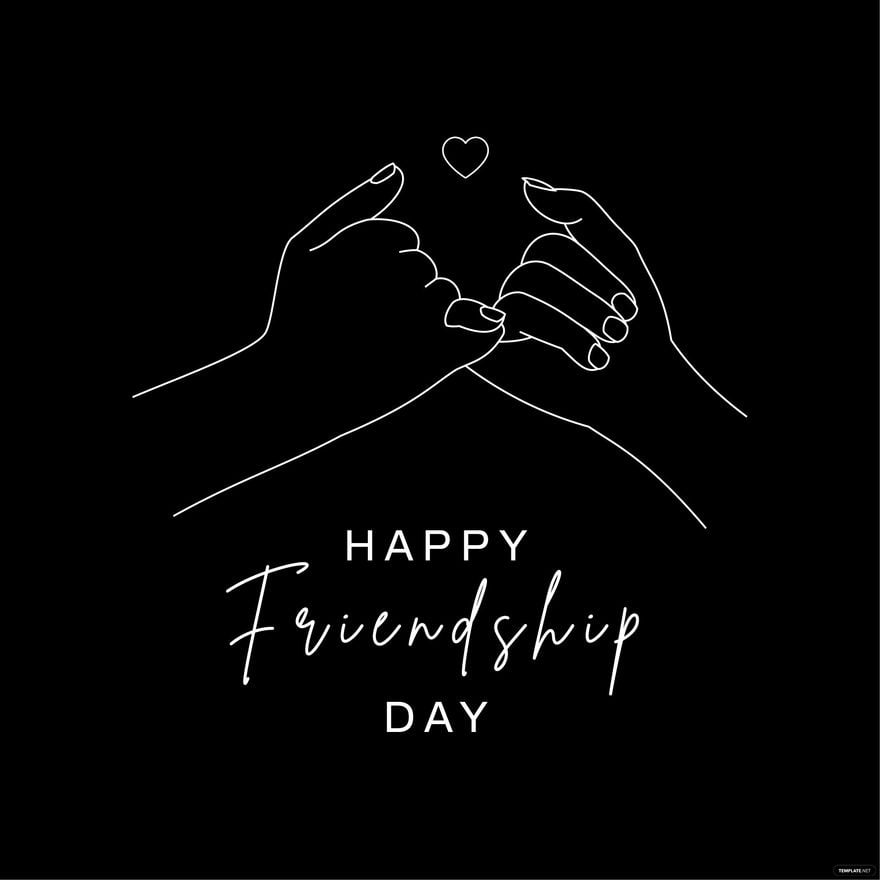
Effective Friendship Day Clipart designs include a balanced color palette, friendly typography, and symbolic graphics like hearts or handshakes. Using Template.net’s layered templates allows easy adjustment of design elements and editable text areas for personalized results.
How do you print a Friendship Day Clipart?
To print a Friendship Day Clipart, download the design from Template.net in a suitable print-ready format. Ensure the clipart is set to the correct resolution and size for clear output, then use high-quality paper and a color printer to maintain the design’s professional appearance.
What elements should a Friendship Day Clipart include?
A Friendship Day Clipart should include layered graphics such as friendly icons, greeting texts, and decorative borders. Template.net’s cliparts feature editable design layers that allow users to customize images and text blocks to fit their specific friendship celebration needs.
Can I create a new Friendship Day Clipart using AI?
Template.net provides an AI-powered tool that generates new Friendship Day Clipart designs from prompts. You can use the Clipart Generator for fast creation of unique and customizable friendship-themed graphics.
