
Free Audio Clipart










Audio Clipart: Definition, Usage, and Design Essentials
What is a Audio Clipart?
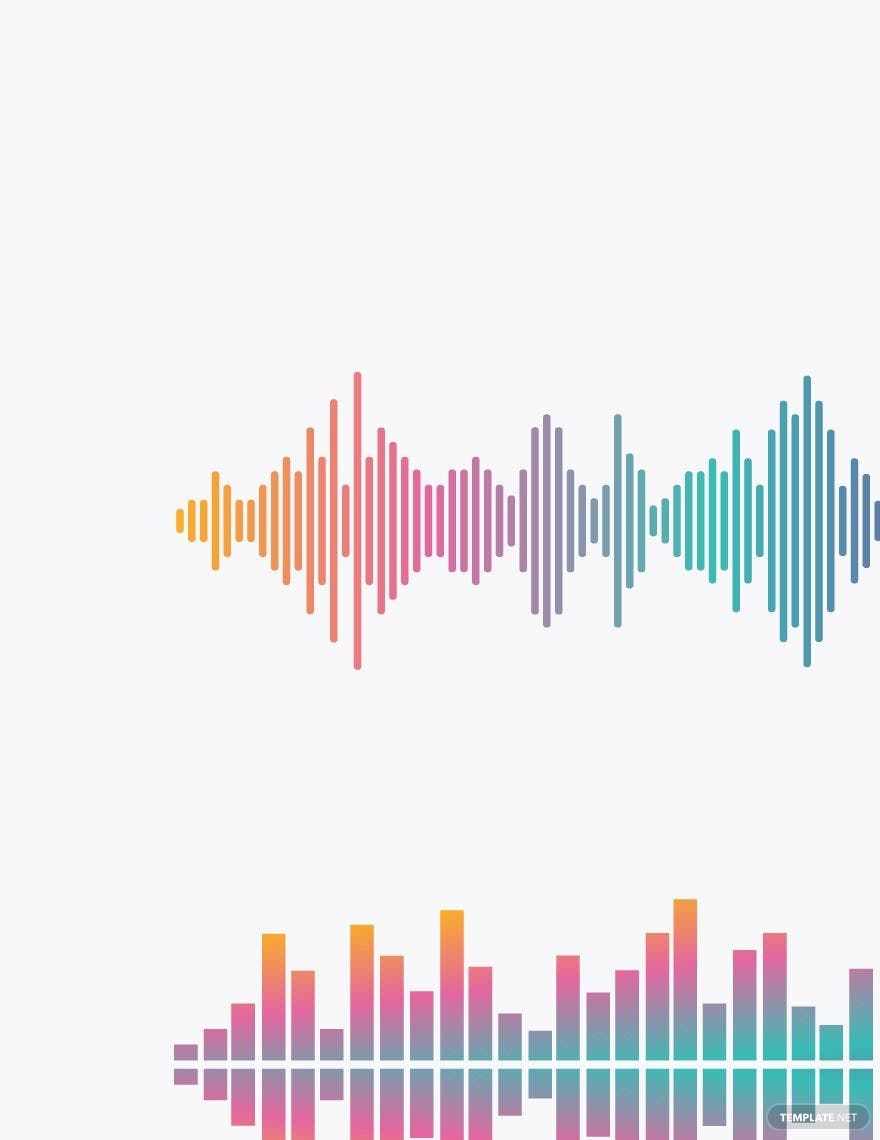
Audio clipart consists of pre-designed graphic elements depicting sound-related objects like microphones, speakers, and musical notes. These graphics come as ready-made templates that users can customize for various projects. Template.net provides online editing for these clipart templates to create professional designs efficiently.
Why use a Audio Clipart?
Using audio clipart enhances visual appeal and communicates sound themes effectively in projects. These cliparts save time with professional layouts while allowing layered design customization. Template.net enables fast creation by offering editable online templates that streamline design workflows.
Who typically uses Audio Cliparts?
Audio cliparts are commonly used by musicians, podcasters, educators, and marketers who need sound-related visuals. These users benefit from customizable templates that support branding and communication. Template.net supports these audiences with easy browser-based editing and professional-quality graphics.
What size should a Audio Clipart be?
Audio cliparts vary in size depending on project needs but are typically designed to fit standard digital or print dimensions like 8.5 × 11 inches or 5 × 7 inches. Template.net templates offer scalable graphics with editable layers to ensure optimal size and clarity for any use.
What are the best tips for designing a Audio Clipart?
Effective audio clipart designs use clear images of sound devices, consistent color schemes, and balanced layout blocks. Incorporating editable text areas and layered elements improves customization. Template.net’s online templates provide these features for streamlined, professional results.
How do you print a Audio Clipart?
Audio cliparts print best in high resolution using vector or high-quality raster formats. Template.net templates support downloadable formats optimized for printing, ensuring crisp graphics and accurate colors. Users can edit designs online before exporting for professional print output.
What elements should a Audio Clipart include?
Audio cliparts should include graphic icons like microphones, headphones, sound waves, and musical notes. Essential elements include design layers for background, main image, and text, enabling full customization. Template.net templates feature these layered elements for easy editing.
What file formats can I download for a Audio Clipart?
Template.net templates support multiple export formats suitable for editing and printing, including Audio Clipart. These formats ensure compatibility across software and devices, providing flexibility for various project needs.
Can I create a new Audio Clipart using AI?
Template.net provides an AI-powered tool that generates new Audio Clipart designs from prompts. Users can create unique clipart by customizing AI outputs online for fast, professional results through the Clipart Generator.
