
Free Work From Home Templates
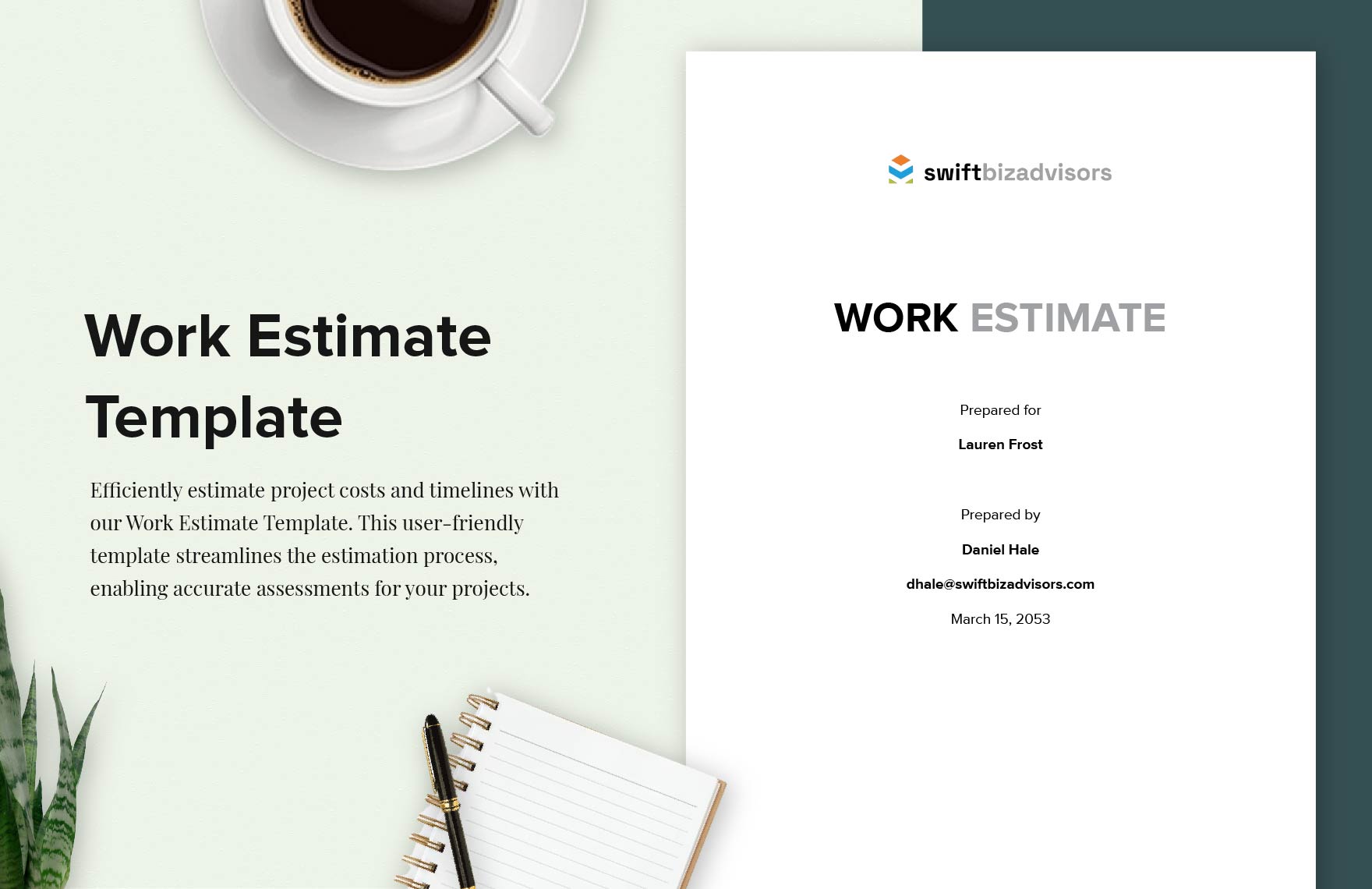
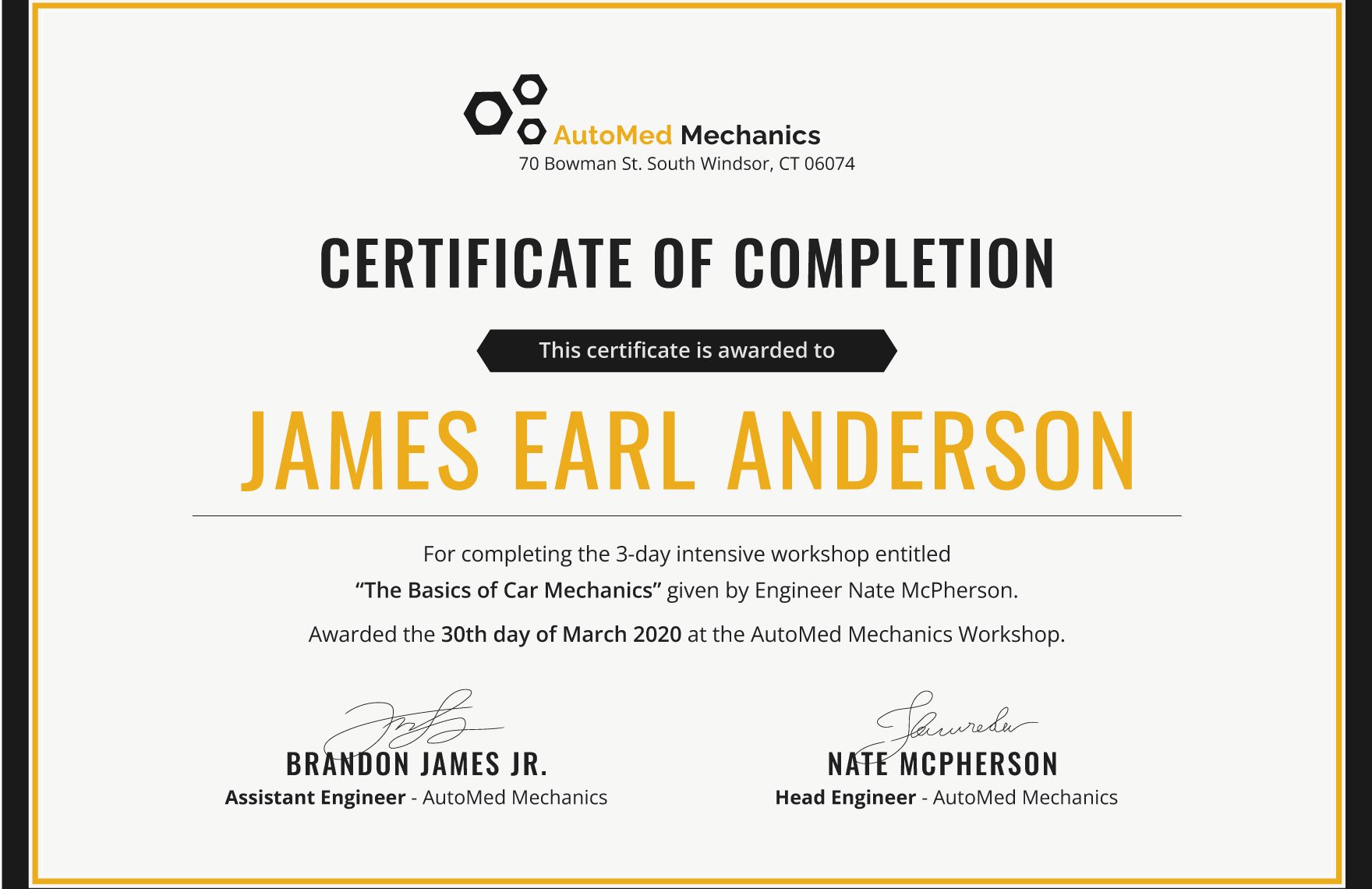
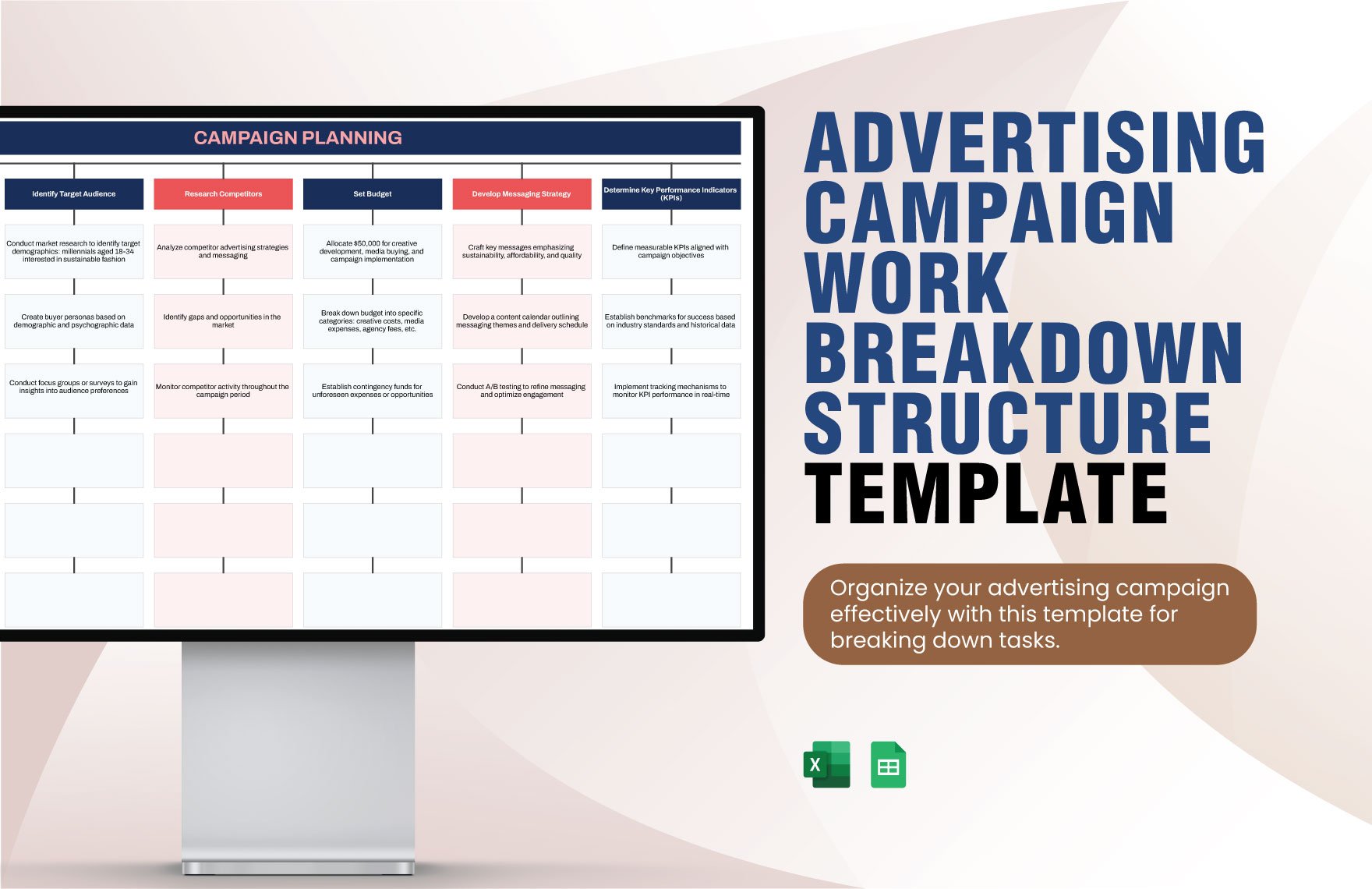
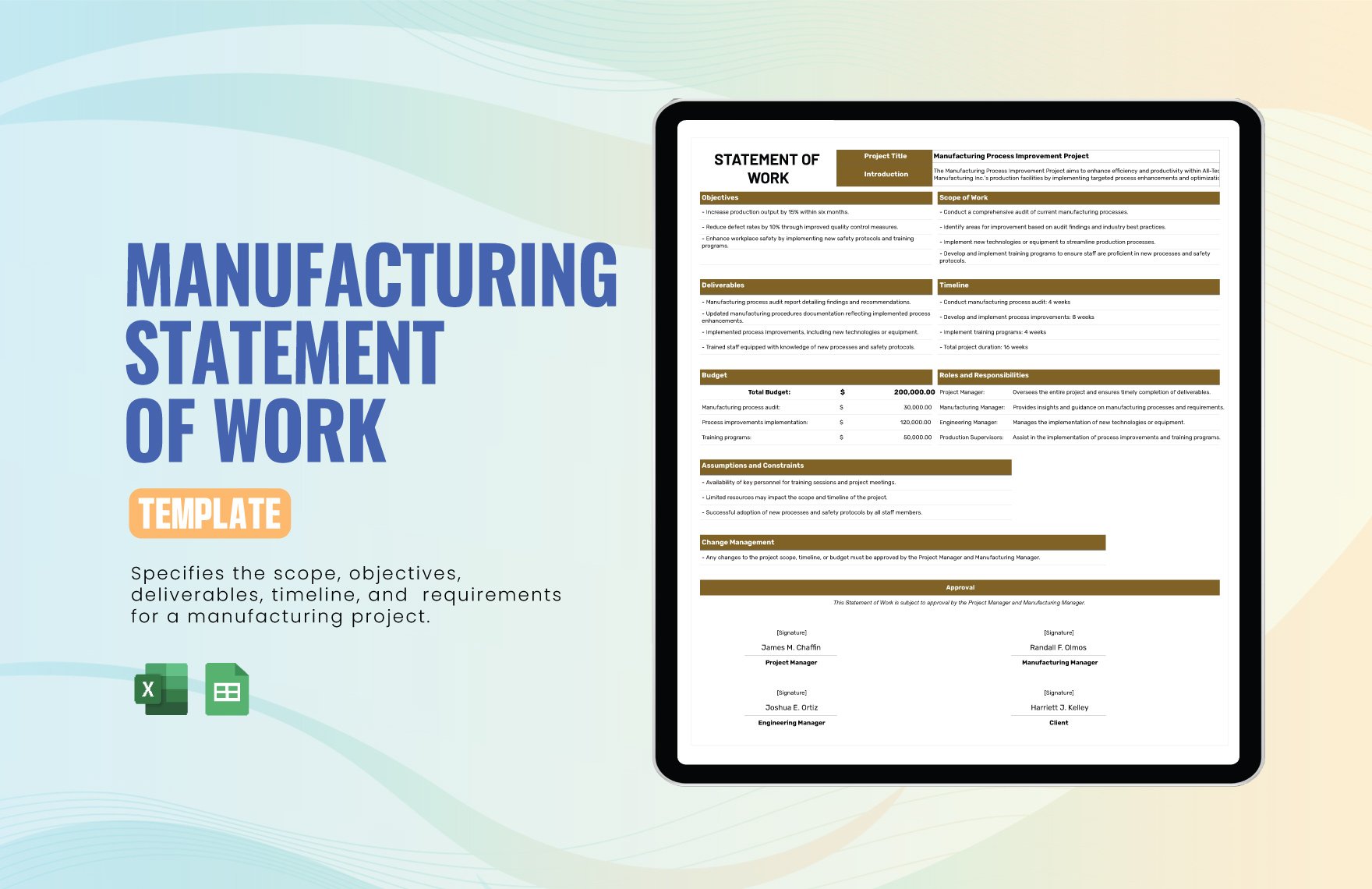
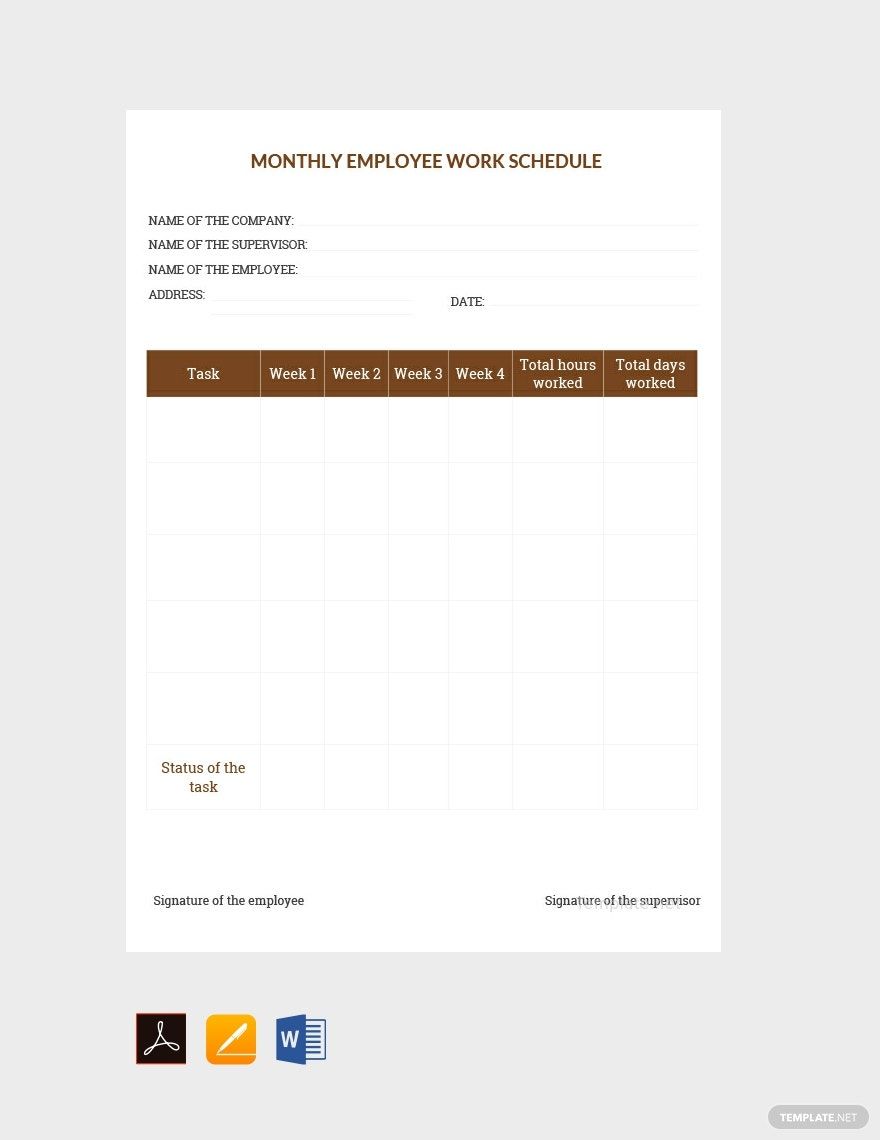
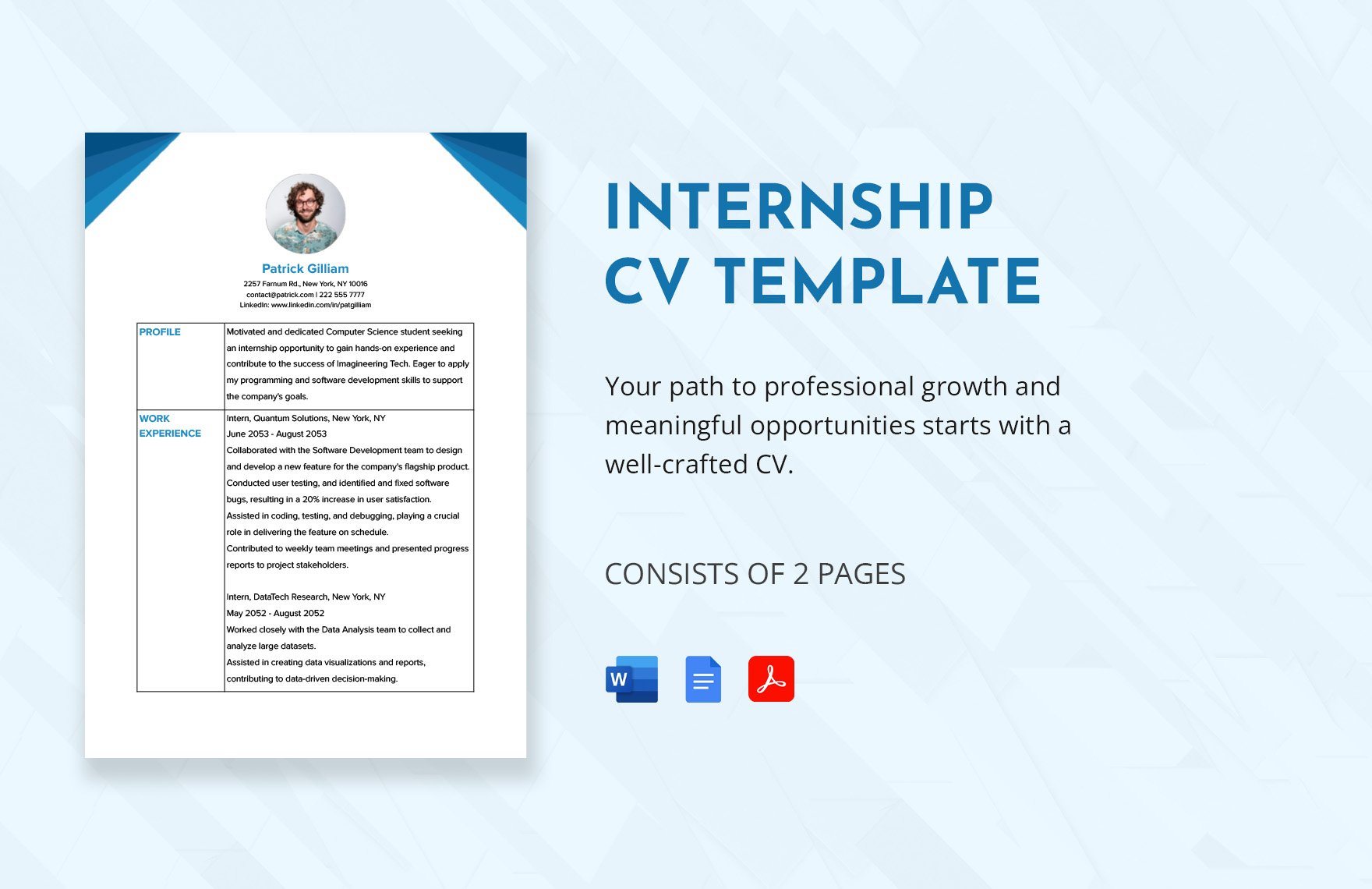
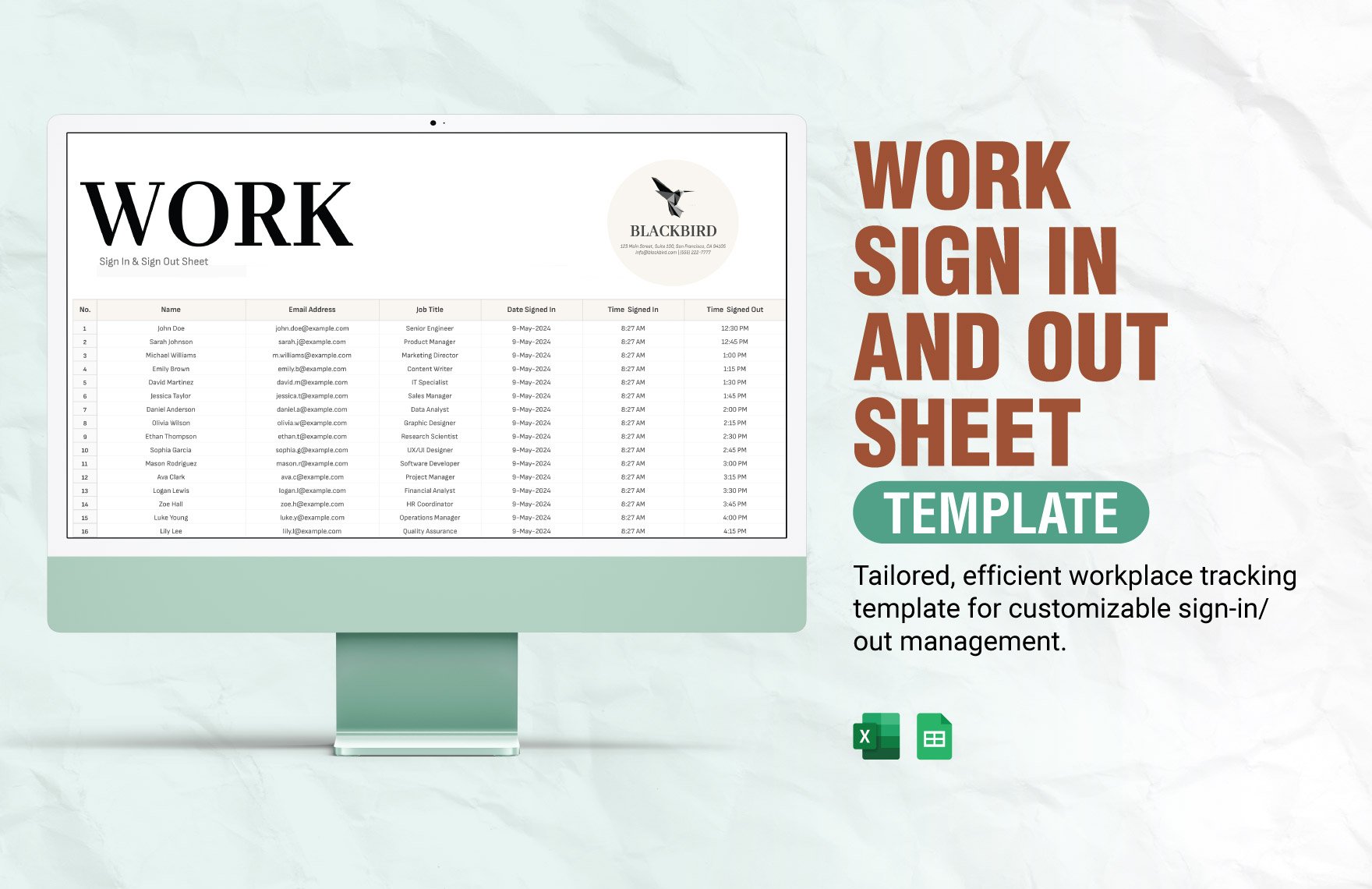
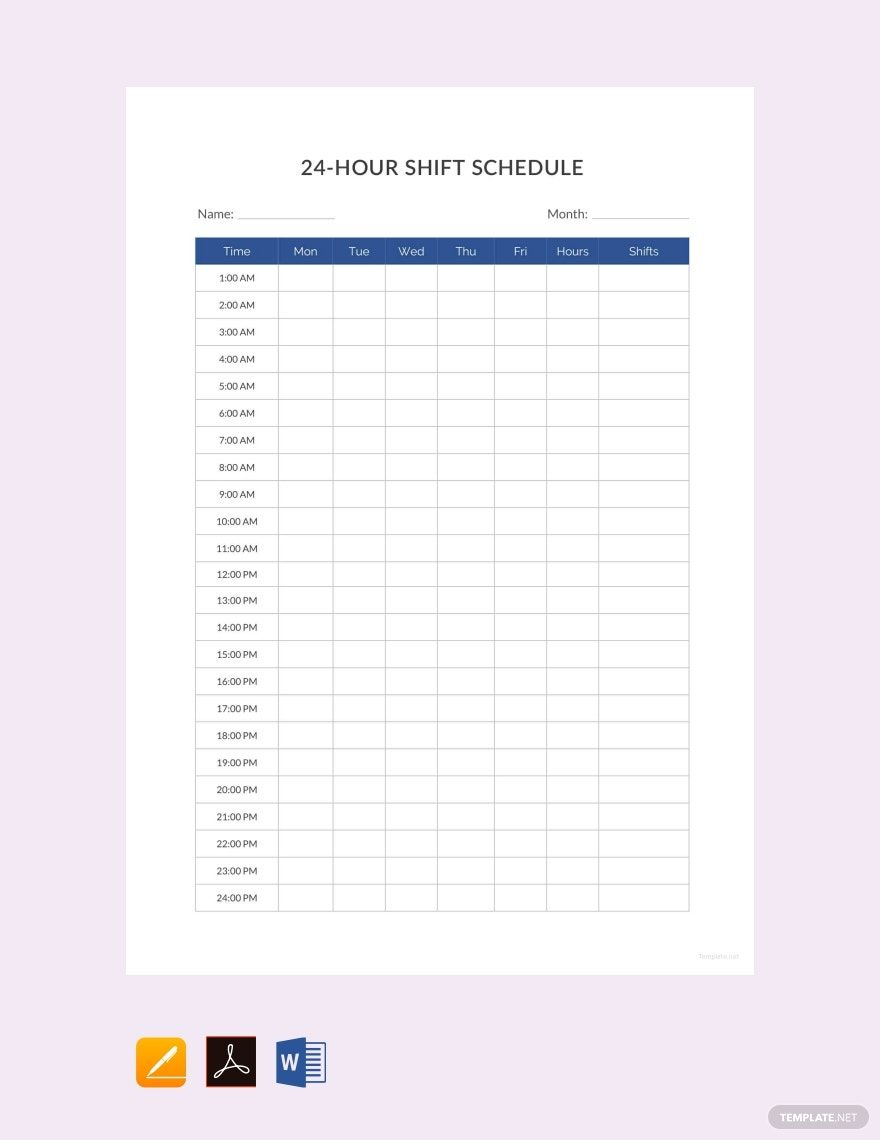
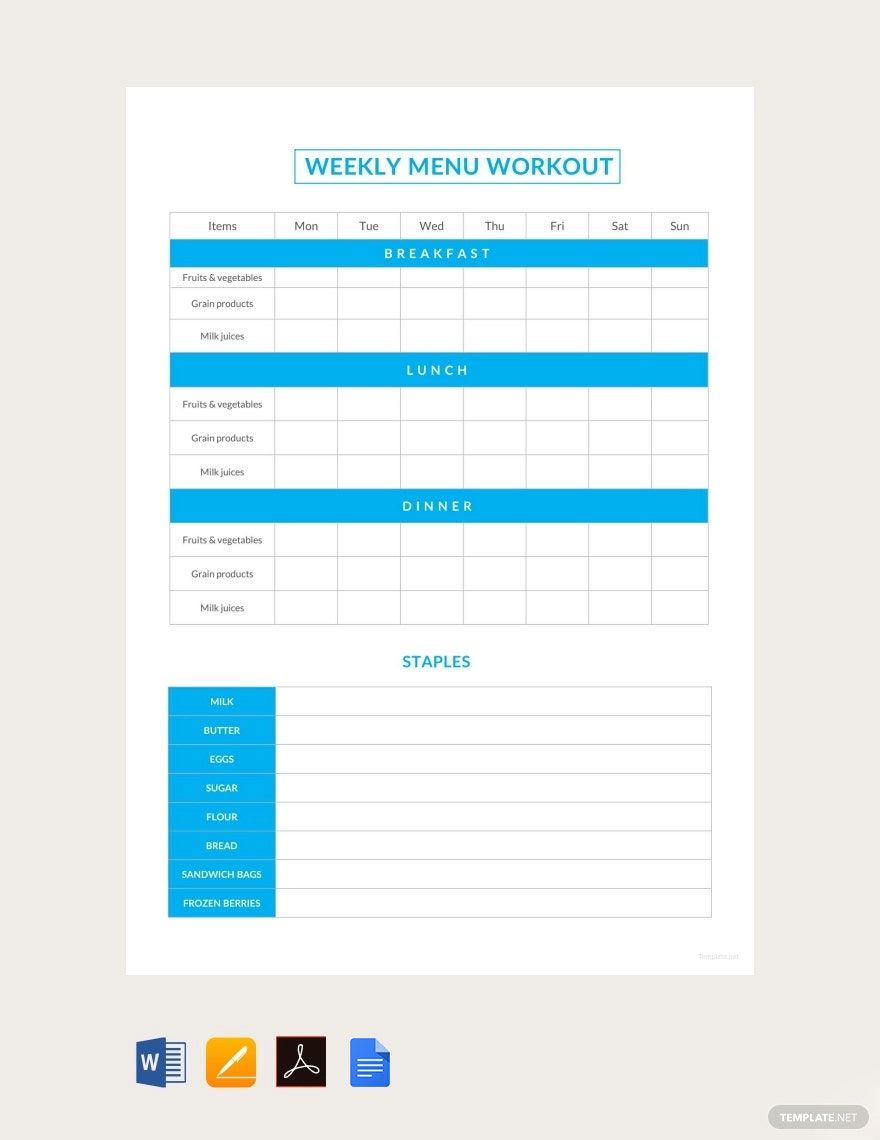
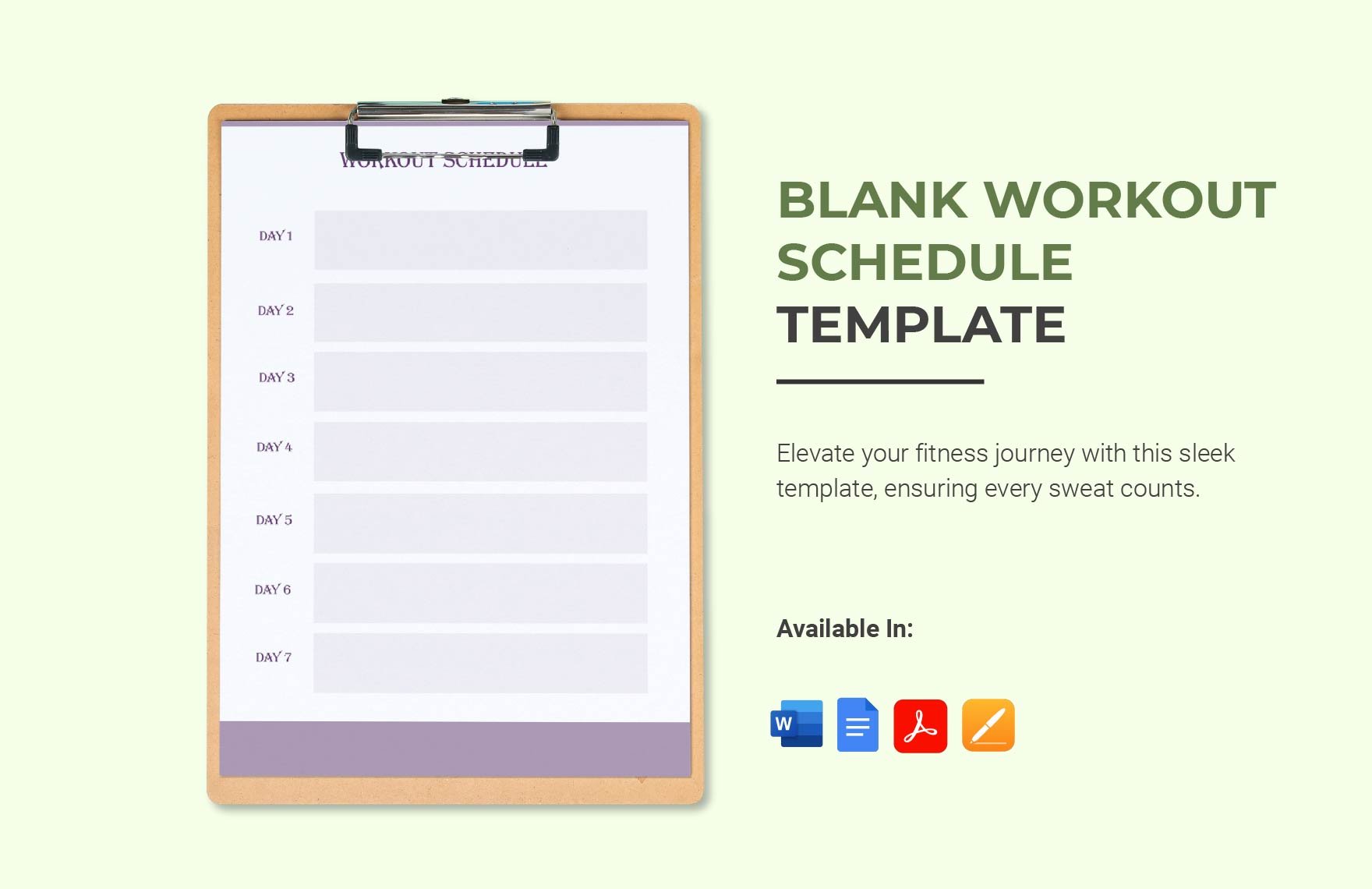
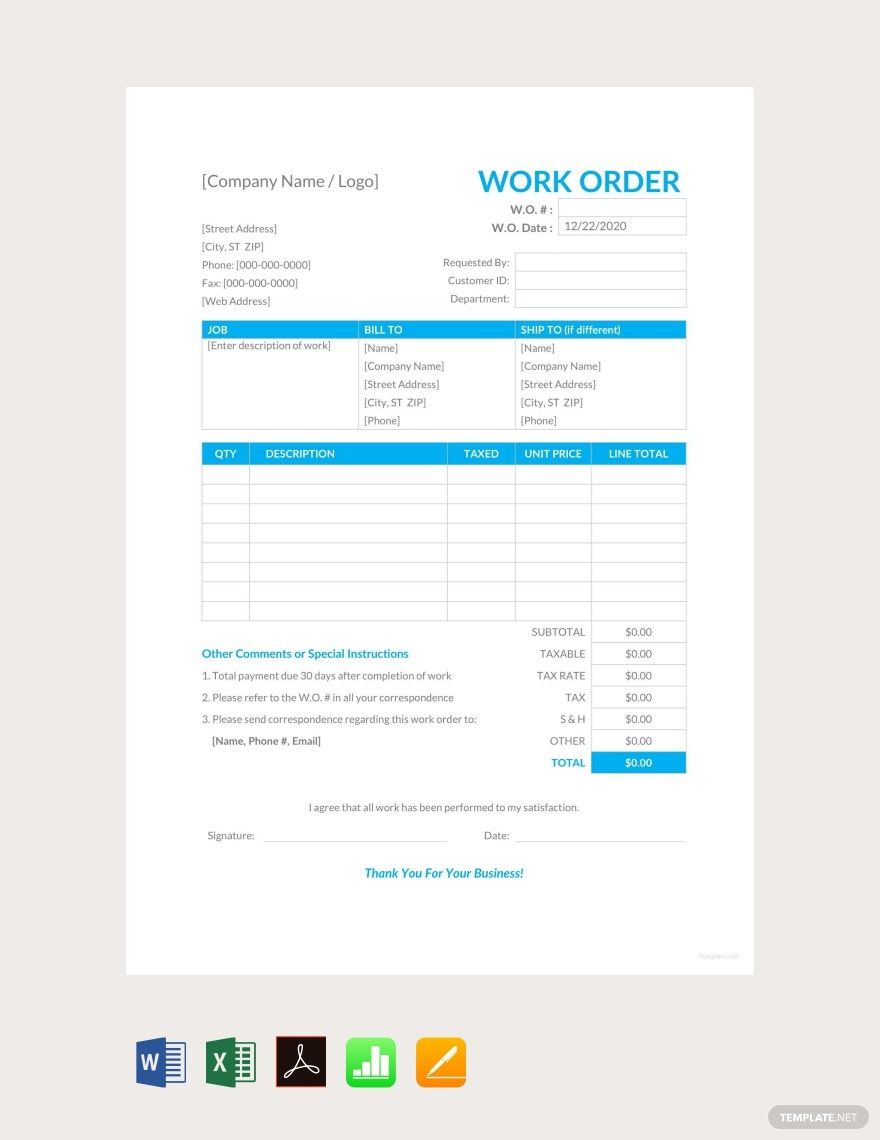
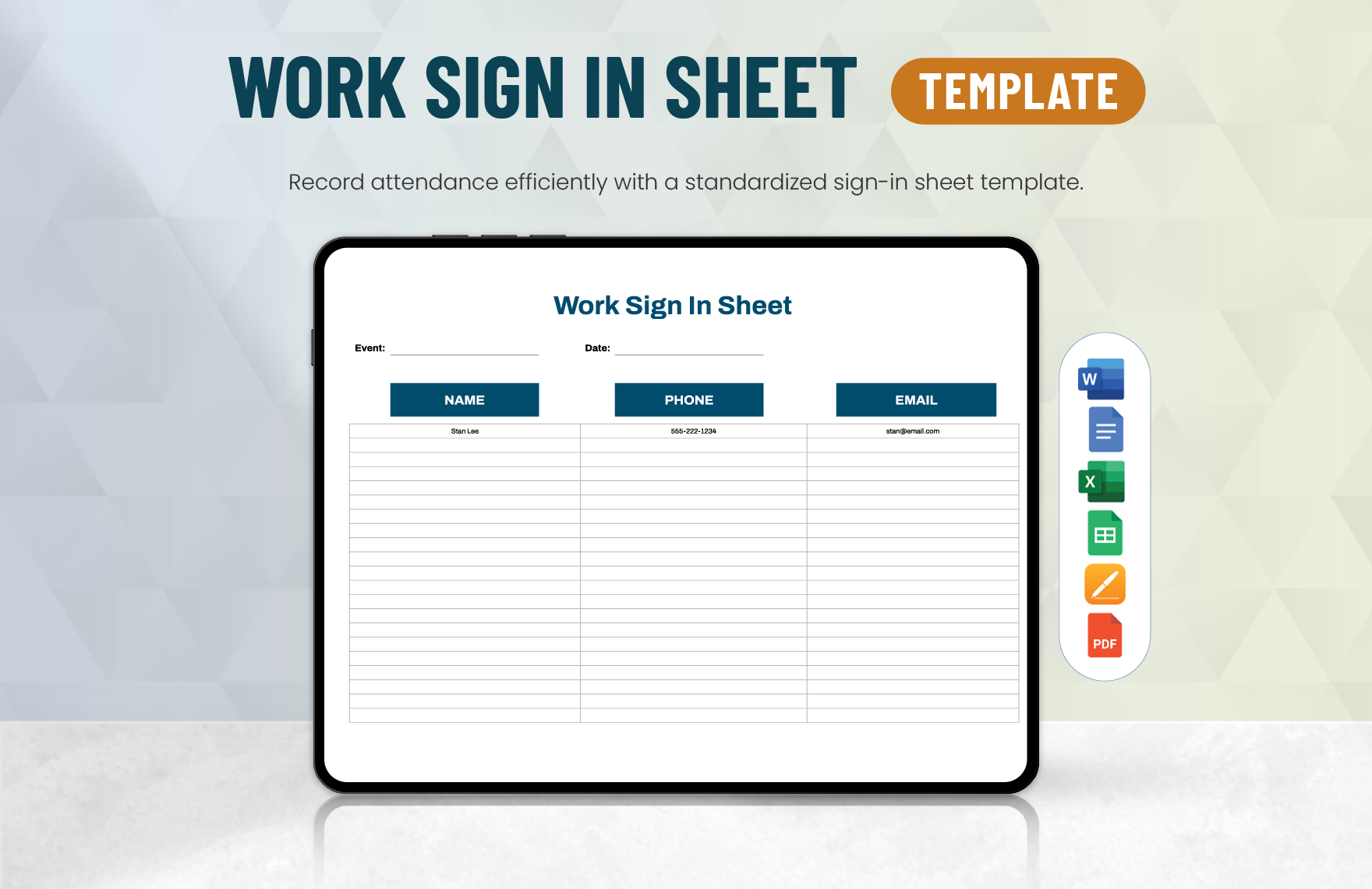
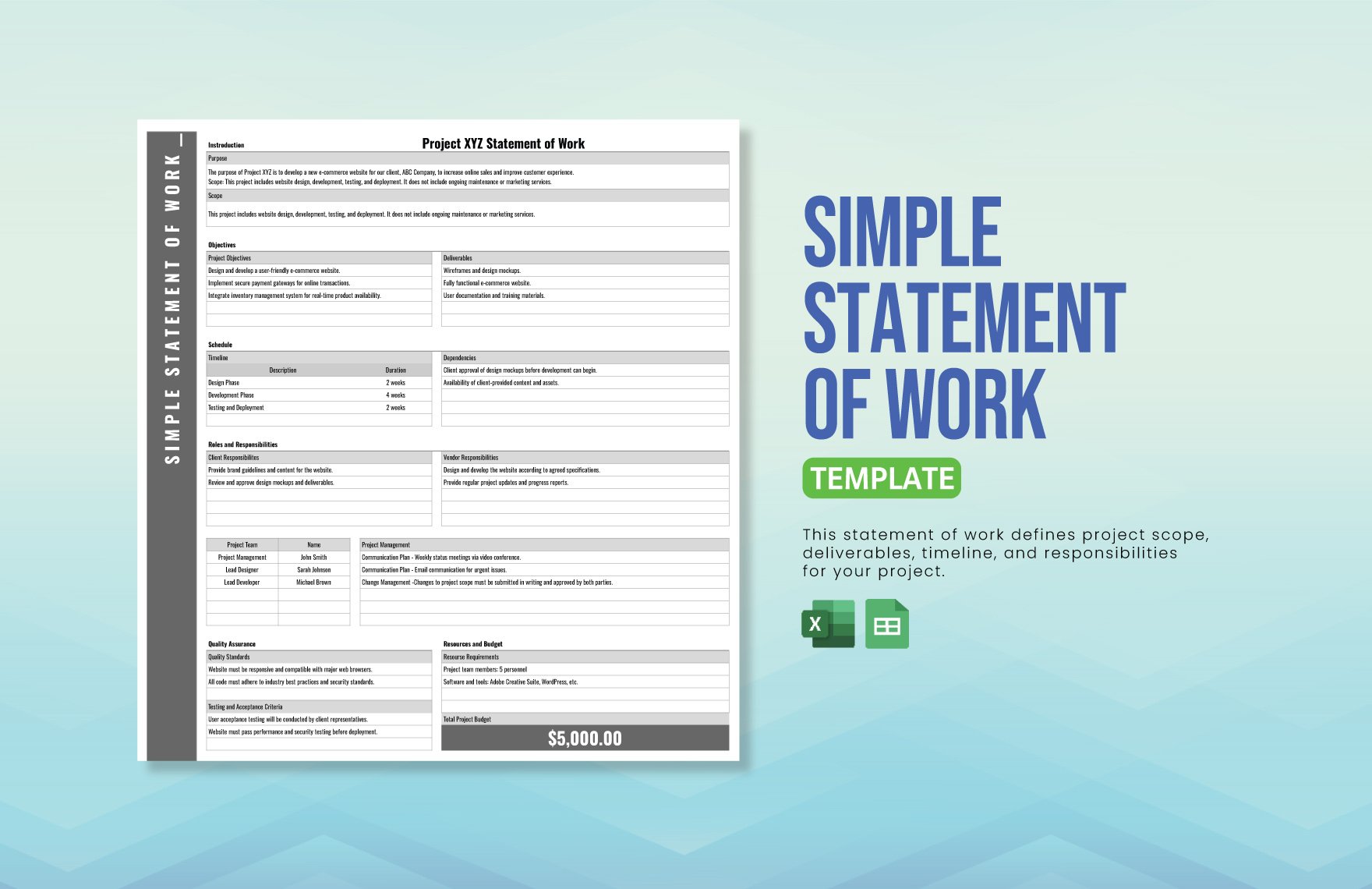
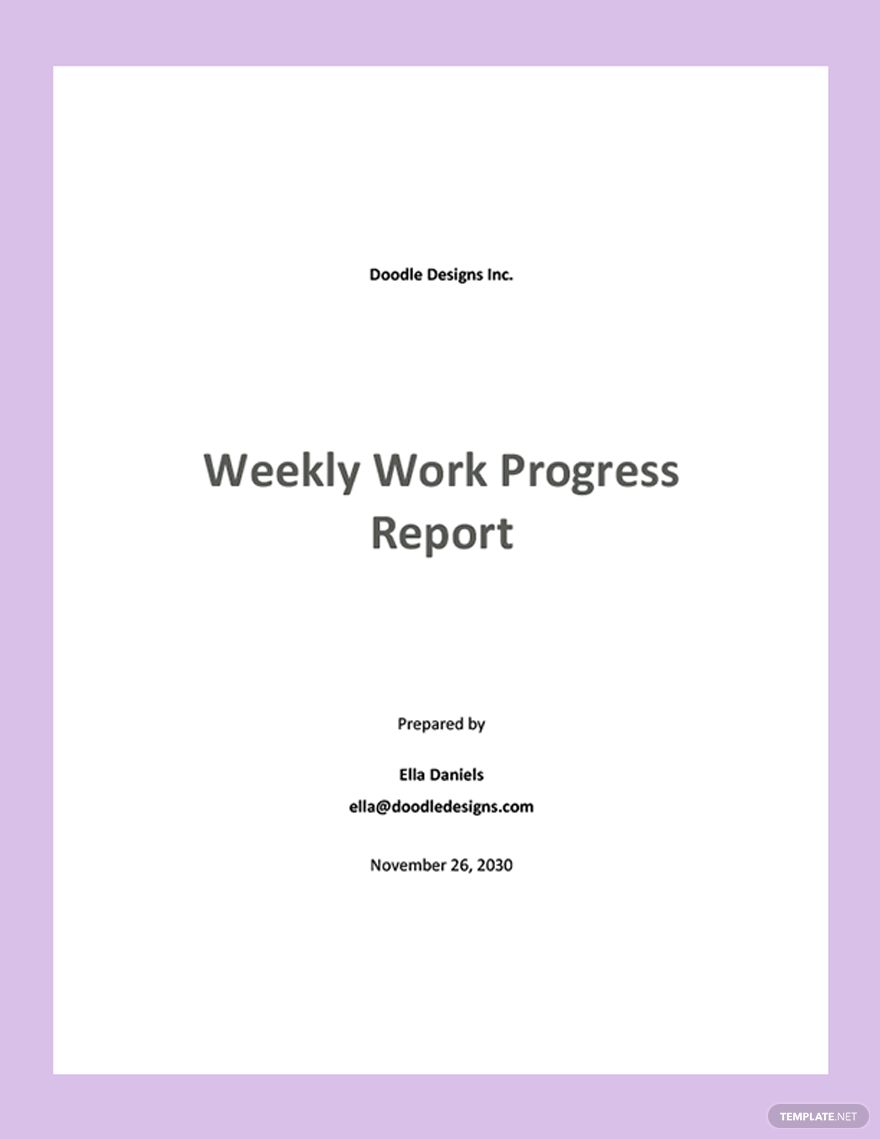
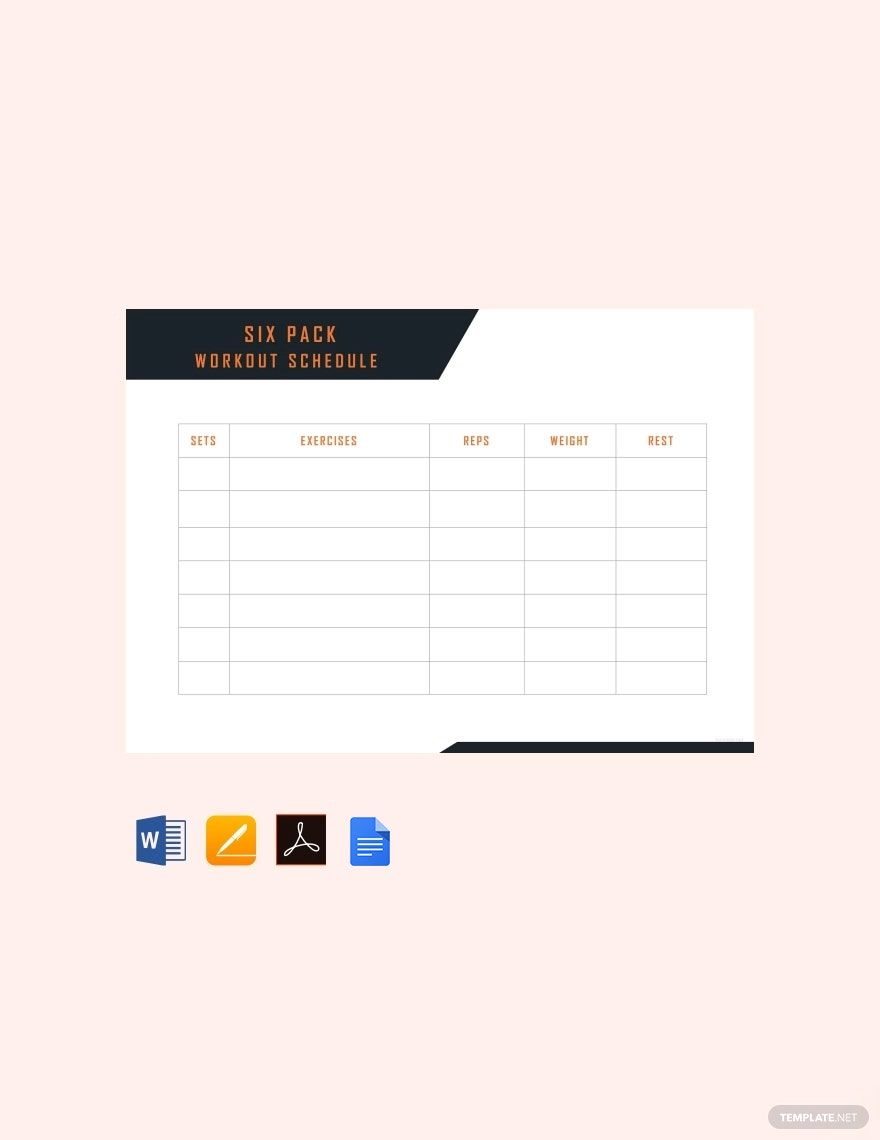
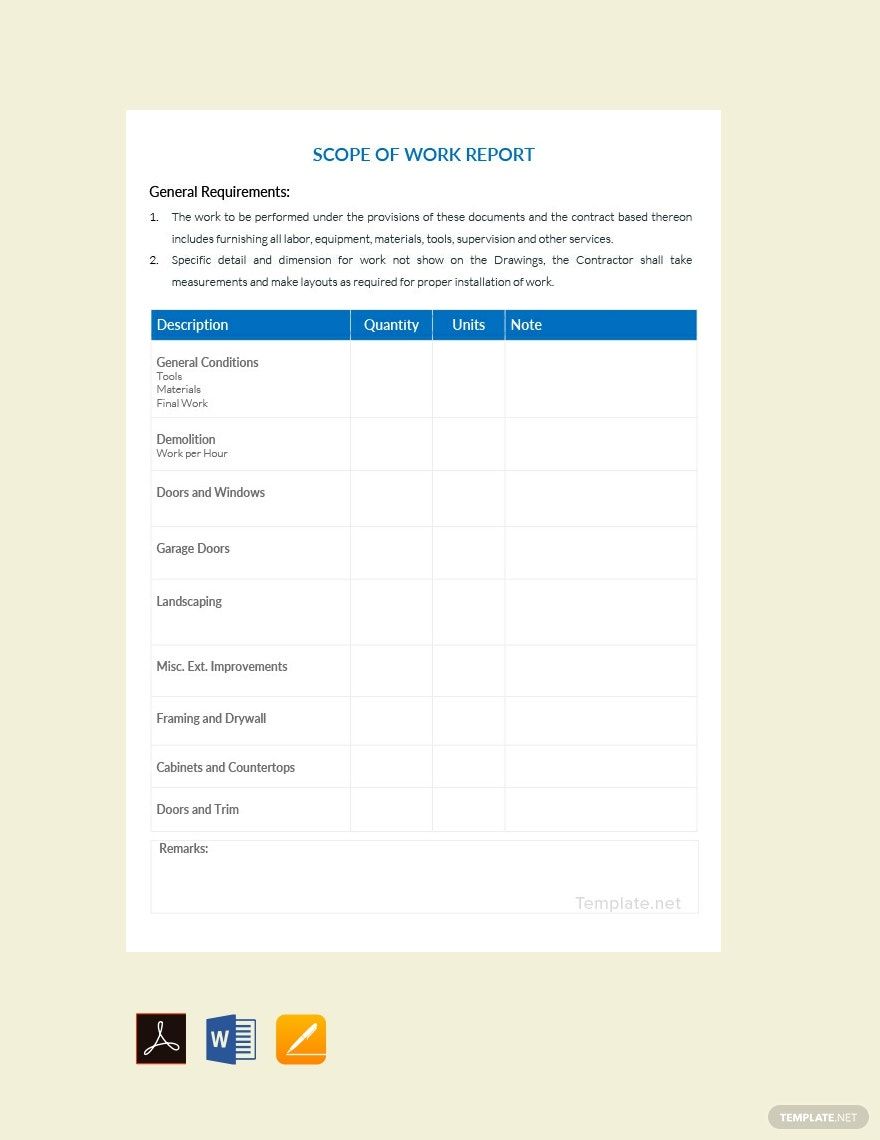
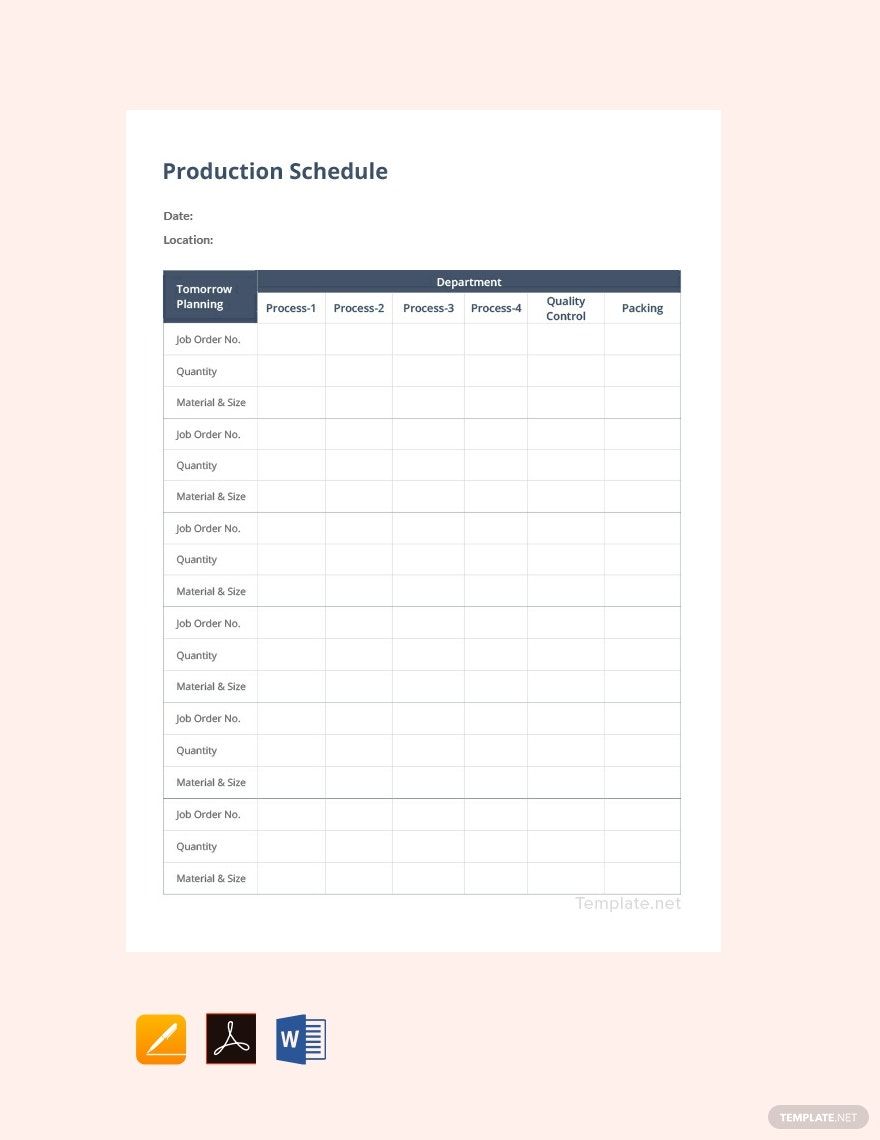
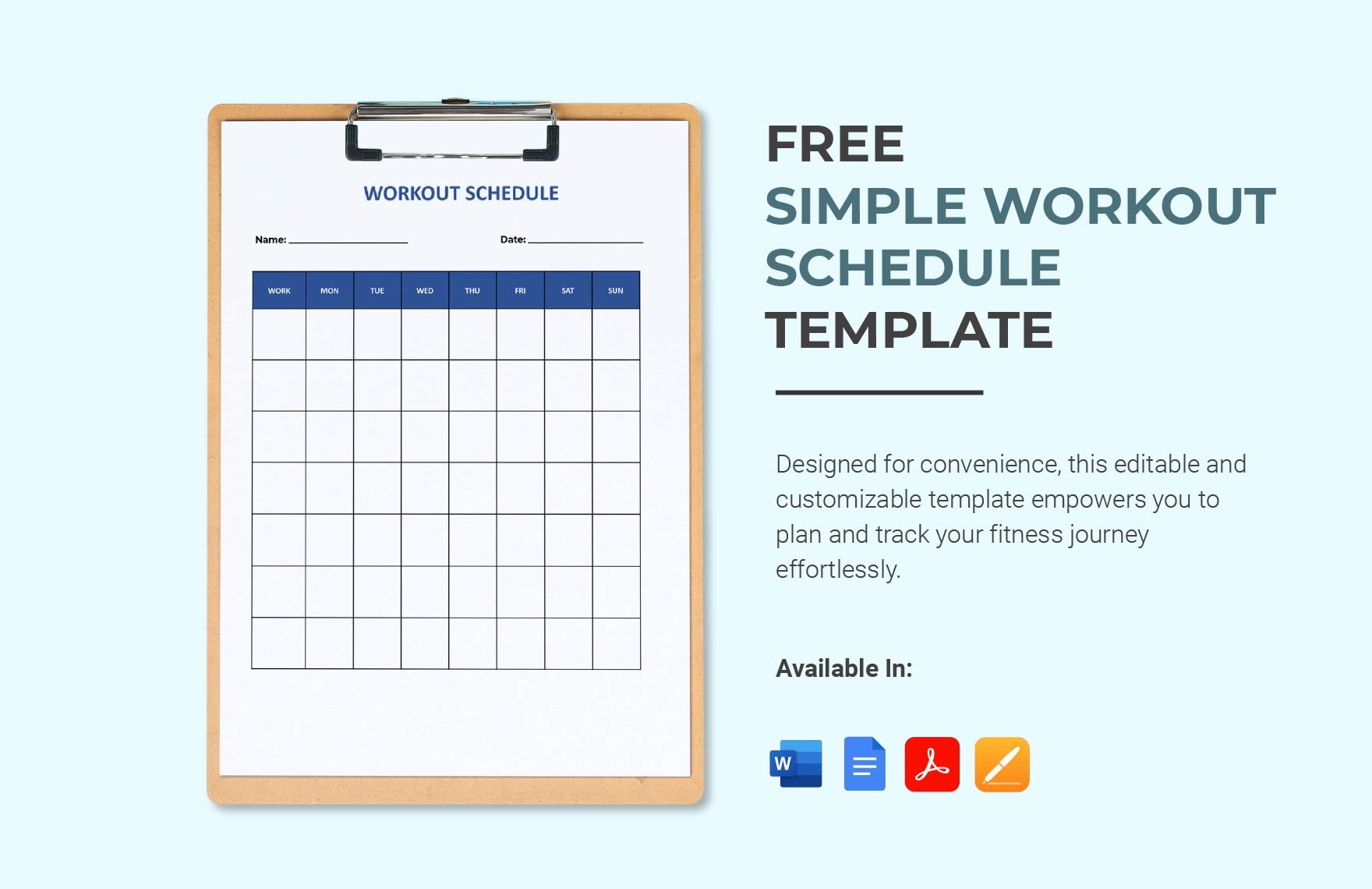
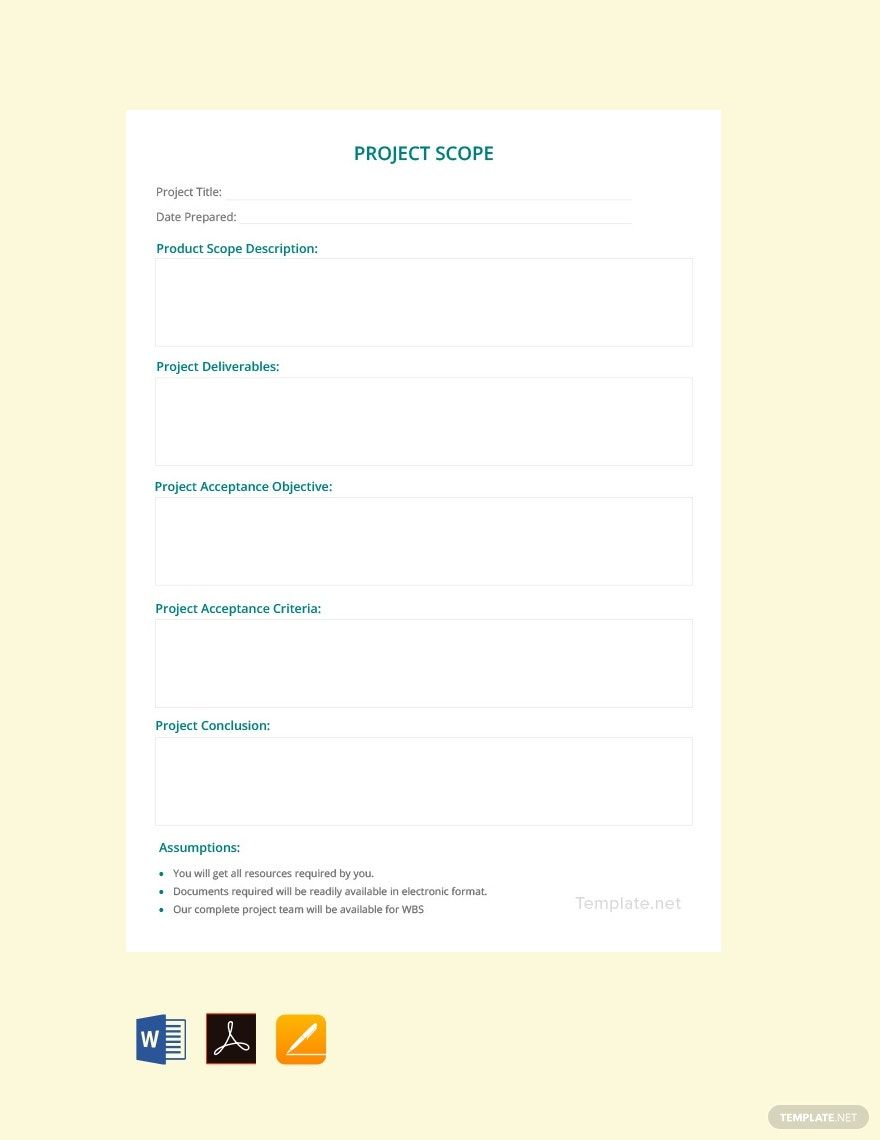
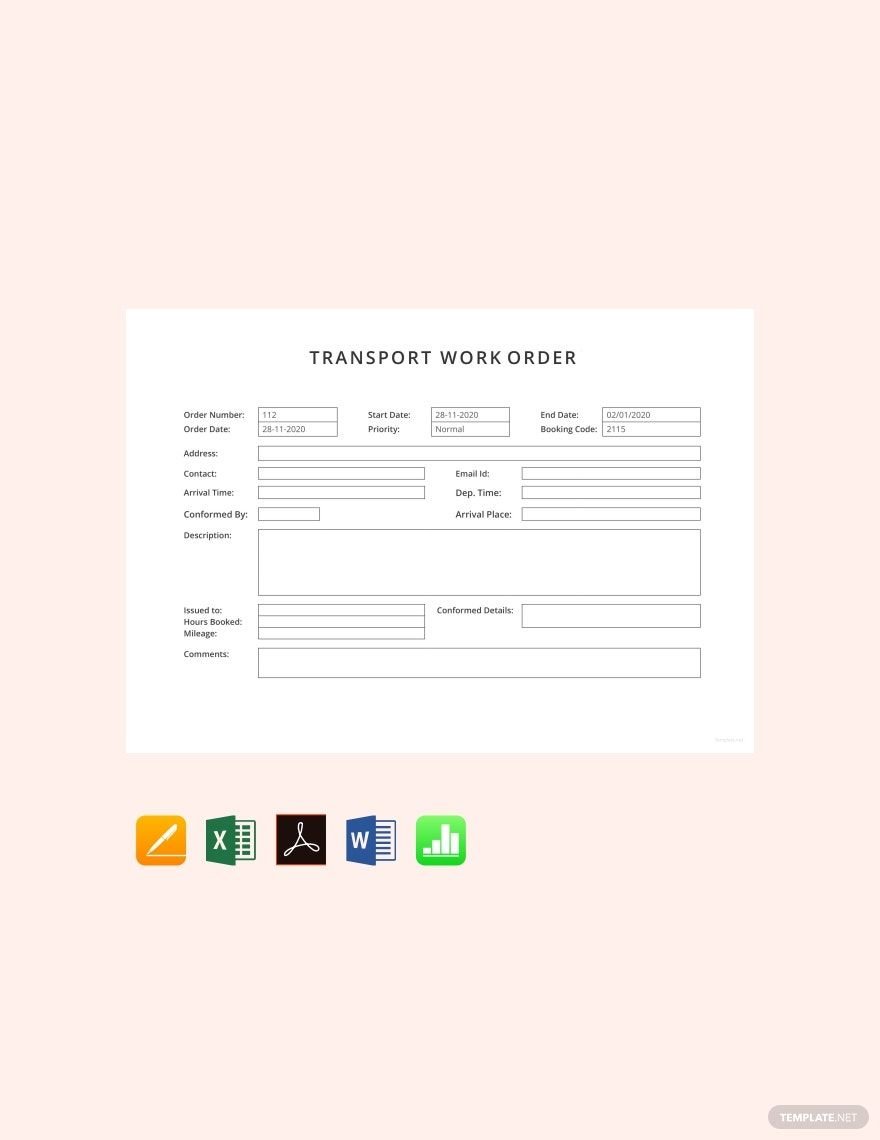

Work From Home Editable Templates: Complete, Customize, and Print Guides
What is a Work From Home?
Work From Home refers to the practice of performing professional duties remotely, often from your residence, using digital communication and collaboration tools. These editable templates help you organize and document your Work From Home activities effectively, ensuring productivity outside a traditional office setting.
Why should I use a Work From Home?
Using a Work From Home template streamlines remote work processes by providing structured, professional-quality documents that are easy to customize. These editable templates save time, maintain consistency, and help you stay organized while working remotely.
Who uses Work From Home?
Work From Home templates are commonly used by remote employees, freelancers, managers, and small business owners who need to document tasks, track progress, or communicate effectively outside the office environment. These editable templates support diverse industries adapting to remote workflows.
What are the best tips for completing my Work From Home?
When completing your Work From Home templates, focus on clarity, accuracy, and completeness. Use the editable fields to personalize information relevant to your role, update timelines or data regularly, and ensure your documentation reflects professional standards for remote work.
Can I create a Work From Home using AI?
You can create components of your Work From Home documents using AI tools; however, Template.net primarily offers editable templates designed for manual customization in the browser. For AI-generated content, you may explore Template.net resources.
What file formats can I download for my Work From Home?
Template.net supports multiple export formats for your Work From Home templates, including Word, Apple Pages, Google Docs, Illustrator, PSD, InDesign, Excel, Apple Numbers, Google Sheets, PowerPoint, PDF, and Publisher.
What essential elements should a Work From Home include?
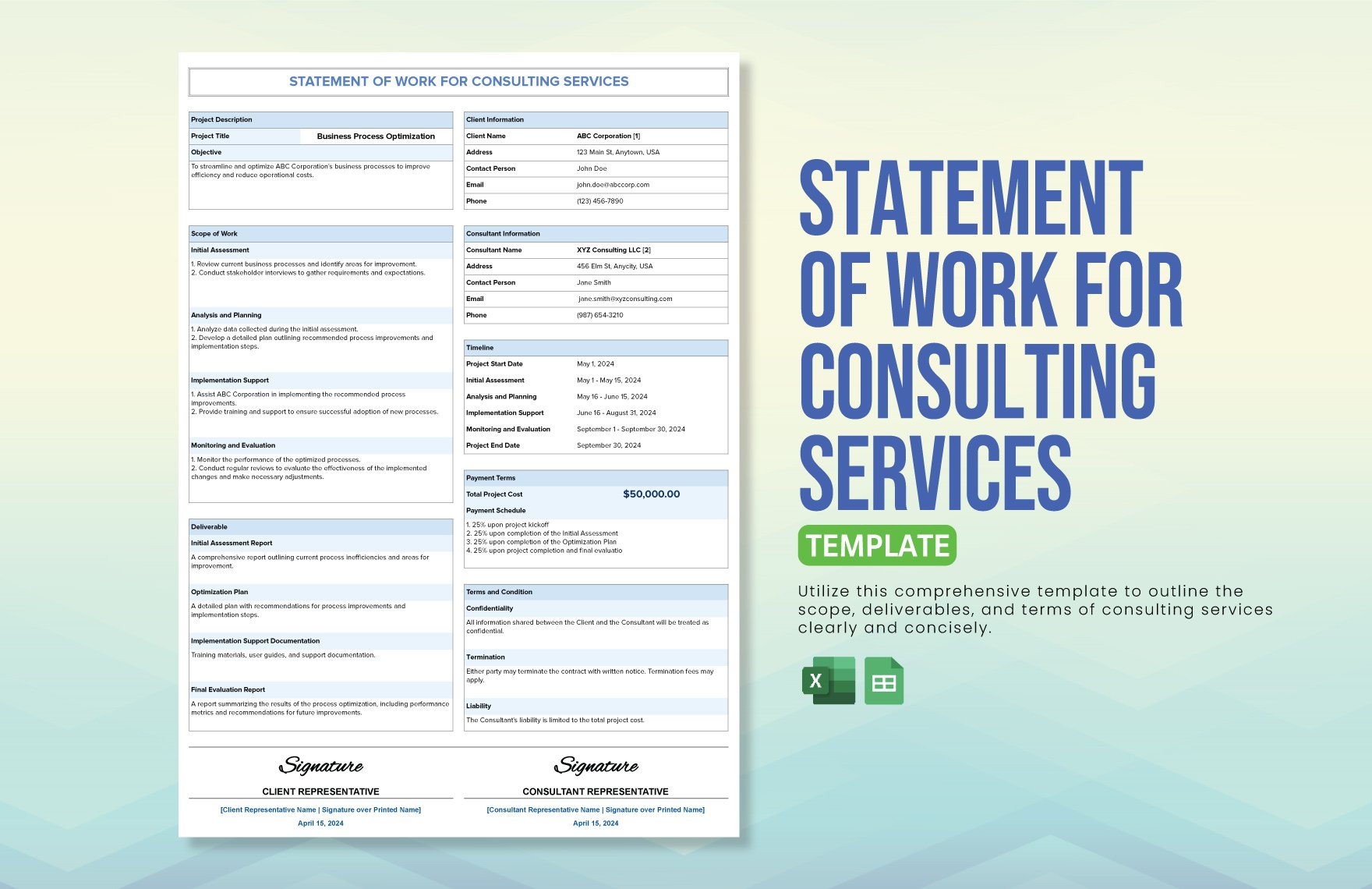
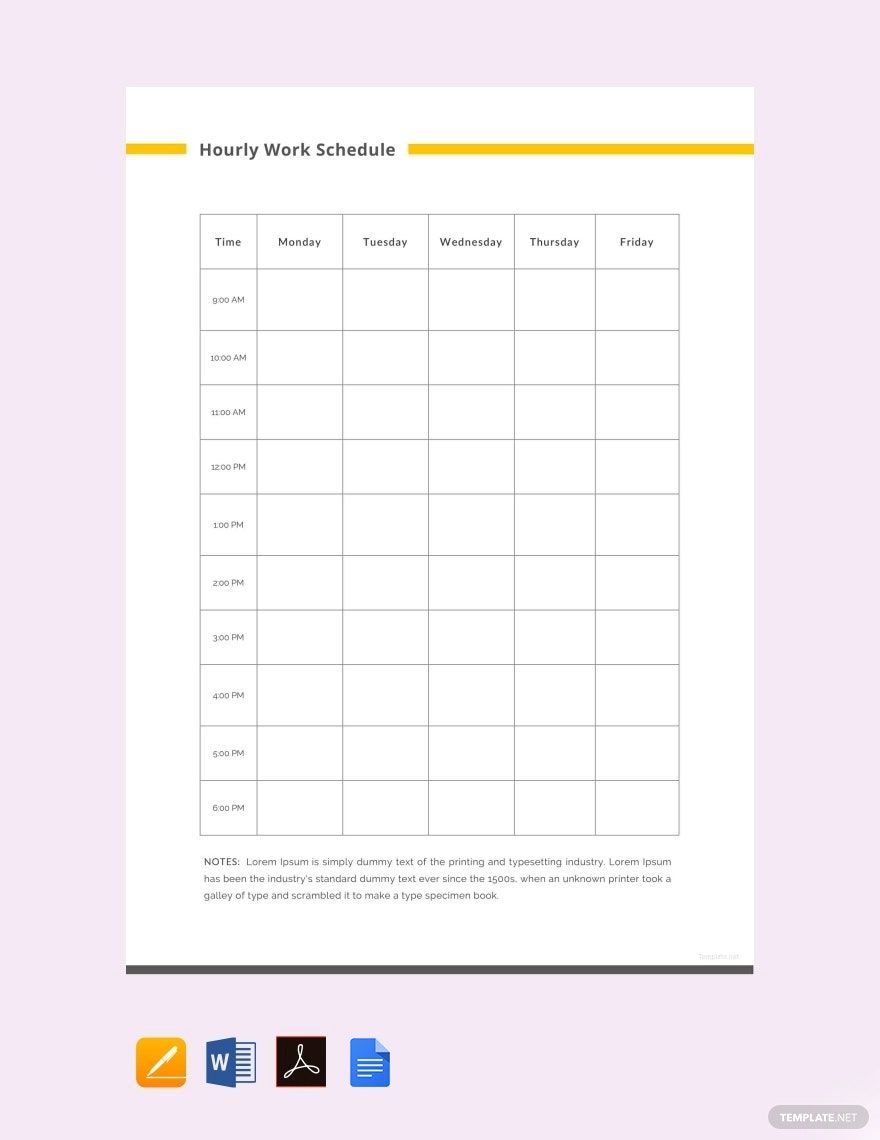
A professional Work From Home template typically includes key elements to document and manage remote work effectively.
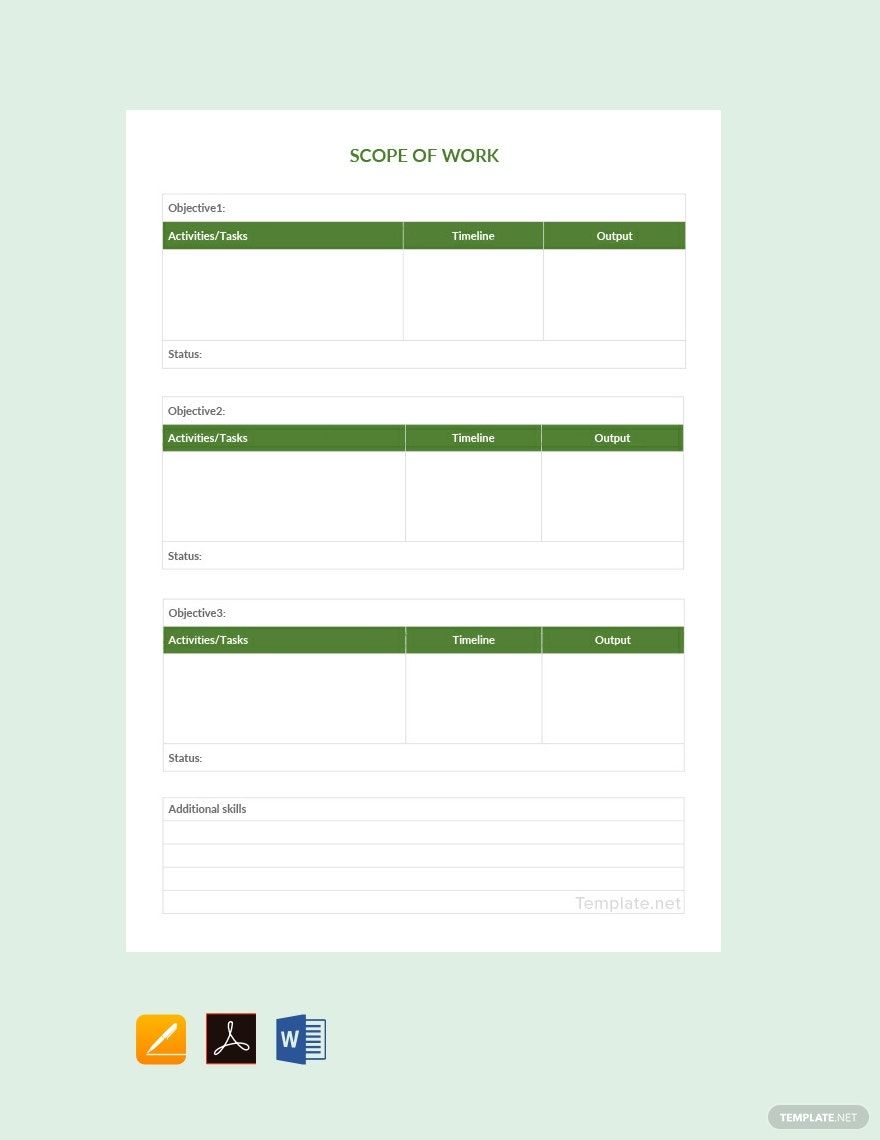
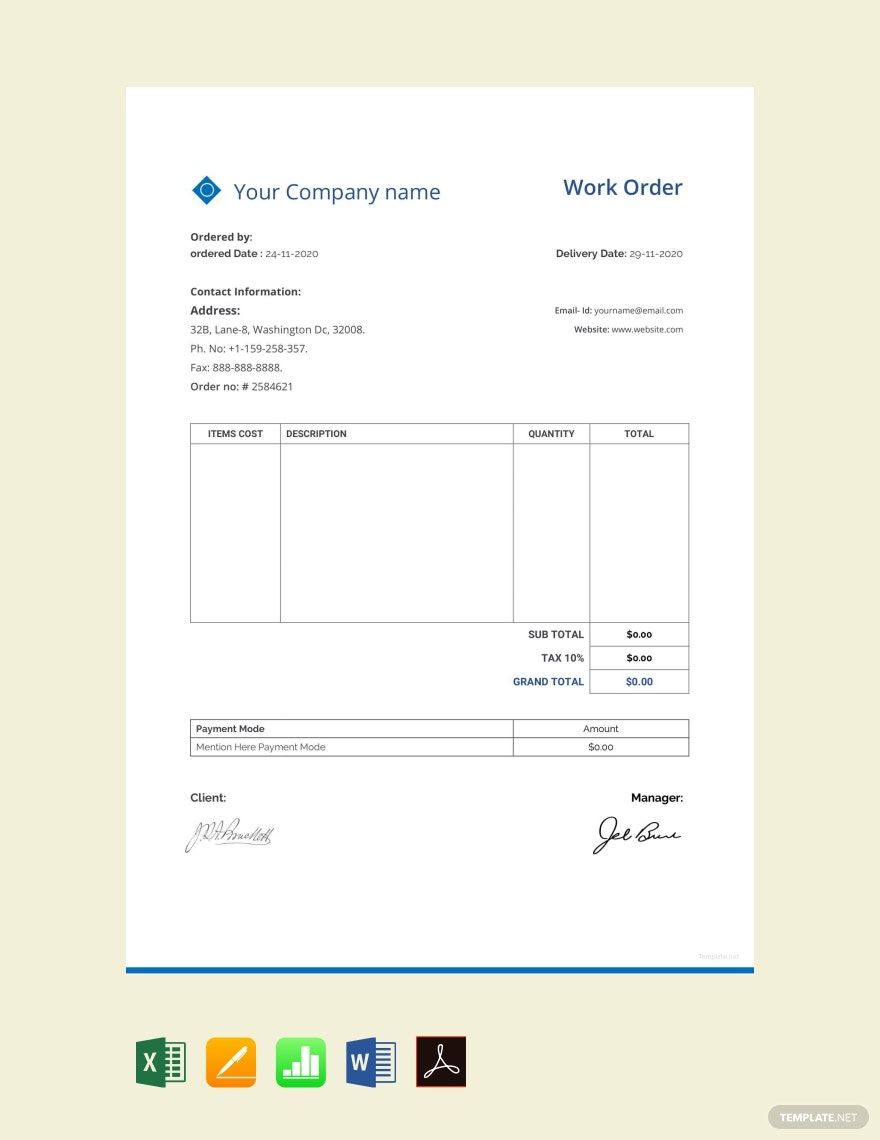
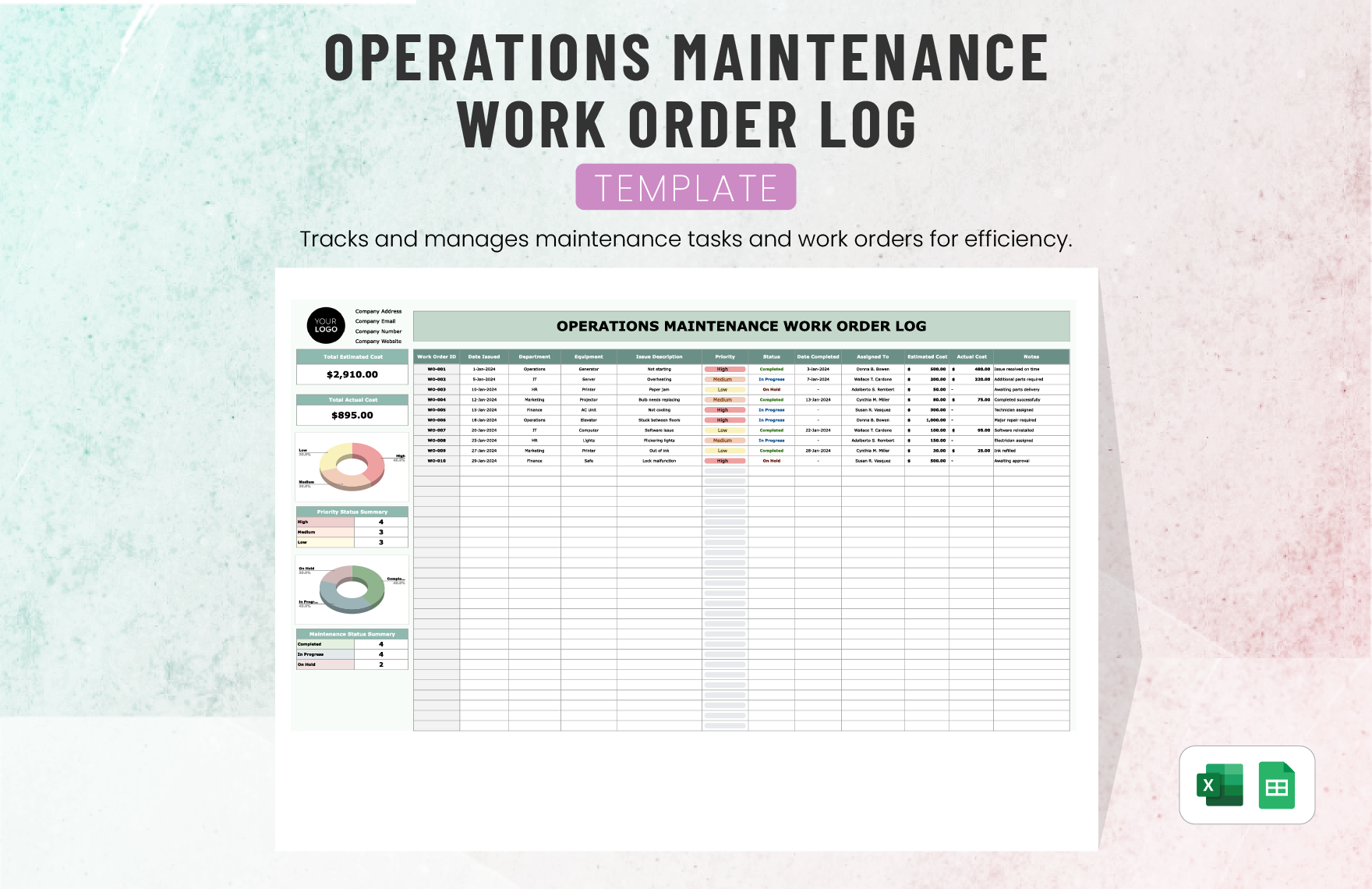
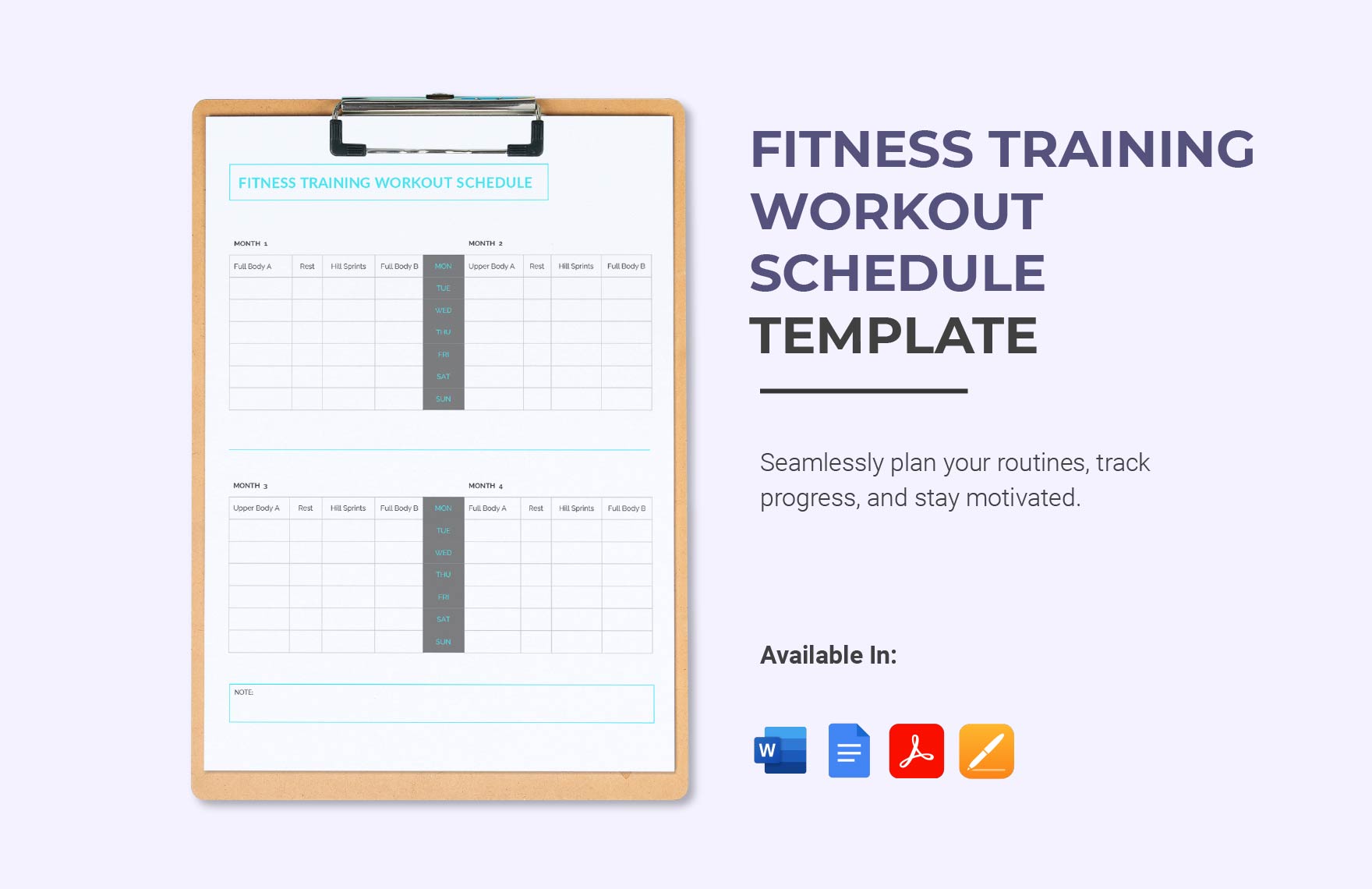
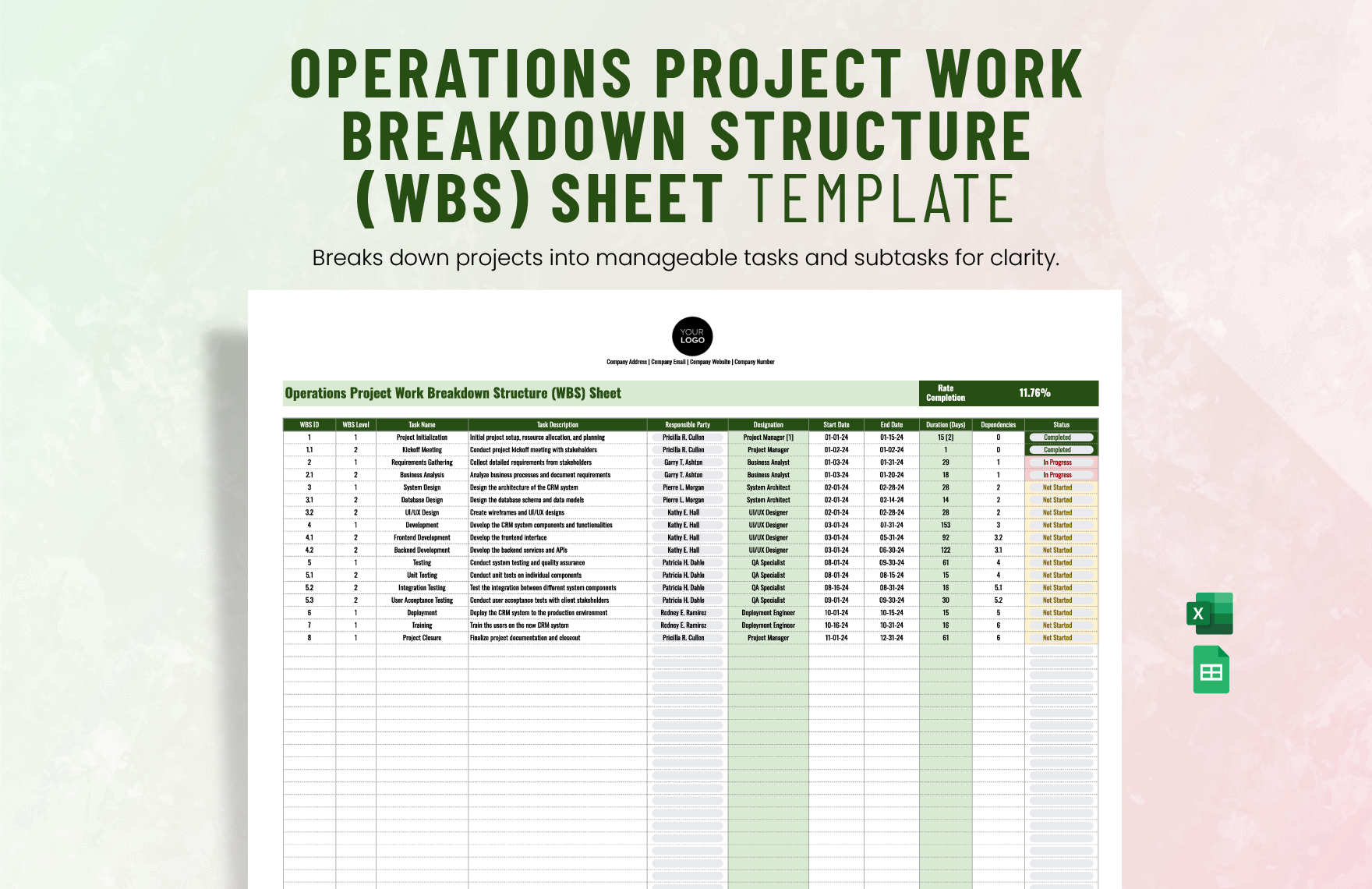
- Task lists to prioritize daily activities
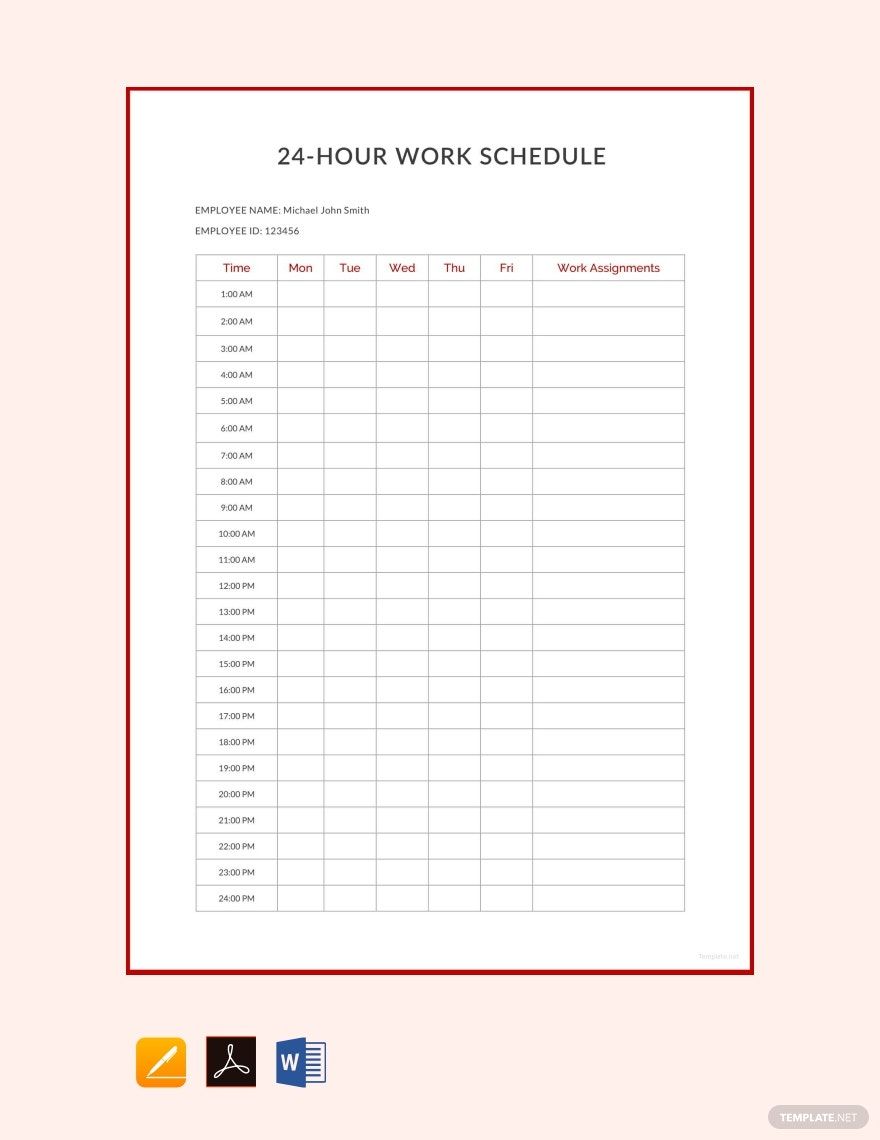
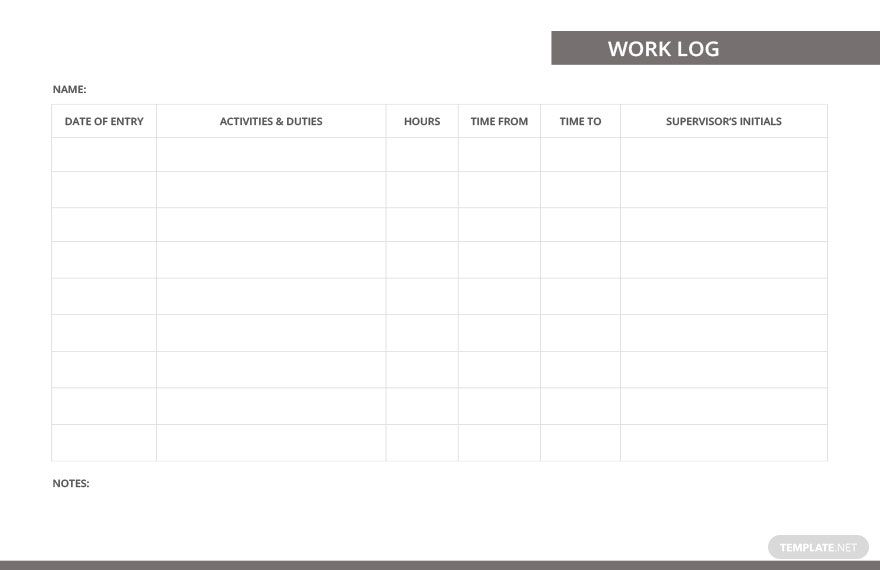
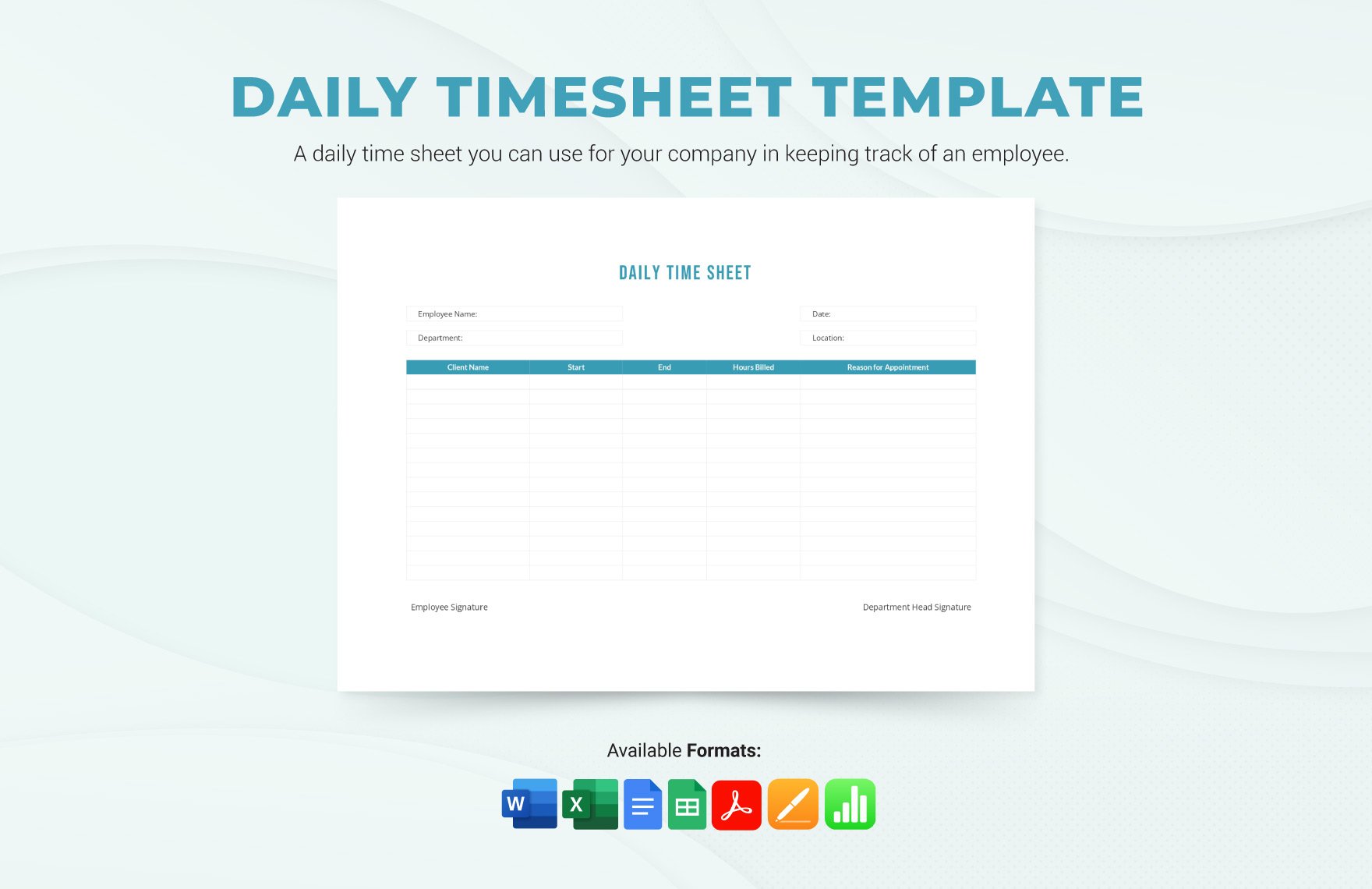
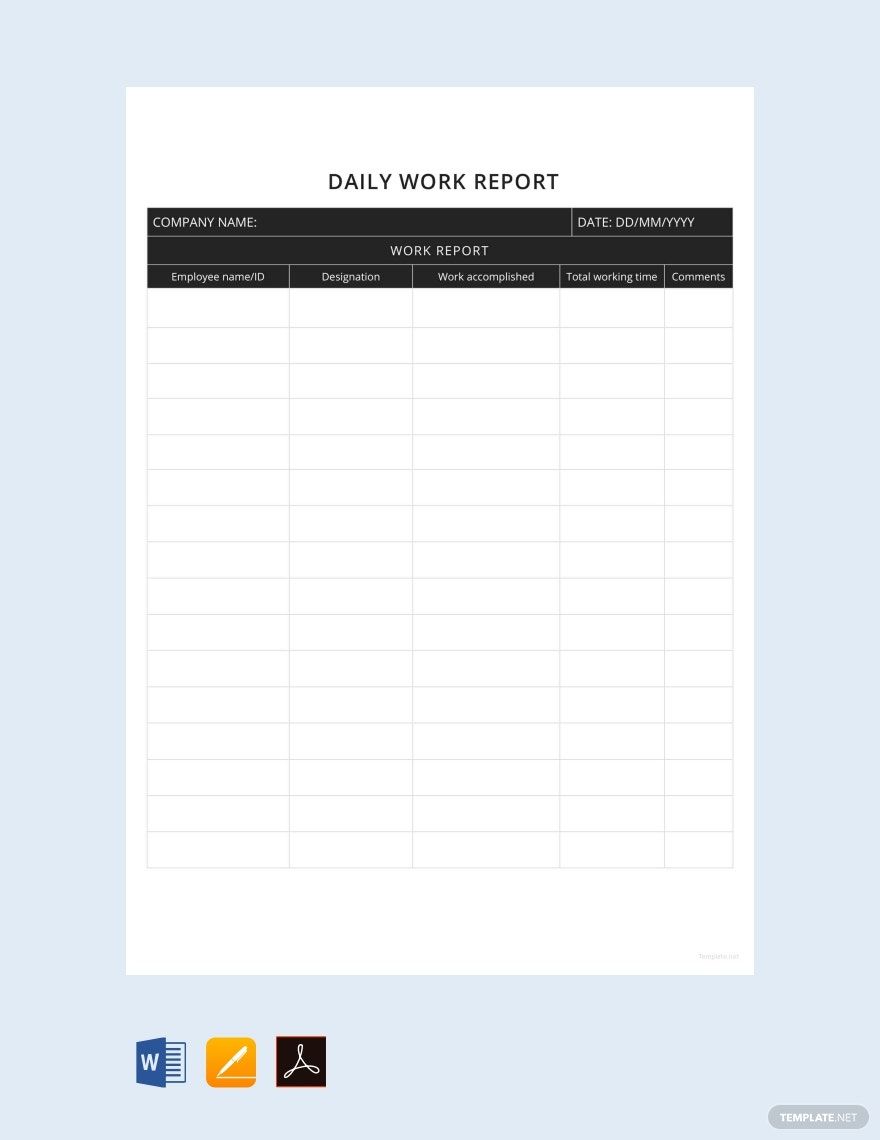
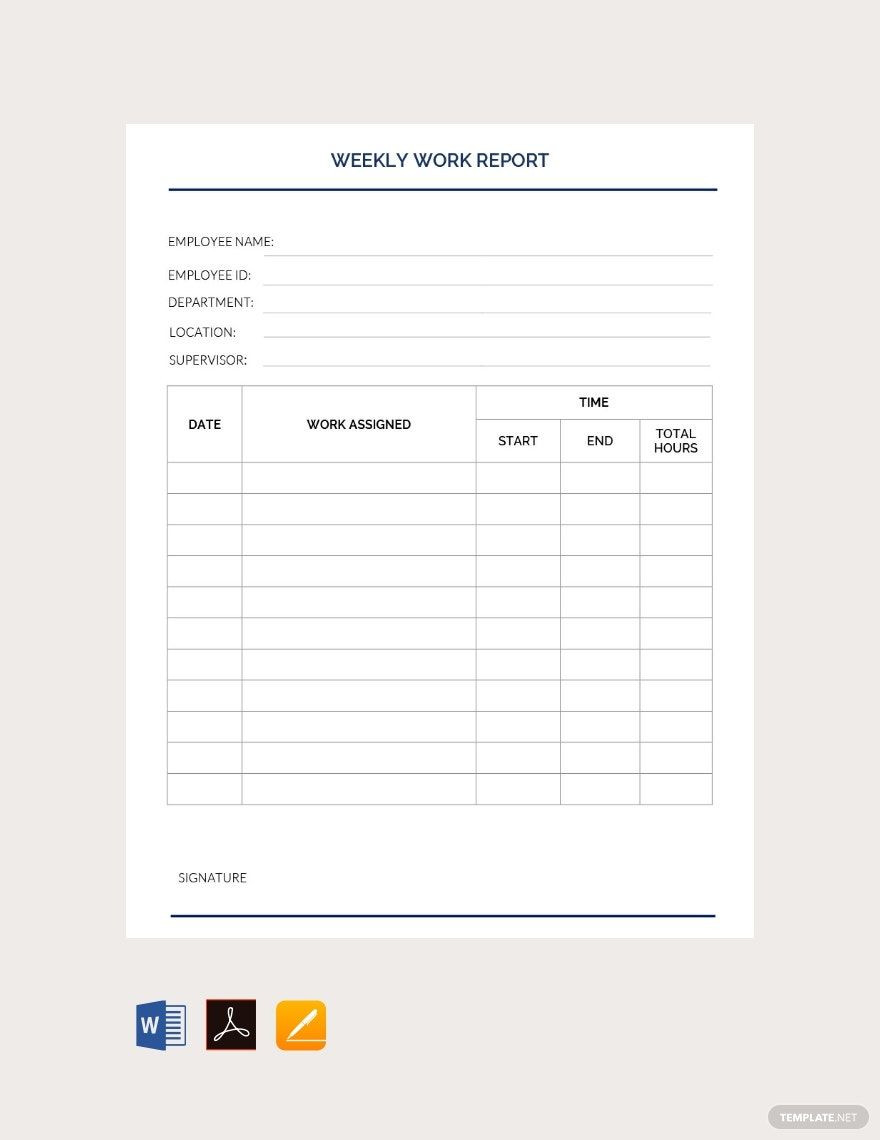
- Time tracking sections for monitoring work hours
- Progress reports to communicate status updates
- Communication logs to track interactions
- Resource links for easy access to tools
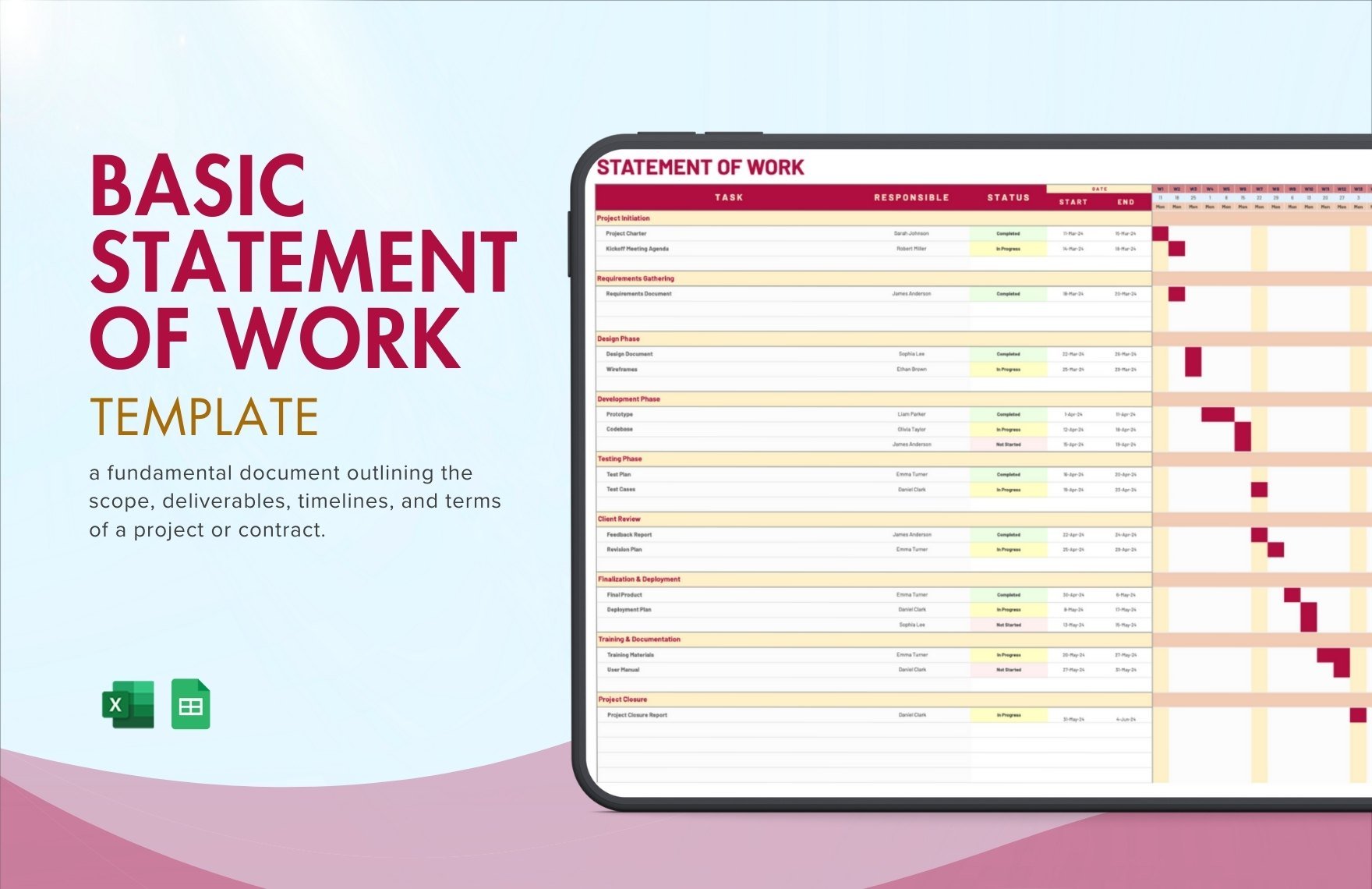
- Goals and deadlines for clear objectives
- Notes sections for additional remarks
How is Work From Home used in professional workflows?
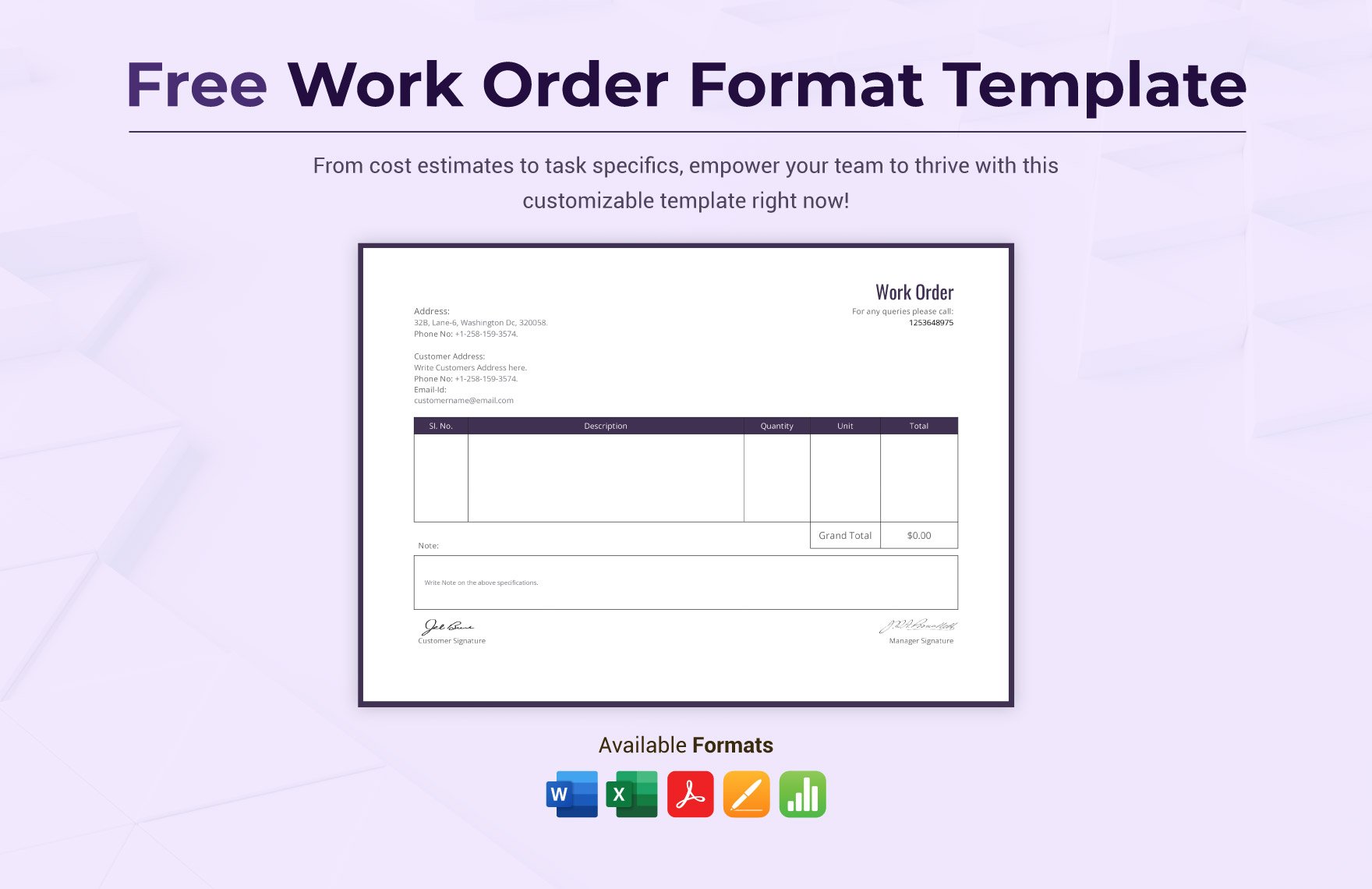
Work From Home templates are integrated into professional workflows to streamline remote collaboration, document tasks, and maintain accountability. These editable templates help teams coordinate efforts, track deliverables, and ensure consistent communication outside the office.
What are common use cases for Work From Home templates?
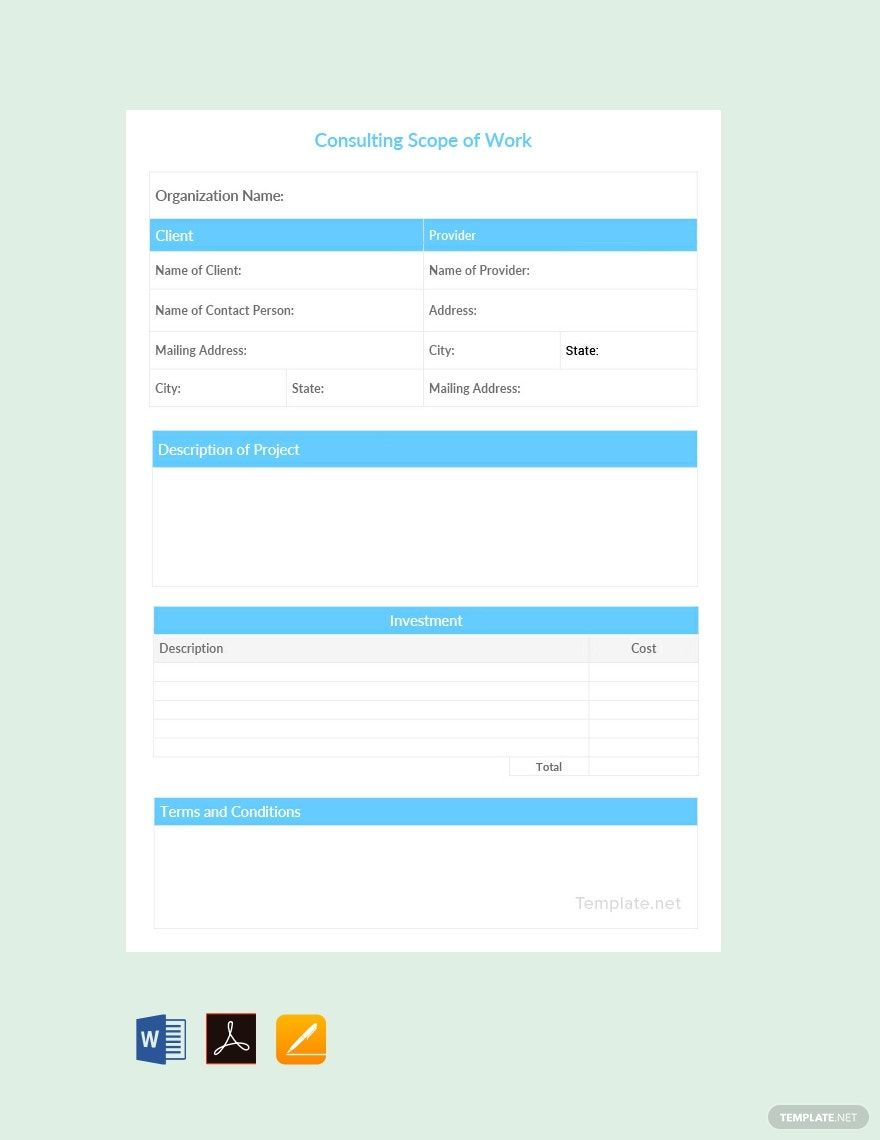
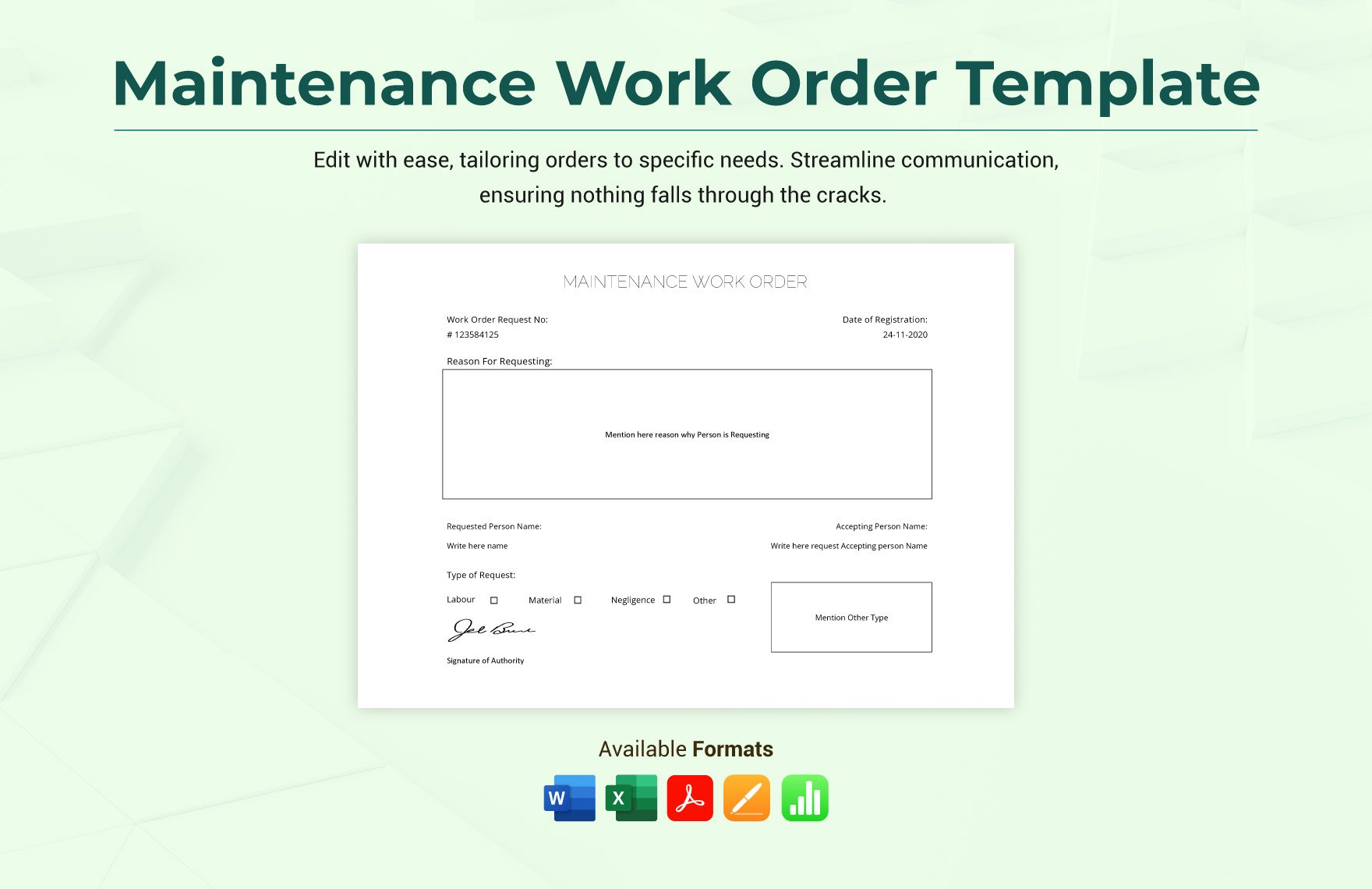
Common use cases for Work From Home templates include managing project schedules, creating remote work agreements, tracking daily tasks, documenting meeting notes, and preparing status reports. These editable templates support varied remote work scenarios across industries.
