
Free Consultant Templates
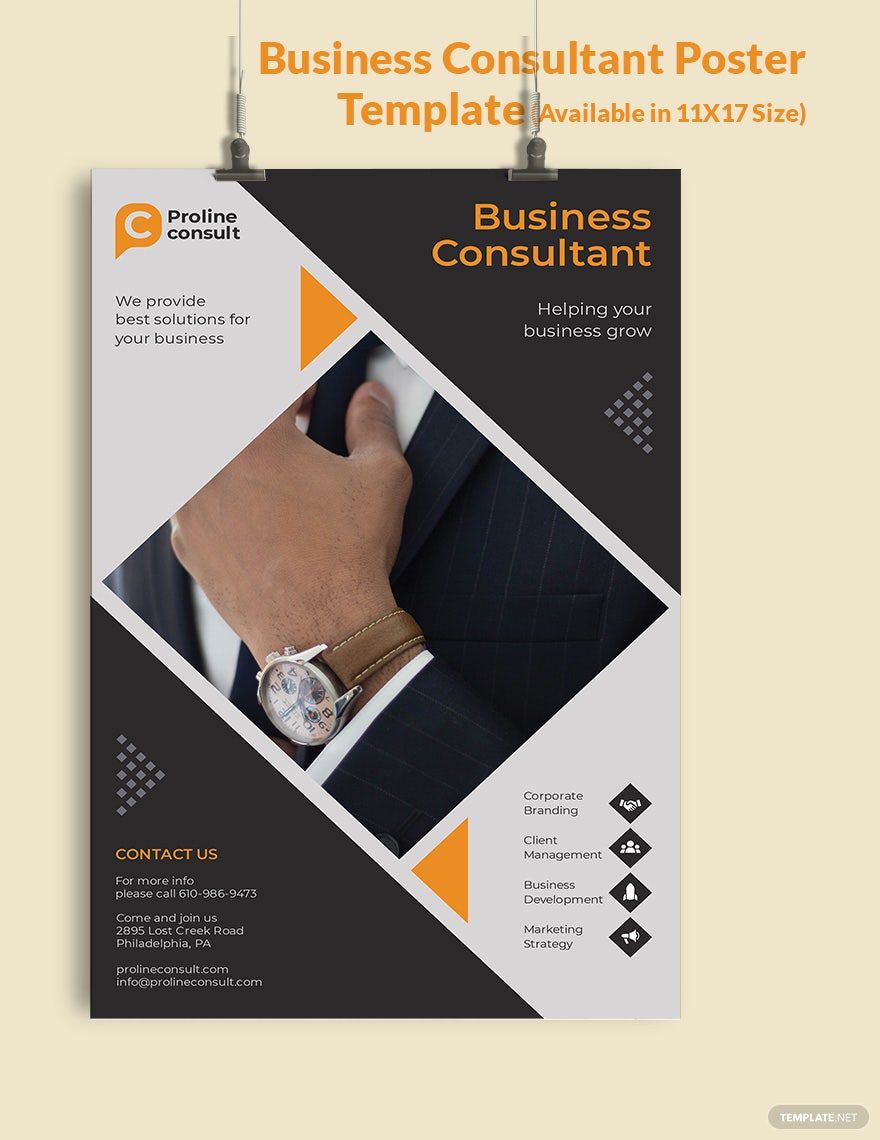
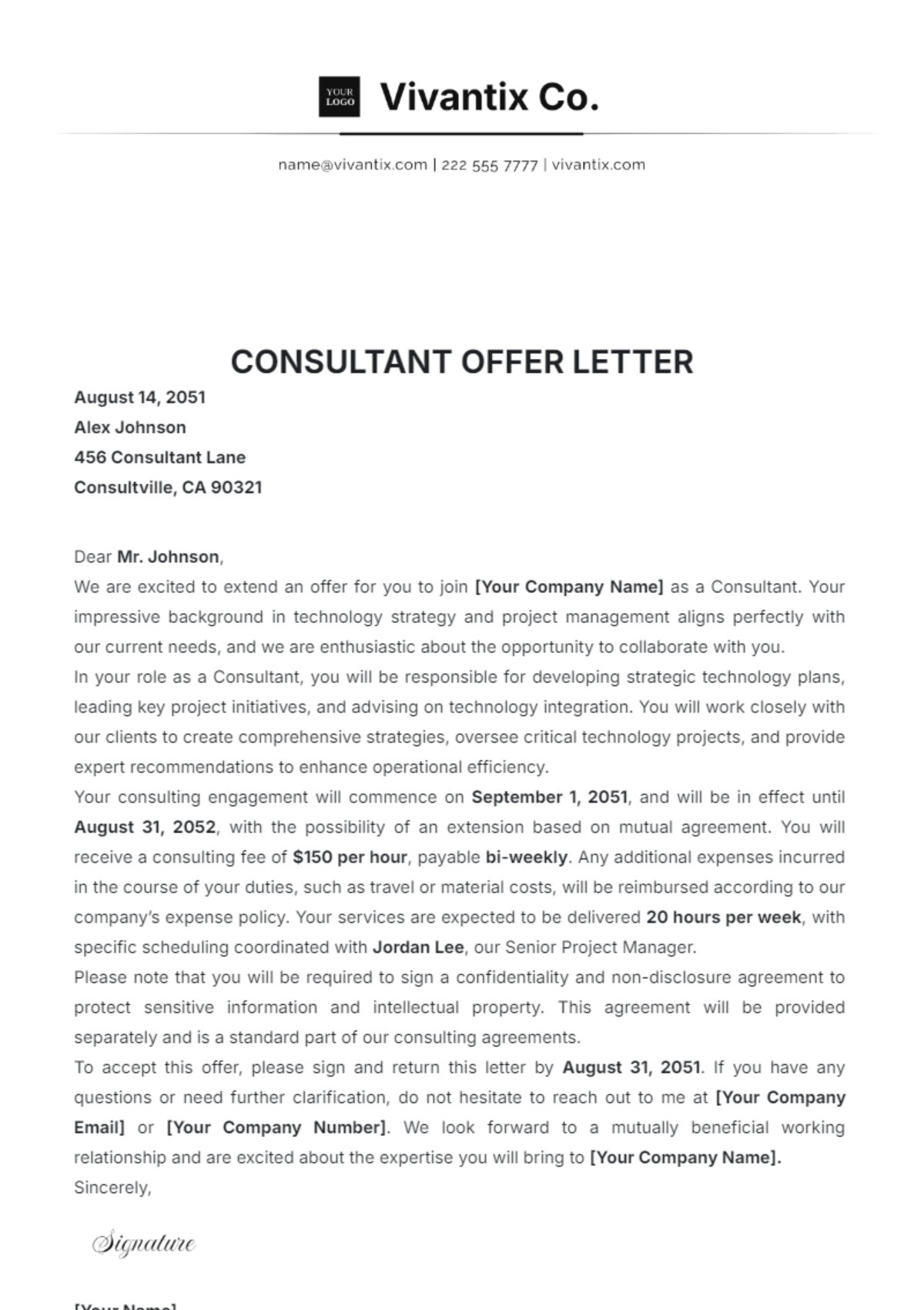
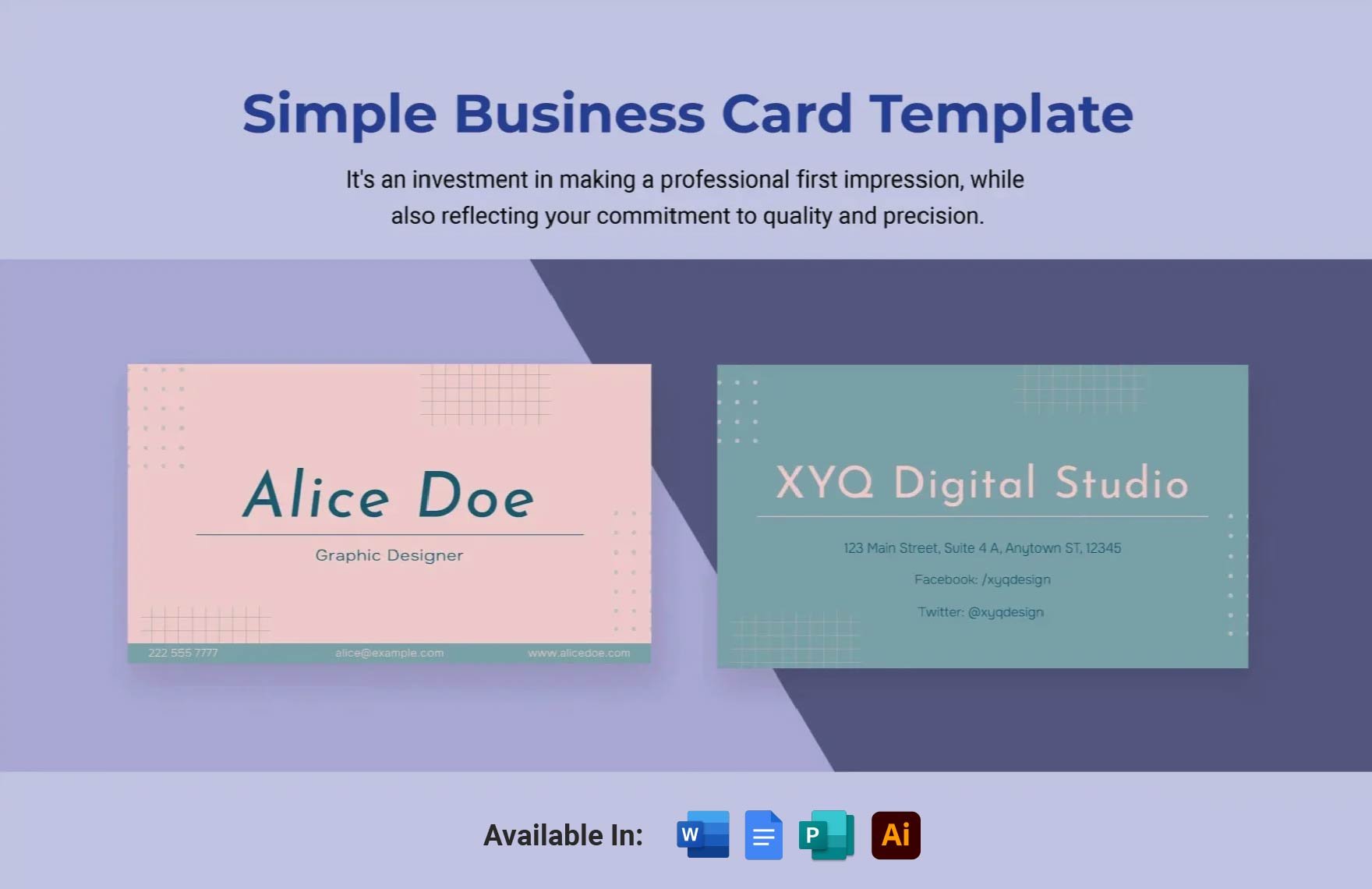
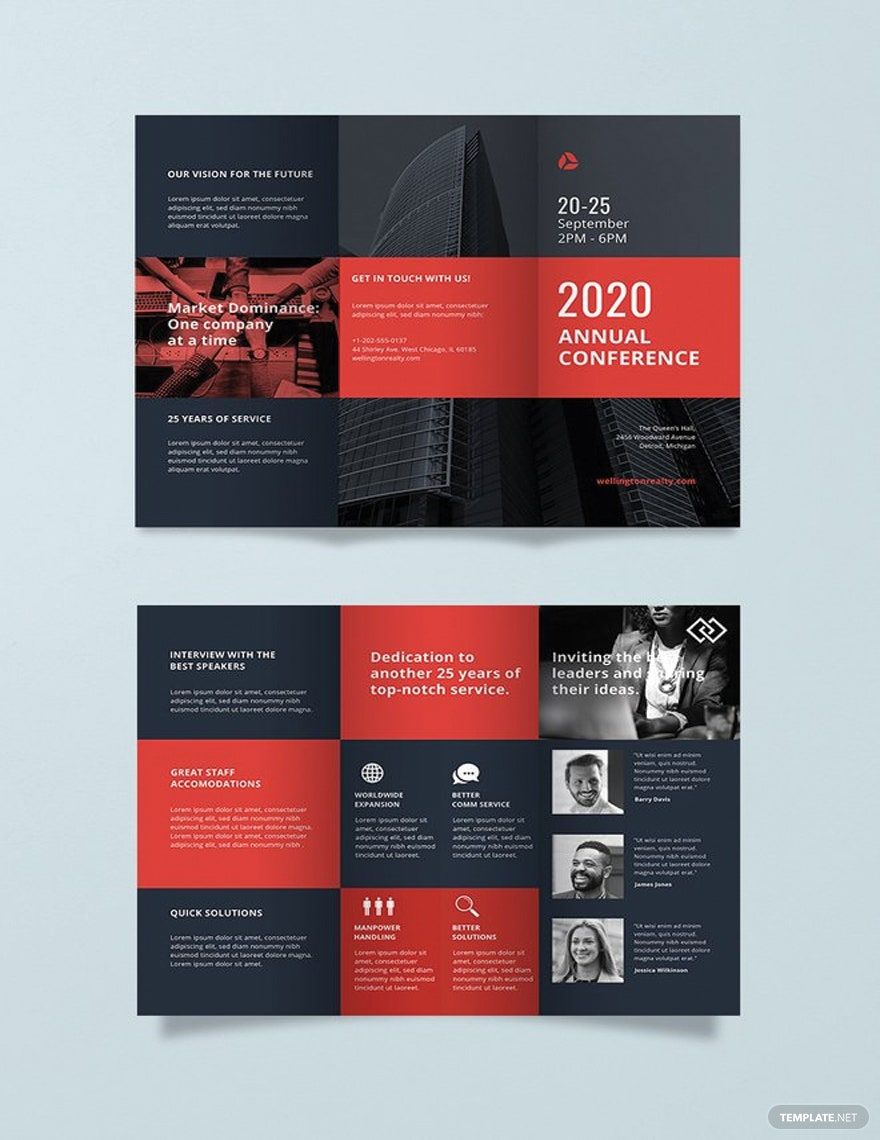
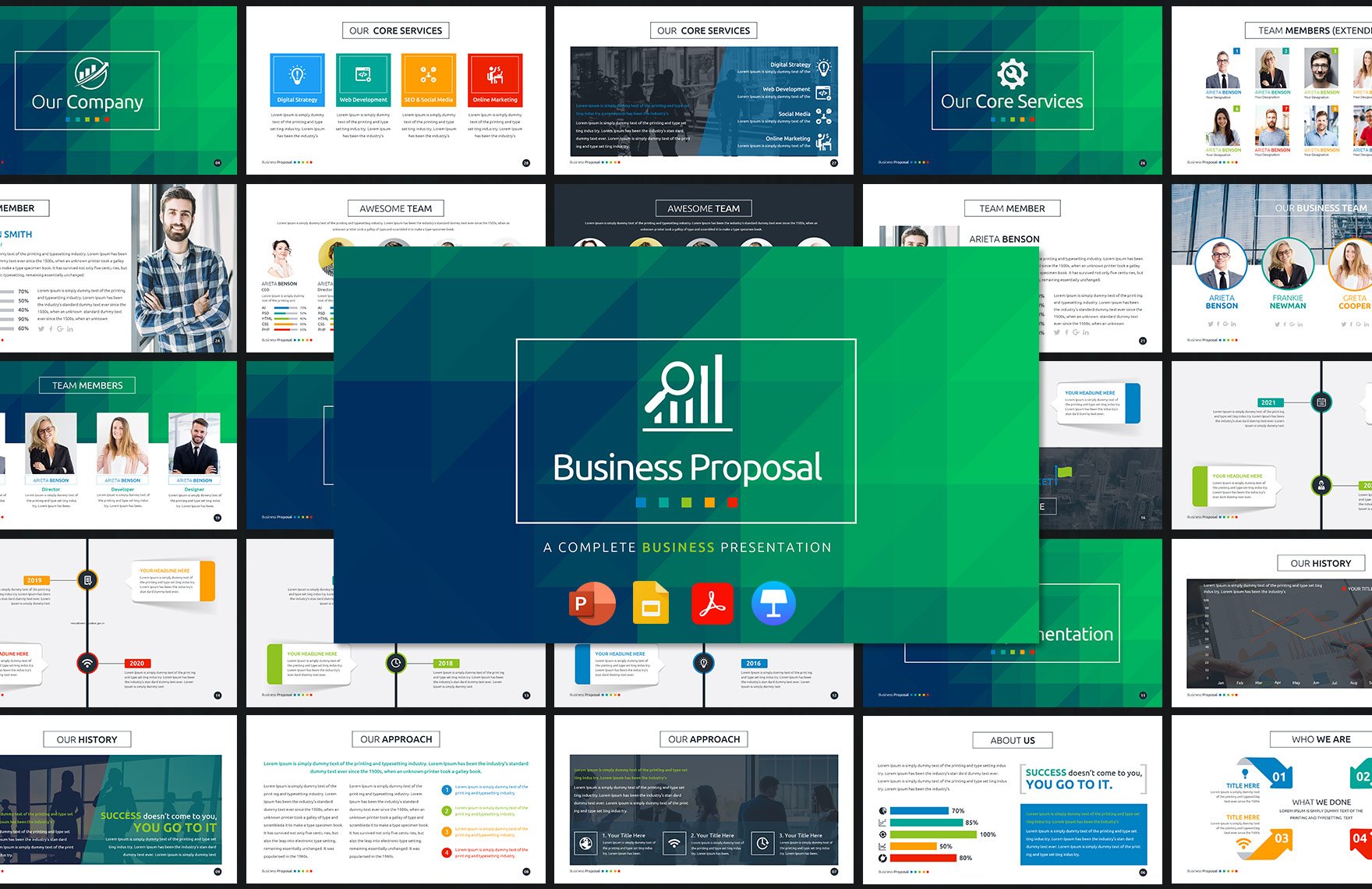
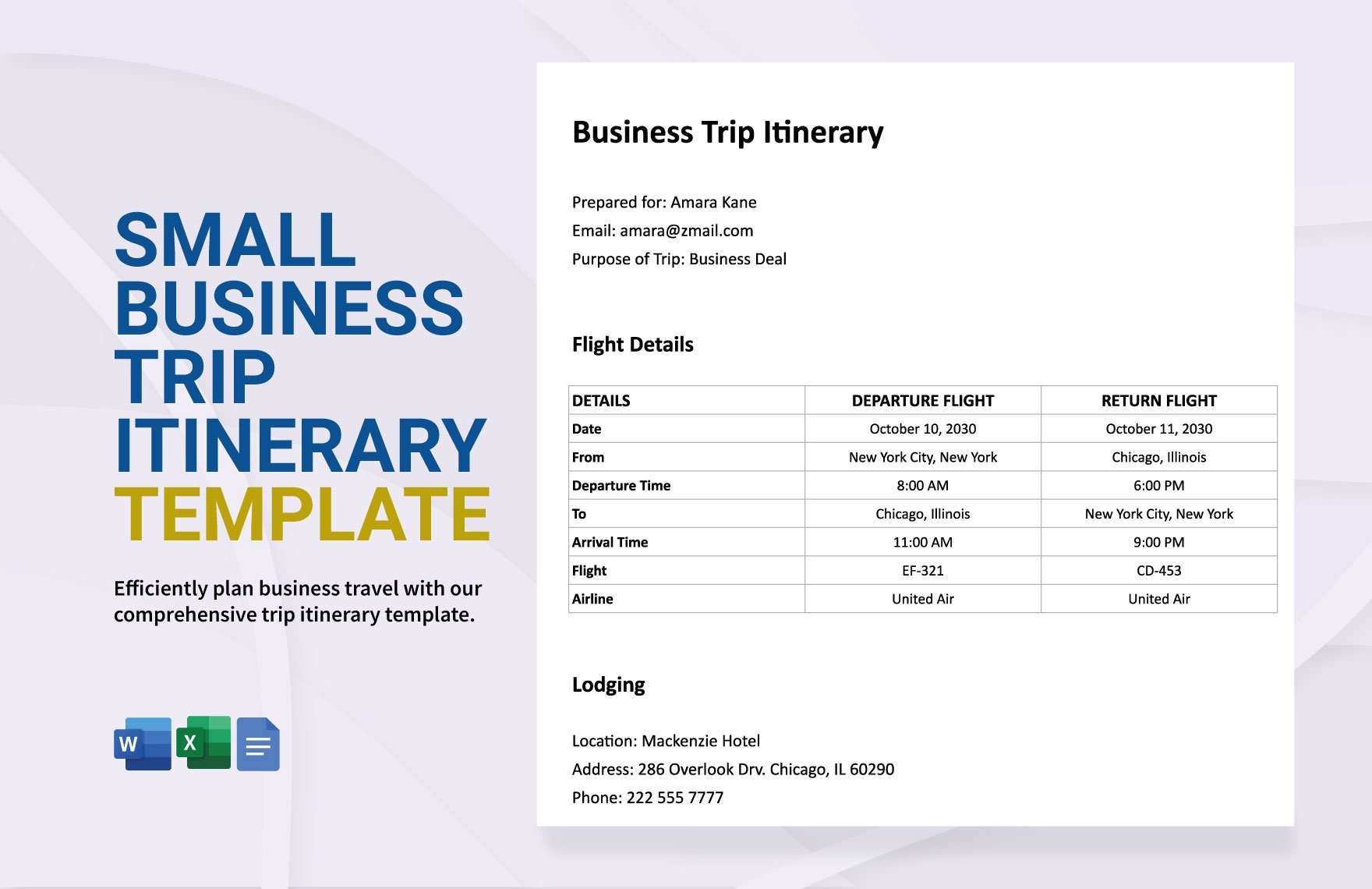
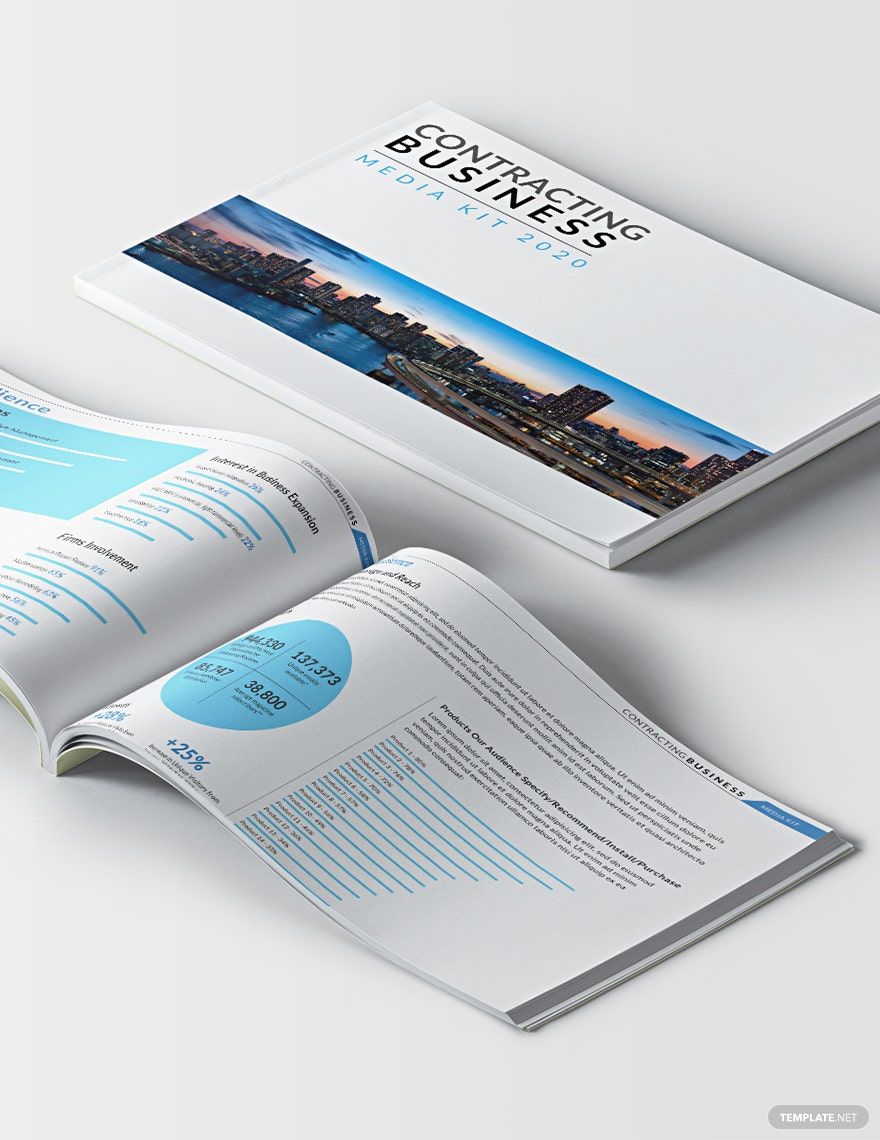

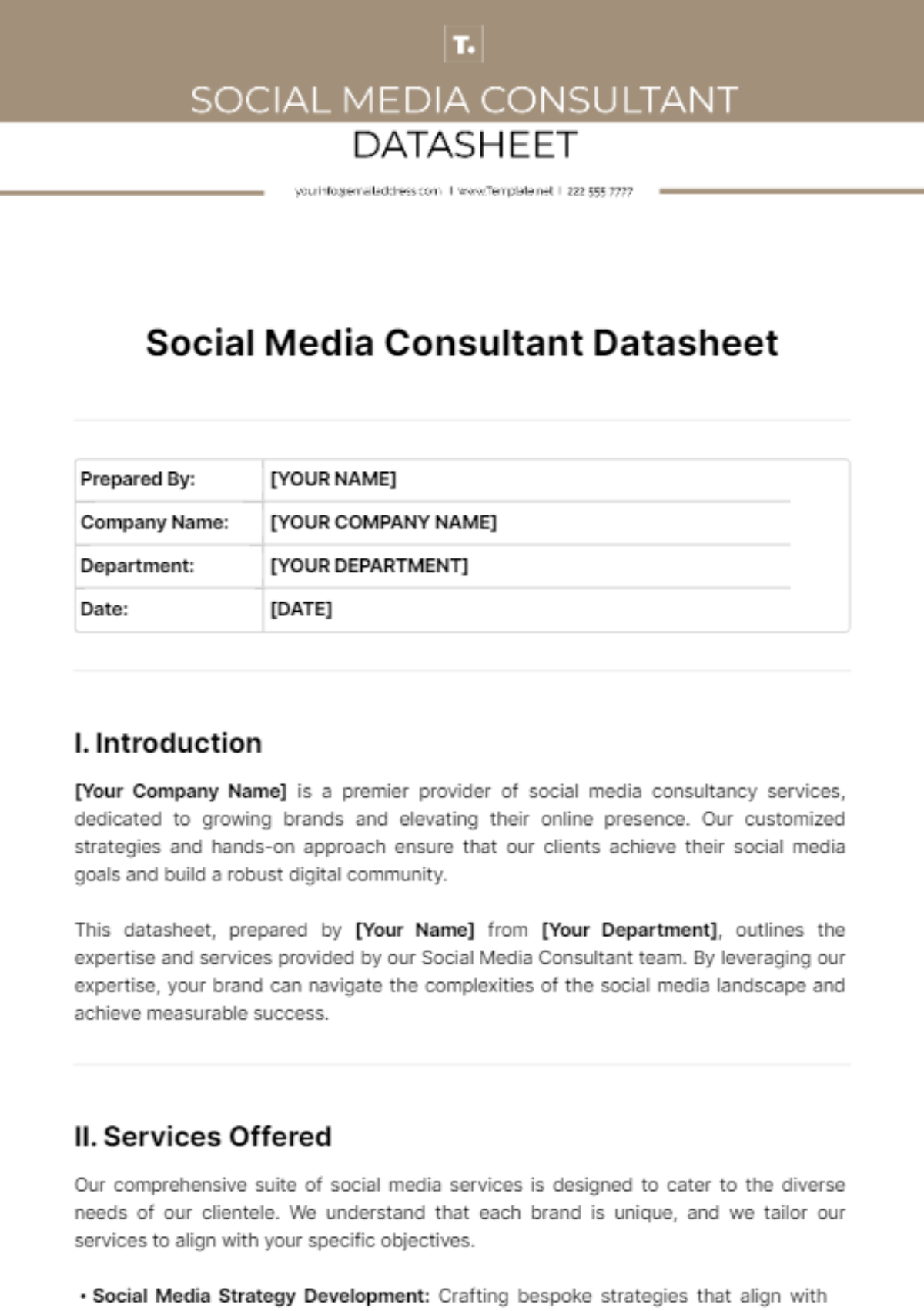
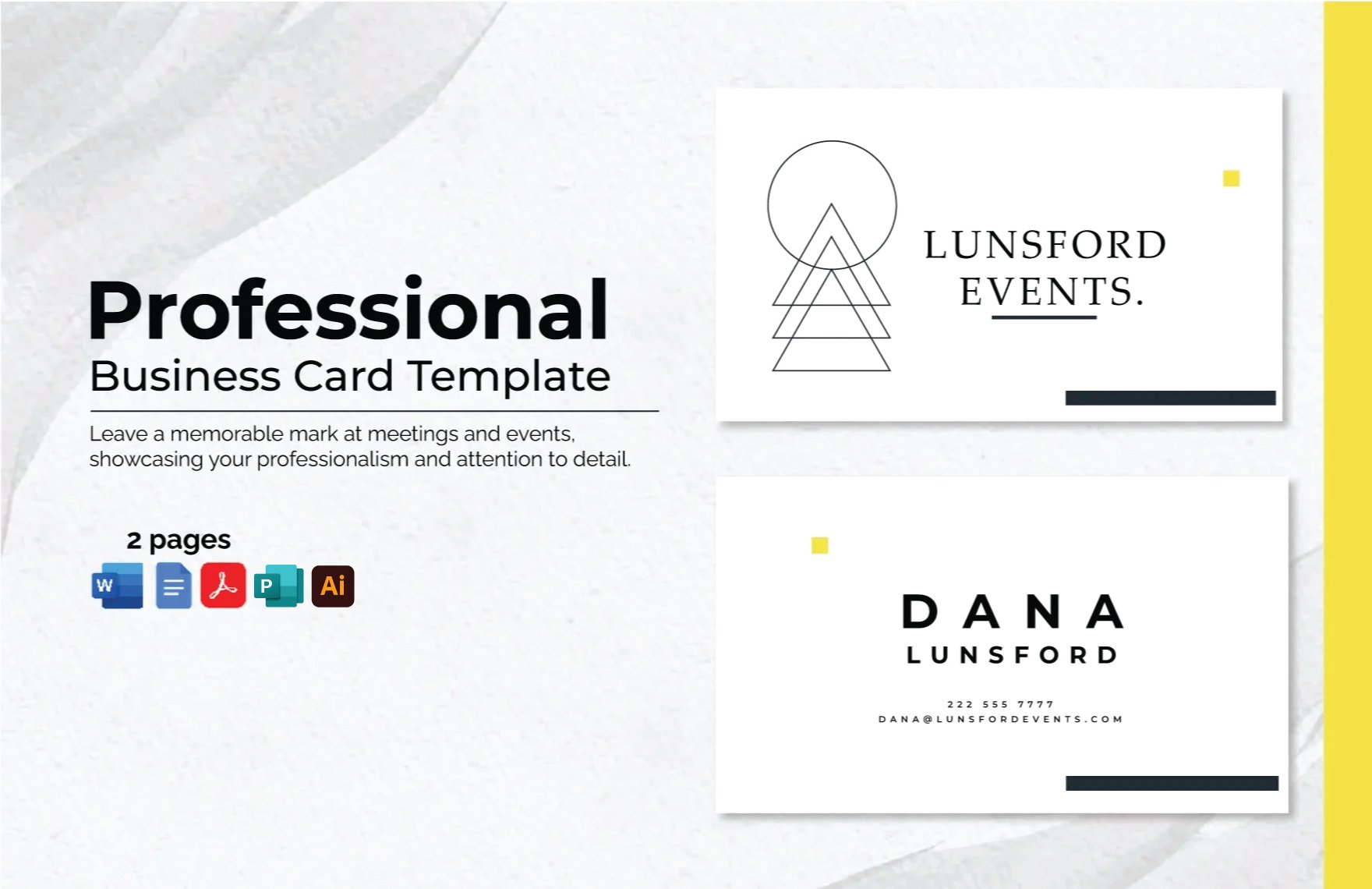
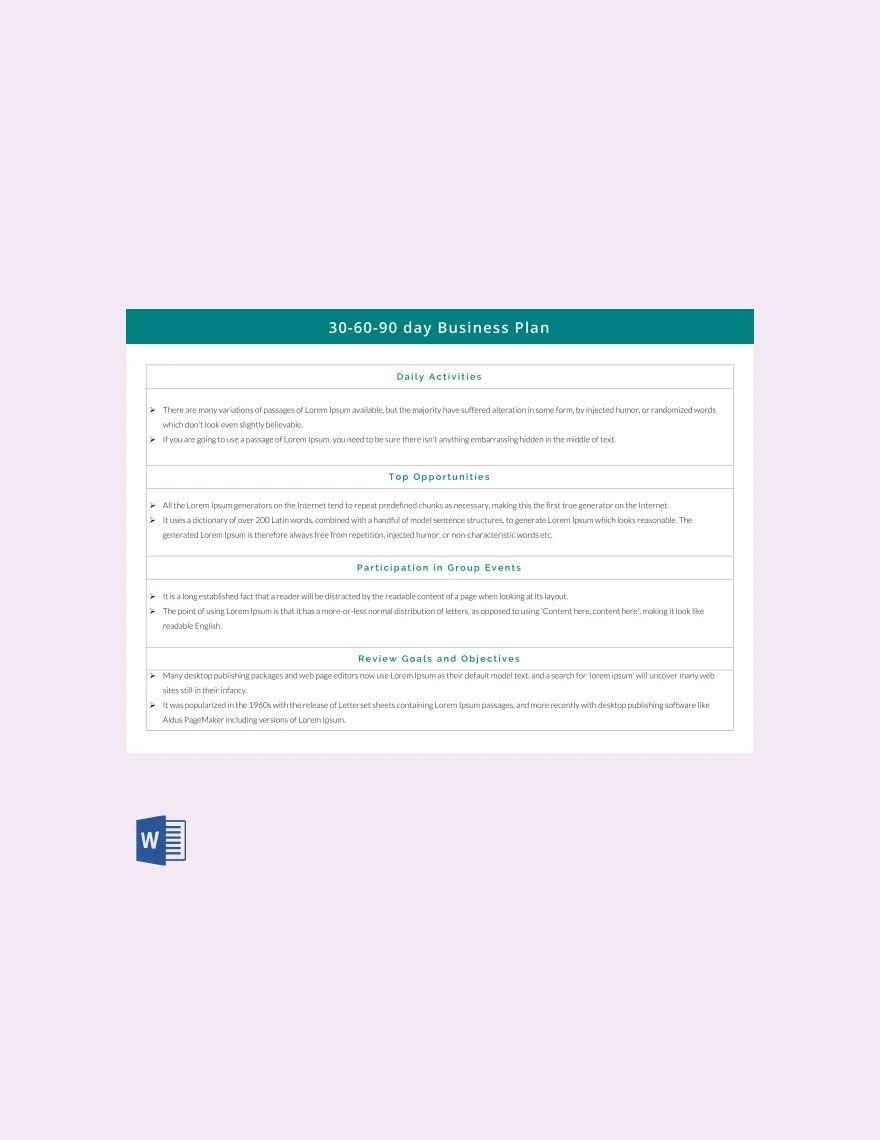
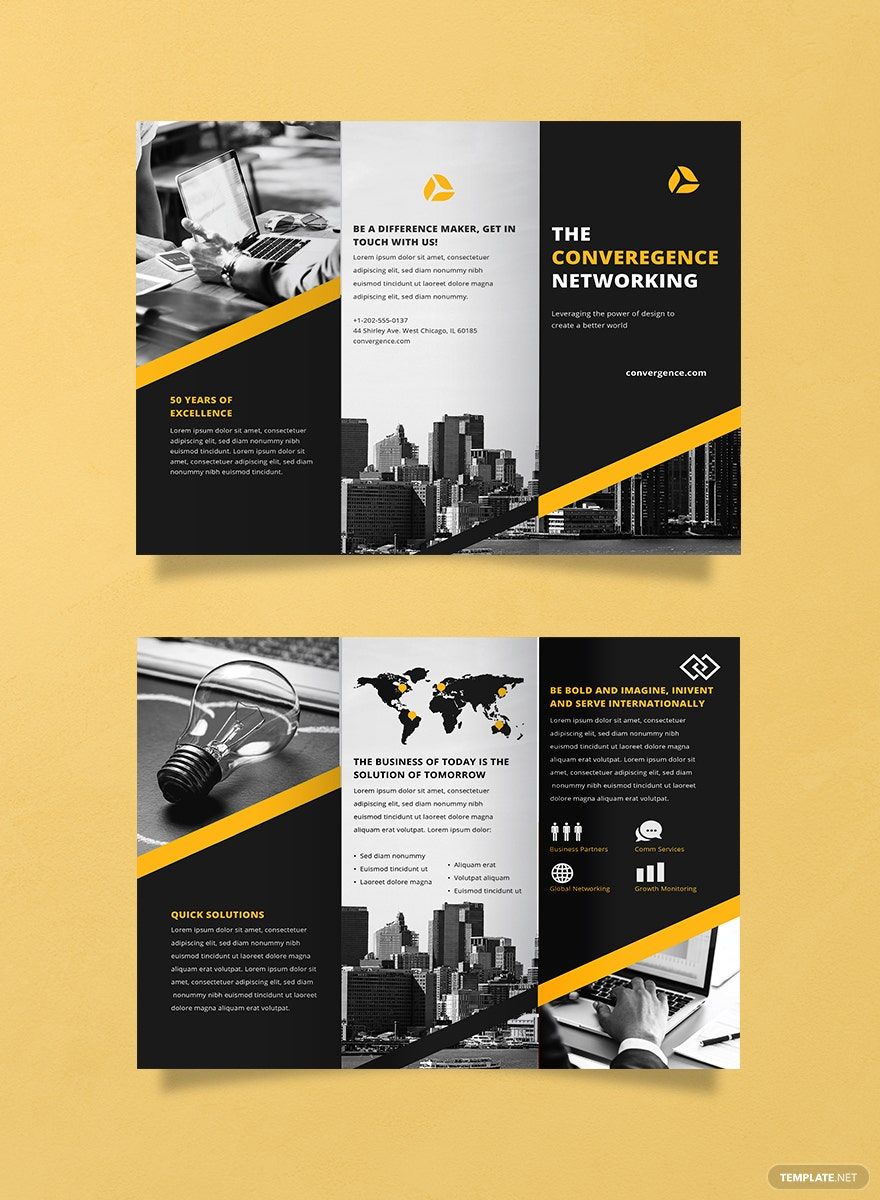
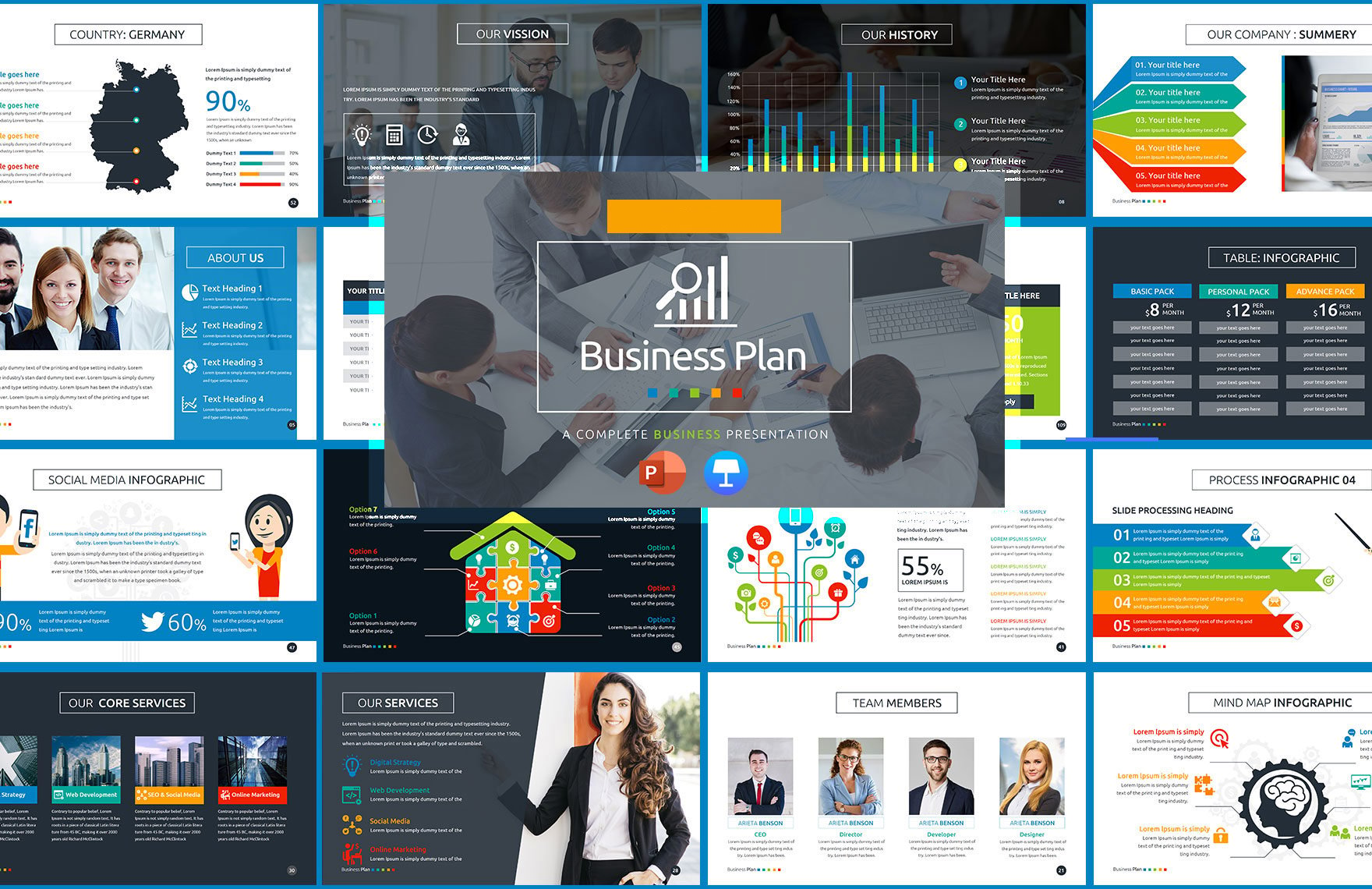
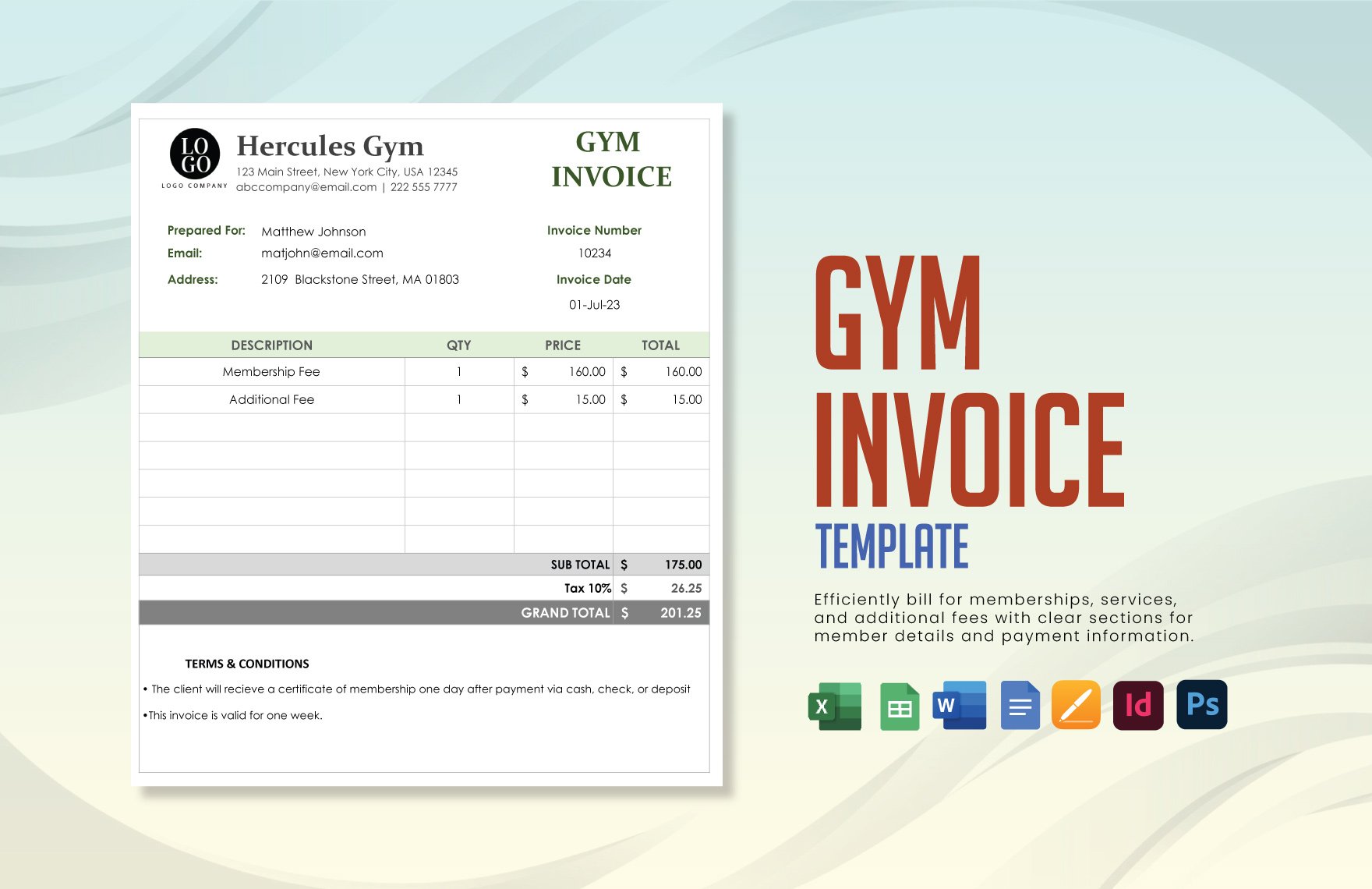


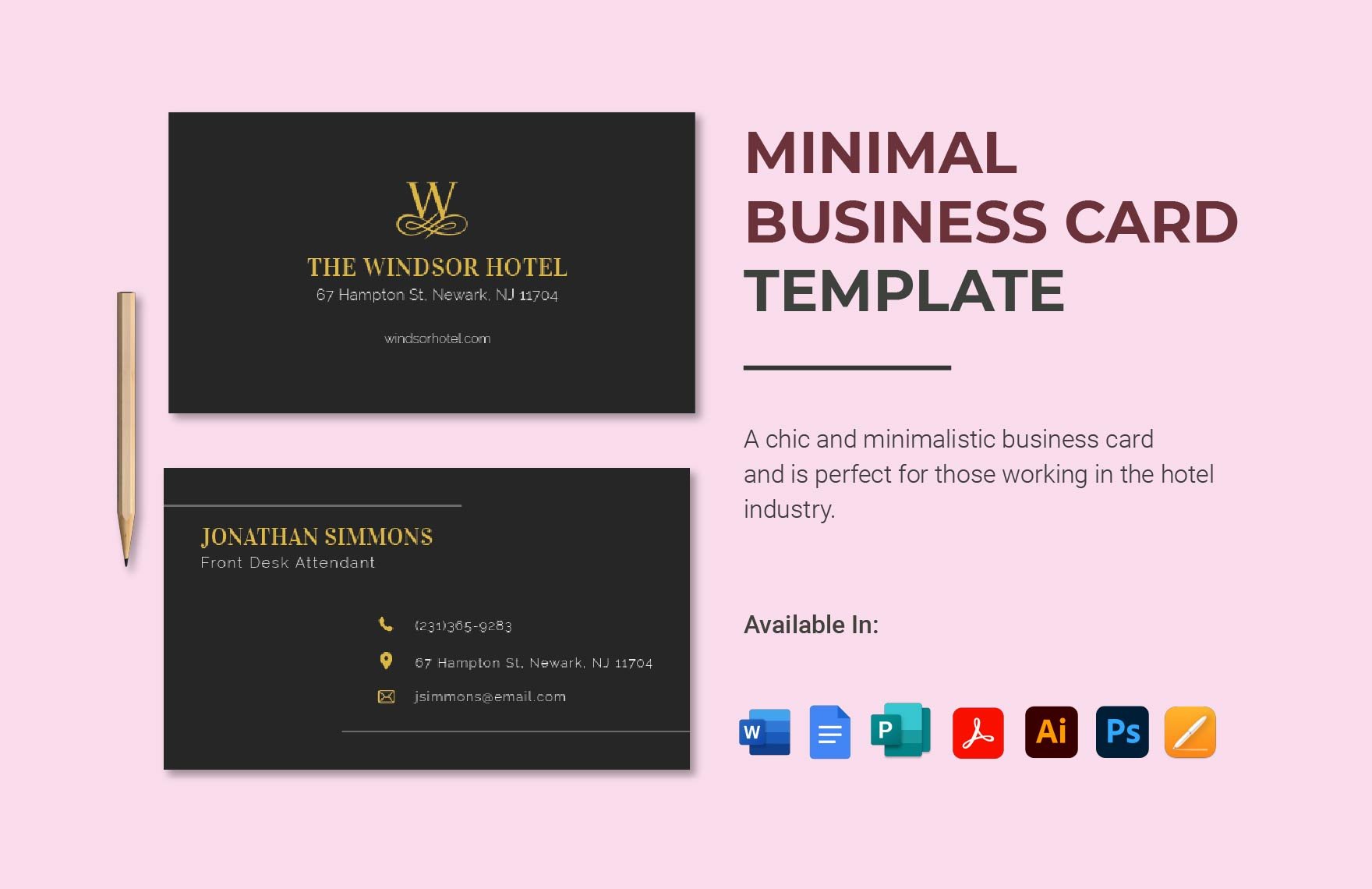
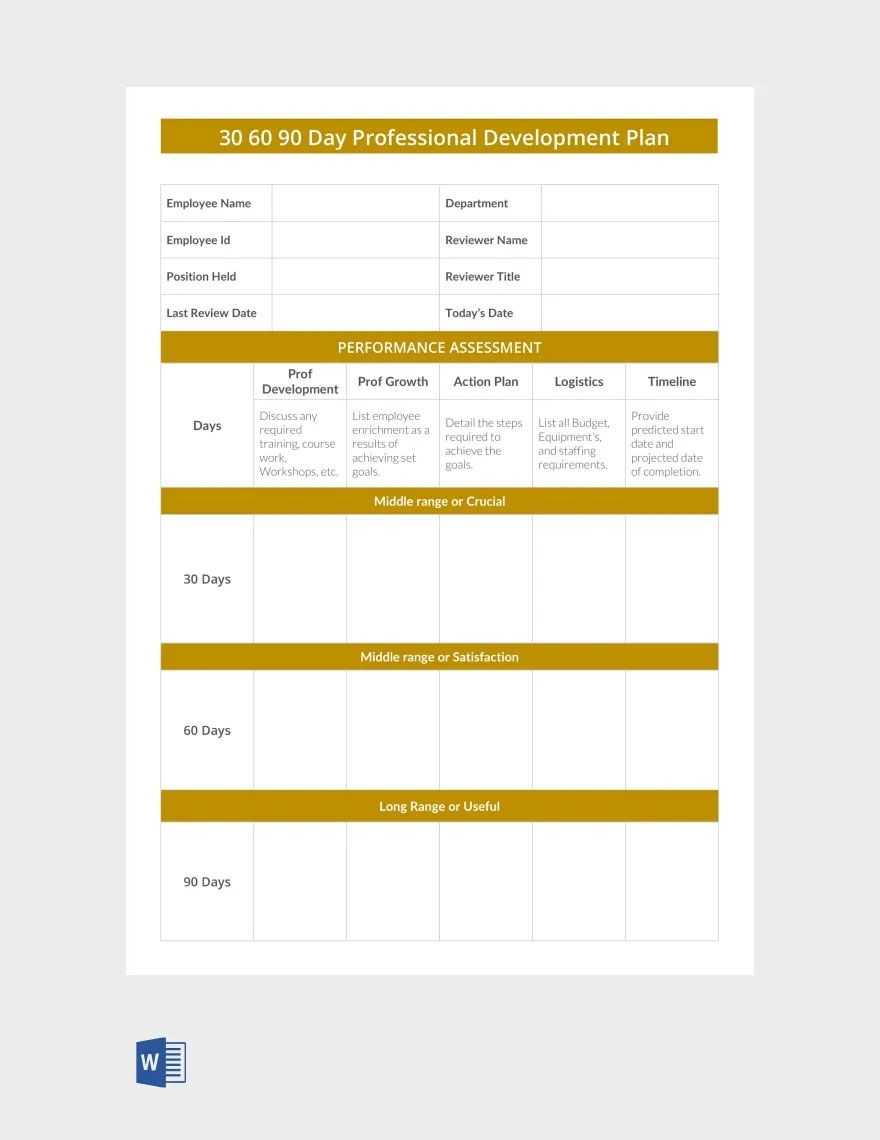


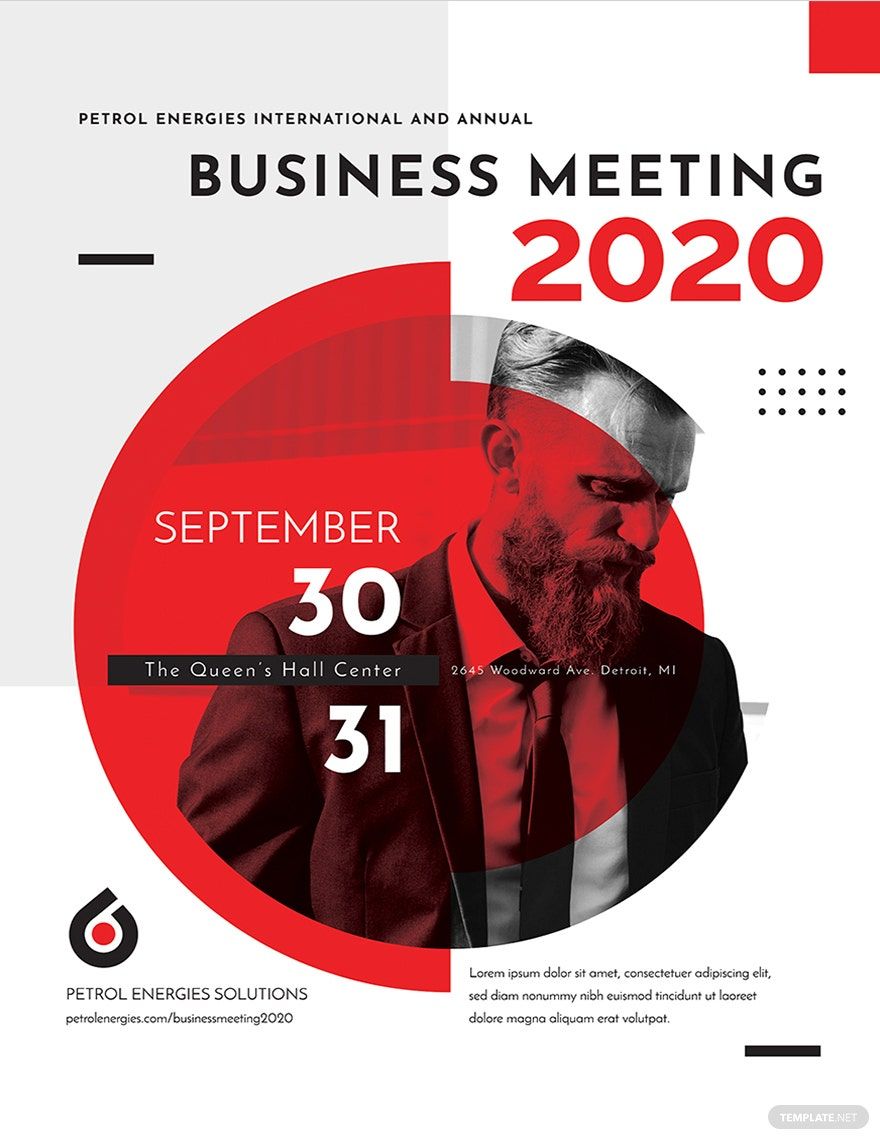
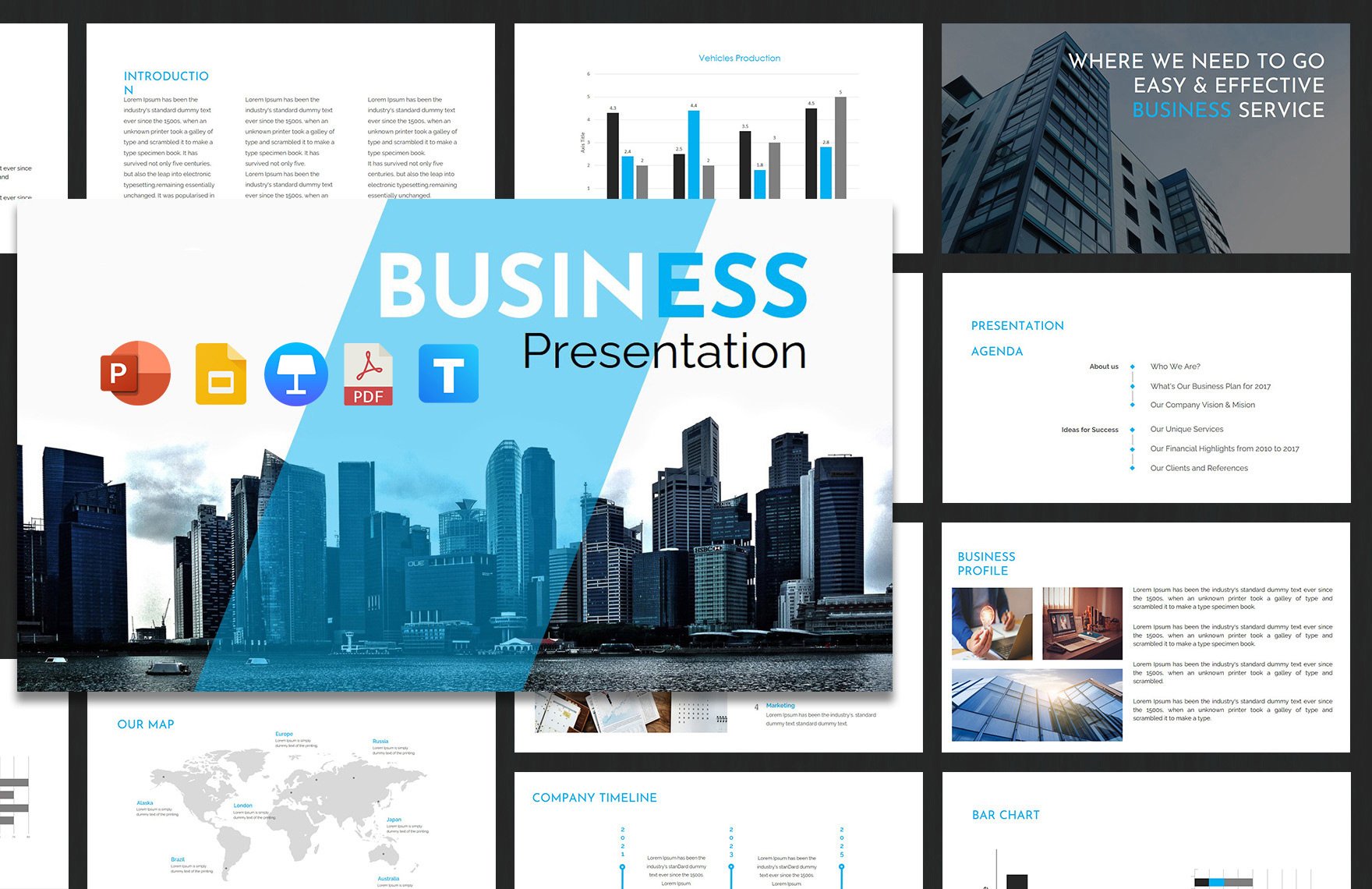
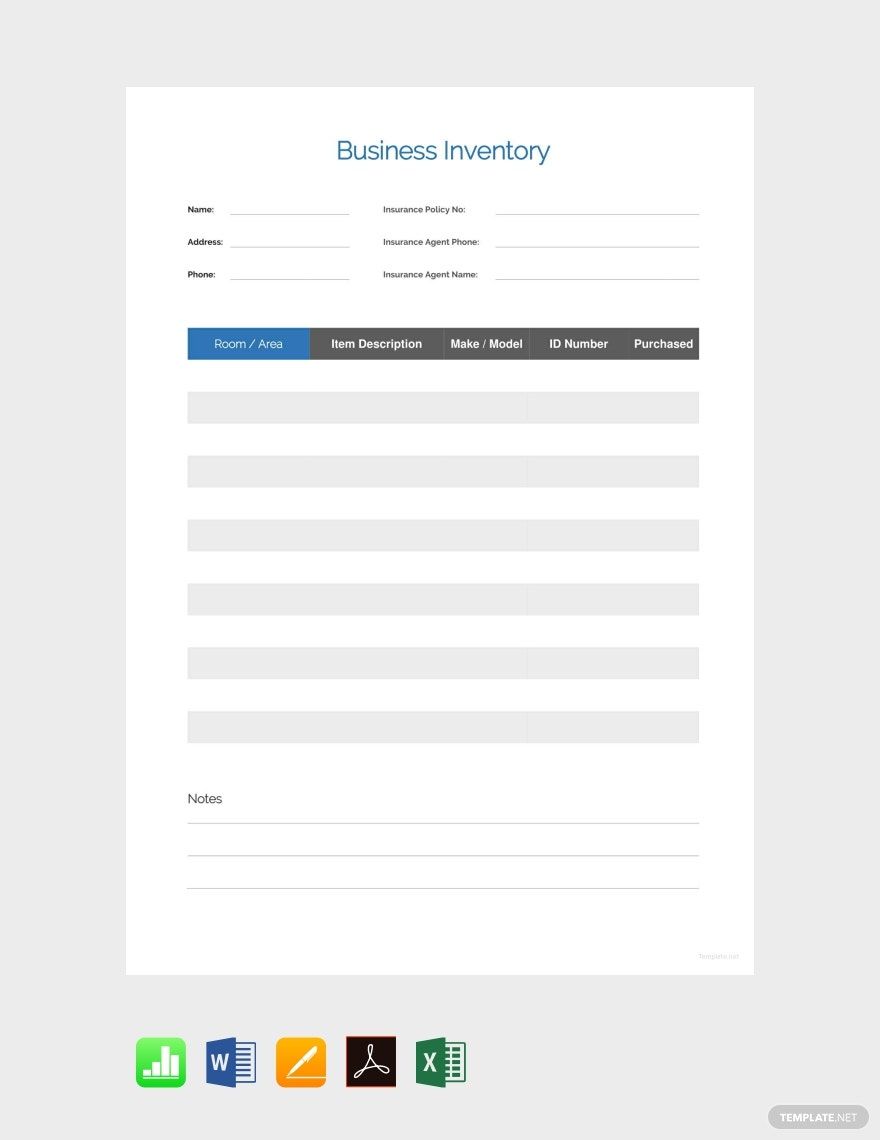
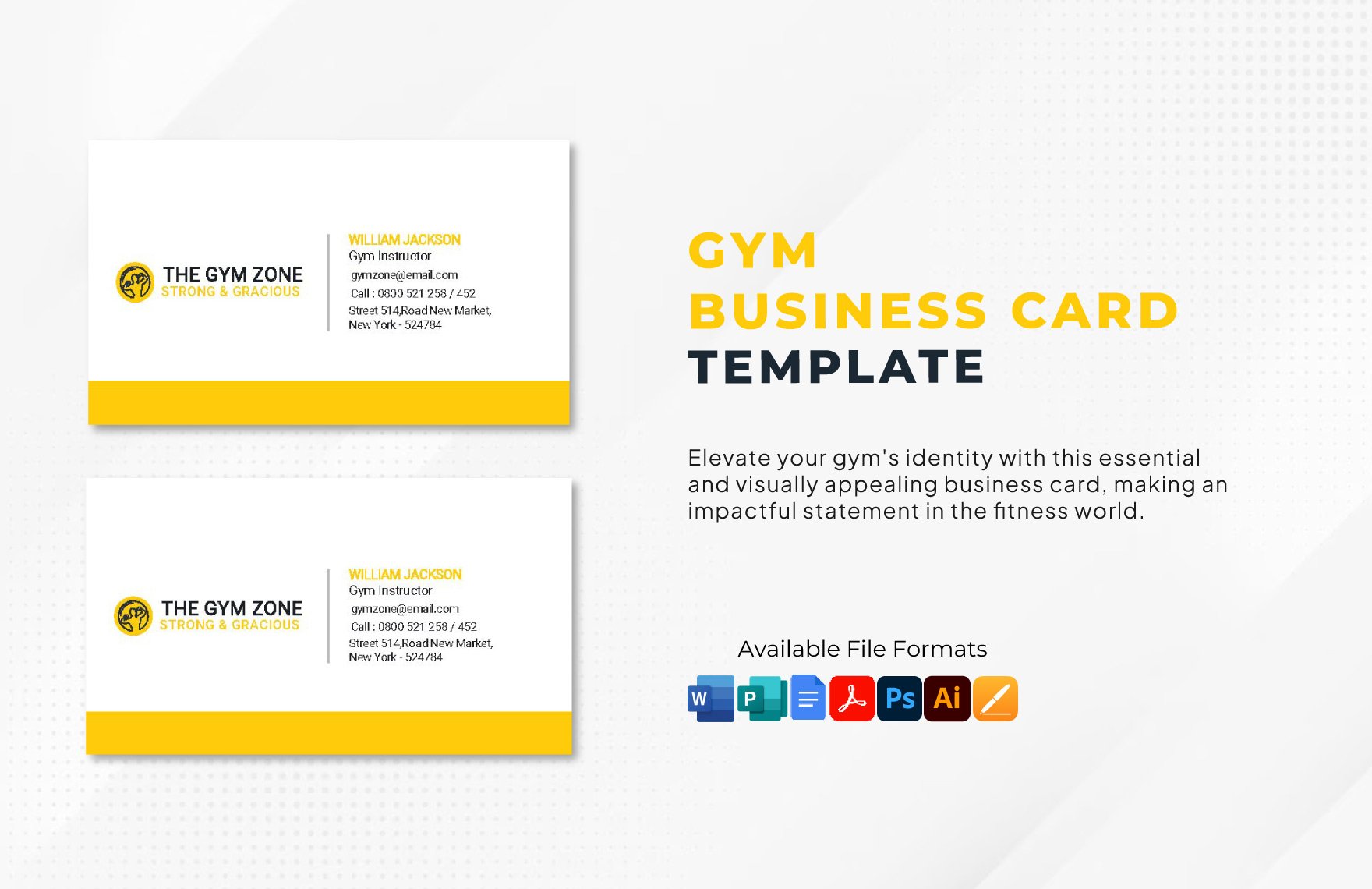
Free Consultant Templates: Editable Drafting Guide, Uses, and Download Formats
What is a Consultant?
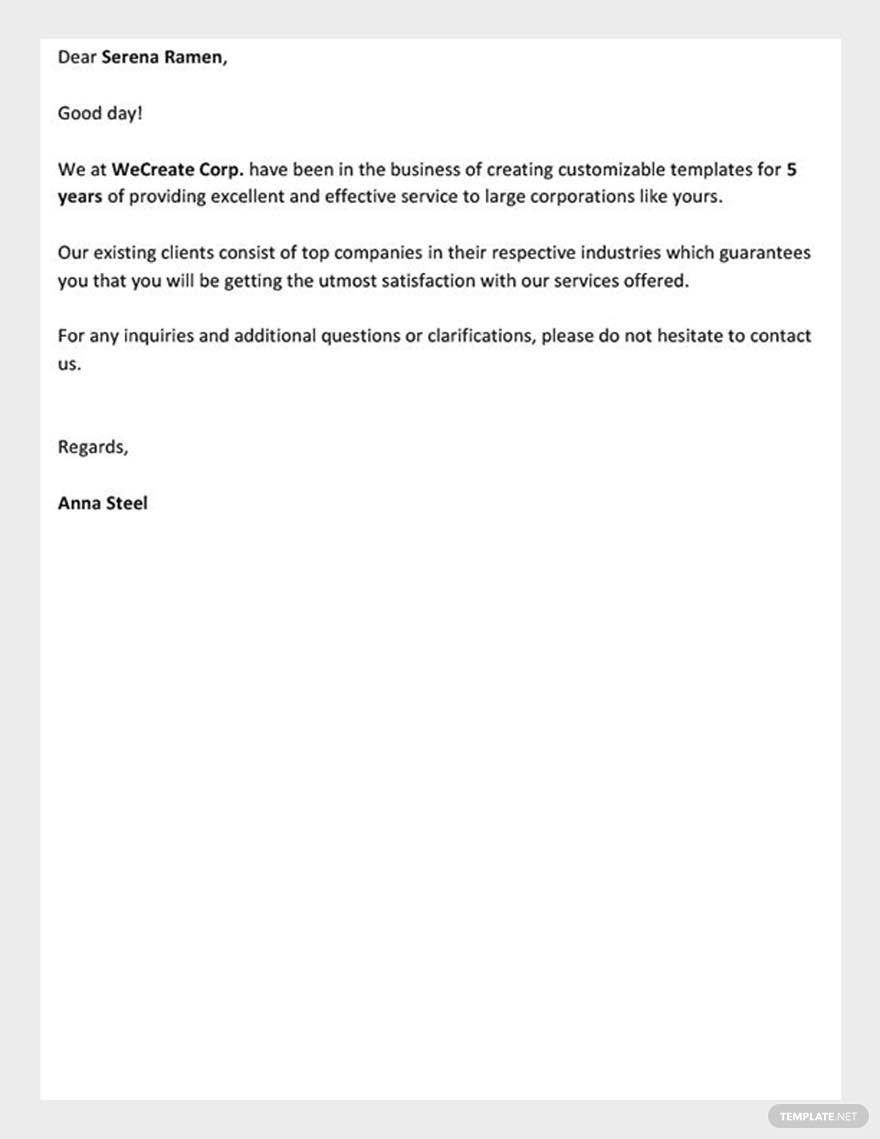
A Consultant is a set of editable documents designed to assist professionals in organizing, planning, or presenting consulting services with professional quality and versatile use. These templates provide structured content that can be customized to fit specific consulting workflows or projects.
Why should I use a Consultant?
You should use a Consultant because it offers a ready-made, editable framework that saves time and ensures professional appearance. Using a Consultant template enhances clarity, organization, and consistency across your consulting documents, which is essential for client communication and project management.
Who uses Consultant?
Consultant templates are typically used by business consultants, project managers, freelancers, and professionals who require structured documents for planning, reporting, or client presentations. These users benefit from editable templates that streamline their workflow.
What are the best tips for completing my Consultant?
When completing your Consultant, focus on clarity, relevance, and customization. Ensure all sections are tailored to your specific project or client needs. Use strong headings, concise language, and include essential elements such as objectives, timelines, and deliverables for a comprehensive document.
Can I create a Consultant using AI?
While Template.net offers editable Consultant templates, AI-generated Consultant documents are available on other parts of the domain. For this category, you can customize professional templates directly in your browser without relying on AI generation features.
What file formats can I download for my Consultant?
Template.net supports multiple export formats for your Consultant, allowing you to choose the best format for your needs. Available formats include PSD, Word, Publisher, Google Docs, Illustrator, Excel, InDesign, Apple Pages, Apple Numbers, Google Sheets, Outlook, and PDF.
What essential elements should a Consultant include?
A Consultant should include essential elements that ensure clarity and completeness. These elements typically include:
- Title and client information to identify the document purpose and parties involved
- Objectives and scope defining the project goals
- Methodology describing the approach or process
- Deliverables and timeline outlining expected results and deadlines
- Terms and conditions specifying agreements and responsibilities
How are Consultant templates used in professional workflows?
Consultant templates are used to streamline document creation for proposals, reports, and presentations in consulting workflows. They facilitate clear communication with clients, support project planning, and provide standardized formats that improve efficiency and professionalism throughout the consulting process.
What are common use cases for Consultant templates?
Common use cases for Consultant templates include preparing business proposals, drafting project reports, creating client presentations, outlining strategies, and documenting consulting agreements. These templates support consistent and polished documentation across diverse consulting projects and industries.
