
Free Quote Templates





















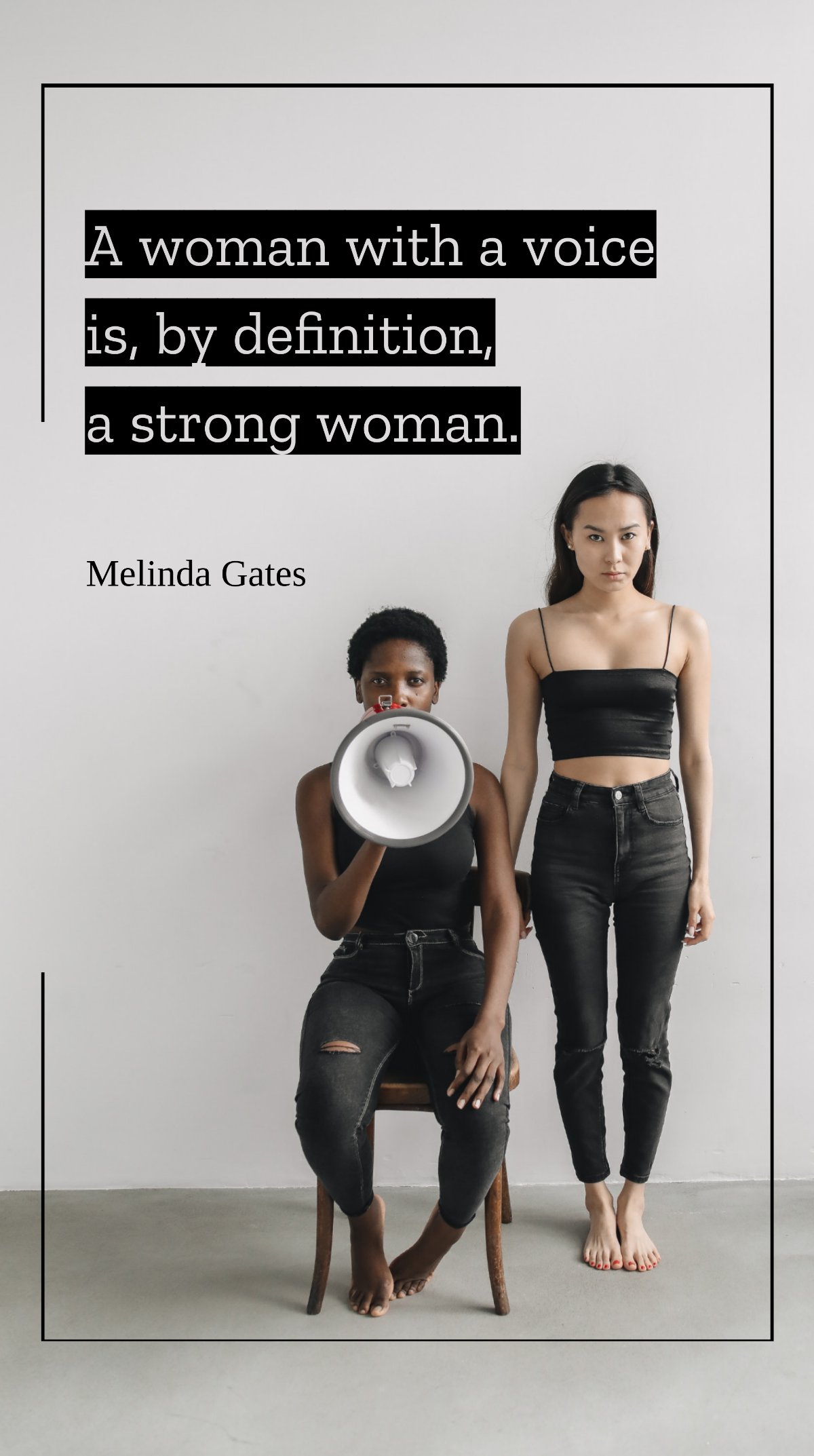





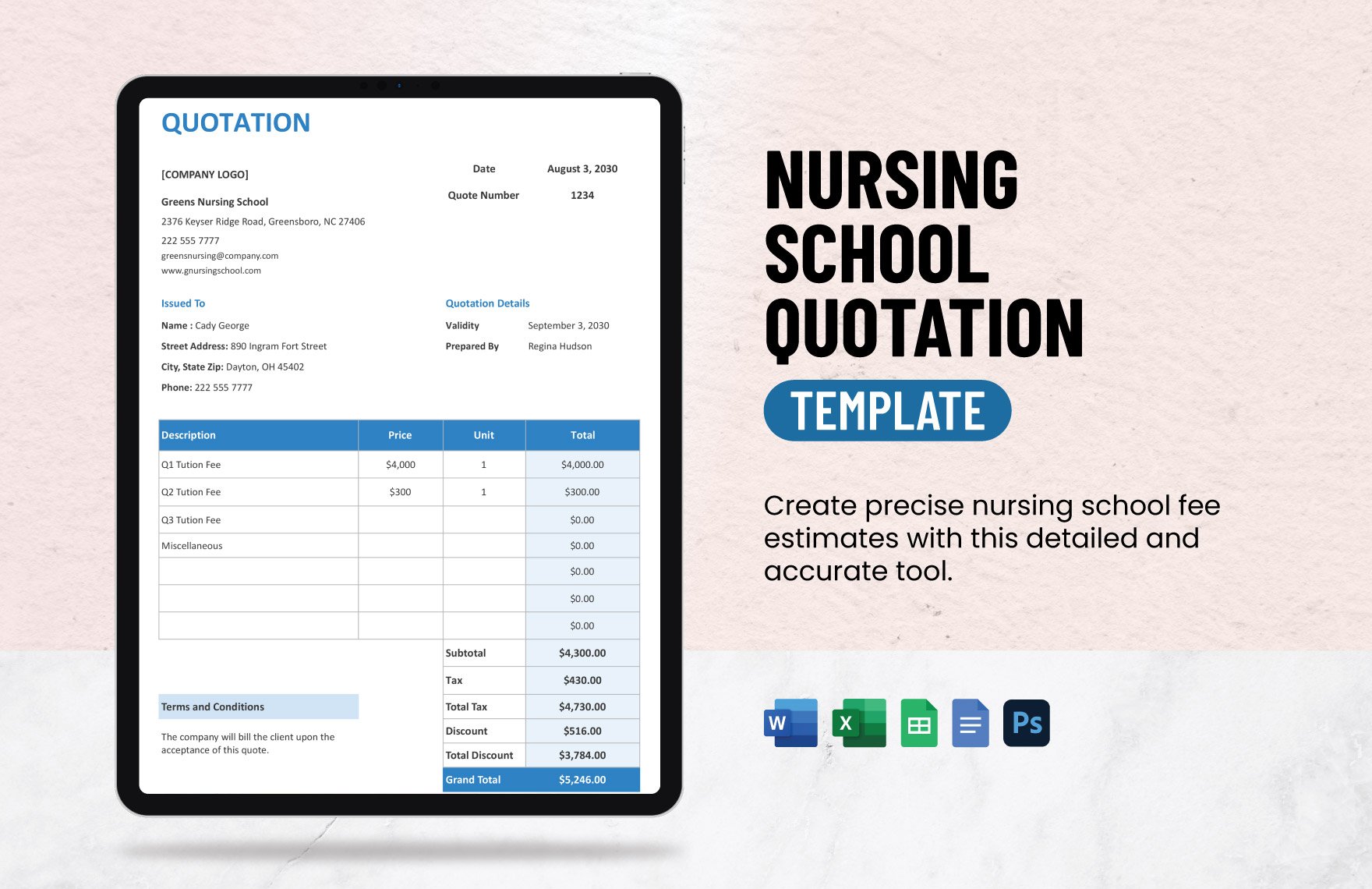

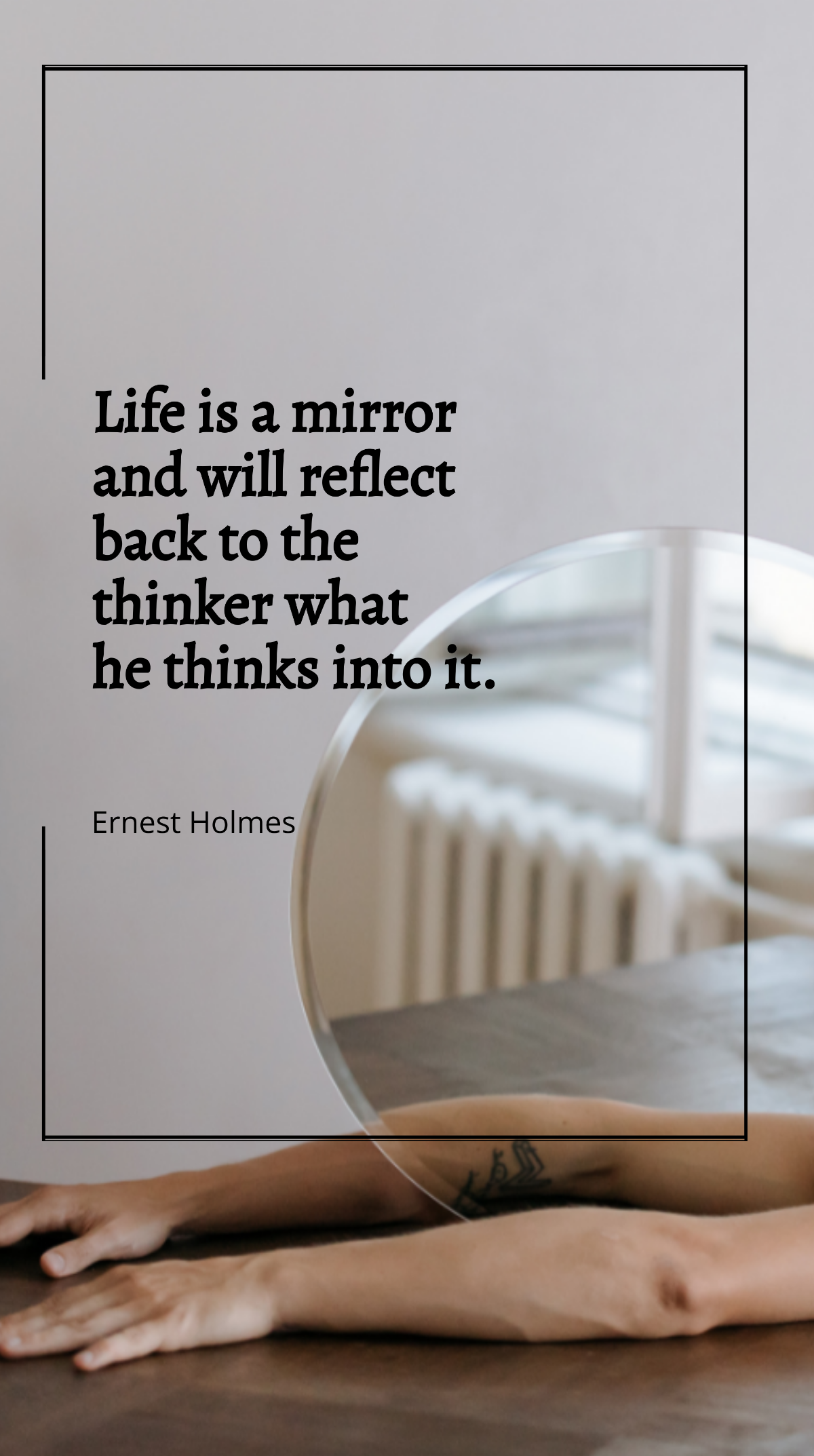

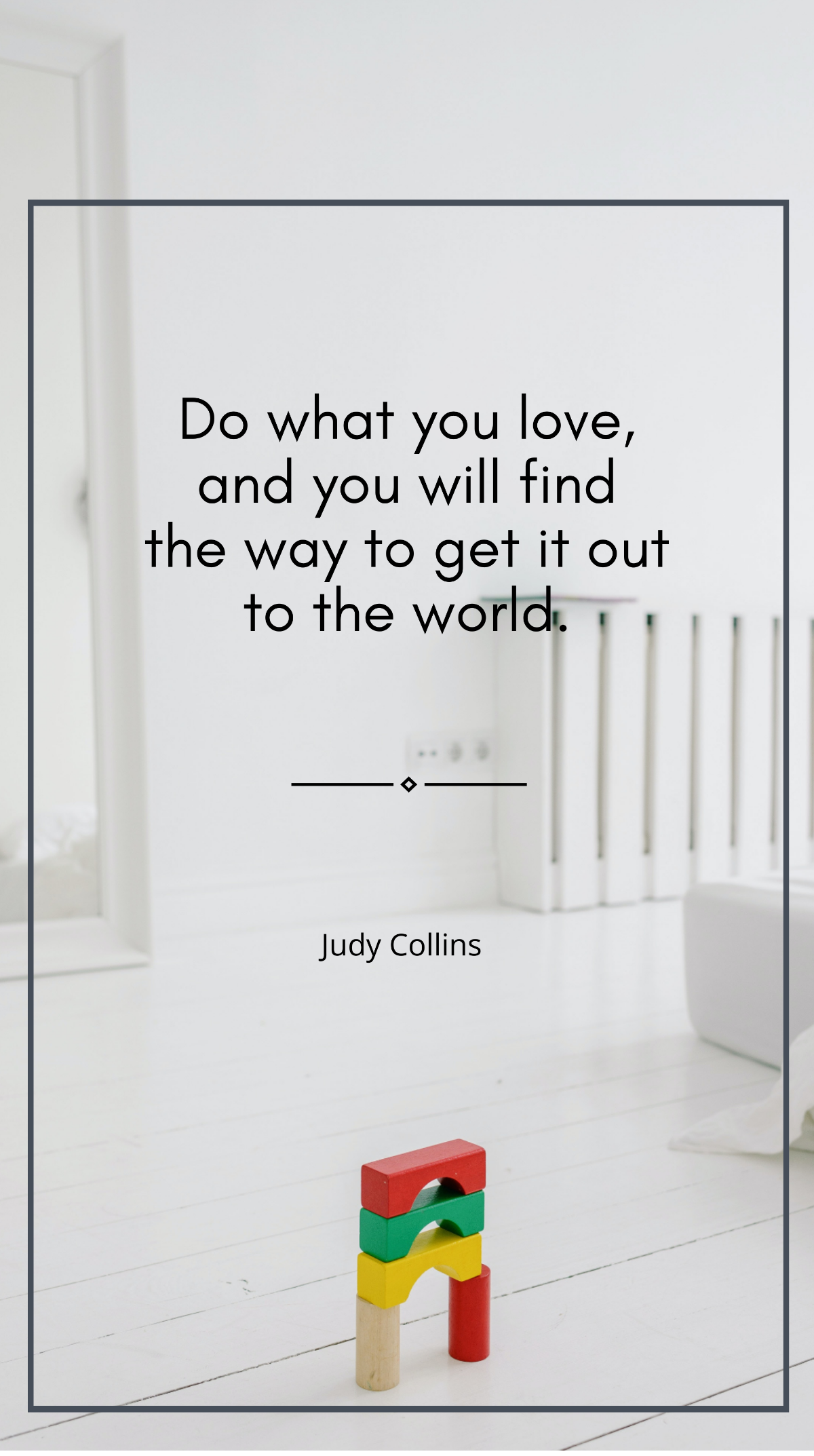




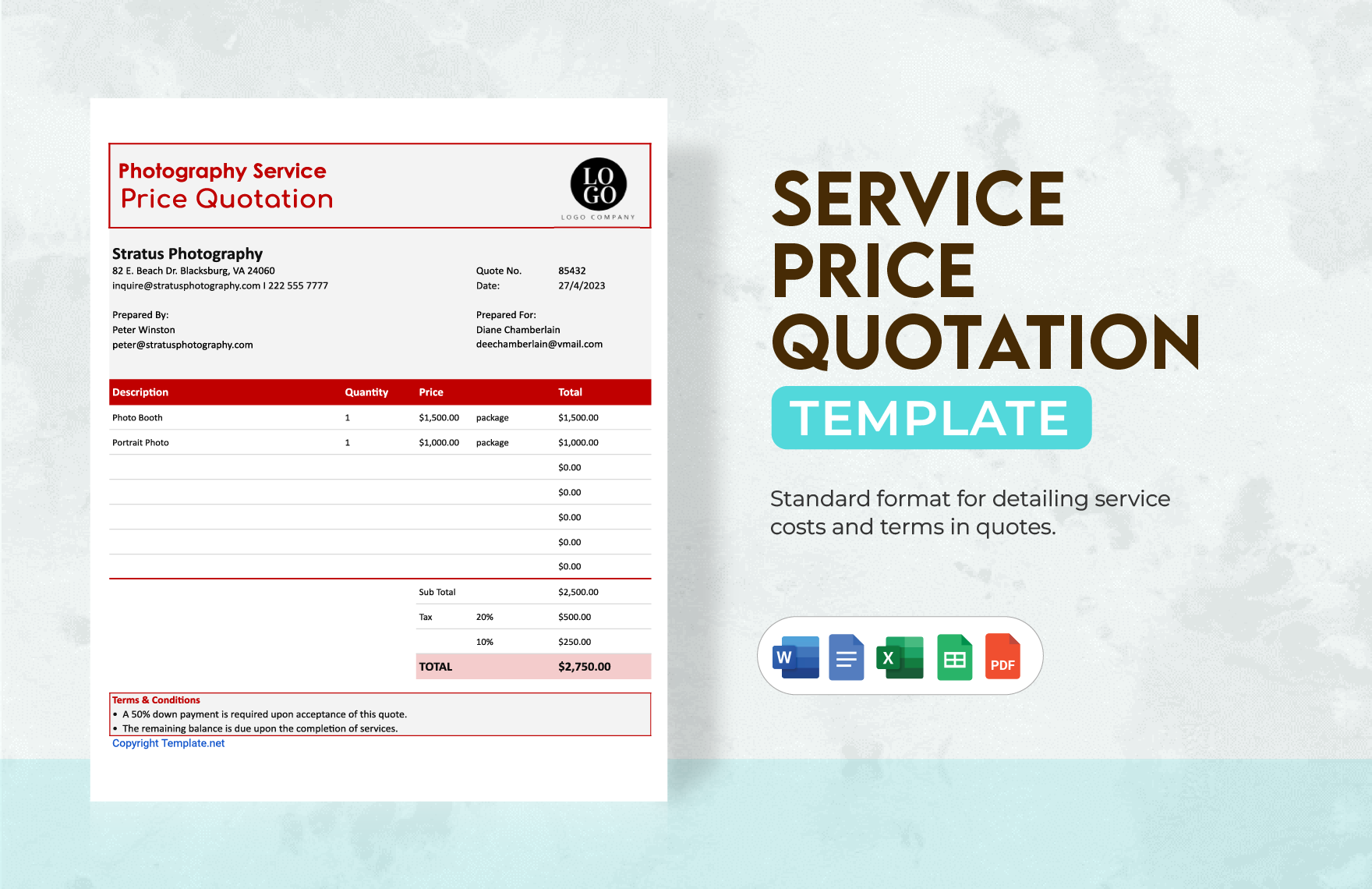
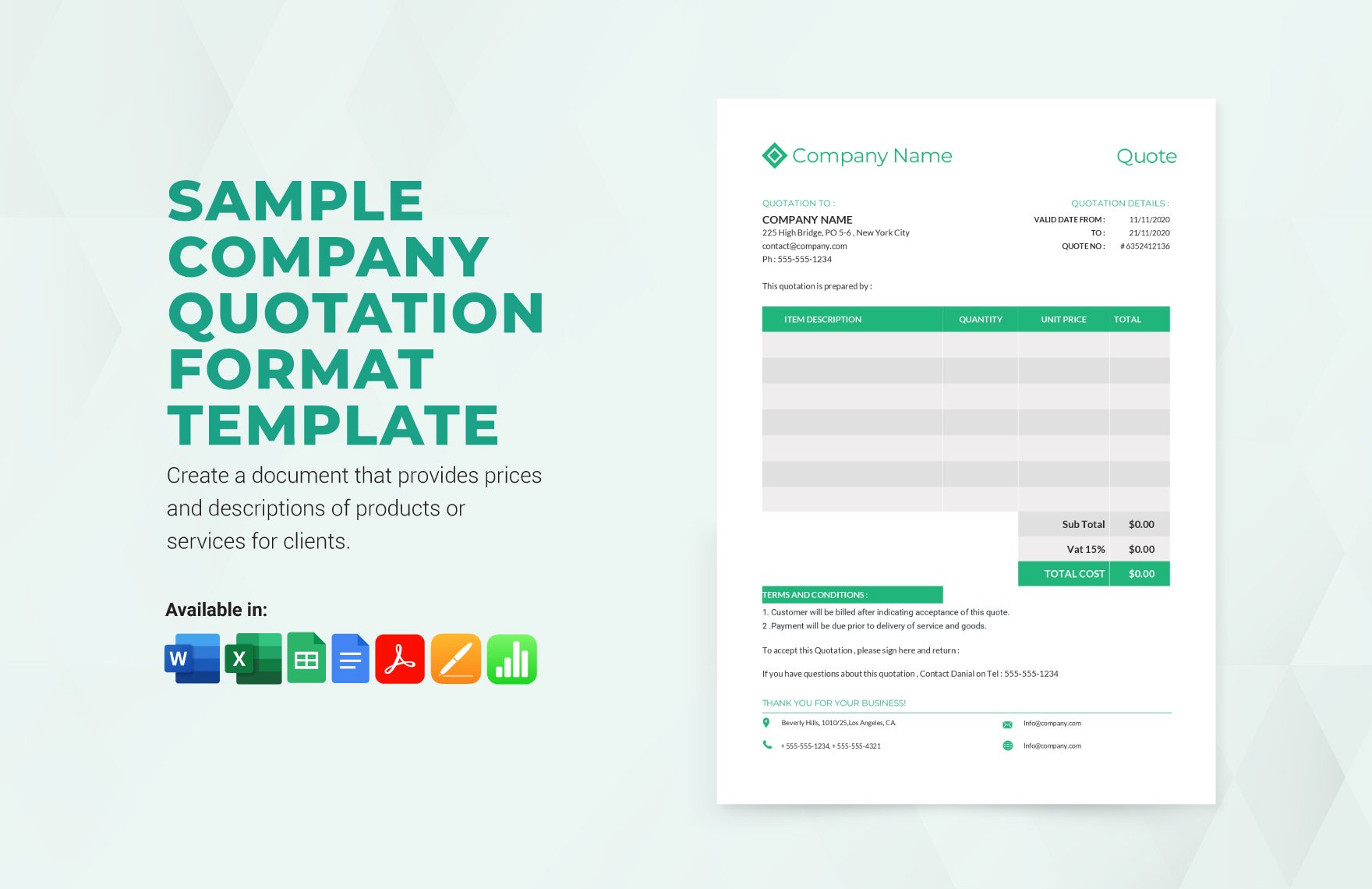
Free Quote Templates: Customizable Design Guide, Sizes, and Download Formats
What is a Quote?
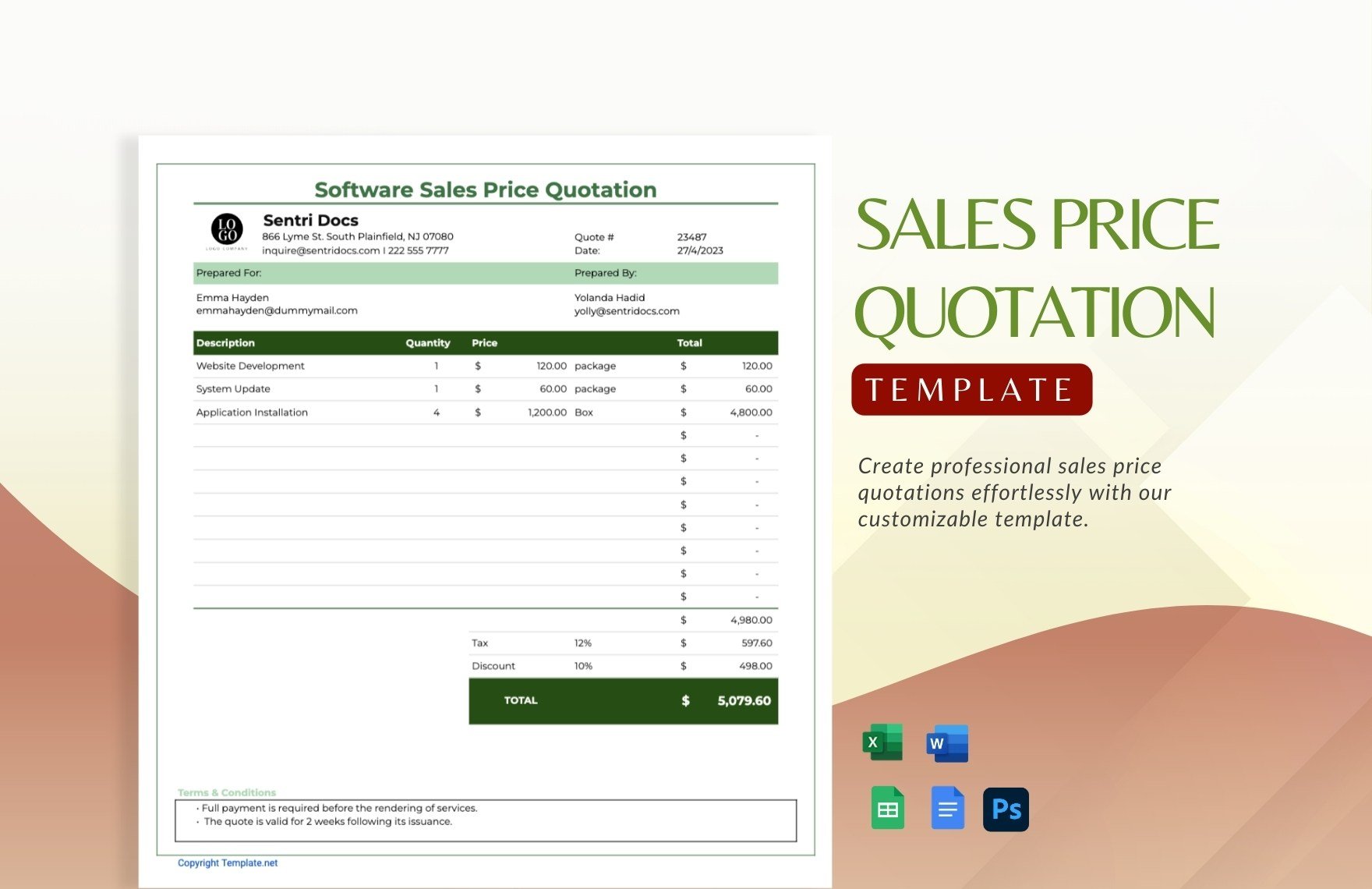
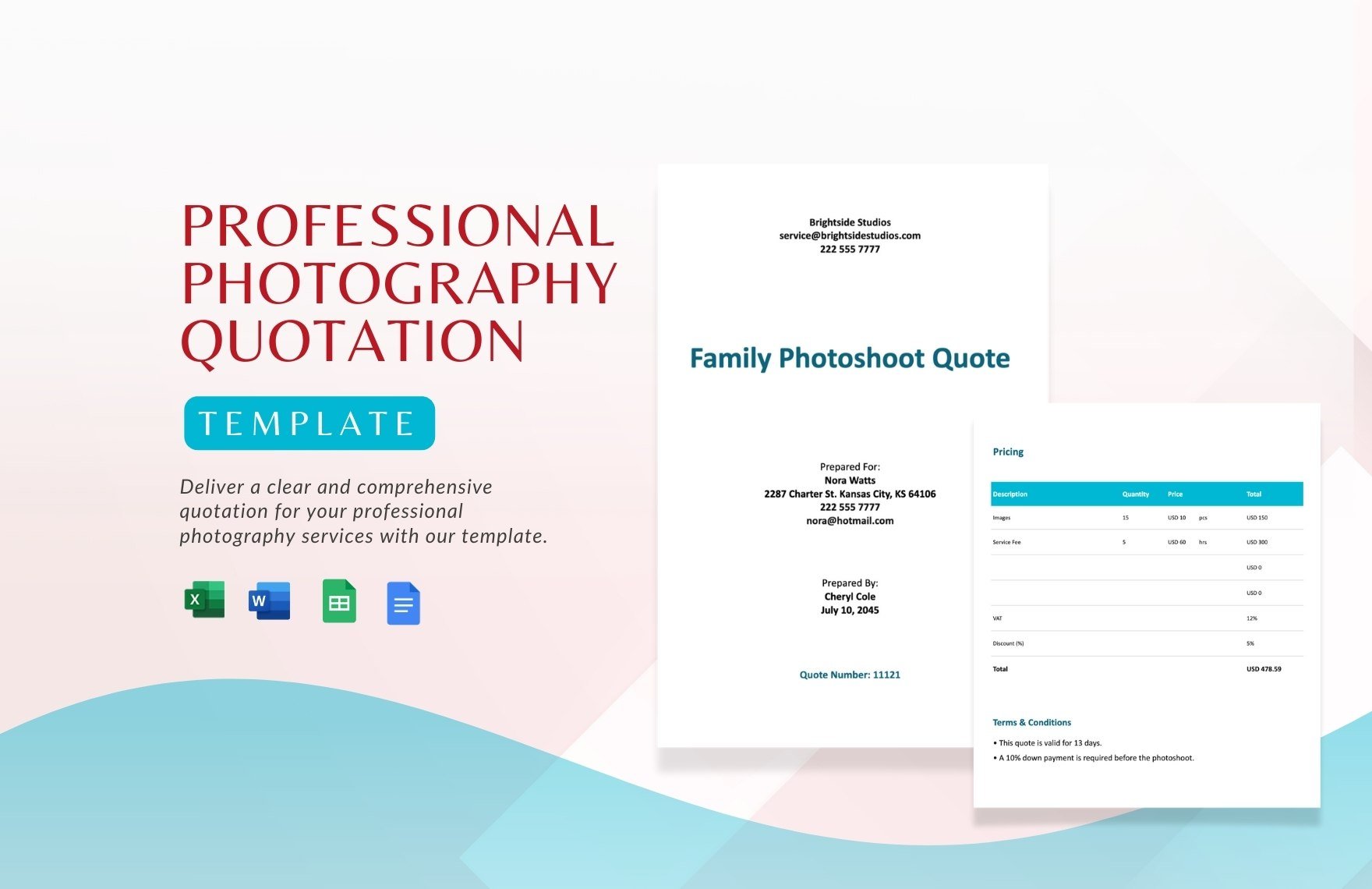
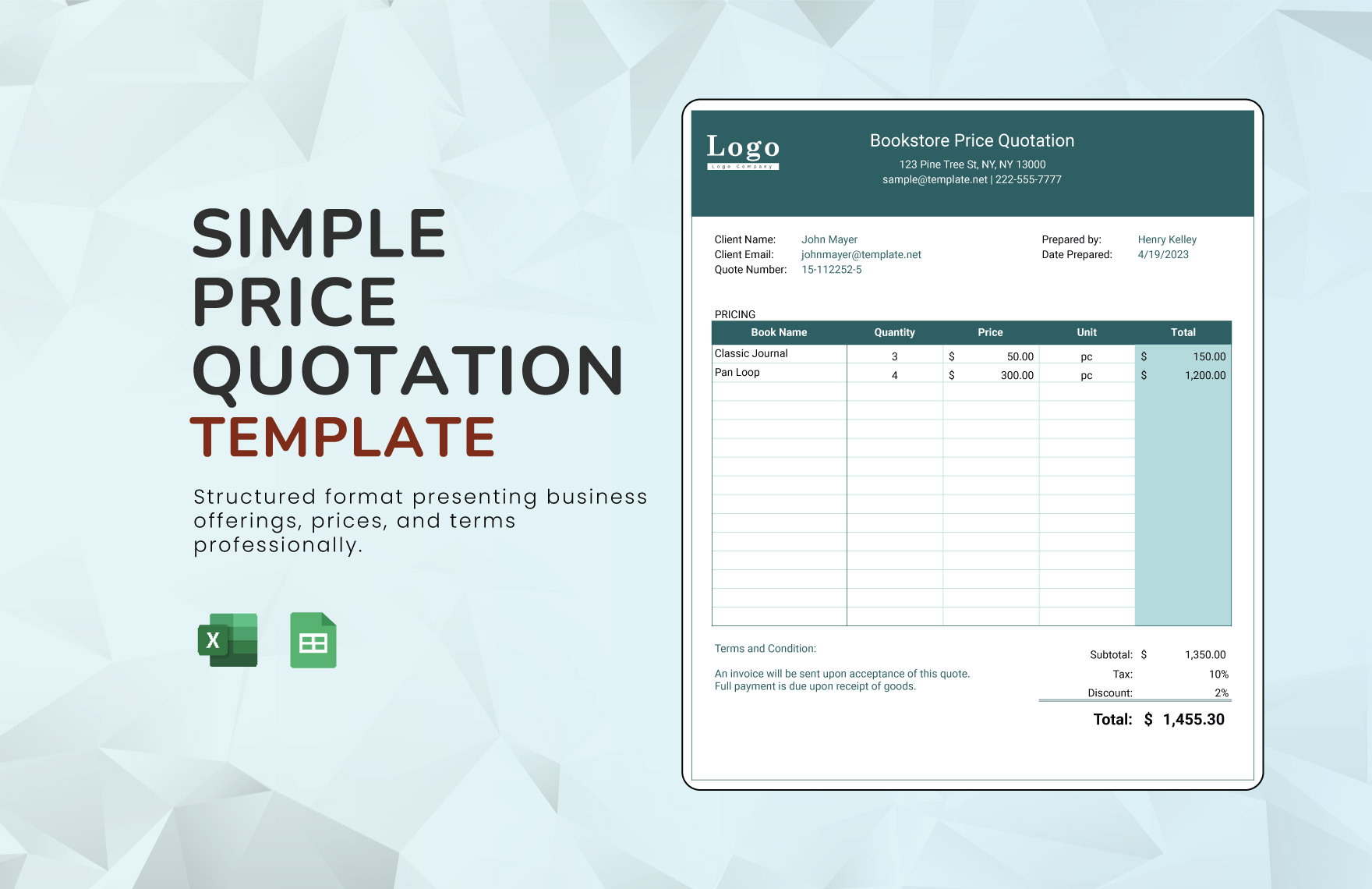
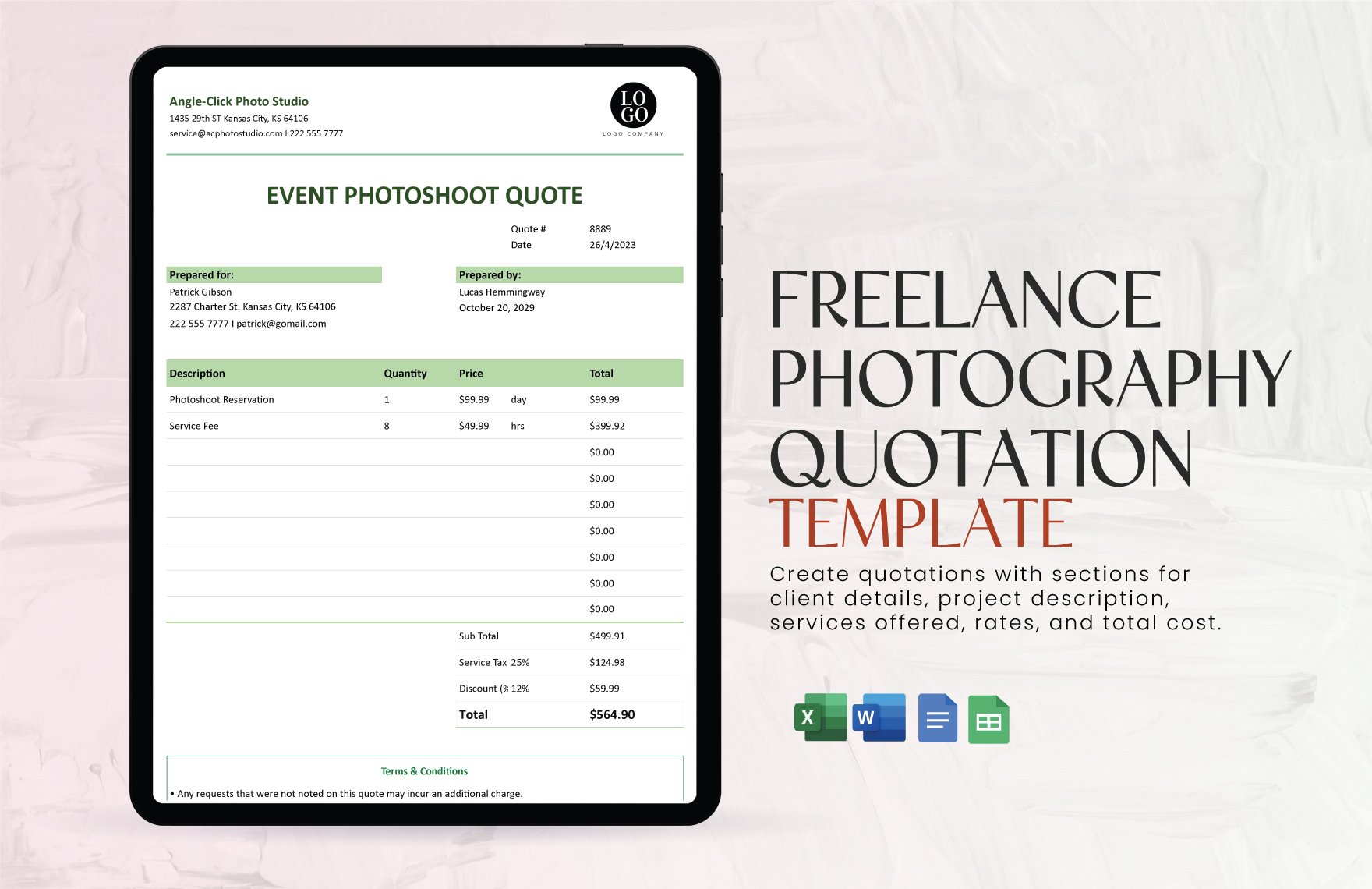
A Quote is a formal document that outlines the estimated cost and details of products or services offered to a client. It serves as a binding offer and helps clarify pricing expectations for a transaction.
Why should I use a Quote?
You should use a Quote to provide clear, professional pricing information, establish trust with clients, and minimize misunderstandings about costs. Quotes also help you document agreed terms before proceeding with work.
Who uses Quotes?
Quotes are used by freelancers, small businesses, contractors, and sales teams to communicate pricing and service details to potential clients and customers effectively.
What are the best tips for designing my Quote?
Here are some tips to design an effective Quote:
- Use clear headings to separate sections like pricing and terms
- Incorporate your brand colors and logo for professionalism
- Keep the layout clean and easy to read
- Include detailed item descriptions for transparency
- Add payment terms to avoid confusion
- Ensure correct contact information is visible
- Use consistent fonts for readability
- Highlight total price prominently
- Include signature lines for acceptance
- Test print or preview for formatting issues
What file formats can I download for my Quote?
Template.net offers Quote templates in multiple export formats to suit your editing and sharing needs, including Word, Google Docs, PSD, Apple Pages, Publisher, and Illustrator.
Can I create a Quote using AI?
Template.net provides an AI-powered tool capable of generating Quote designs based on your input prompts. Visit Template.net to explore AI-generated quote templates and customize them online.
What are the standard digital pixel dimensions for a Quote?
The standard digital pixel dimensions for a Quote template vary depending on usage but commonly include:
- 1080 × 1080 pixels for social media sharing
- 1920 × 1080 pixels for presentations or digital displays
- 1200 × 628 pixels for website banners
- 800 × 1200 pixels for email attachments
- 600 × 800 pixels for mobile-friendly viewing
What visual elements should I include in my Quote?
Your Quote should include these visual elements to enhance clarity and professionalism:
- Company logo for brand identity
- Headers and subheaders for organization
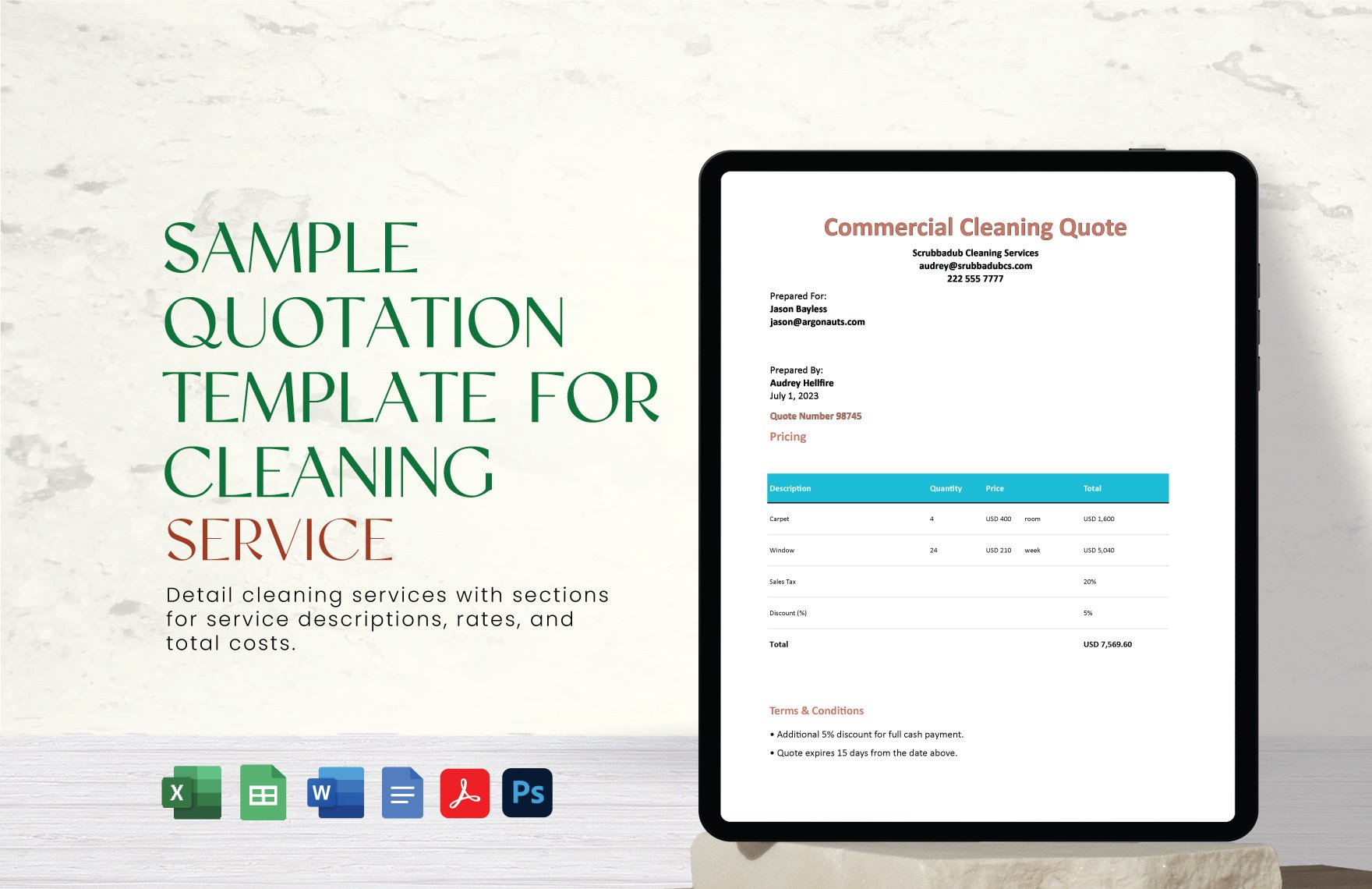
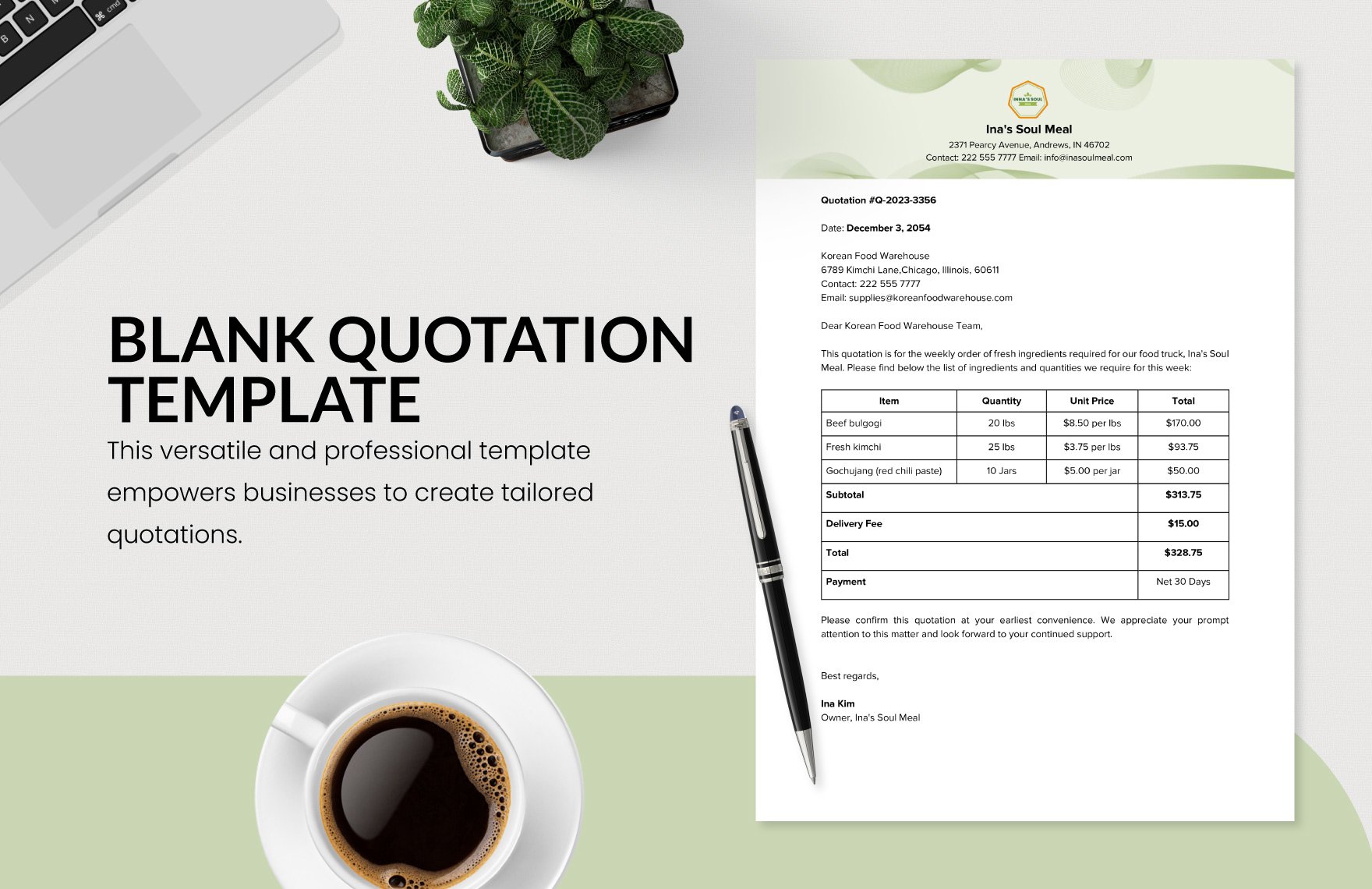
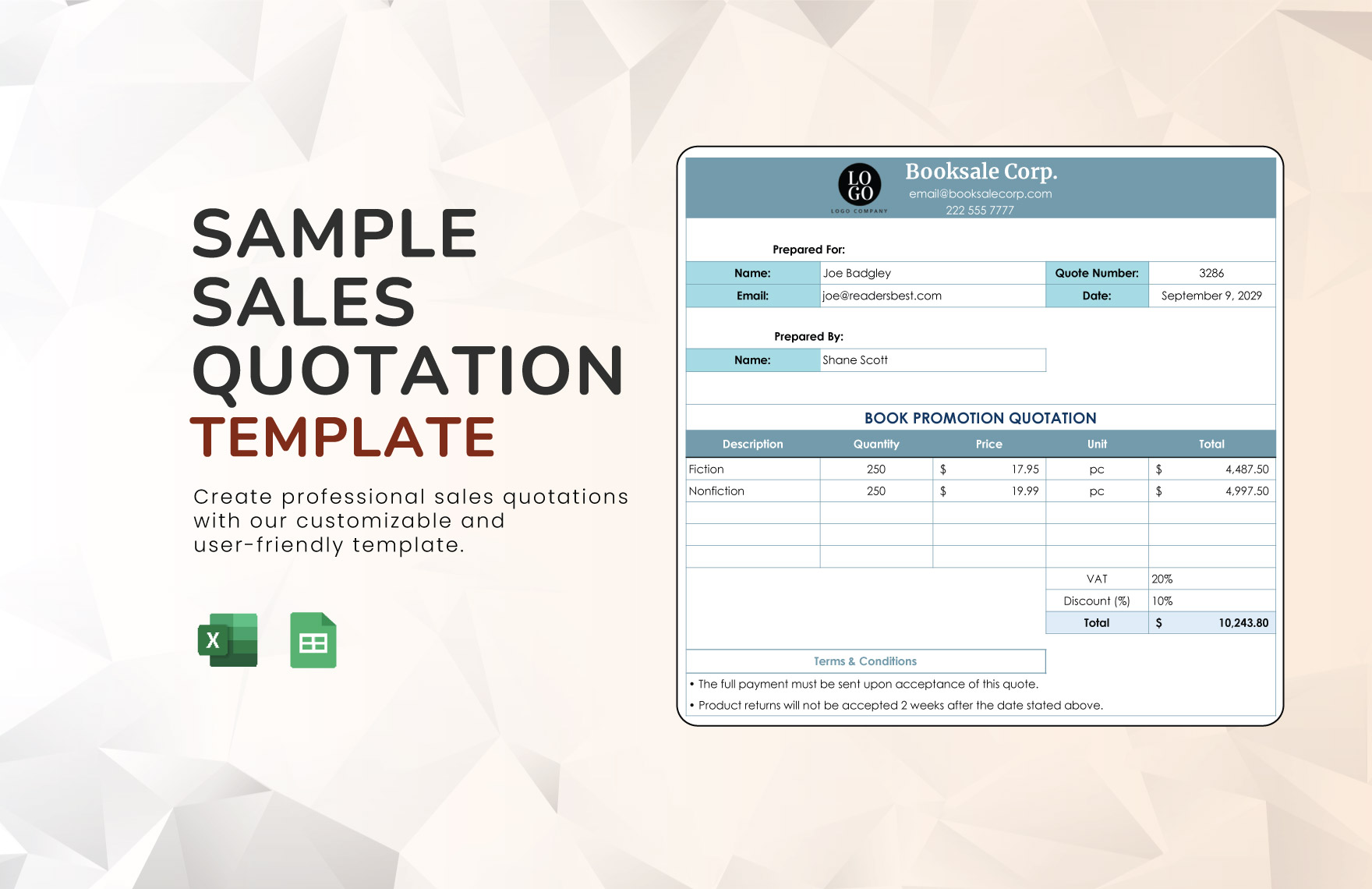
- Tables or grids for pricing breakdowns
- Icons or symbols to highlight key points
- Color accents consistent with your branding
- Whitespace to improve readability
- Signature lines for client approval
What are the benefits of using a Quote?
Using a Quote offers several benefits:
- Clarifies pricing and service details upfront
- Builds client trust with transparent communication
- Reduces disputes by documenting agreed terms
- Speeds up decision-making for clients
- Professionalizes your business image
- Helps track sales and proposals easily
