
Free Time Sheet Templates


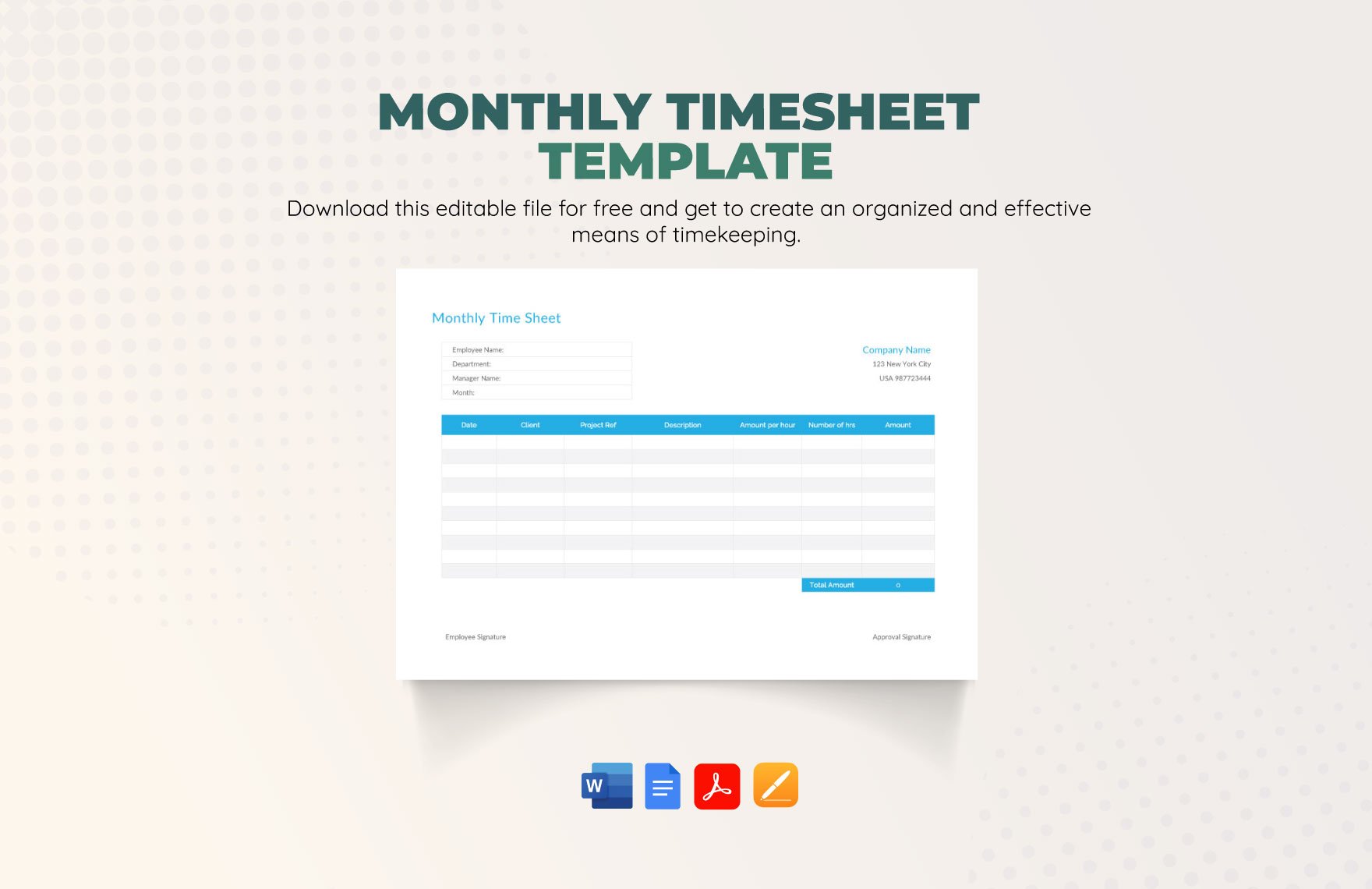
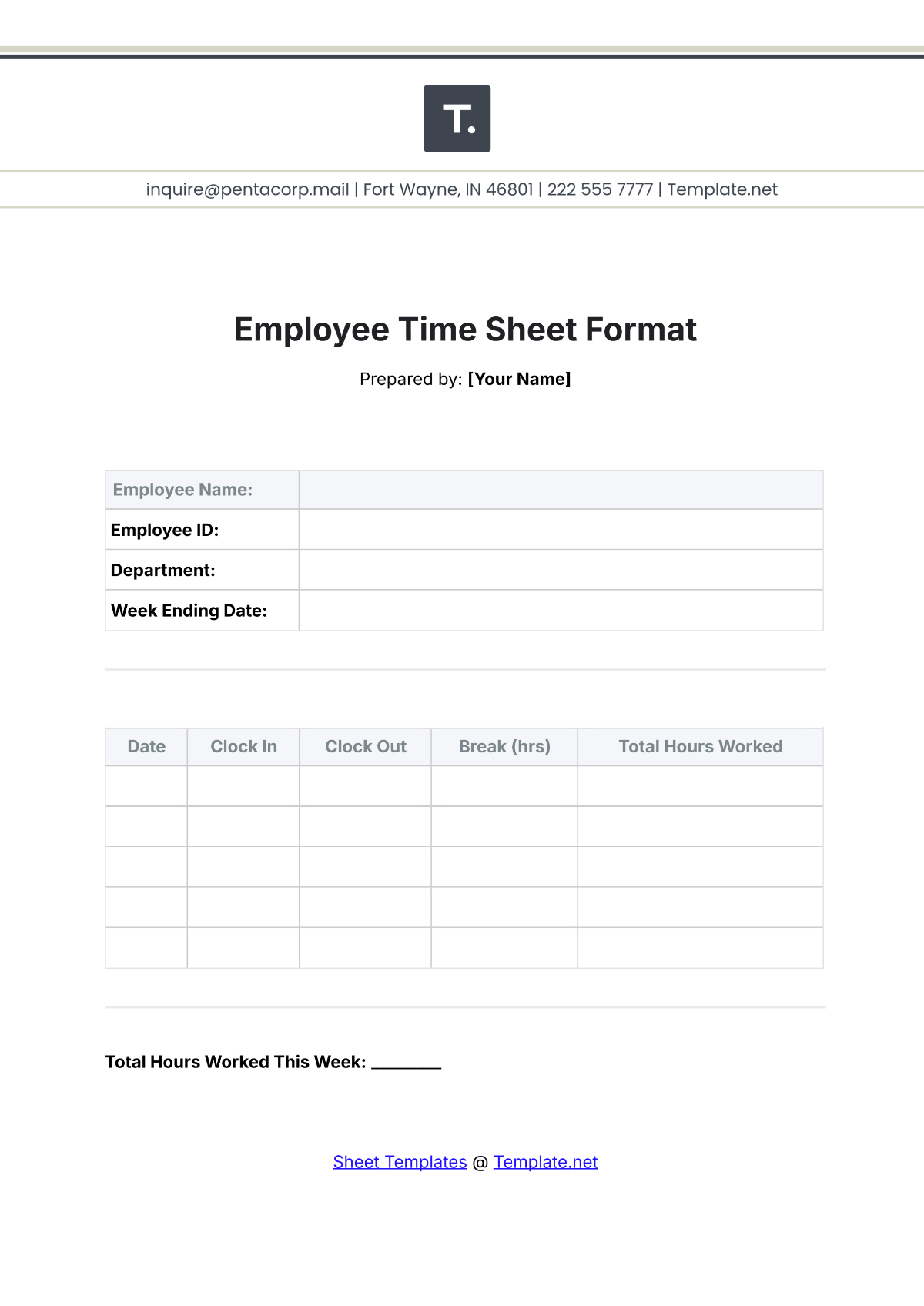

Free Time Sheet Templates: Editable Uses, Benefits, and Download Formats
What is a Time Sheet?
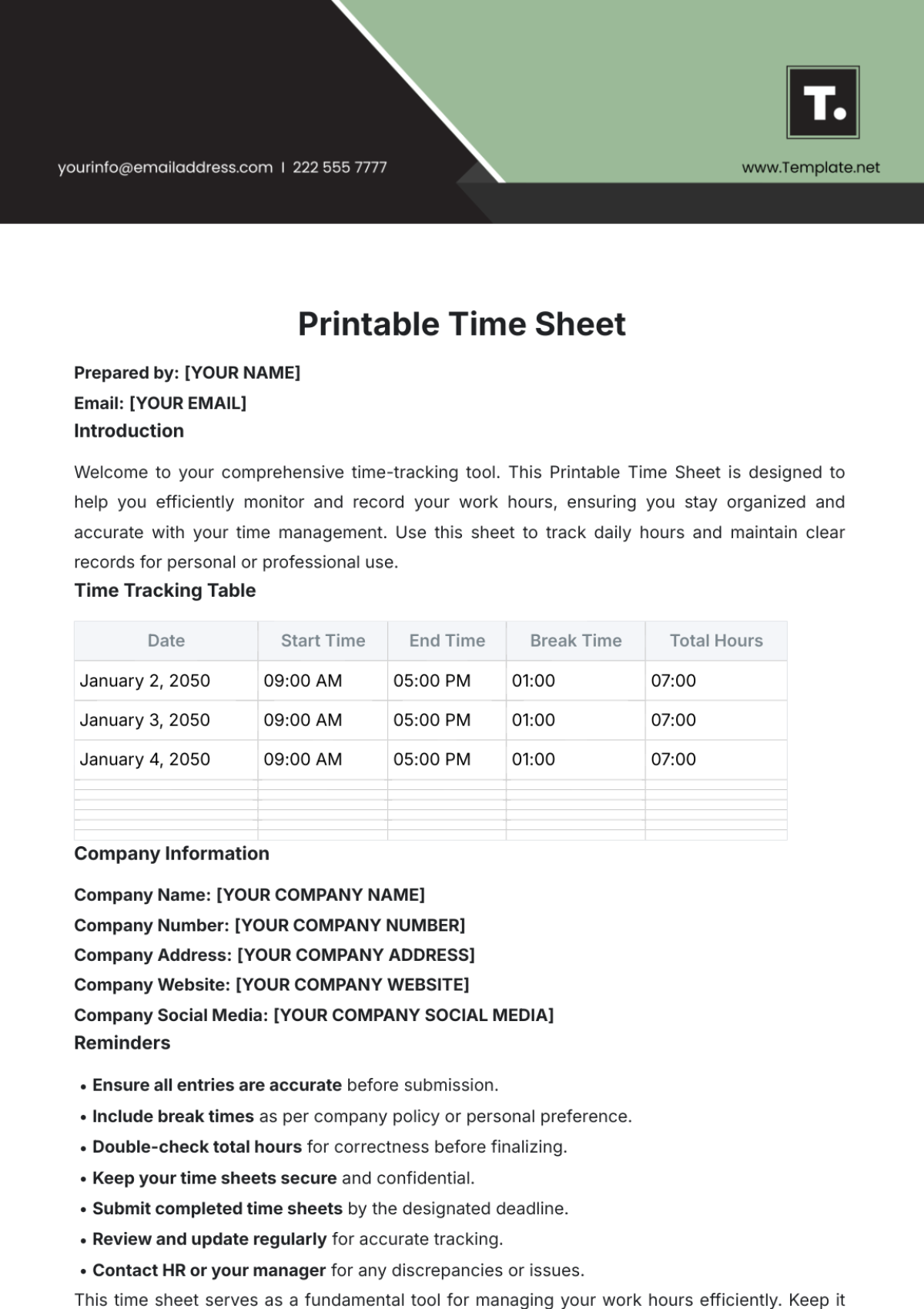
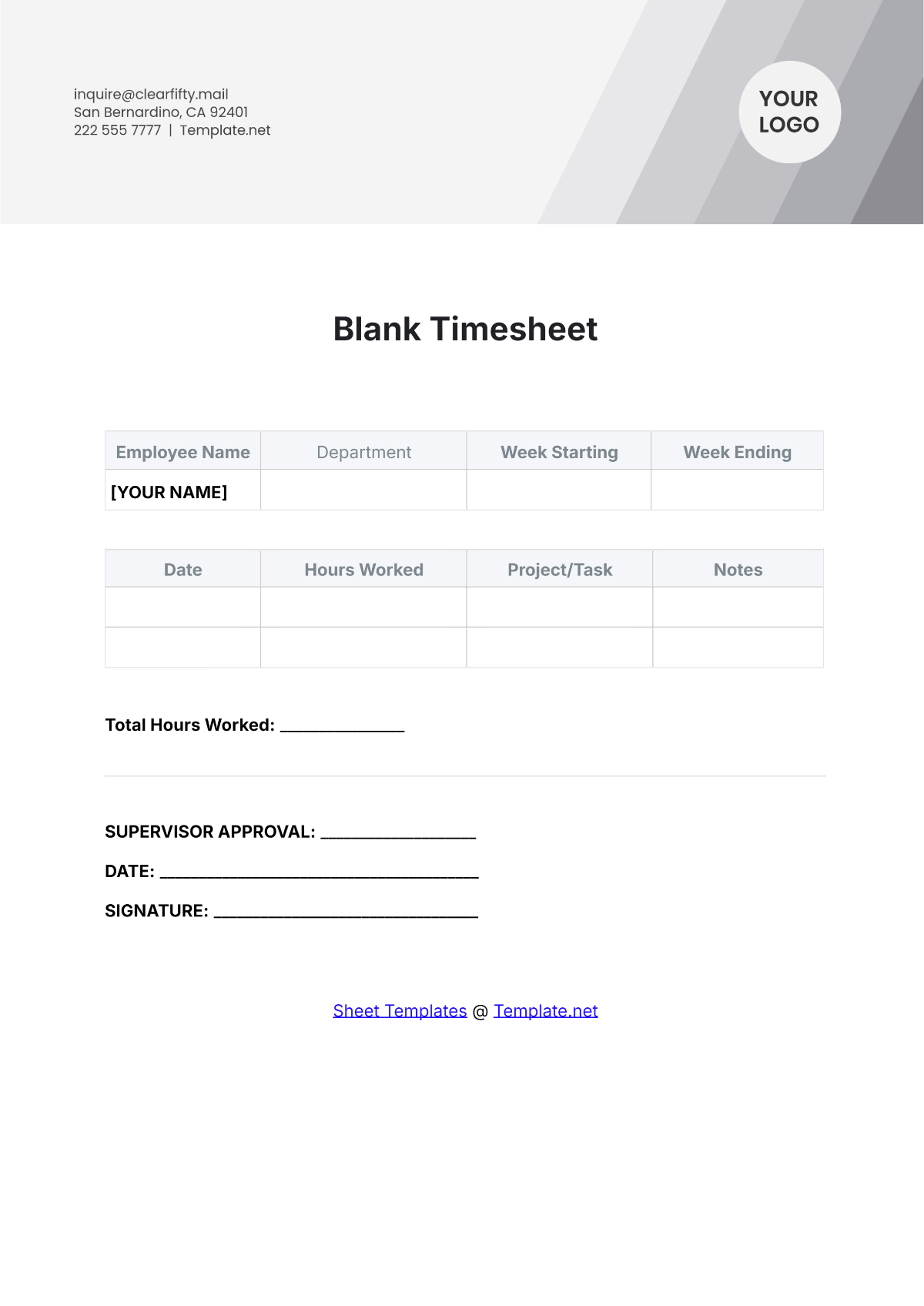
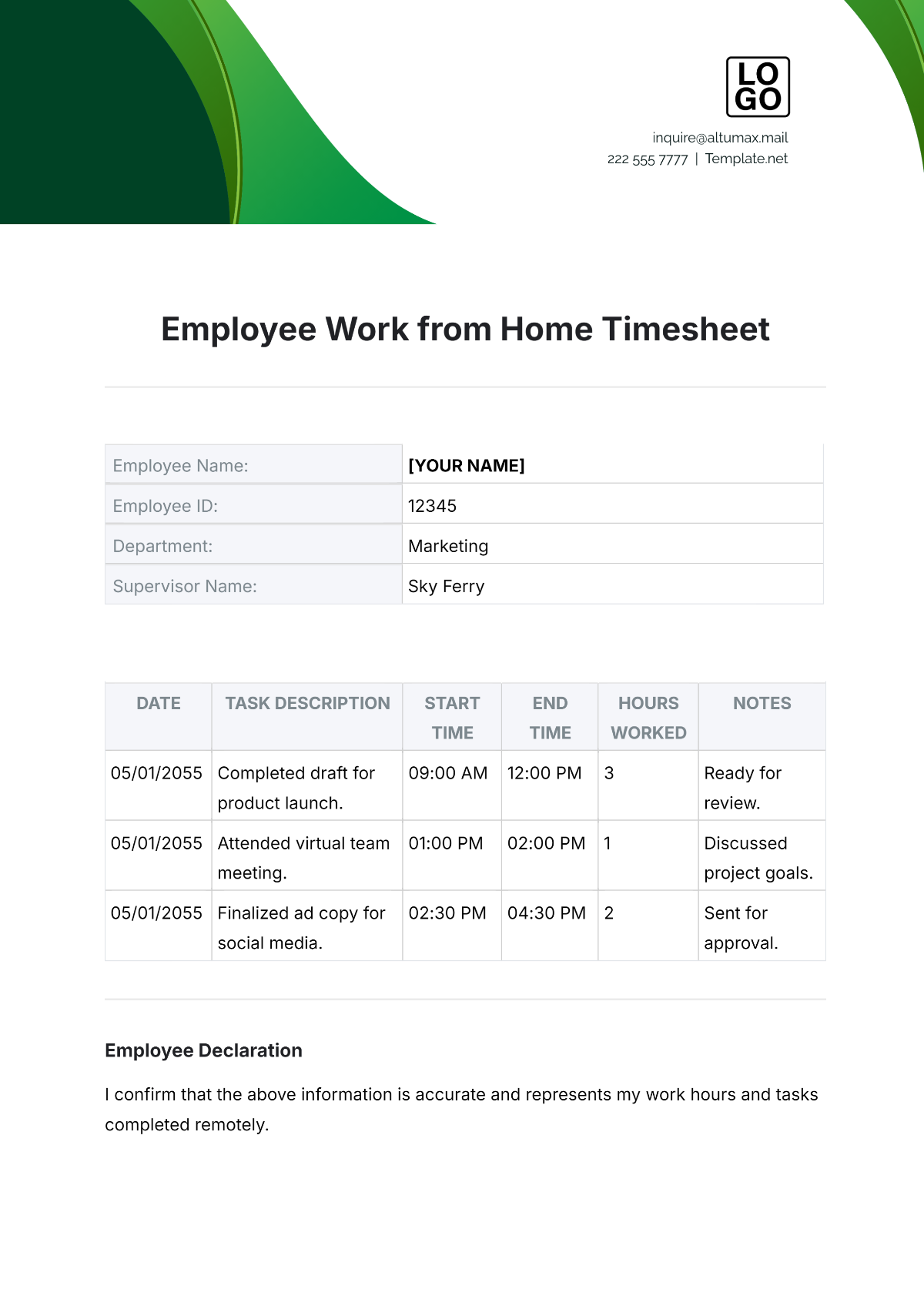
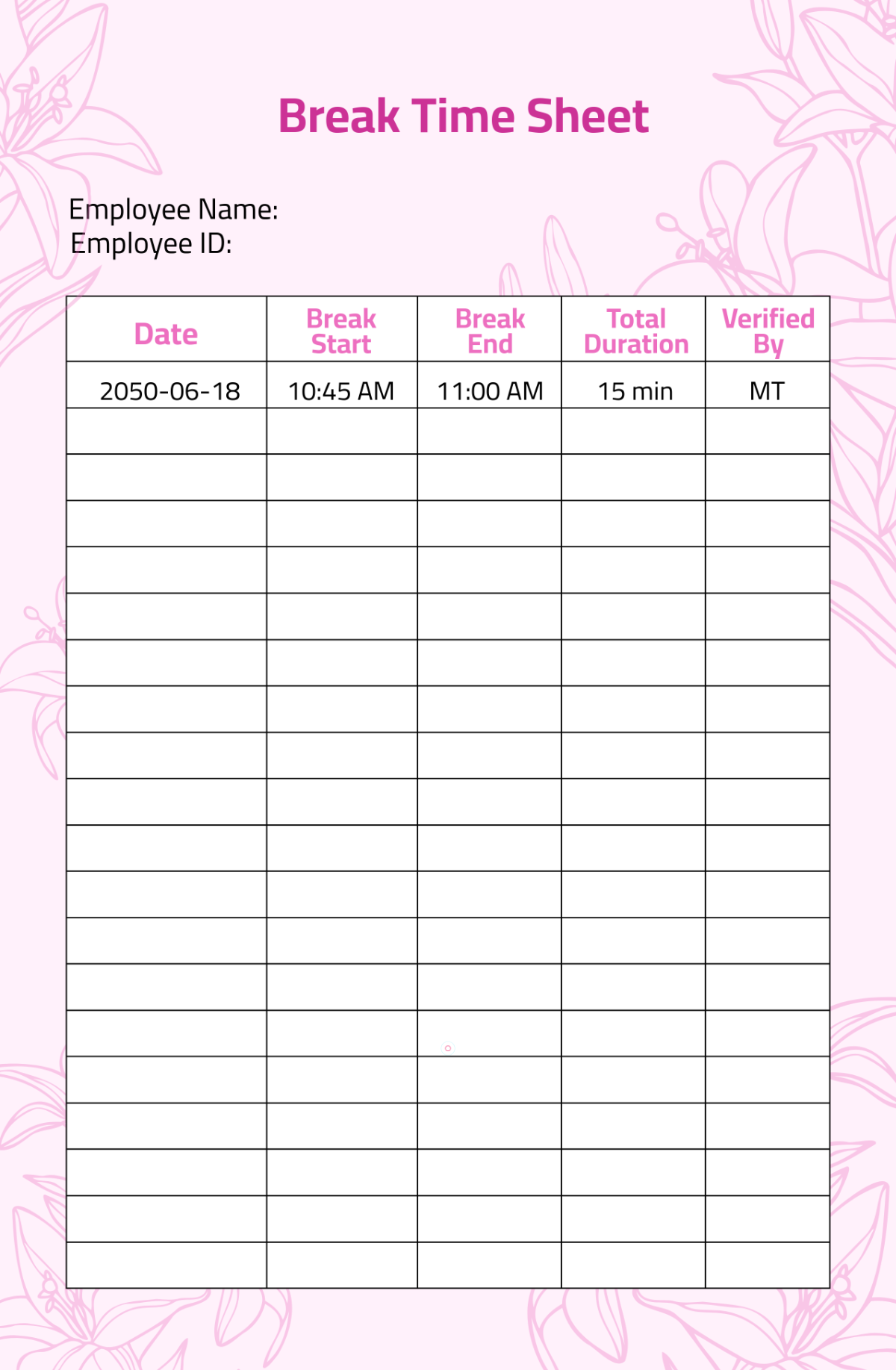
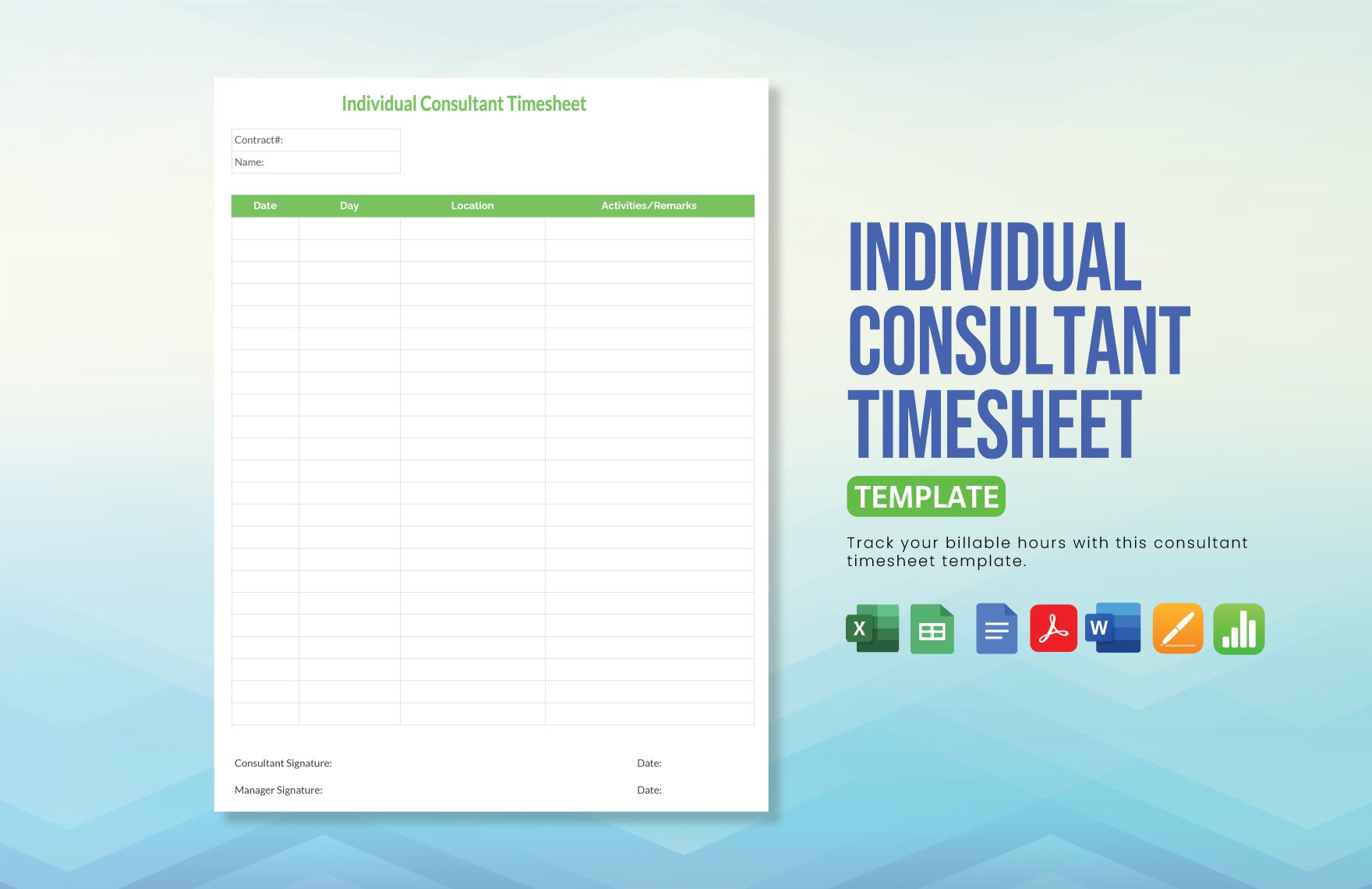
A Time Sheet is a record-keeping document used to track the amount of time spent on various tasks or projects, often for payroll or productivity analysis. It helps individuals and organizations maintain an organized overview of work hours and activities.
Why should I use a Time Sheet?
Using a Time Sheet improves accuracy in tracking work hours, supports payroll processing, and enhances project management by documenting time spent on tasks. It promotes accountability and helps identify productivity trends.
Who uses Time Sheet?
Time Sheets are used by employees, freelancers, managers, and business owners across industries to monitor work hours, bill clients accurately, and ensure compliance with labor regulations.
What are the best tips for completing my Time Sheet?
To complete a Time Sheet effectively, record hours daily, include detailed descriptions of tasks, verify accuracy before submission, and use consistent formatting to maintain clarity and professionalism.
Can I create a Time Sheet using AI?
While Template.net specializes in editable Time Sheet templates, AI tools elsewhere on the domain may assist in generating customized Time Sheets. However, the main focus here is on ready-made templates you can modify directly.
What file formats can I download for my Time Sheet?
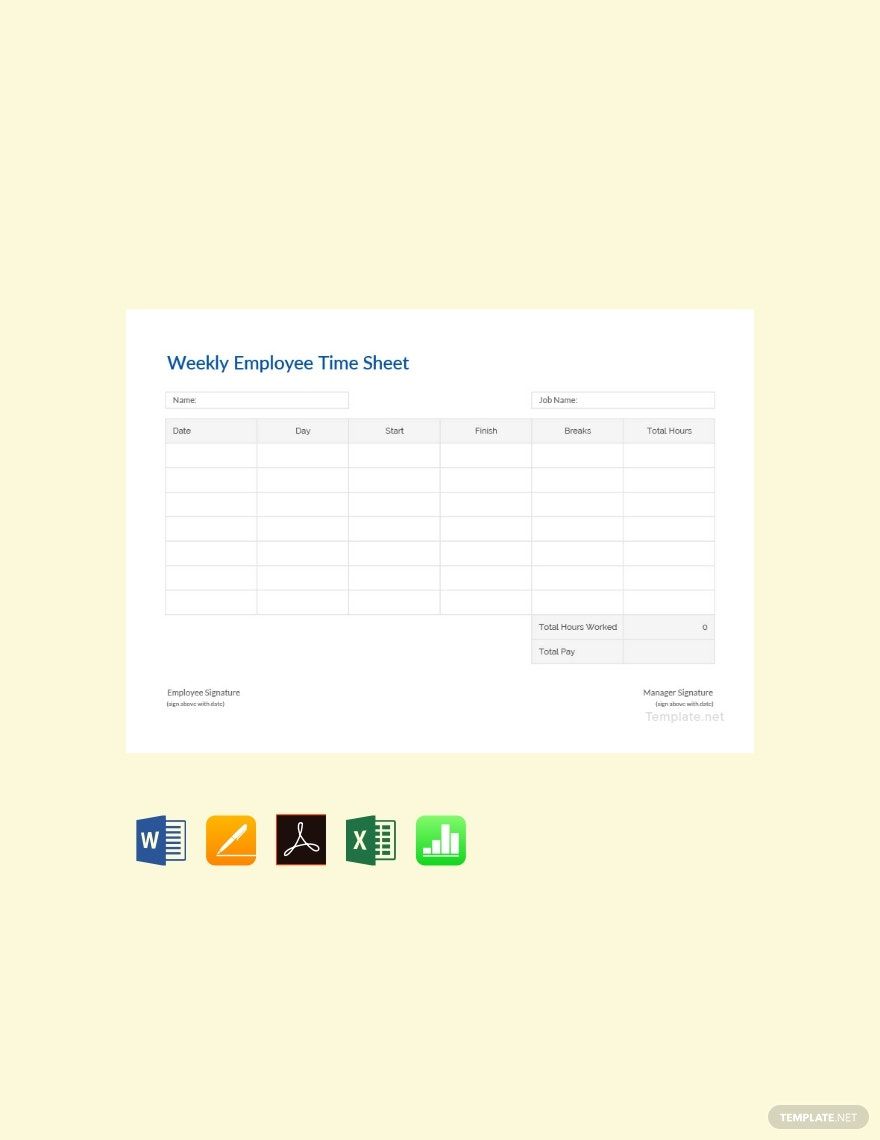
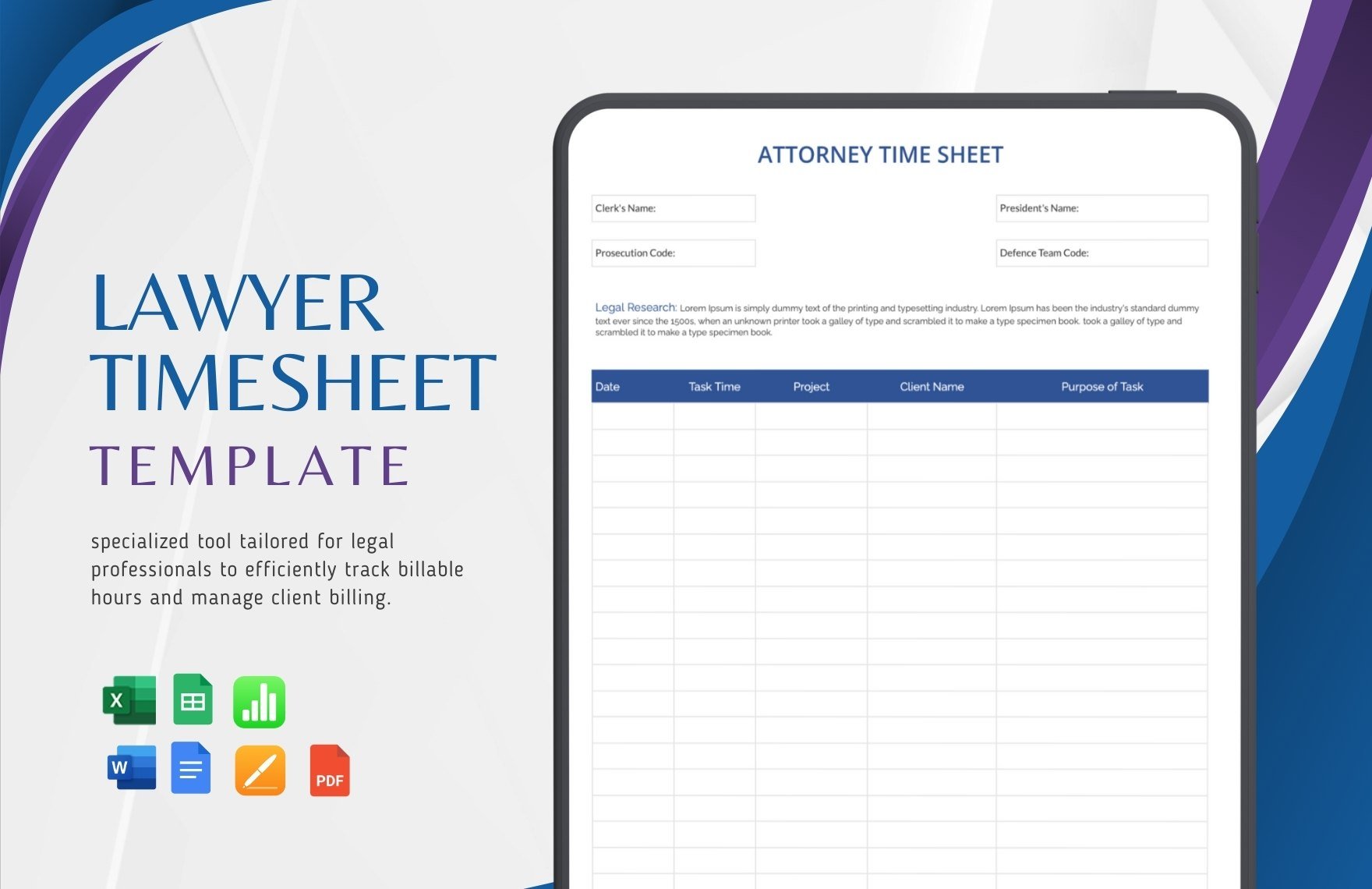
Template.net supports multiple export formats for editable Time Sheet templates including Word, Apple Pages, Excel, Apple Numbers, Google Docs, Google Sheets, and PDF.
What essential elements should a Time Sheet include?
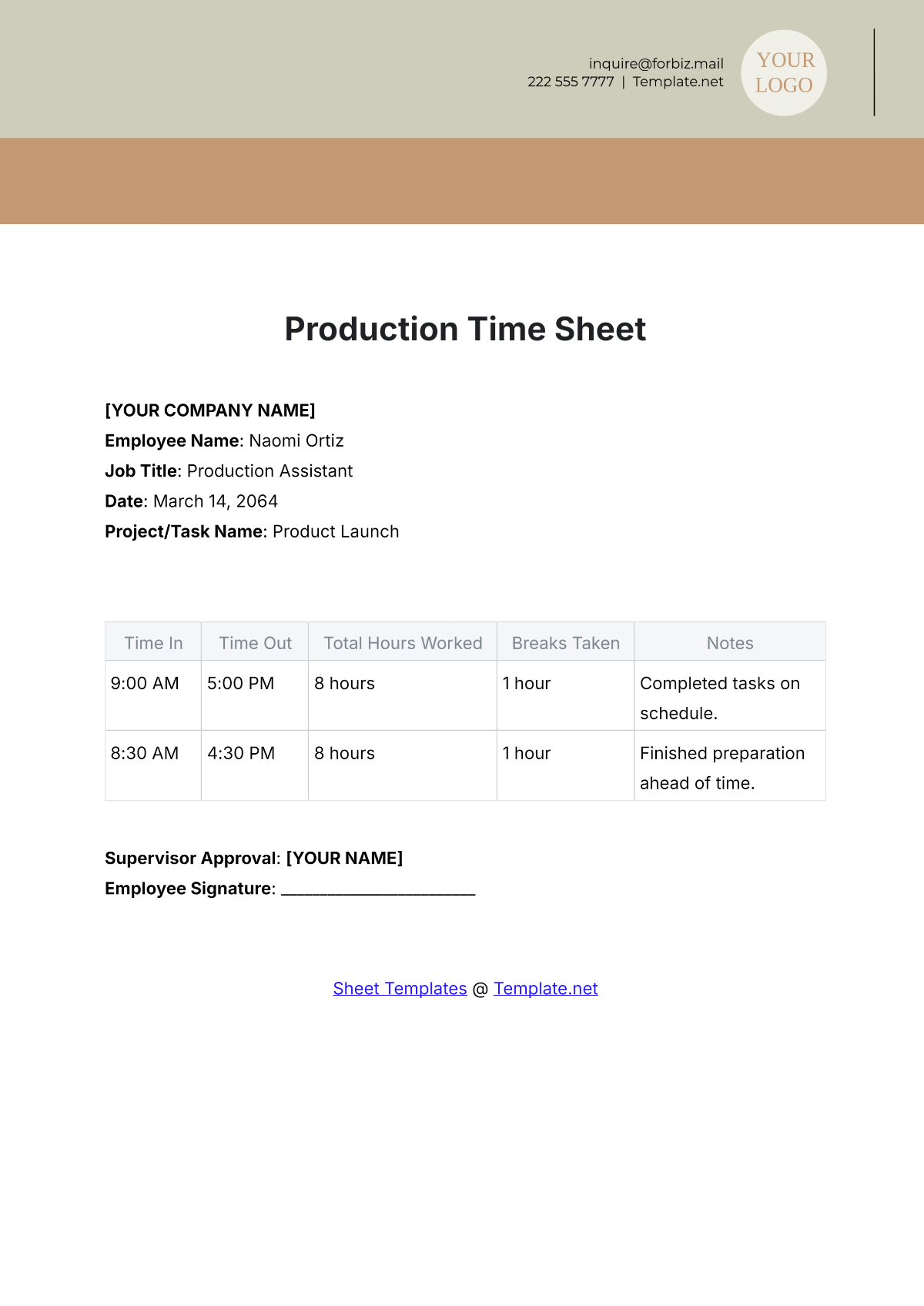
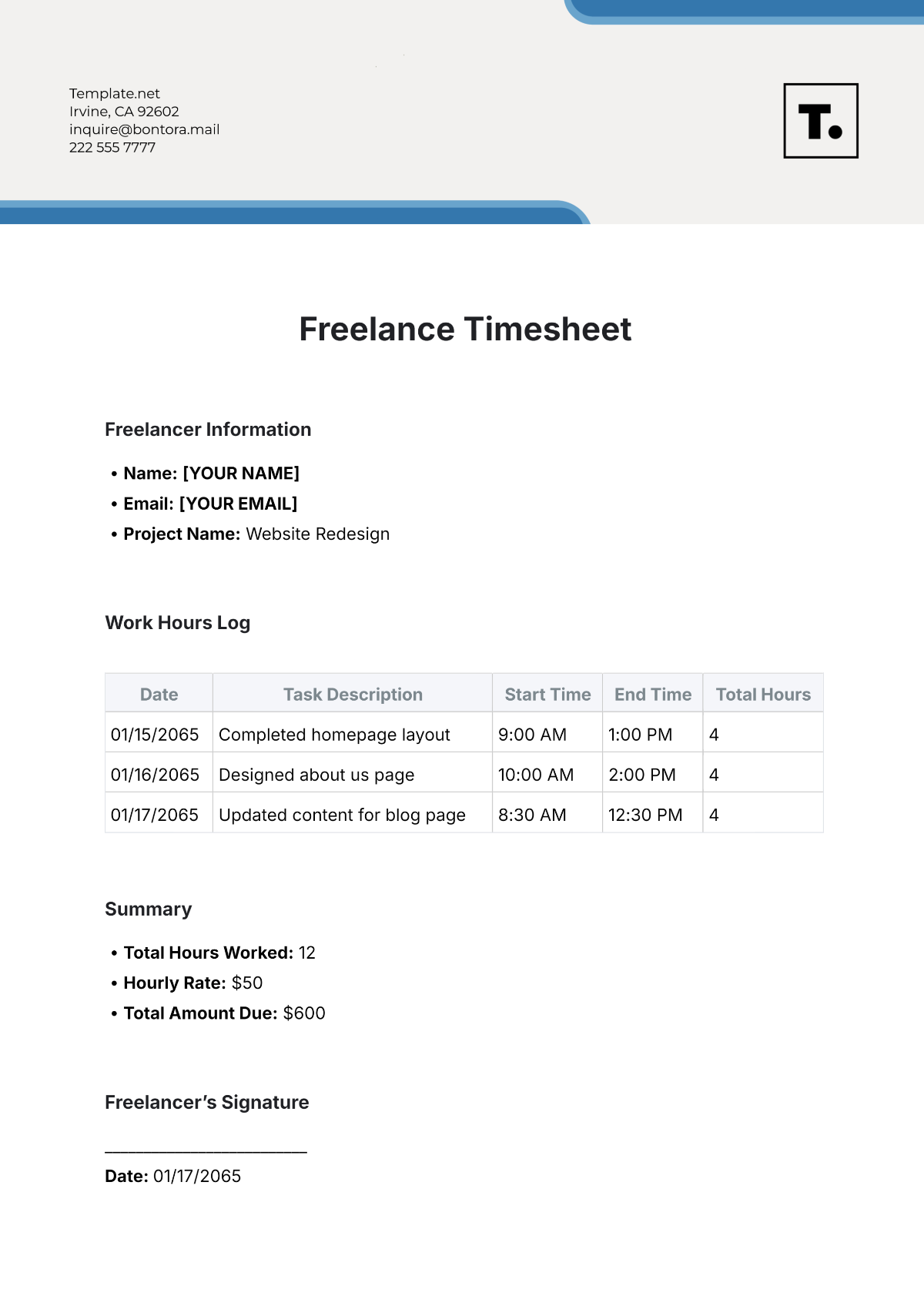
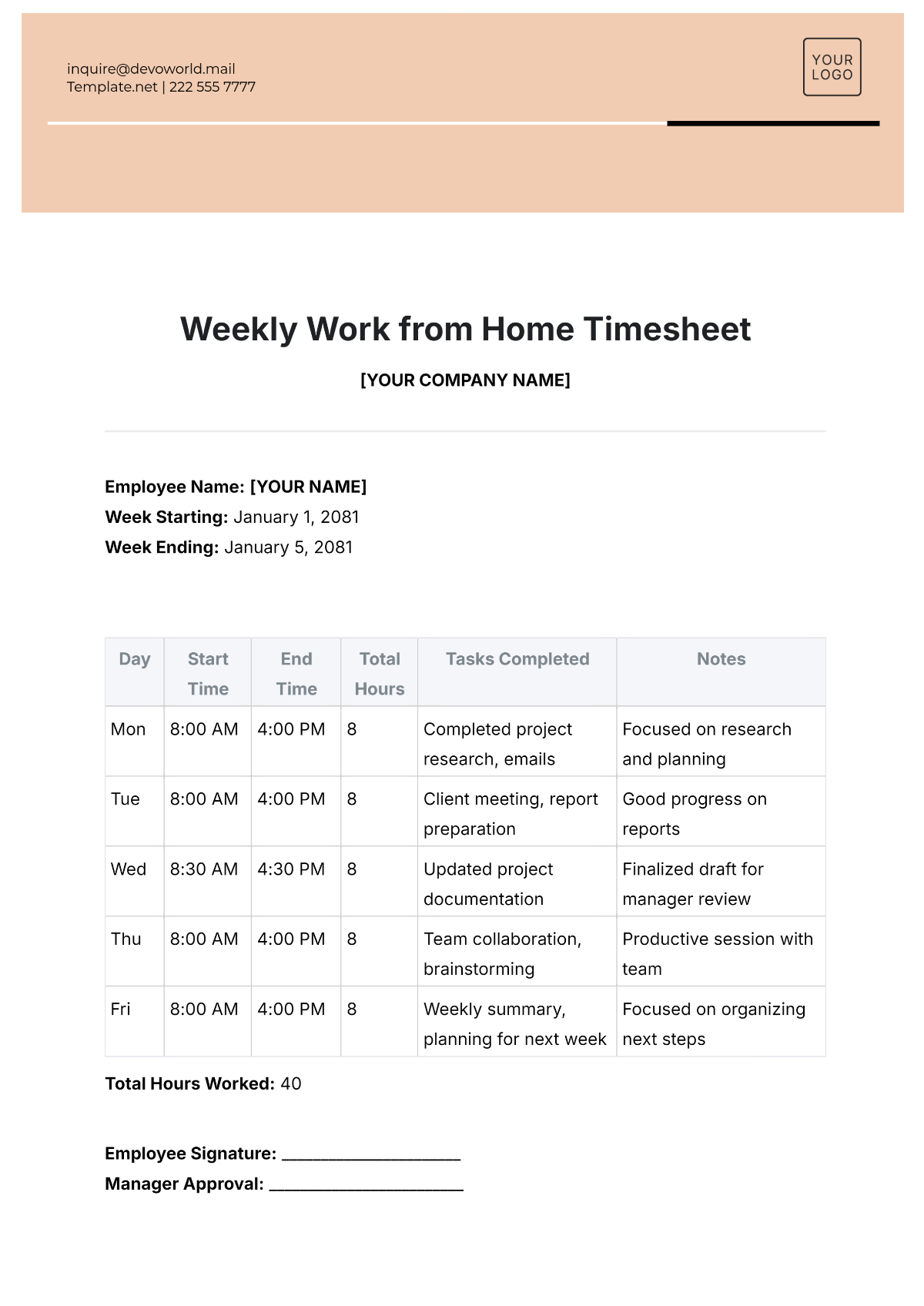
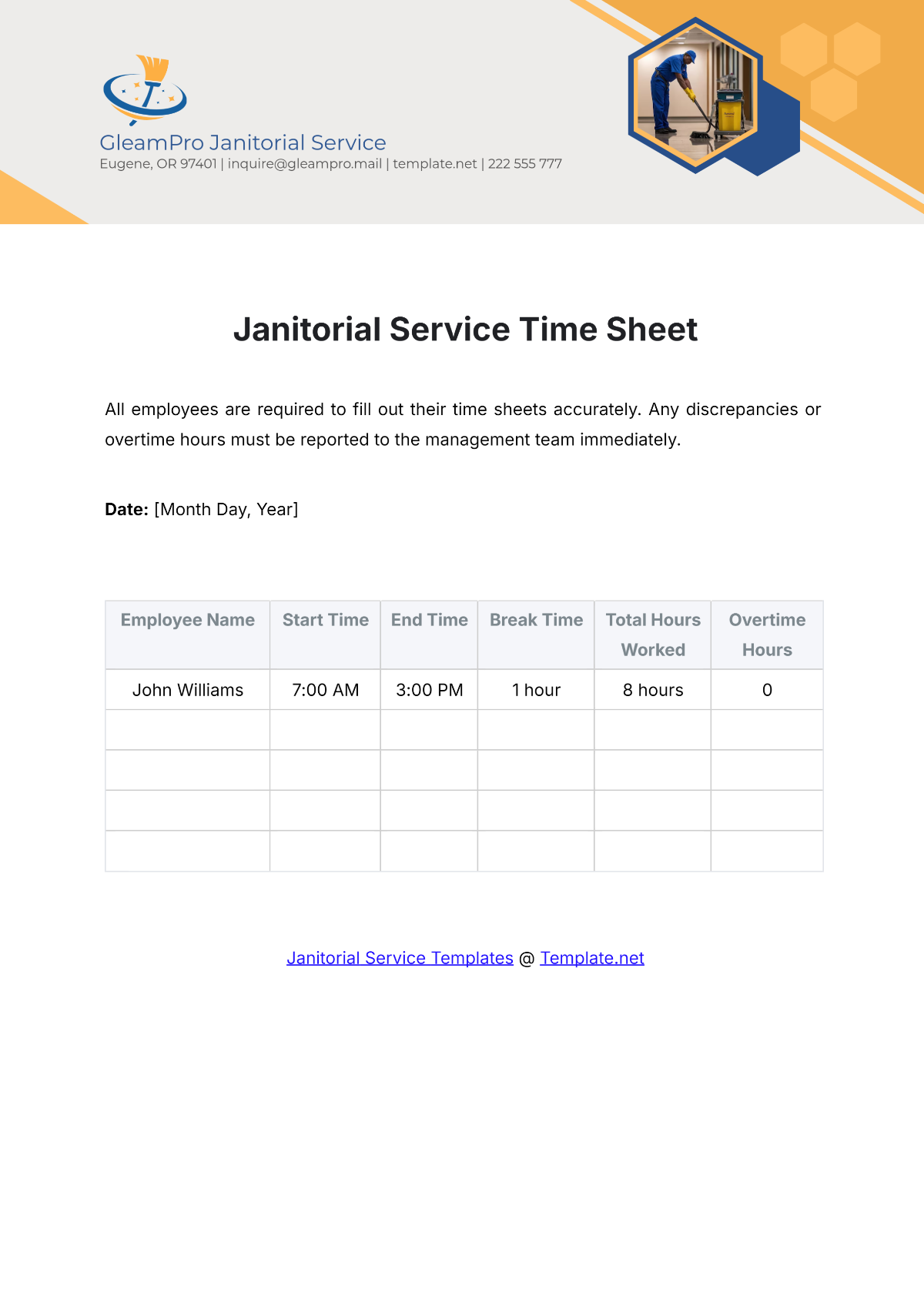
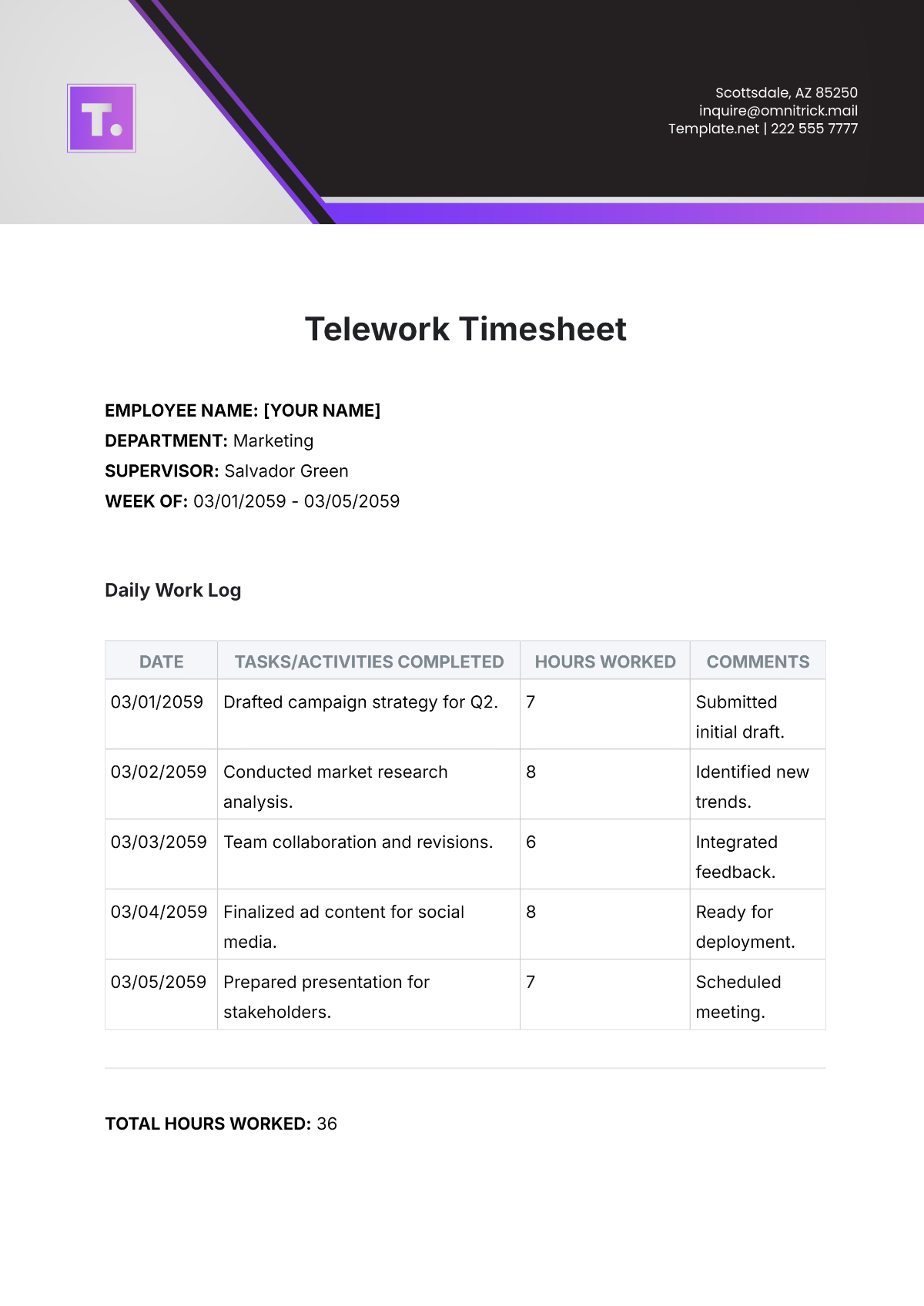
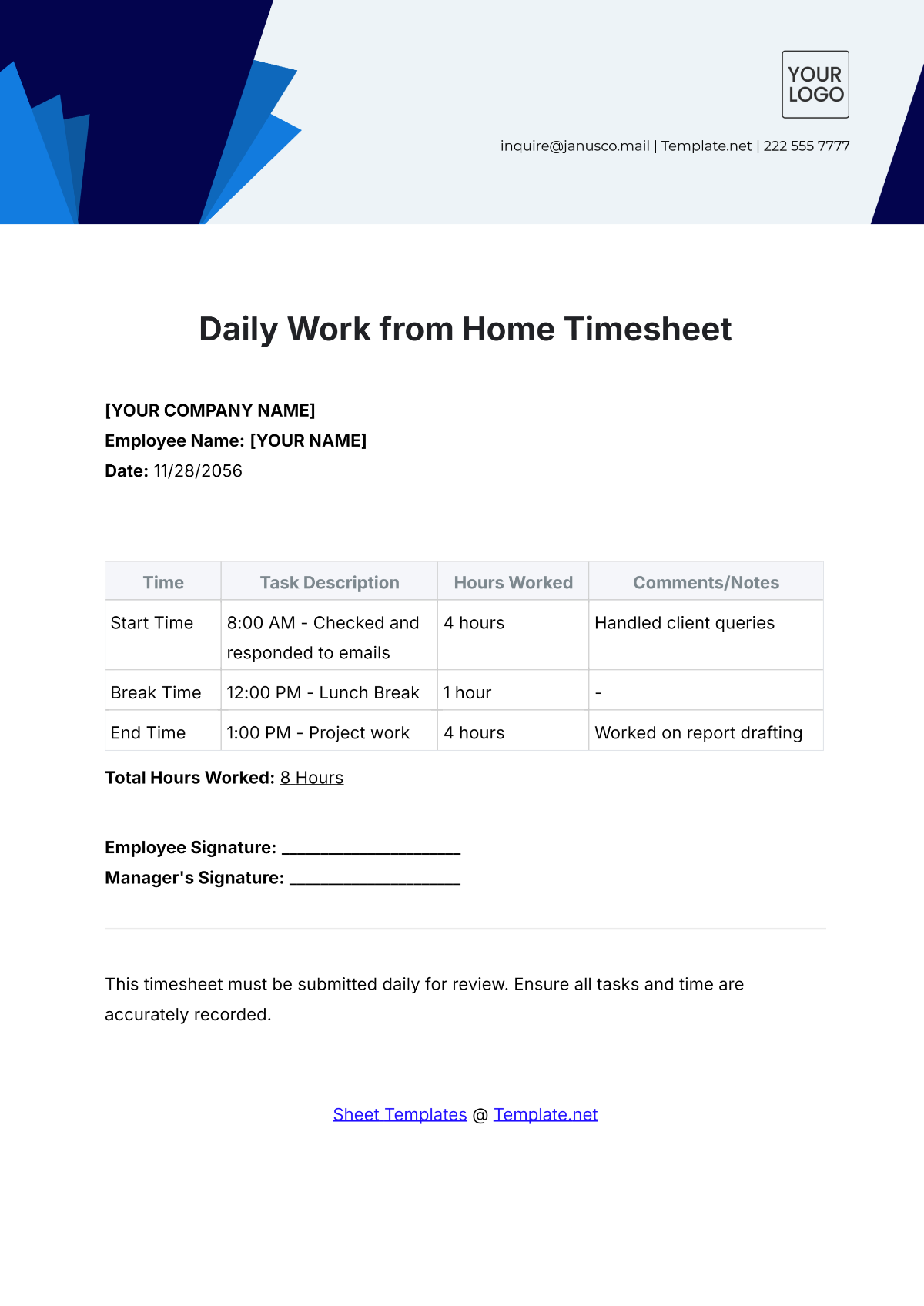
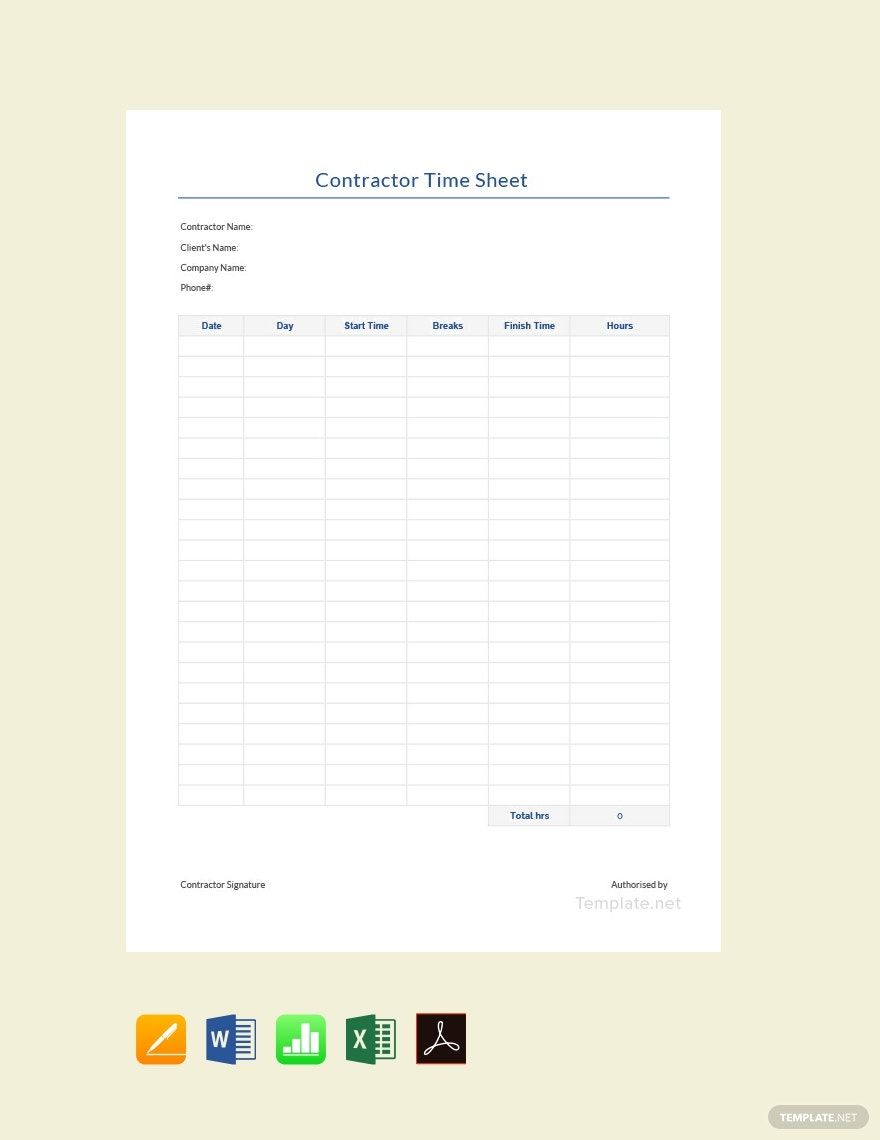
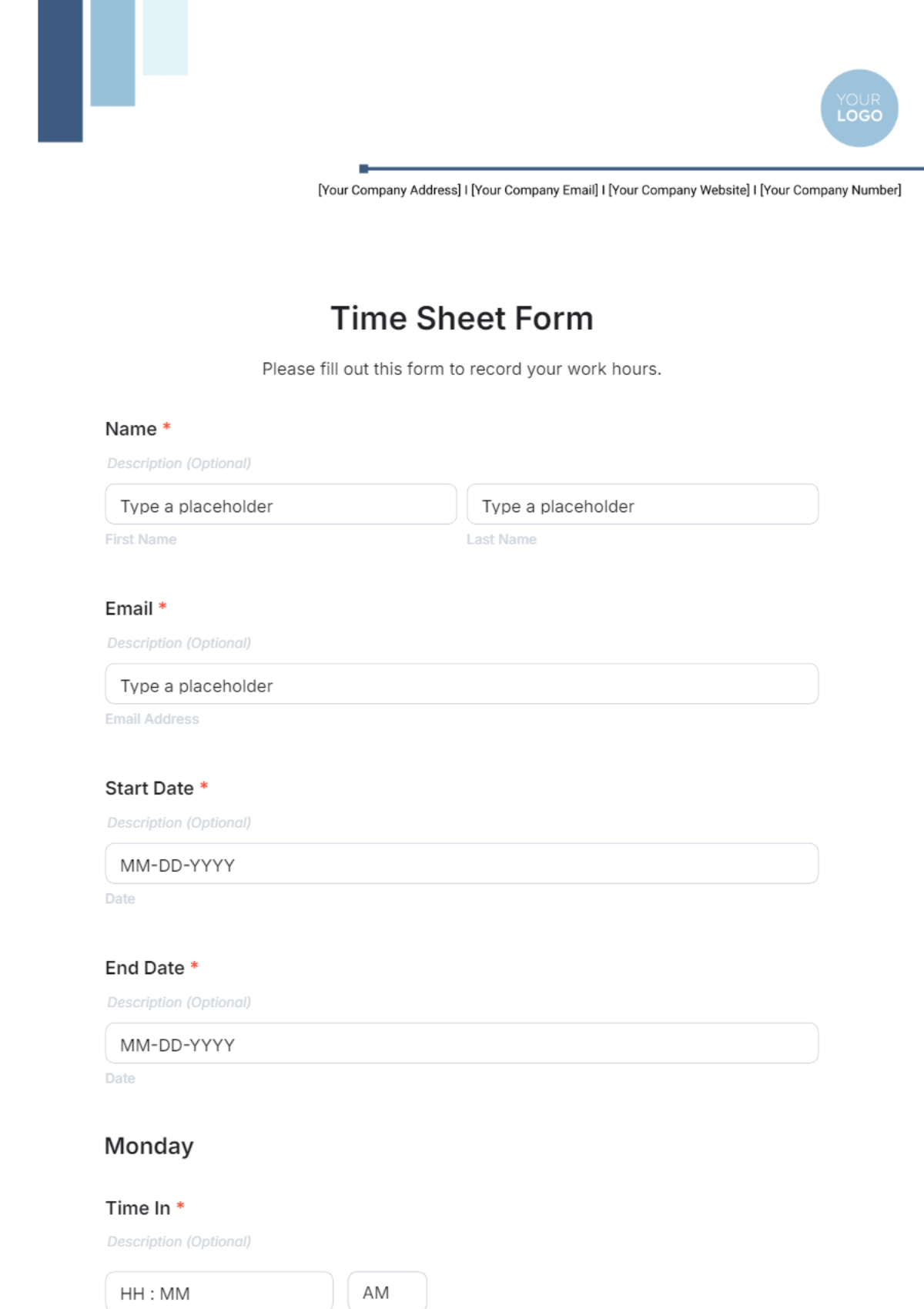
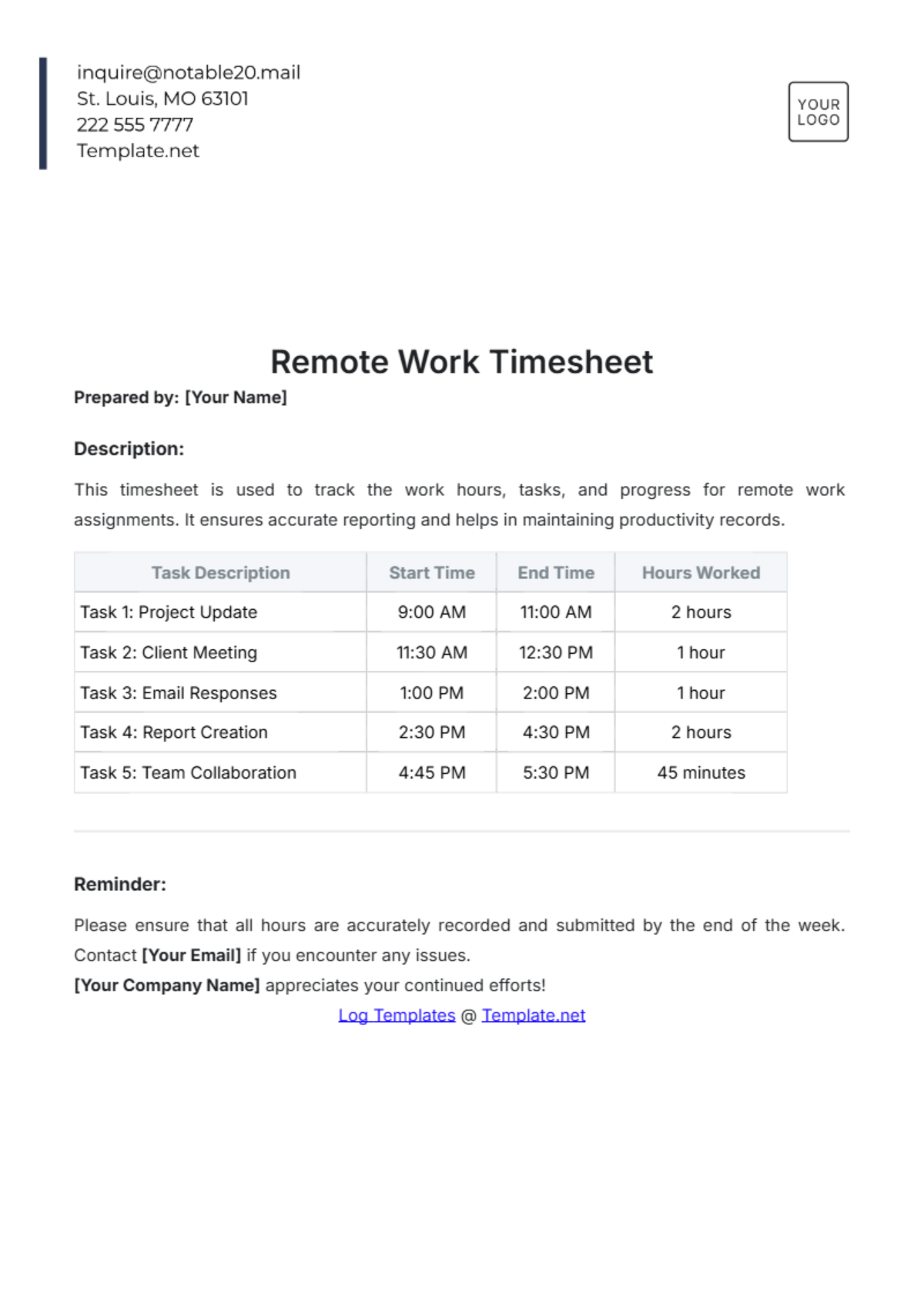
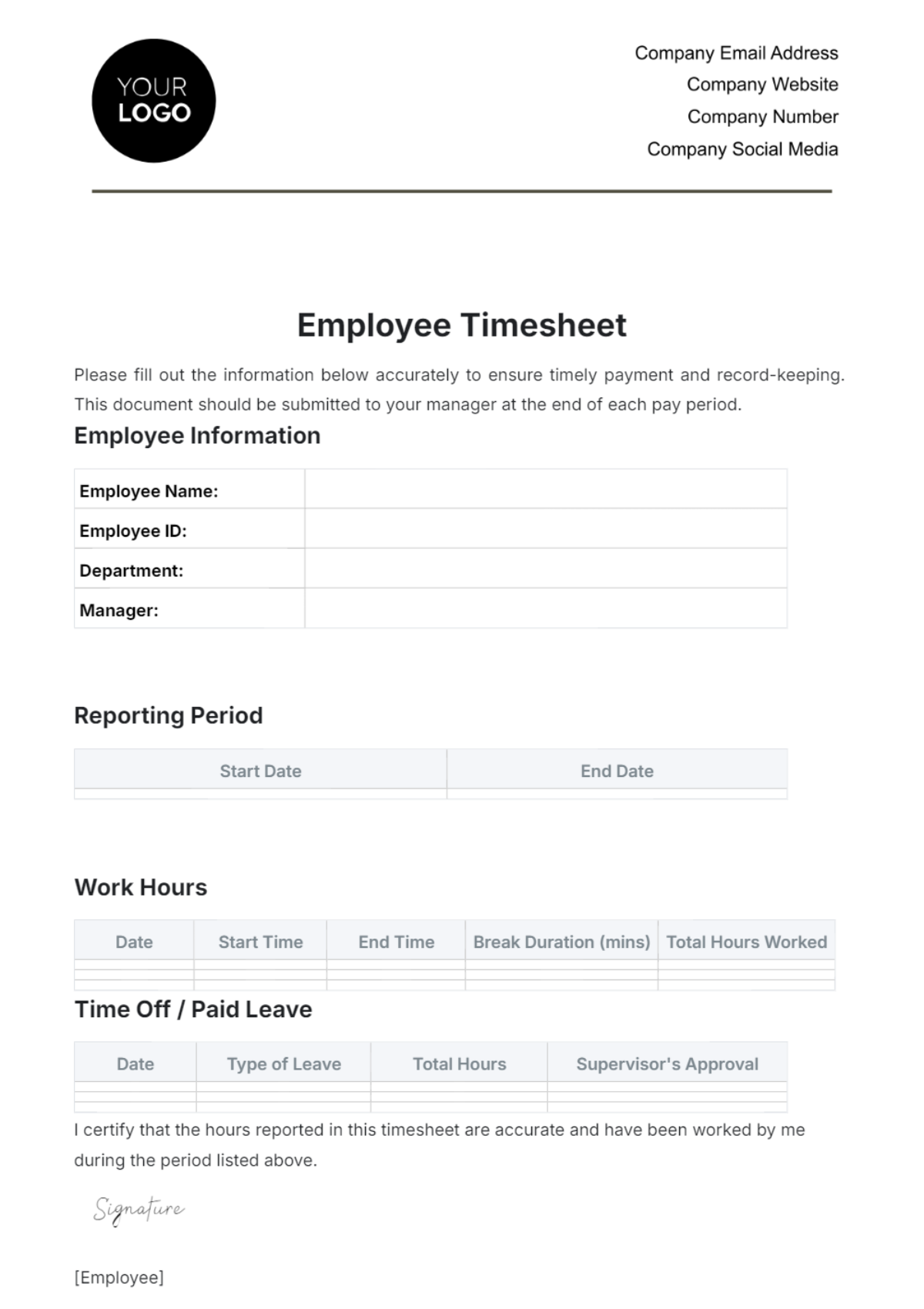
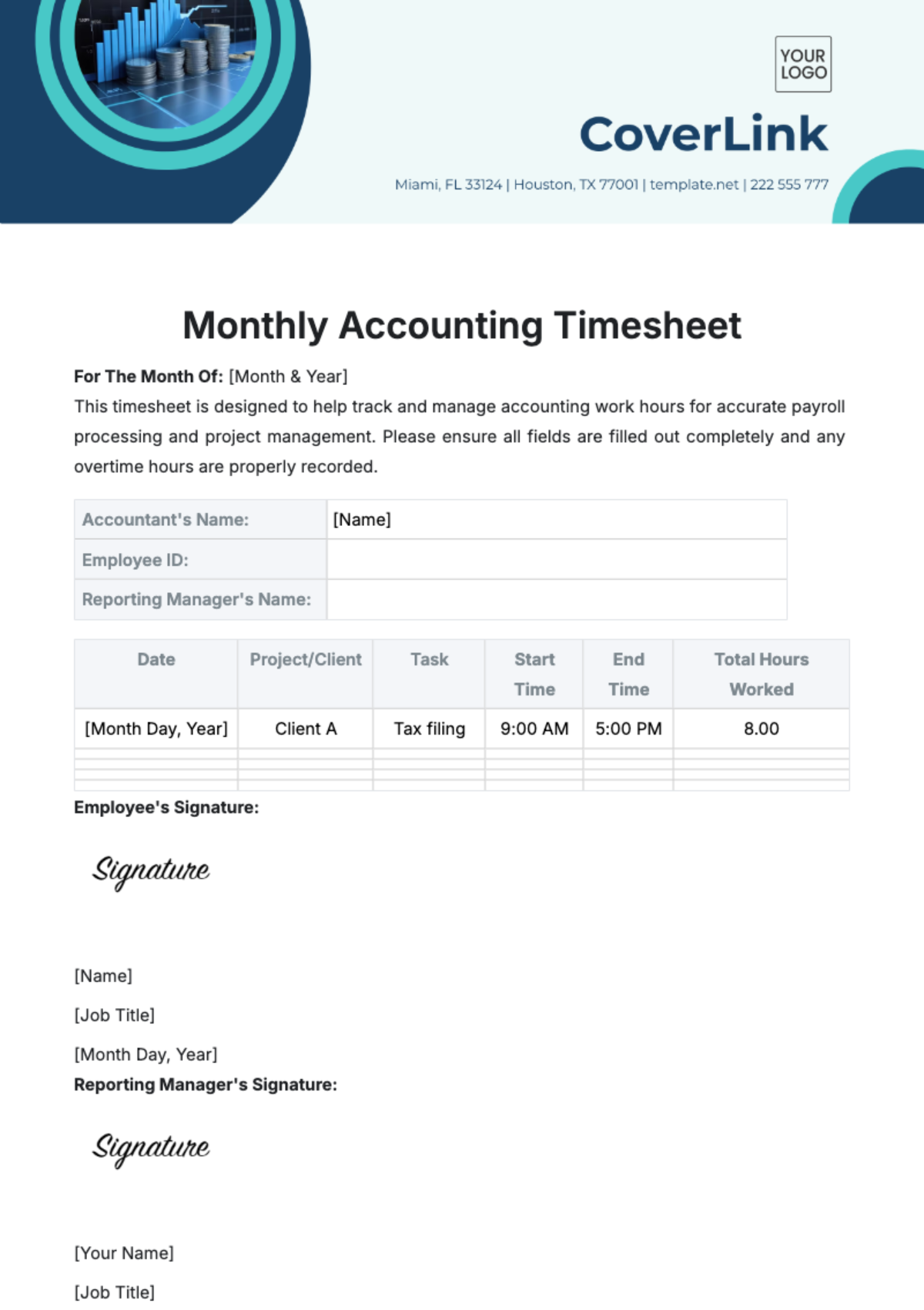
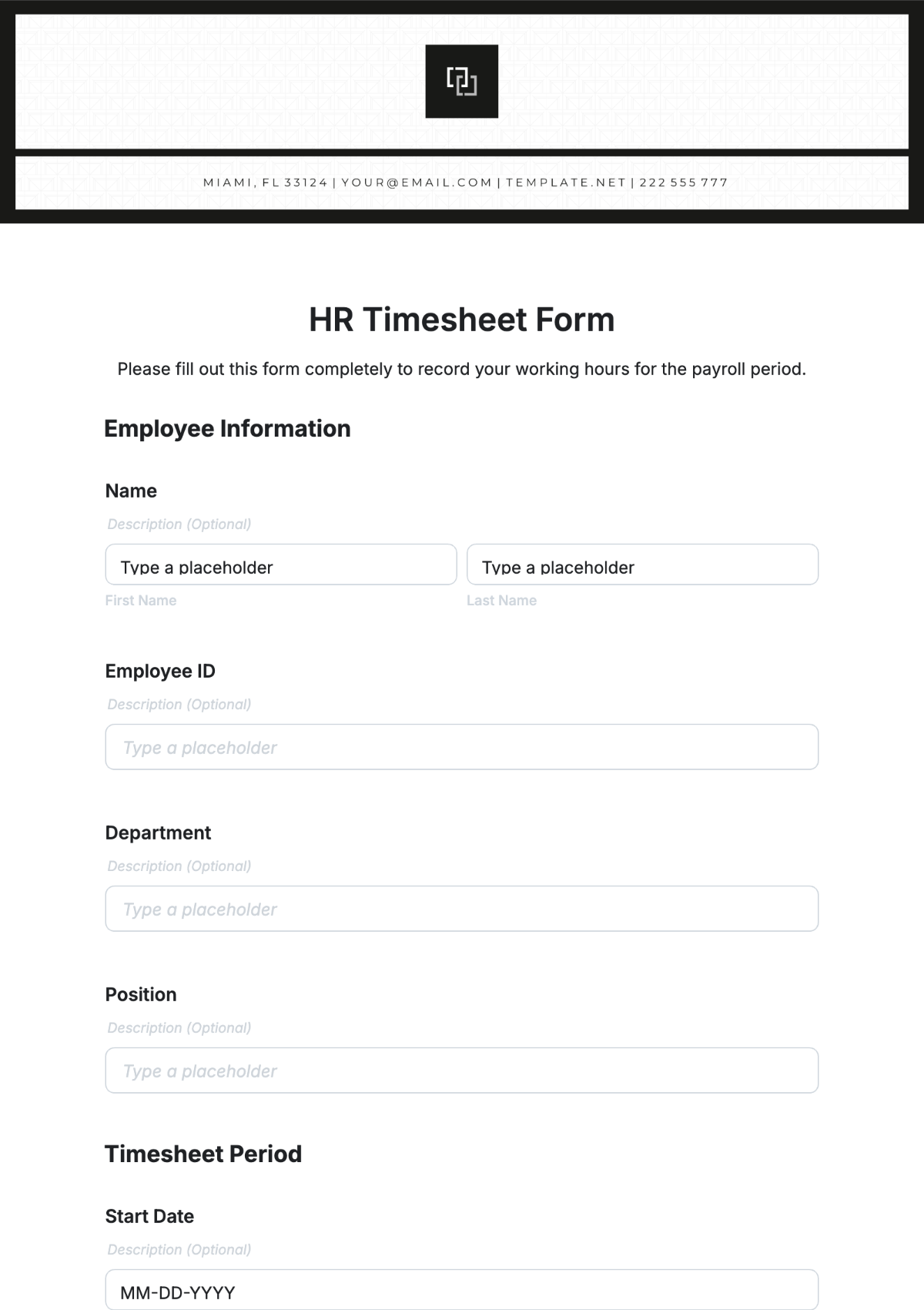
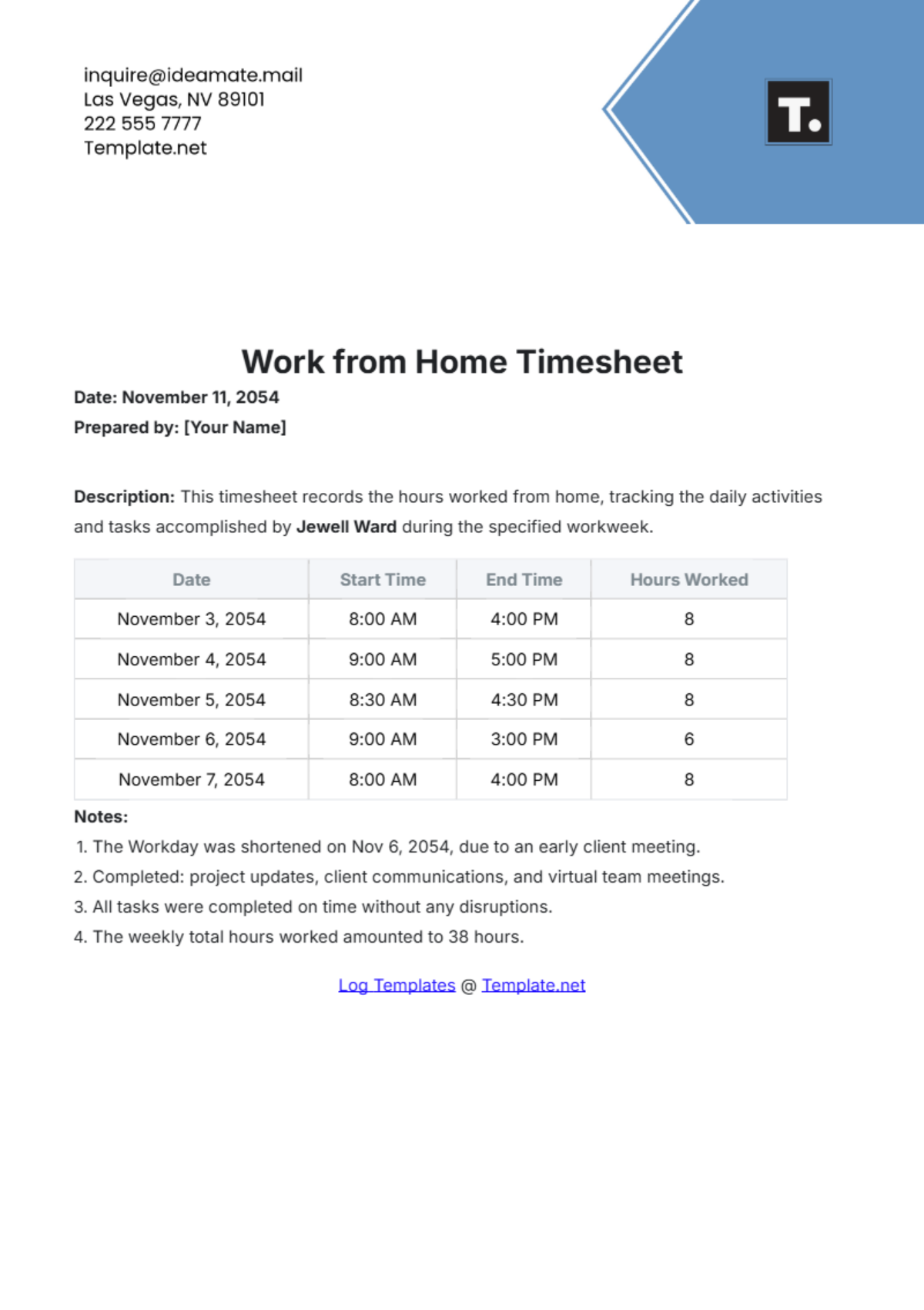
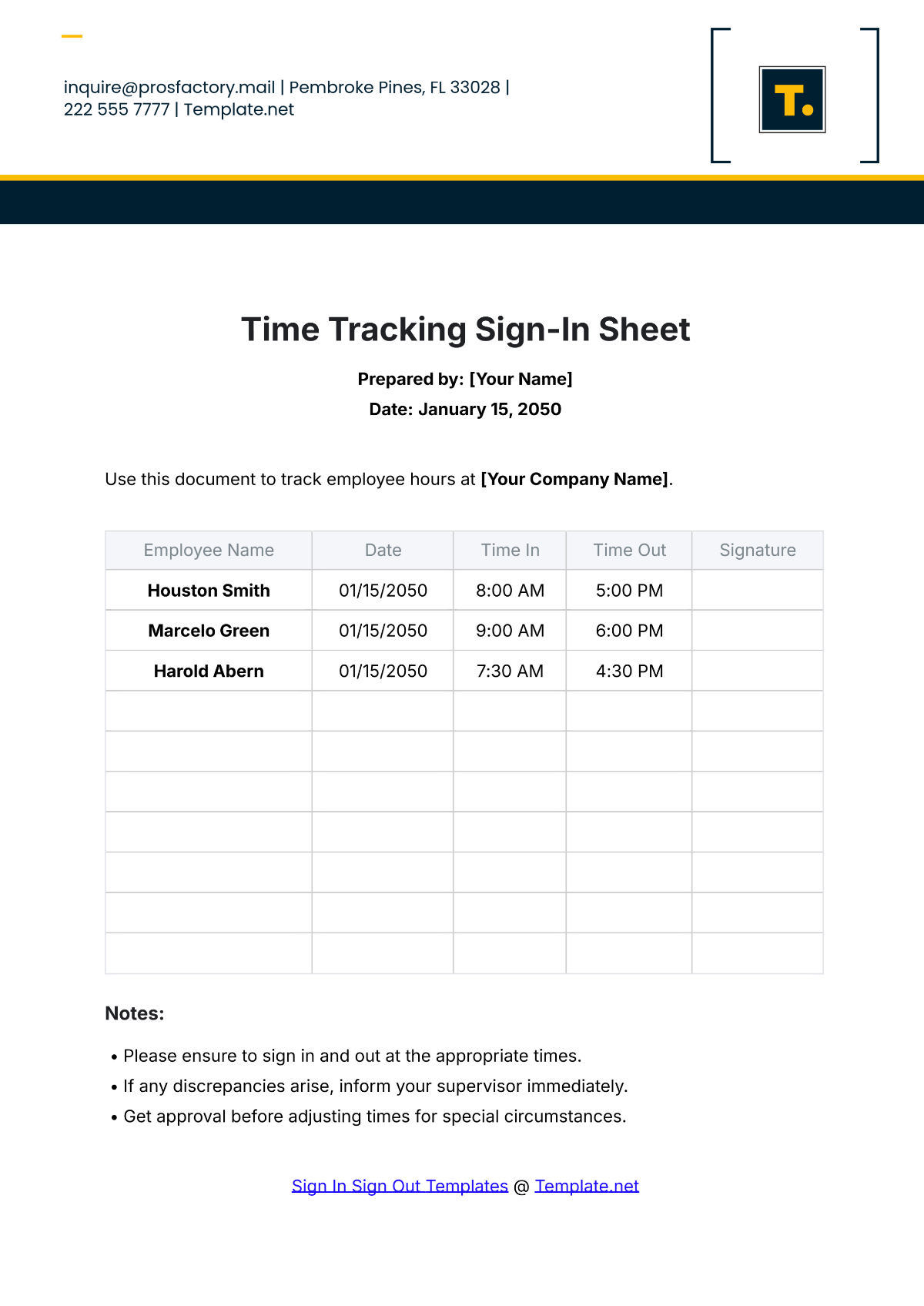
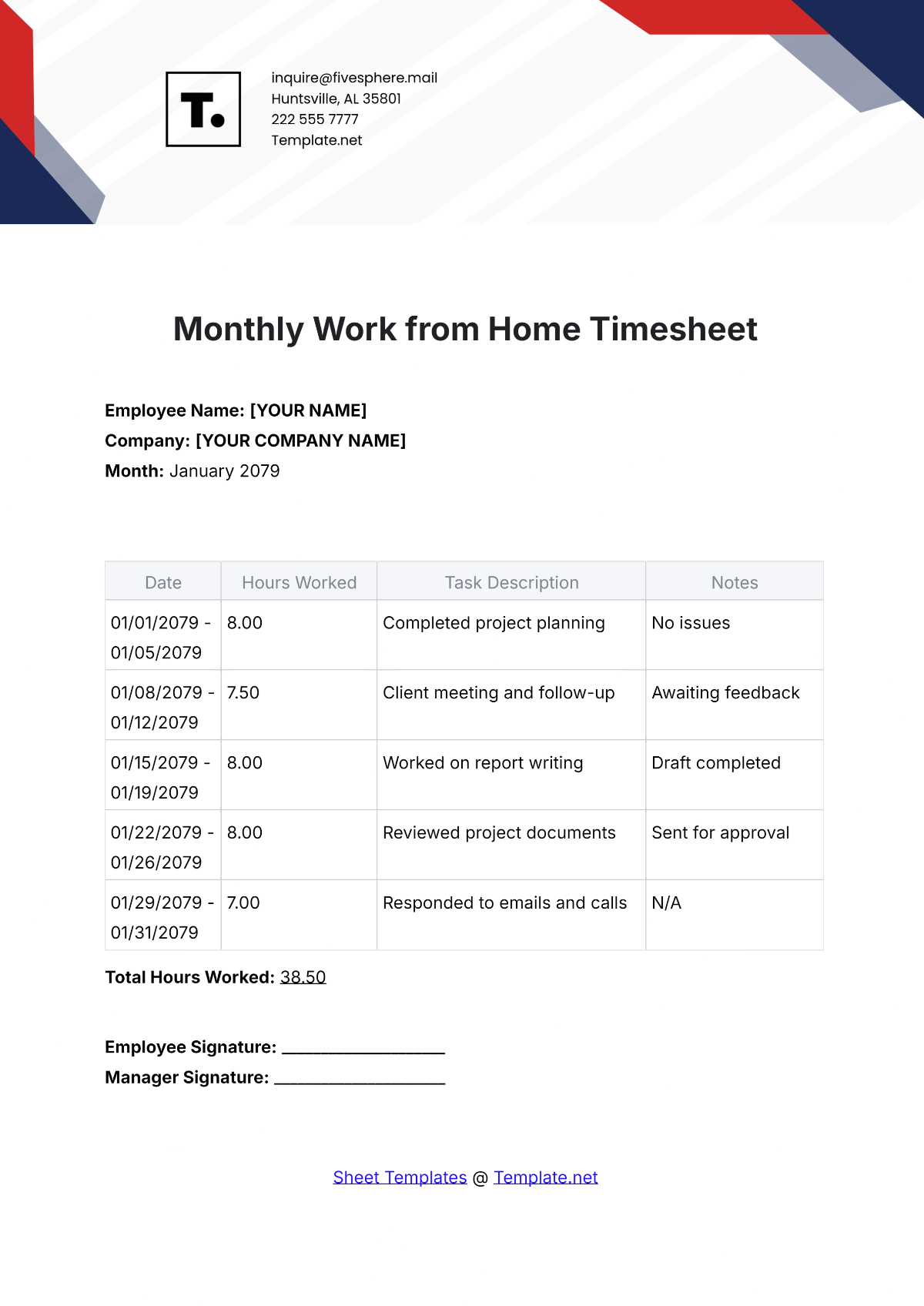
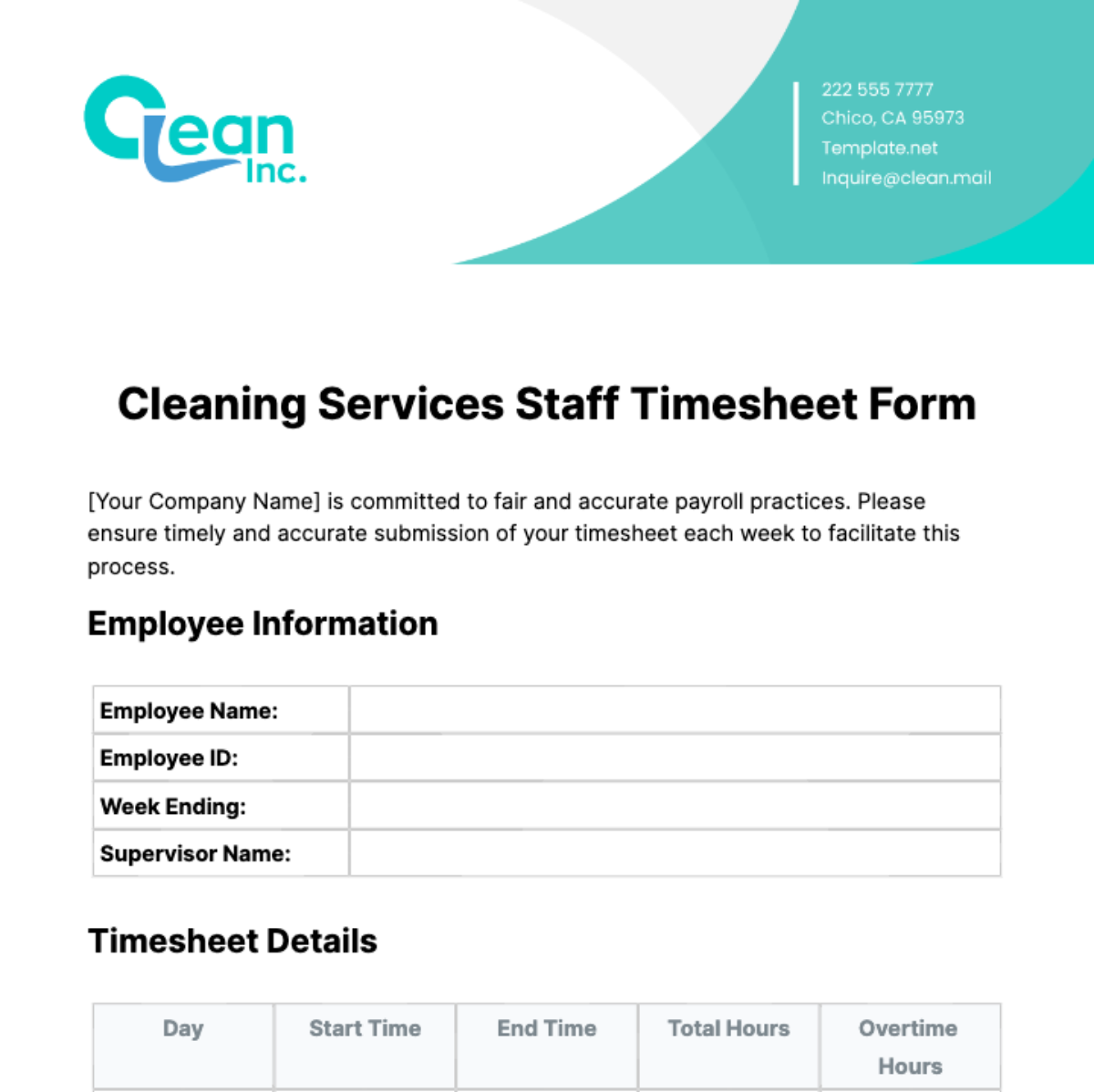
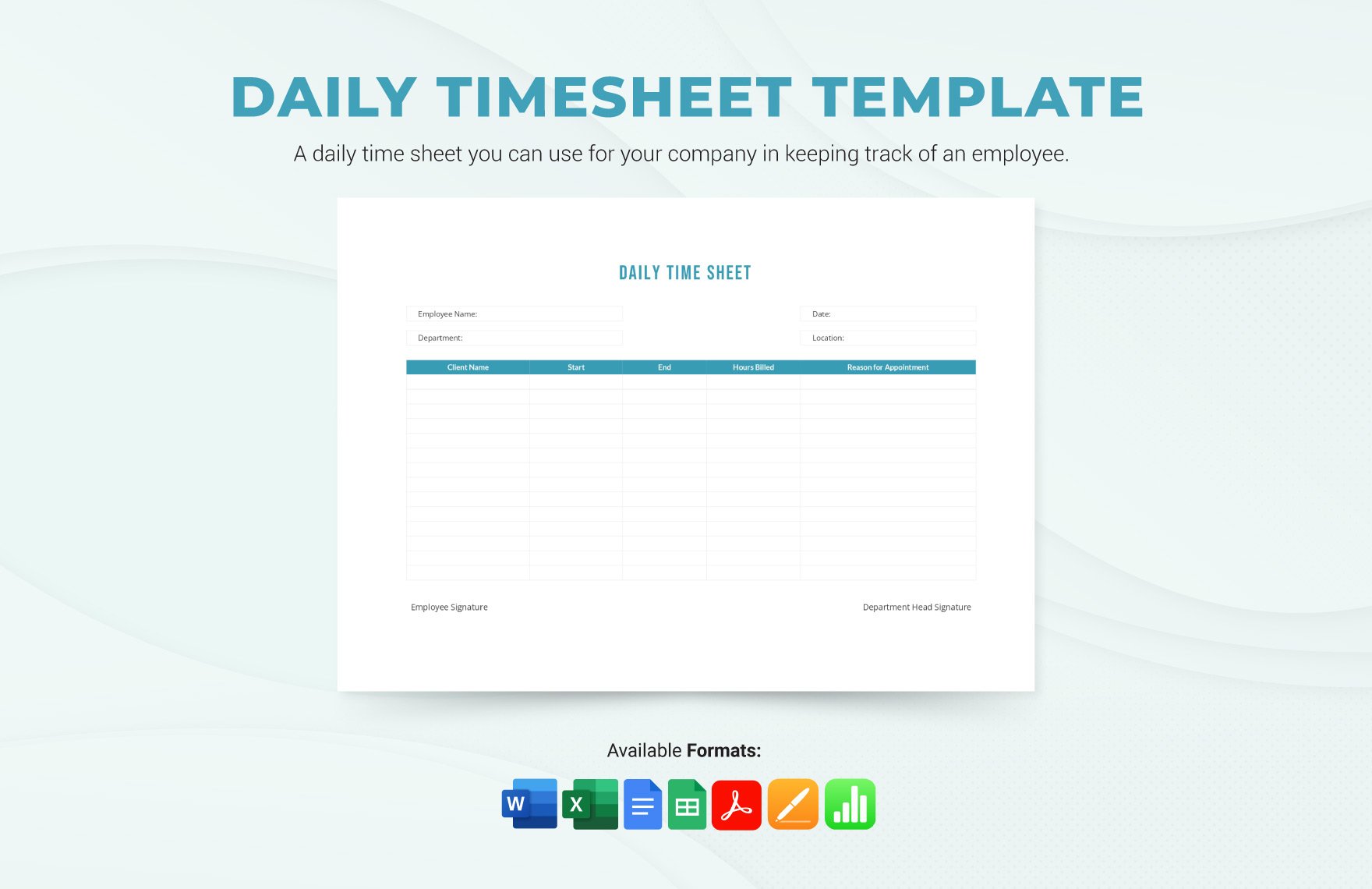
A Time Sheet should include key elements such as date, employee or user name, project or task descriptions, start and end times, total hours worked, and approval signatures if necessary. These ensure accurate time tracking and validation.
How does using a Time Sheet benefit workflow management?
Using a Time Sheet enhances workflow management by providing clear documentation of time allocation, helping prioritize tasks, identifying inefficiencies, facilitating accurate billing, and improving overall productivity tracking.
What are common professional scenarios for using a Time Sheet?
Time Sheets are commonly used in payroll processing, client billing for freelancers, project time tracking in consulting firms, labor compliance documentation, and performance evaluations across various industries.
