




























Free YouTube Templates: Customizable Design Guide, Sizes, and Download Formats
What is a YouTube?
YouTube is a digital platform primarily for video sharing and content creation, widely used for entertainment, education, and marketing. In the context of templates, YouTube templates are digital assets designed to enhance your channel’s visual branding and video presentation.
Why should I use a YouTube?
You should use YouTube templates to create consistent, professional-looking video branding and channel art that captures viewers’ attention. These templates help you maintain a strong visual identity and save time with customizable designs built for digital engagement.
Who uses YouTubes?
YouTube templates are used by content creators, marketers, influencers, businesses, and educators who want to enhance their channel’s appearance and improve audience engagement with visually appealing digital assets.
What are the best tips for designing my YouTube?
Here are some effective tips for designing your YouTube templates to maximize impact:
- Use consistent colors aligned with your brand identity
- Incorporate bold fonts that remain readable across devices
- Include clear logos or watermarks for branding
- Design with digital pixel dimensions in mind for best display
- Focus on simple but eye-catching visuals that invite clicks
- Balance text and imagery for clarity
- Use high-resolution graphics for professional quality
- Optimize thumbnails for click-through rates
- Test your designs on multiple devices
- Keep elements aligned to avoid clutter
What file formats can I download for my YouTube?
Template.net's YouTube templates support multiple export formats for easy editing and sharing. You can download your templates in PSD, Illustrator formats to suit your editing software needs.
Can I create a YouTube using AI?
Template.net provides an AI-powered tool capable of generating YouTube designs to help you create unique digital assets effortlessly. Visit Template.net to explore this feature.
What are the ideal pixel dimensions for my YouTube templates?
Your YouTube templates should use standard digital pixel dimensions optimized for display on various devices. These common sizes include:
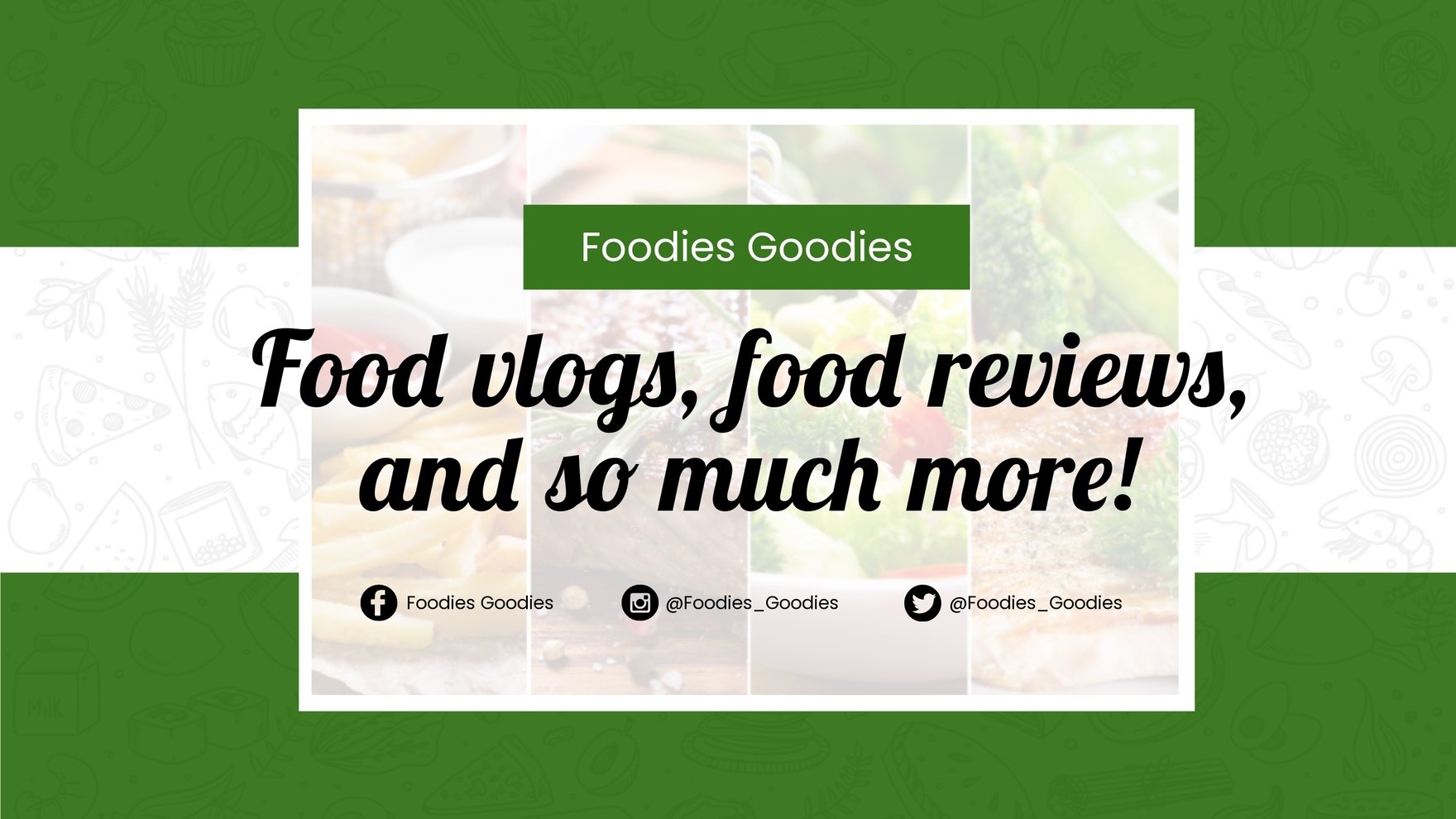
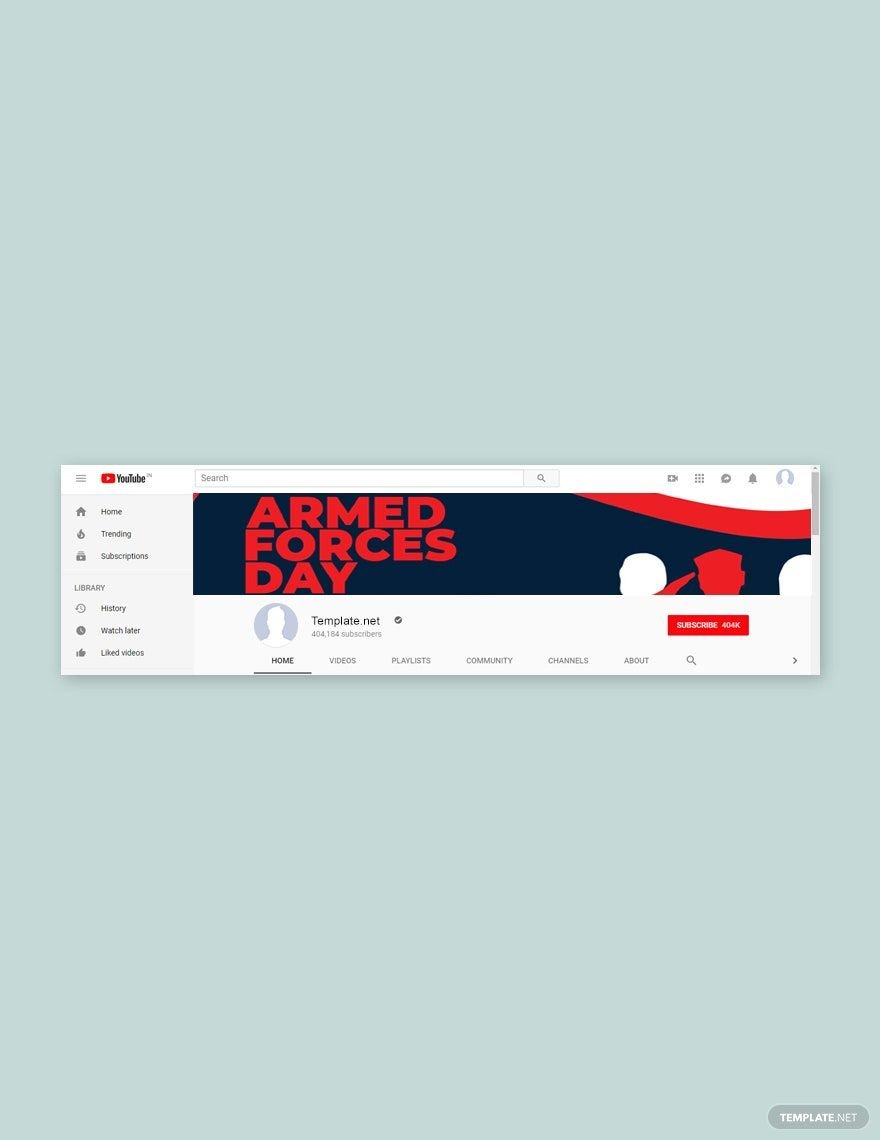
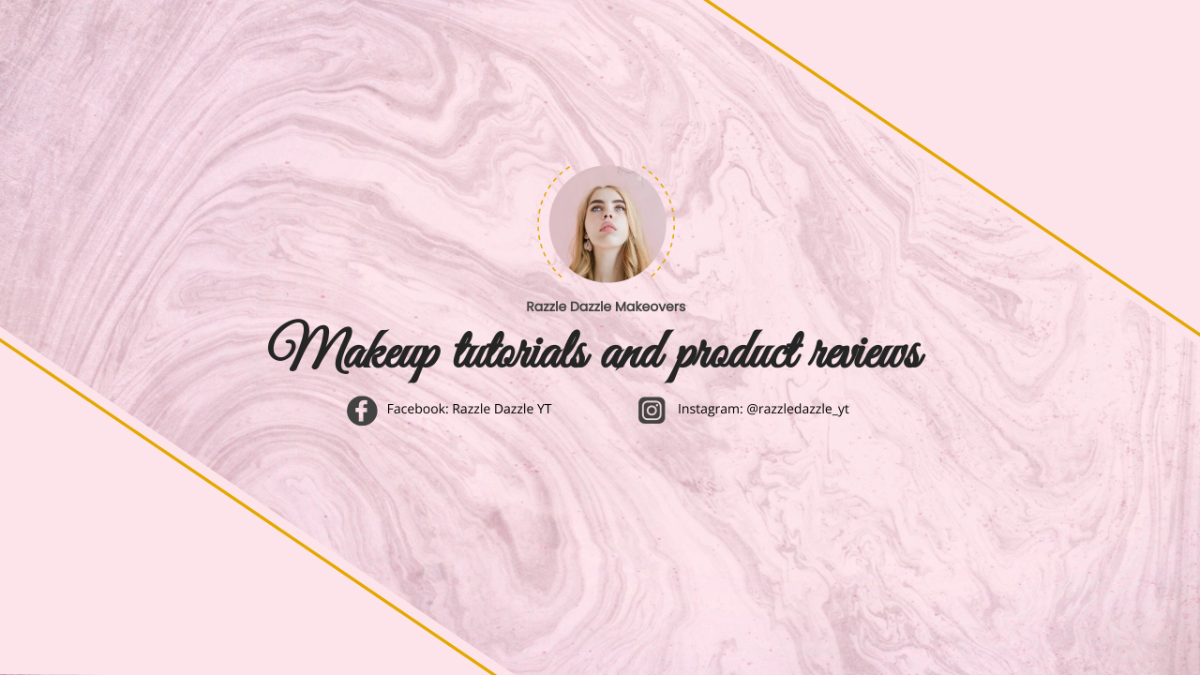
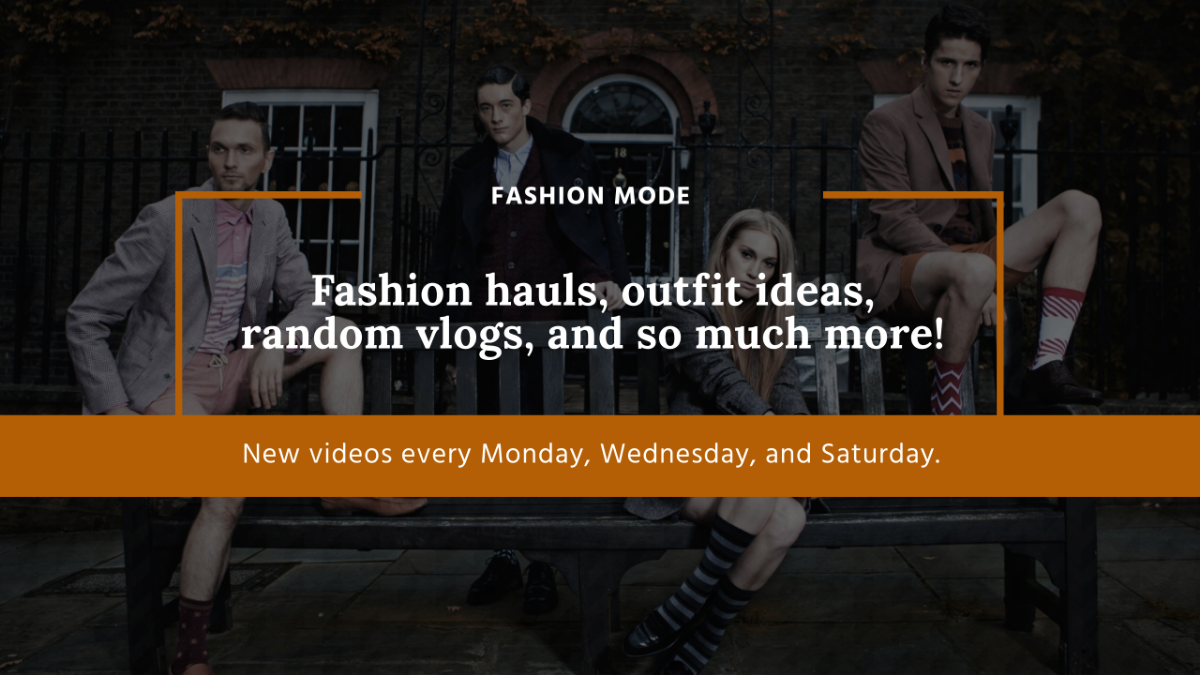
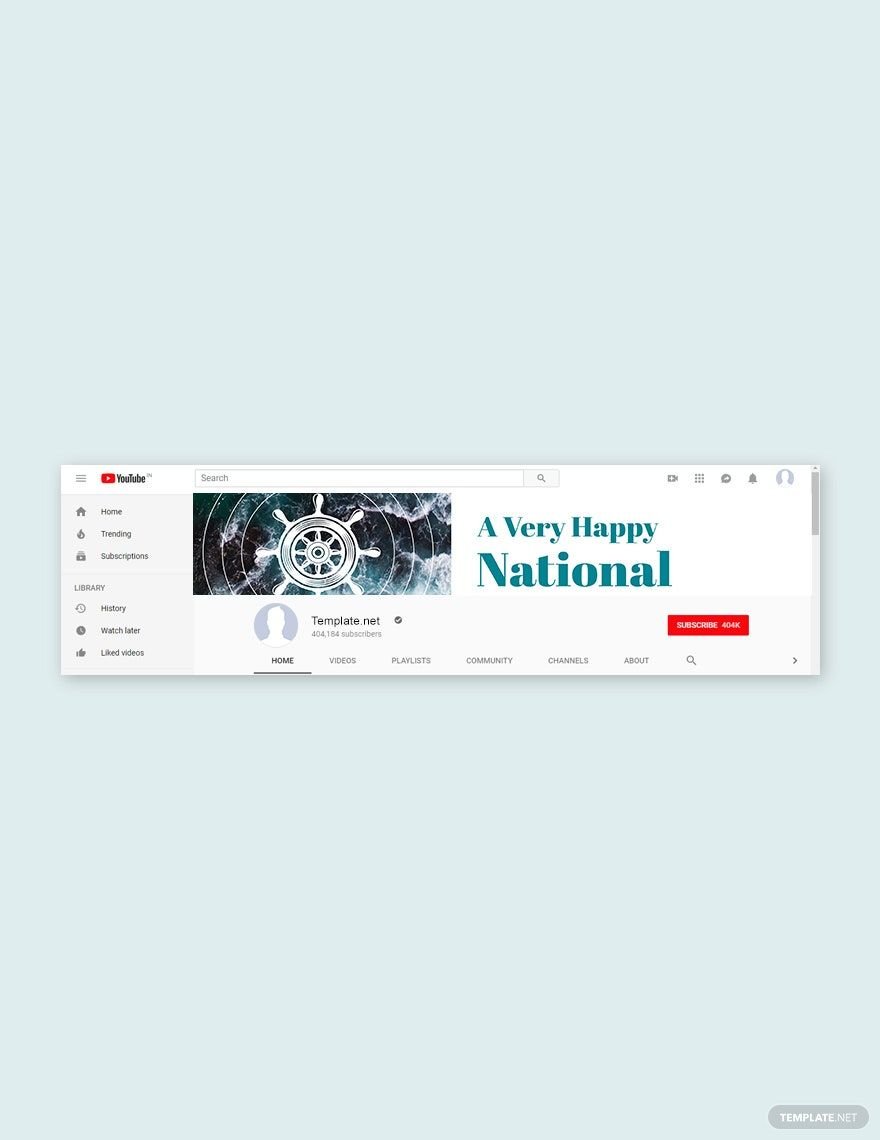
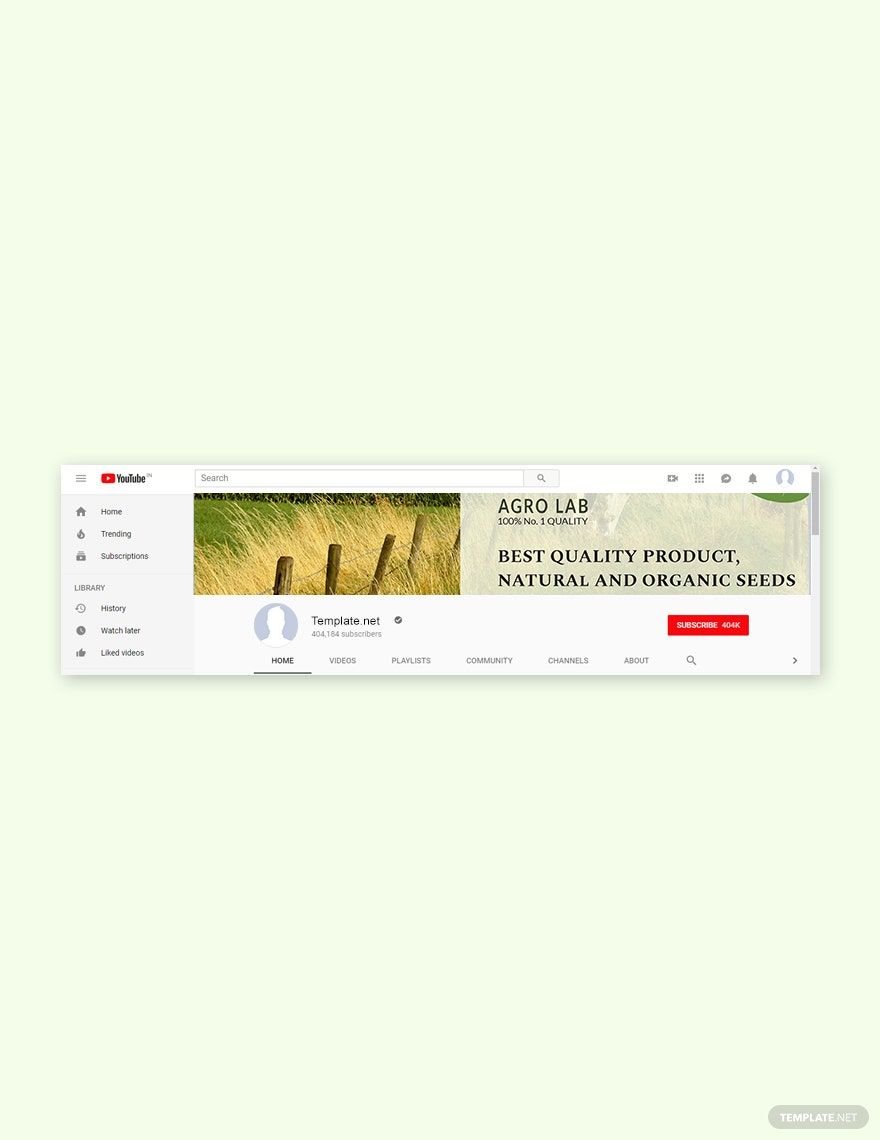
- 2560 × 1440 pixels for channel art (YouTube banner)
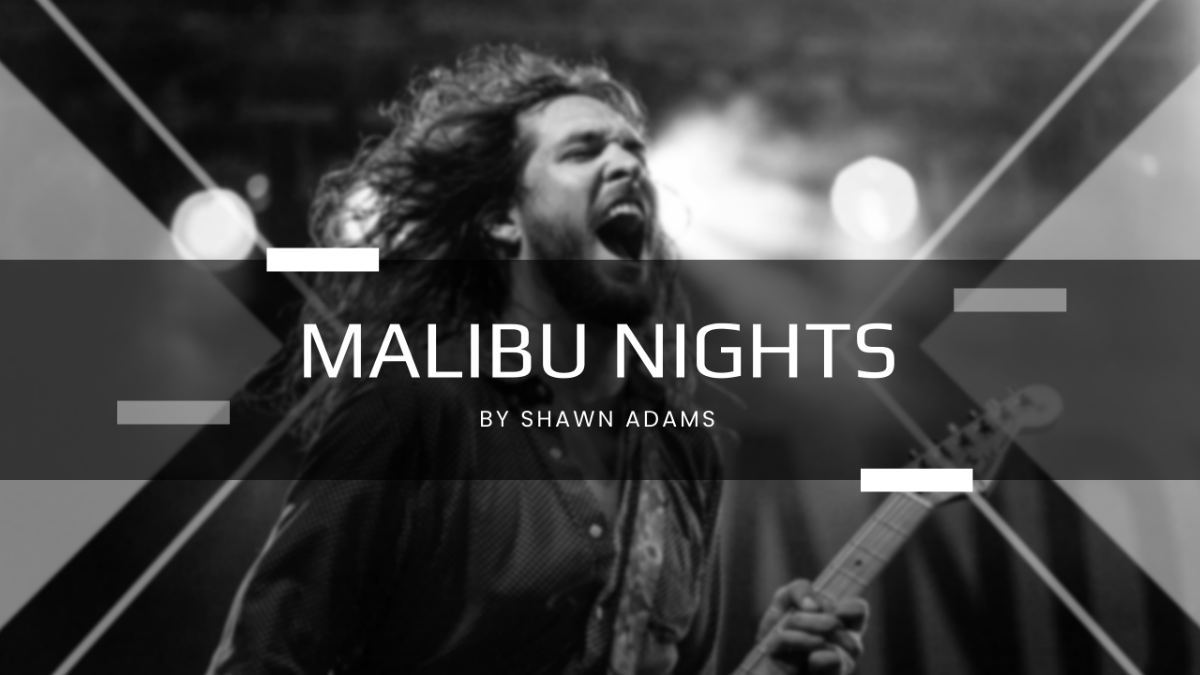
- 1280 × 720 pixels for video thumbnails
- 1080 × 1080 pixels for social media posts related to YouTube content
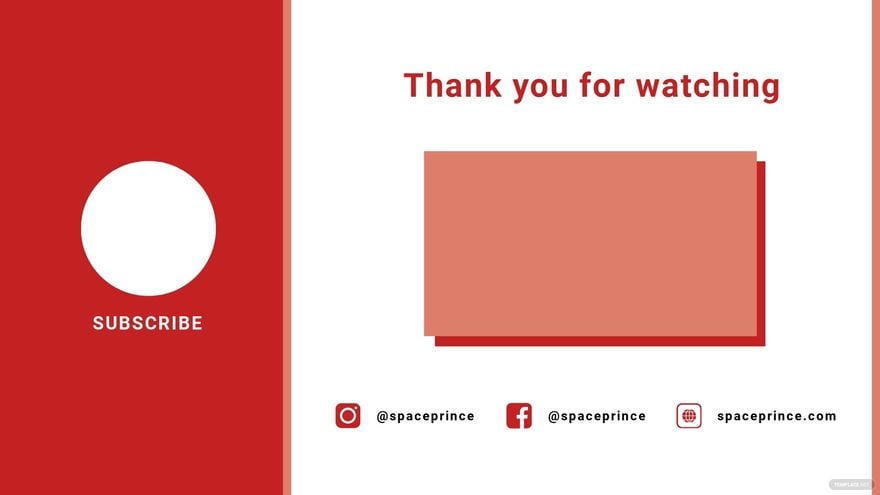
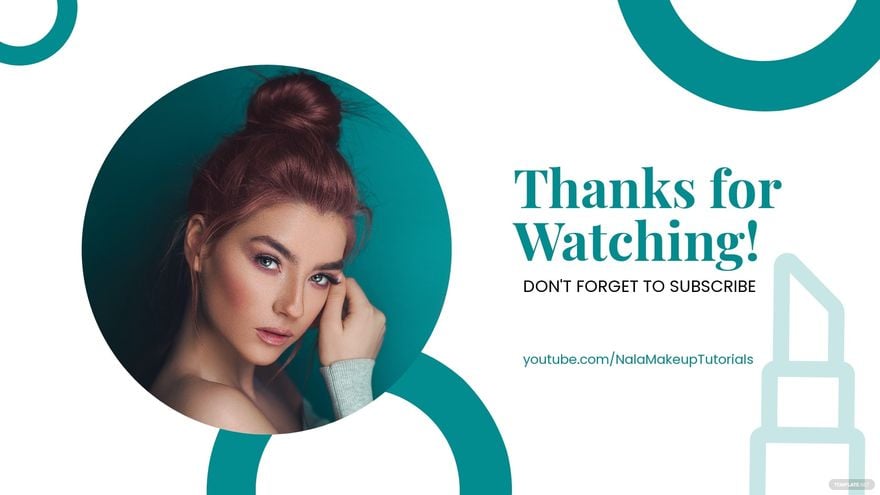
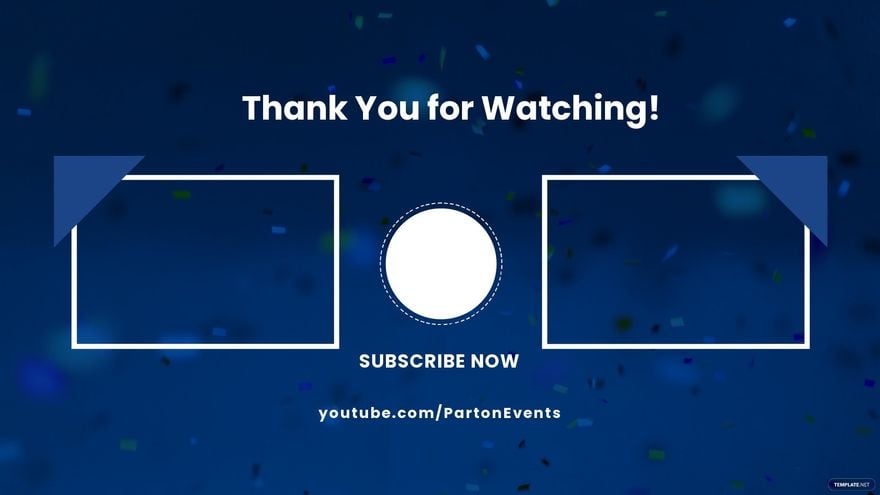
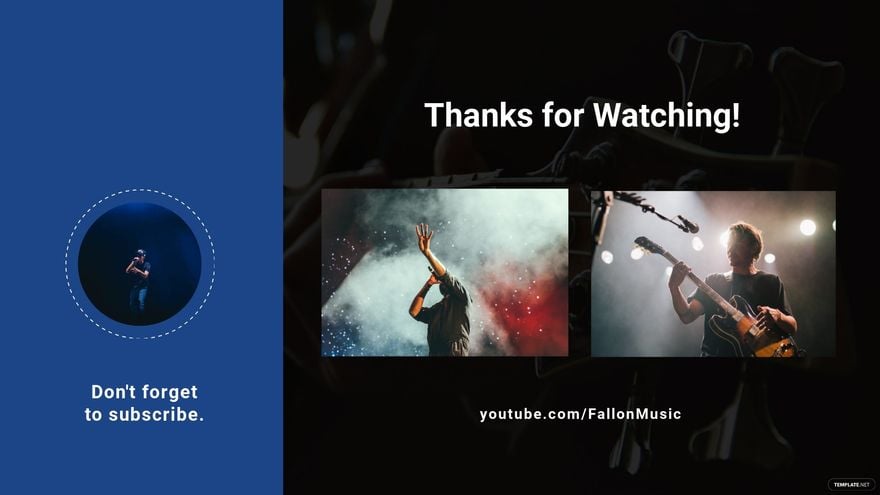
- 1920 × 1080 pixels for full HD video overlays or end screens
- 800 × 800 pixels for profile pictures
What visual elements should I include in my YouTube templates?
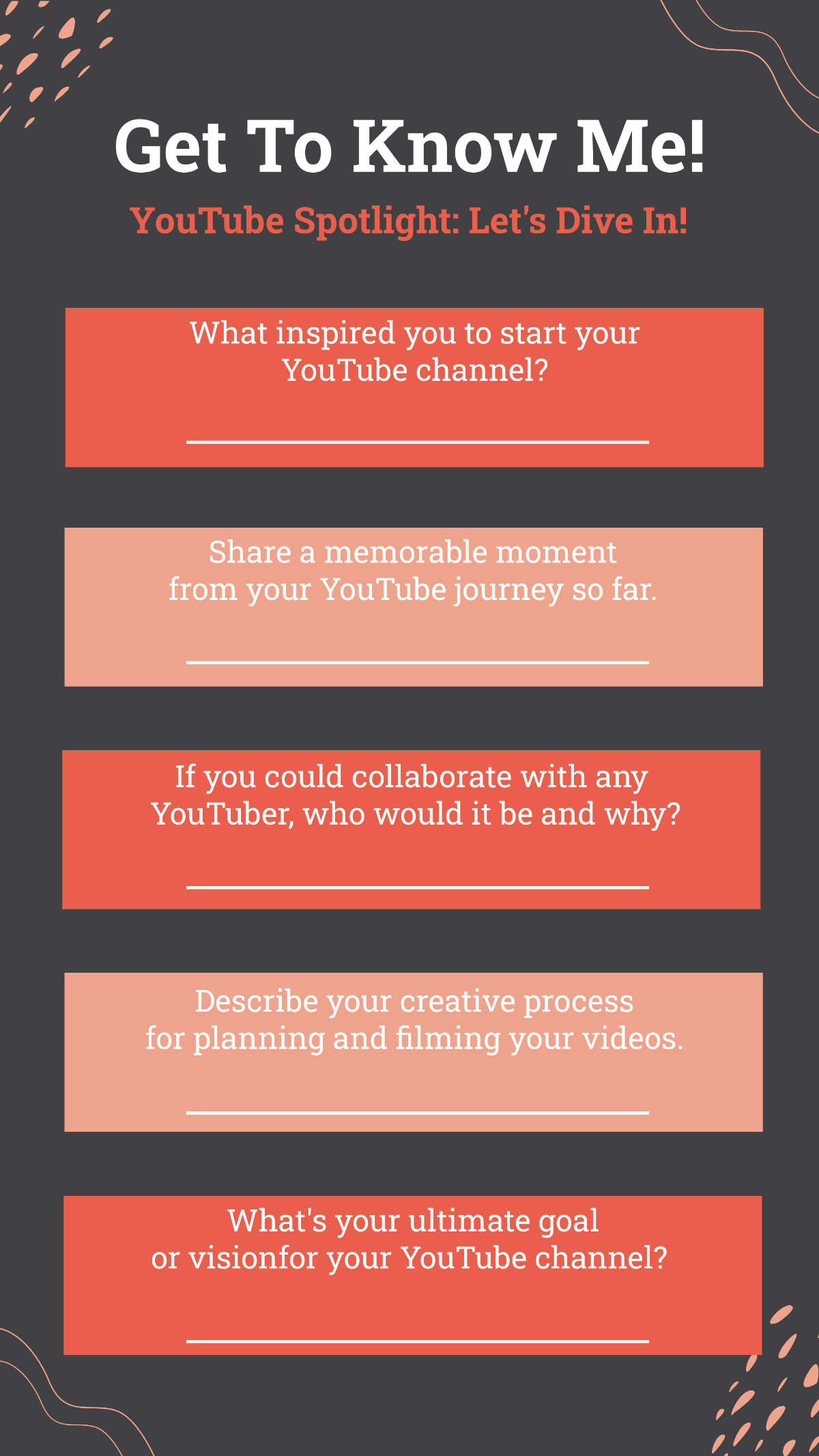
When designing your YouTube templates, include essential visual elements to enhance viewer engagement and branding:
- Channel logo or icon for brand recognition
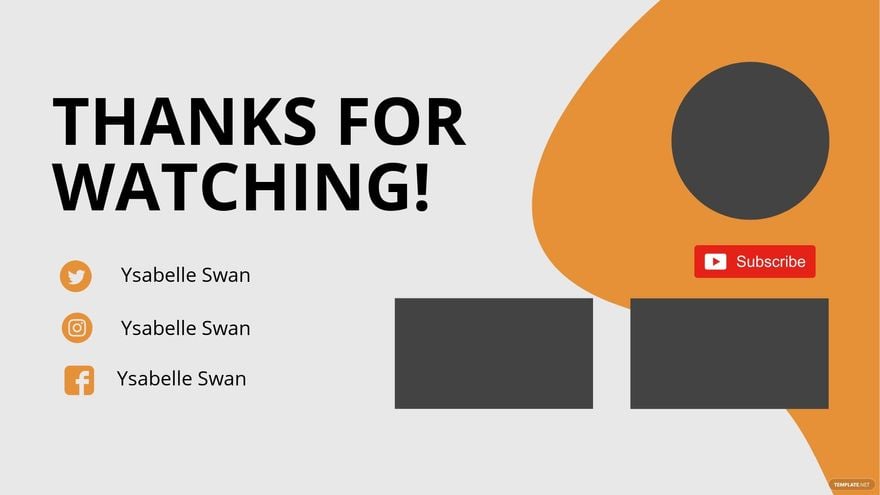
- Social media handles for cross-promotion
- Video title placeholders for clarity
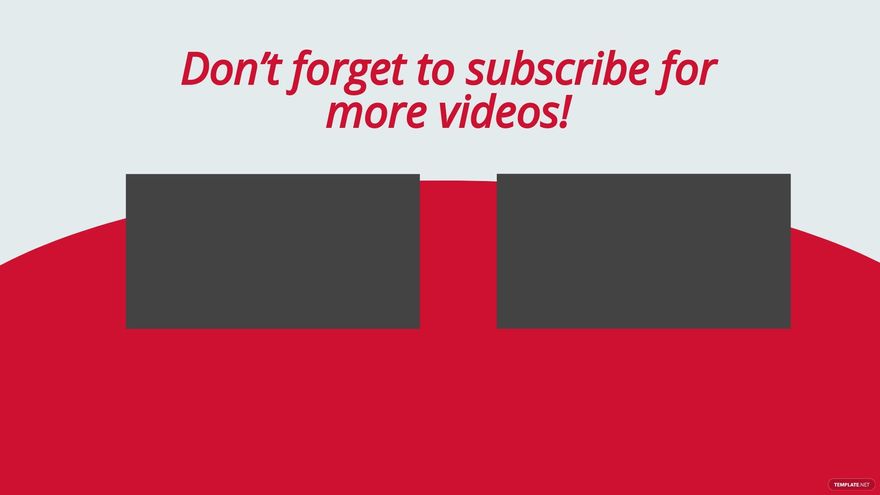
- Call-to-action buttons like subscribe or like
- Consistent color schemes matching your brand
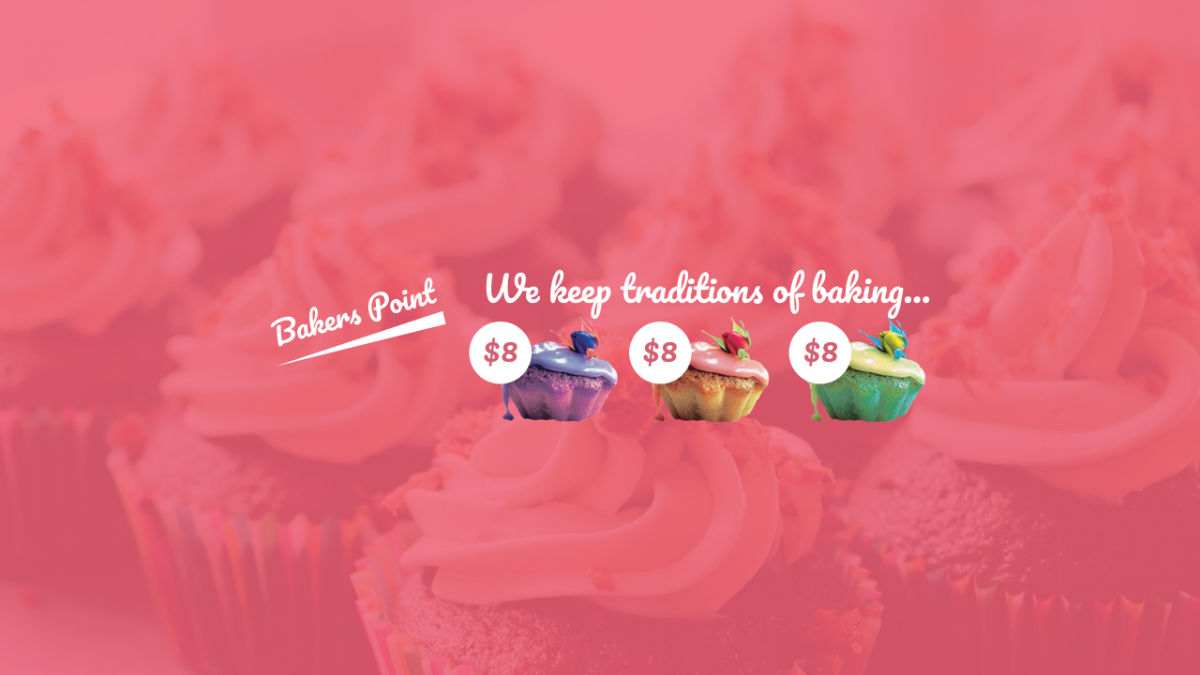
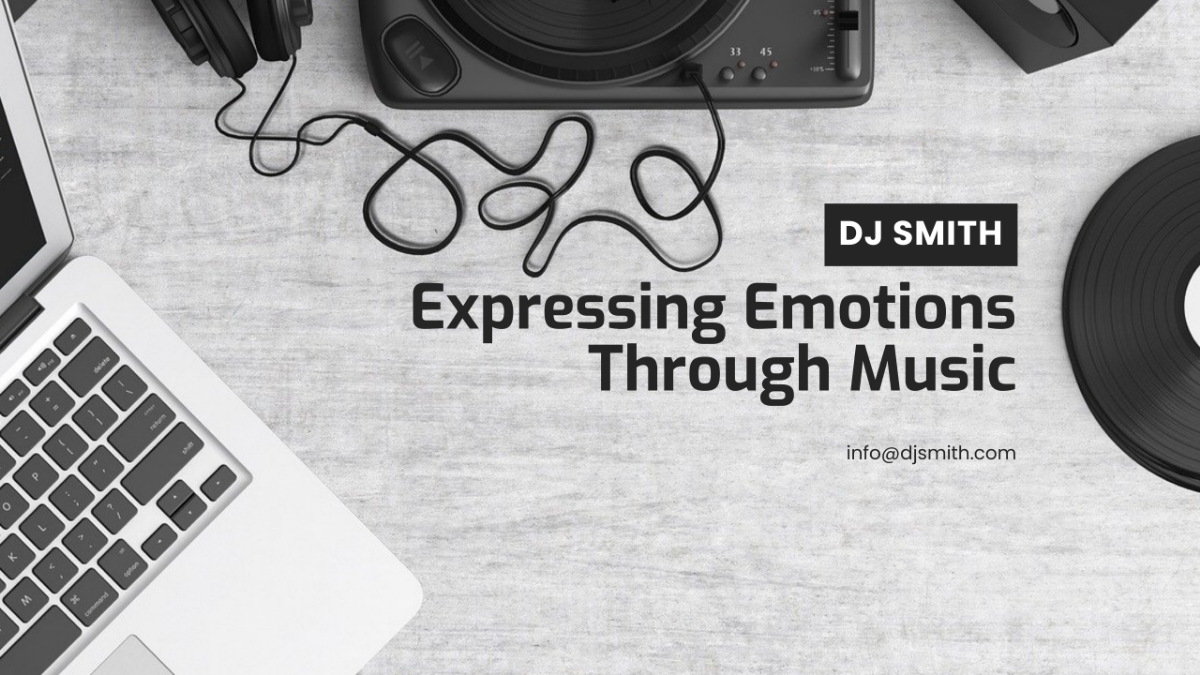
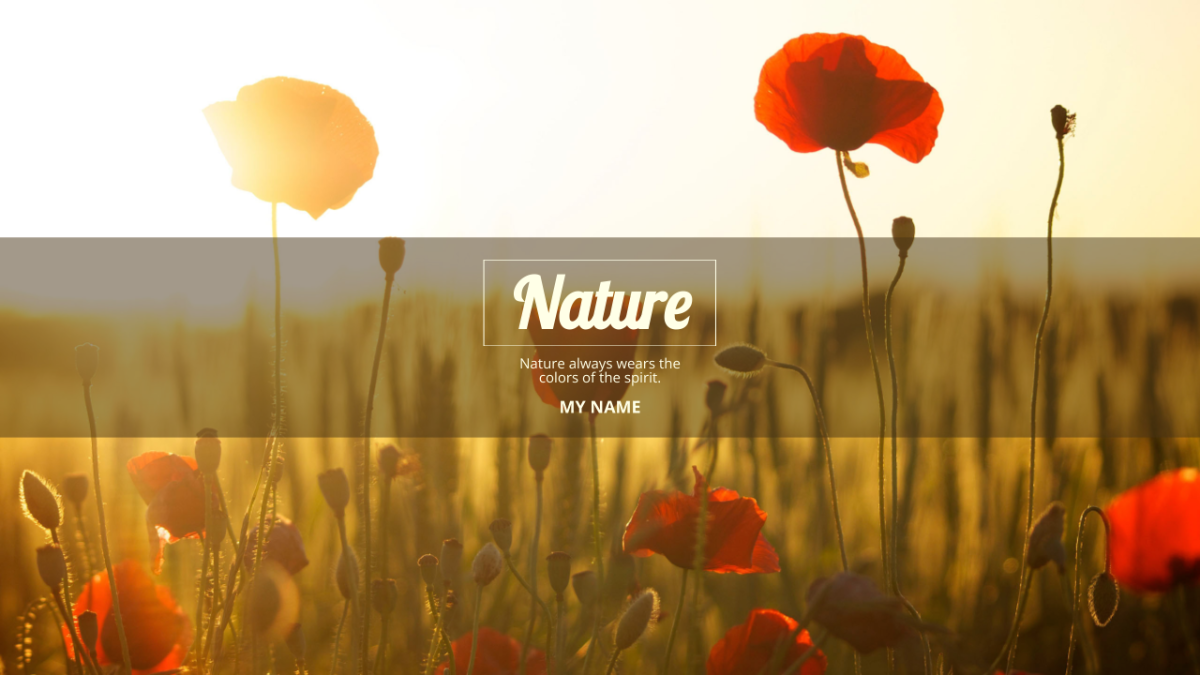
- Background images or patterns that complement content
- Overlay graphics for highlights or annotations
- Readable typography for text clarity
What are the benefits of using YouTube templates?
Using YouTube templates offers several benefits to help you grow your channel and improve content quality:
- Save time with ready-made customizable designs
- Maintain brand consistency across videos and banners
- Enhance viewer engagement with professional visuals
- Improve channel credibility through polished design
- Increase click-through rates with optimized thumbnails
- Access versatile formats for editing flexibility
- Adapt quickly to trends with editable templates
