
Free Worksheet Templates
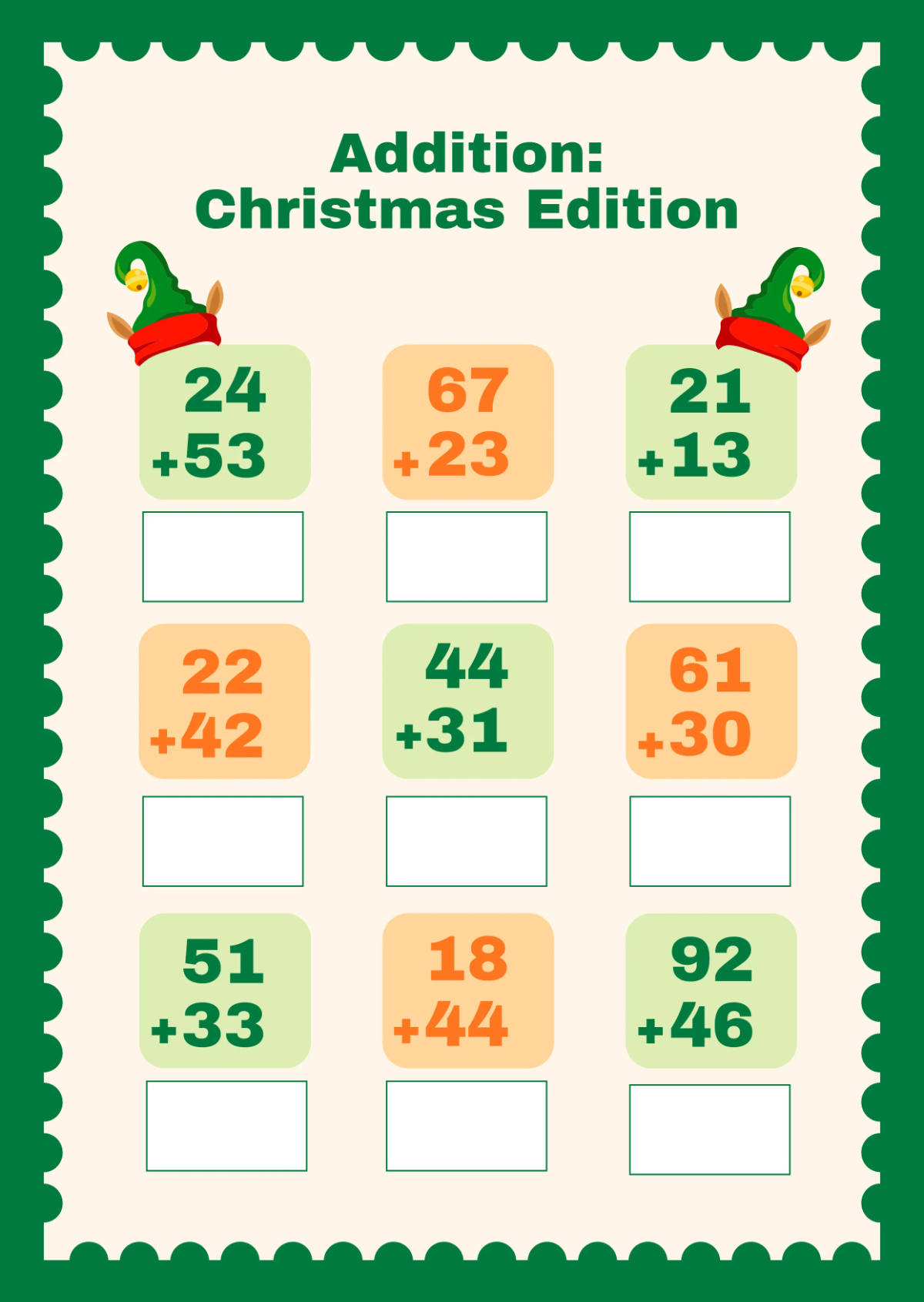
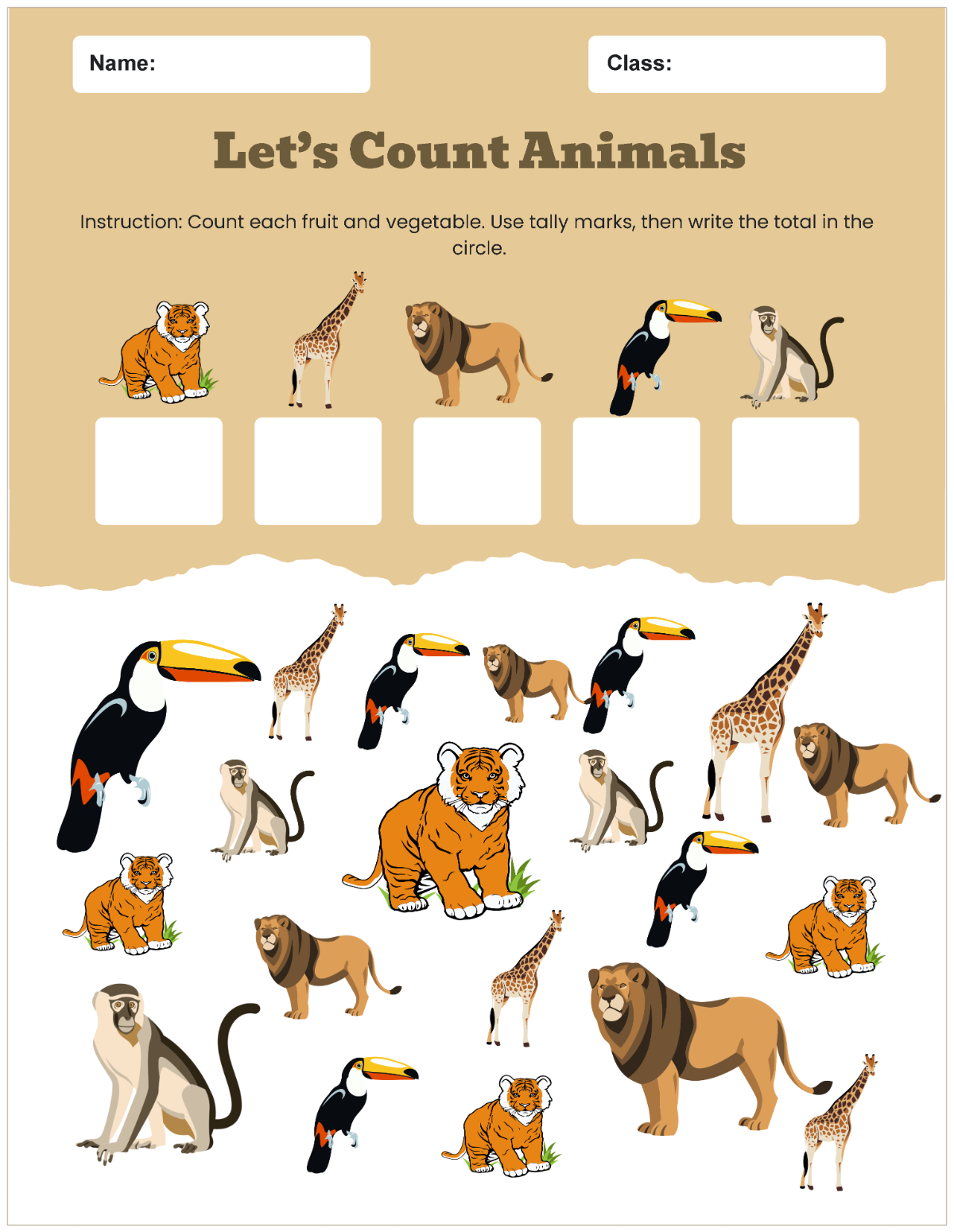
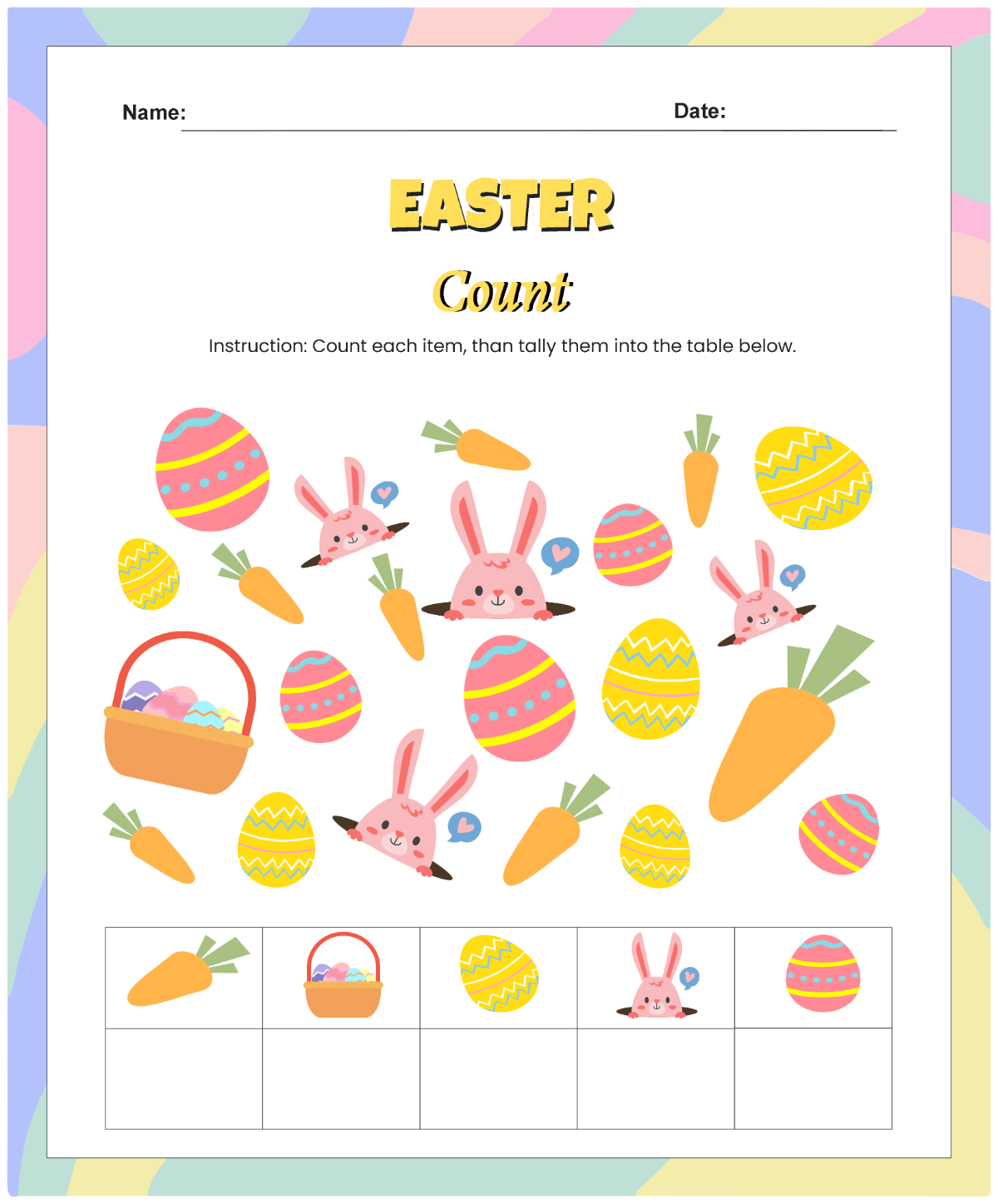
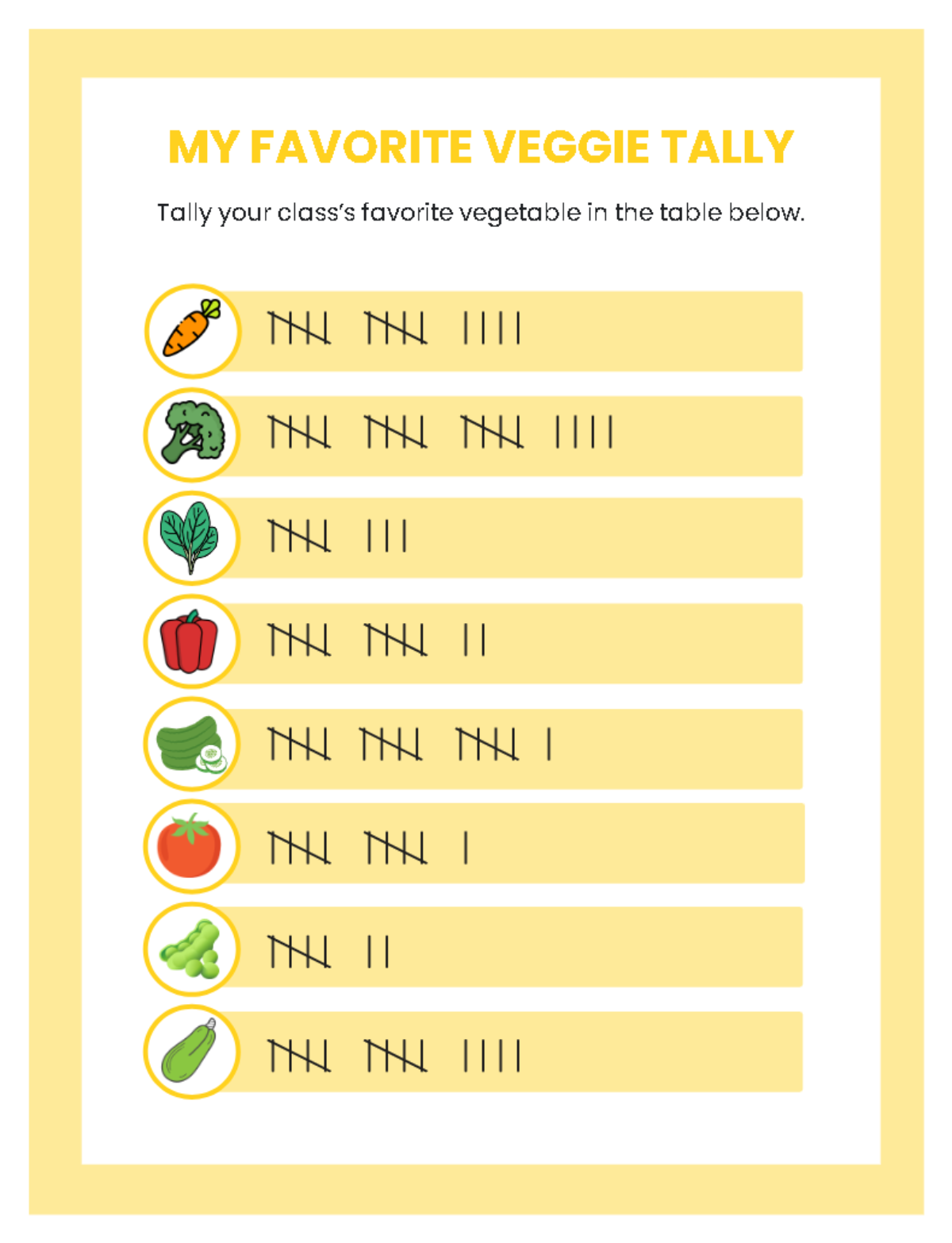
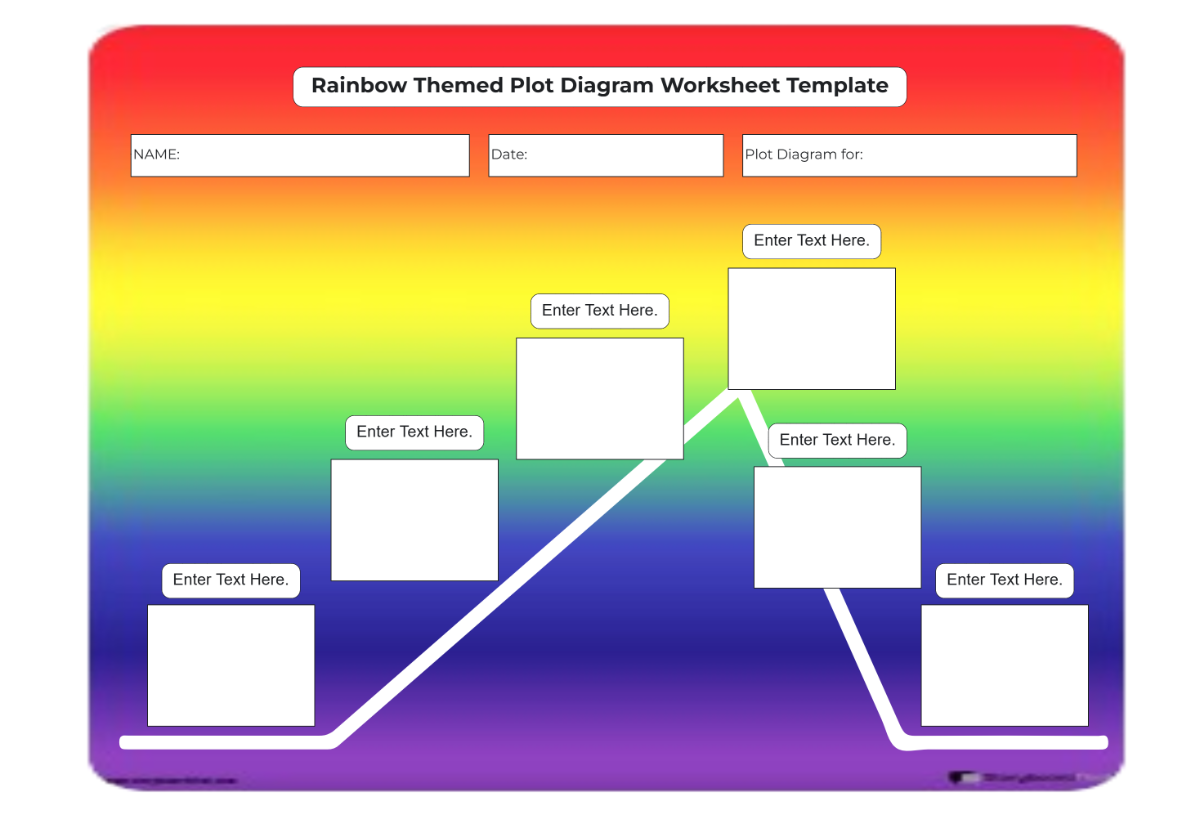
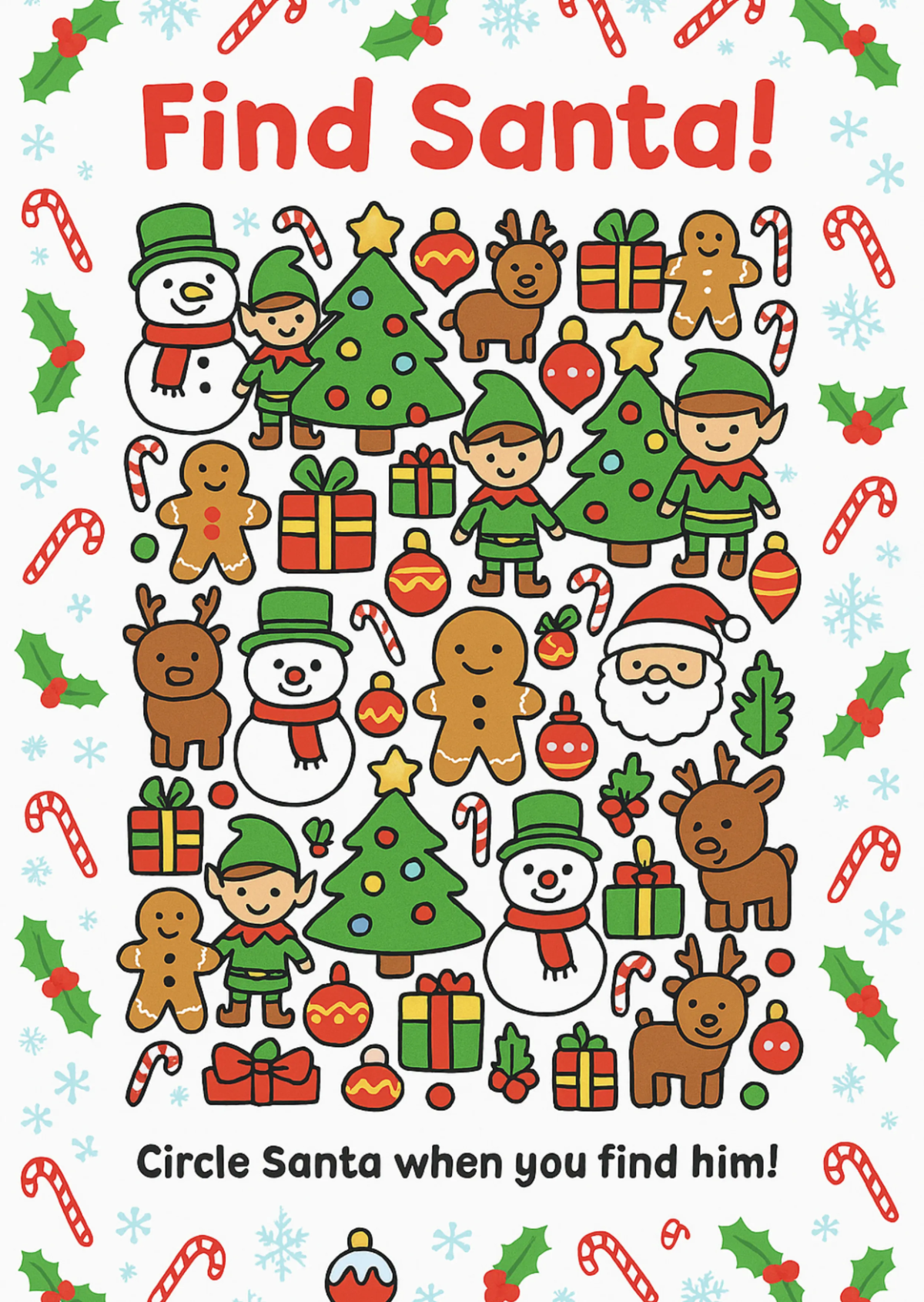
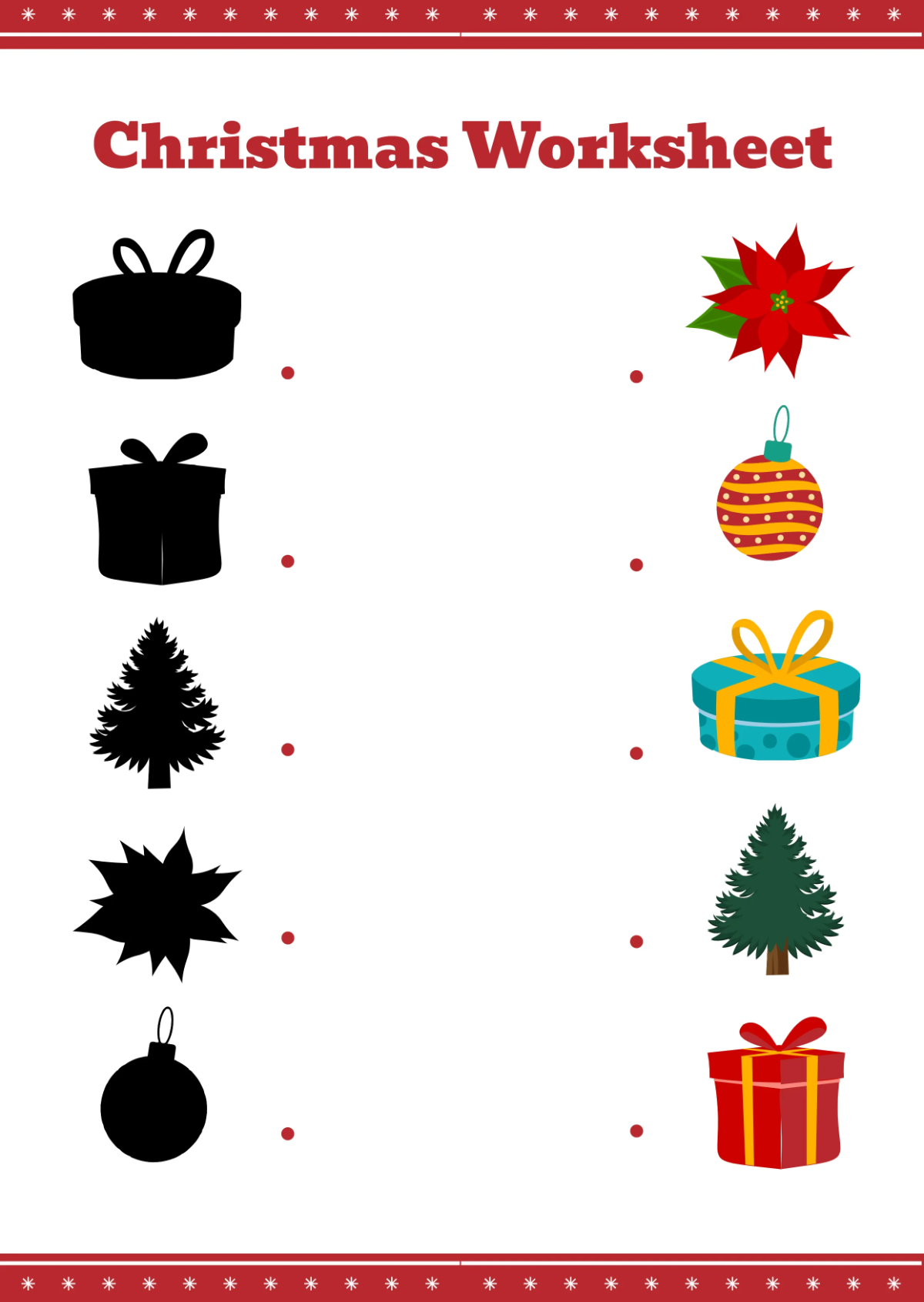
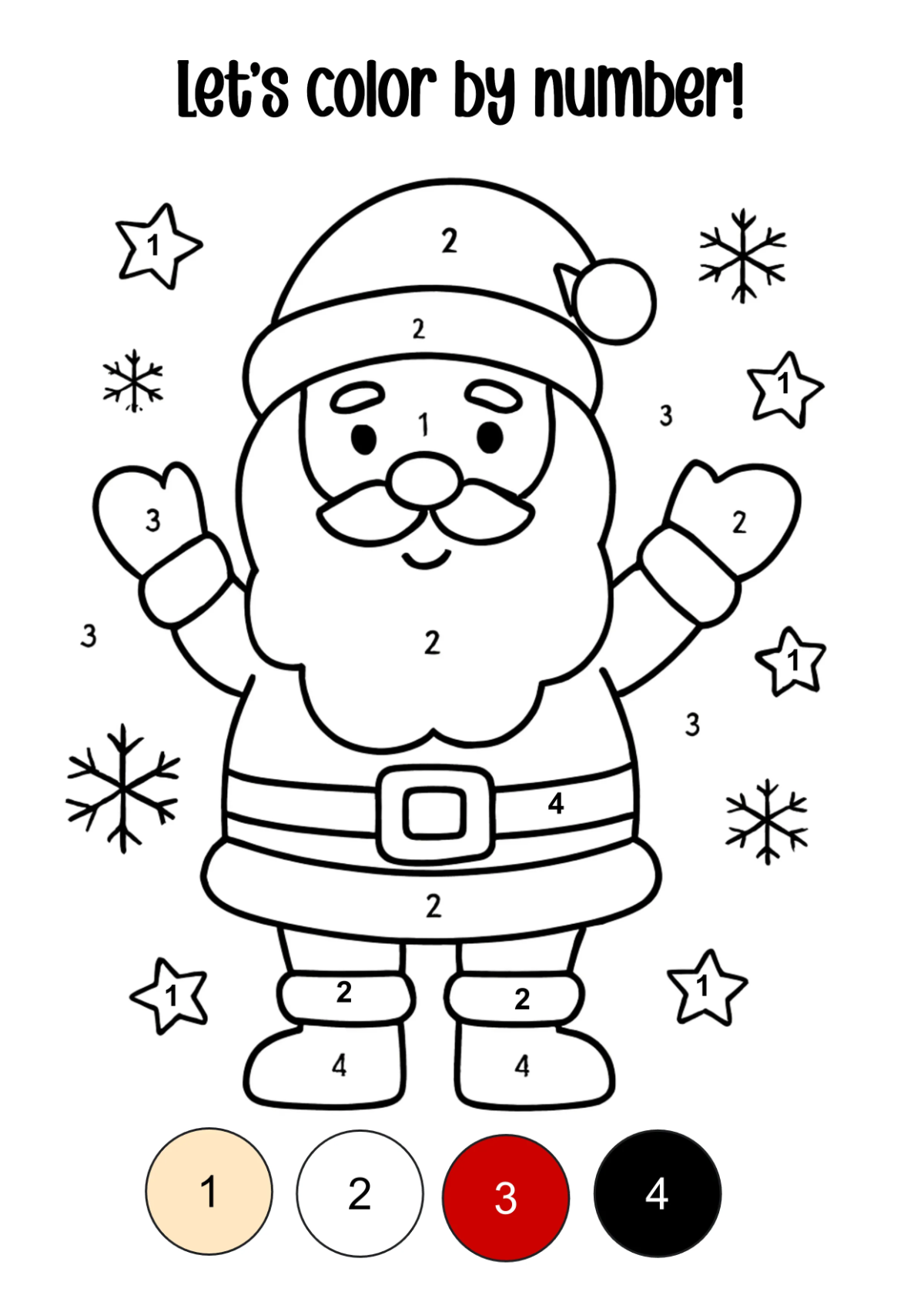
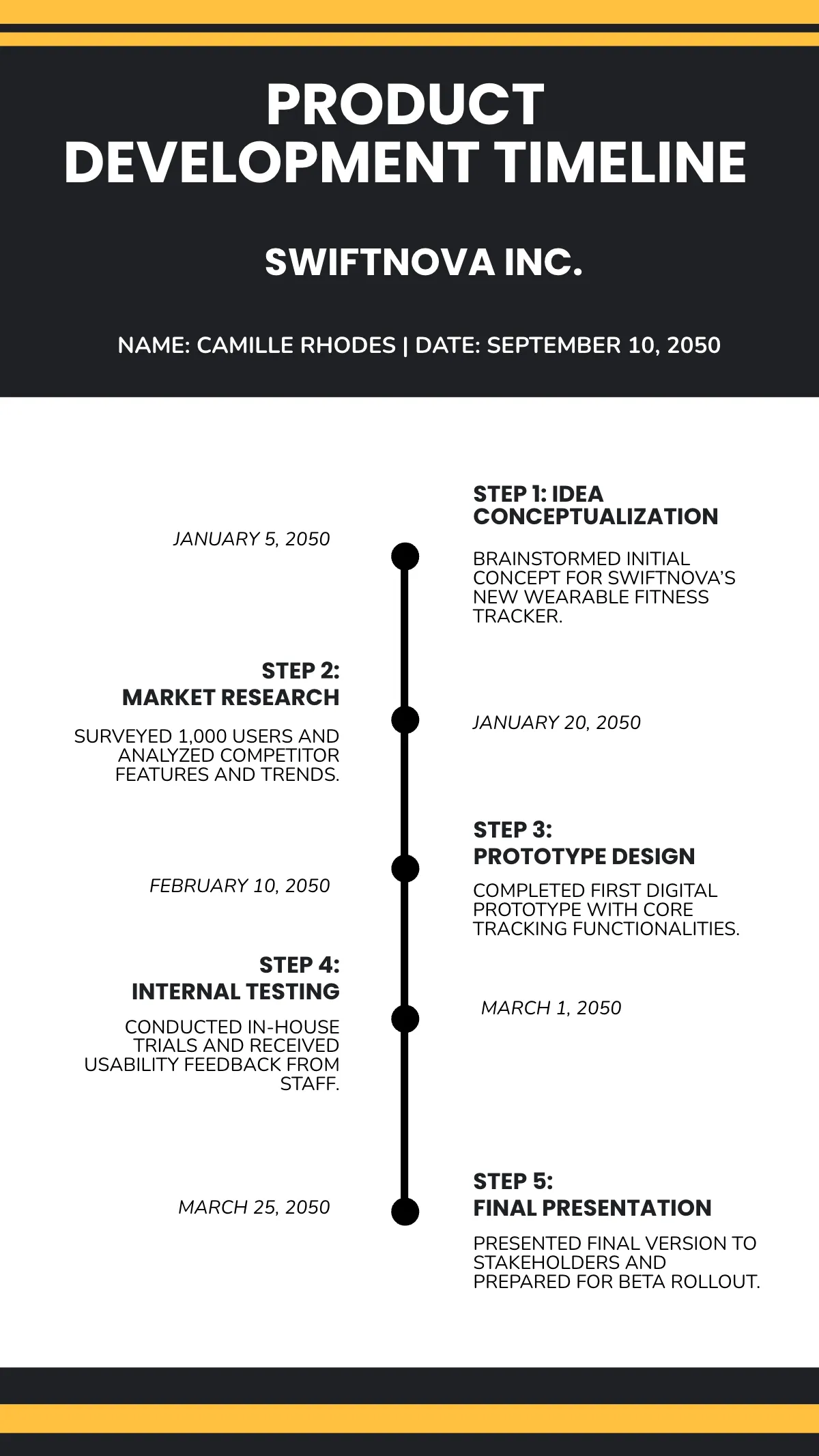
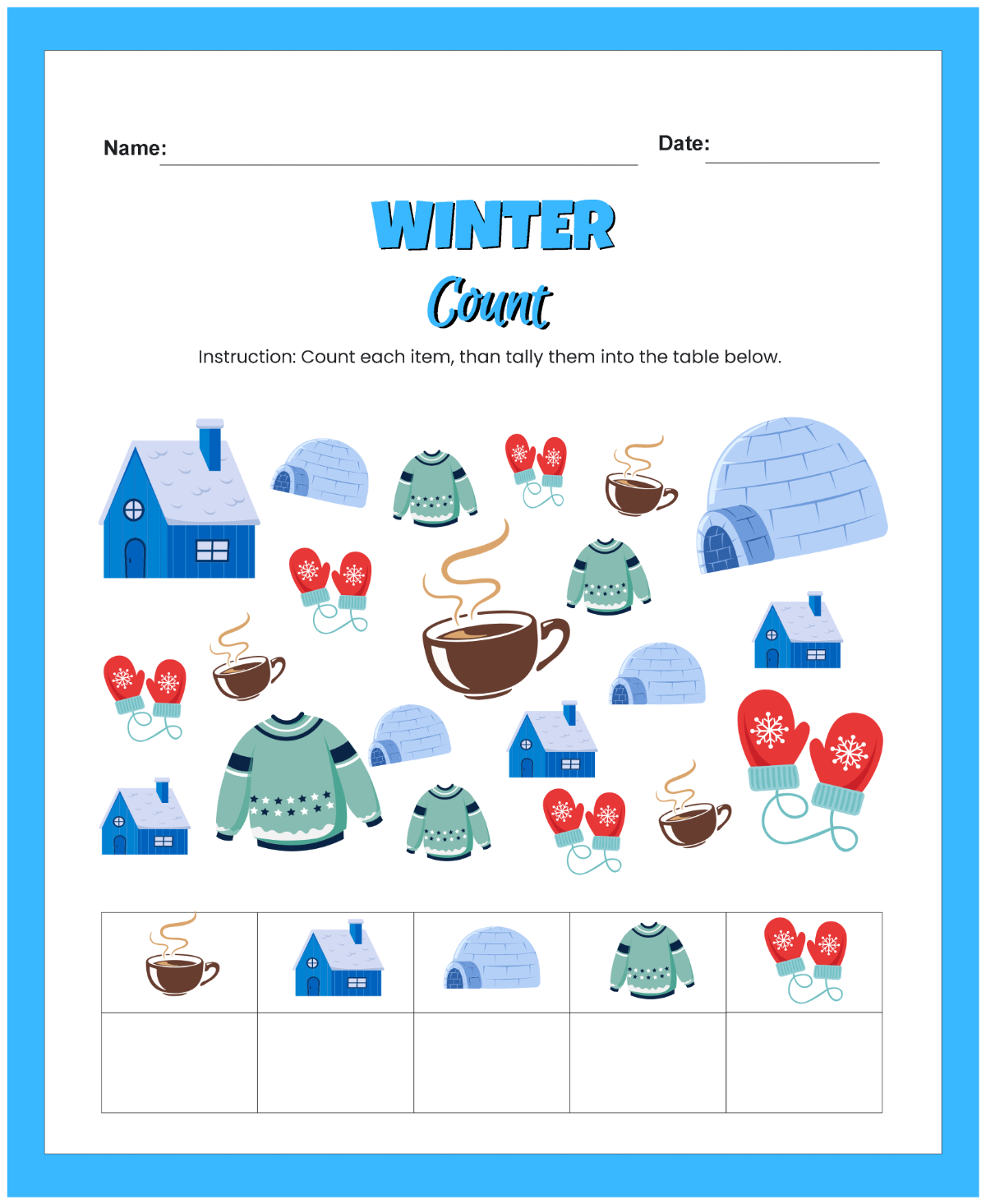
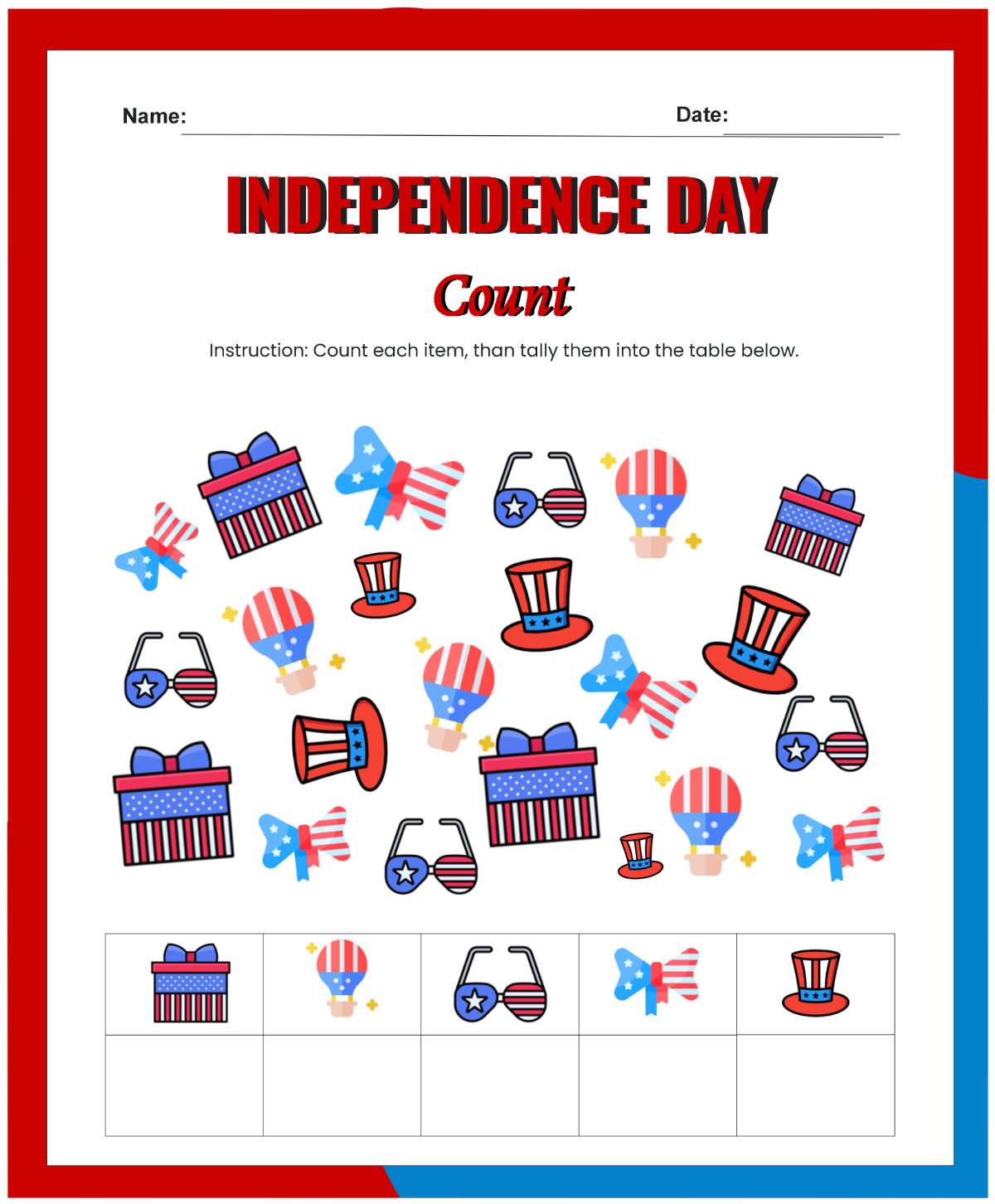
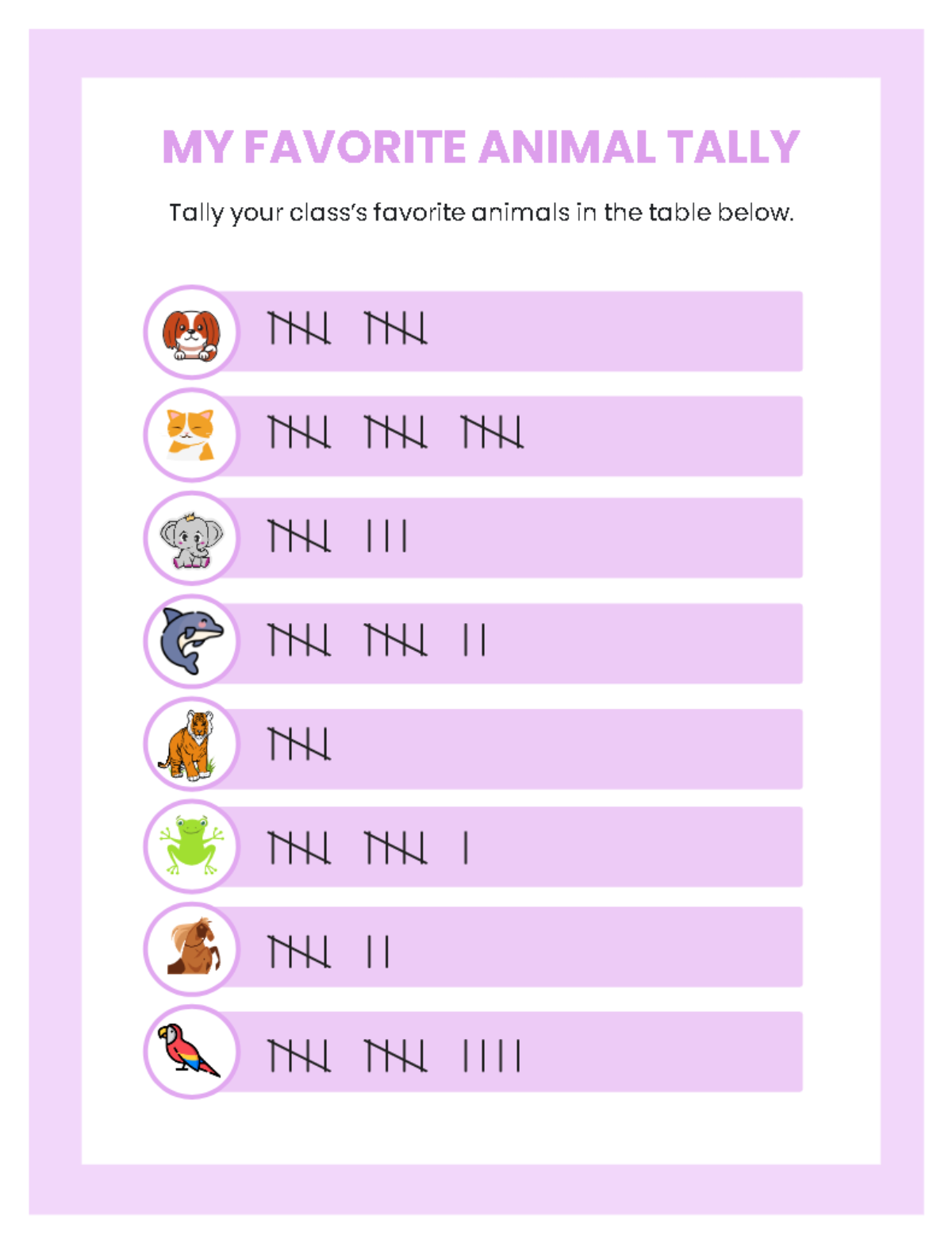


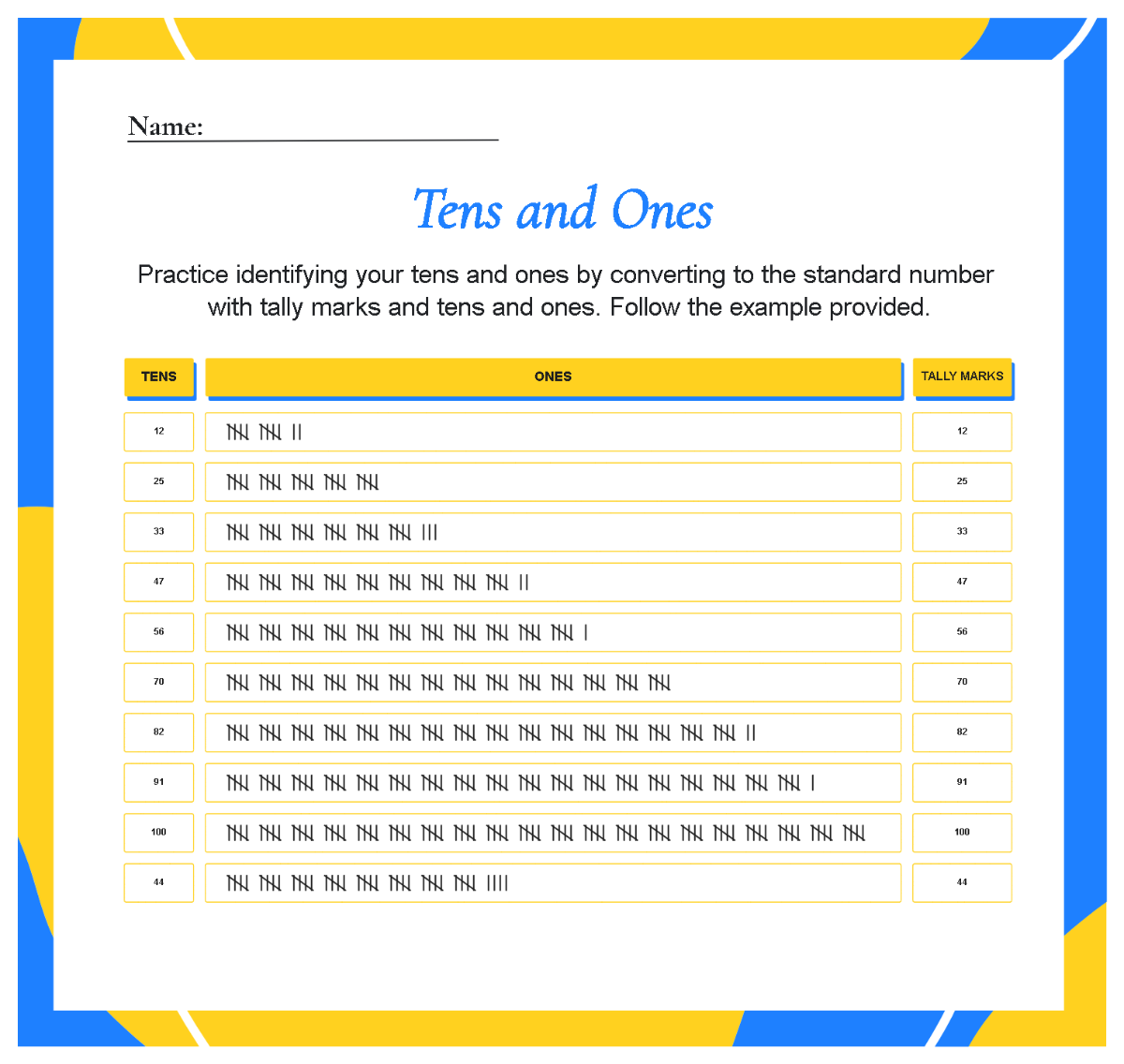
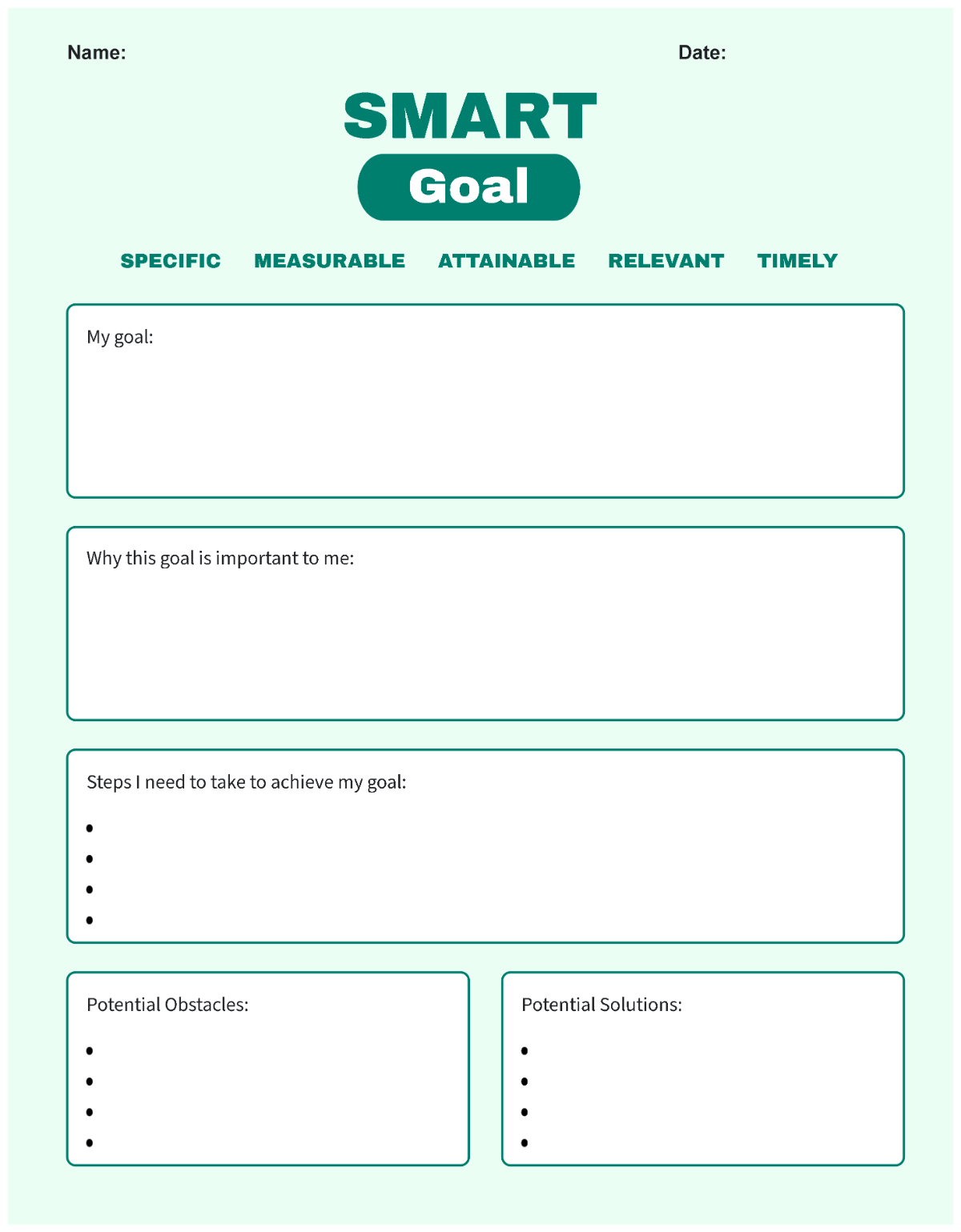

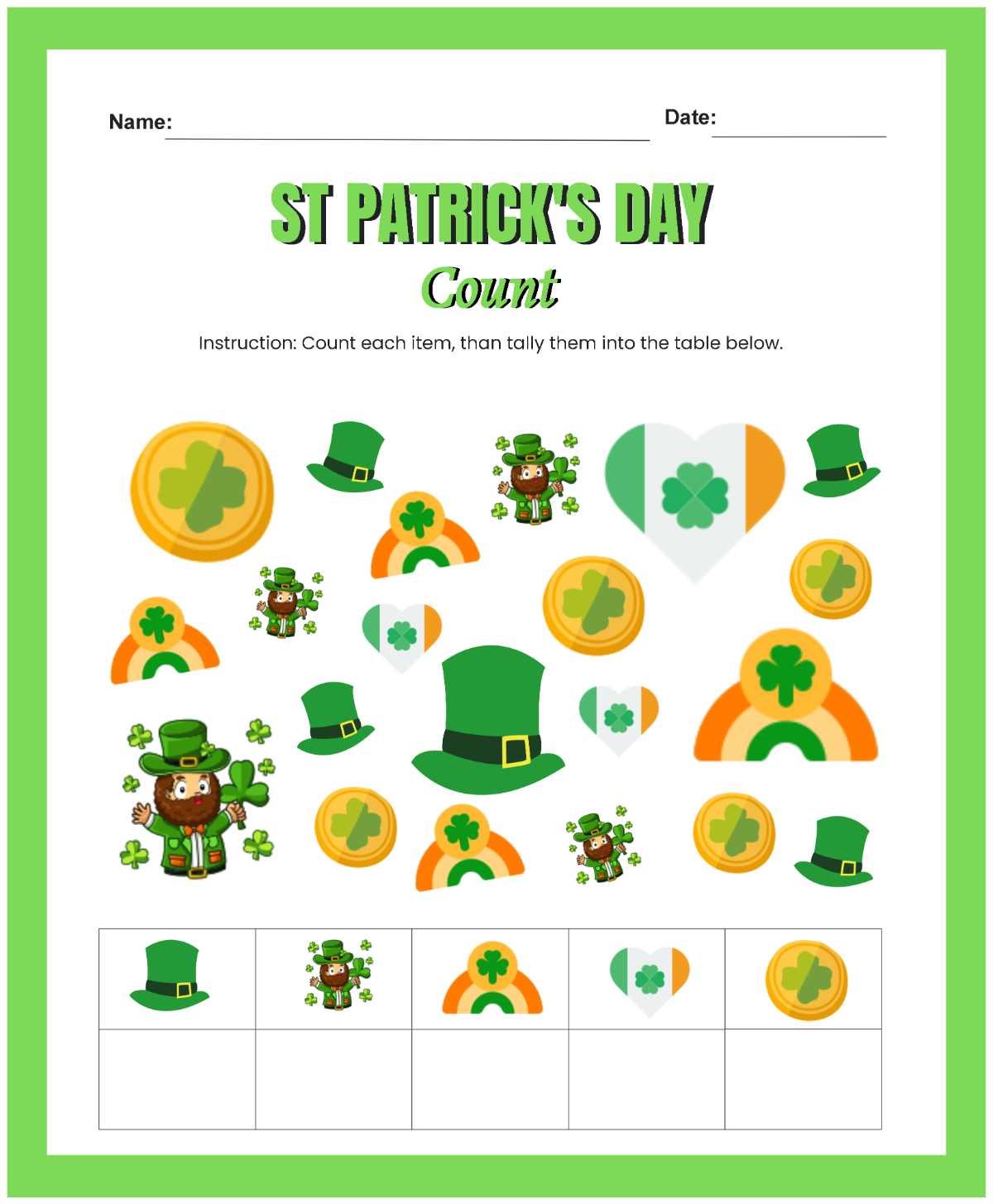
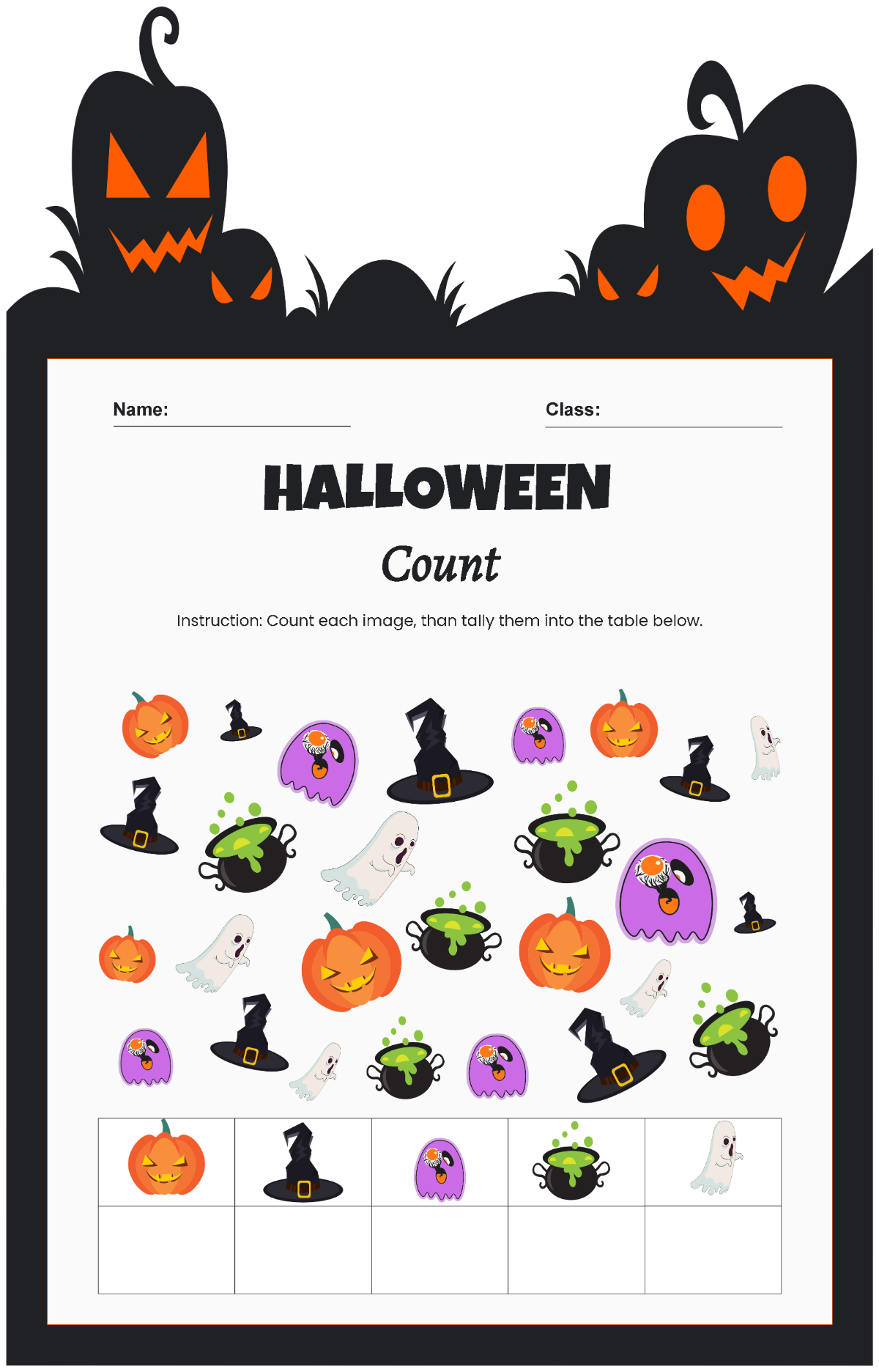
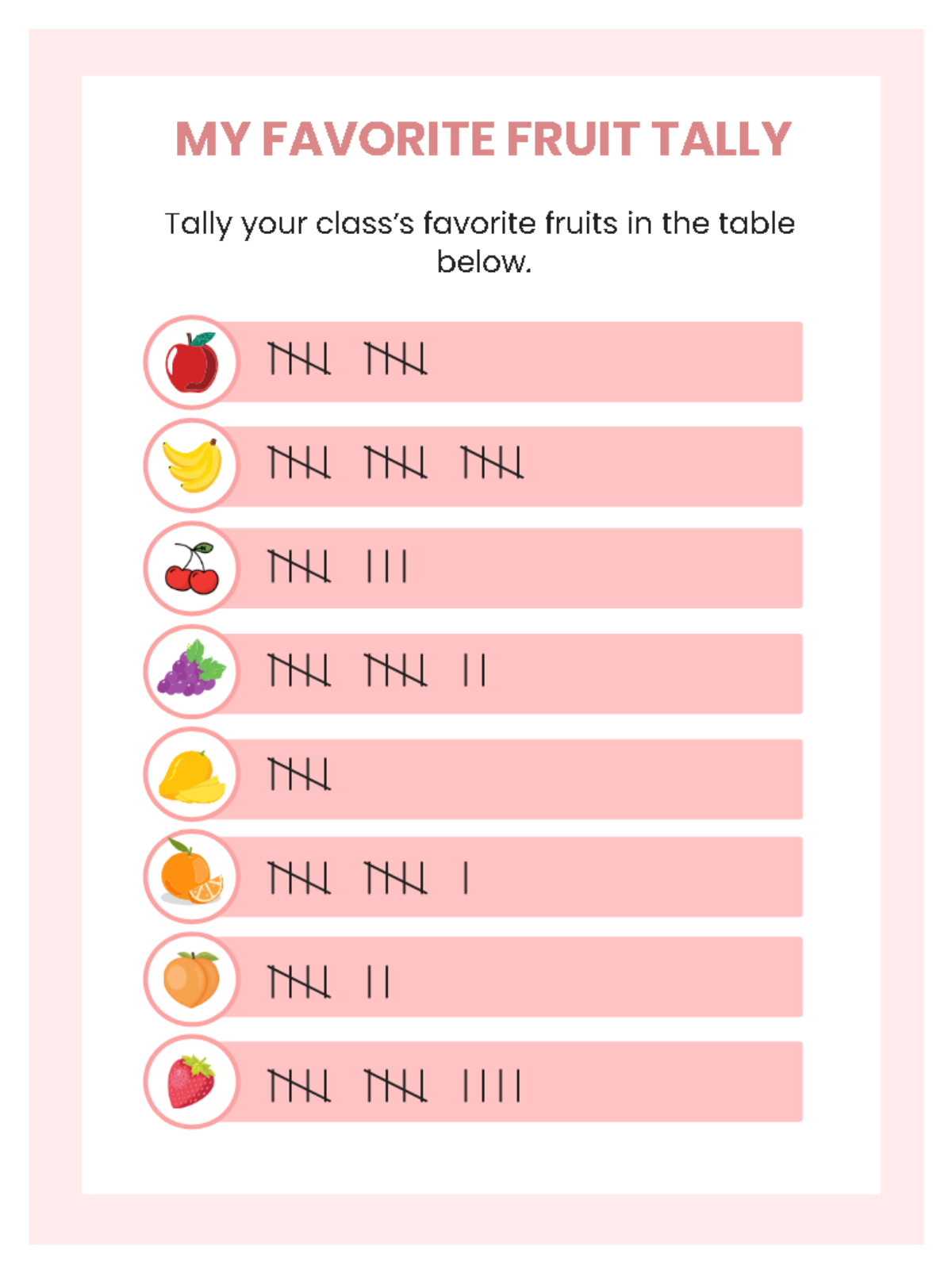
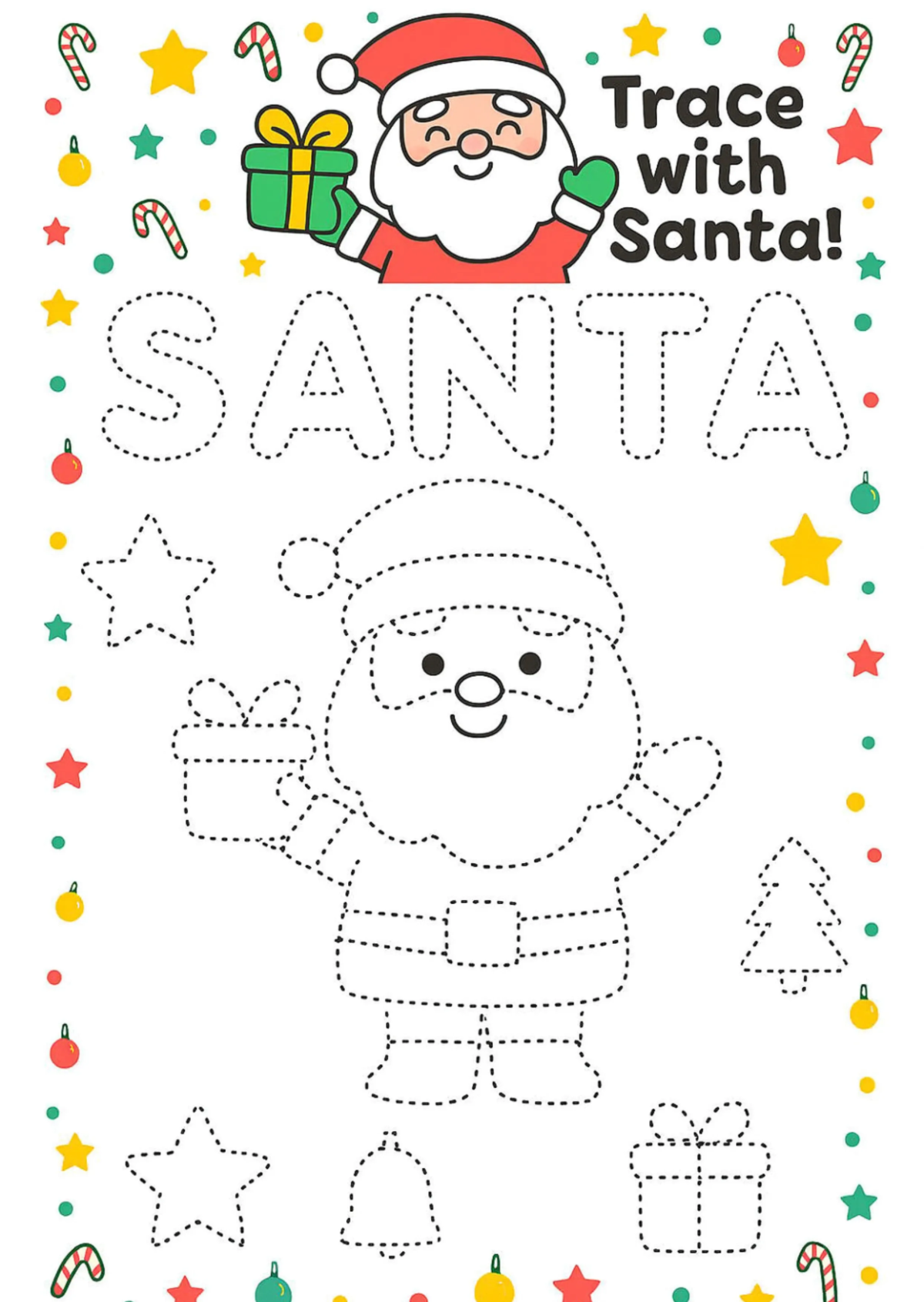

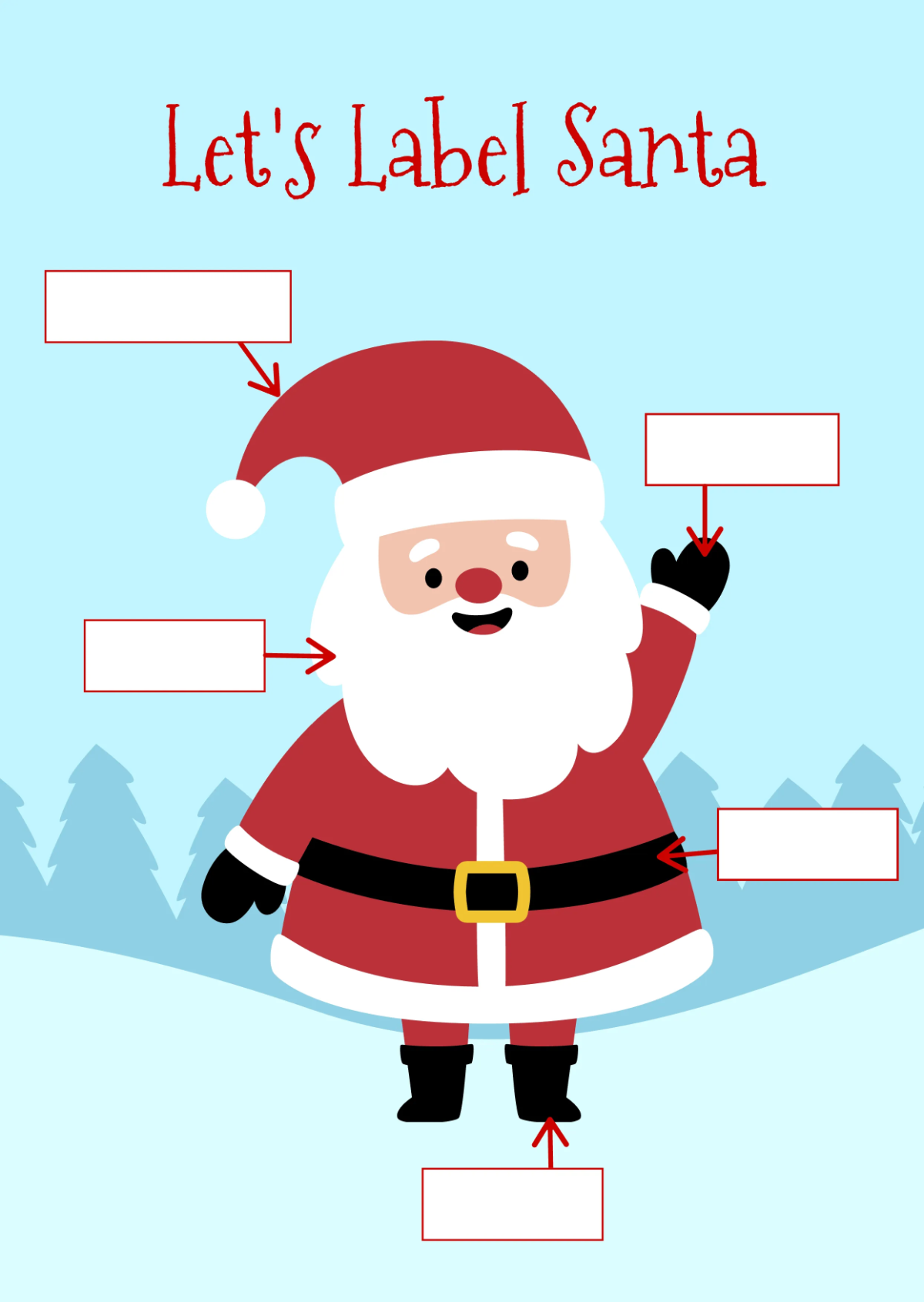
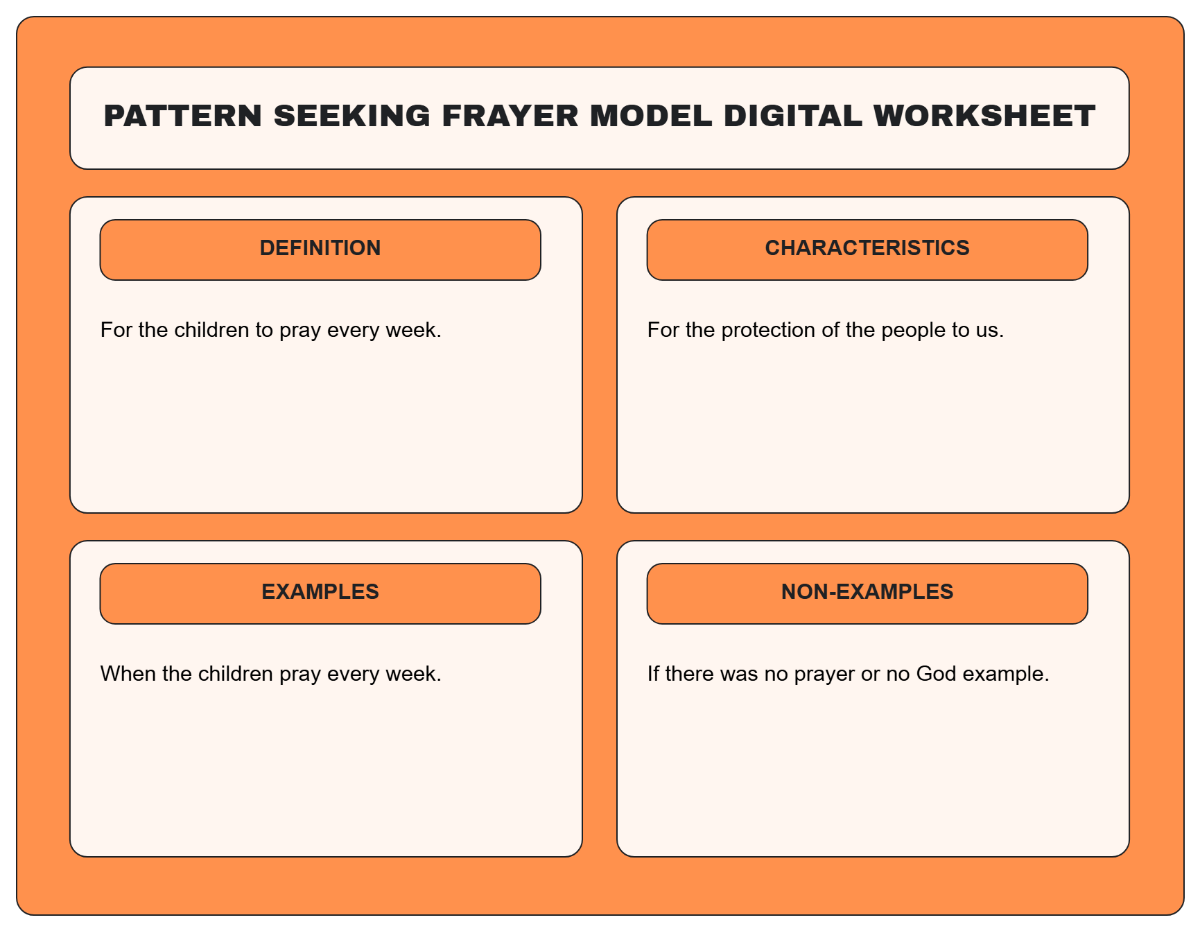
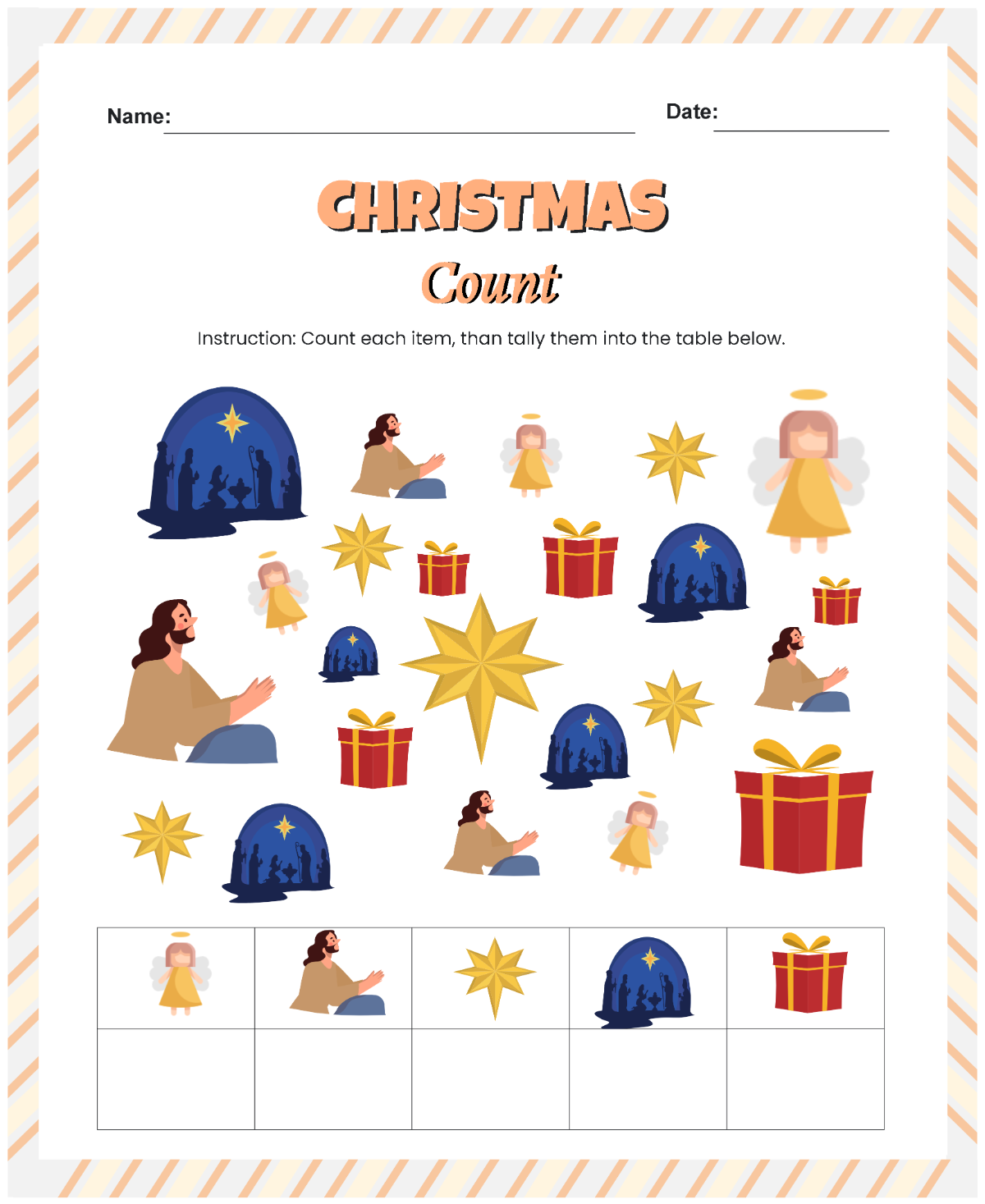
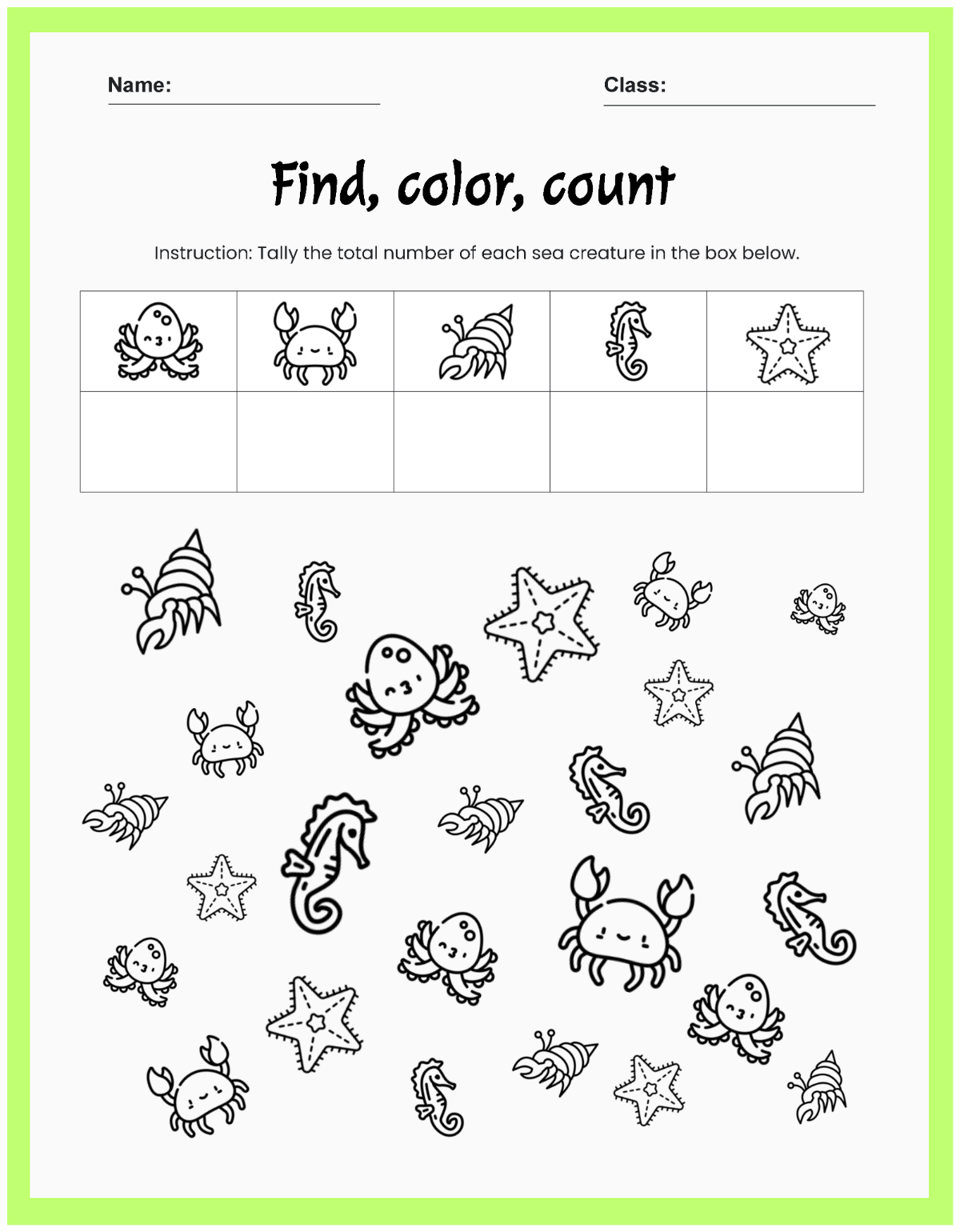
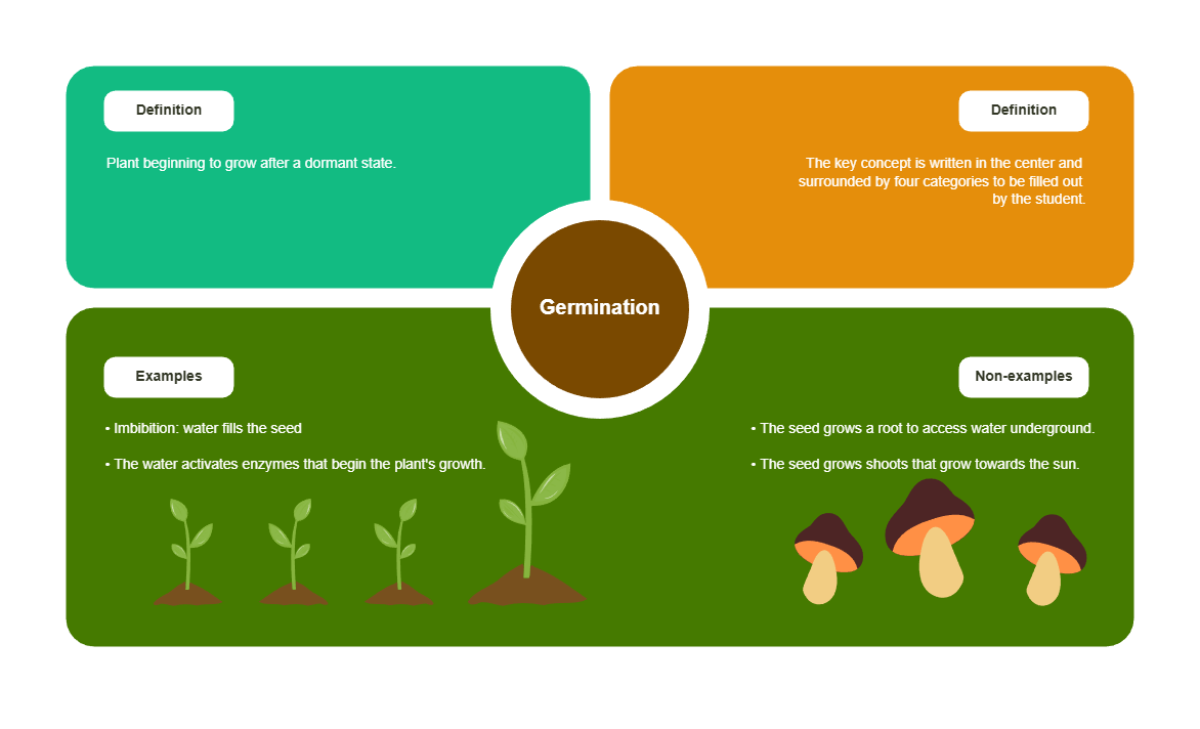
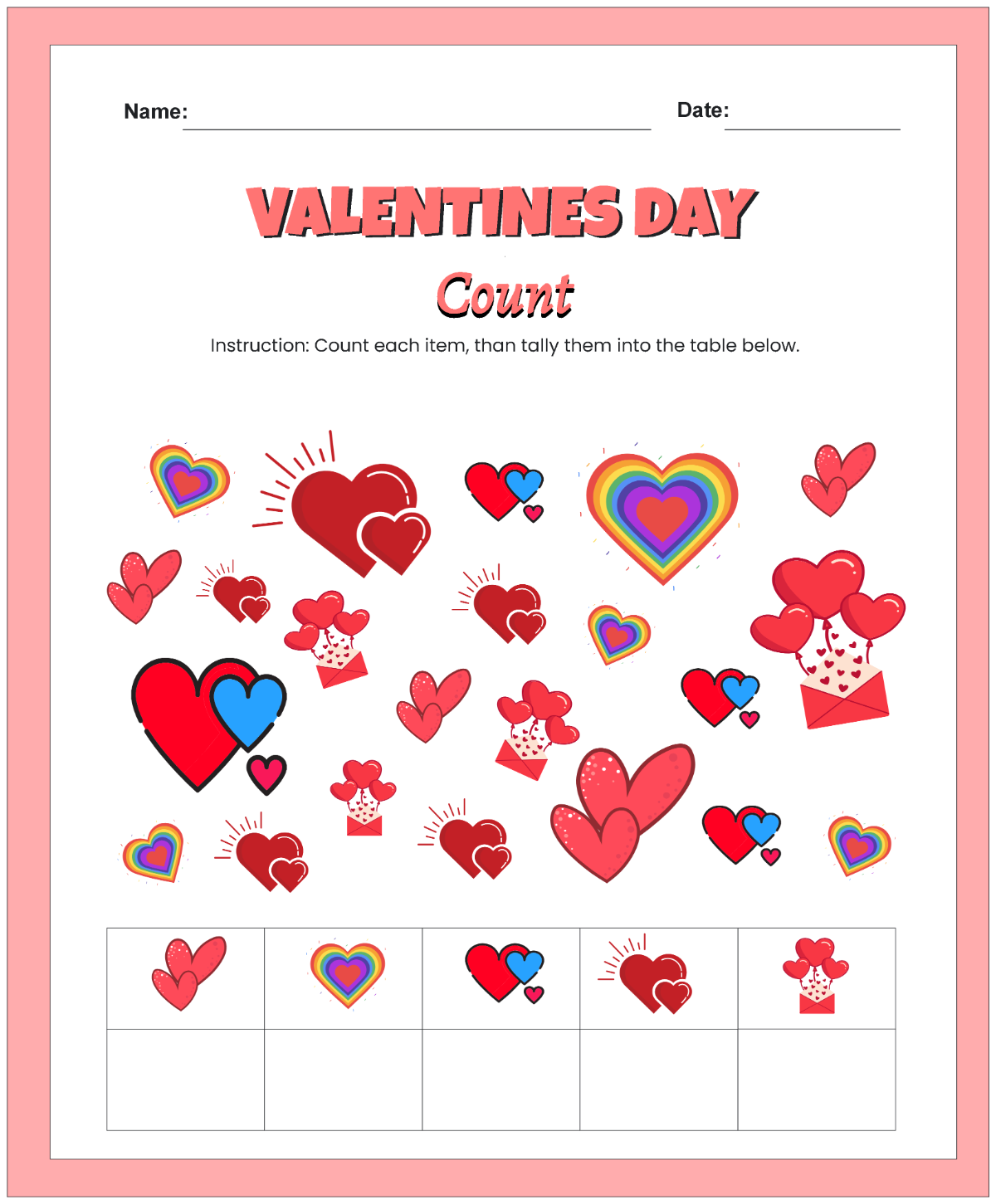
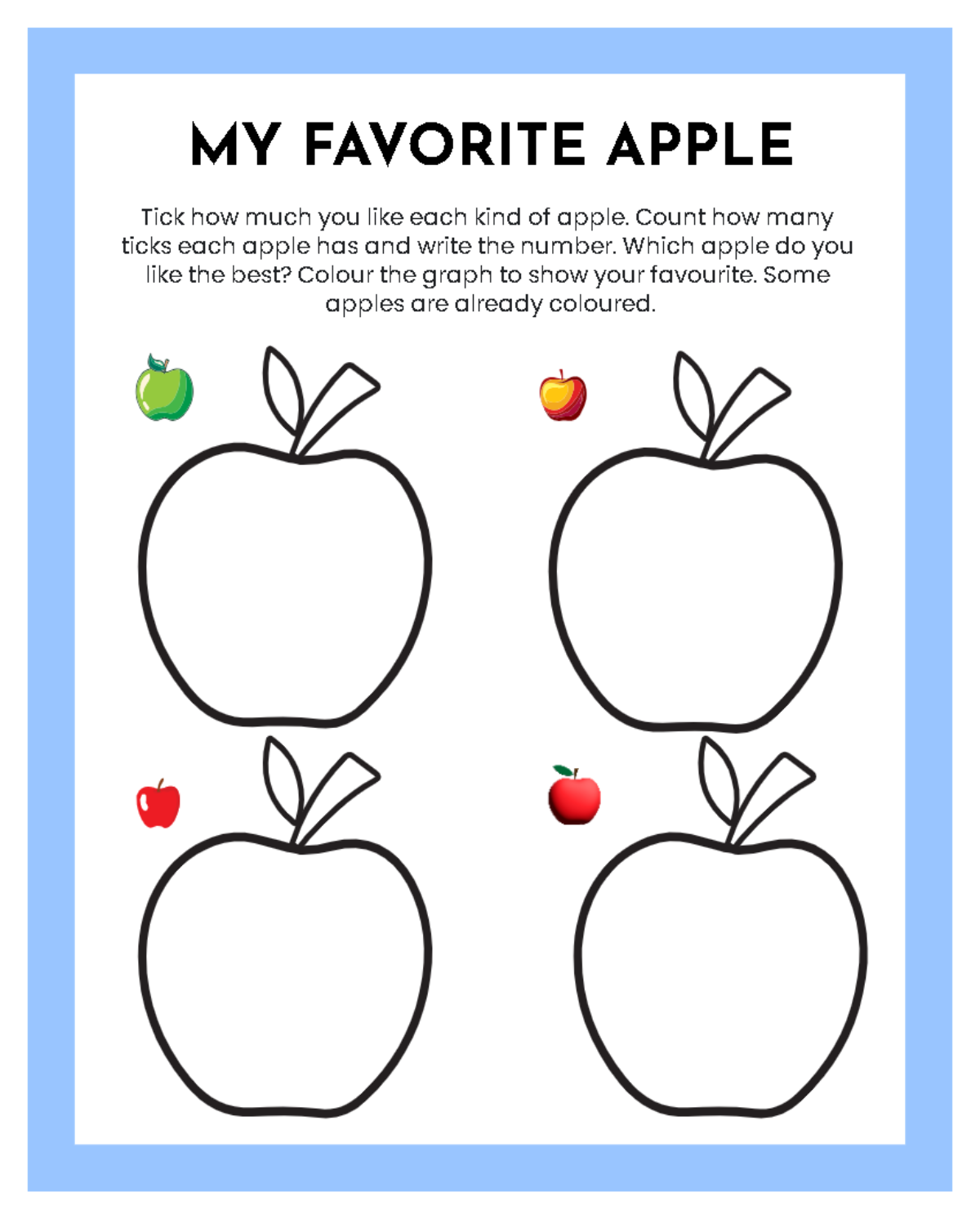
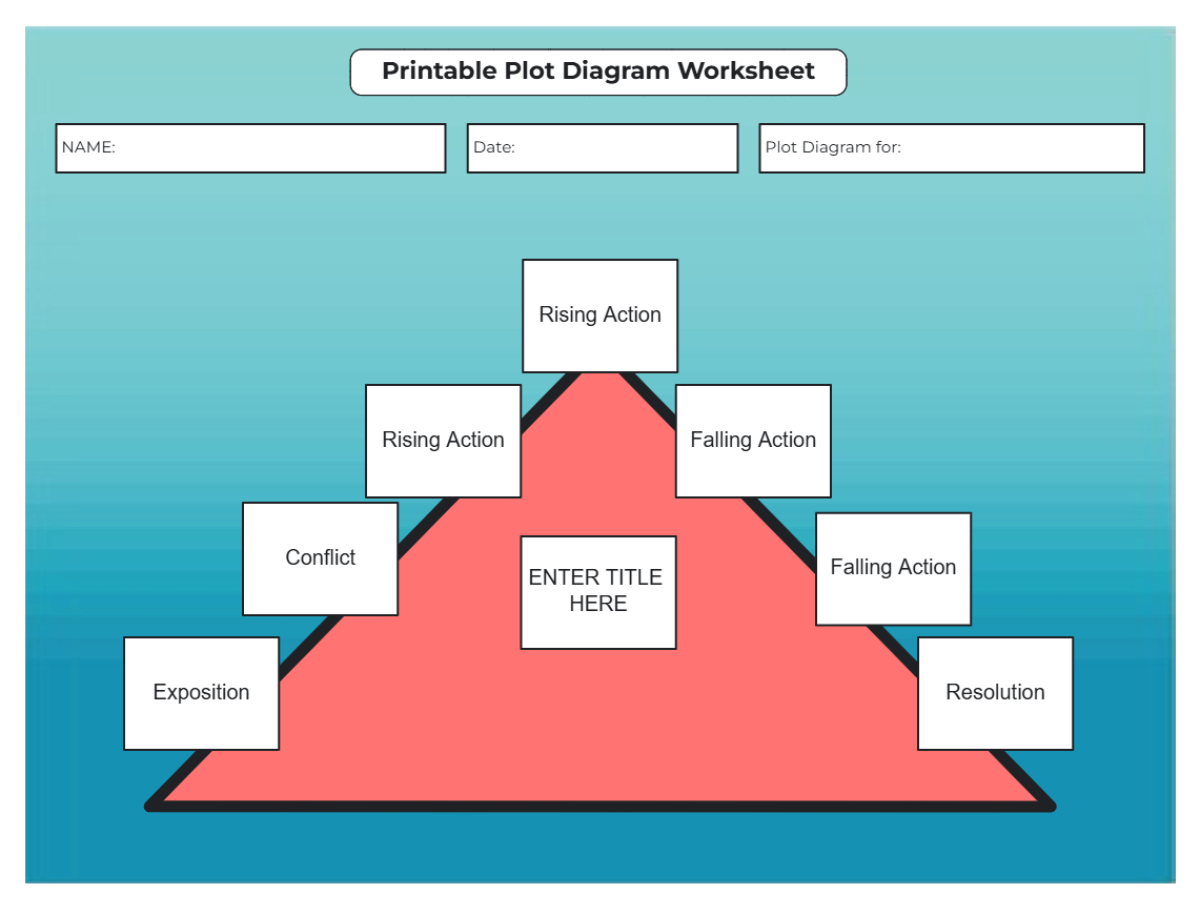
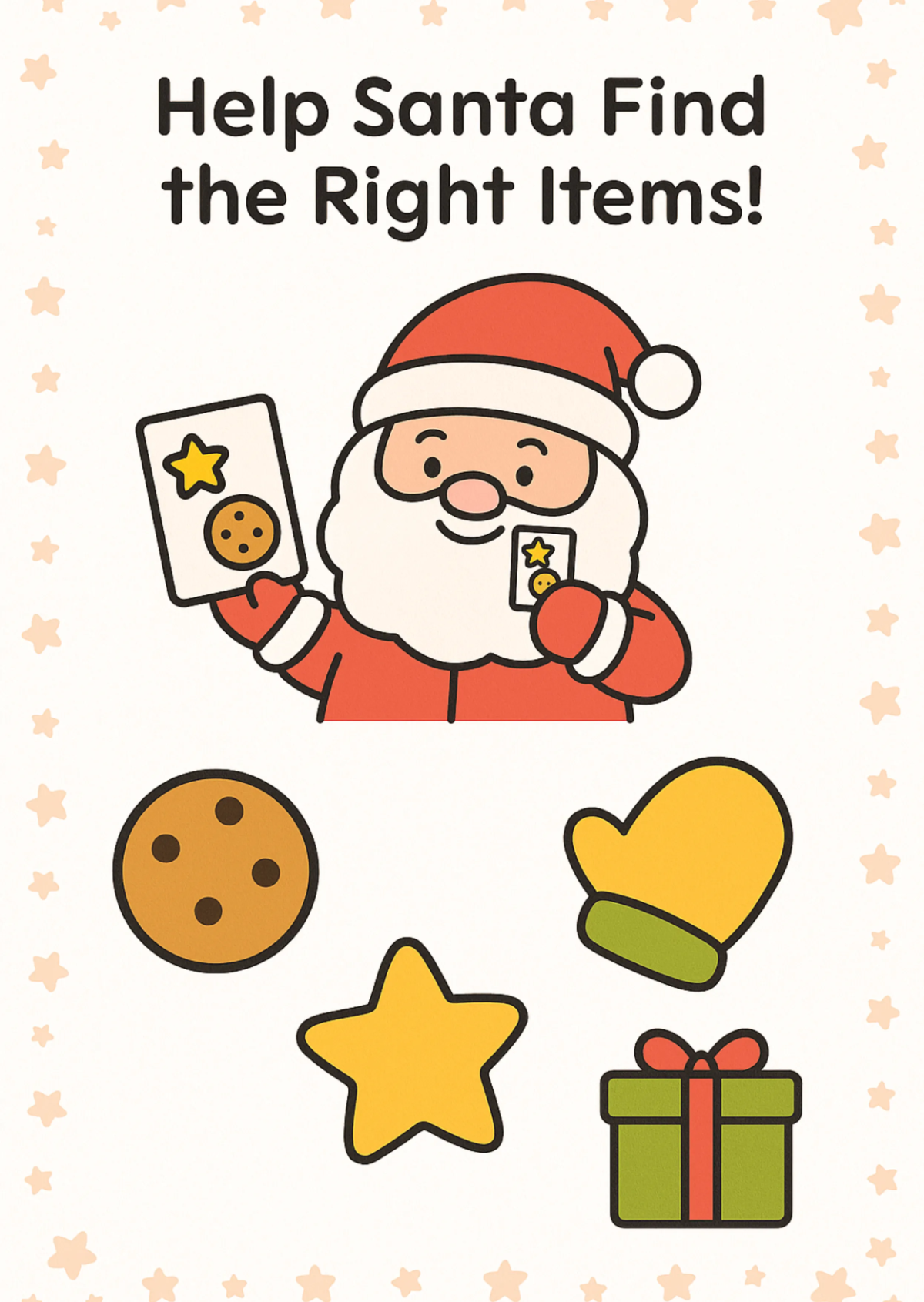
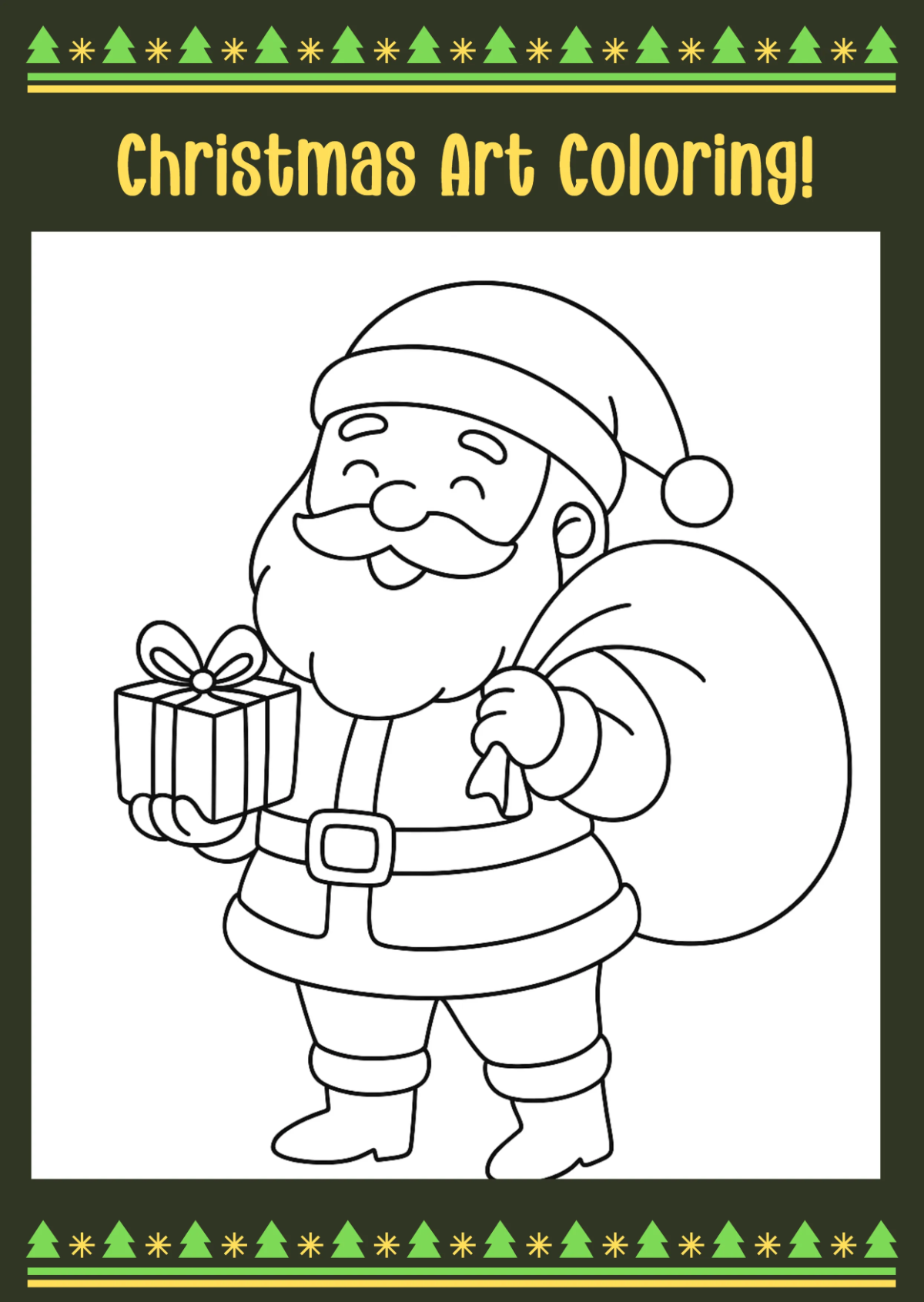
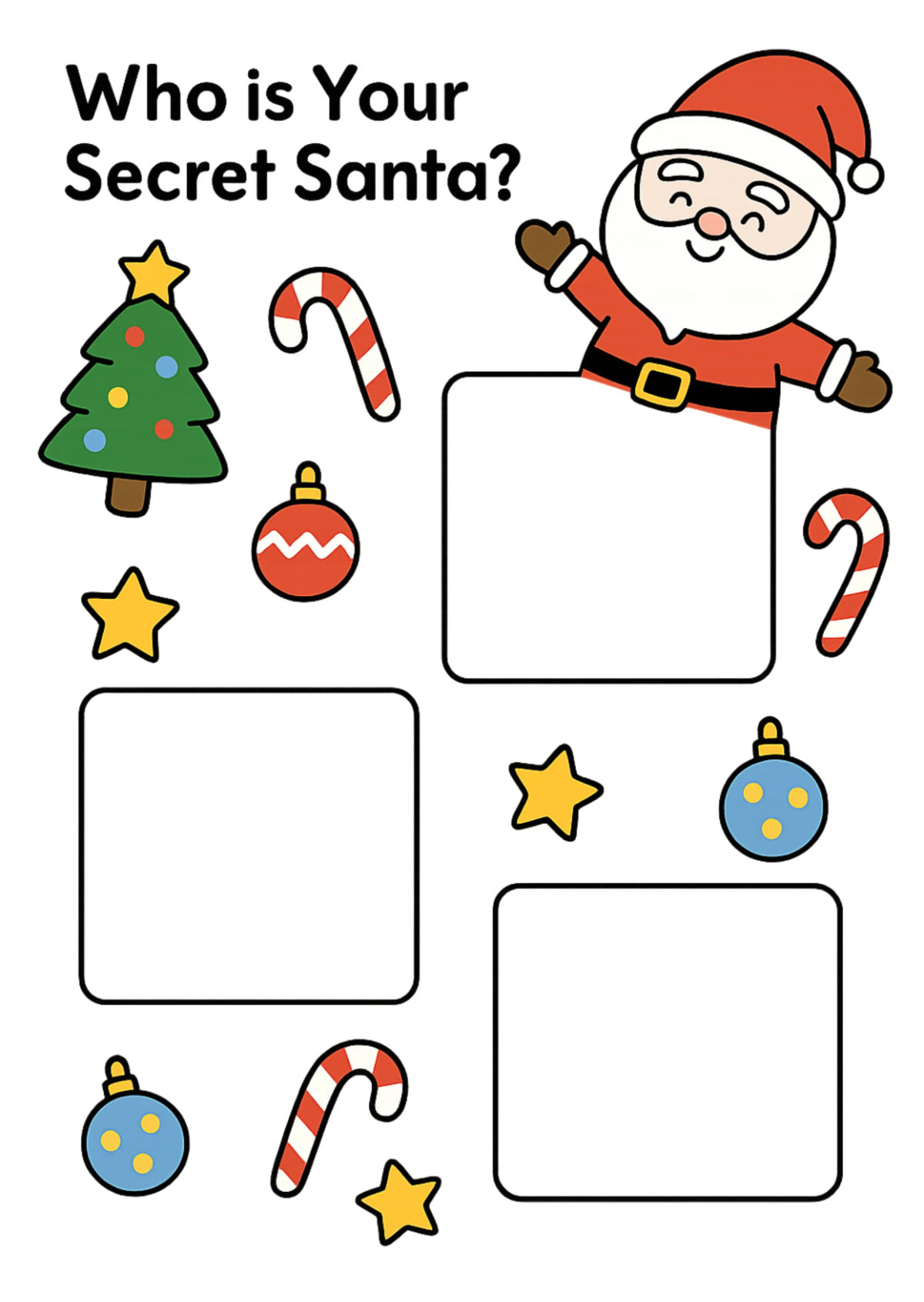
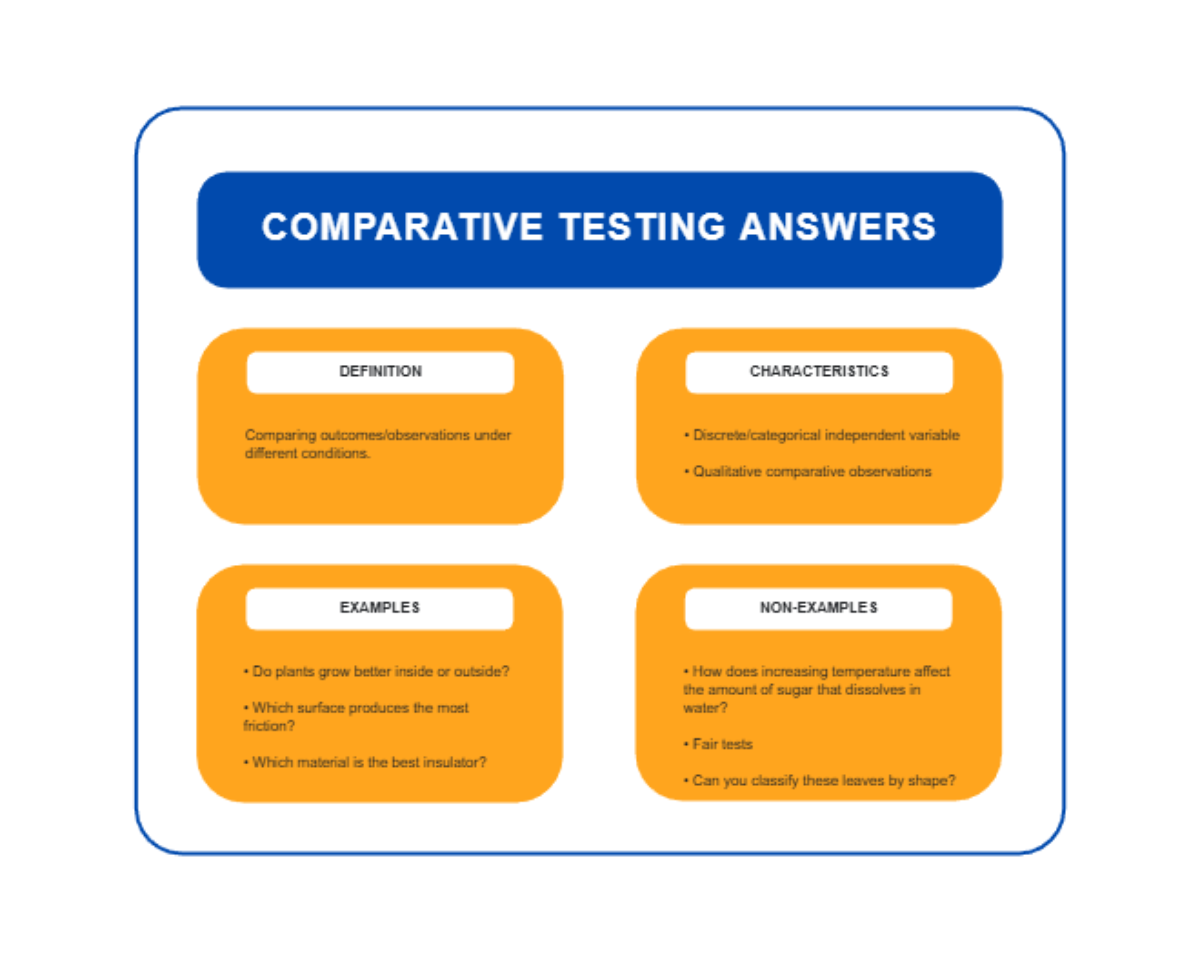
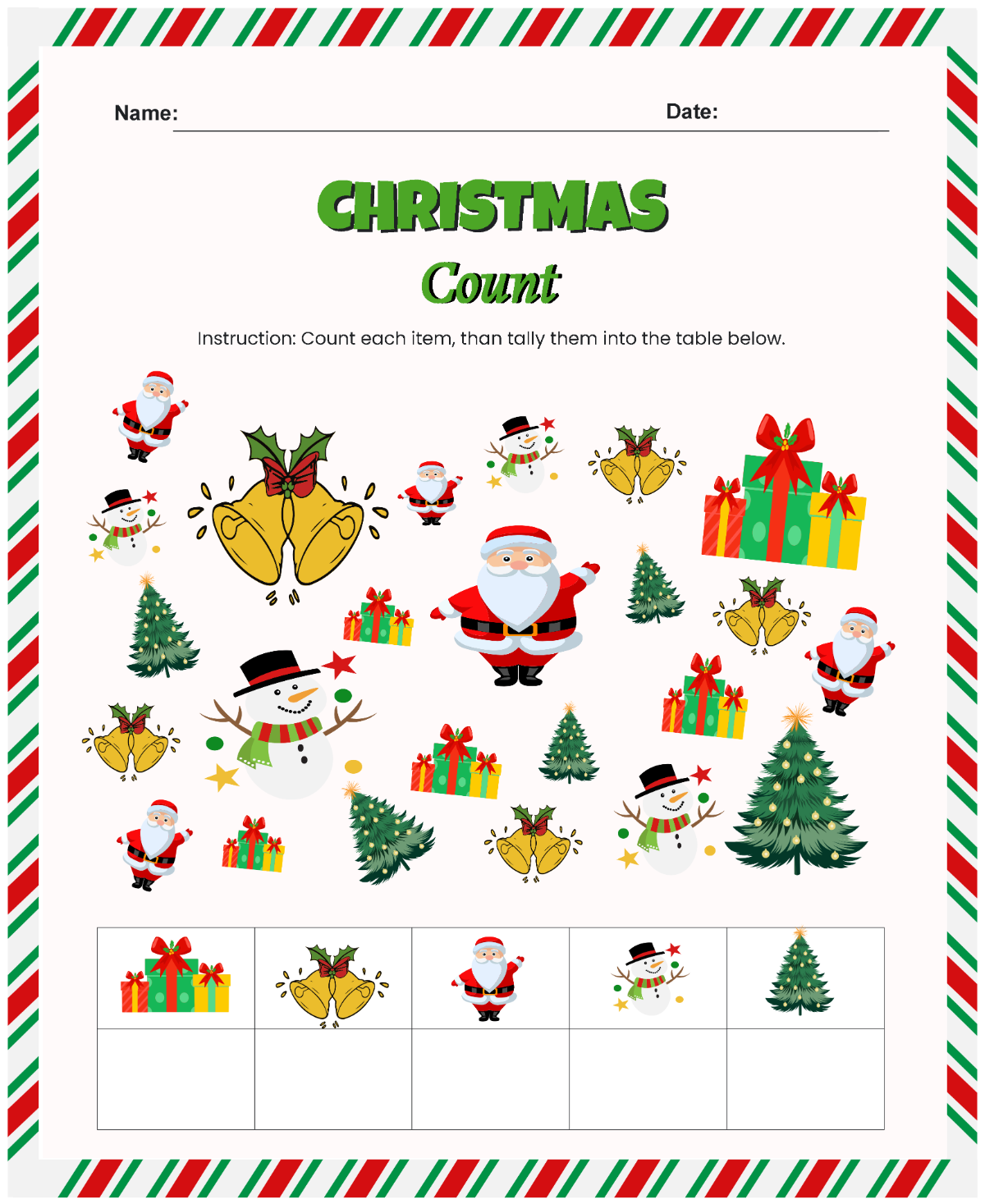
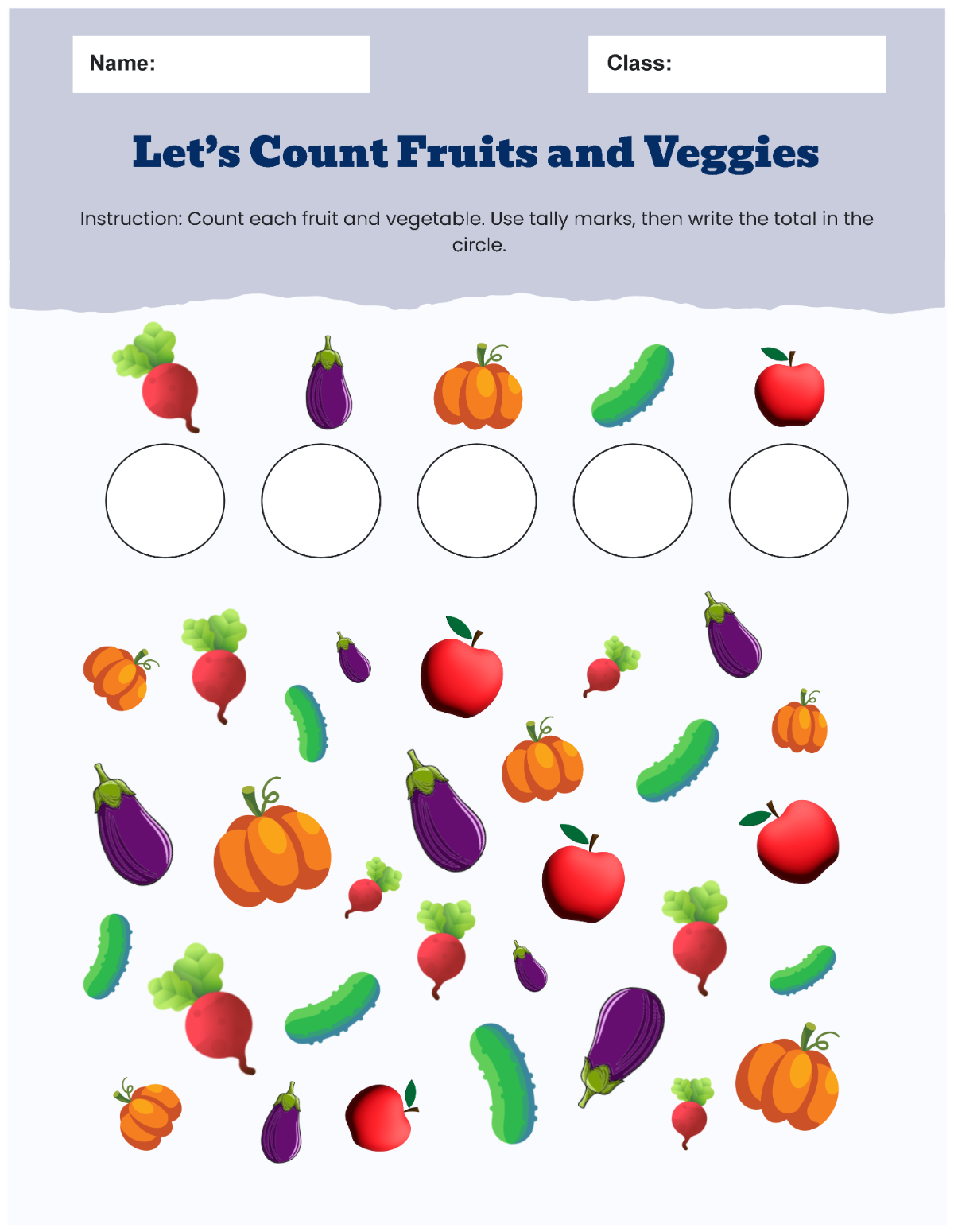
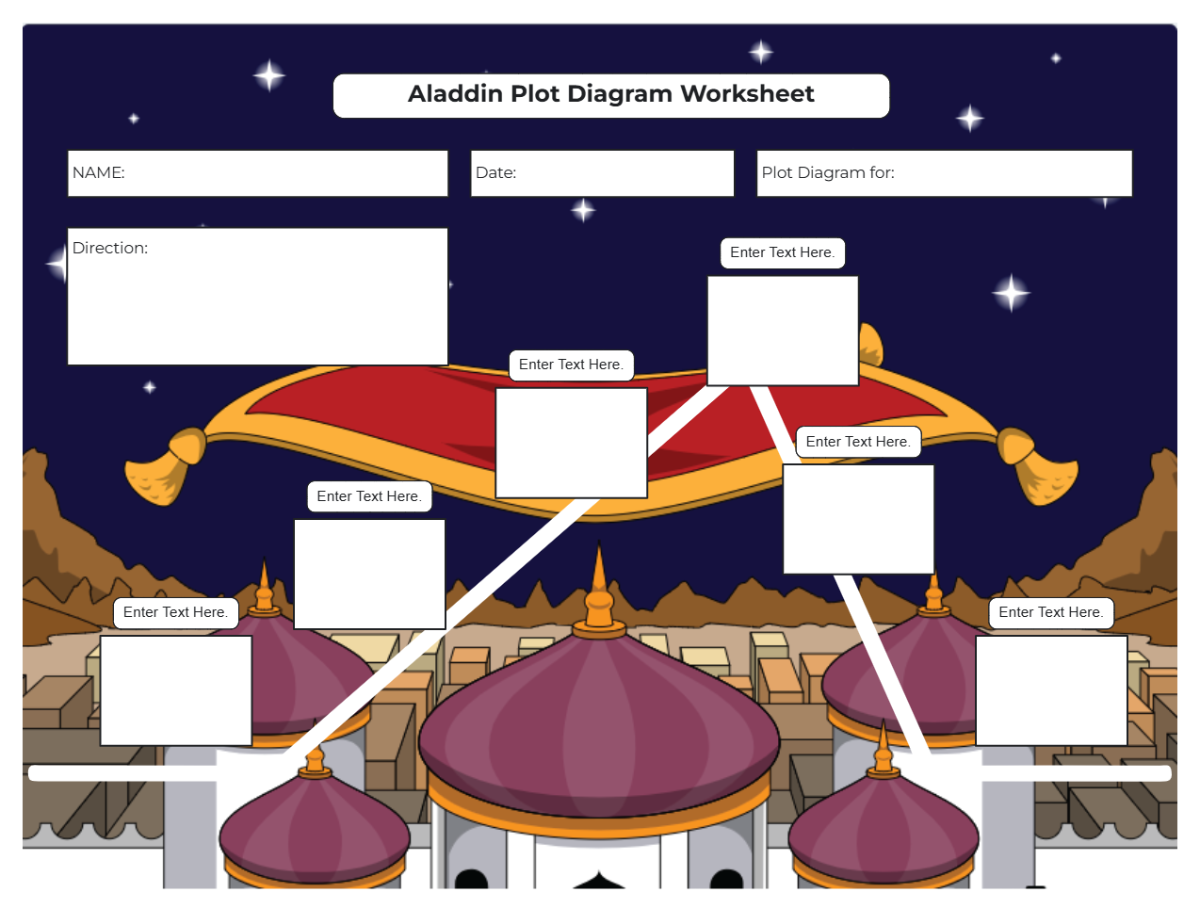
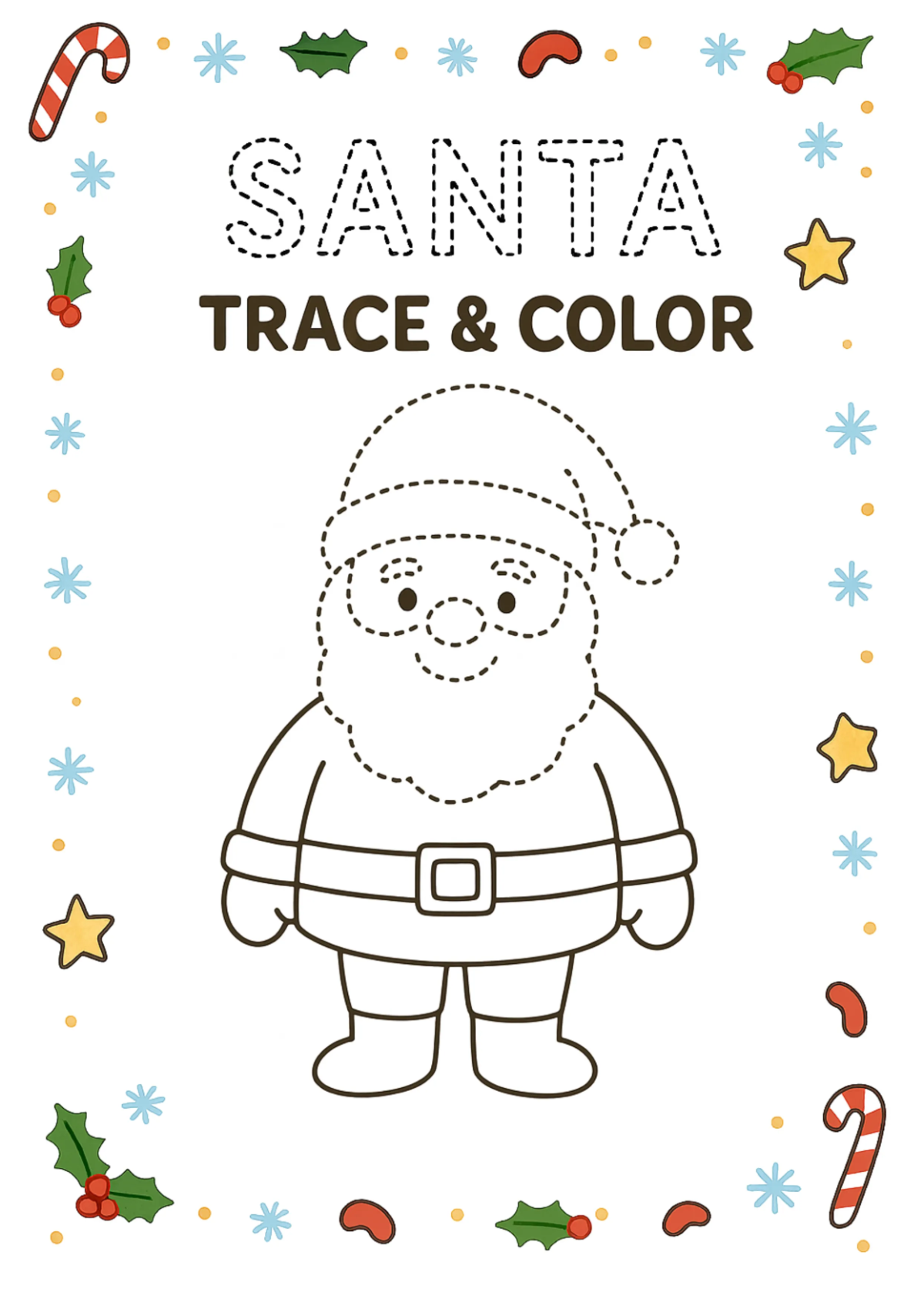

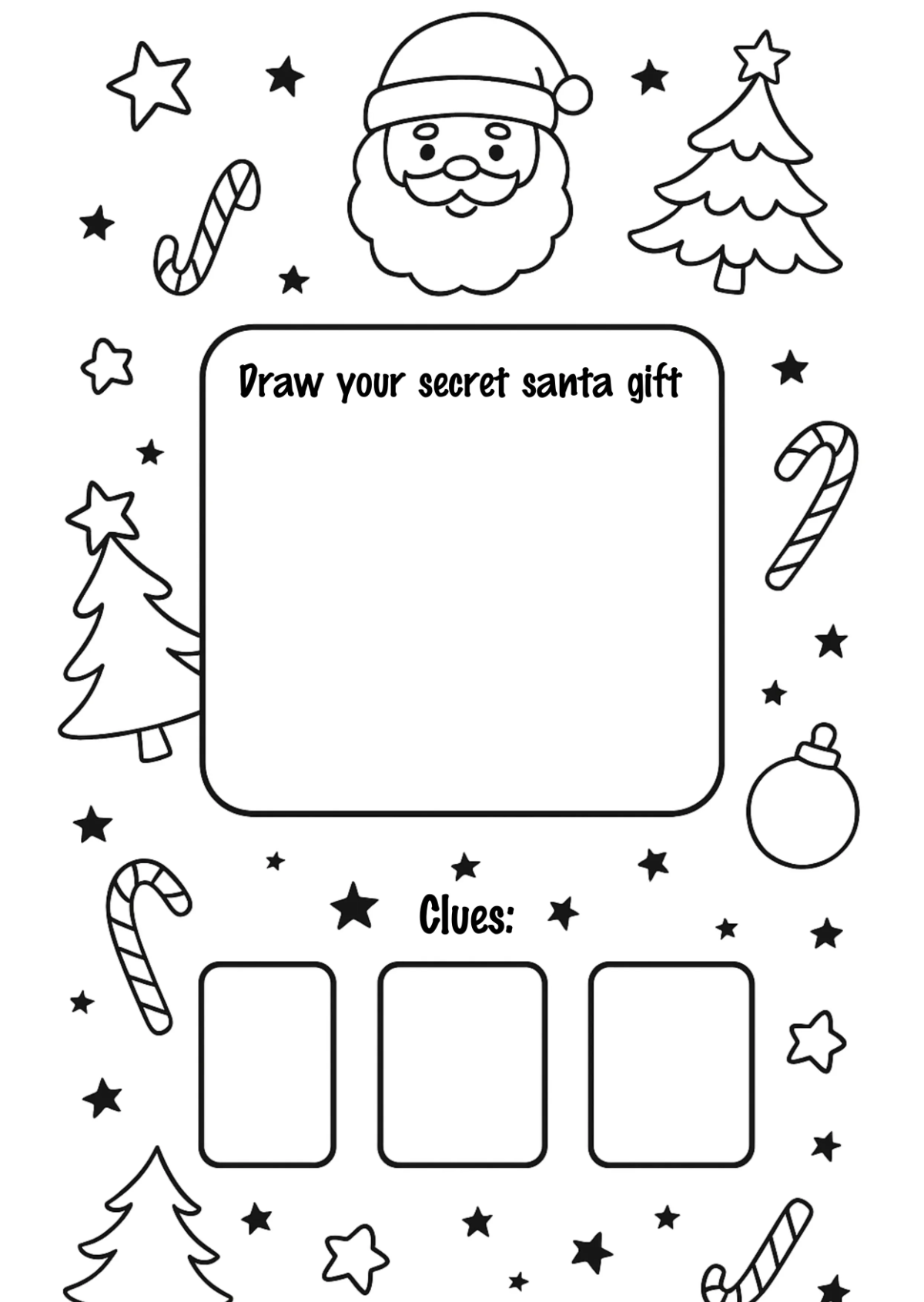
Free Worksheet Templates: Customizable Design Guide, Sizes, and Download Formats
What is a Worksheet?
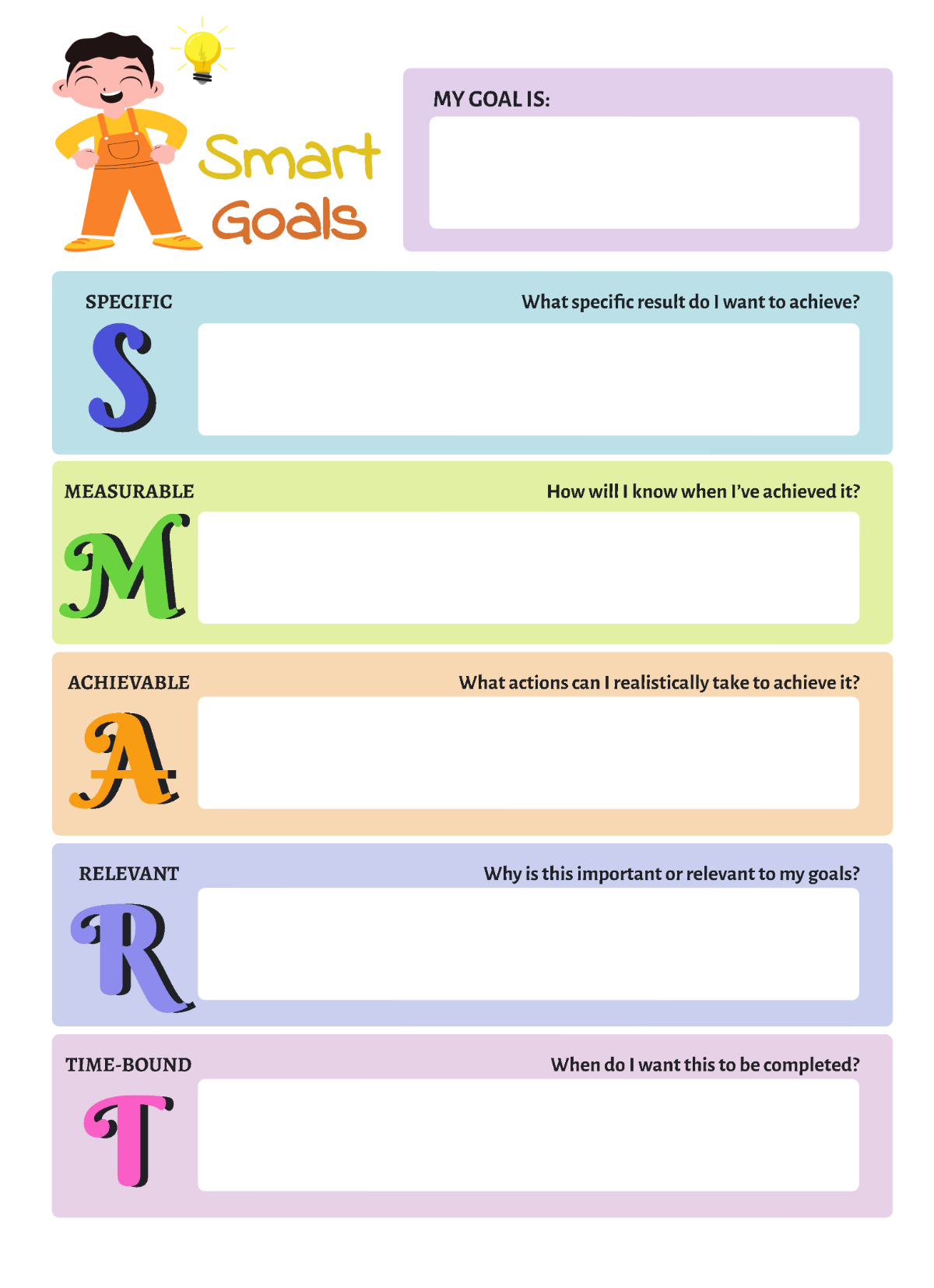
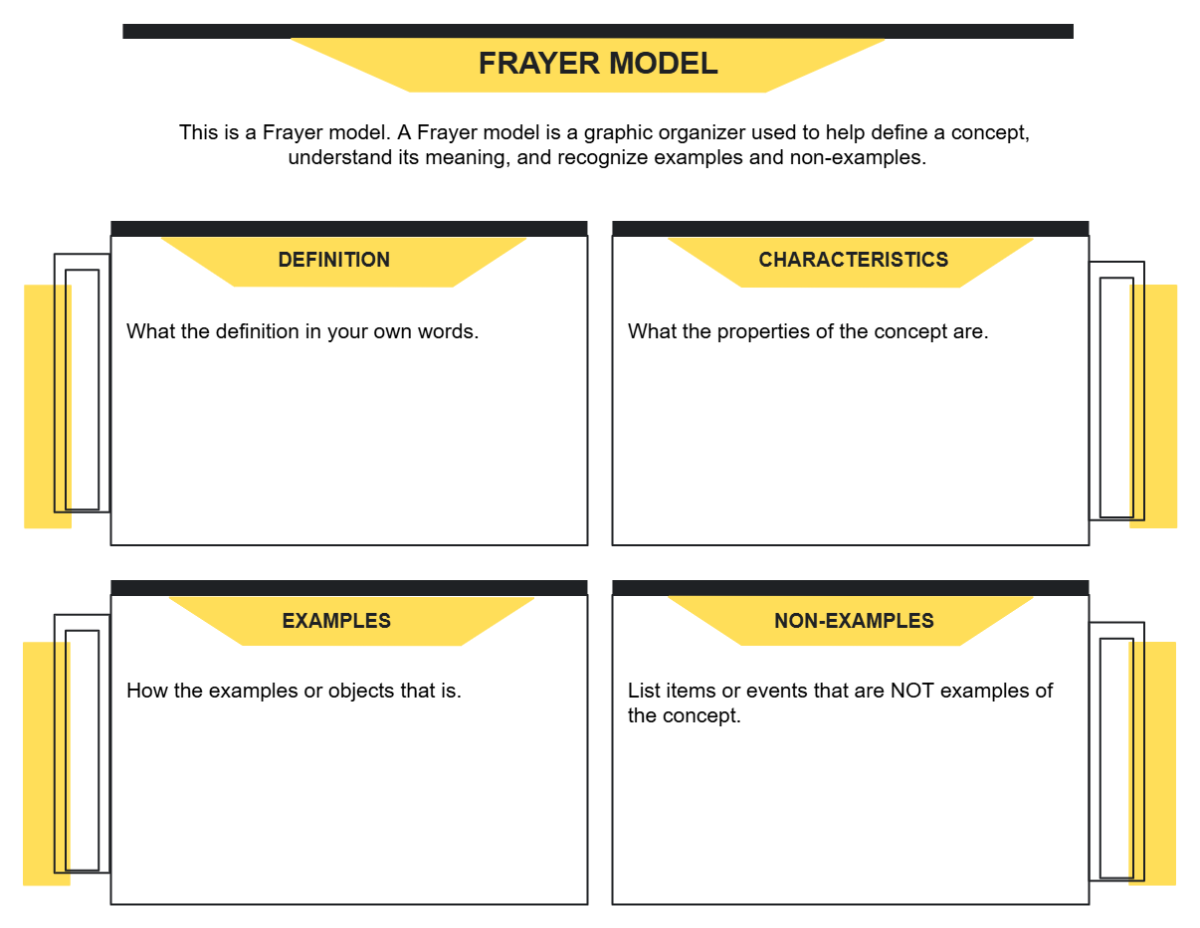
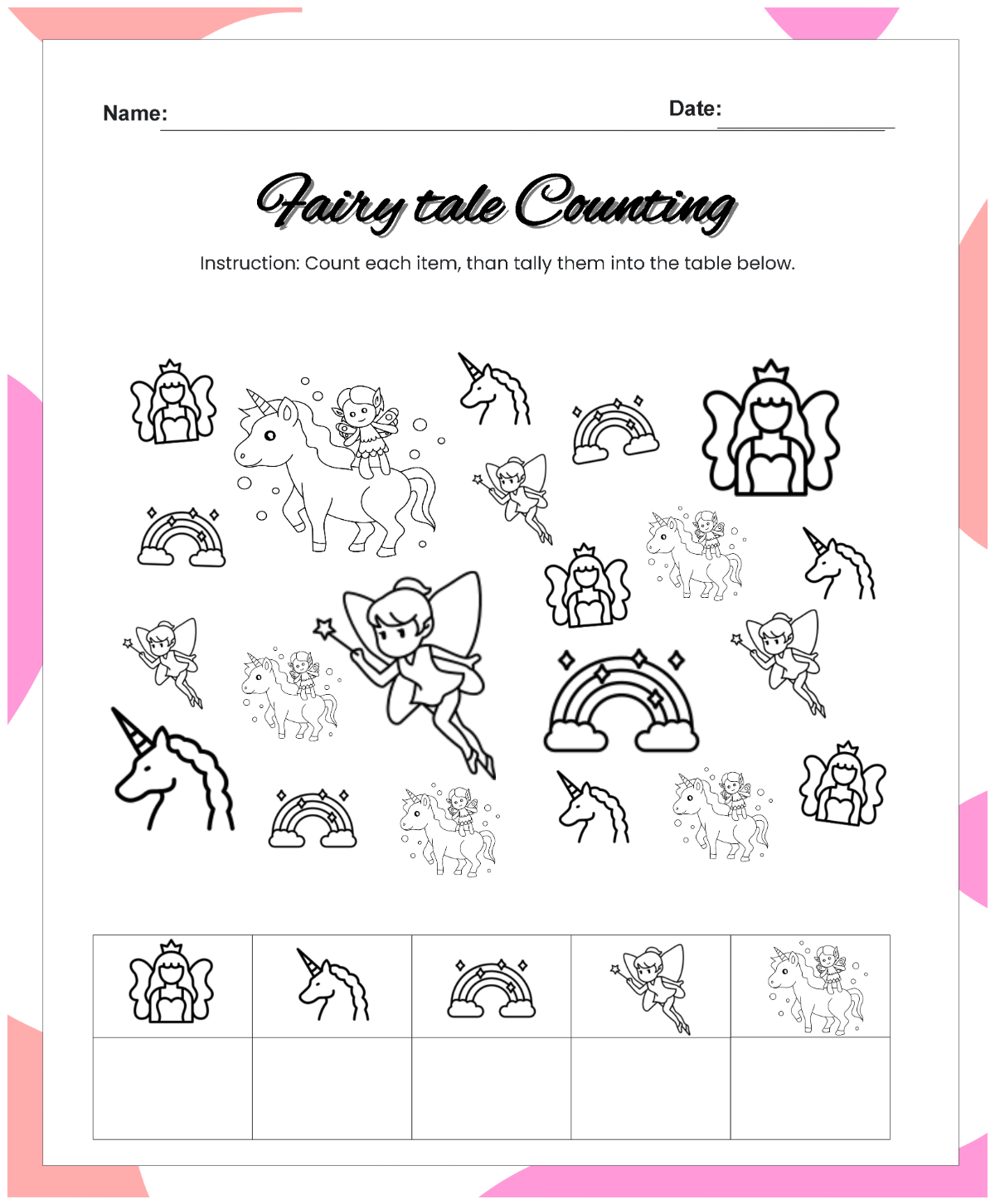
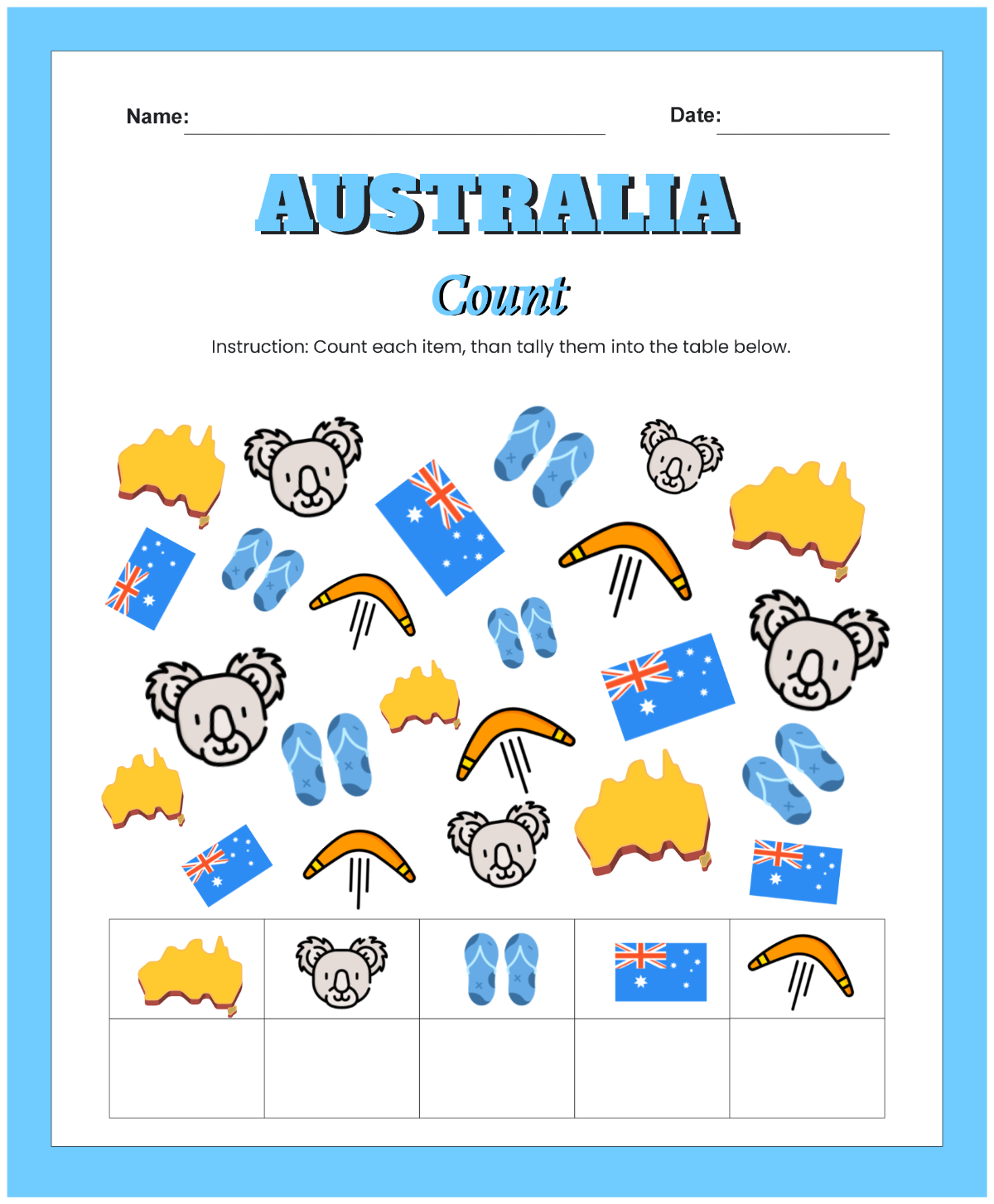
A worksheet is a structured document used for organizing information, exercises, or data analysis, commonly in education, business, or personal contexts. Worksheets help users systematically complete tasks or record results using preformatted sections and prompts.
Why should I use a Worksheet?
You should use a worksheet because it provides a clear and organized way to capture data, guide learning activities, and streamline task completion. Worksheets improve focus, simplify complex information, and enhance productivity by offering structured layouts and prompts tailored to your needs.
Who uses Worksheets?
Worksheets are used by educators, students, business professionals, and individuals who need to organize information systematically. Teachers use worksheets for assignments, businesses use them for data tracking, and individuals use them for planning and analysis, making them versatile tools.
What are the best tips for designing my Worksheet?
Here are the best tips to design your worksheet effectively:
- Use clear headings to guide users through sections.
- Include ample spacing for easy writing or data entry.
- Incorporate visual elements like tables or charts for clarity.
- Maintain consistent fonts and colors for readability.
- Limit content per page to avoid clutter.
- Use instructions to clarify tasks.
- Design for the target audience to match skill levels.
- Include answer keys if applicable.
- Ensure printable layouts for offline use.
- Test usability before finalizing.
What file formats can I download for my Worksheet?
Template.net worksheets support multiple export formats for editing, printing, and sharing. You can download your worksheet in Word, Google Docs, Excel, Google Sheets, PDF, PSD, Apple Pages, Illustrator, and Apple Numbers.
Can I create a Worksheet using AI?
Template.net provides an AI-powered tool that generates new Worksheet designs from prompts. You can create custom worksheets quickly and easily using the Worksheet Generator.
What are the common sizes for Worksheets?
Worksheets typically come in standard print sizes for easy printing and usage:
- US Letter - 8.5 × 11 inches
- Legal - 8.5 × 14 inches
- A4 - 8.27 × 11.69 inches
- Half Letter - 5.5 × 8.5 inches
- Custom sizes based on specific project needs
What visual elements should I include in my Worksheet?
Consider adding these visual elements to enhance your worksheet usability:
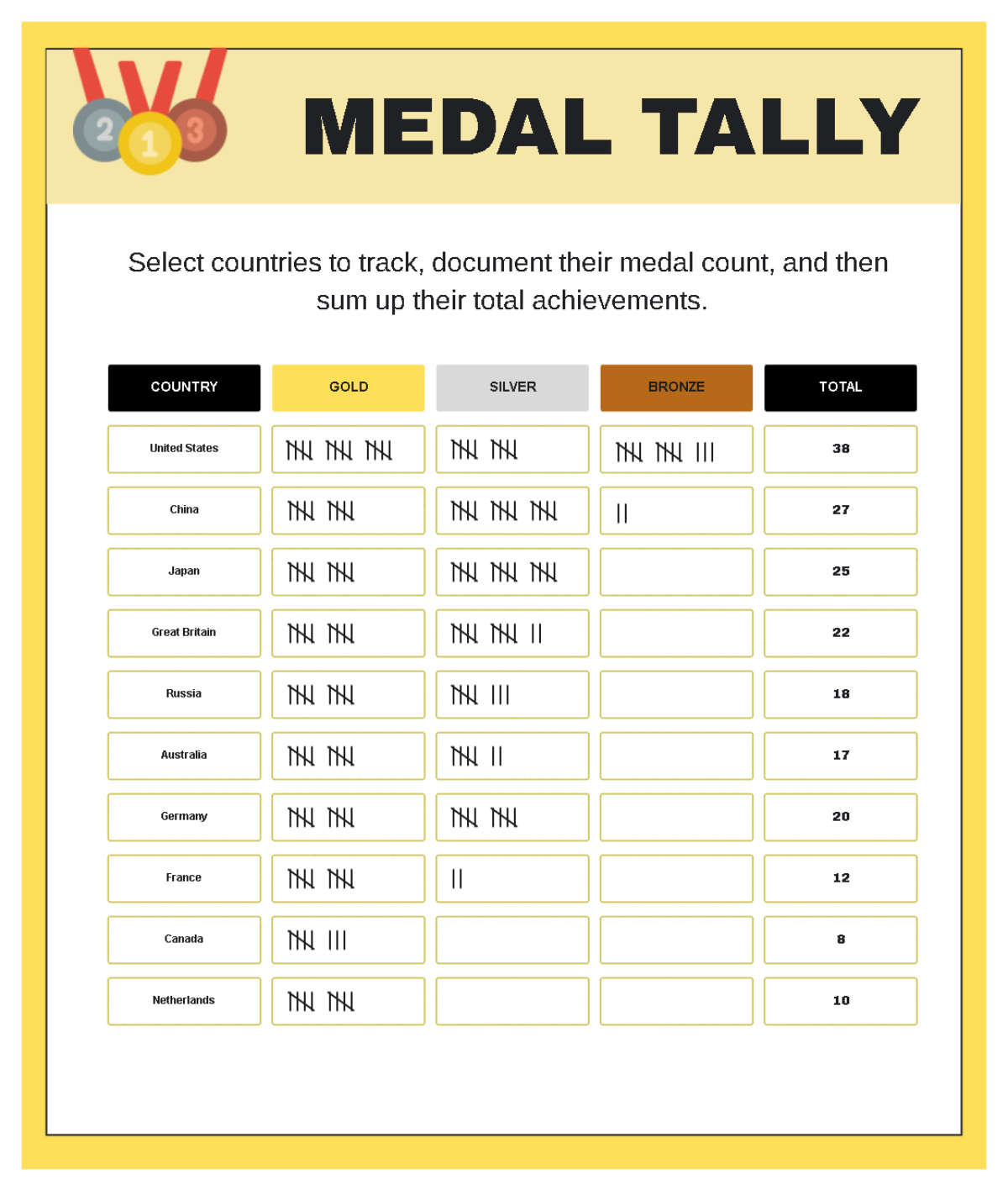
- Tables for organized data presentation
- Charts and graphs to visualize statistics
- Bulleted or numbered lists for step-by-step instructions
- Text boxes for answers or notes
- Headers and footers for page information
- Icons or images for engagement
- Lines and borders to separate sections
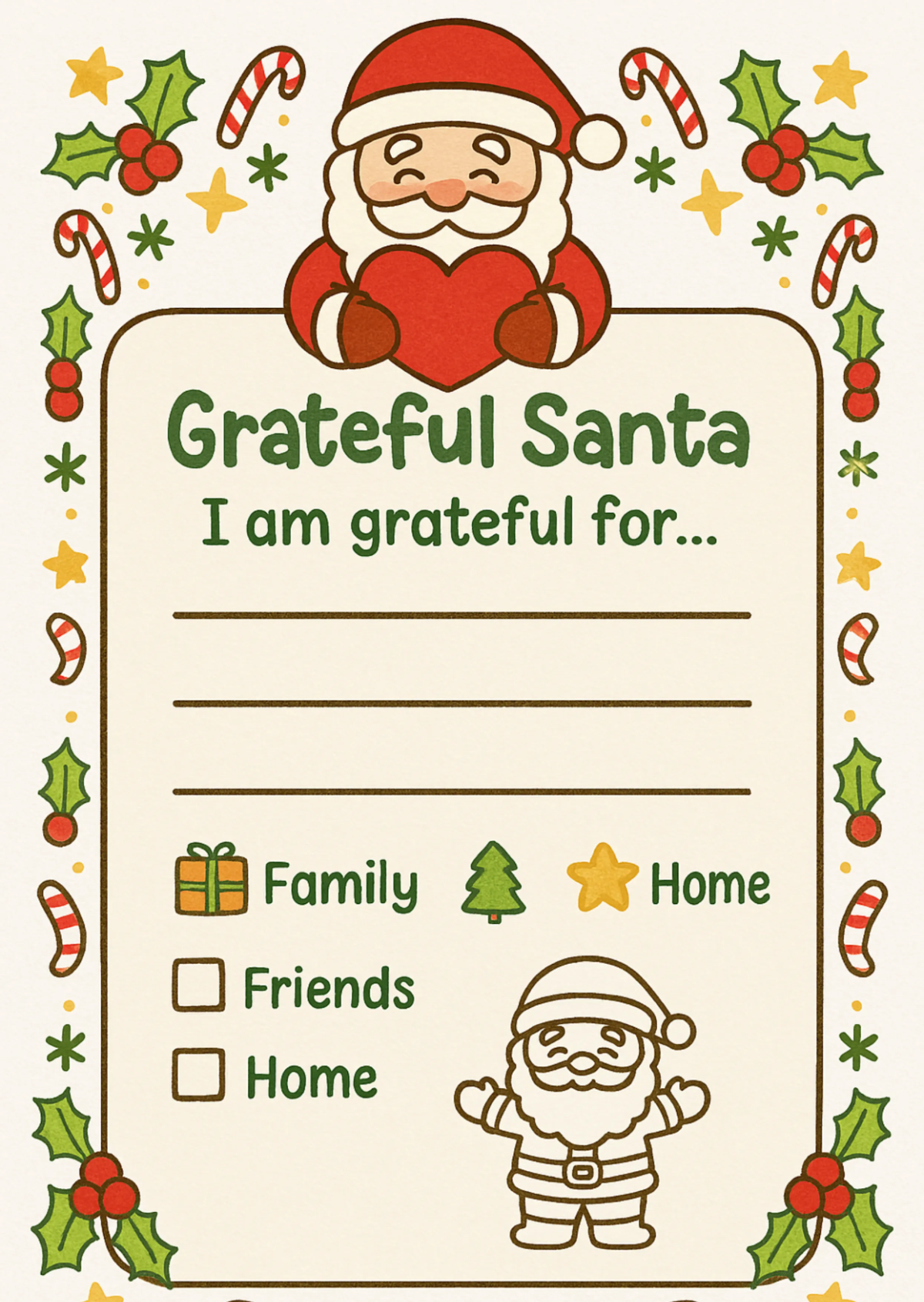
- Checklists for task tracking
What are the benefits of using a Worksheet?
Using worksheets offers several benefits that improve task execution and learning:
- Structured organization of information
- Enhanced focus on specific tasks
- Improved retention for educational activities
- Easy tracking of progress and data
- Customizable layouts to fit different needs
- Facilitates collaboration and sharing
- Saves time with pre-designed formats
- Supports consistent documentation
