
Free Repair Templates

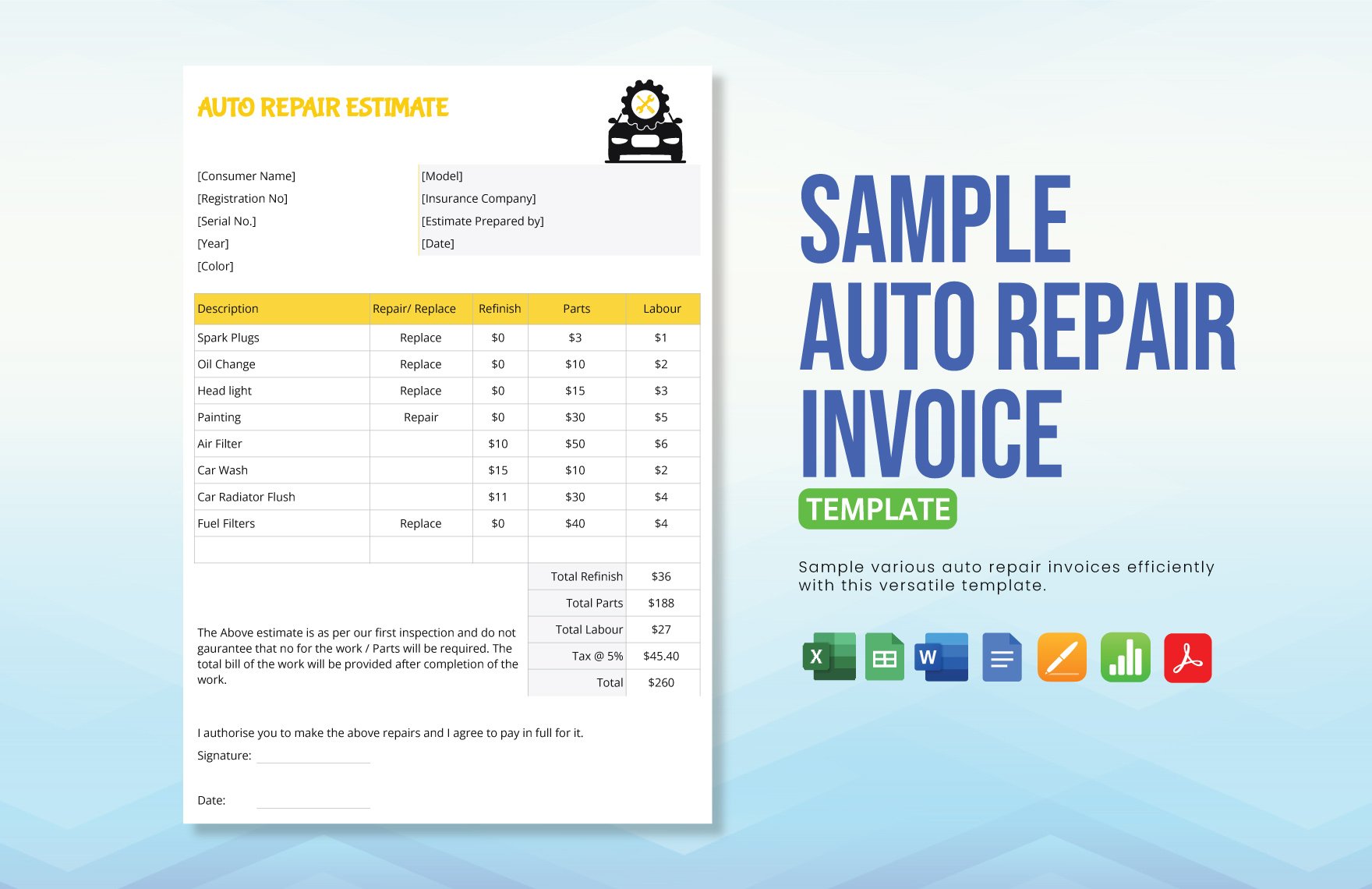
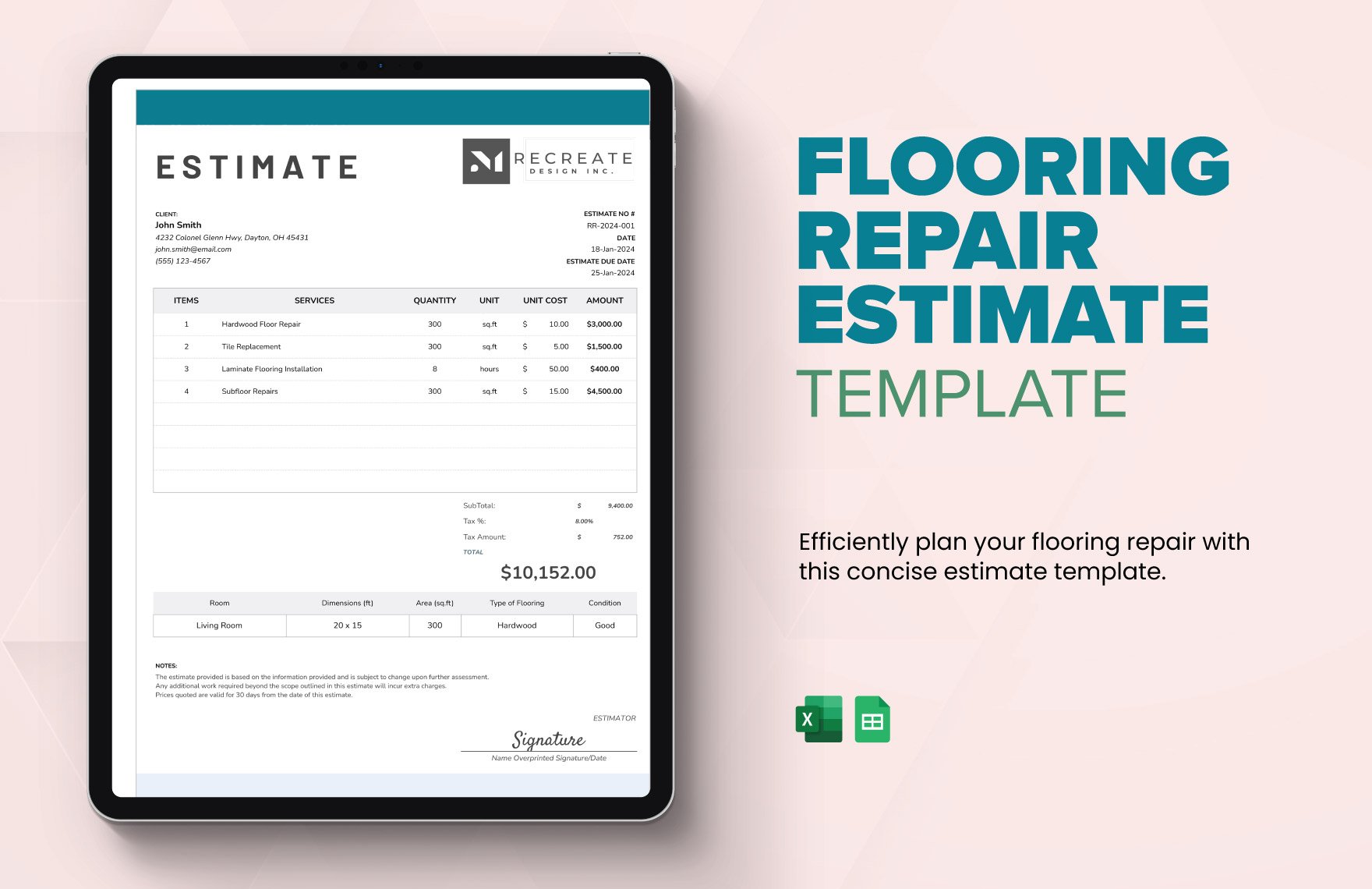
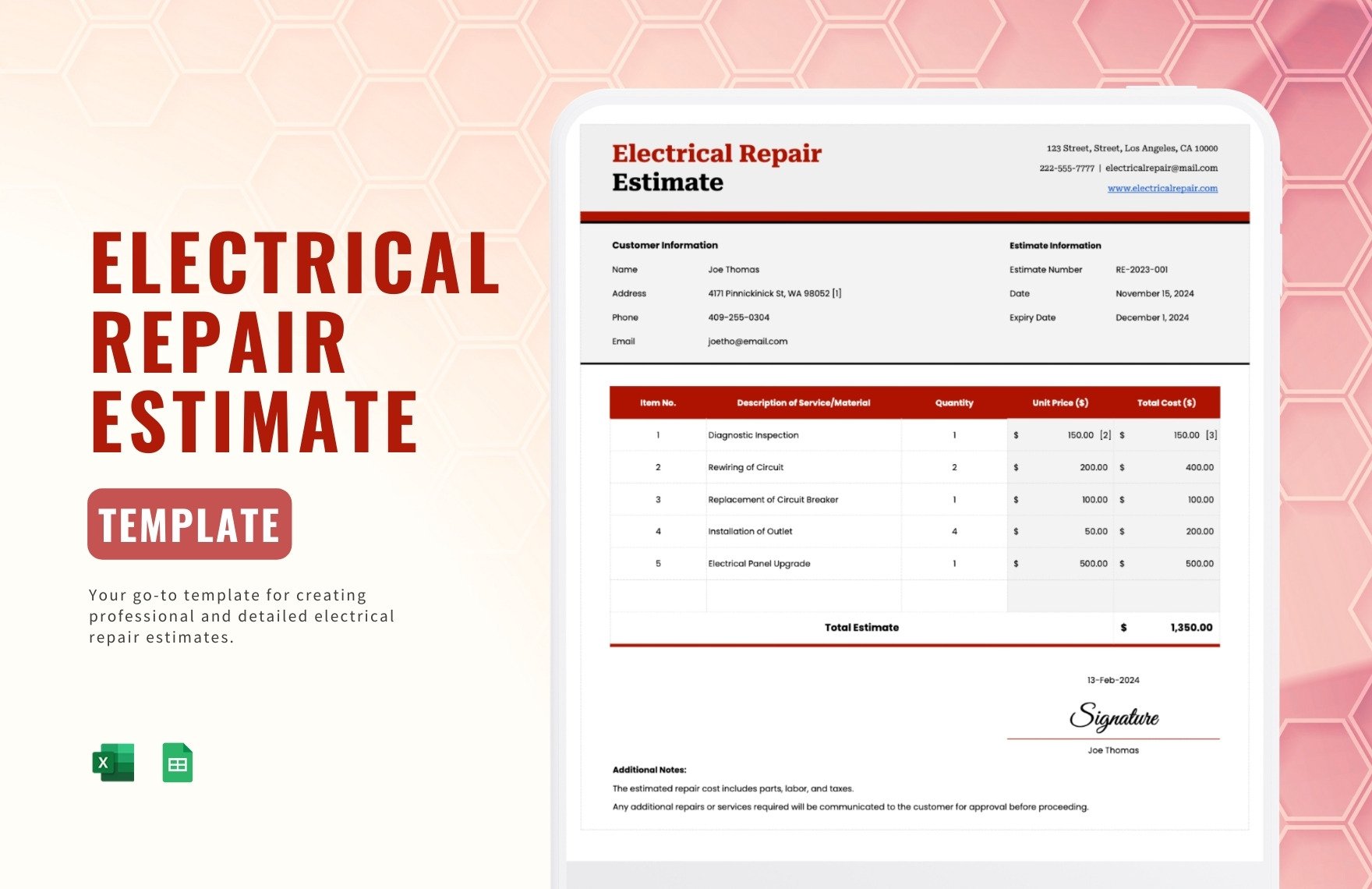
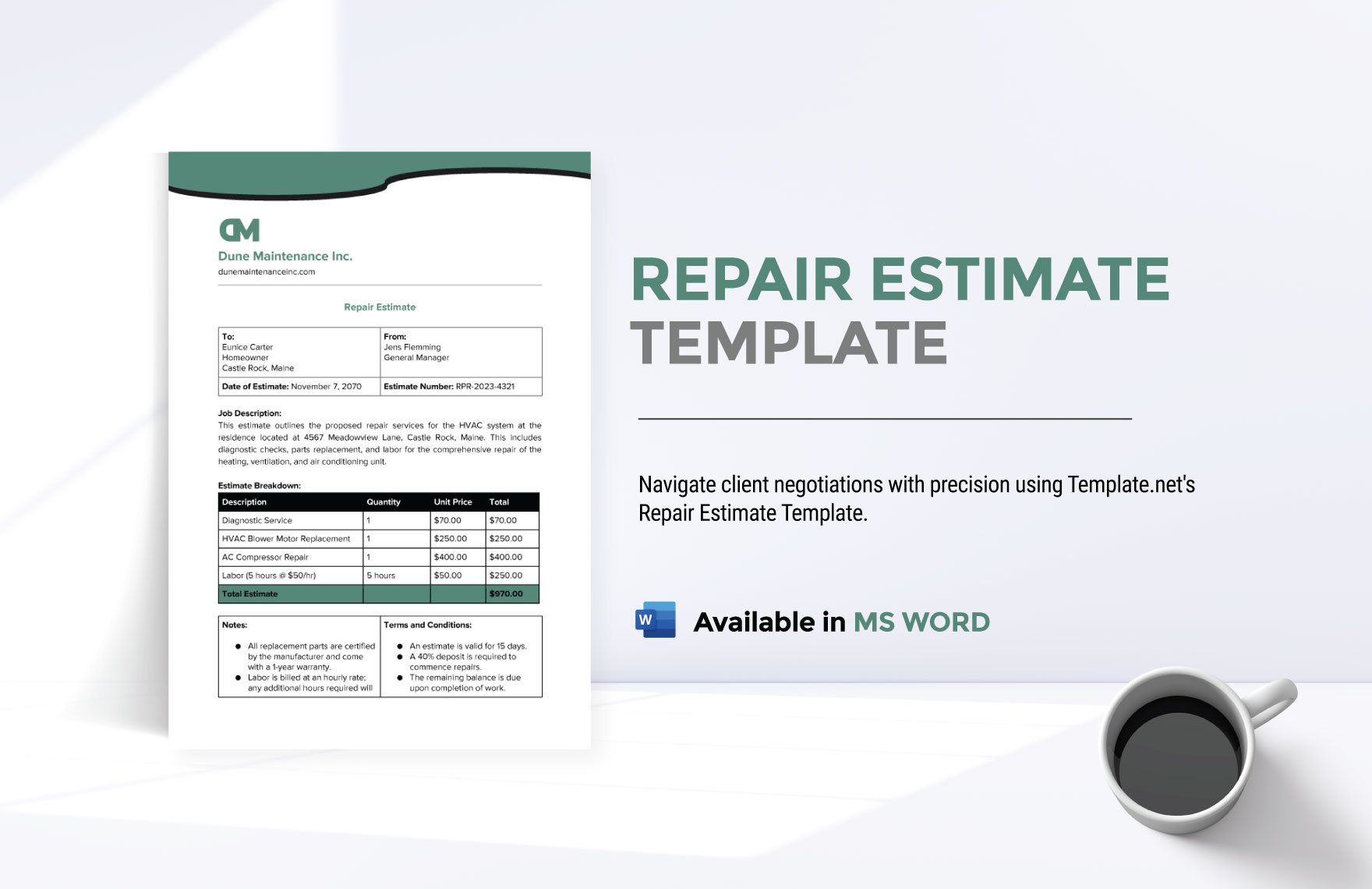


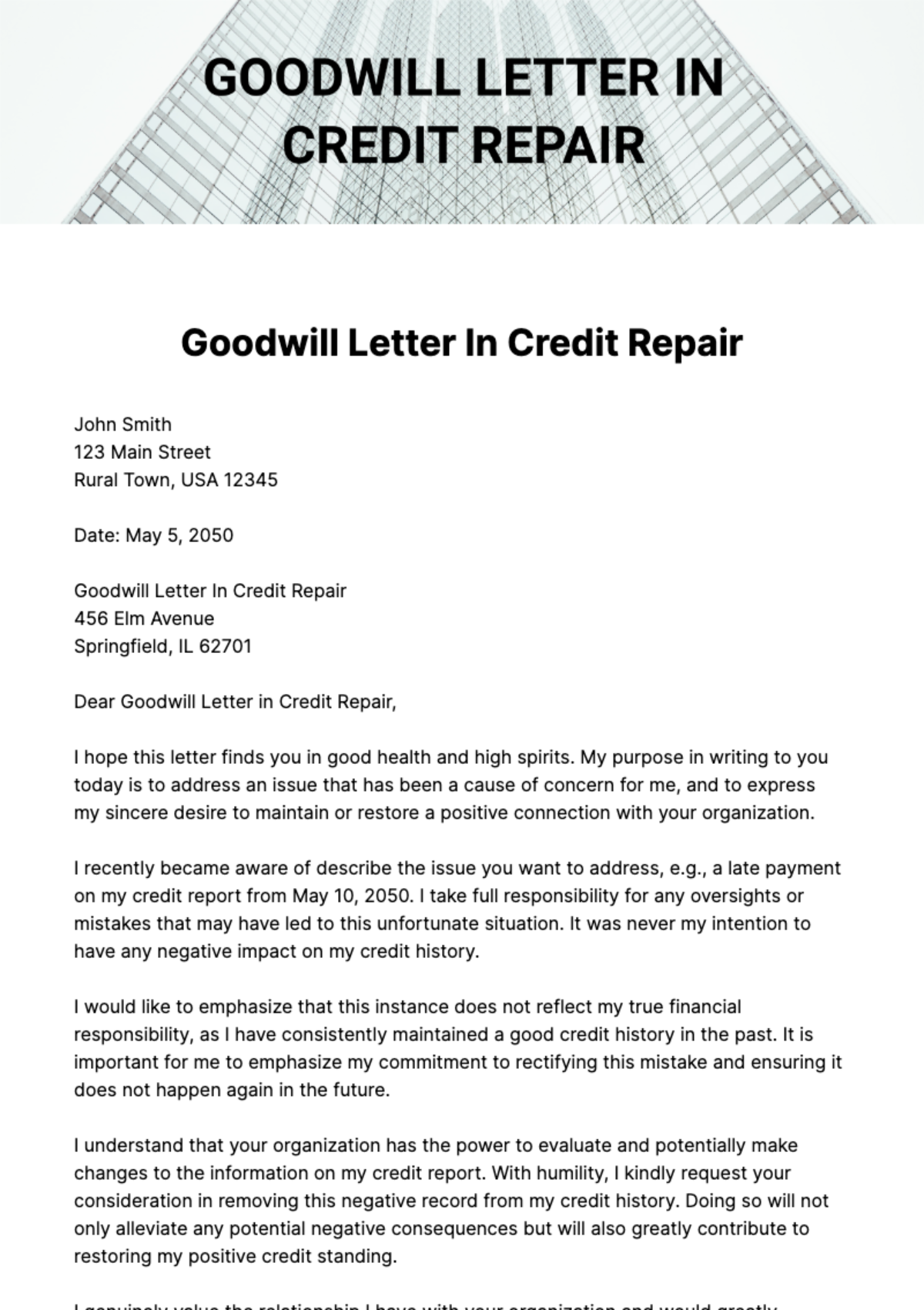
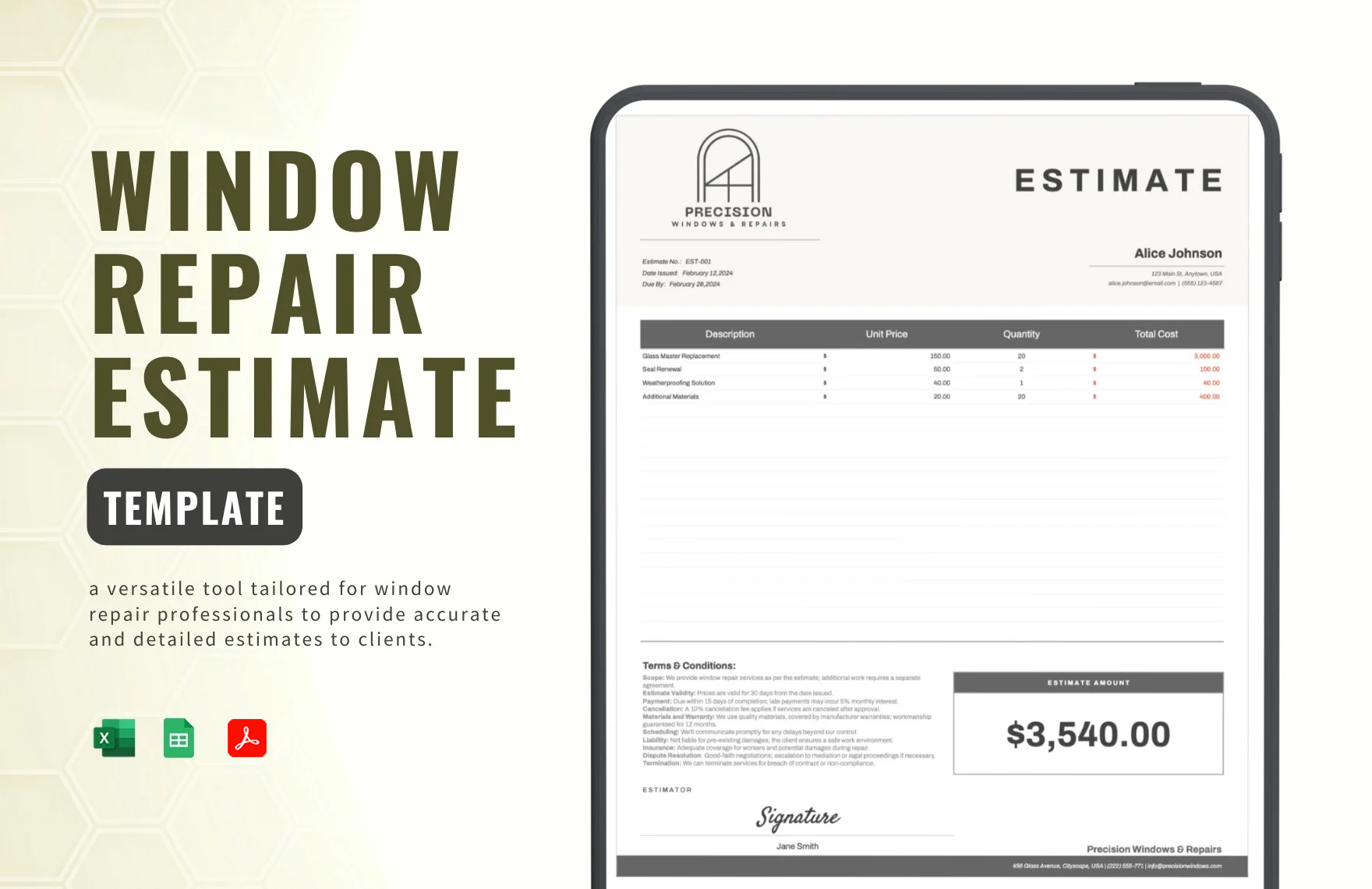
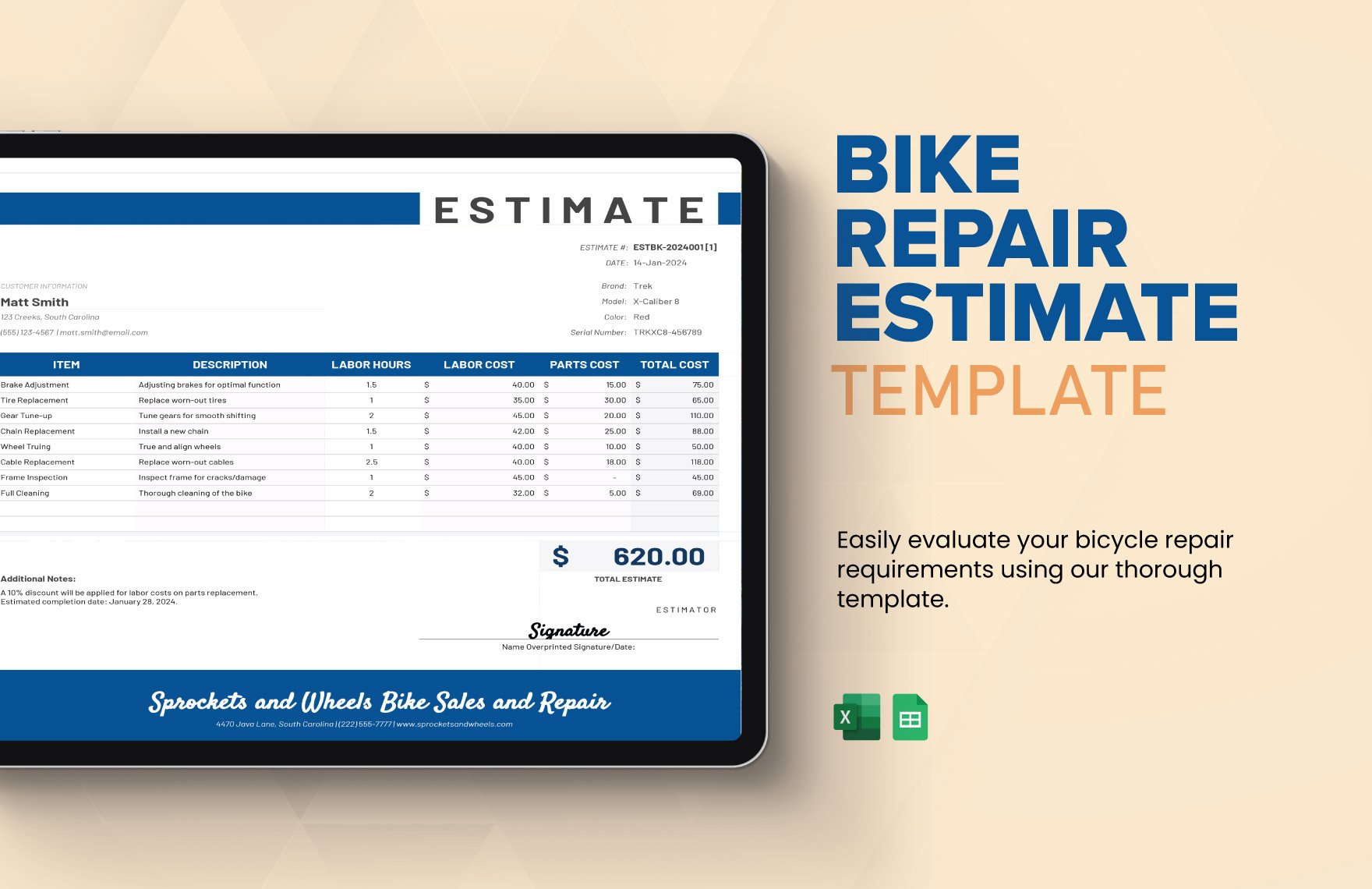
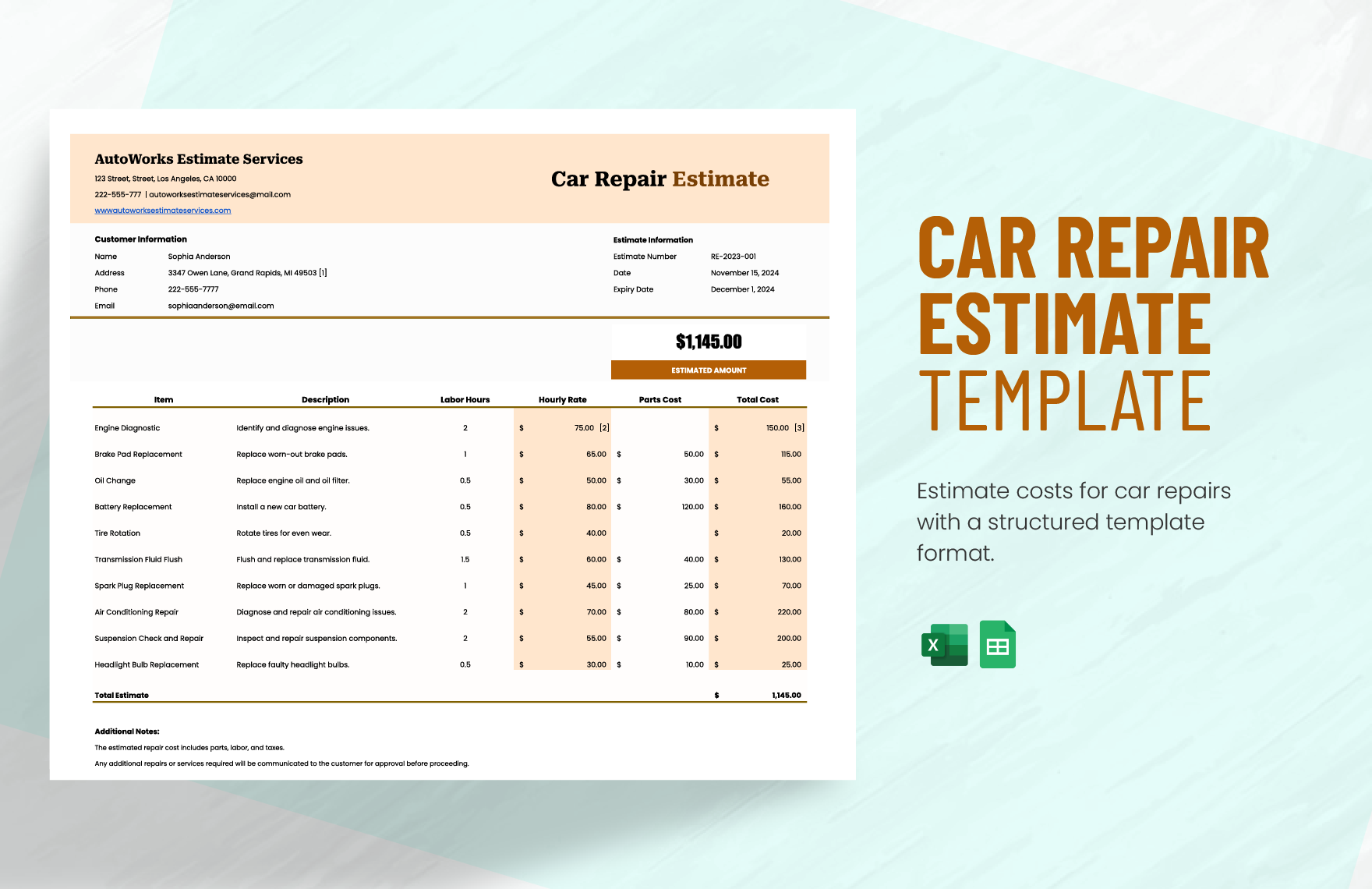





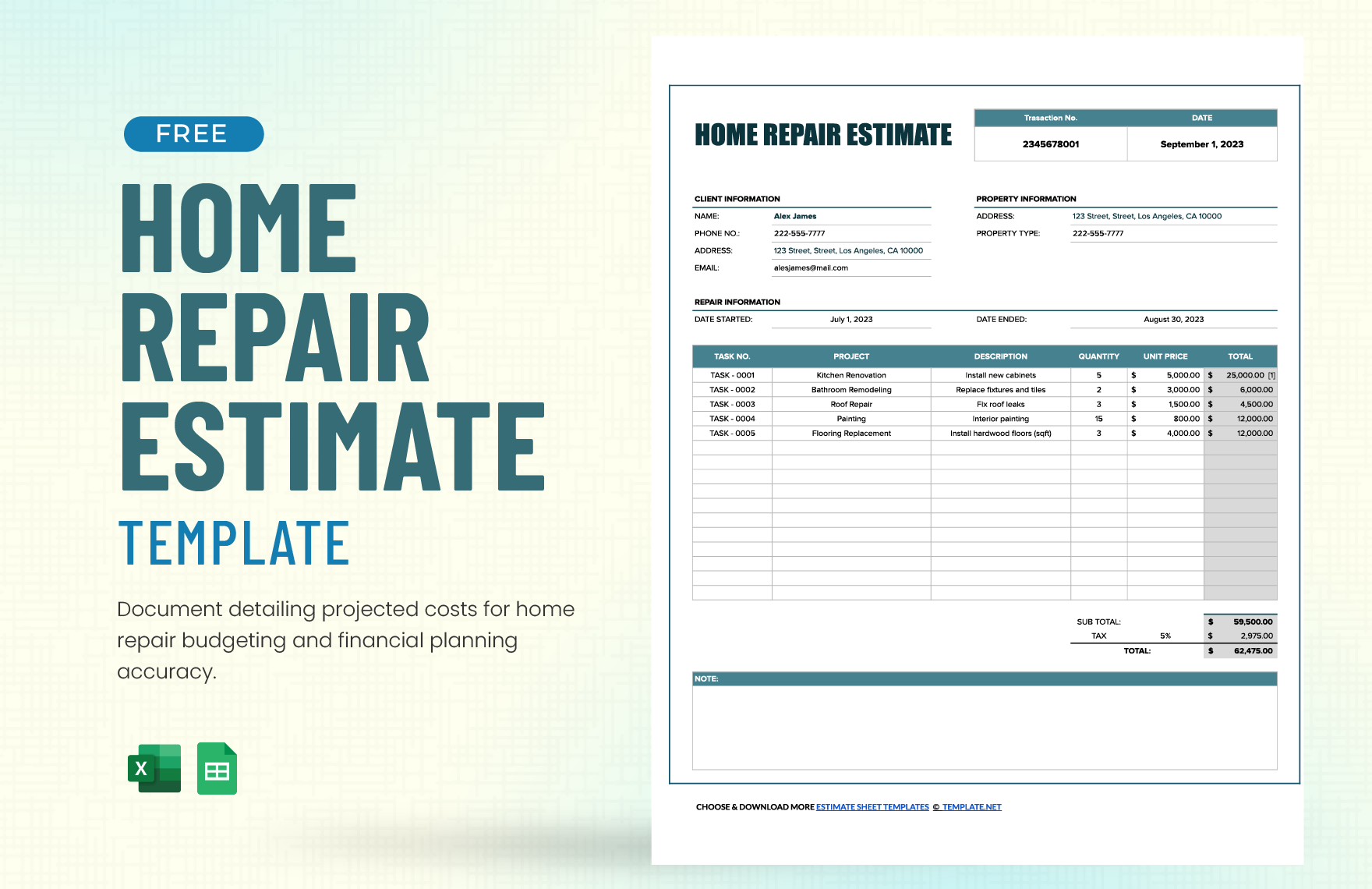

Free Repair Templates: Editable Professional Designs and Uses
What is a Repair?
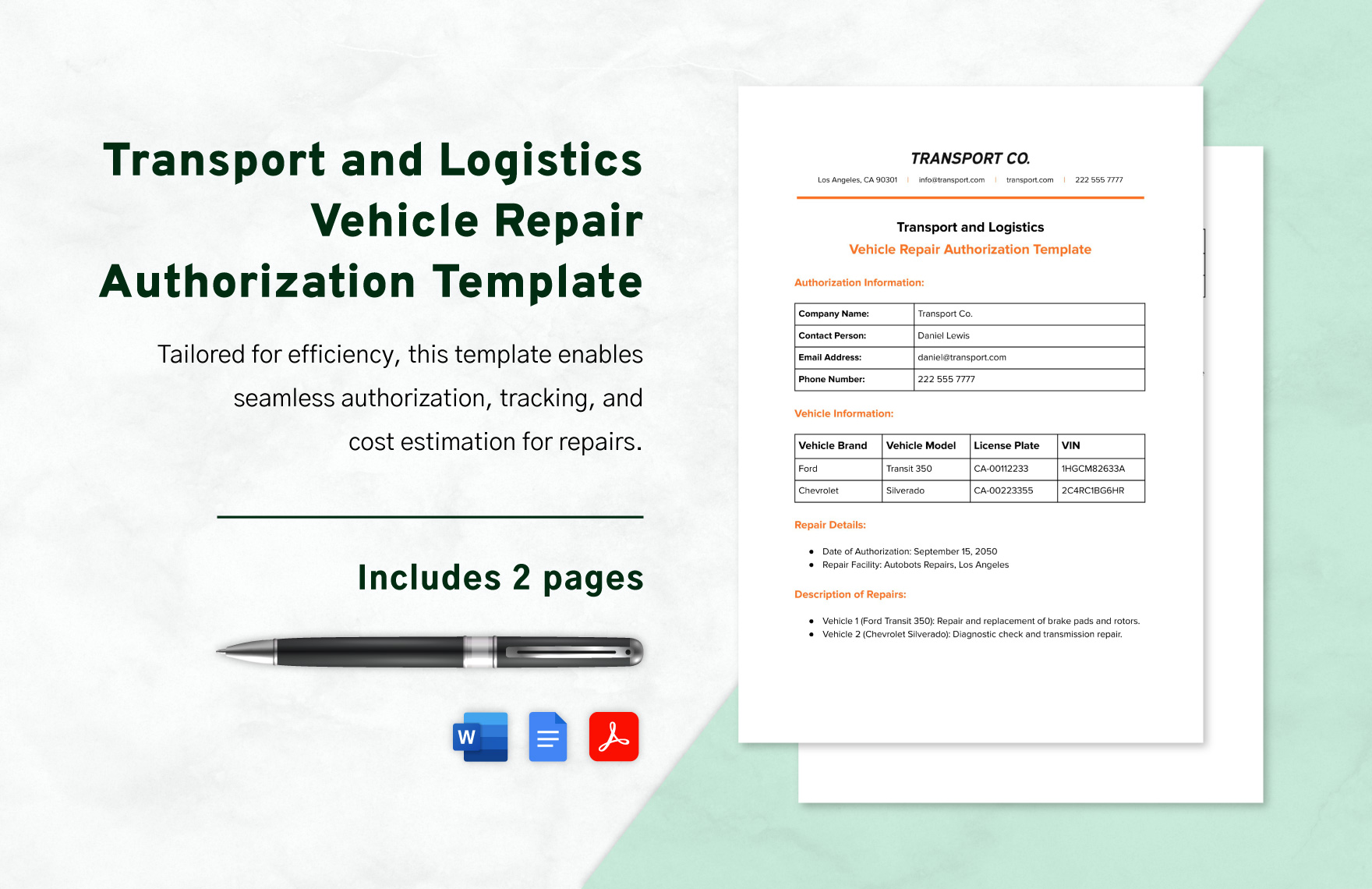
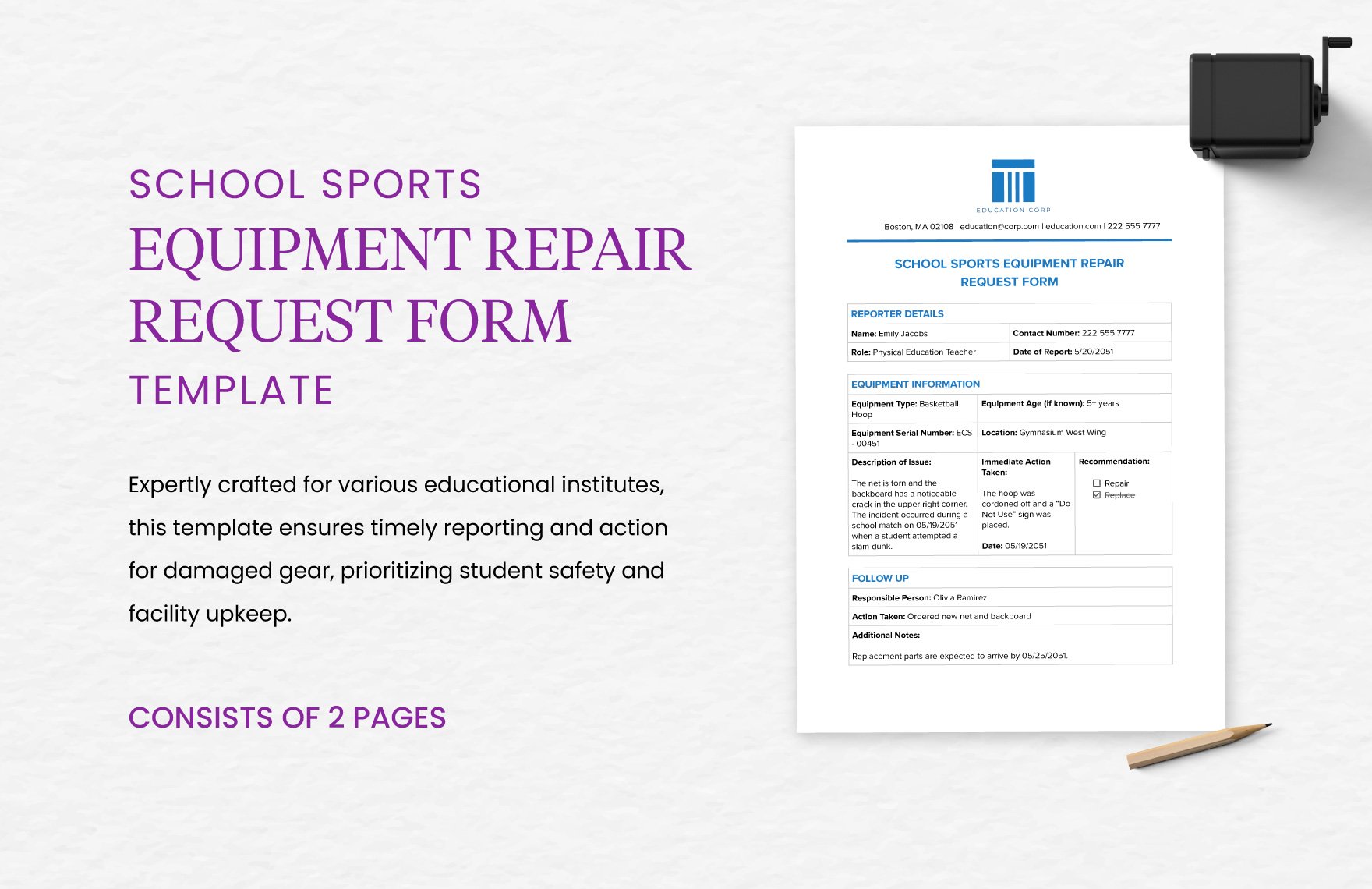
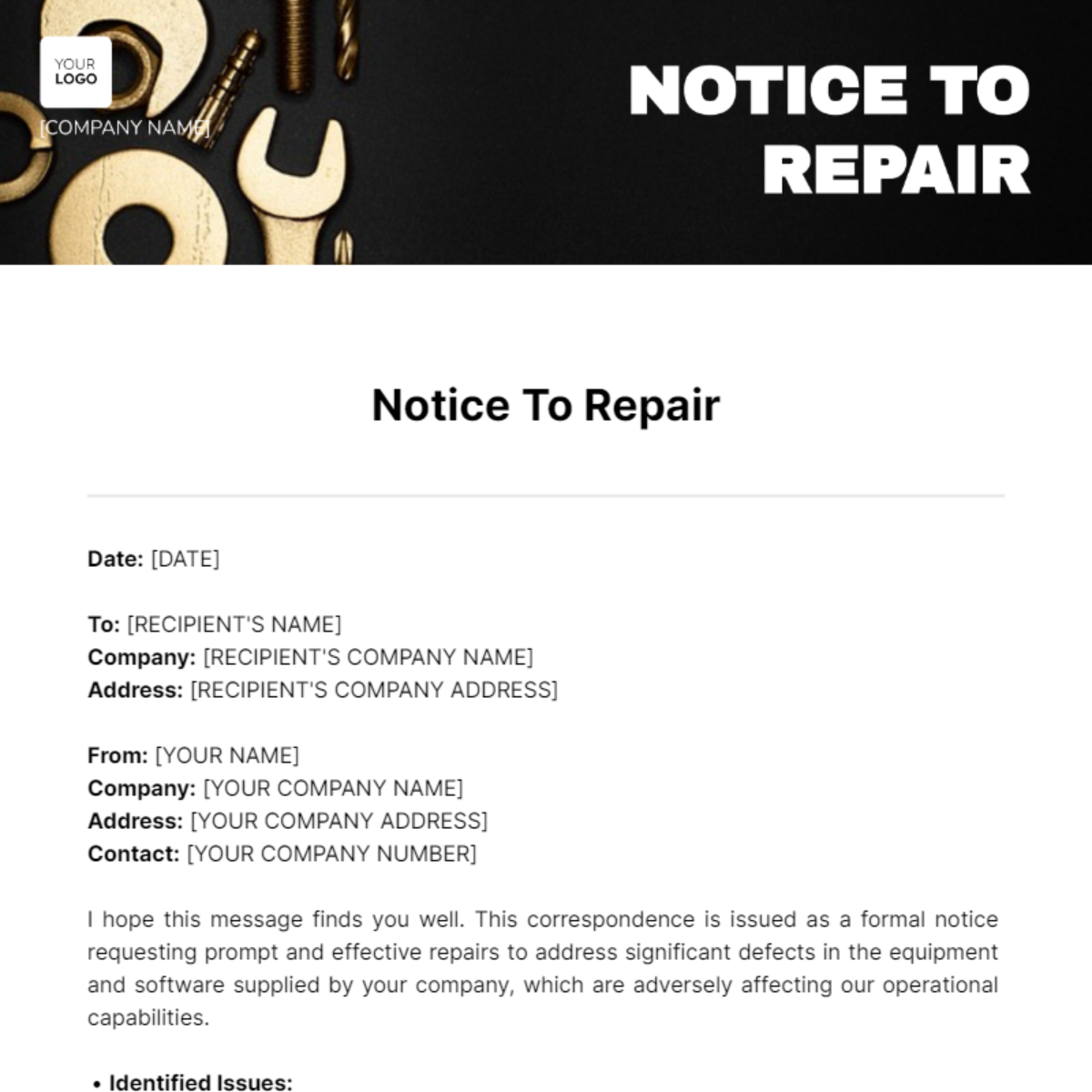
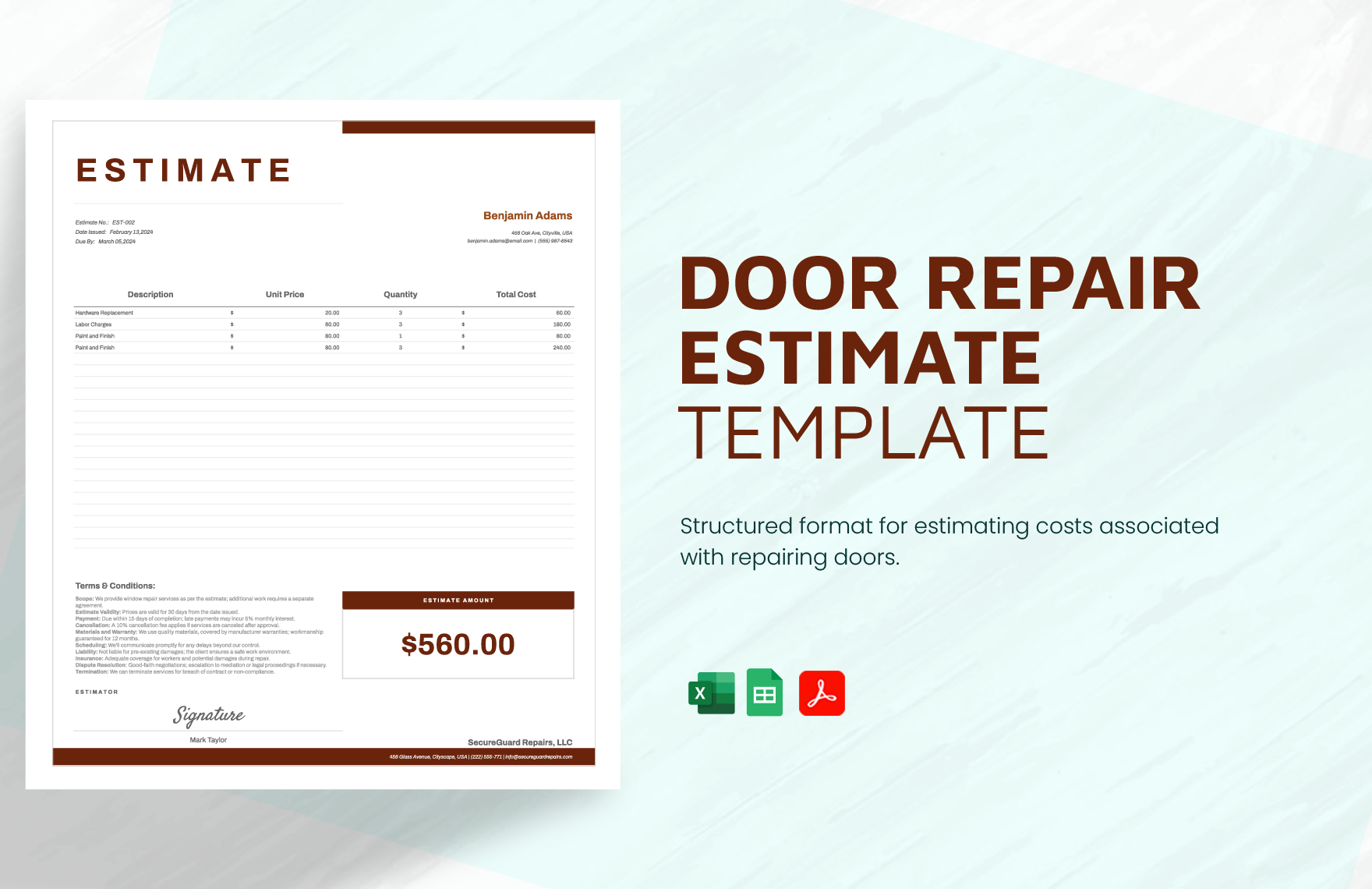
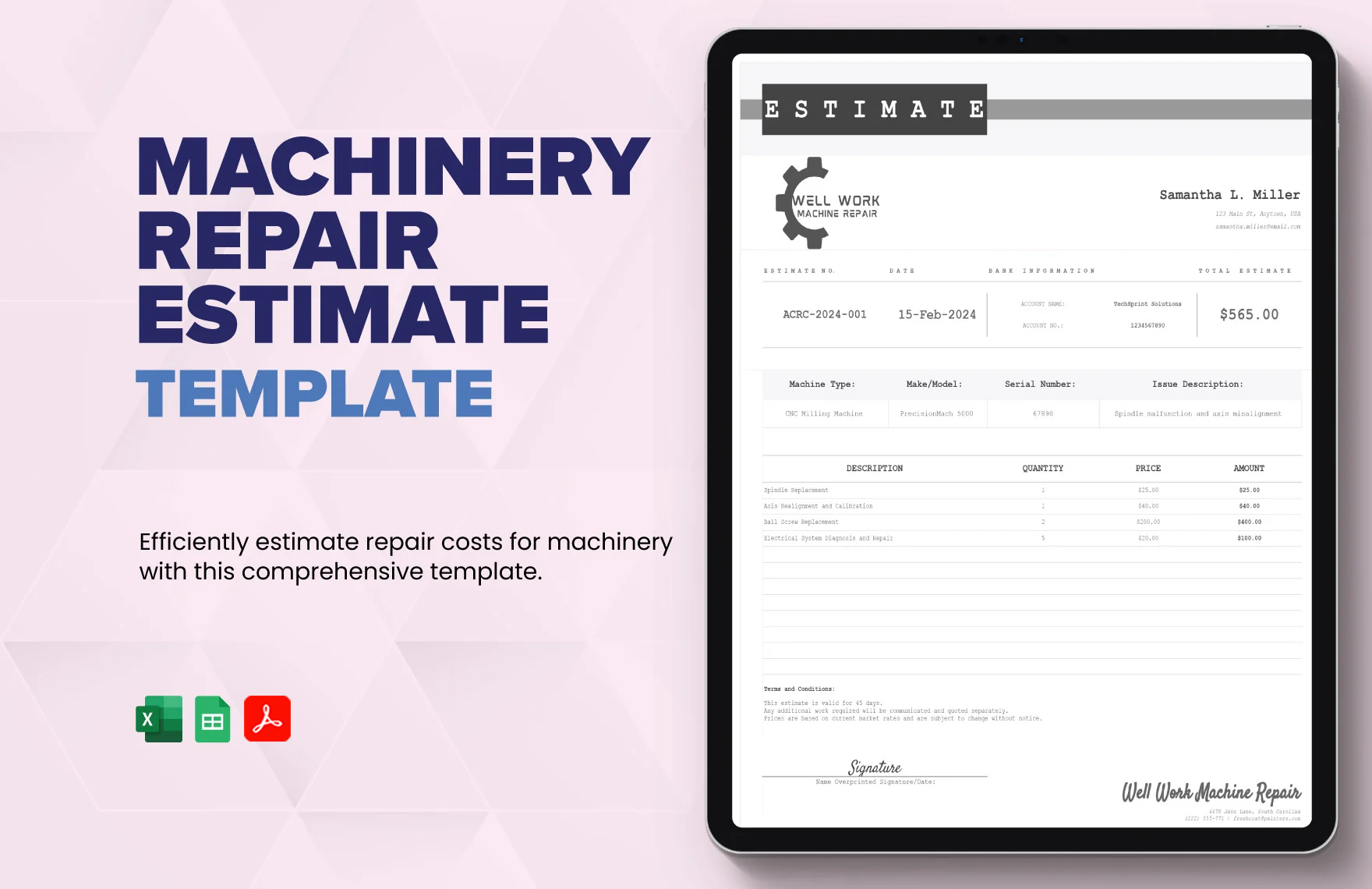
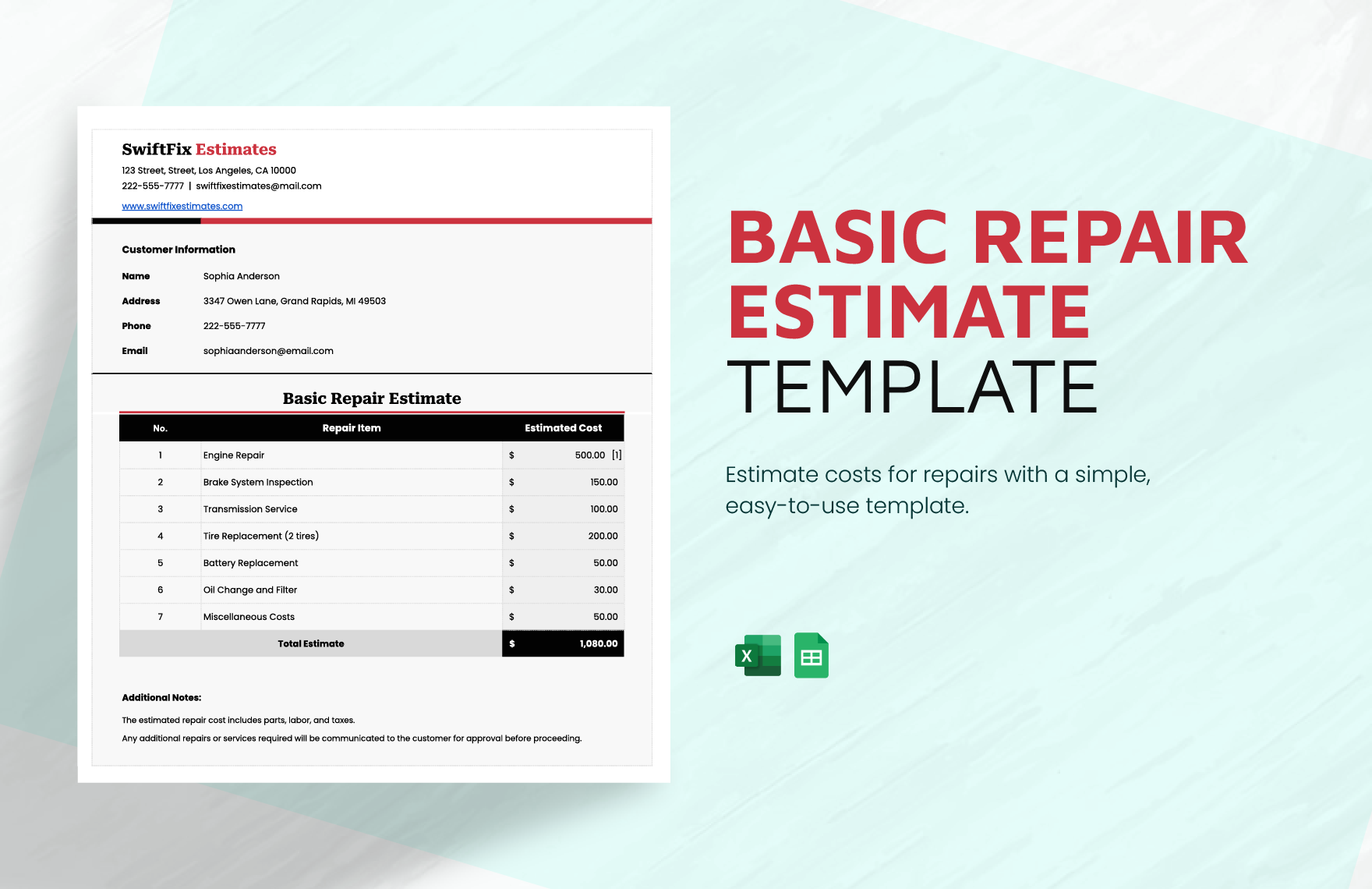
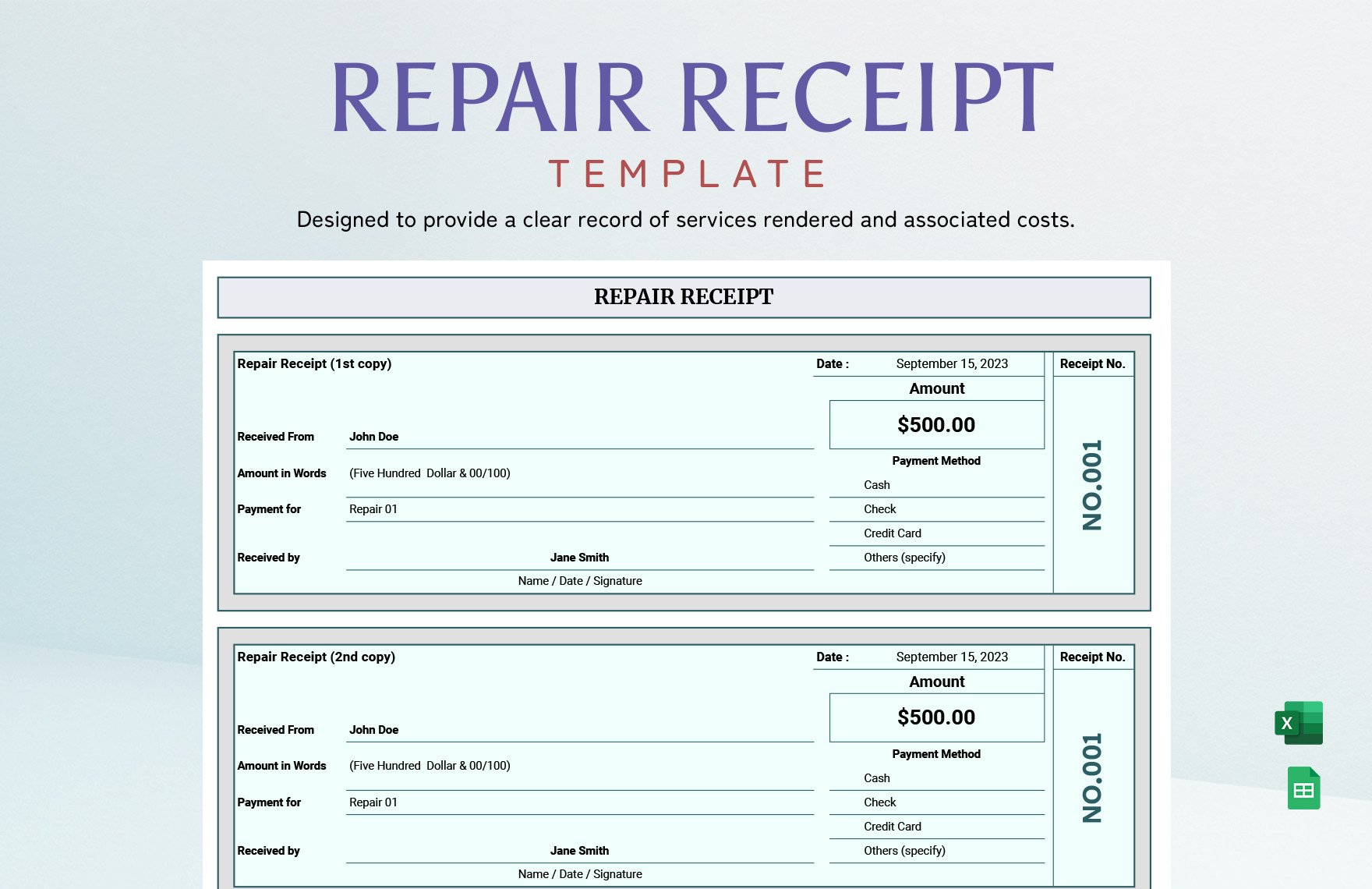
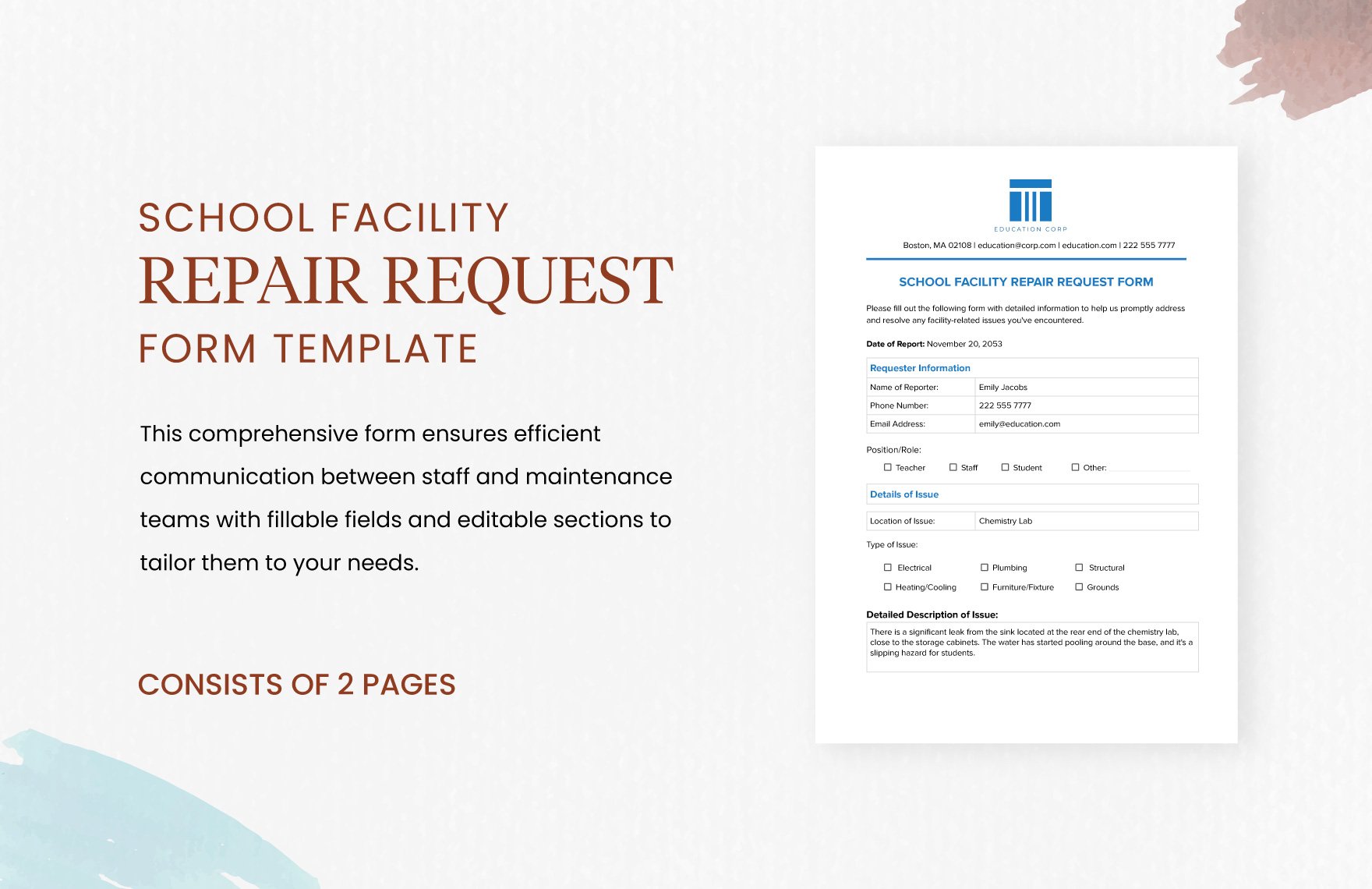
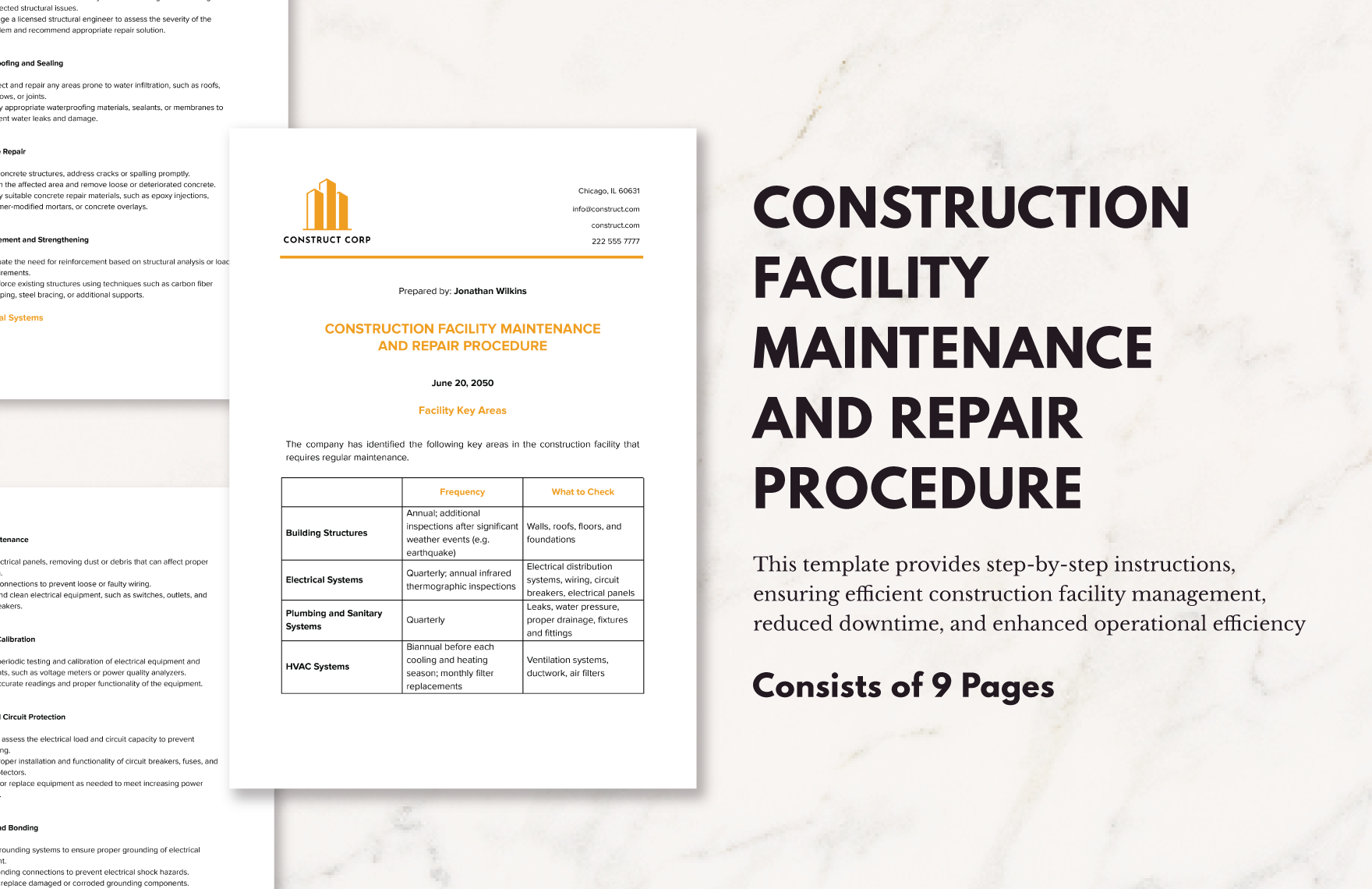
Repair is the act of fixing or restoring items that are damaged or malfunctioning, often requiring detailed documentation or design plans. Repair templates help you organize this process with professional, customizable documents that can be tailored to specific repair needs.
Why should I use a Repair?
Using a Repair template ensures you follow a structured, professional approach to documenting repairs, which improves accuracy and communication. Customizable templates save time by providing pre-designed layouts that you can edit to fit your specific repair tasks and requirements.
Who uses Repair?
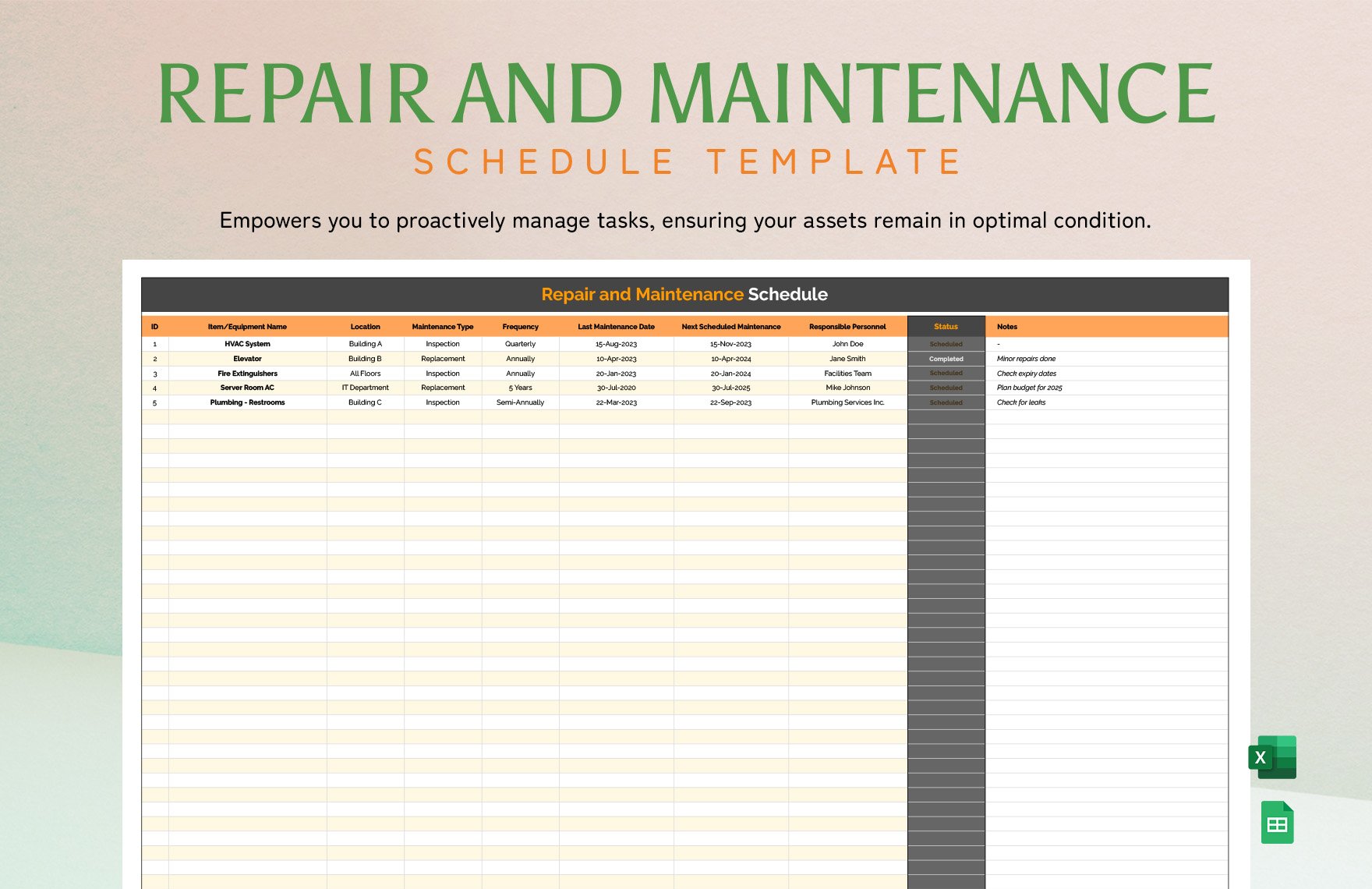
Repair templates are commonly used by technicians, contractors, service providers, and business owners who manage maintenance or restoration tasks. These templates help professionals maintain detailed records and provide clear communication with clients or teams.
What are the best tips for completing my Repair?
When completing a Repair template, focus on clear descriptions, accurate measurements, and detailed parts or materials used. Ensure you customize sections like dates, client information, and repair steps. Using editable fields improves clarity and professional presentation.
Can I create a Repair using AI?
You can create a Repair using AI tools available on Template.net, which assist in generating initial drafts or ideas. However, this page focuses on editable templates you can customize directly, while AI generation is accessible separately on the site.
What file formats can I download for my Repair?
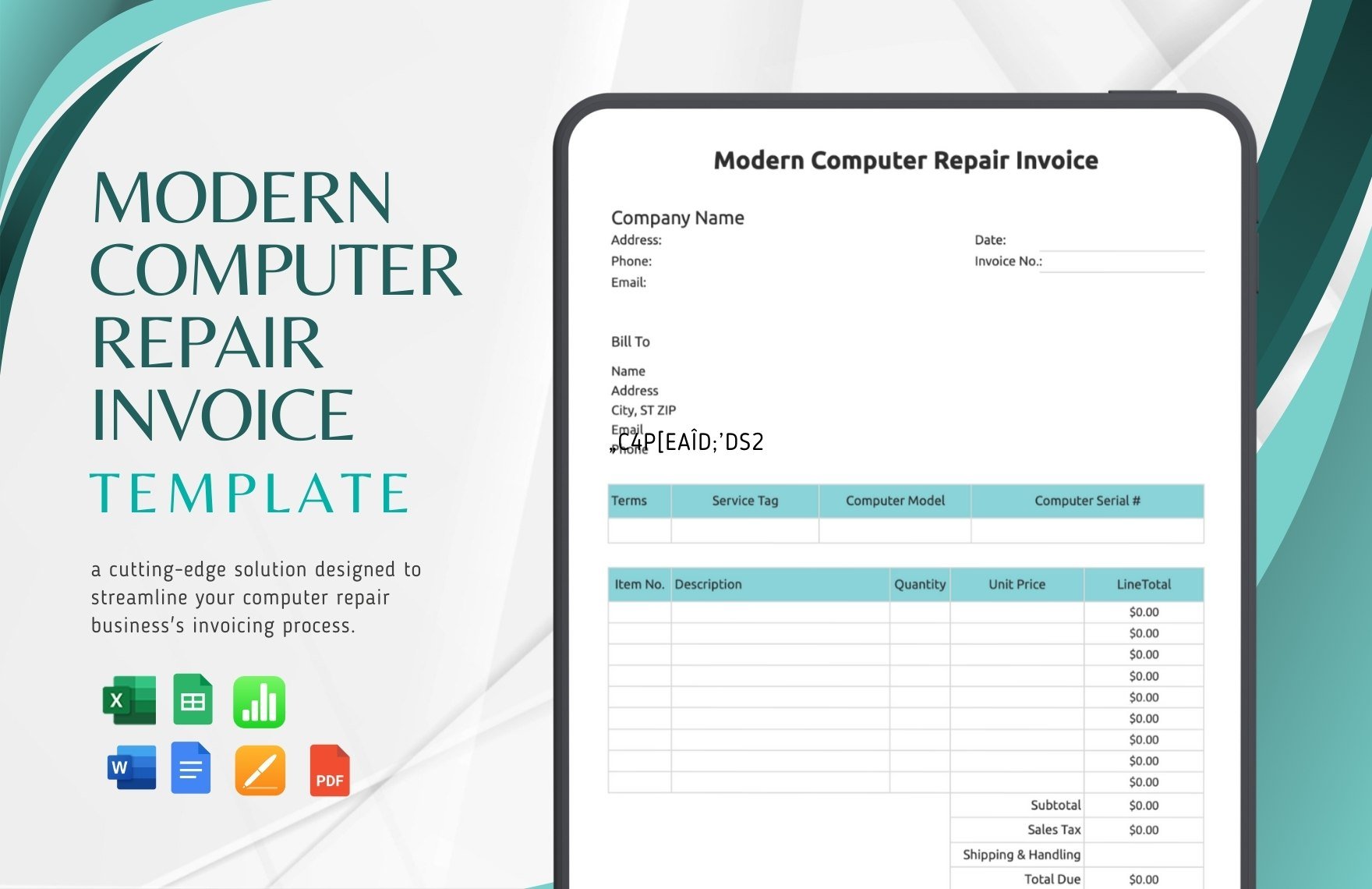
Template.net supports multiple export formats for your Repair templates including Word, Publisher, Apple Pages, Google Docs, Excel, PDF, and PSD.
What essential elements should a Repair include?
Your Repair template should include key elements to ensure completeness and clarity.
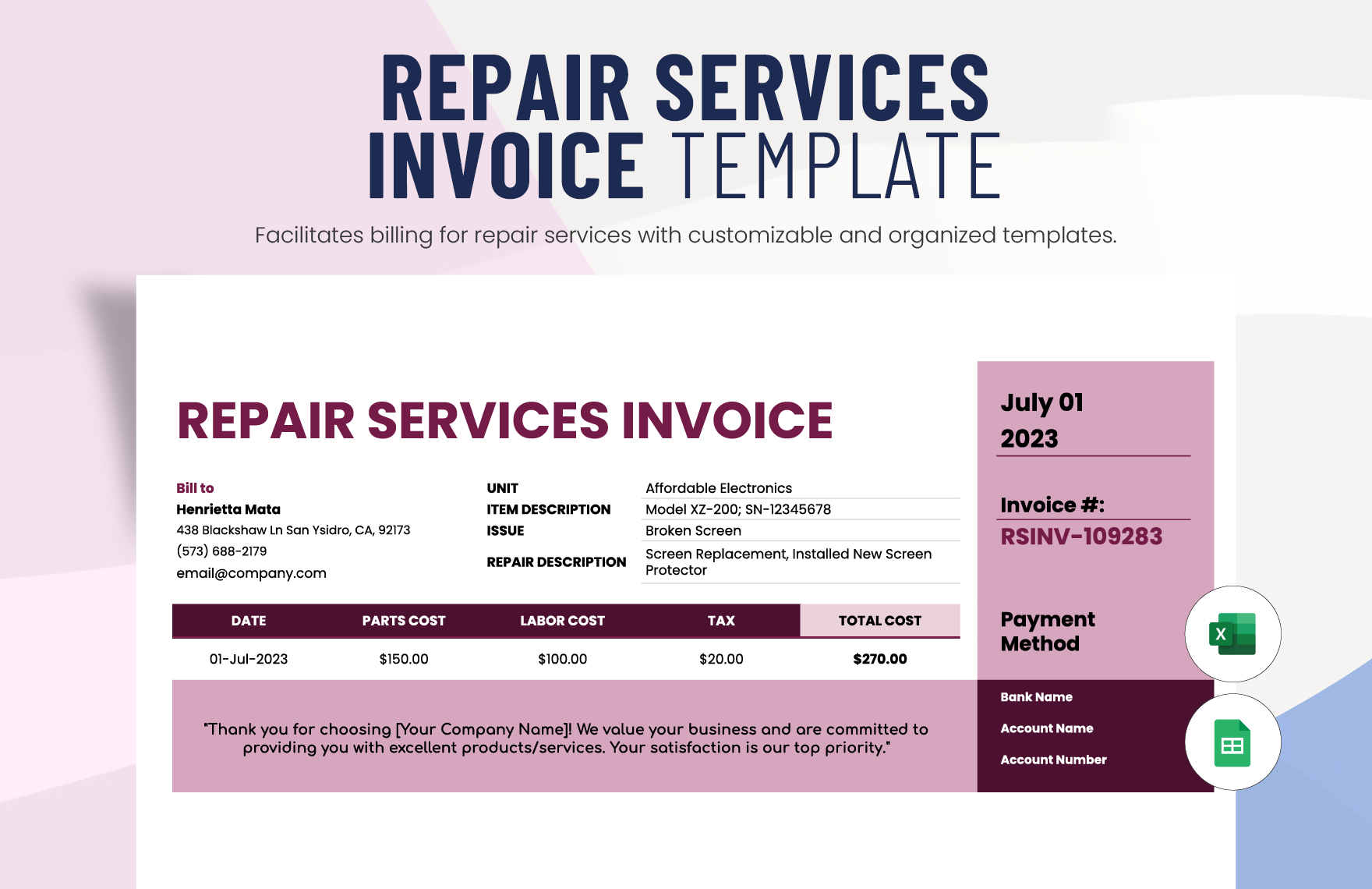
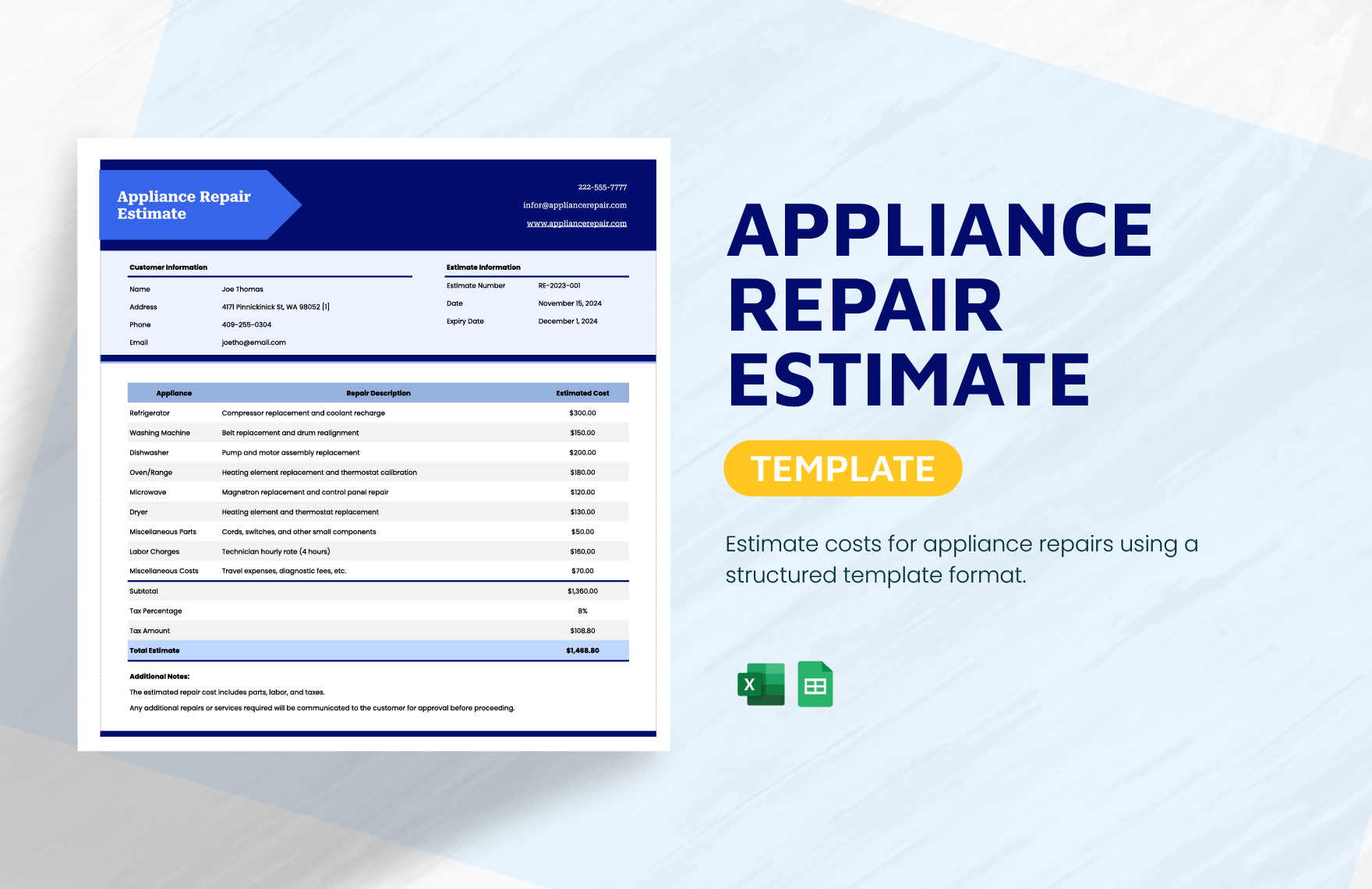
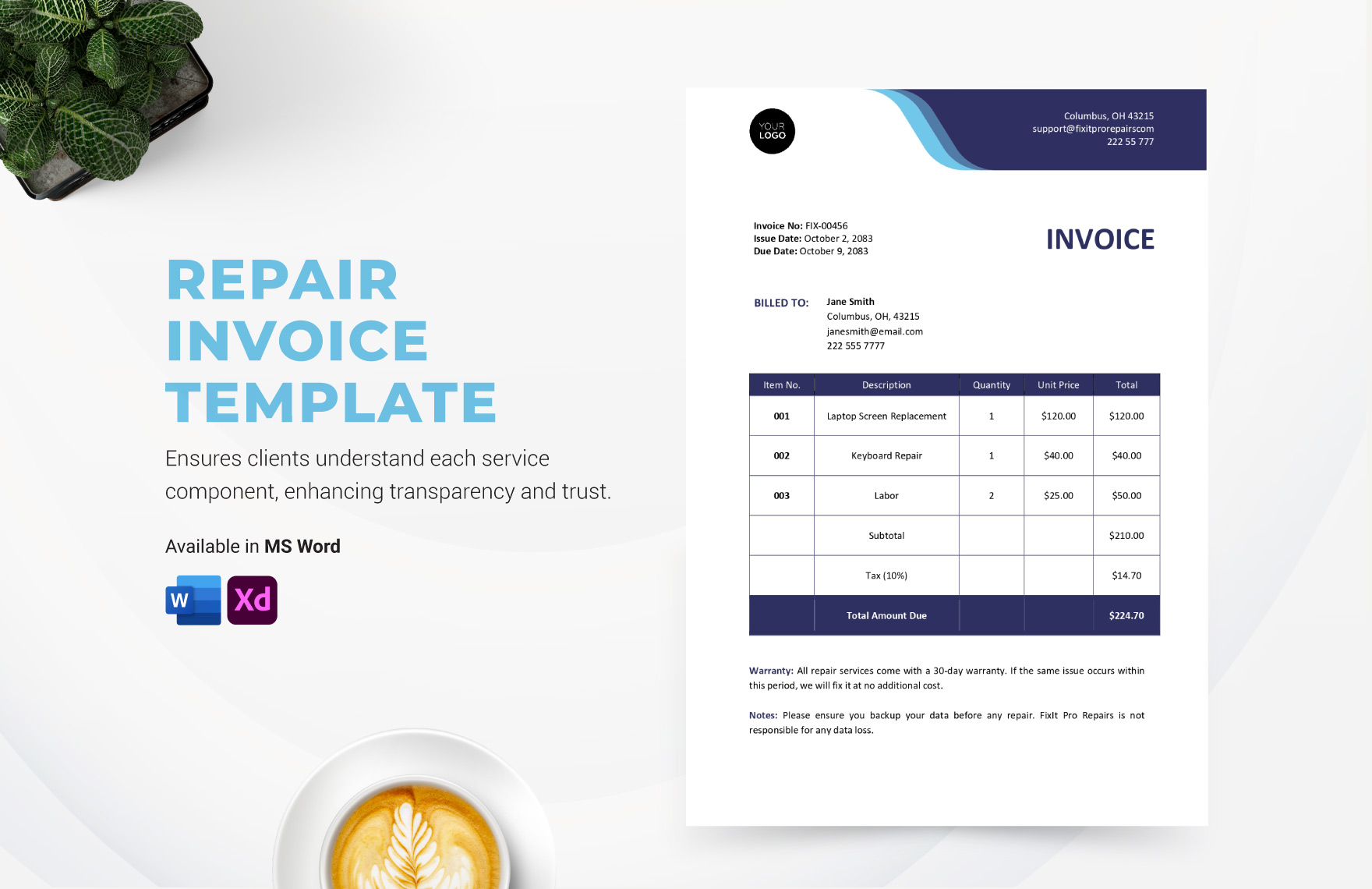
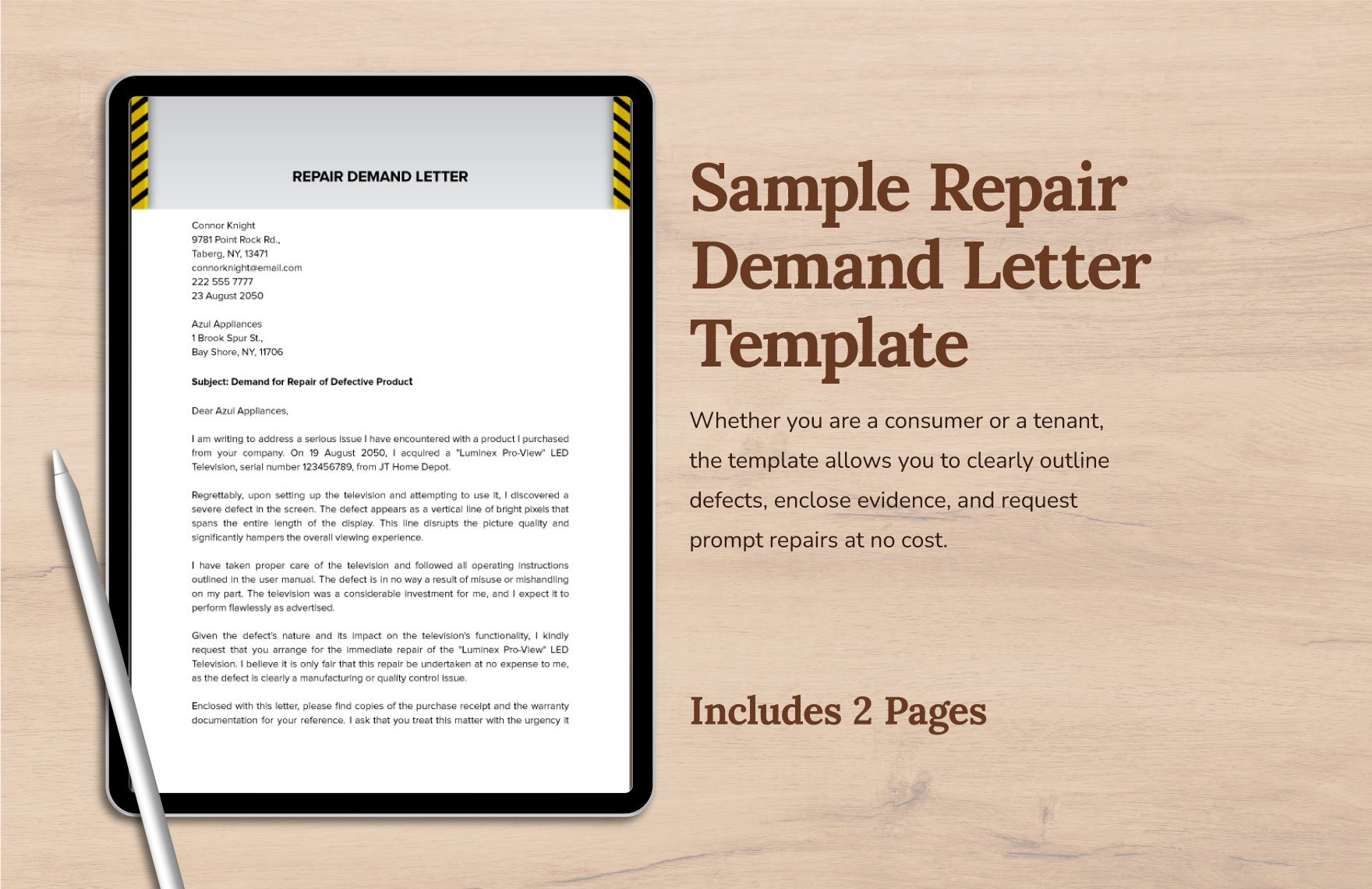
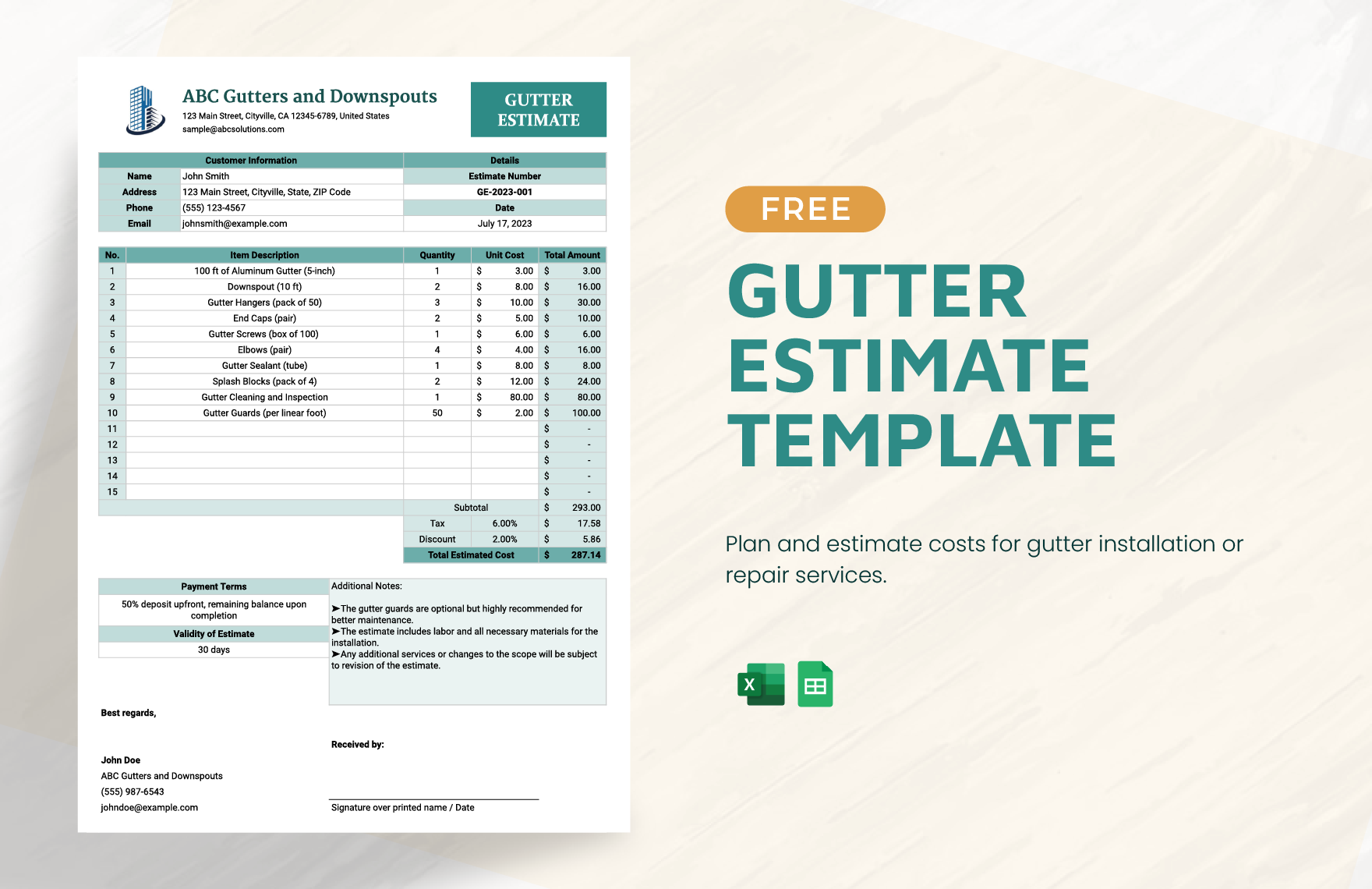
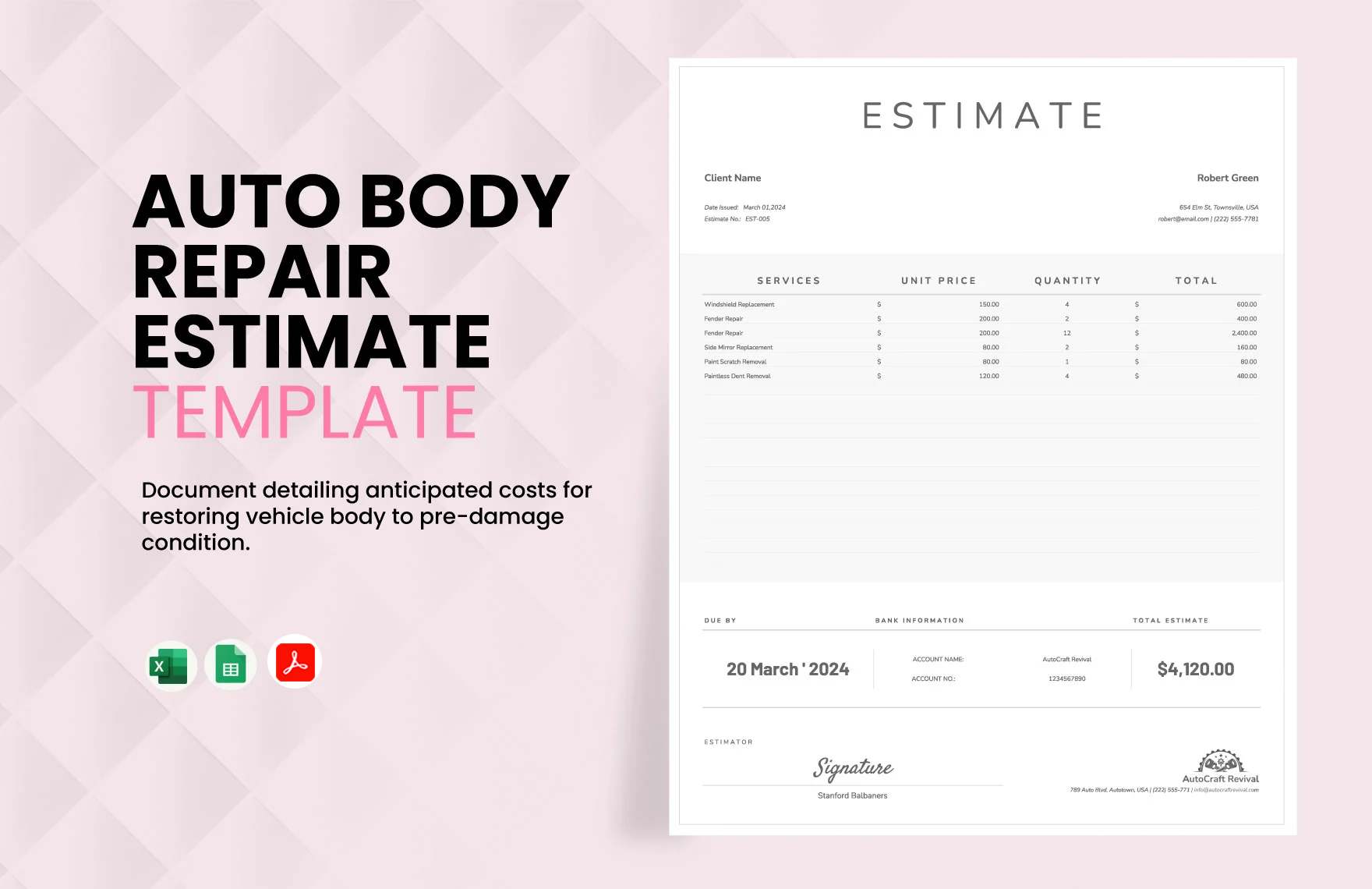
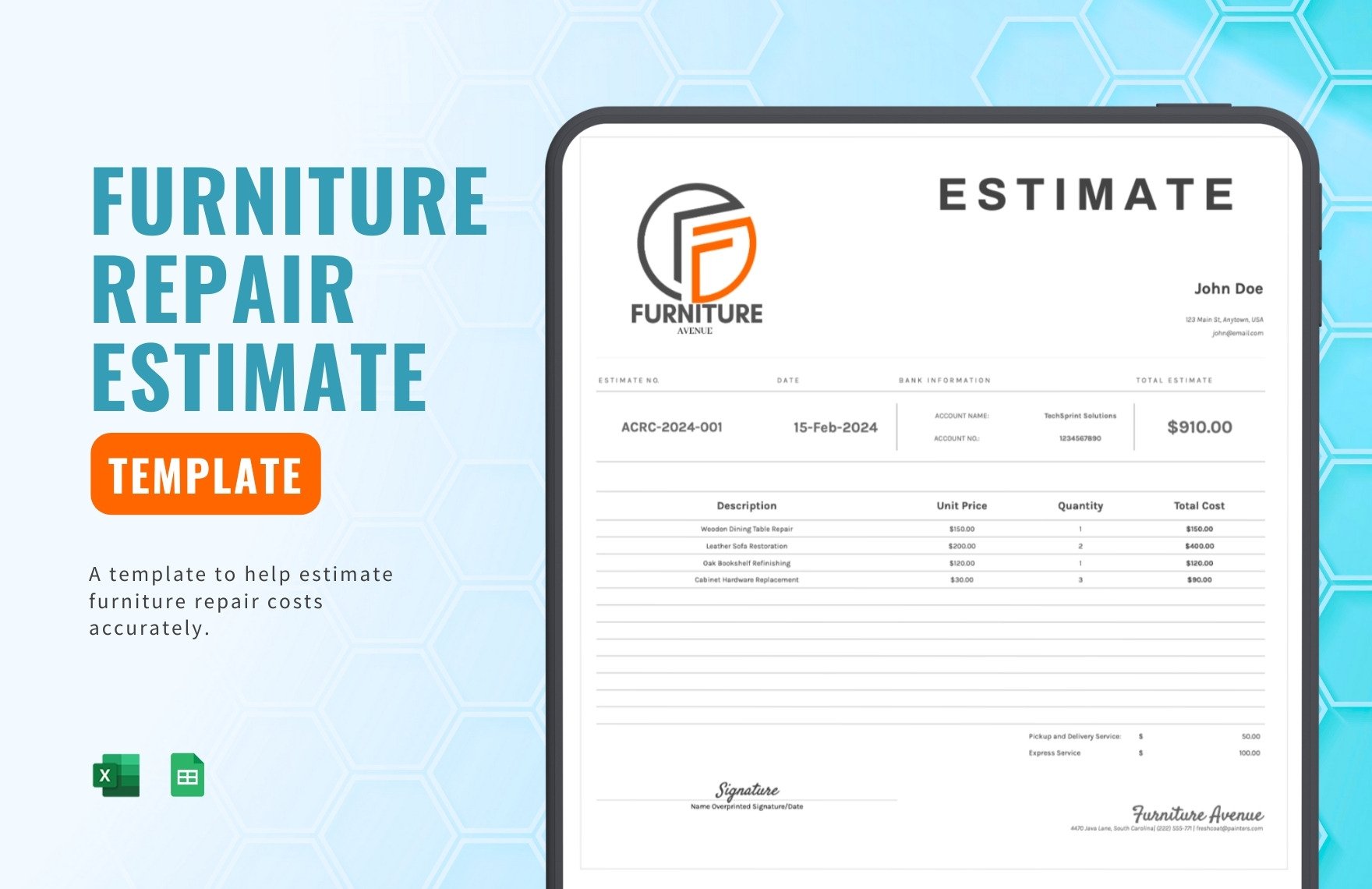
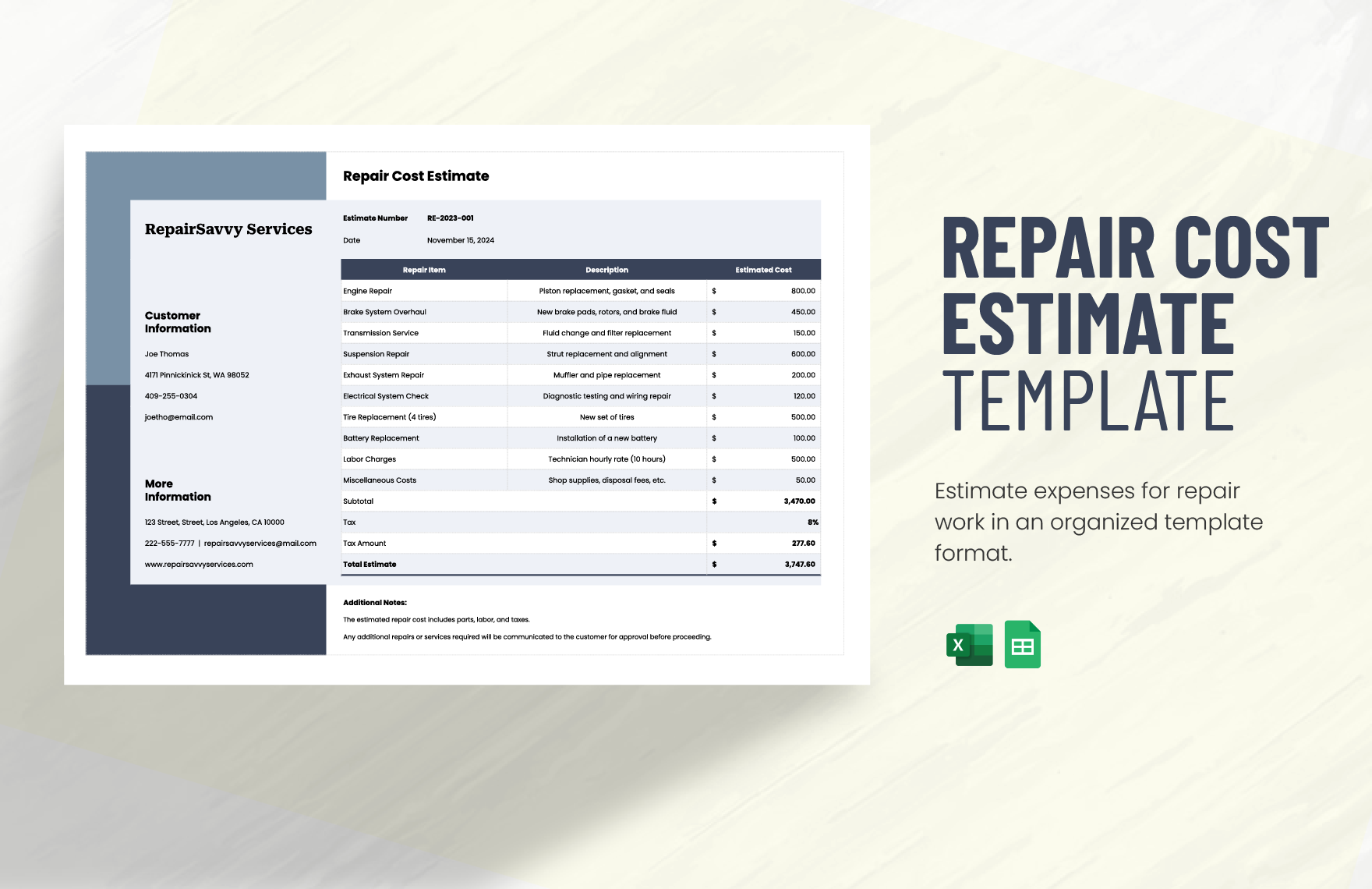
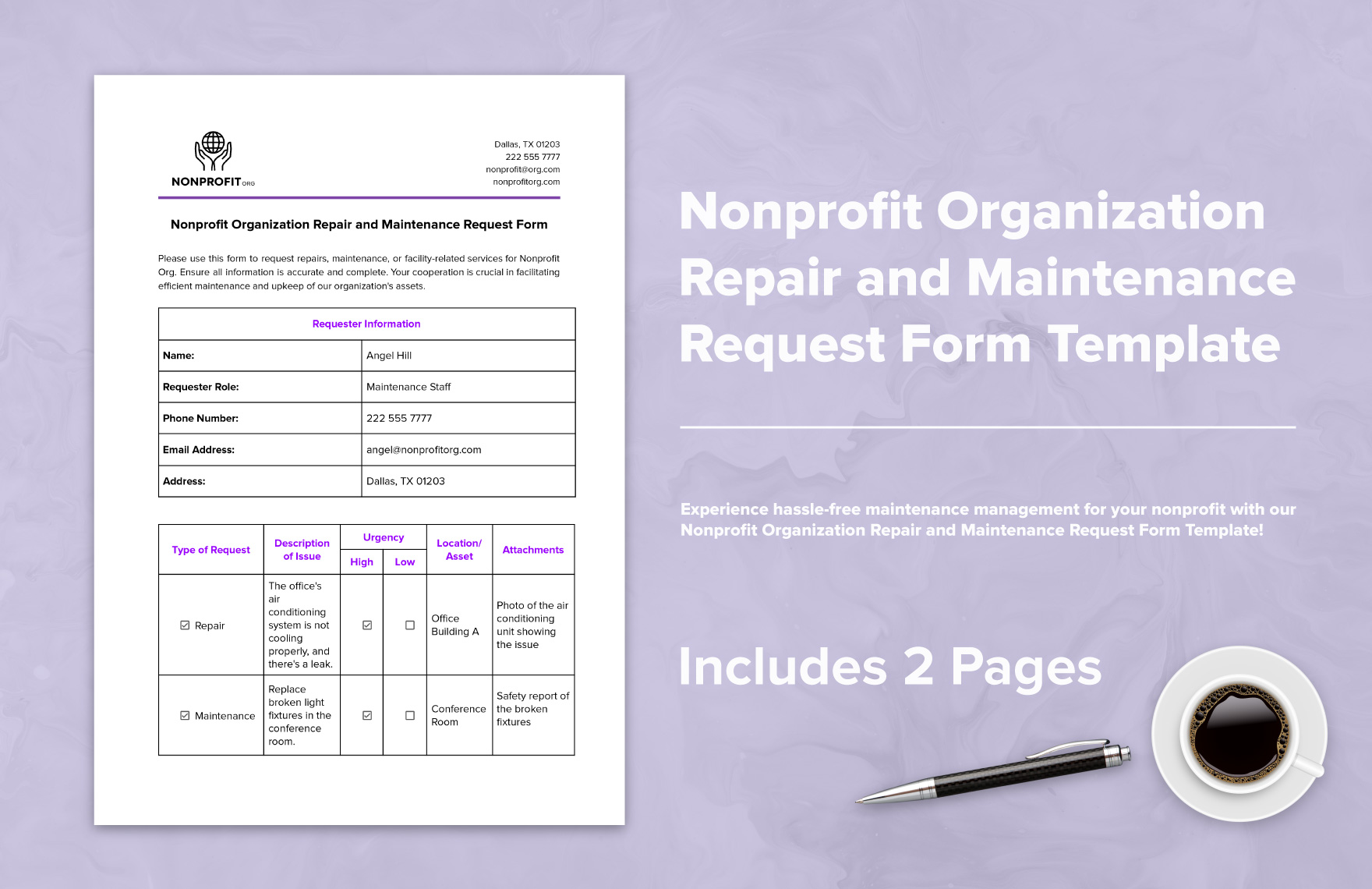
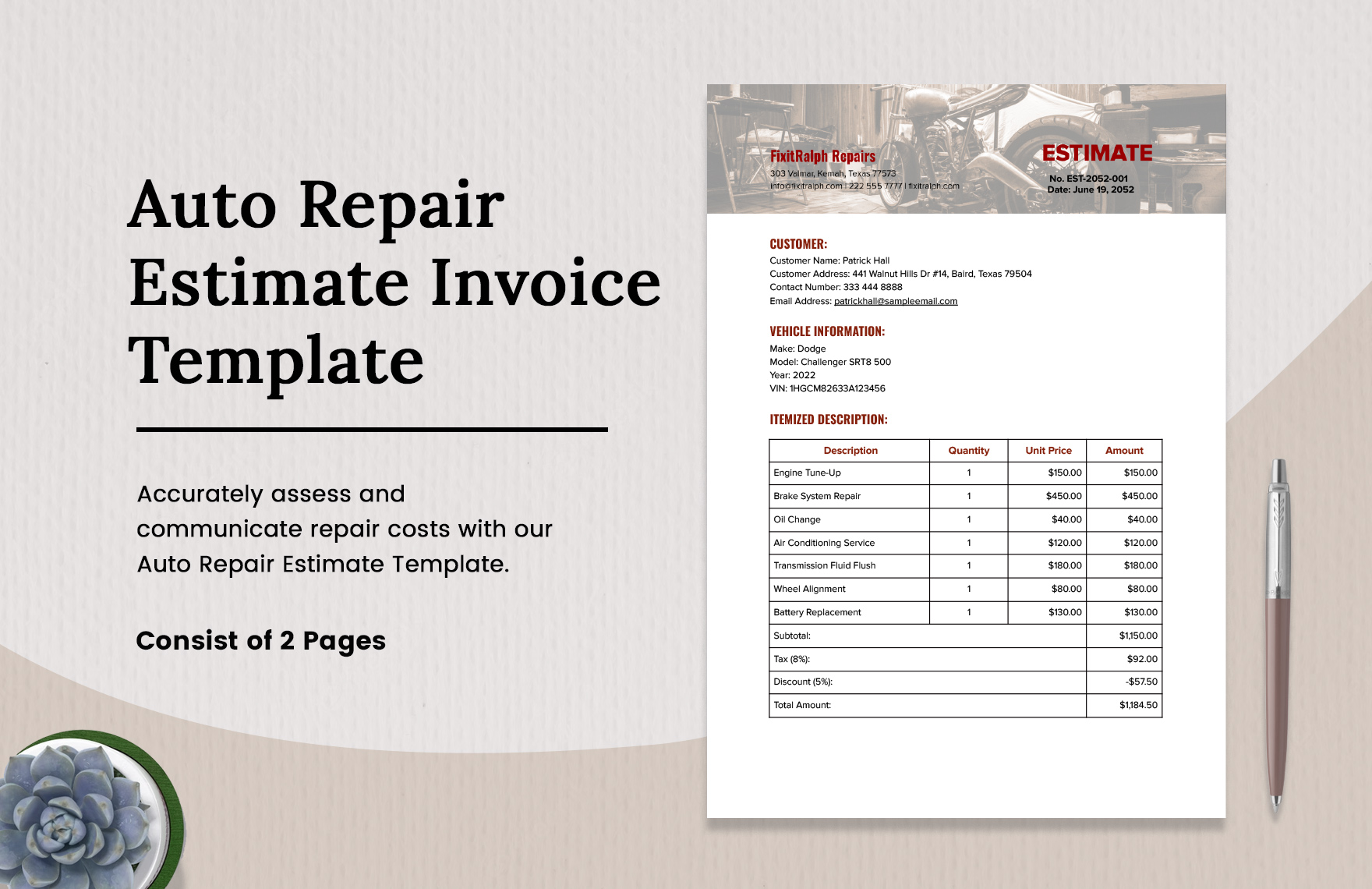
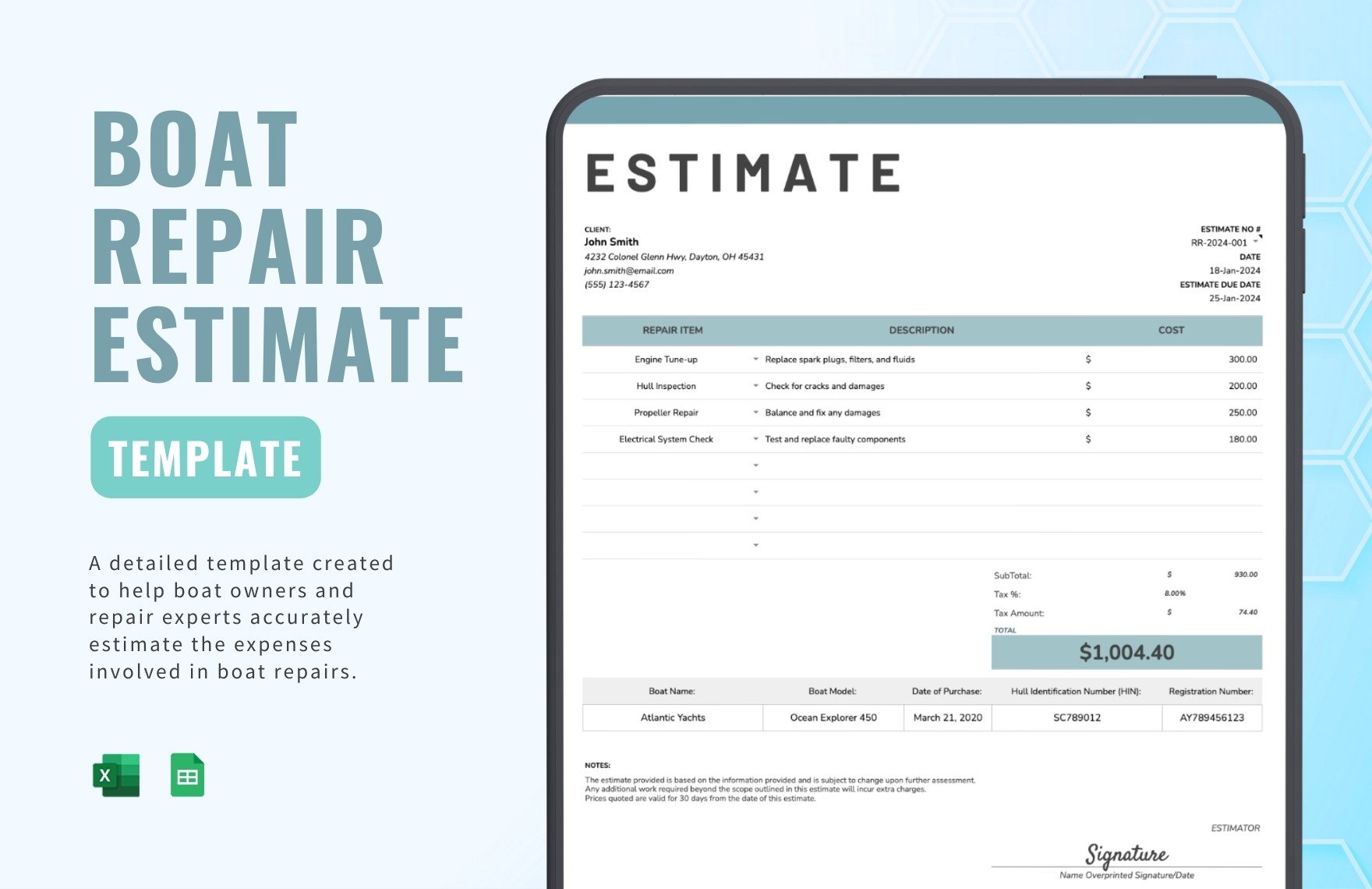
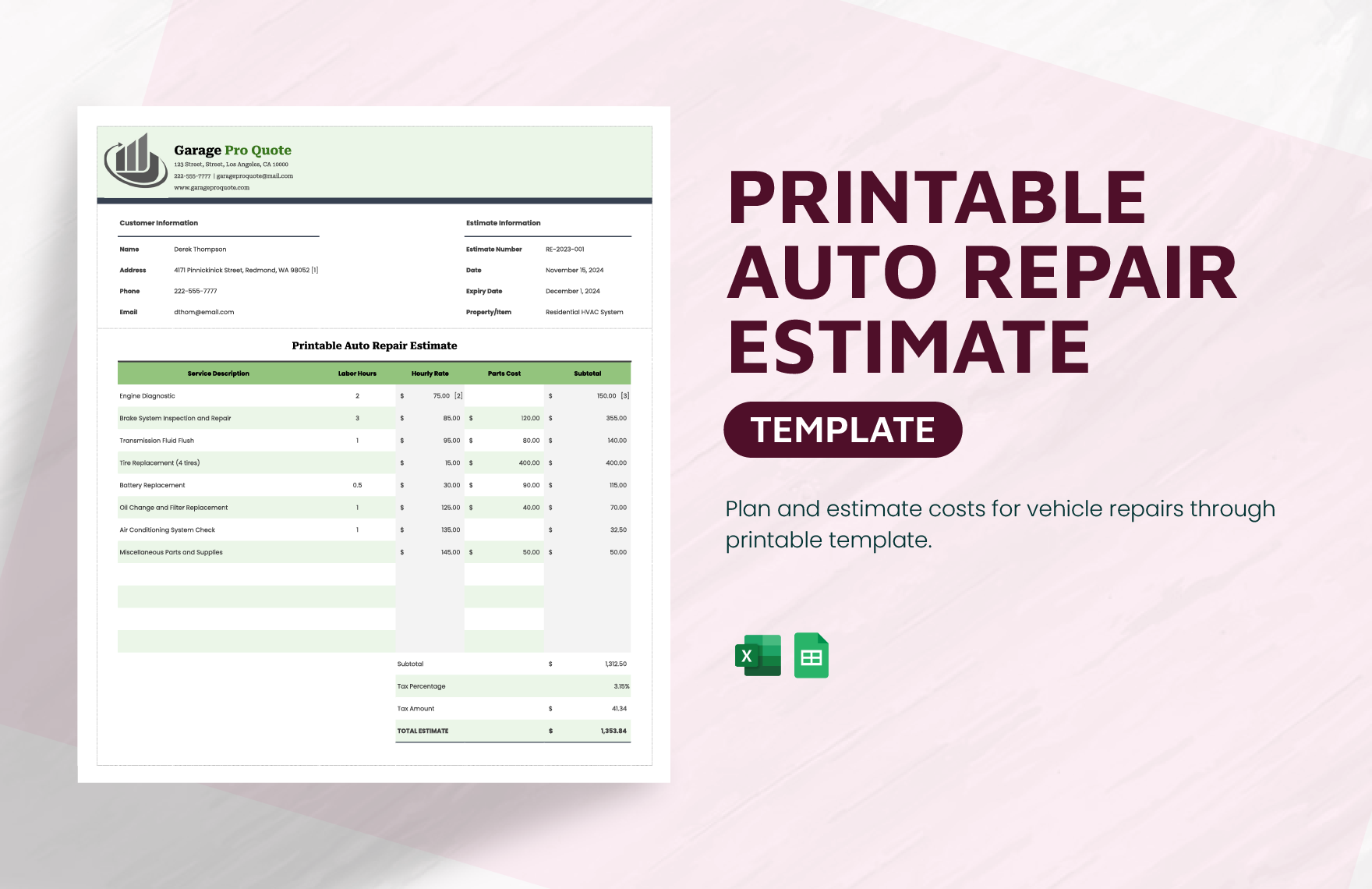
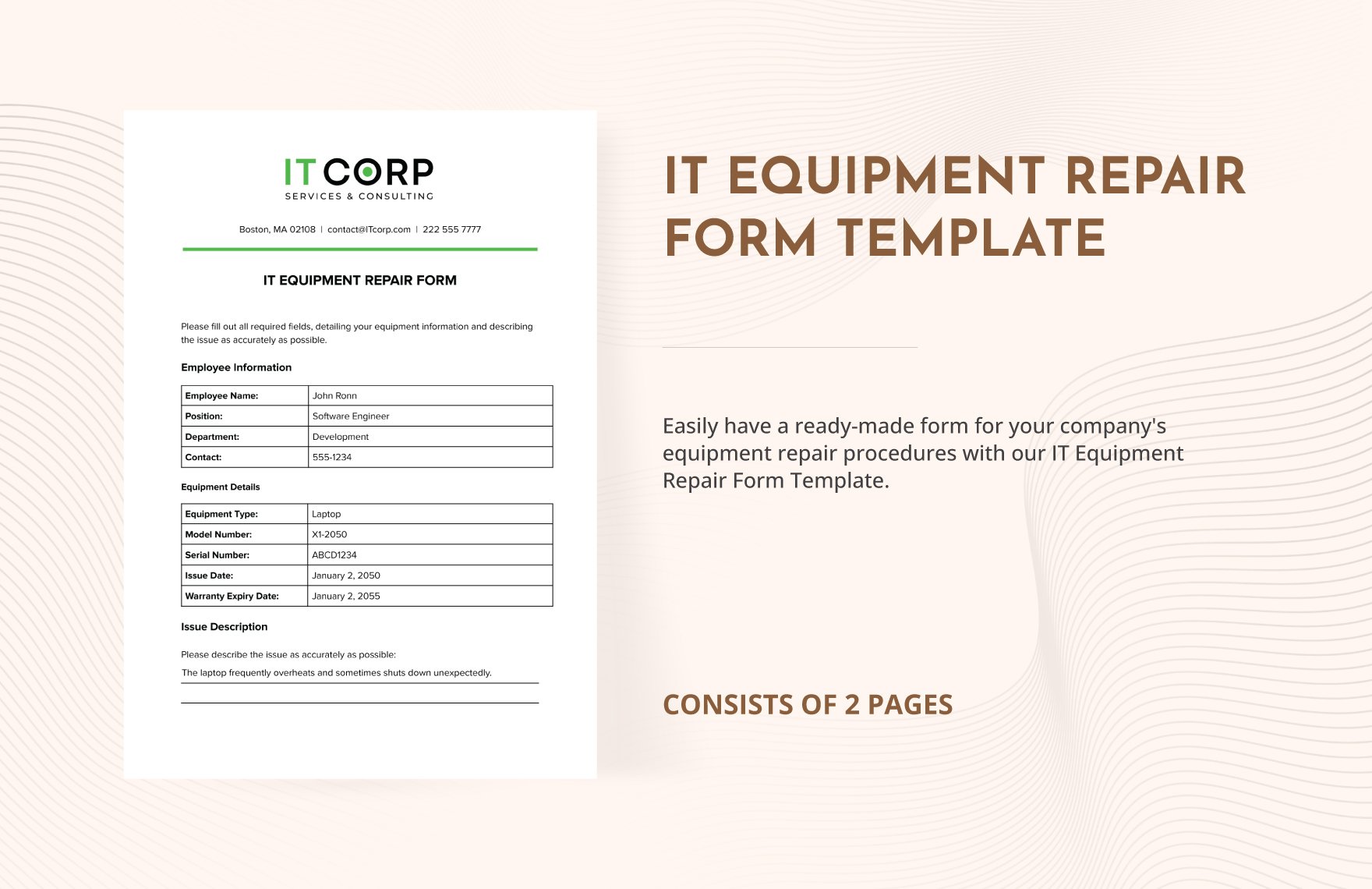
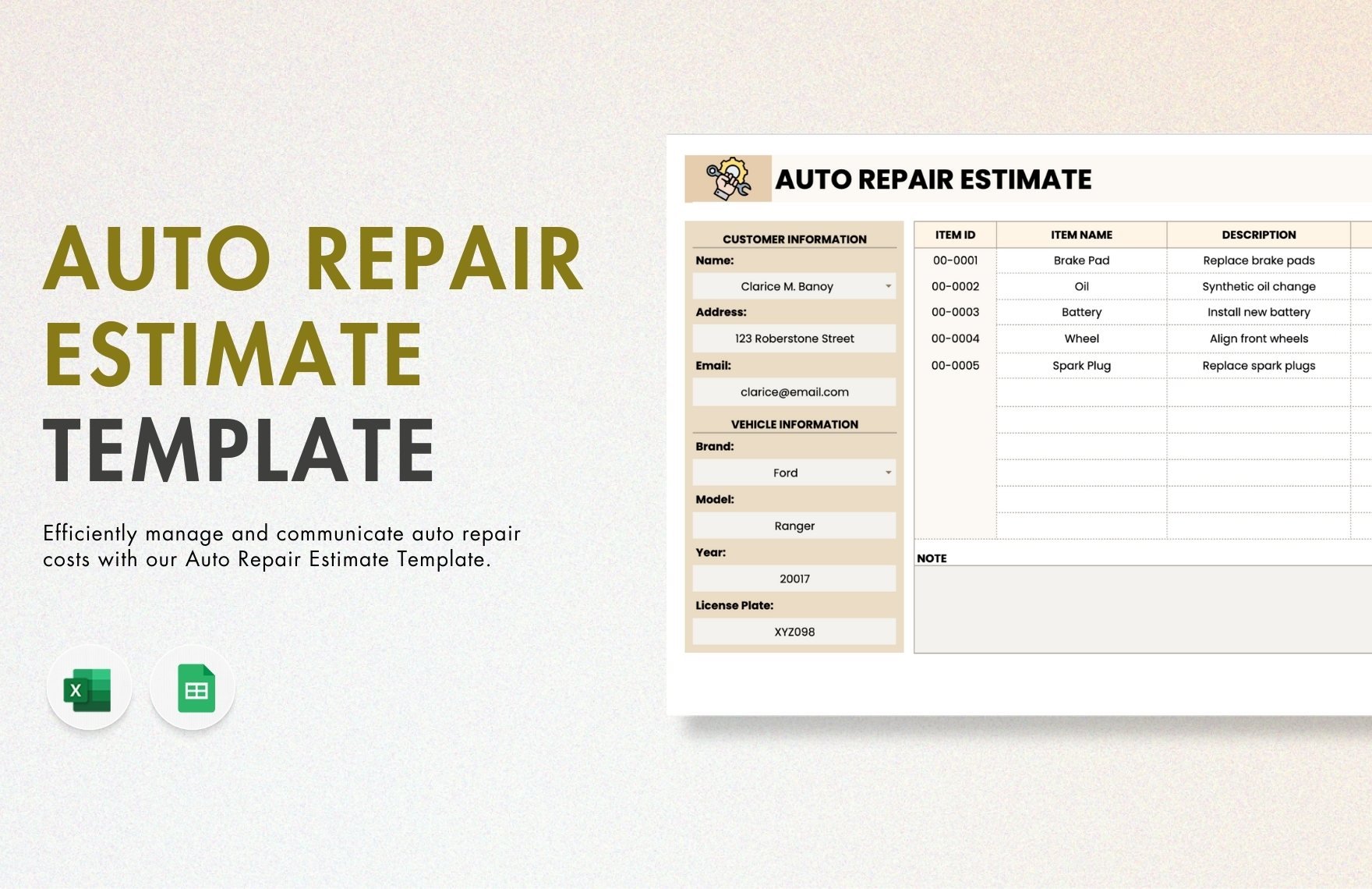
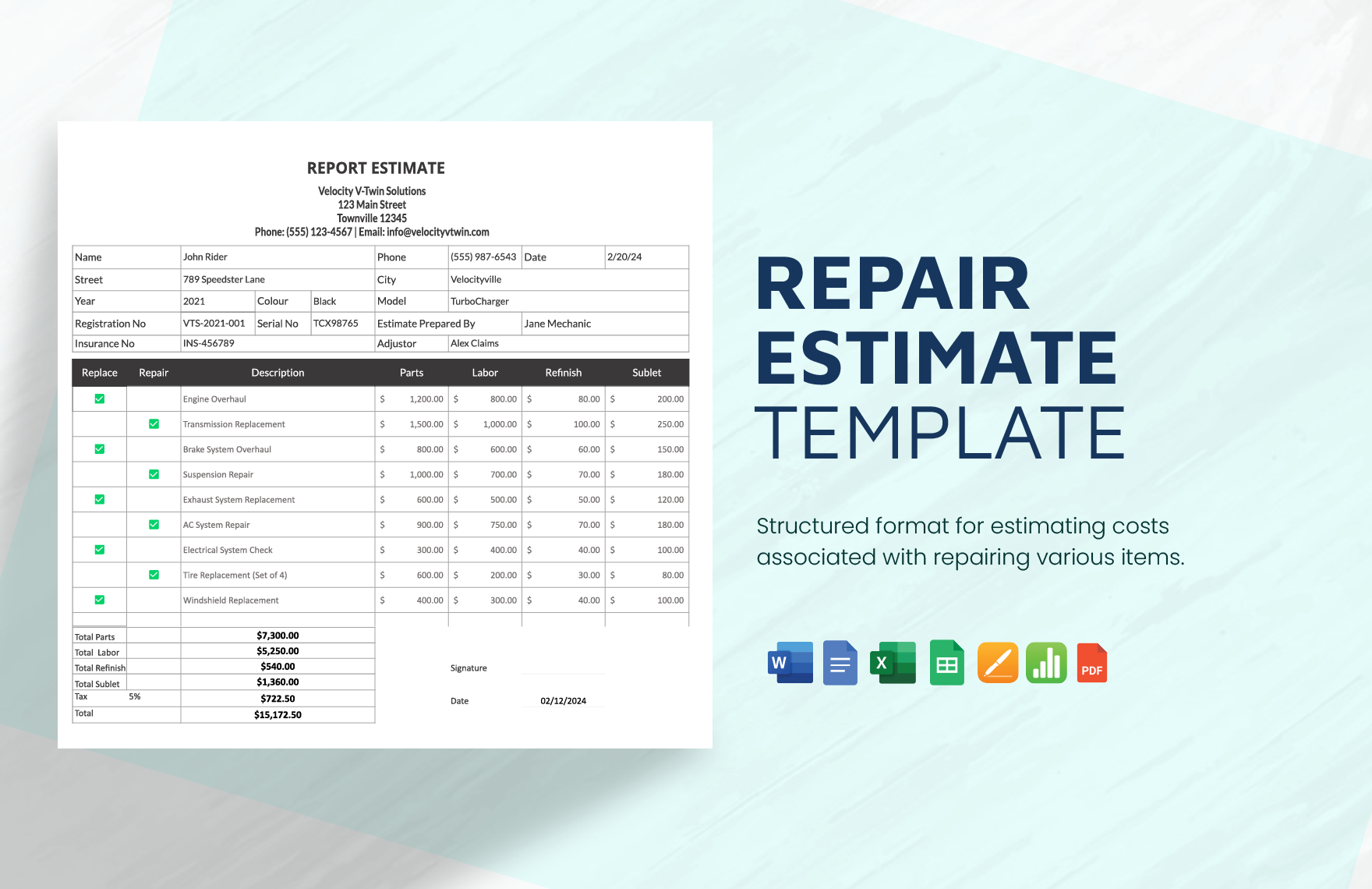
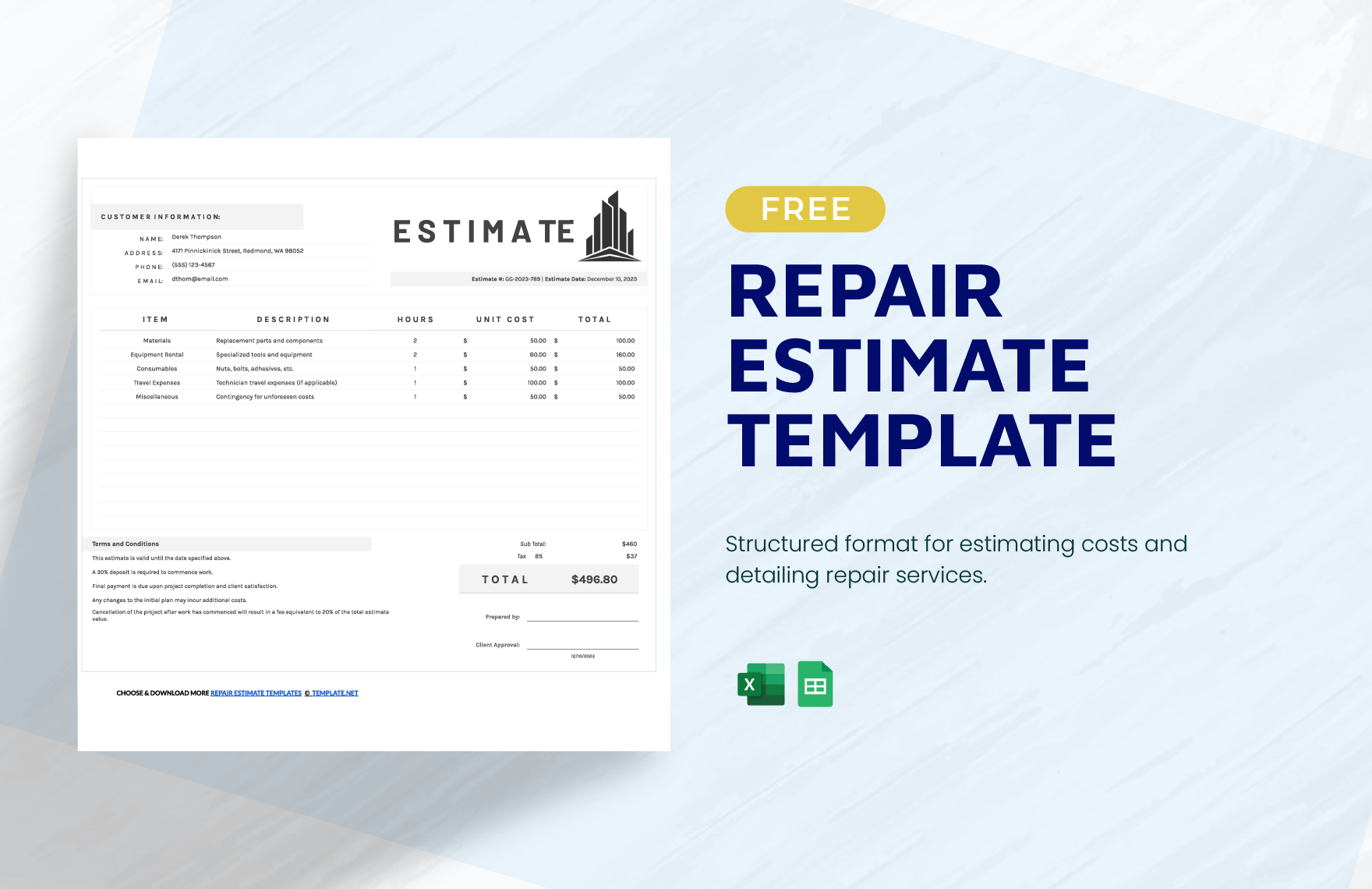
- Client details for identification and communication.
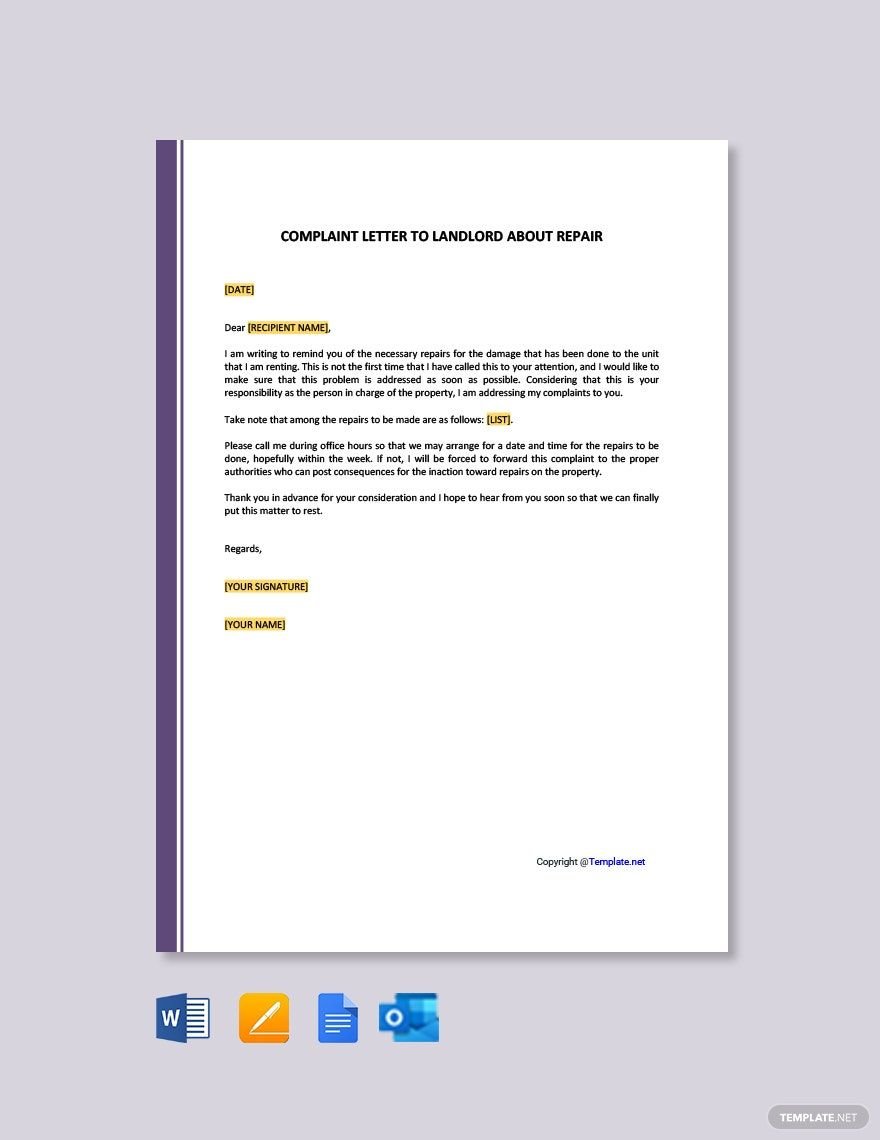
- Description of the issue clearly outlining the problem.
- Repair steps detailing the actions taken.
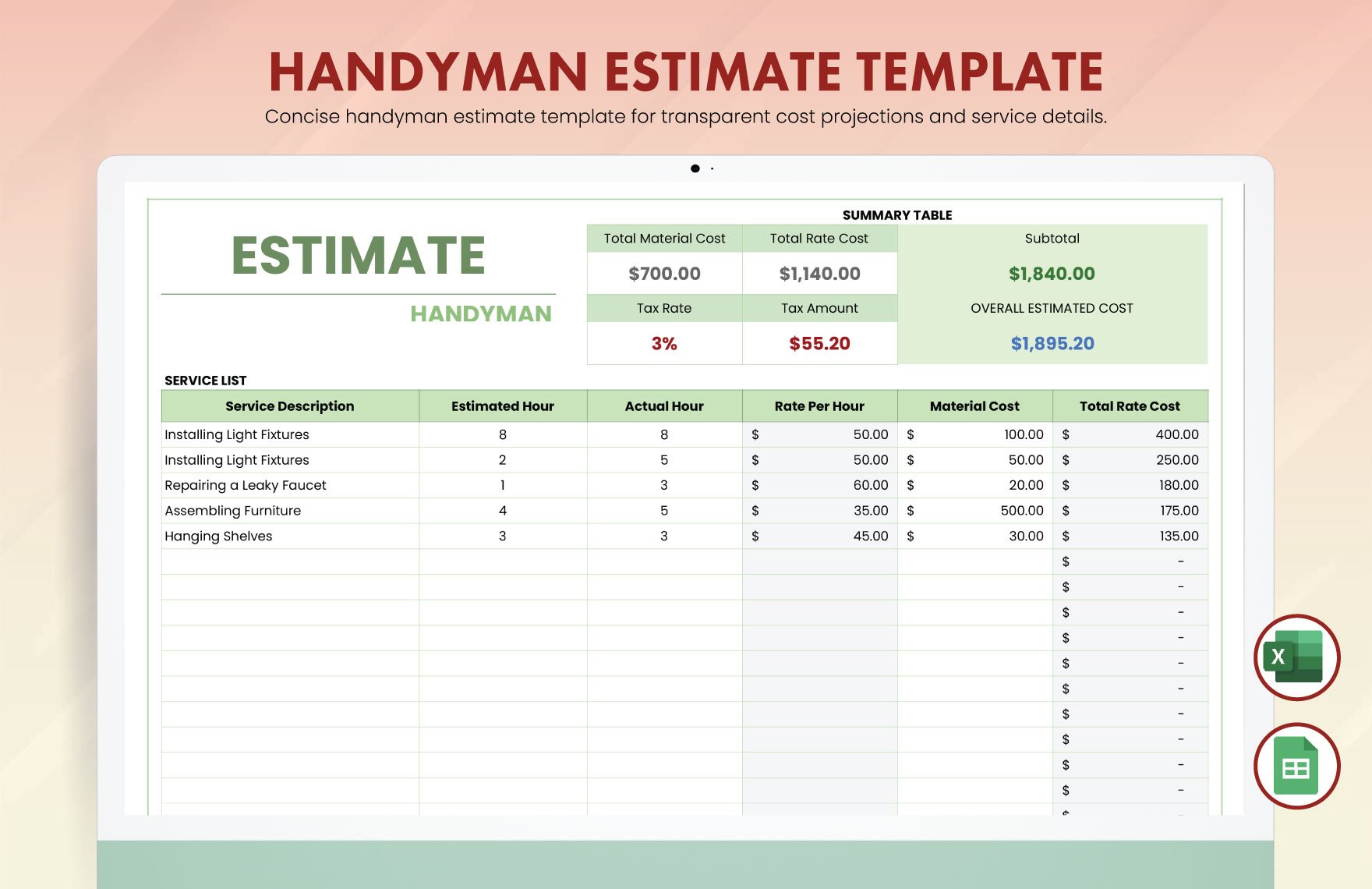
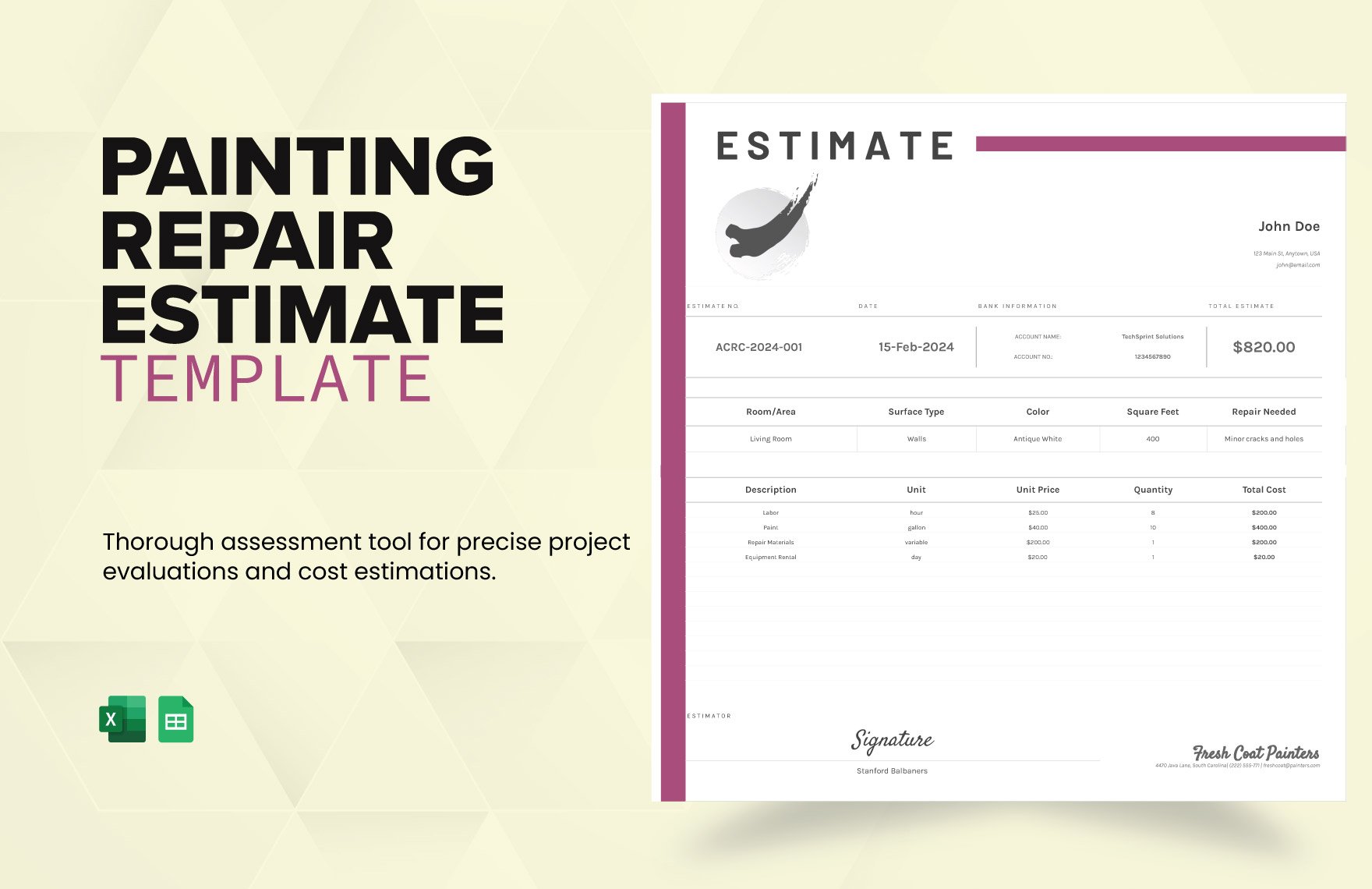
- Materials and parts used during repair.
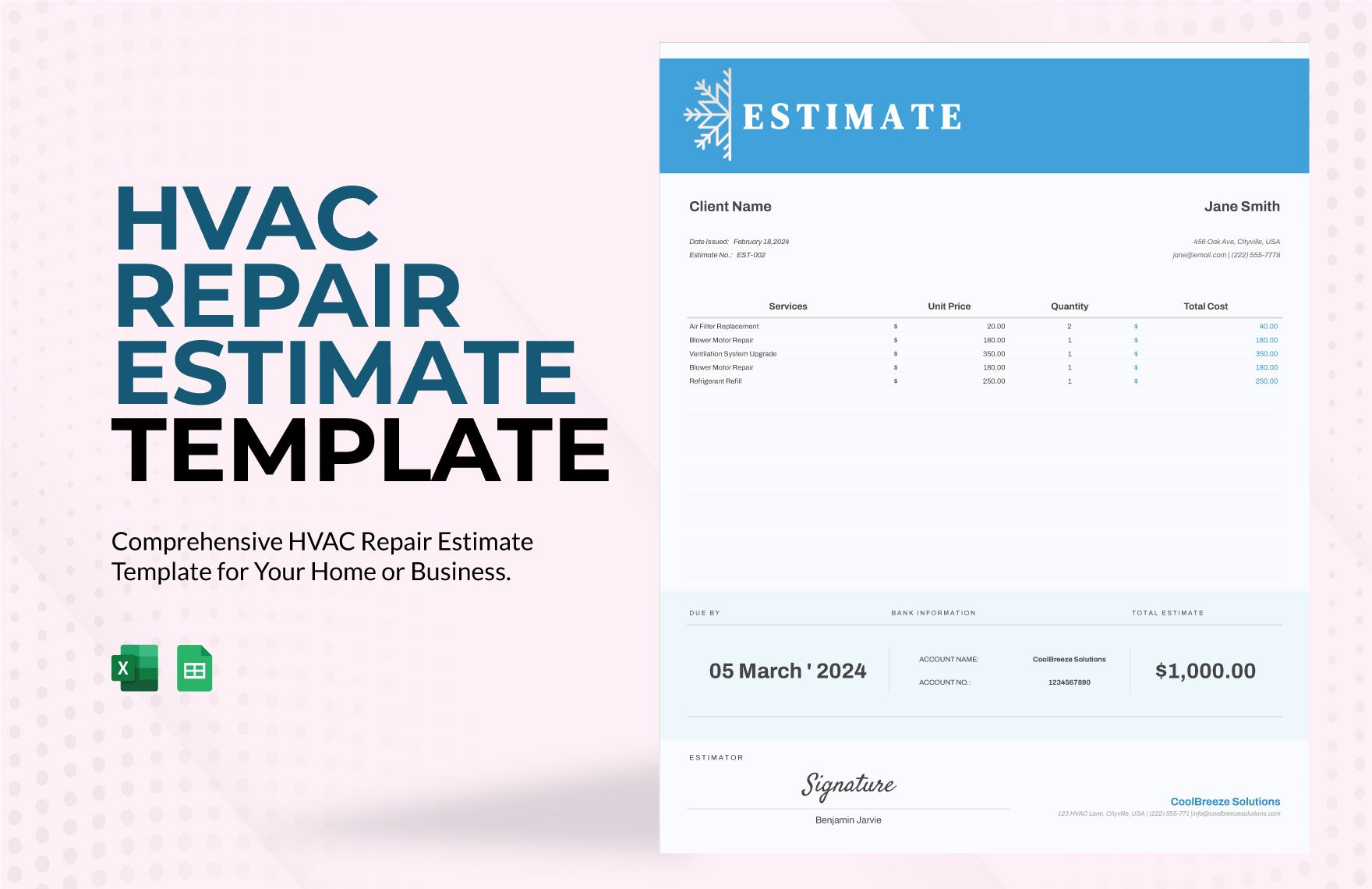
- Cost estimates and final charges.
- Technician information responsible for the repair.
- Date and time of service.
- Signatures for authorization and confirmation.
How does using Repair templates benefit my workflow?
Repair templates streamline your workflow by providing a clear, editable structure that reduces errors and speeds up documentation. Customizable templates help you maintain consistent quality and professional standards across all repair projects.
What are common professional standards for Repair templates?
Repair templates typically follow professional standards such as clear formatting, inclusion of warranty information, compliance with industry regulations, and detailed reporting of repair processes. Adhering to these standards improves trust and accountability.
