
Free Timeline Templates
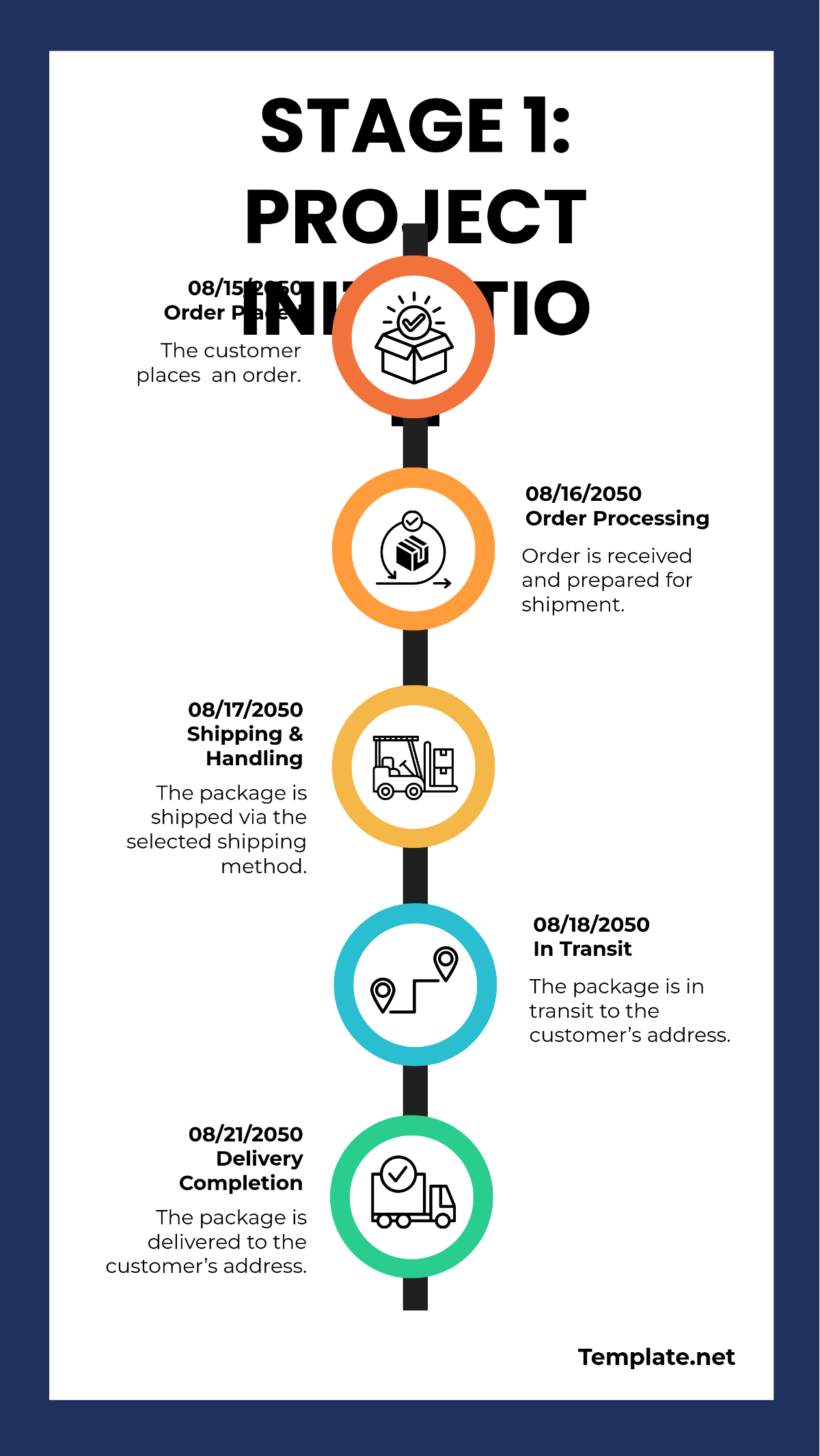
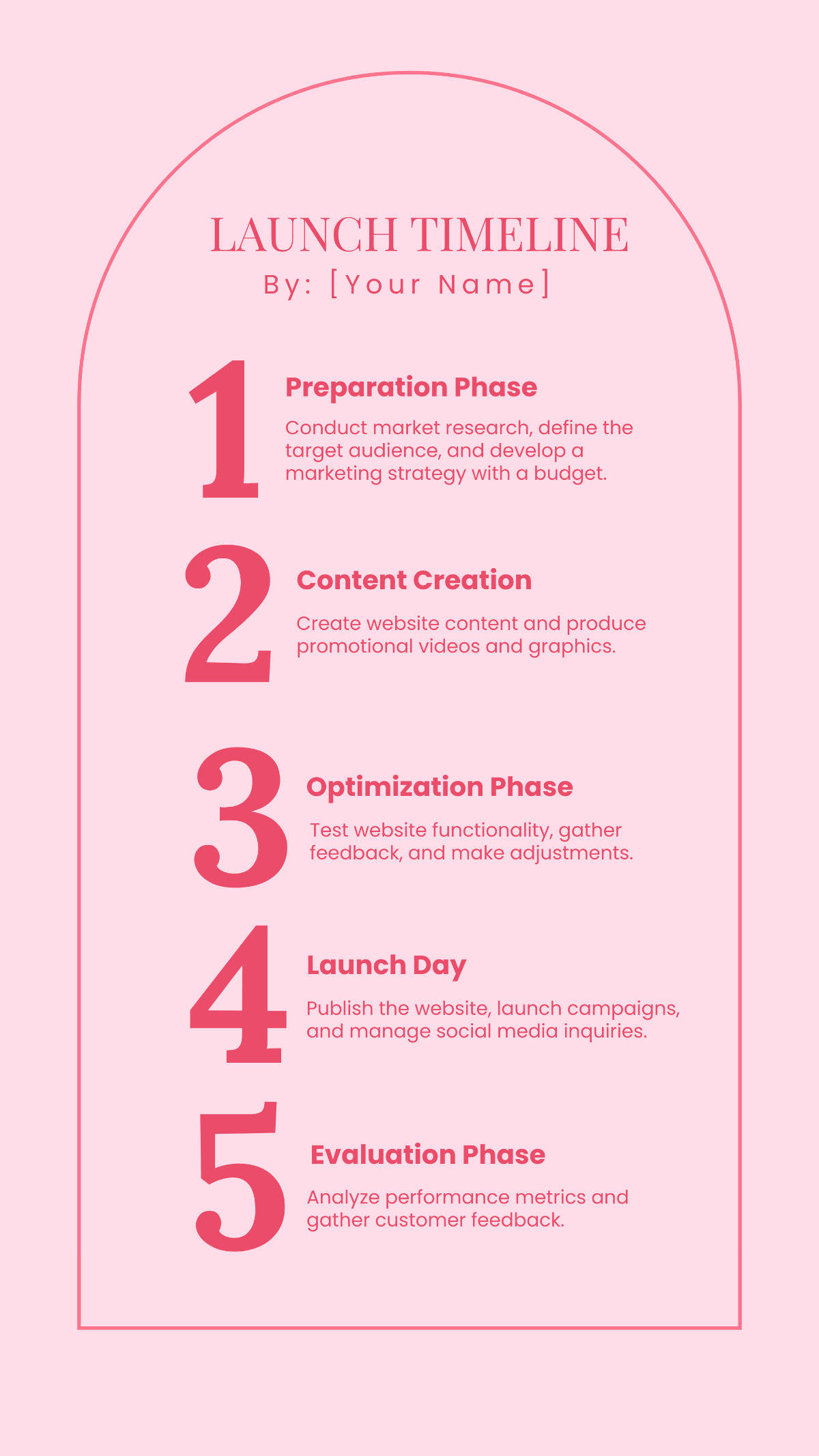
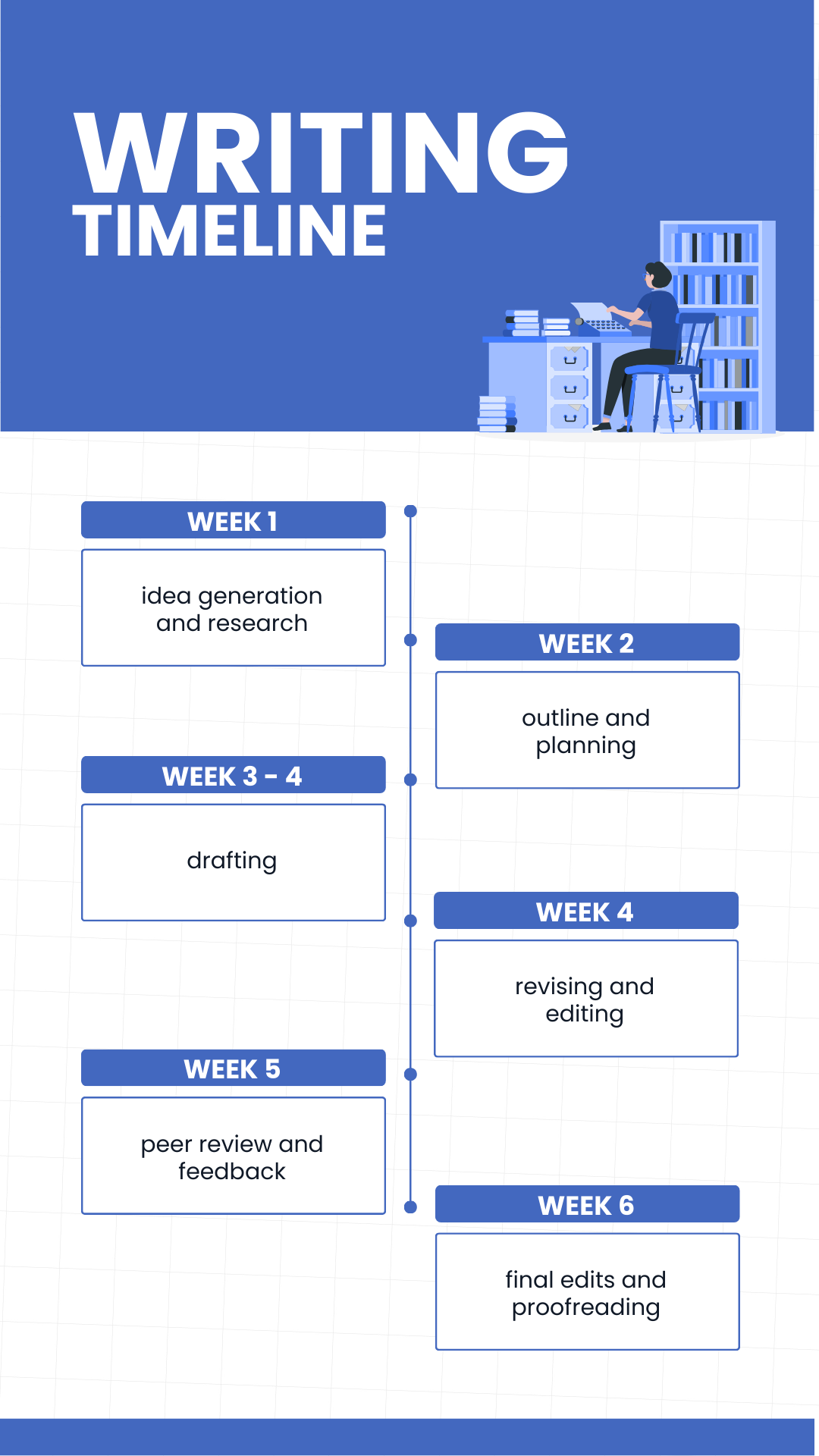
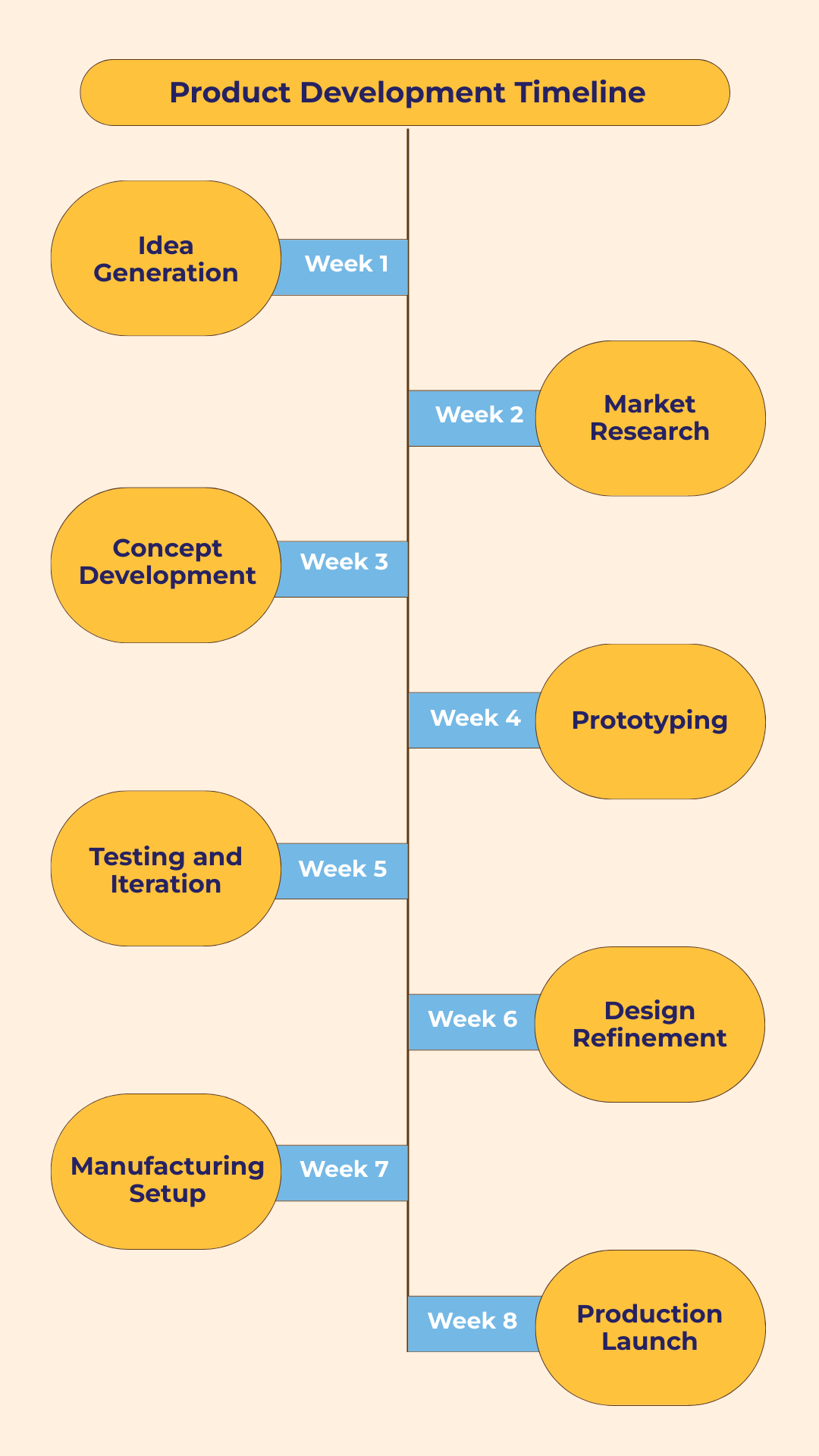

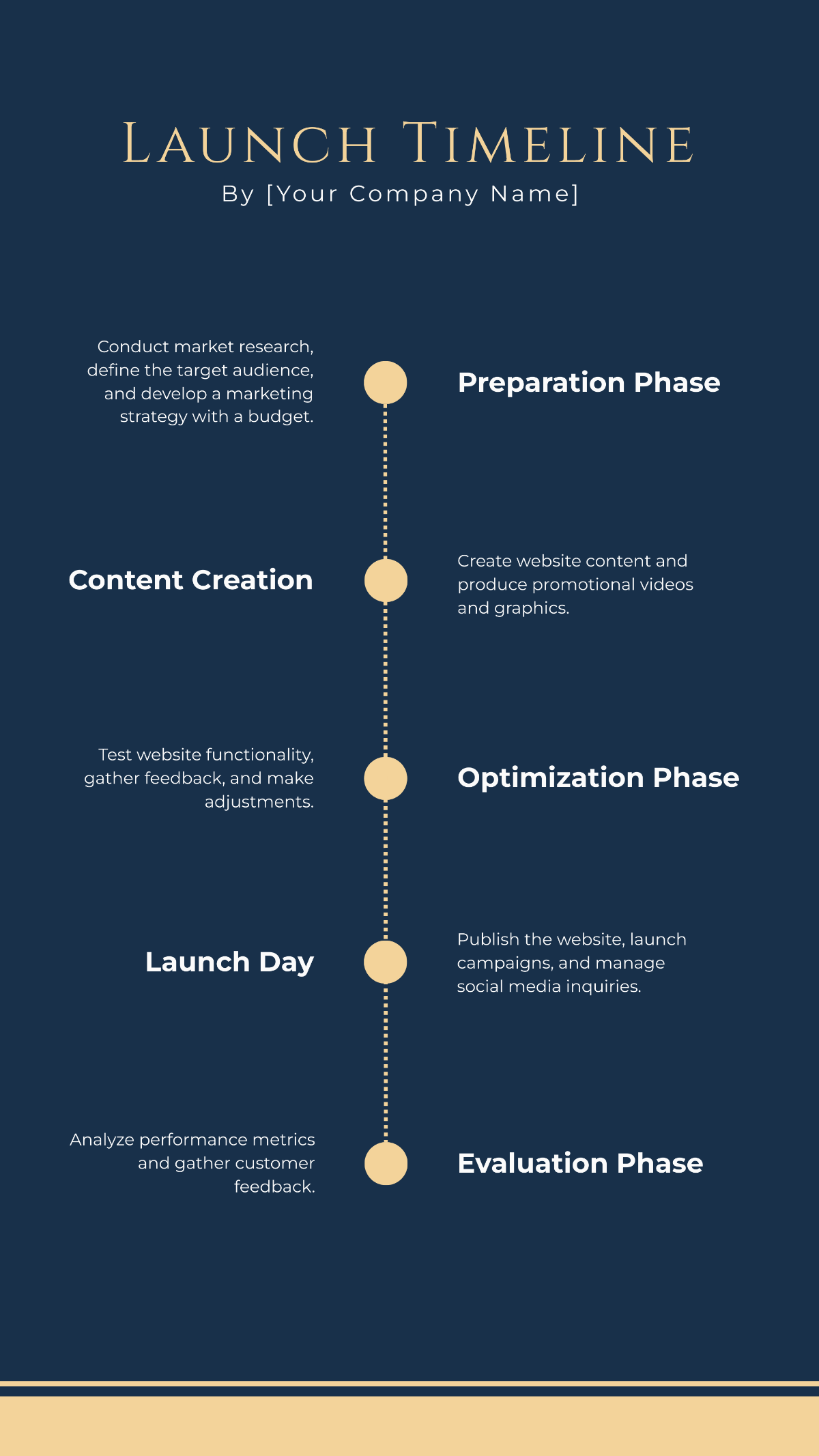
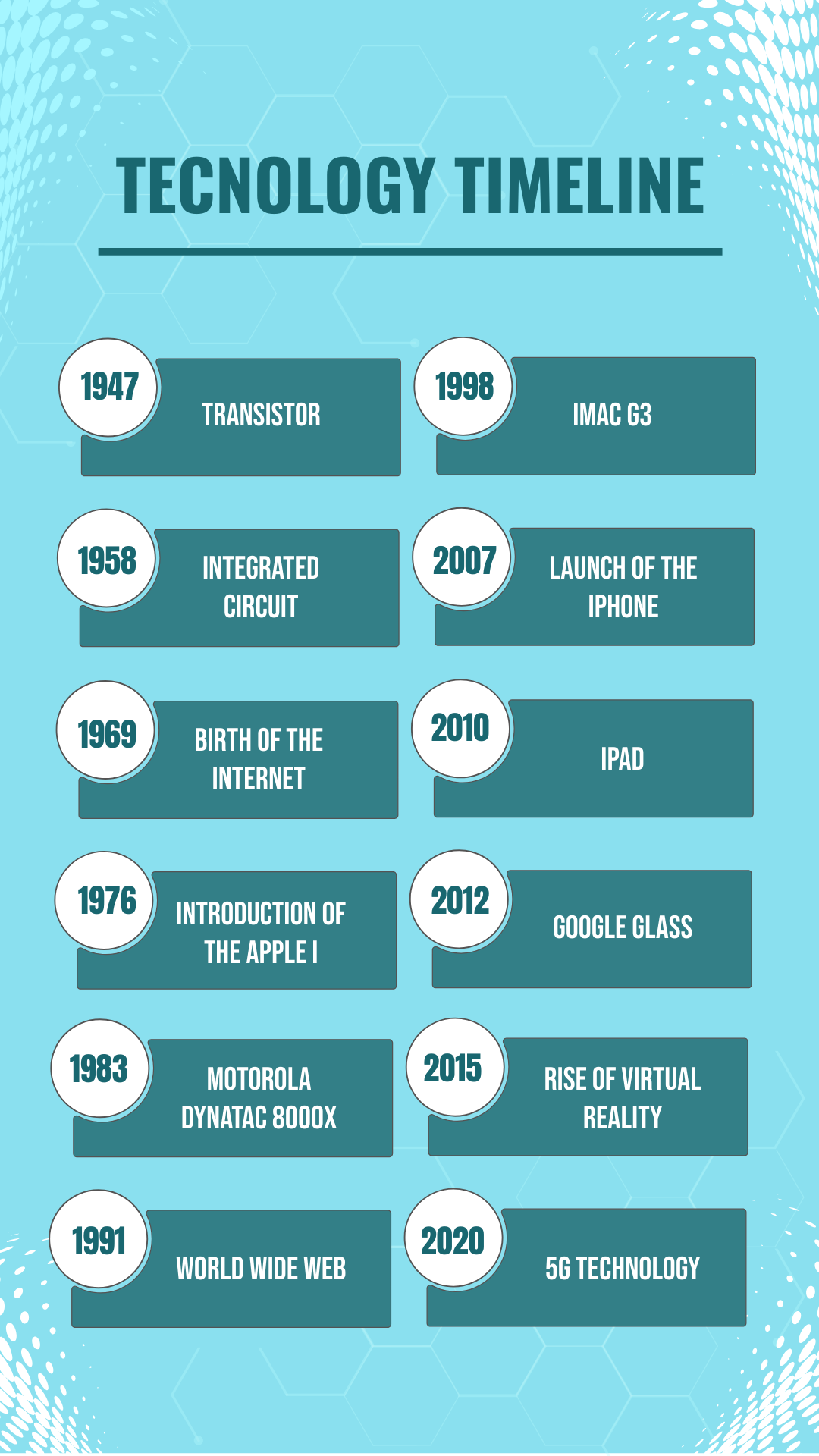
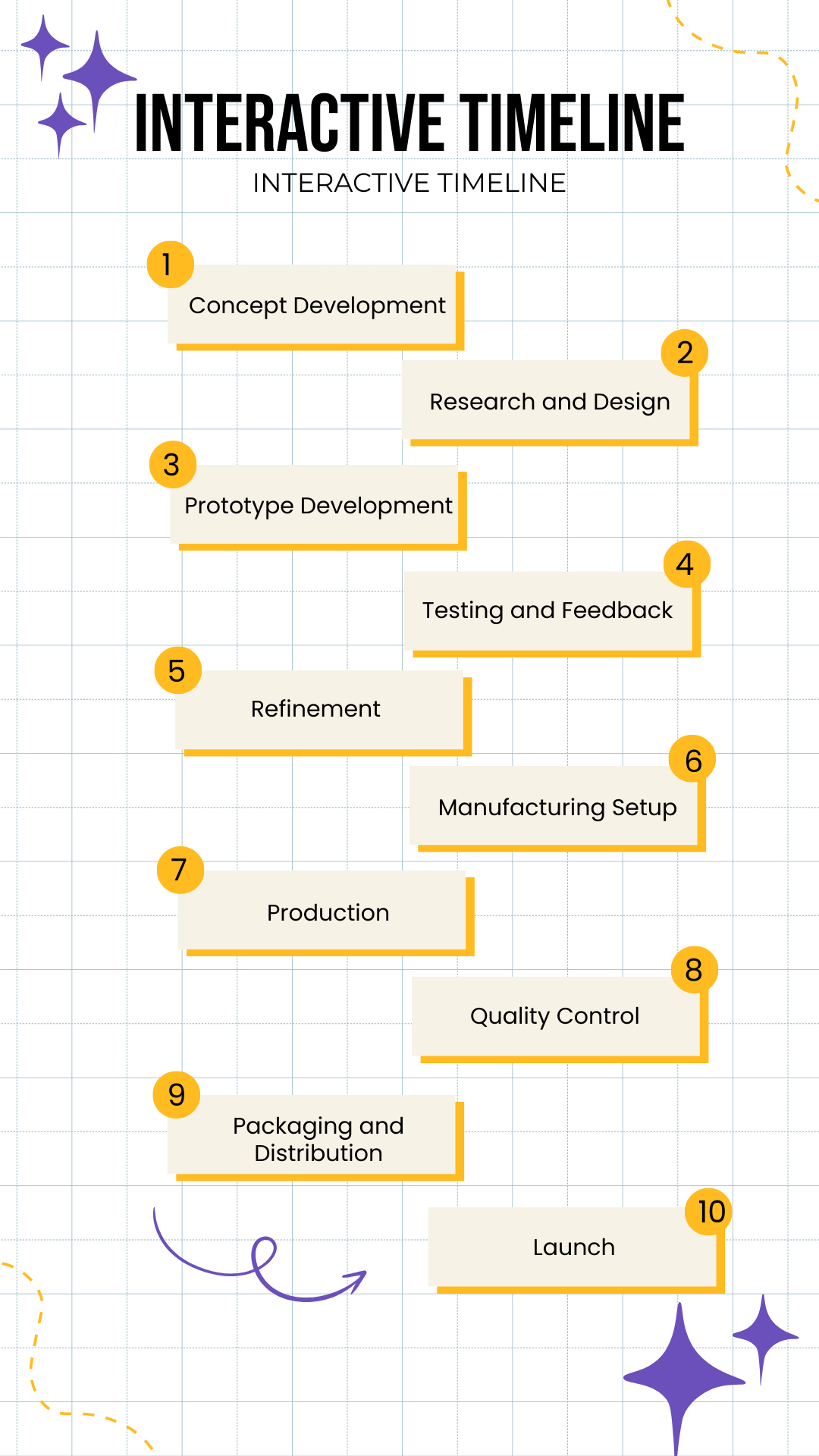
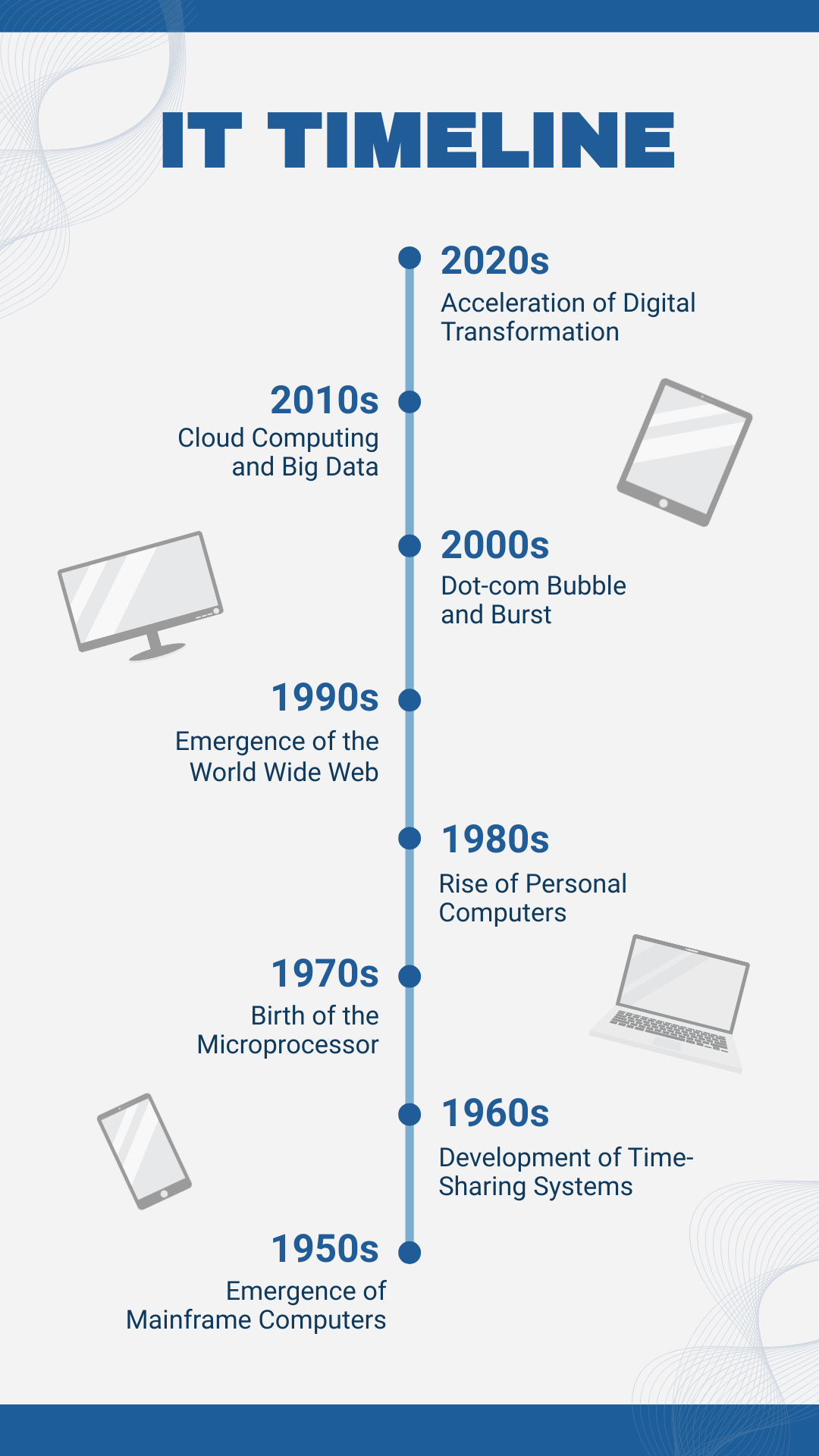
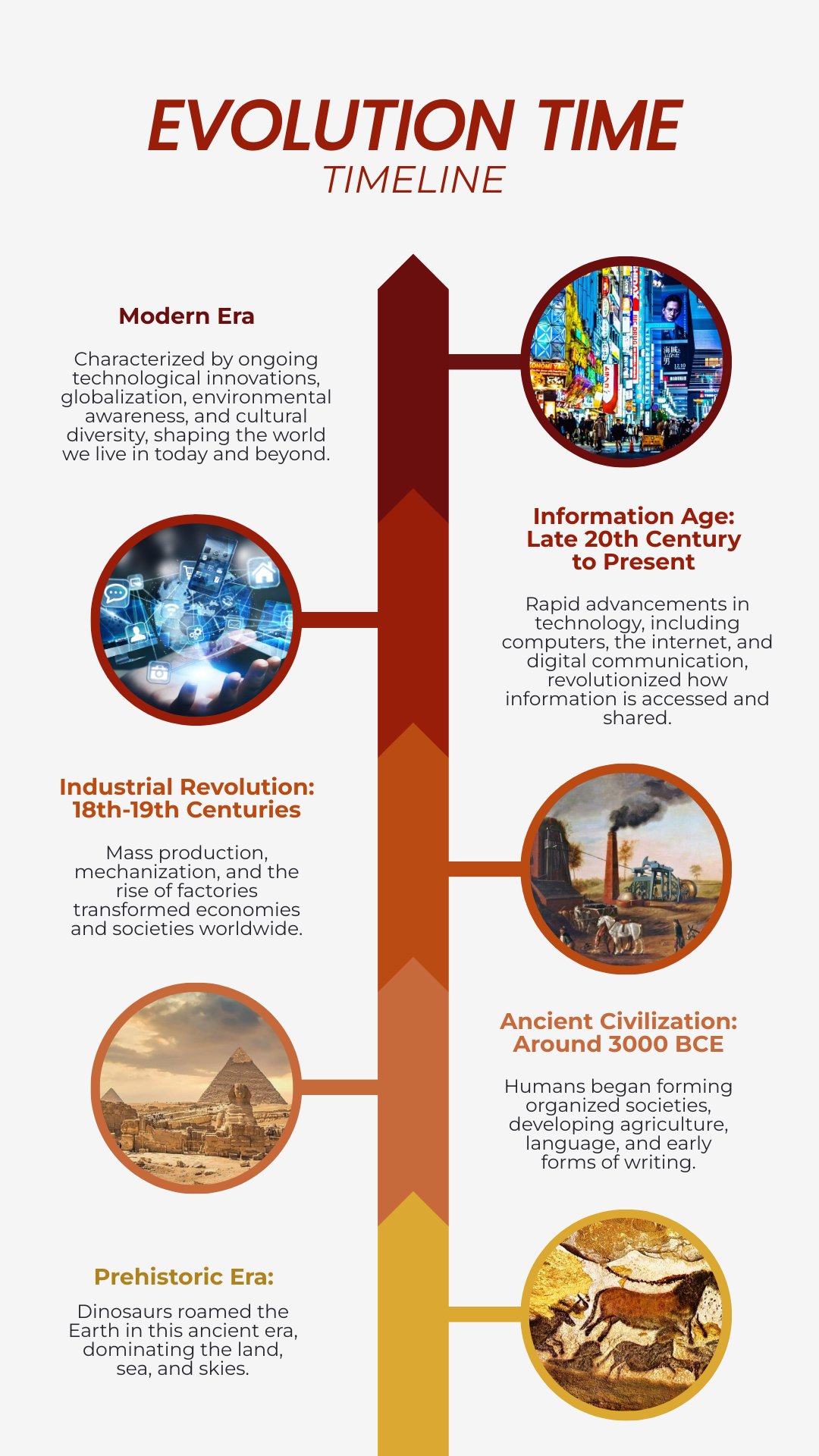
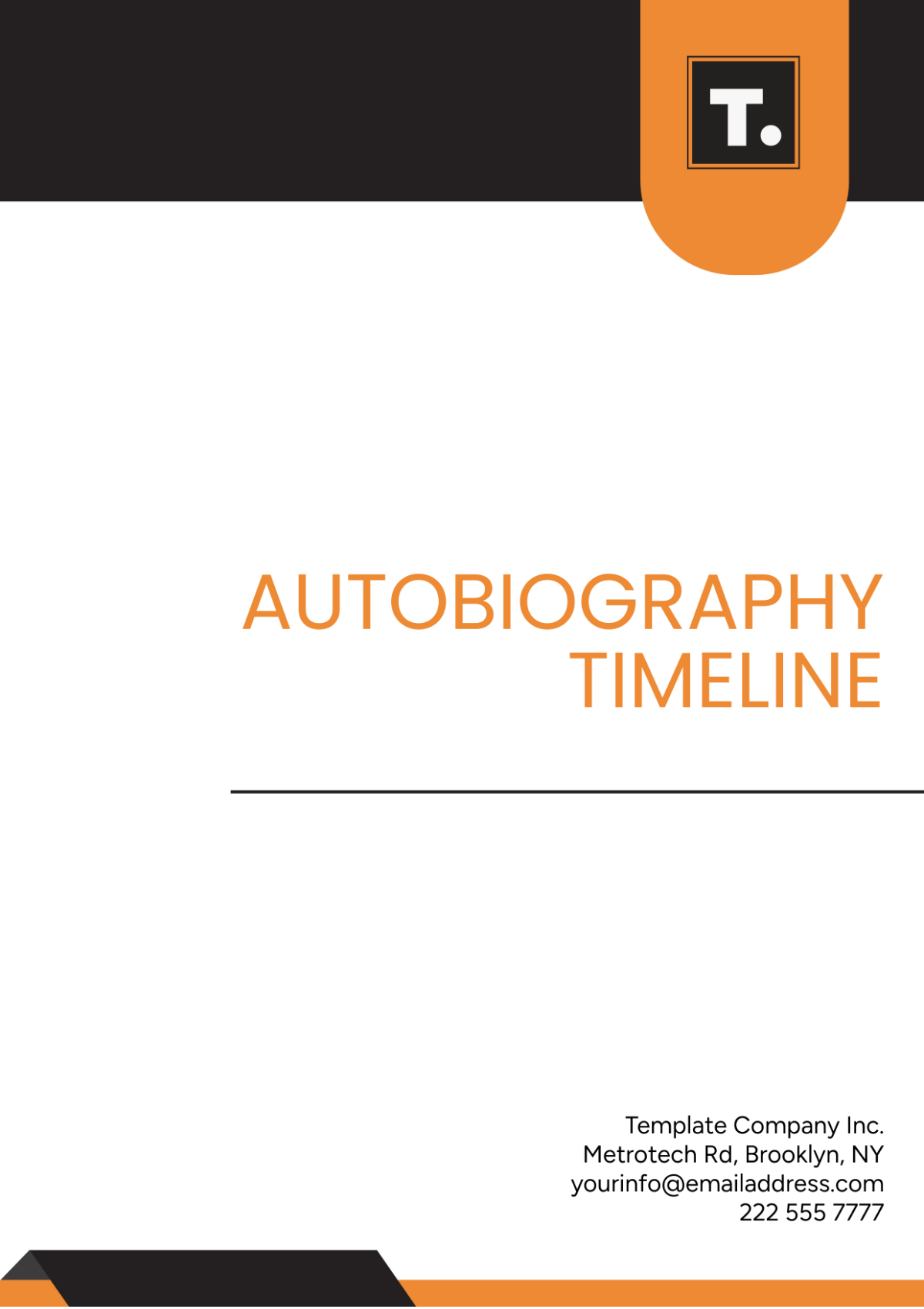
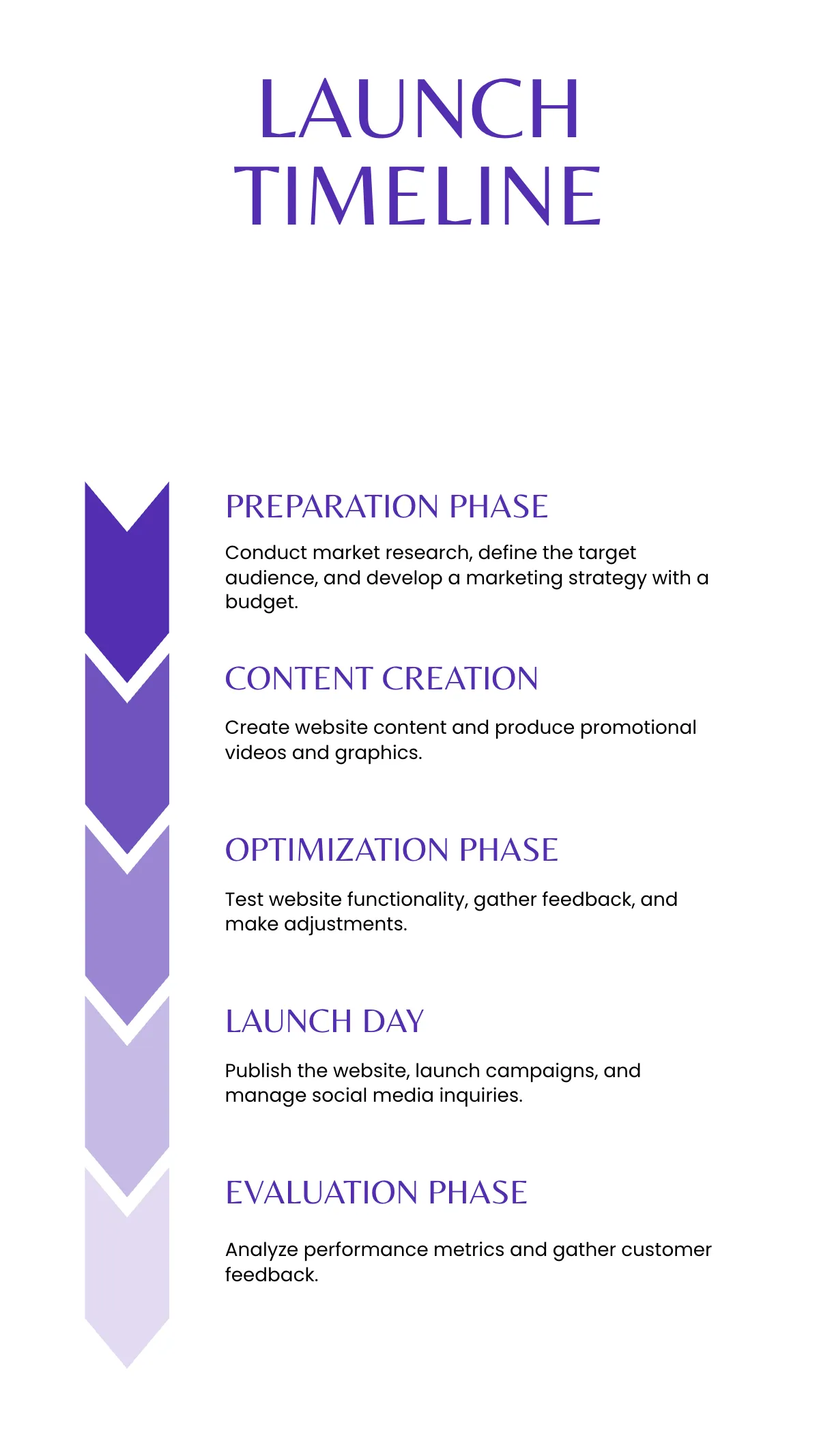

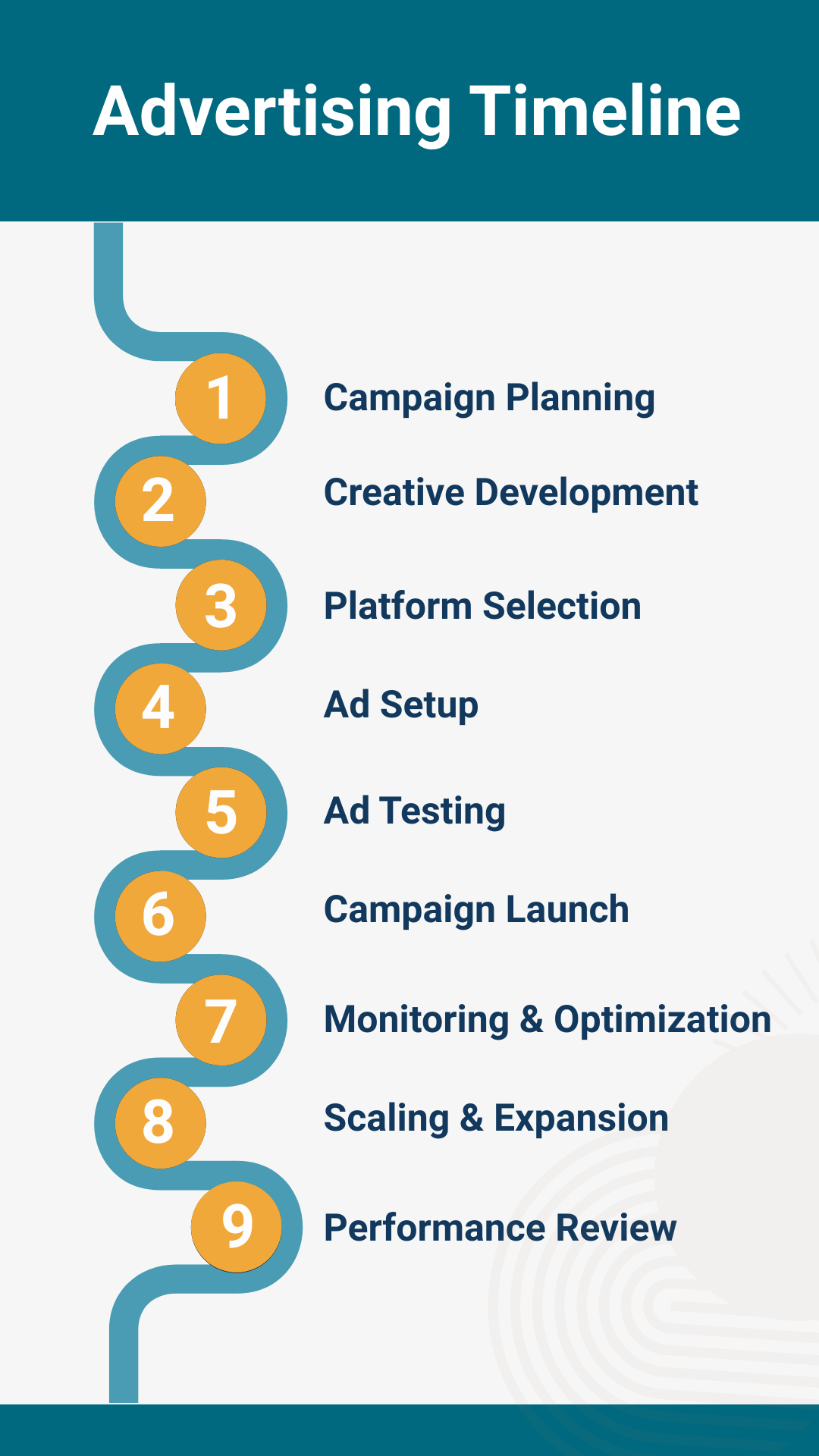
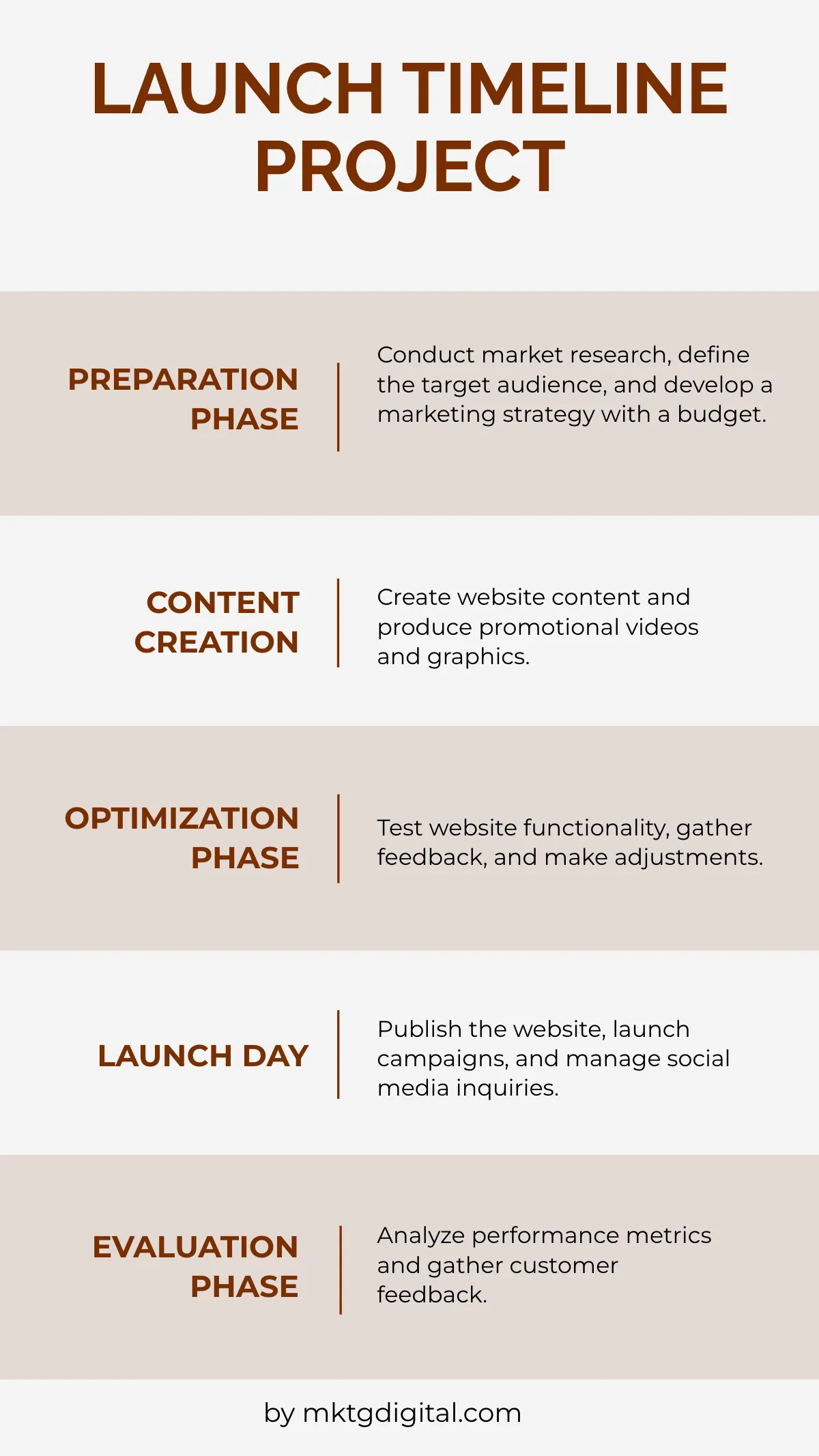
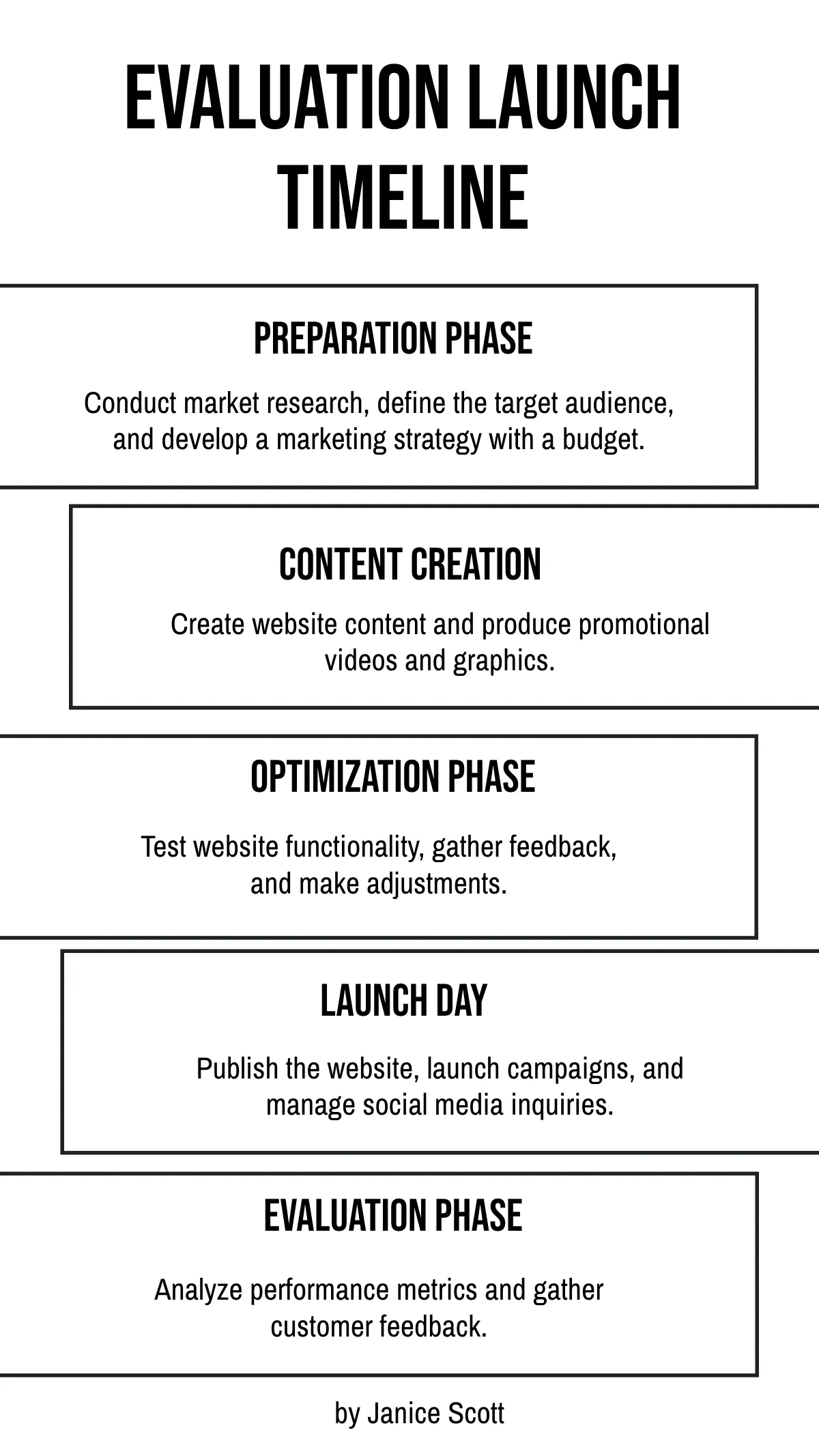
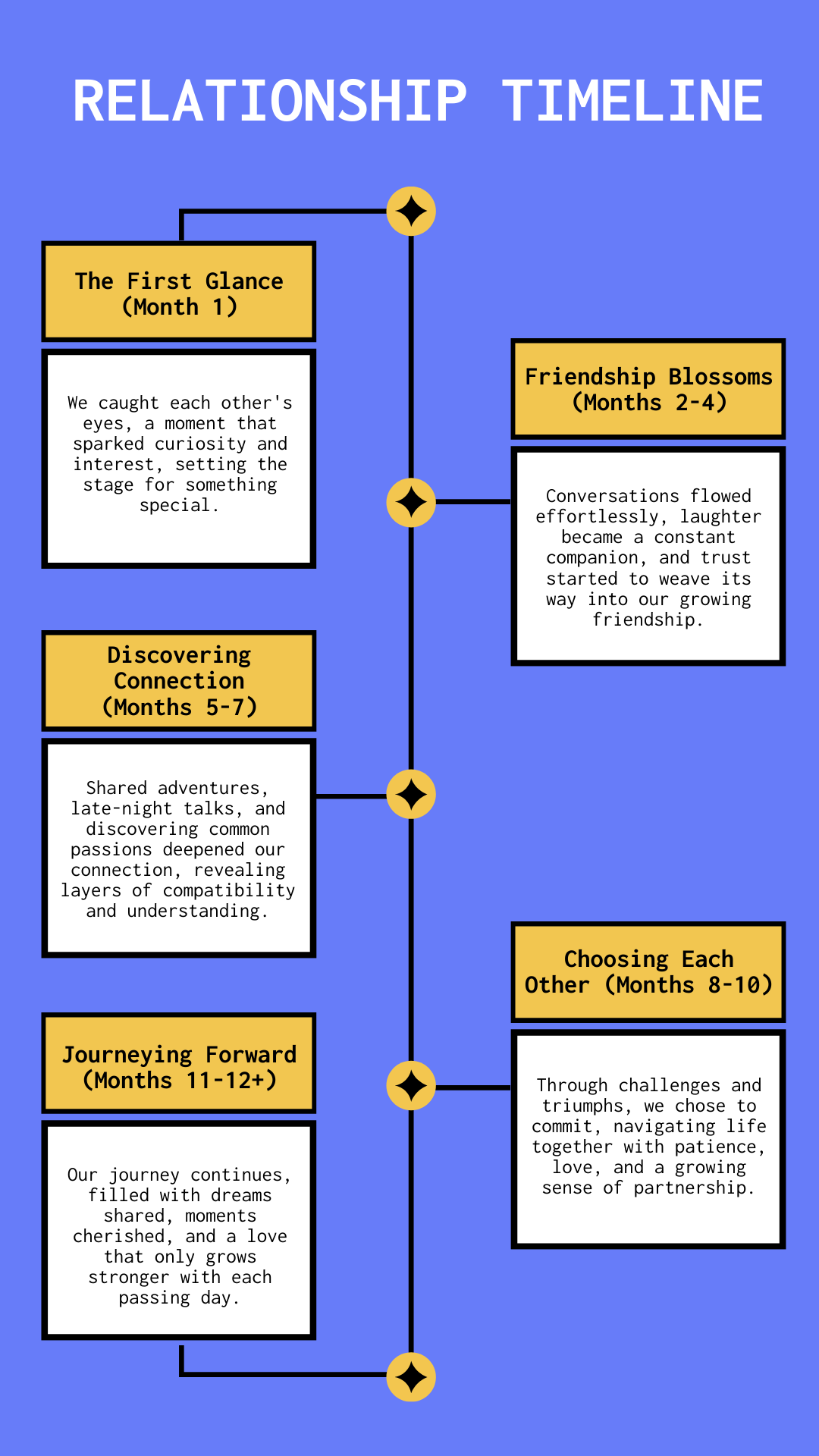
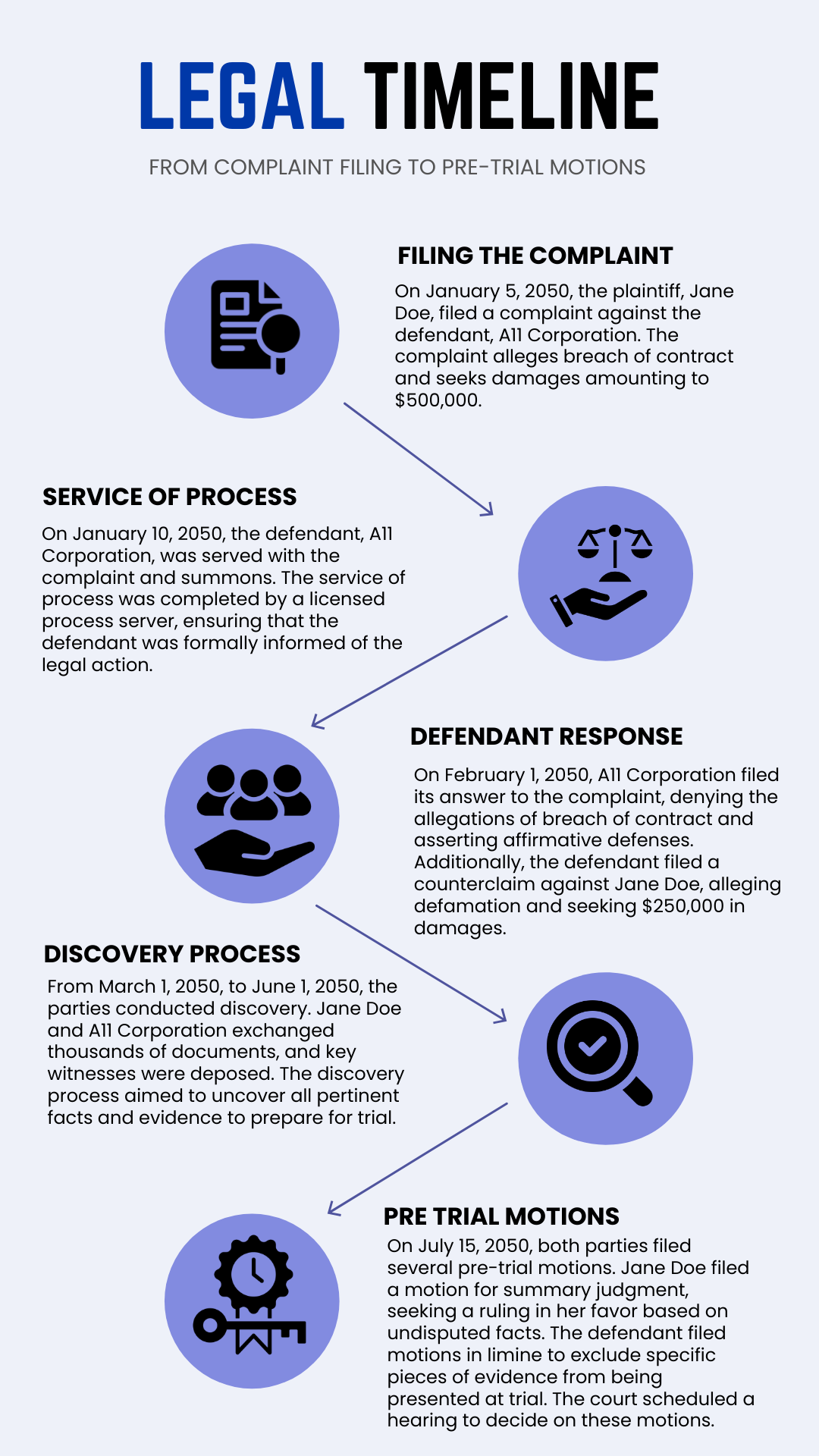
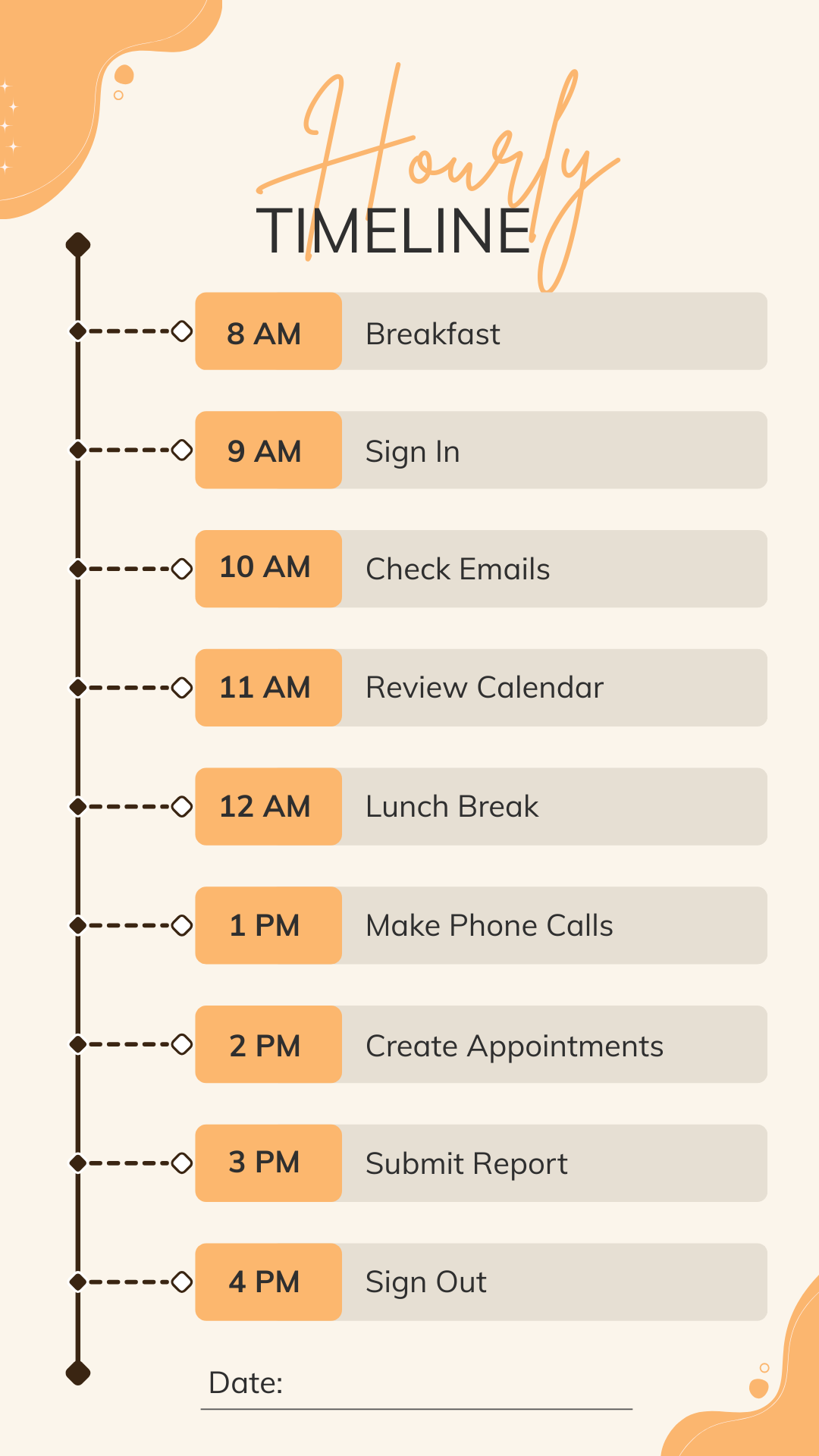
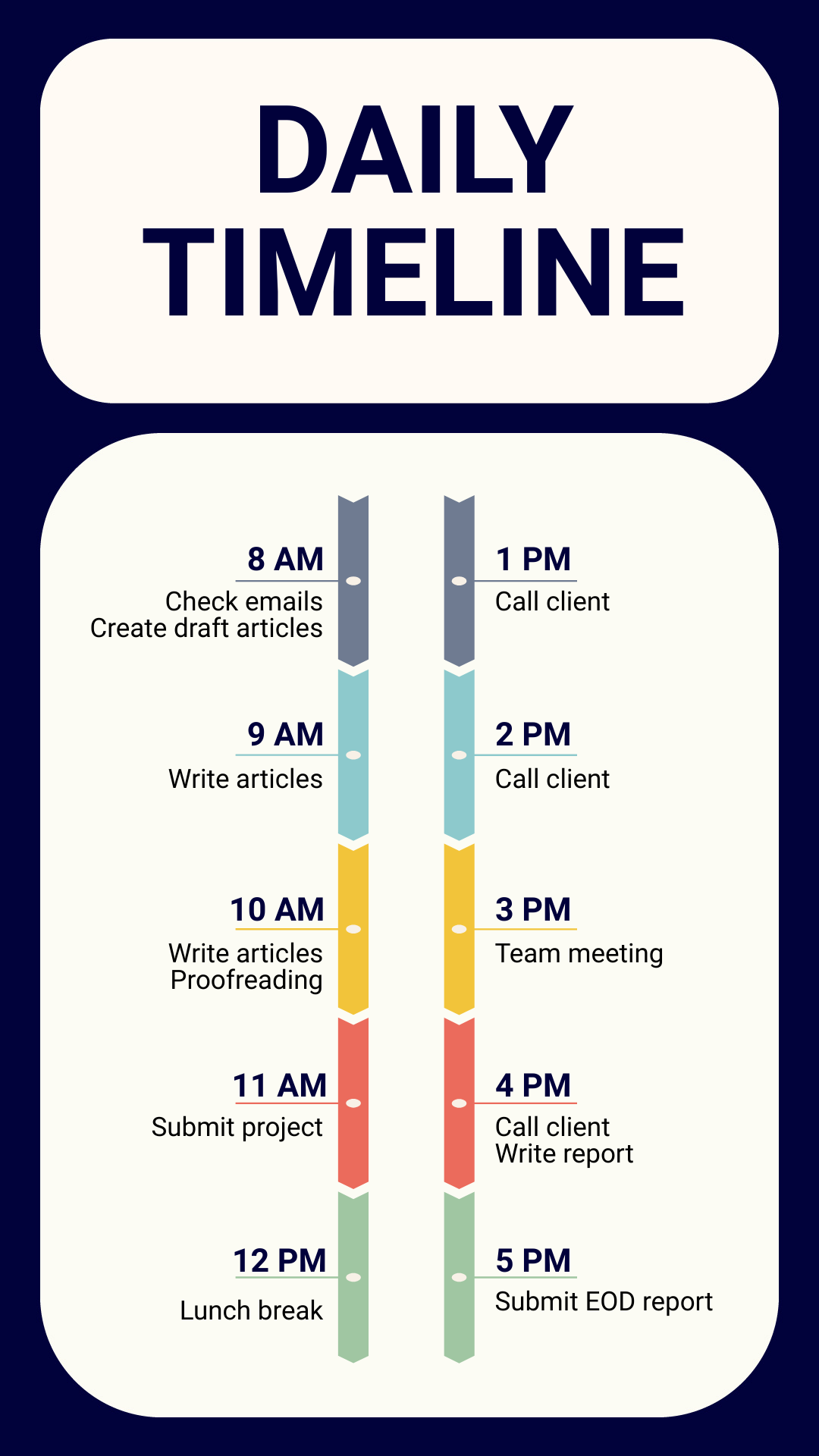
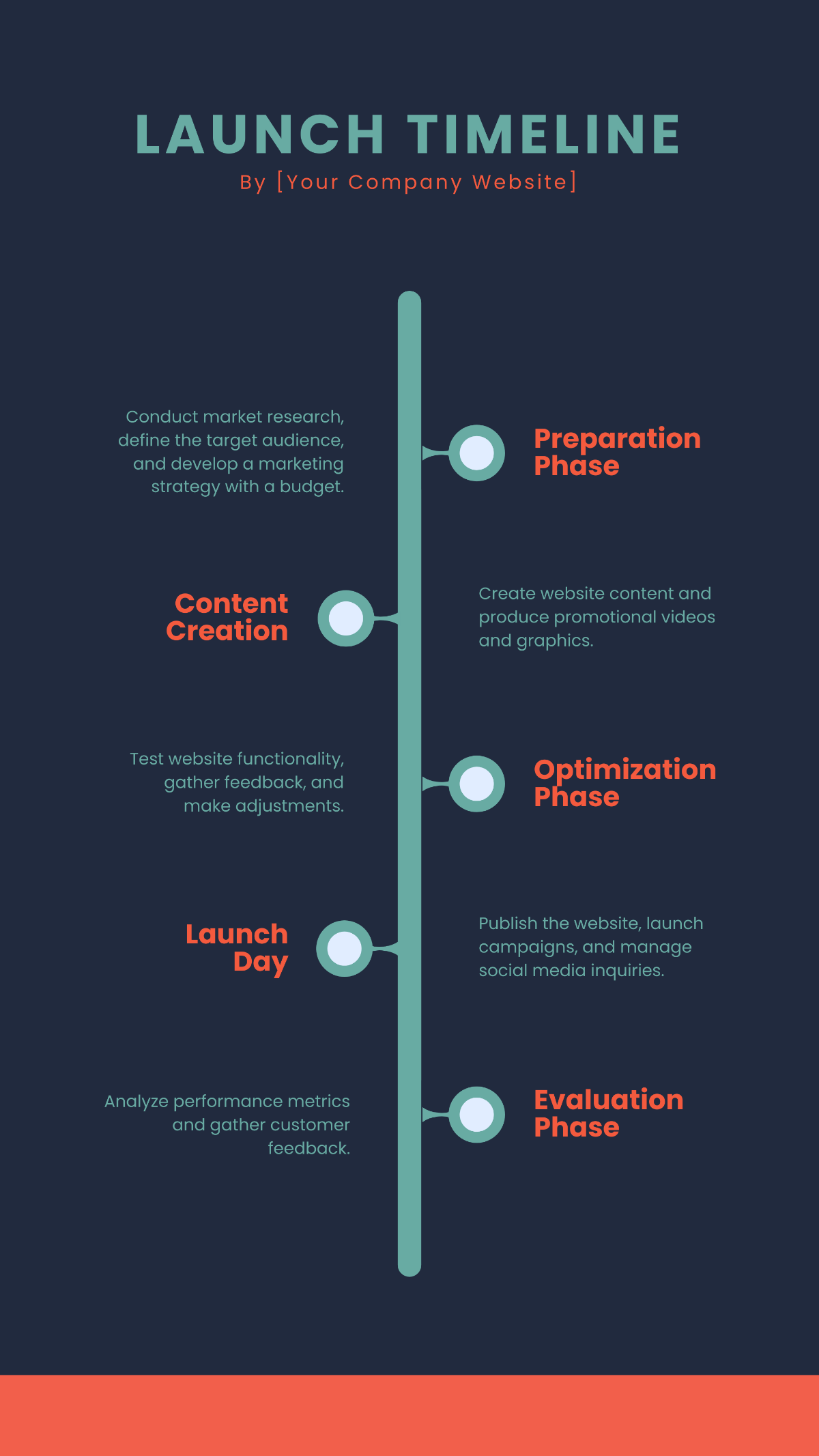


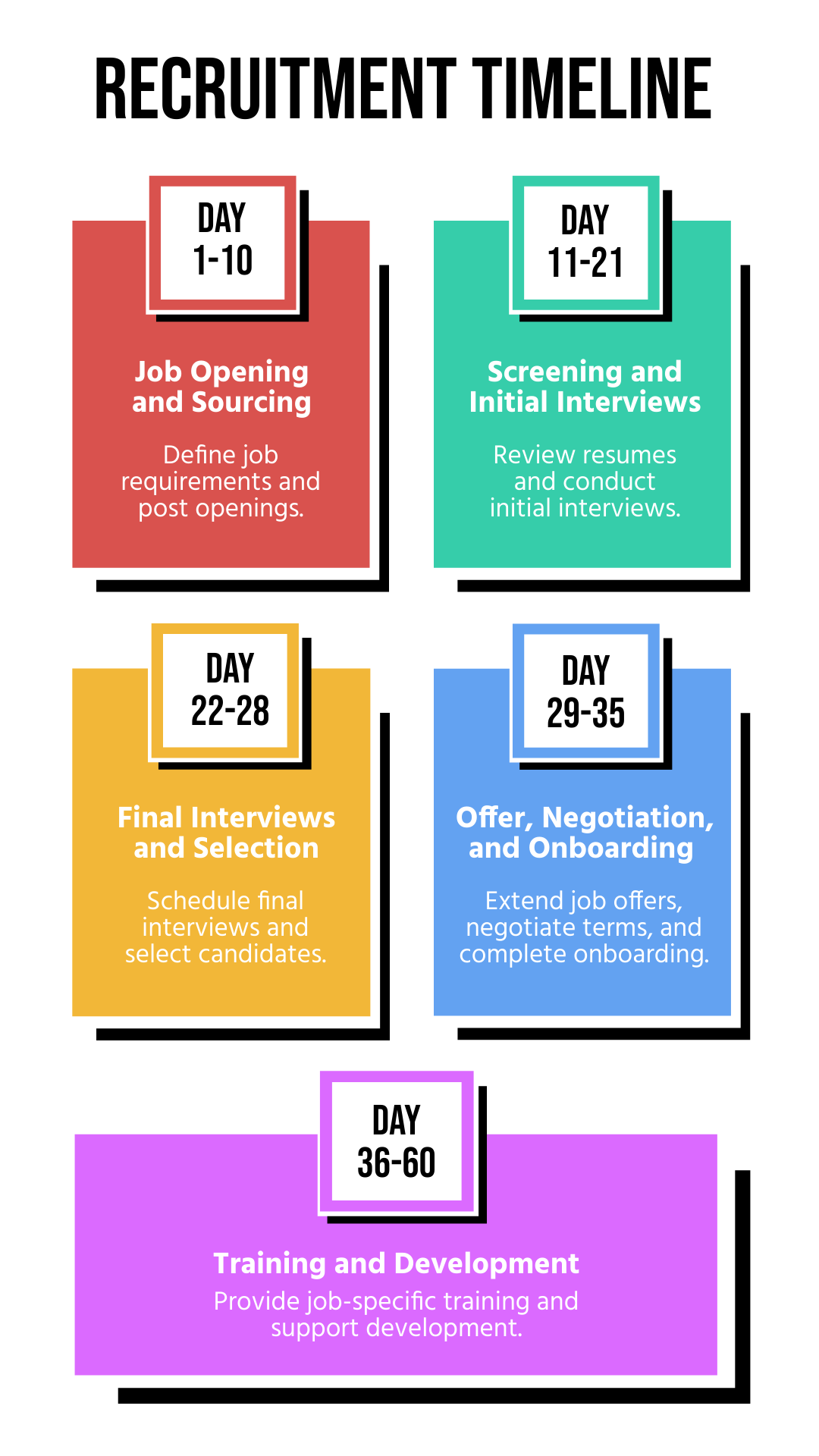

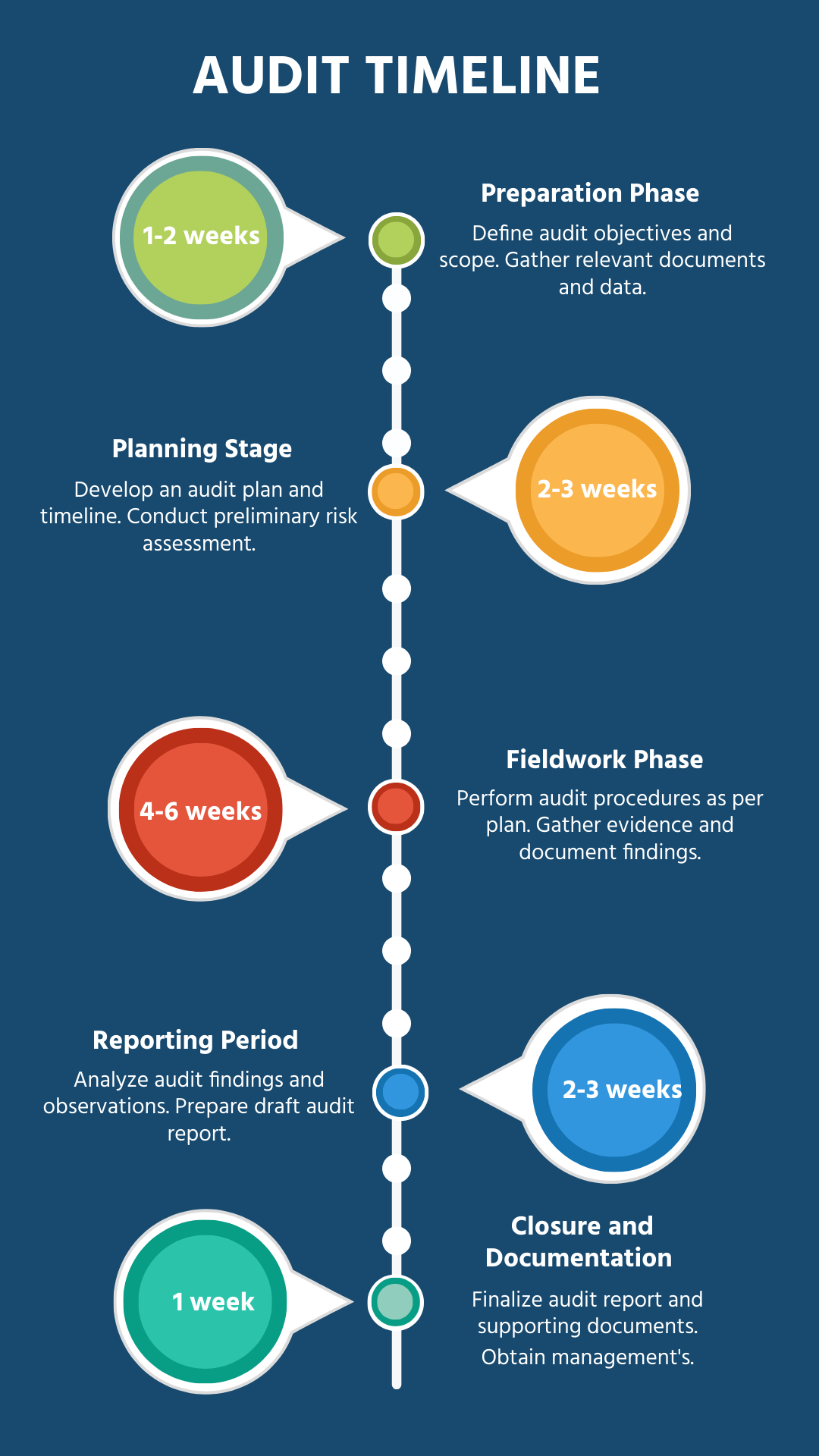

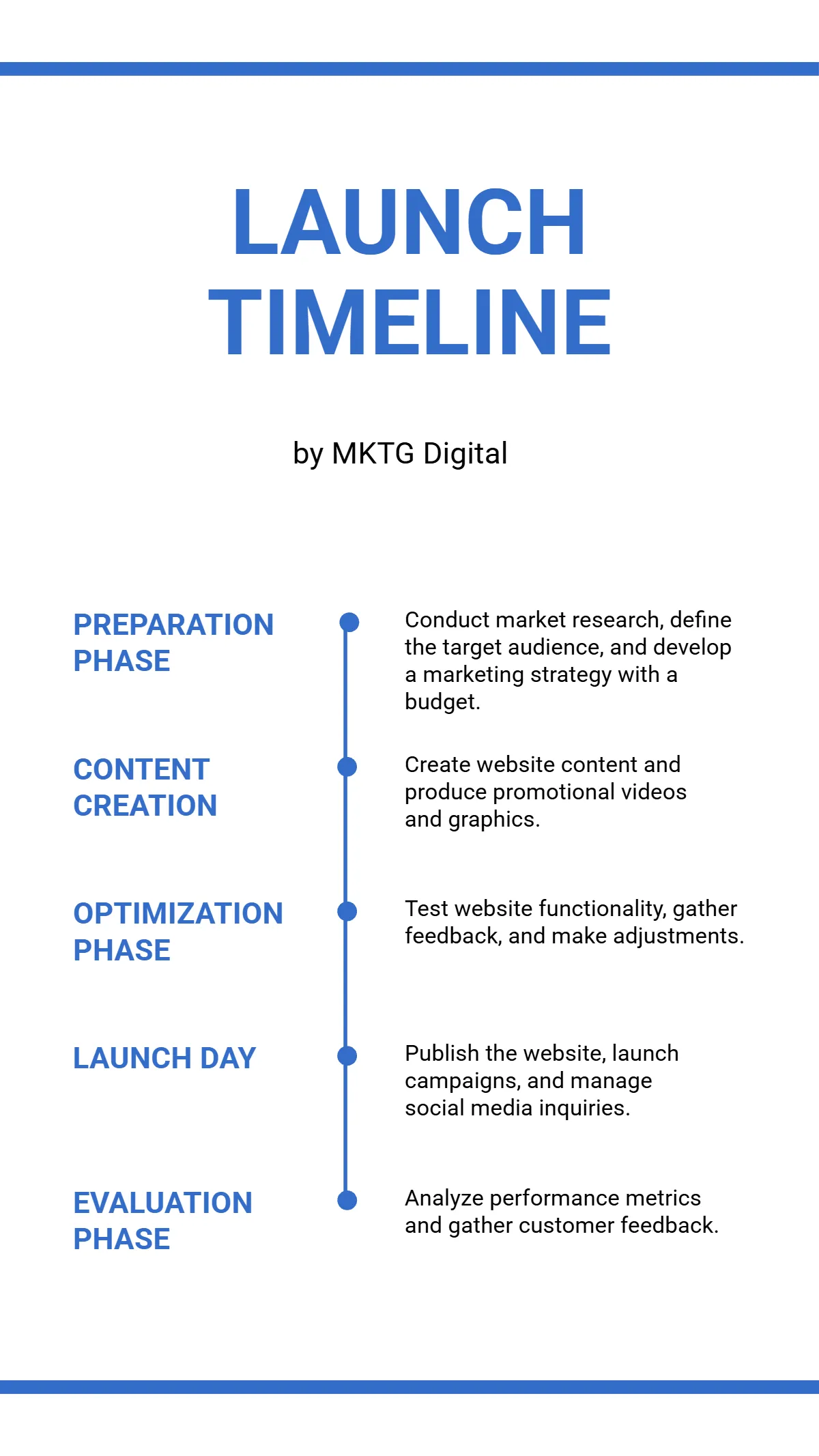
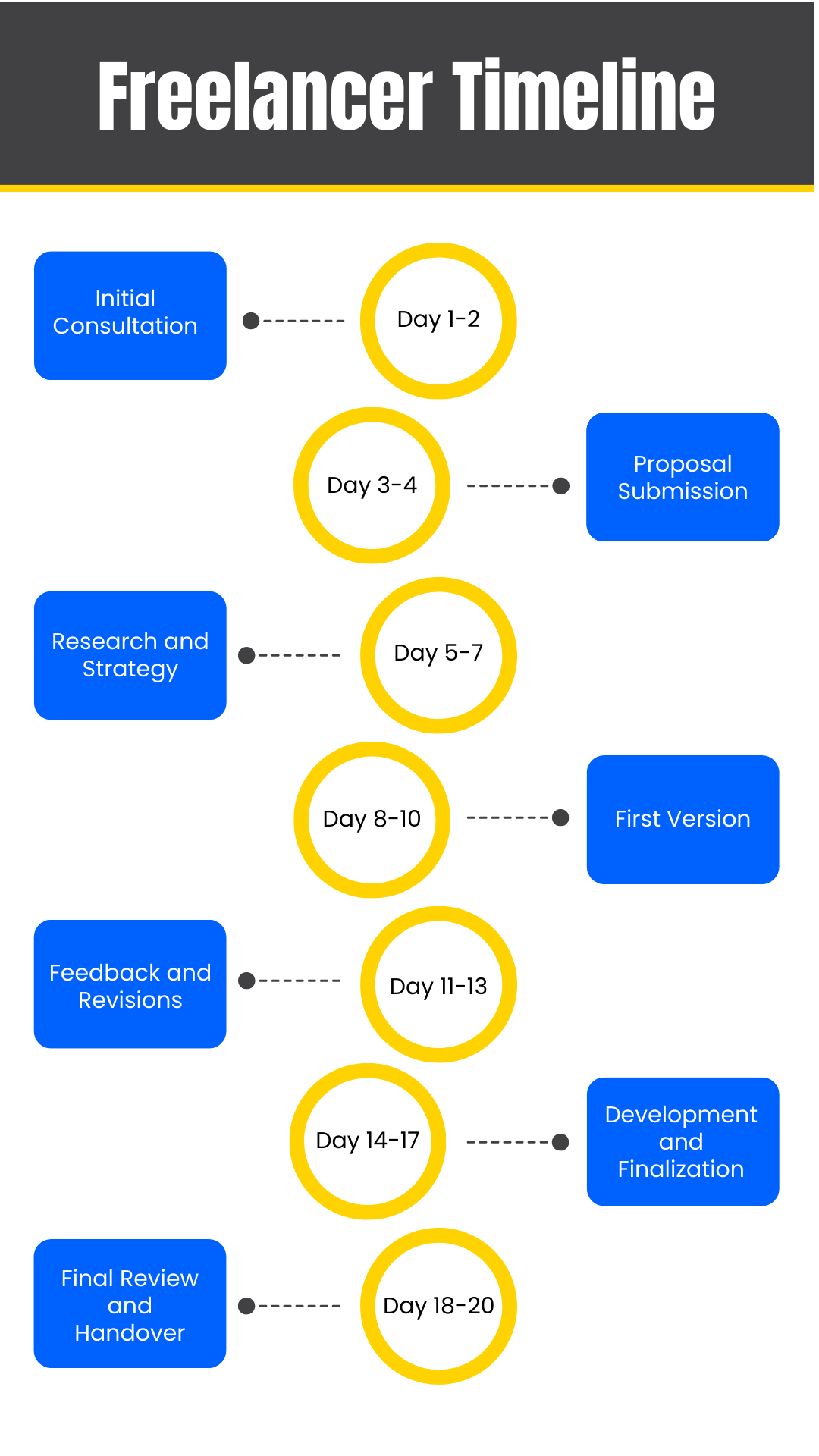
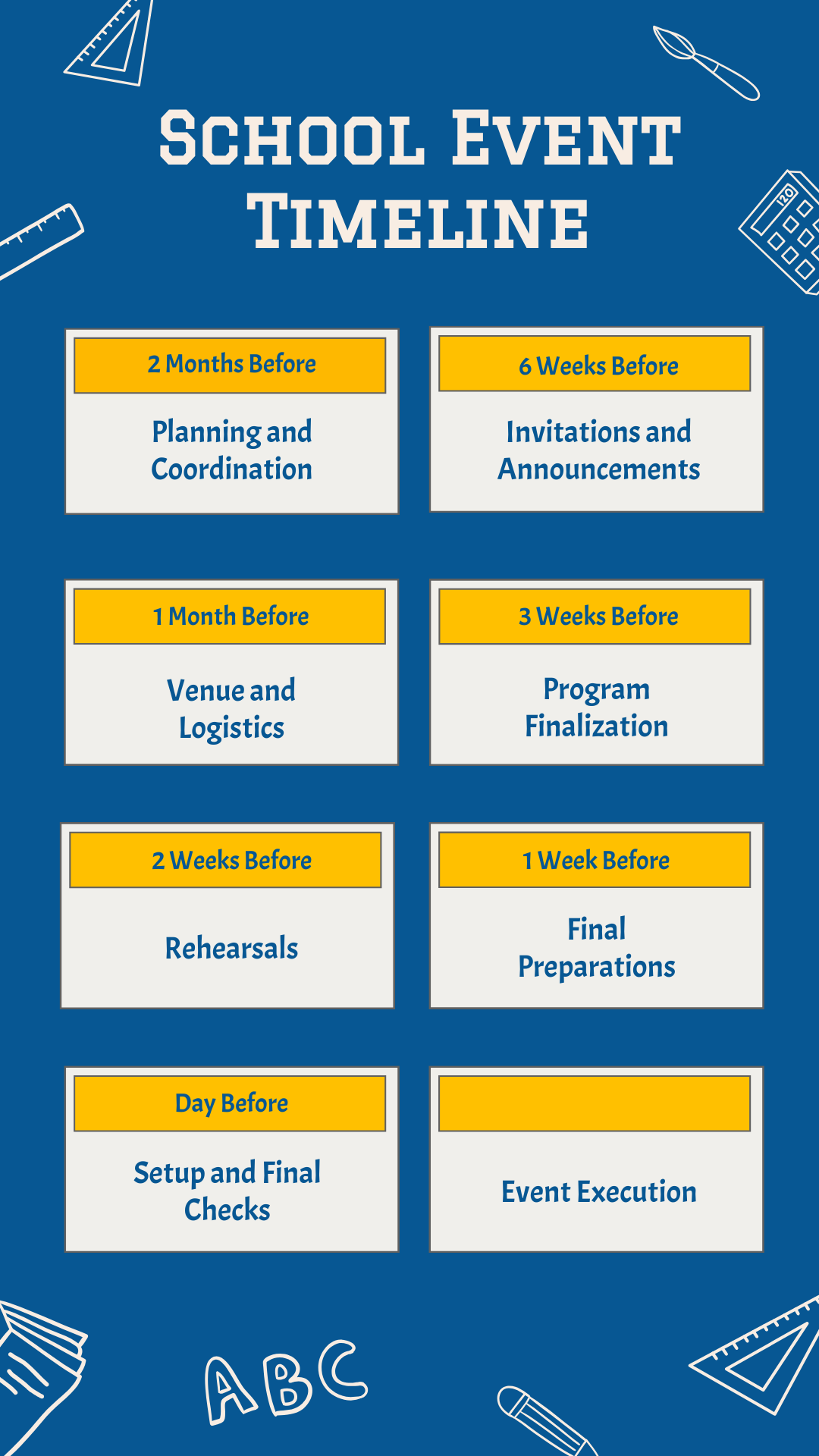
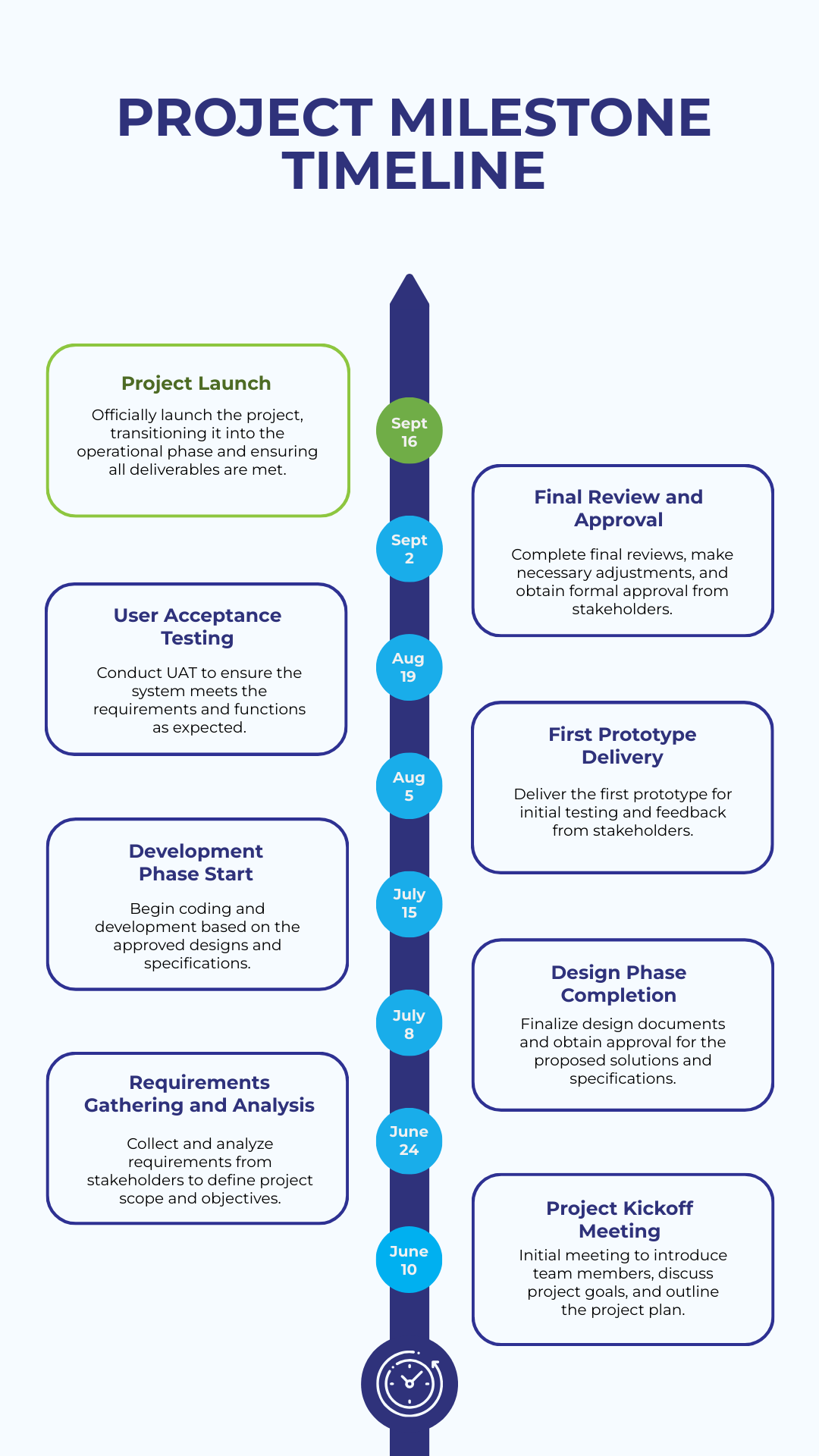
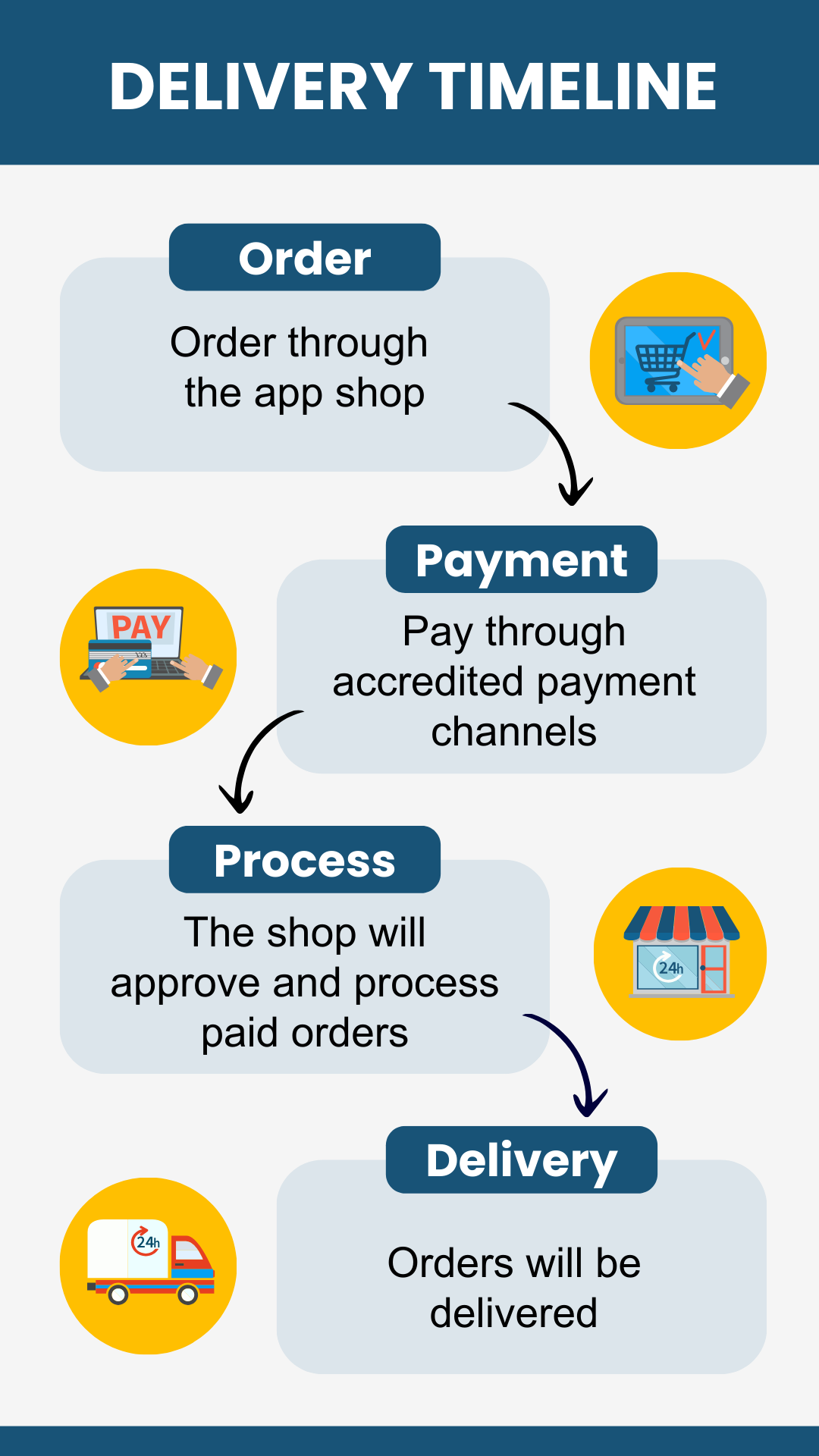
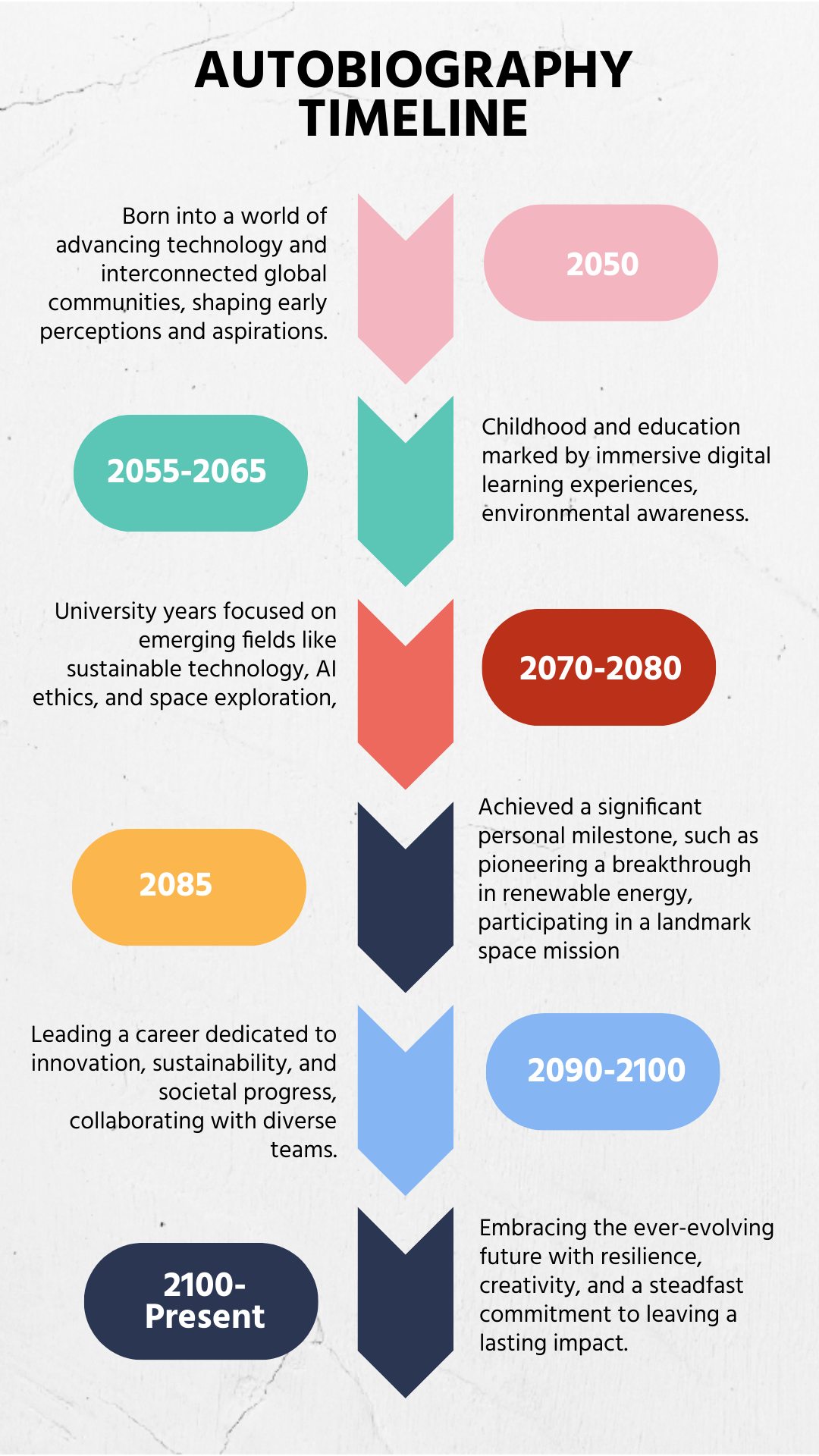
Free Timeline Templates: Customizable Design Guide, Sizes, and Download Formats
What is a Timeline?
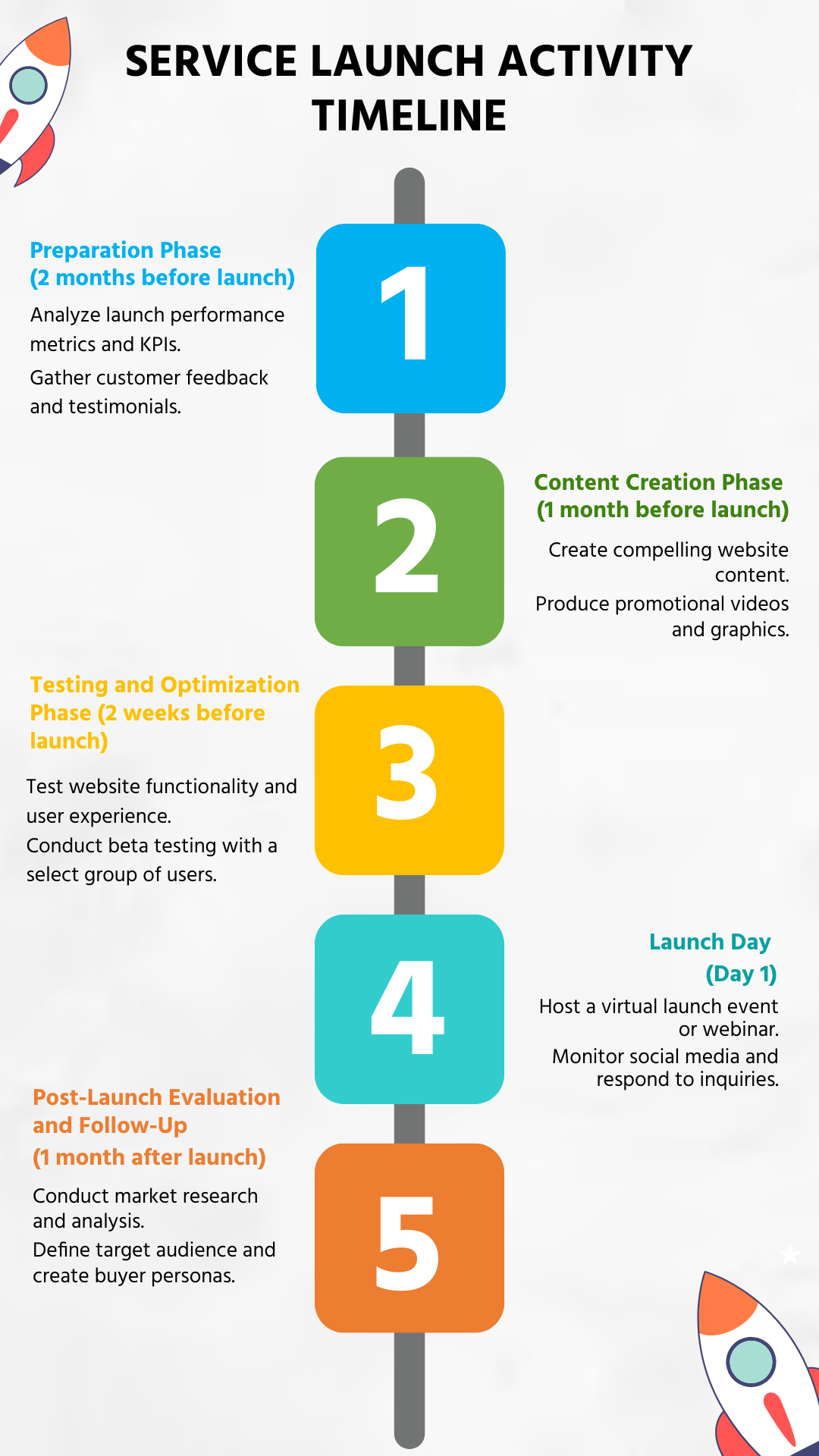
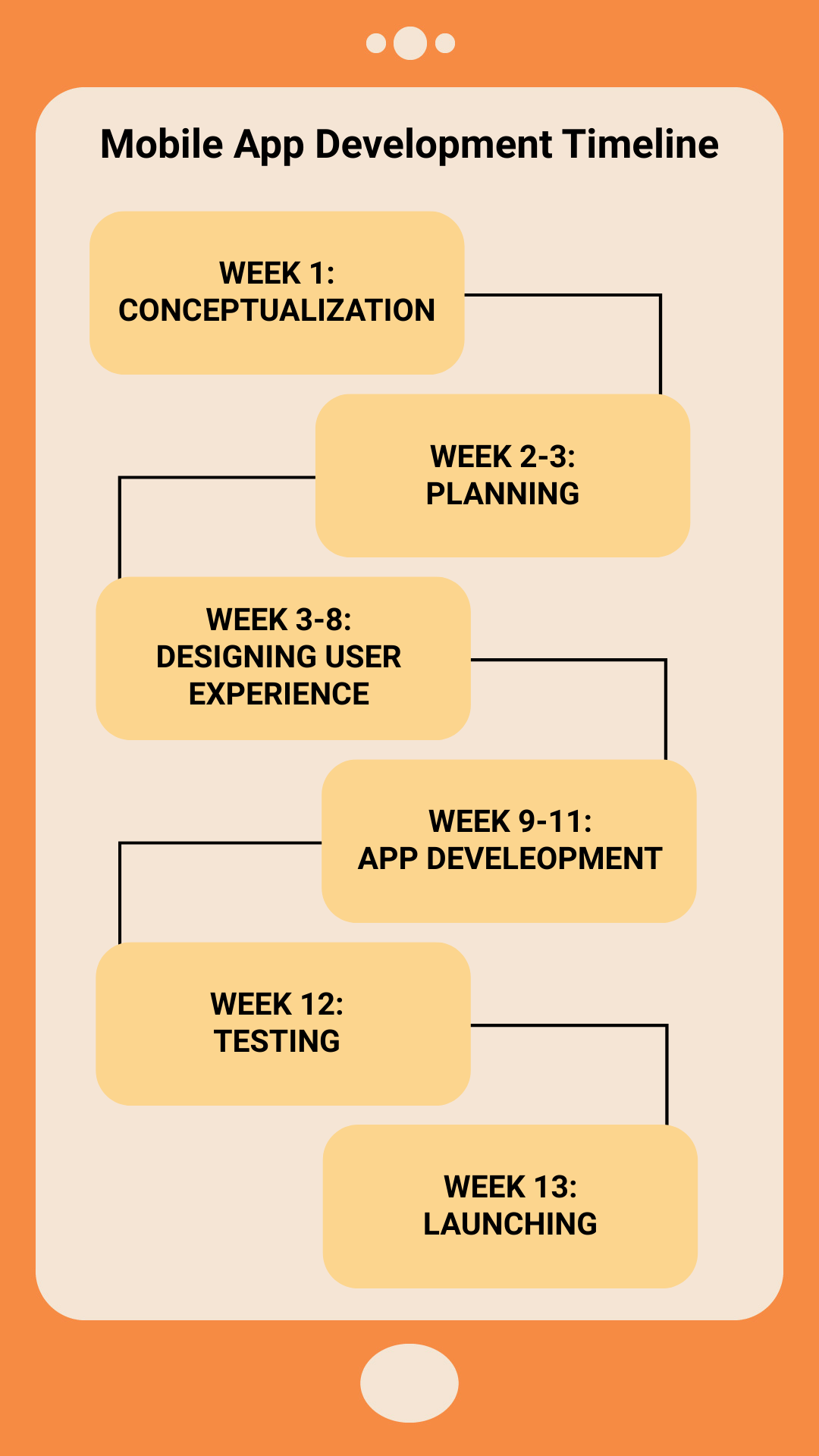
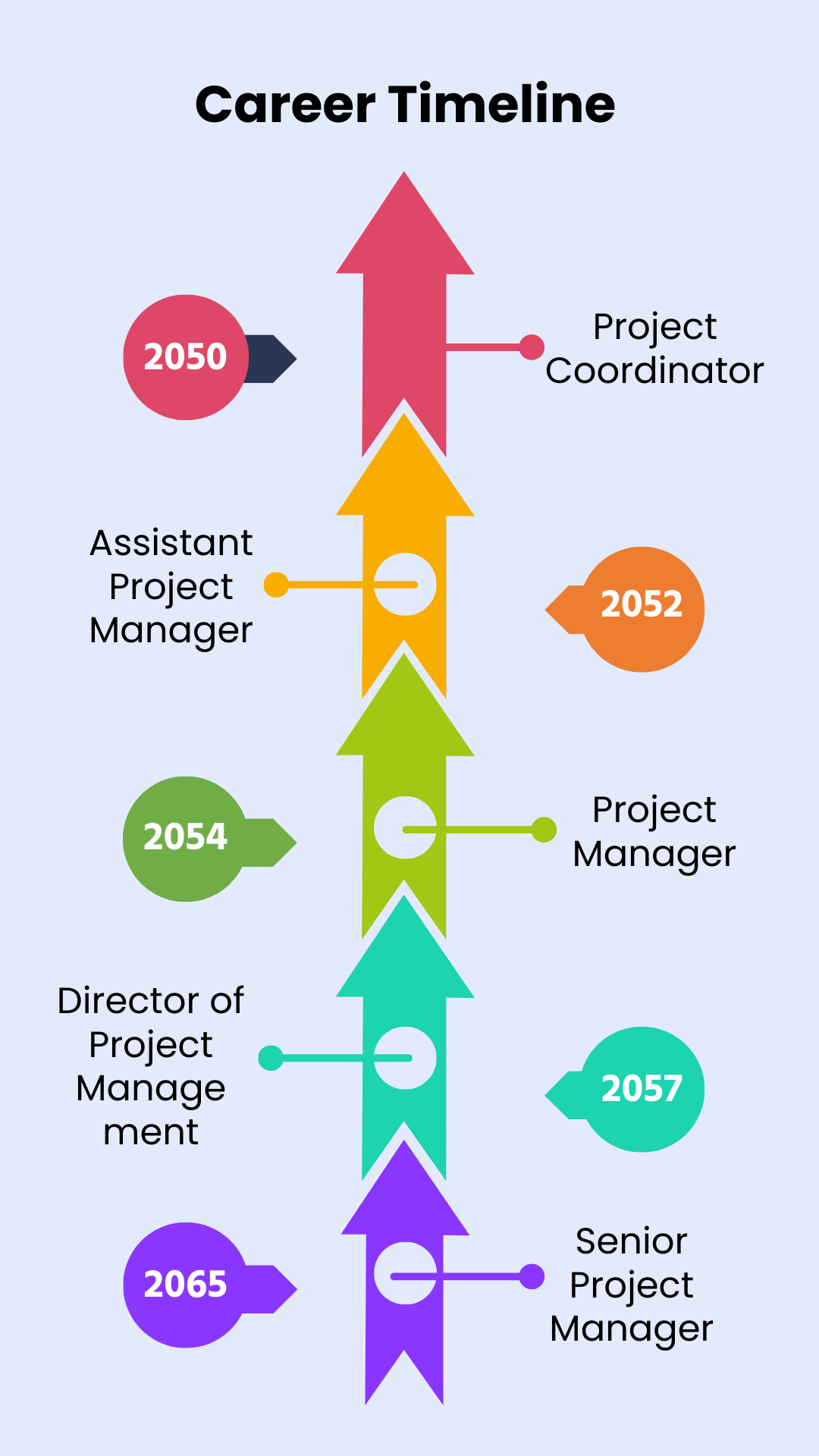
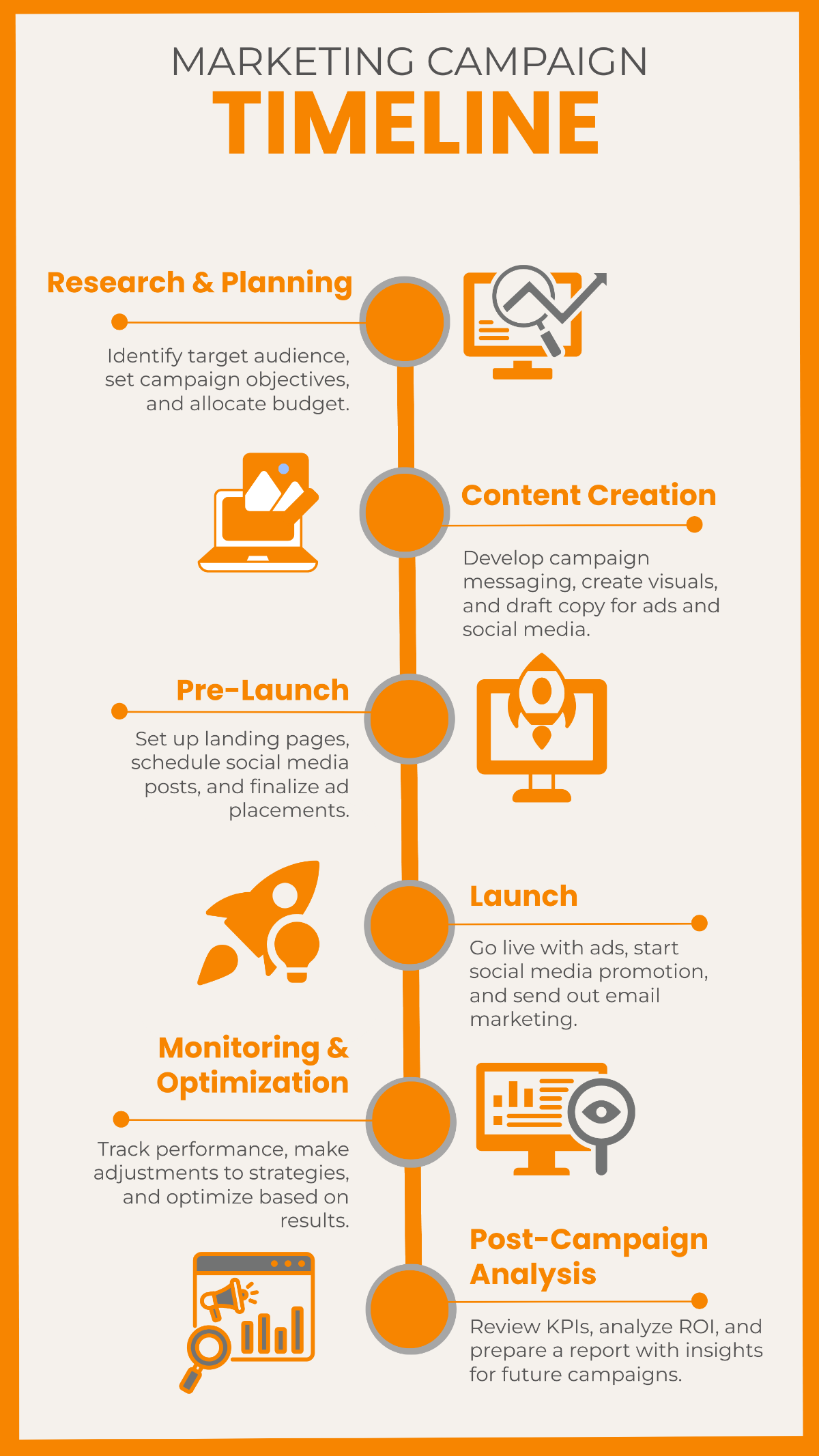
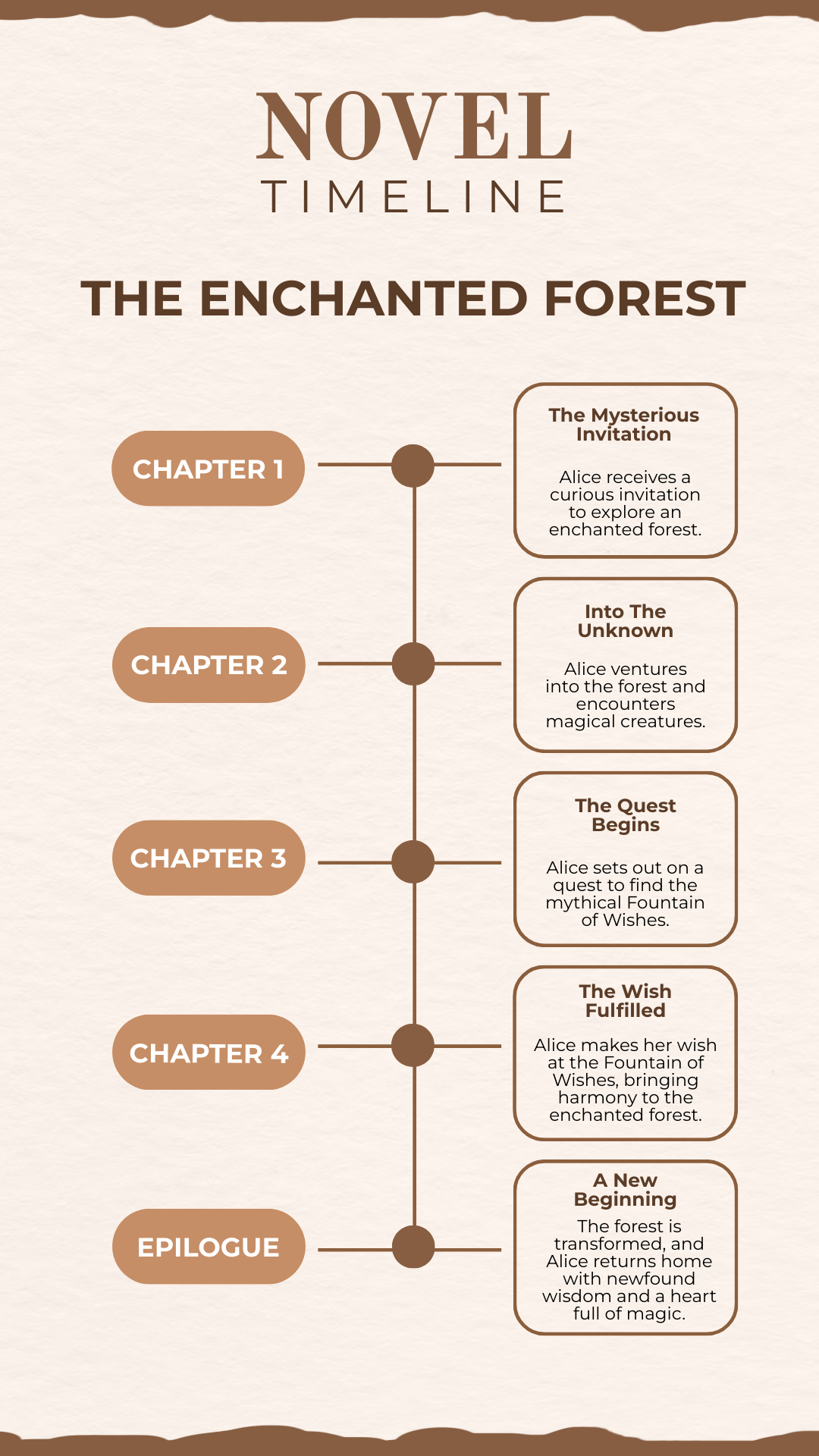
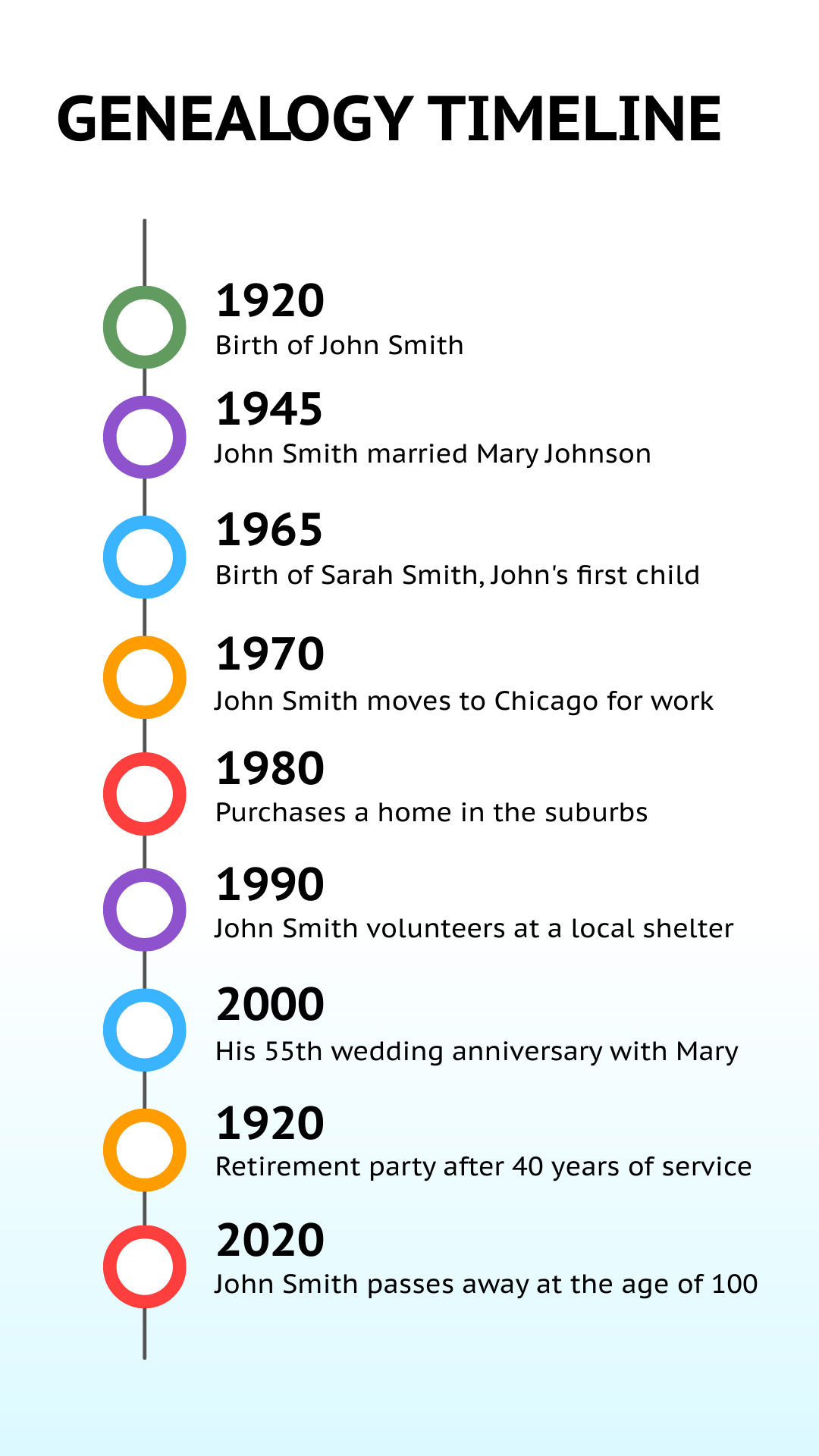
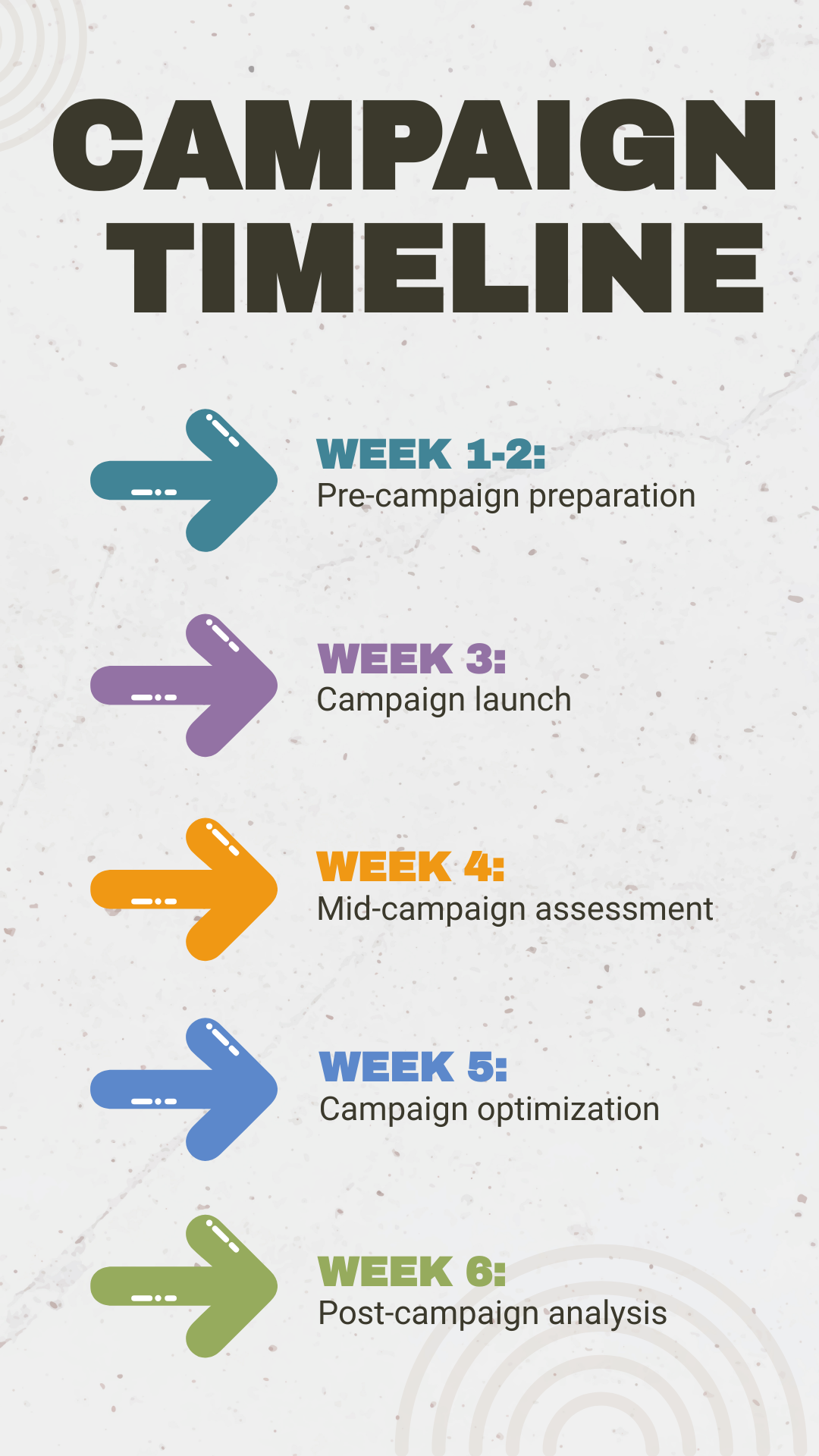
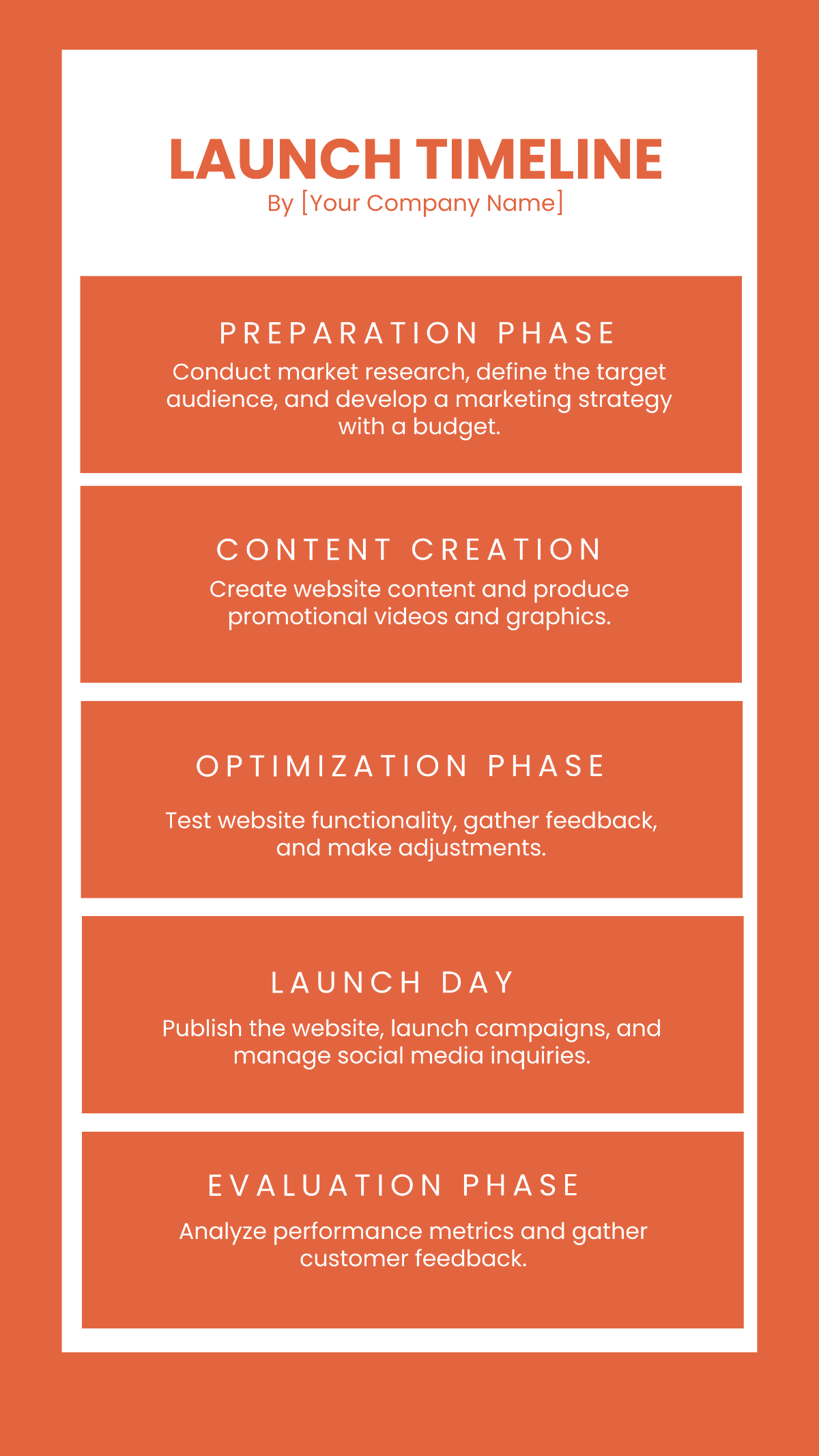
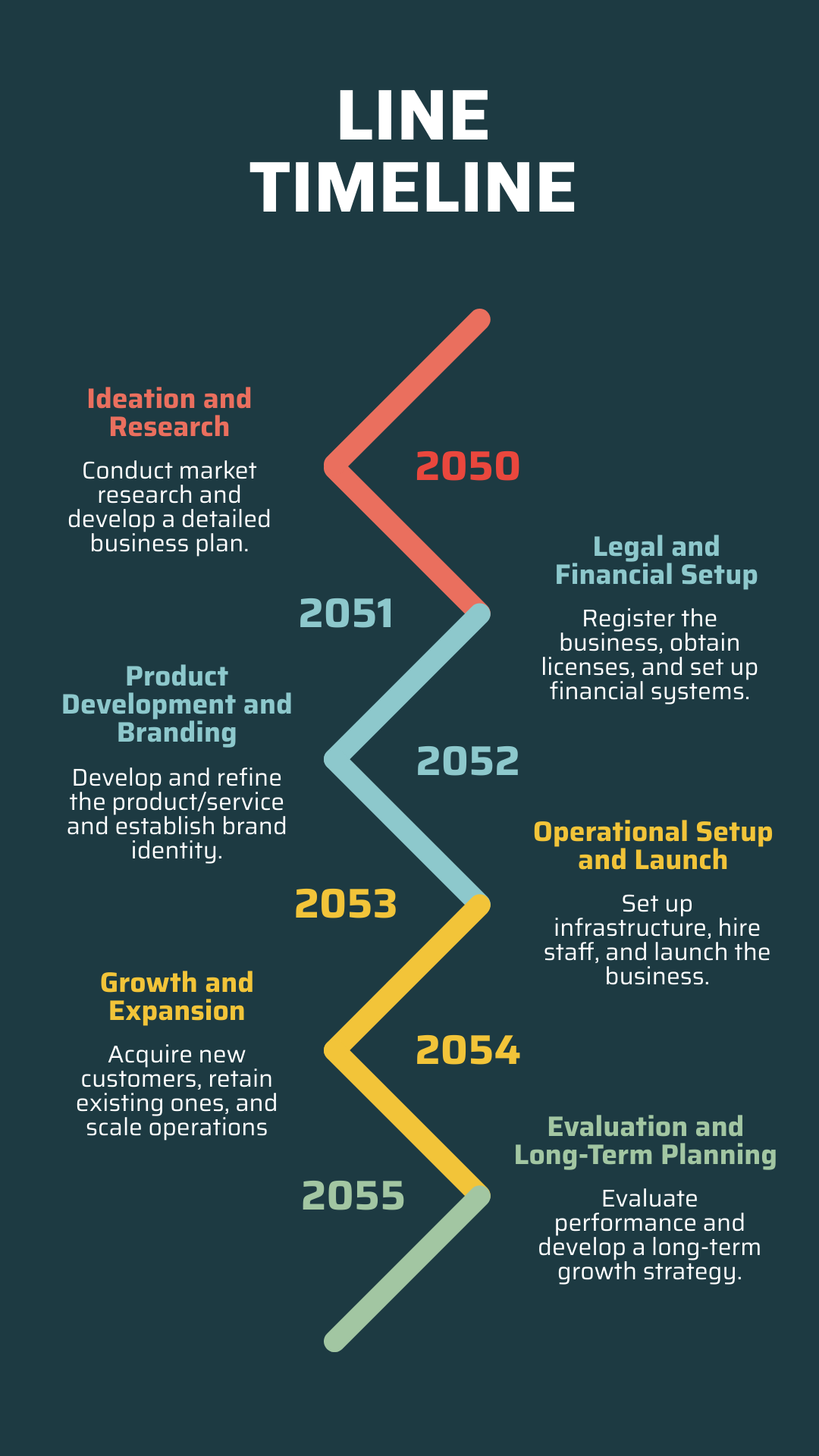
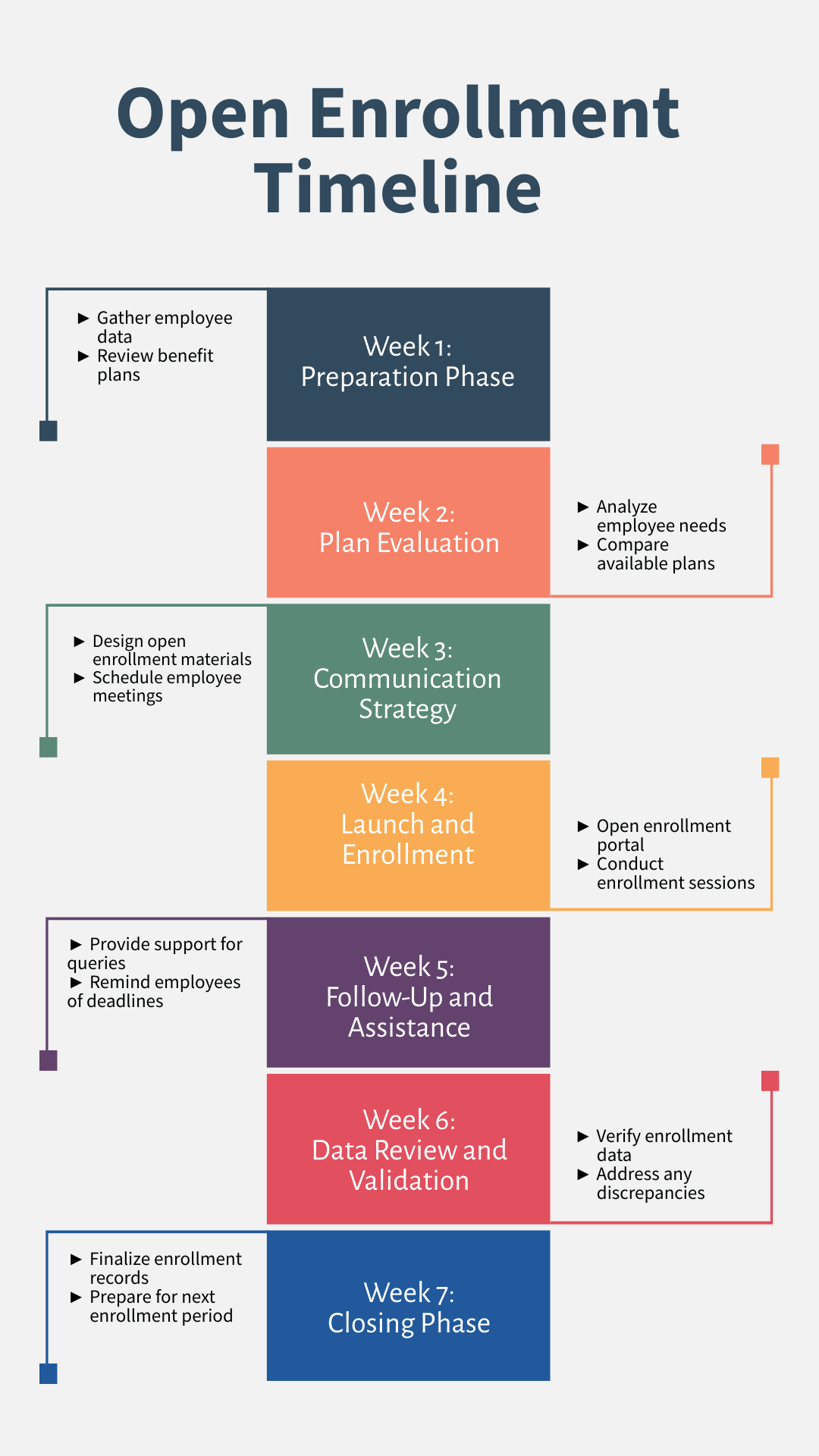
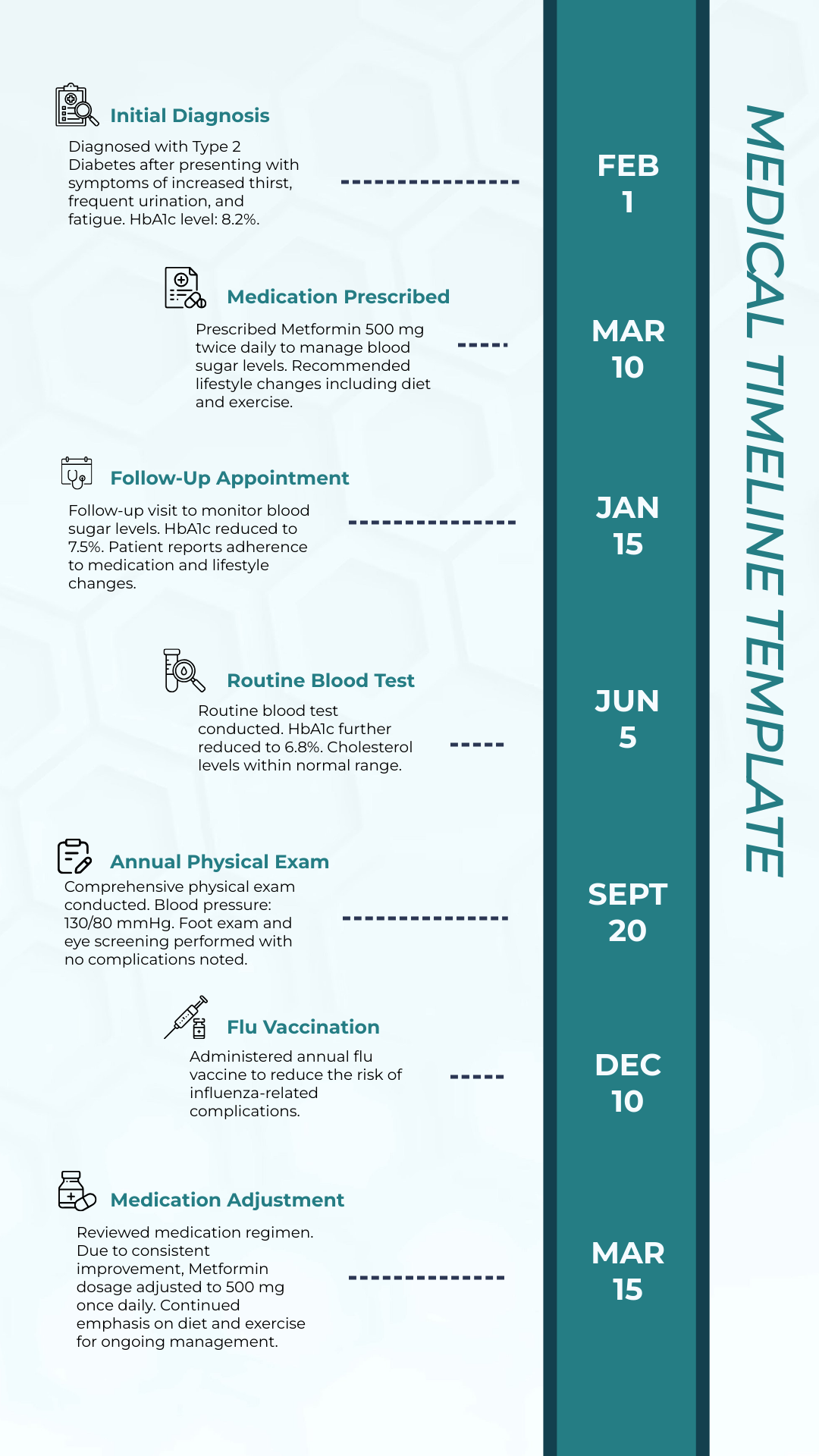
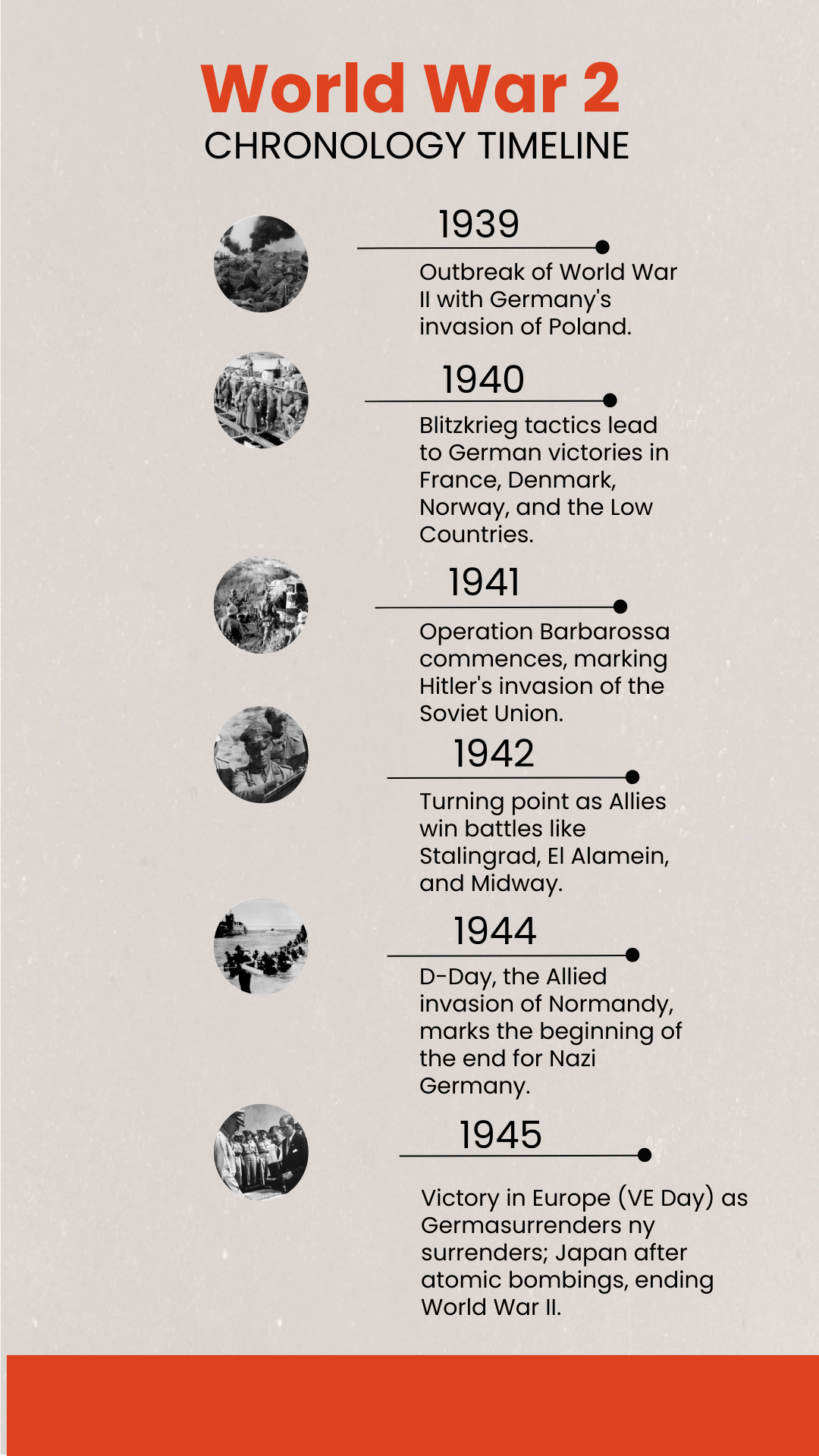
A timeline is a visual tool that outlines events in a chronological sequence, helping you organize information clearly. Timelines are commonly used to track progress, historical events, or project milestones in an easy-to-follow format.
Why should I use a Timeline?
You should use a timeline to visually communicate the sequence of events, making complex information easier to understand. Timelines improve clarity, help with planning, and allow you to track progress efficiently over time.
Who uses Timelines?
Timelines are used by a wide range of people including project managers, students, historians, and business professionals who need to organize and present sequential information clearly and effectively.
What are the best tips for designing my Timeline?
Here are some of the best tips for designing your timeline effectively:
- Keep it simple to avoid clutter.
- Use clear labels for each event.
- Choose a consistent color scheme for readability.
- Highlight key milestones with icons or bold text.
- Maintain chronological order visually.
- Utilize whitespace to separate events.
- Include dates for accuracy.
- Use arrows or lines to guide the viewer's eye.
- Adapt layout to your content length.
- Test readability across devices.
What file formats can I download for my Timeline?
Template.net offers timeline templates in multiple file formats suitable for both editing and sharing. You can download your timeline in Word, PSD, PowerPoint, Apple Pages, Apple Keynote, Google Docs, PDF, Google Slides, Google Sheets, Excel, and Illustrator.
Can I create a Timeline using AI?
Yes, Template.net provides an AI-powered tool that generates new Timeline designs from prompts. You can explore this feature using the Timeline Generator to quickly create customized timelines online.
What are the recommended digital pixel dimensions for my Timeline?
Here are common digital pixel dimensions for your timeline to ensure clear visibility on screens:
- 1920 × 1080 pixels for wide presentation slides.
- 1080 × 1080 pixels for square social media posts.
- 1280 × 720 pixels for HD video timelines.
- 800 × 600 pixels for embedded web content.
- 1440 × 900 pixels for detailed views on desktops.
What visual elements should I include in my Timeline?
When designing your timeline, consider including these visual elements to enhance clarity:
- Icons to represent events.
- Color-coded segments for different phases.
- Lines or arrows to indicate flow.
- Text boxes for descriptions.
- Milestone markers for key dates.
- Background grids for alignment.
- Images or photos related to events.
What are the benefits of using a Timeline?
Using a timeline offers multiple benefits for organizing information:
- Improves comprehension by showing event order.
- Enhances project planning with clear deadlines.
- Facilitates communication among stakeholders.
- Visualizes progress over time.
- Helps identify gaps or overlaps in schedules.
- Engages viewers with graphical representation.
- Supports decision-making with historical data.
