
Free Newsletter Templates
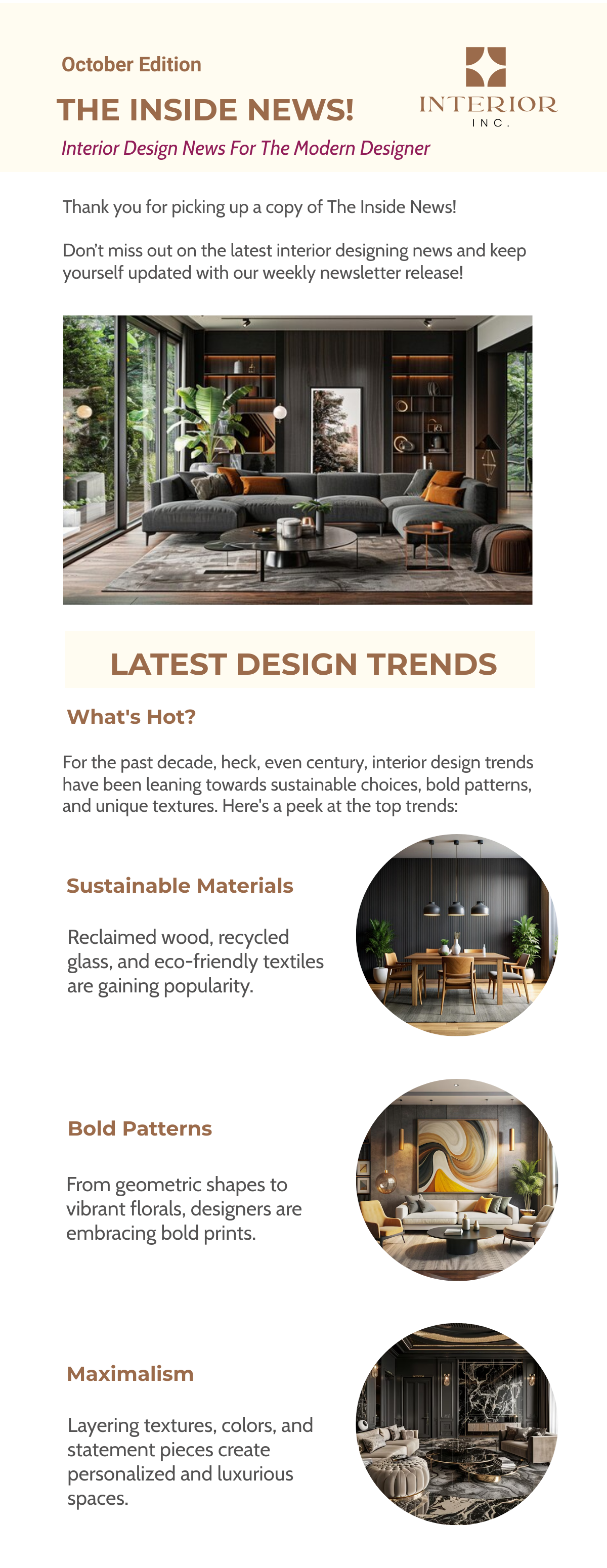
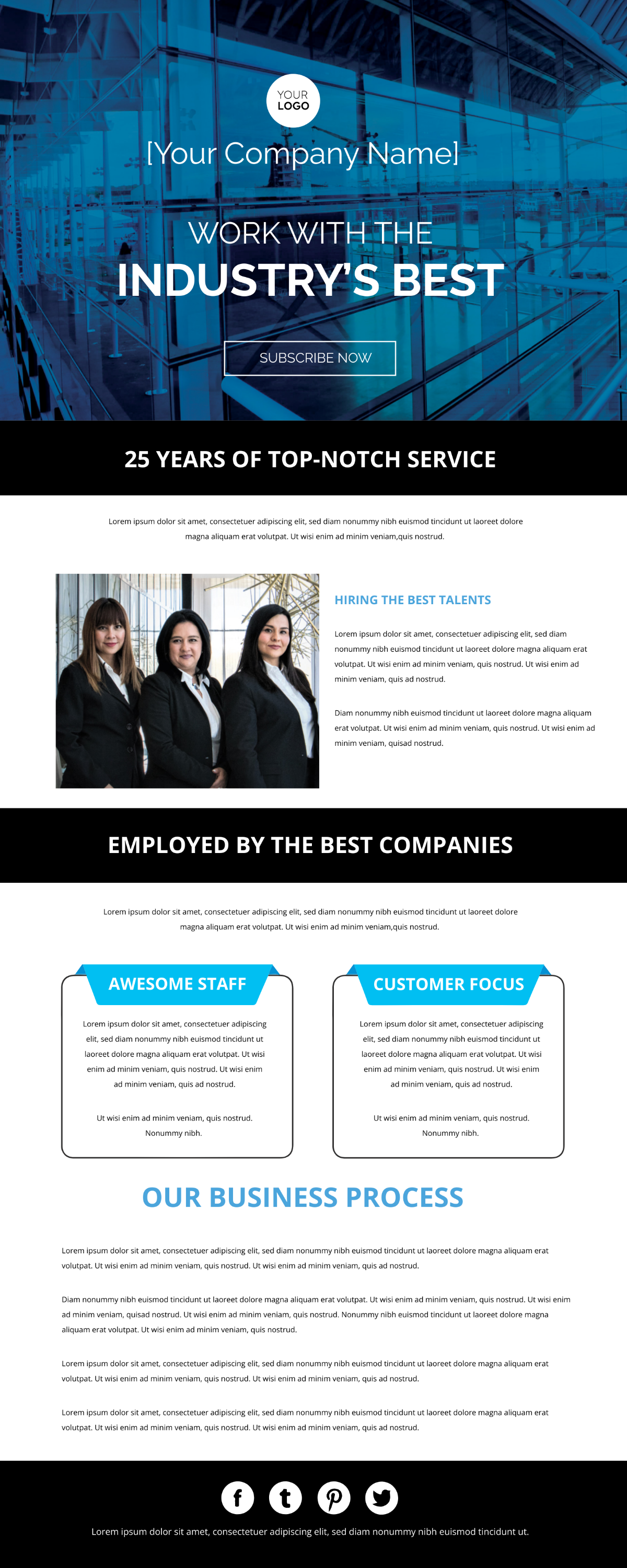


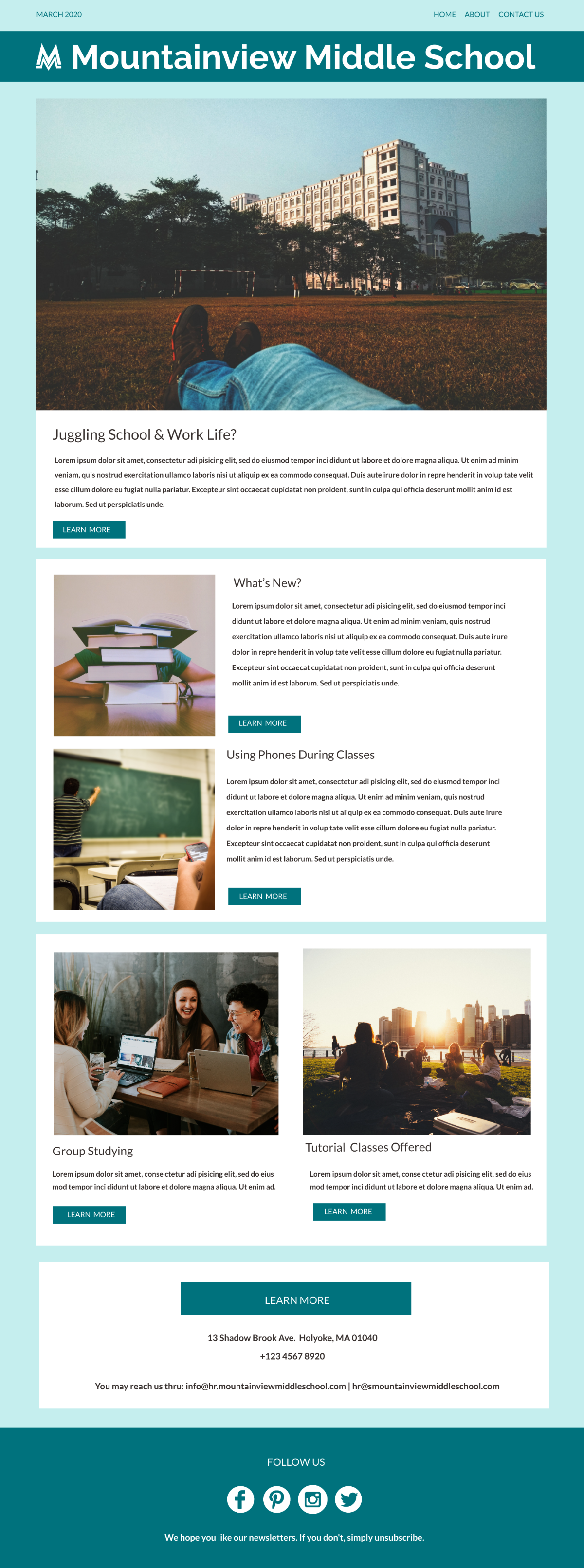
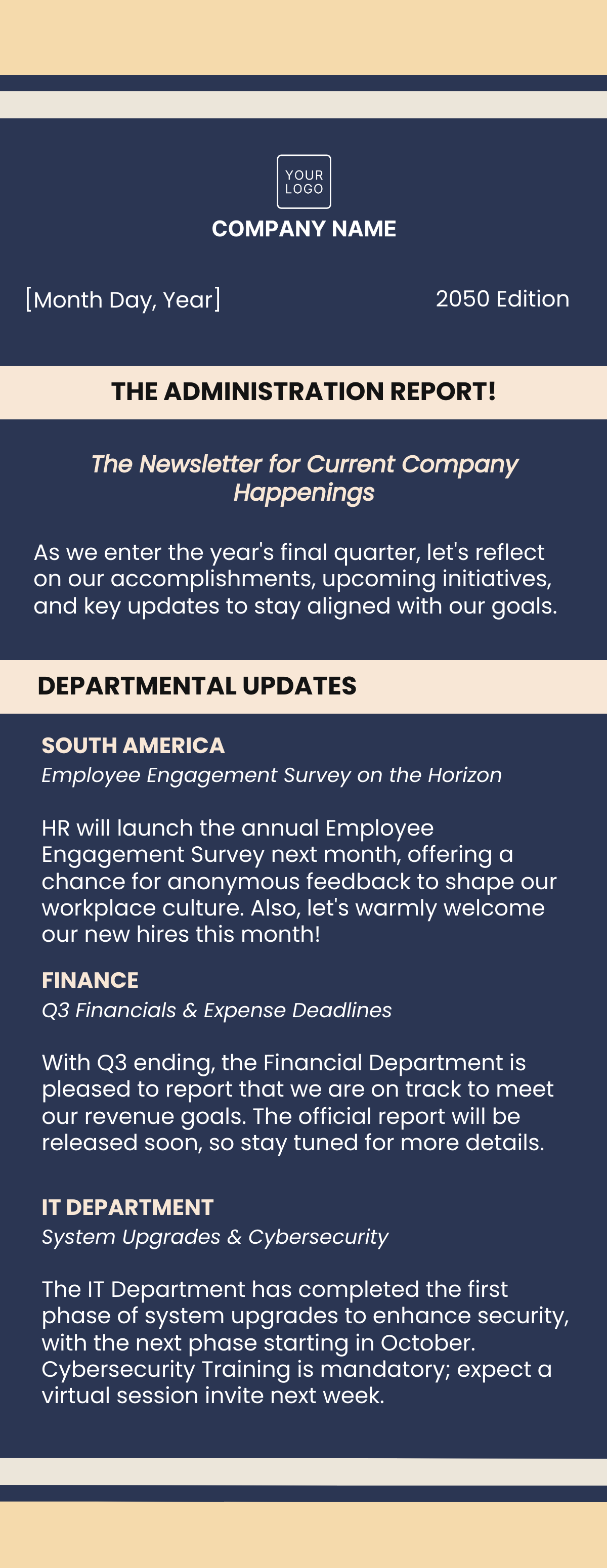



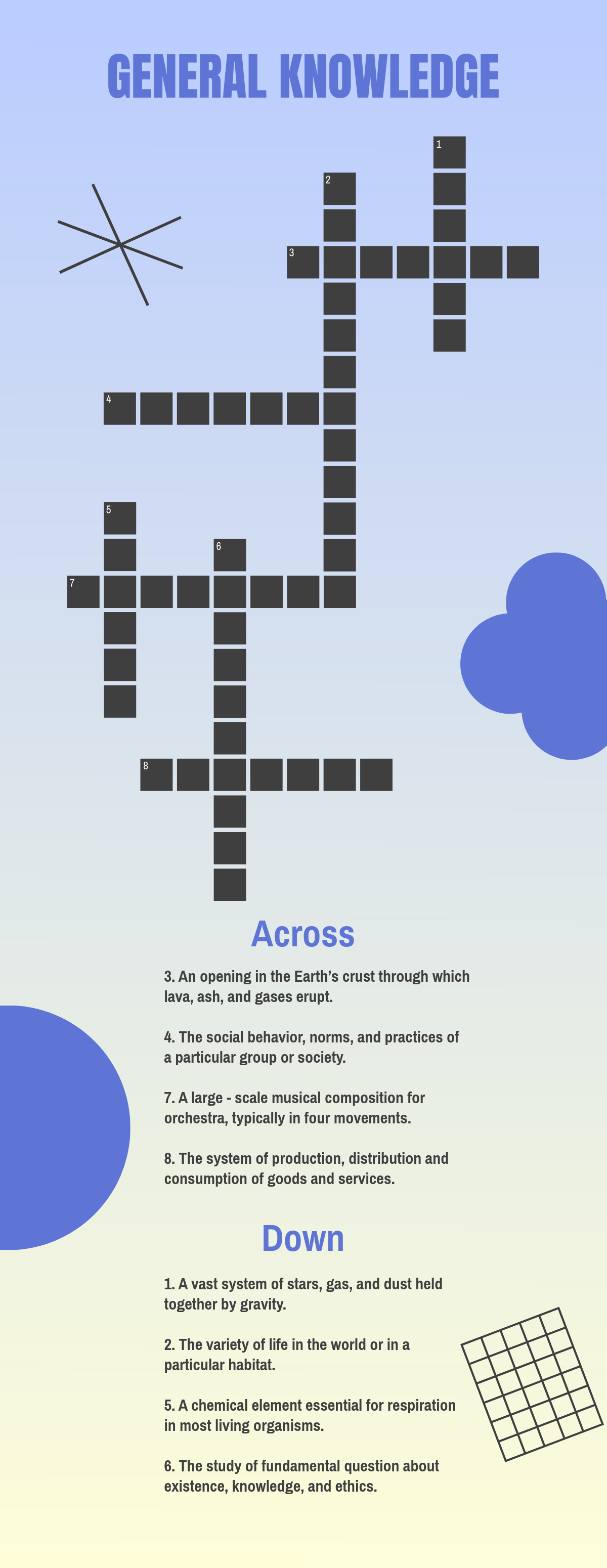
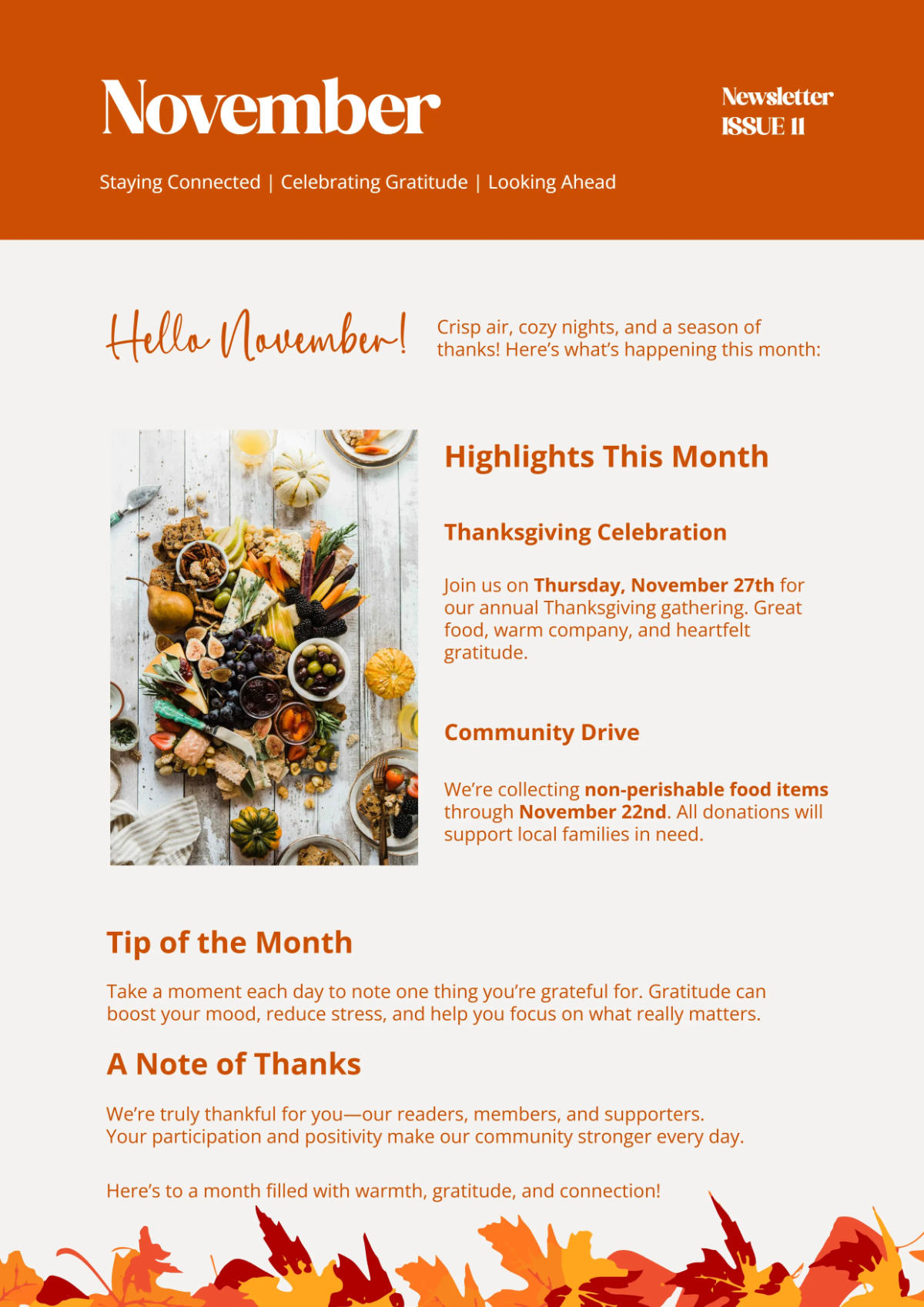
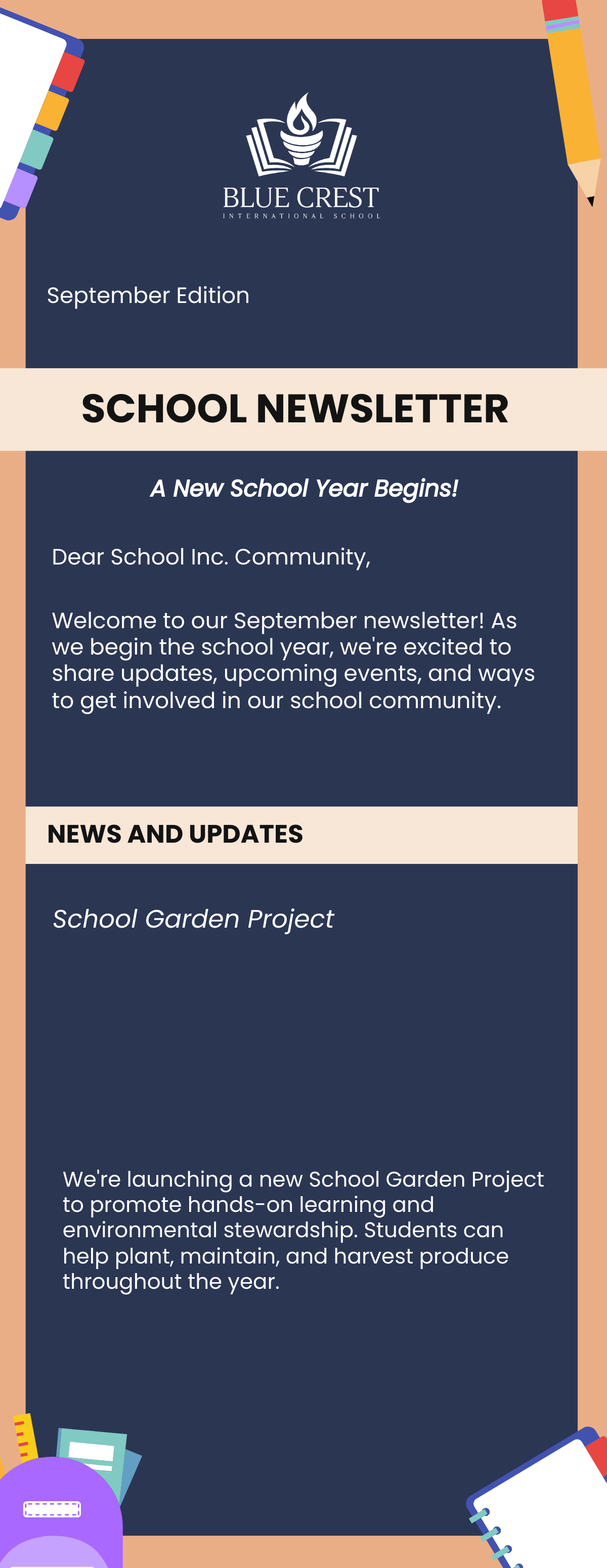
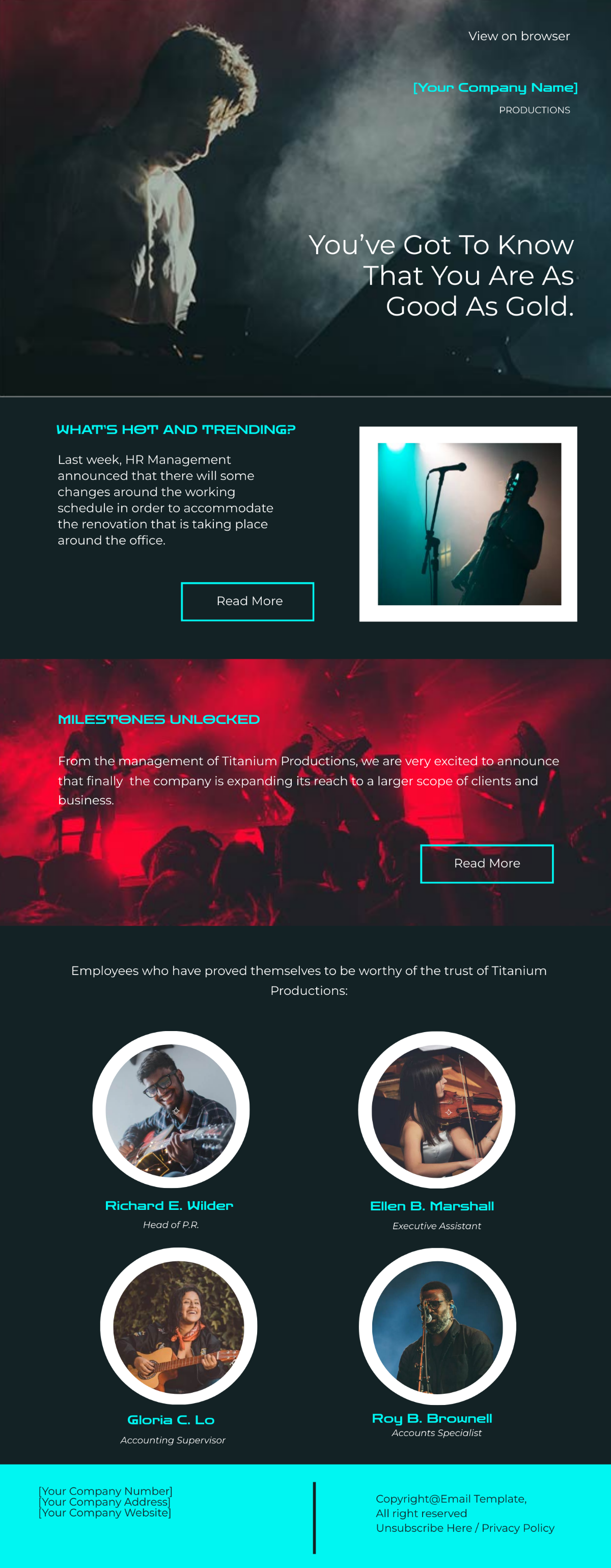












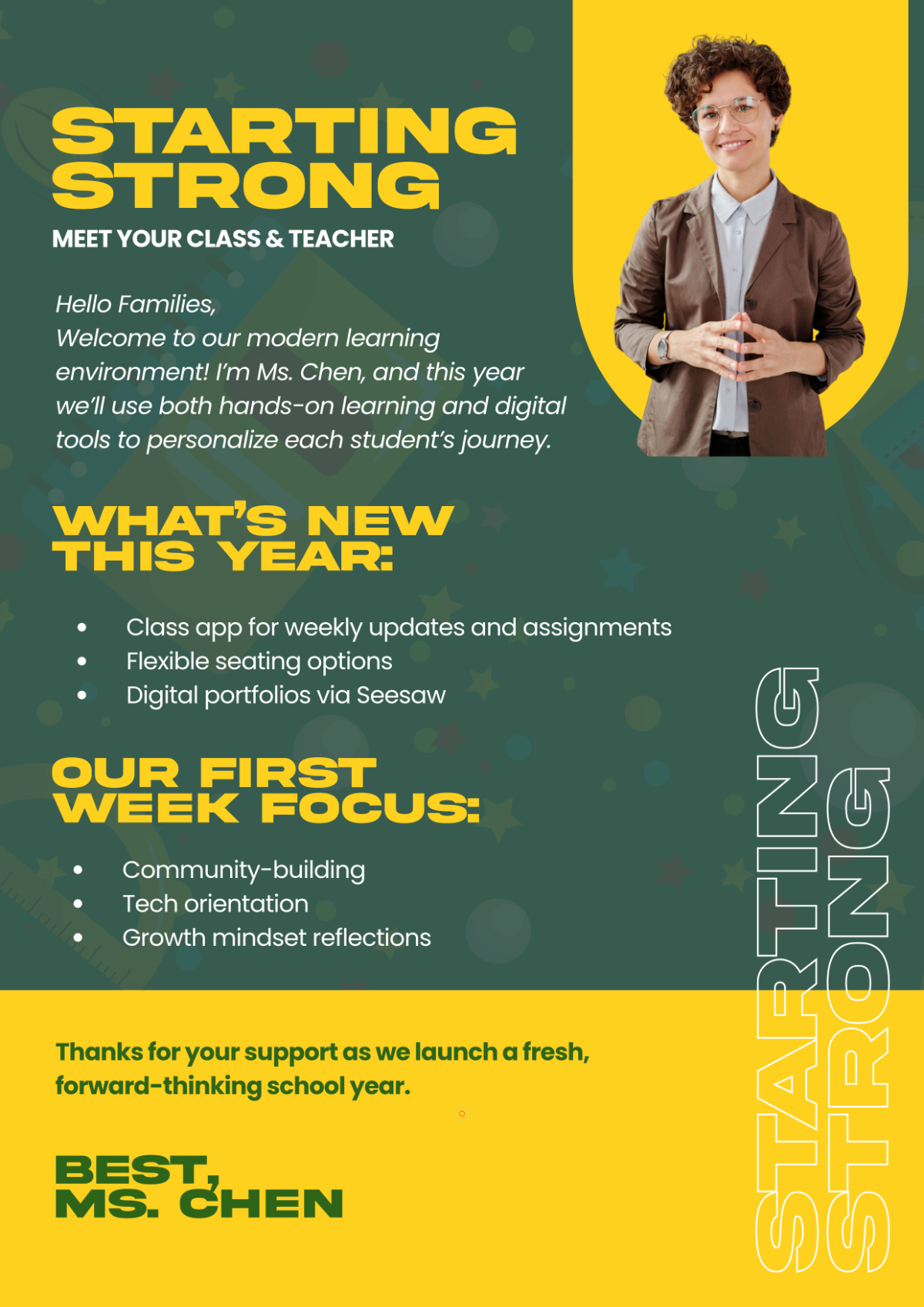
Free Newsletter Templates: Customizable Design Guide, Sizes, and Download Formats
What is a Newsletter?
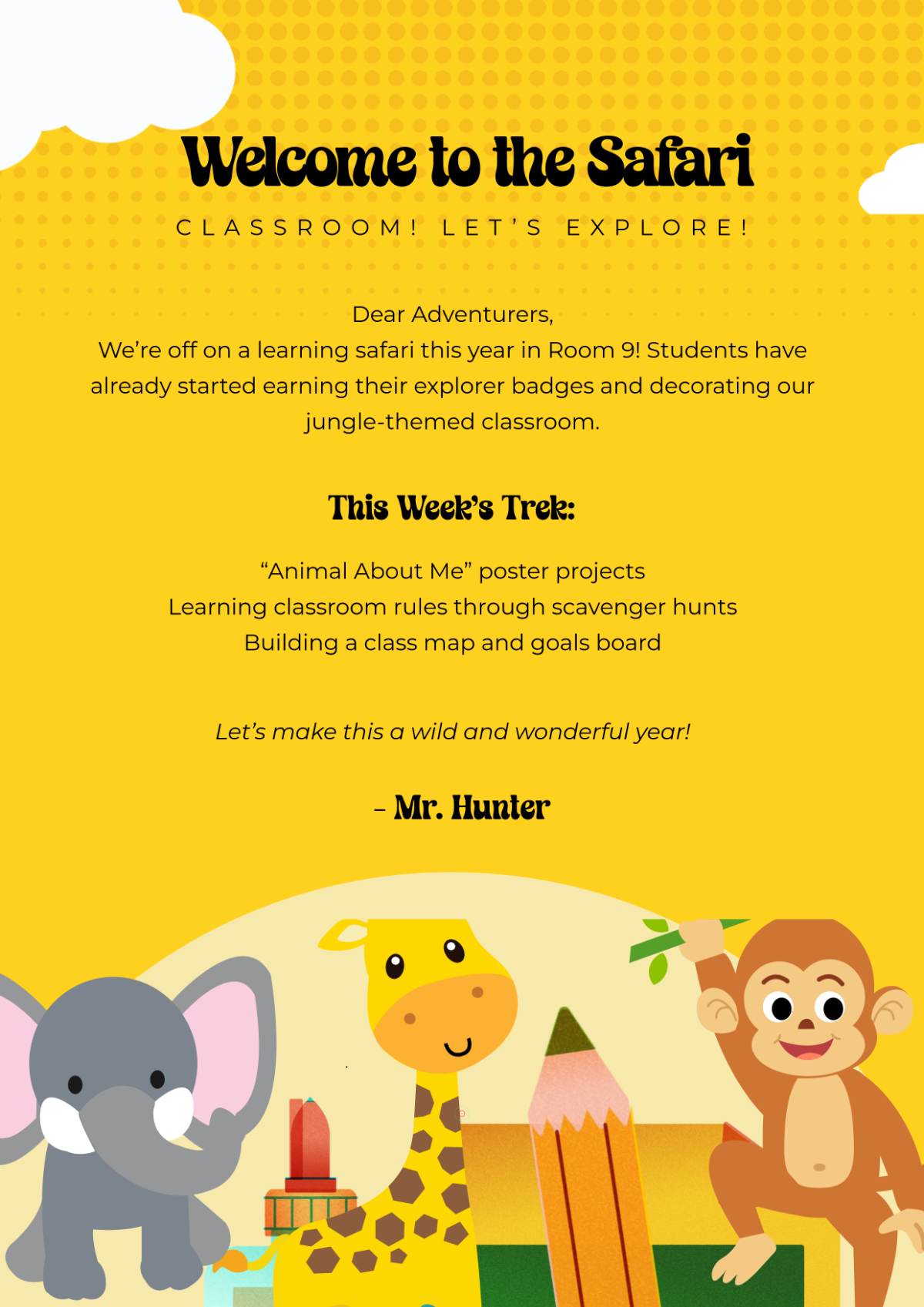
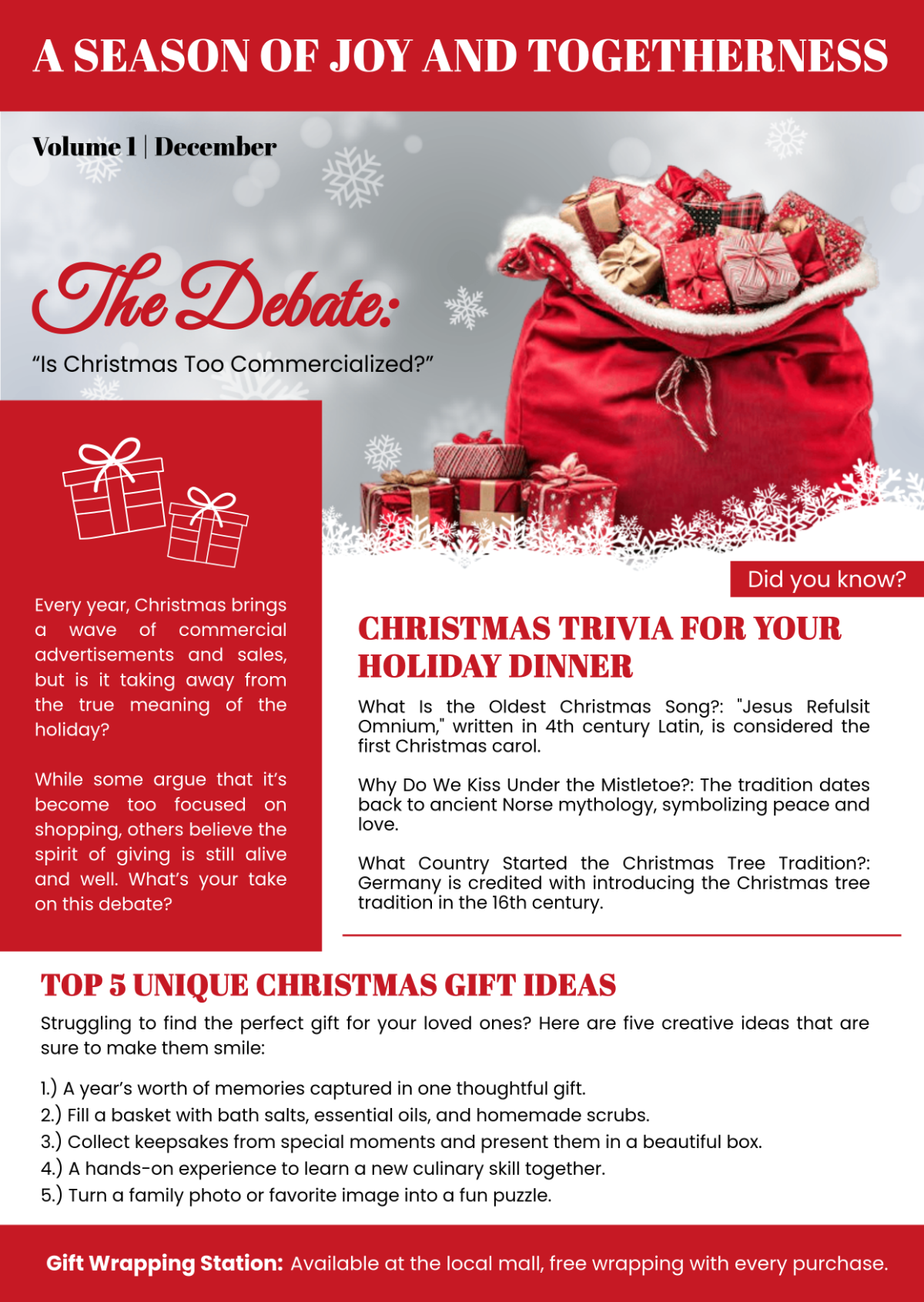
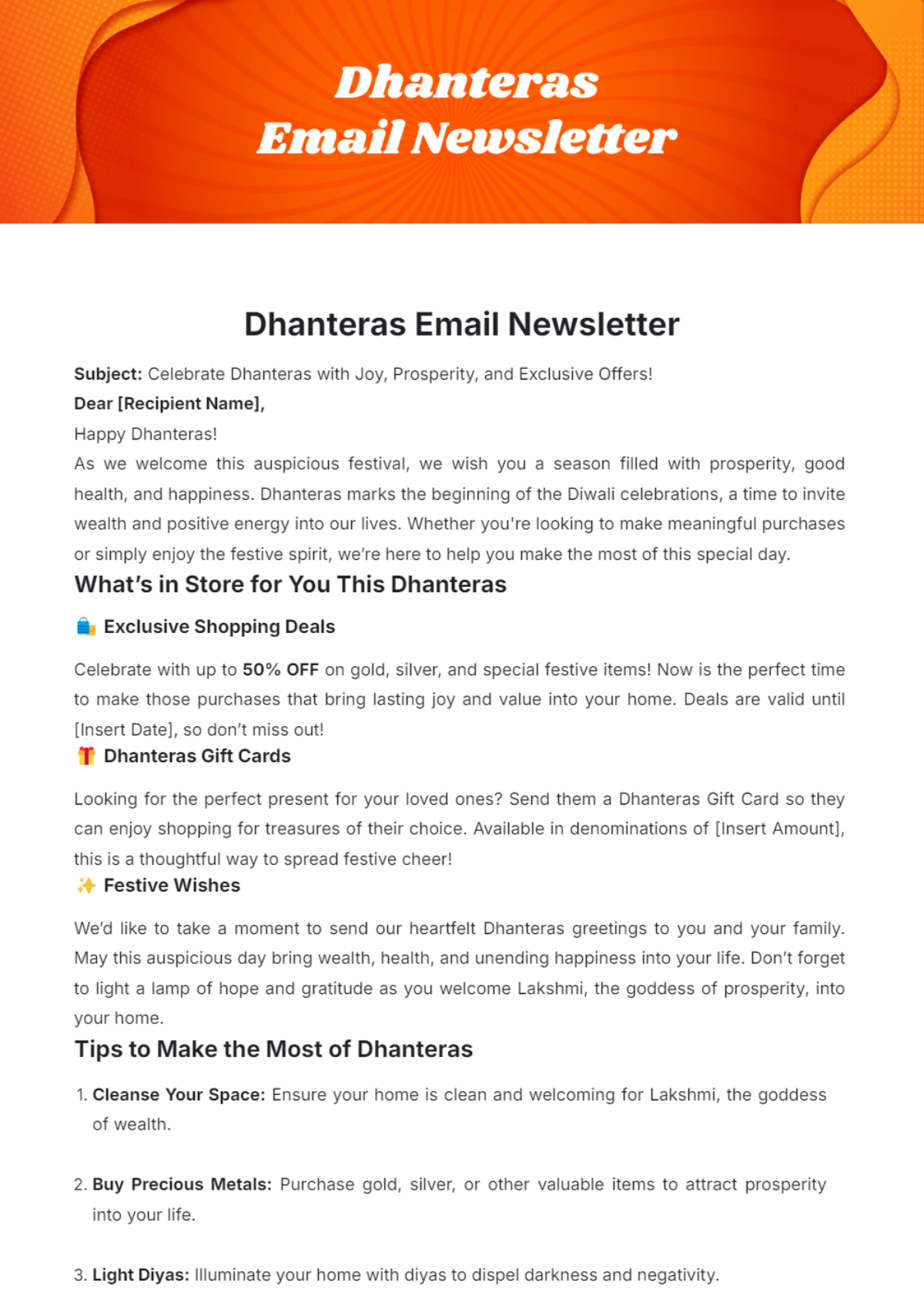
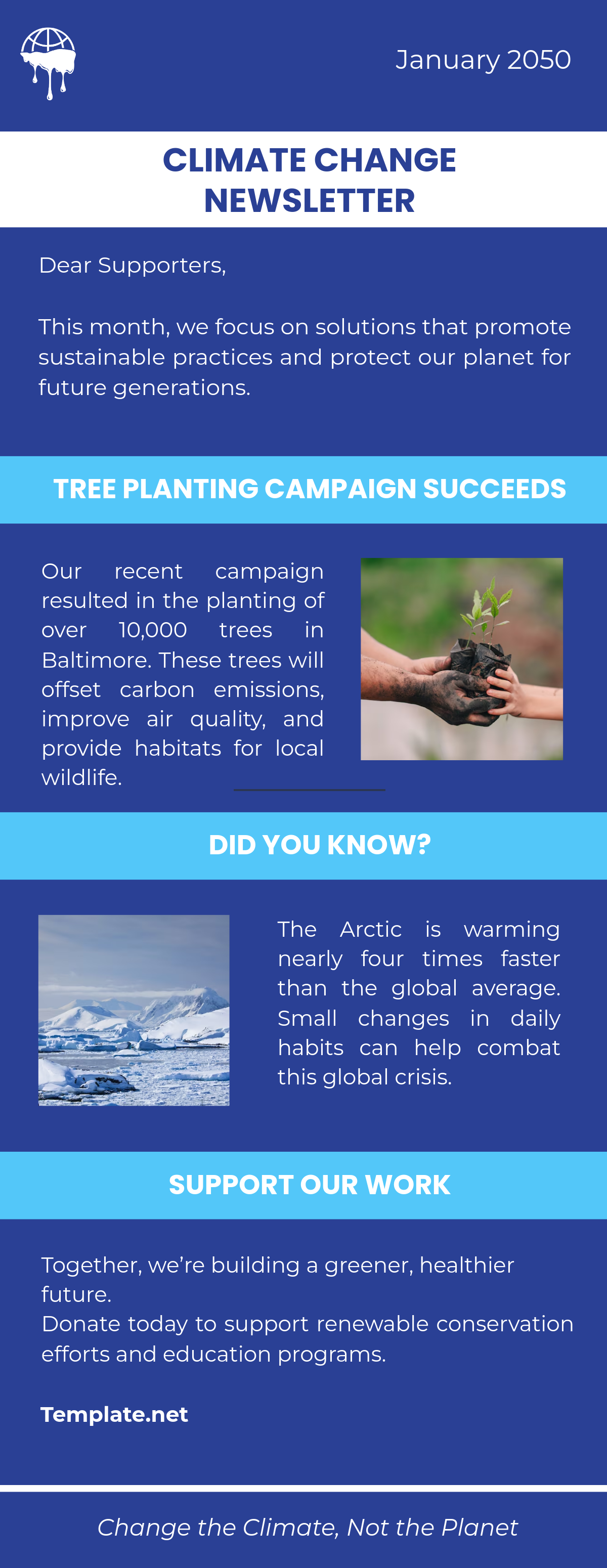
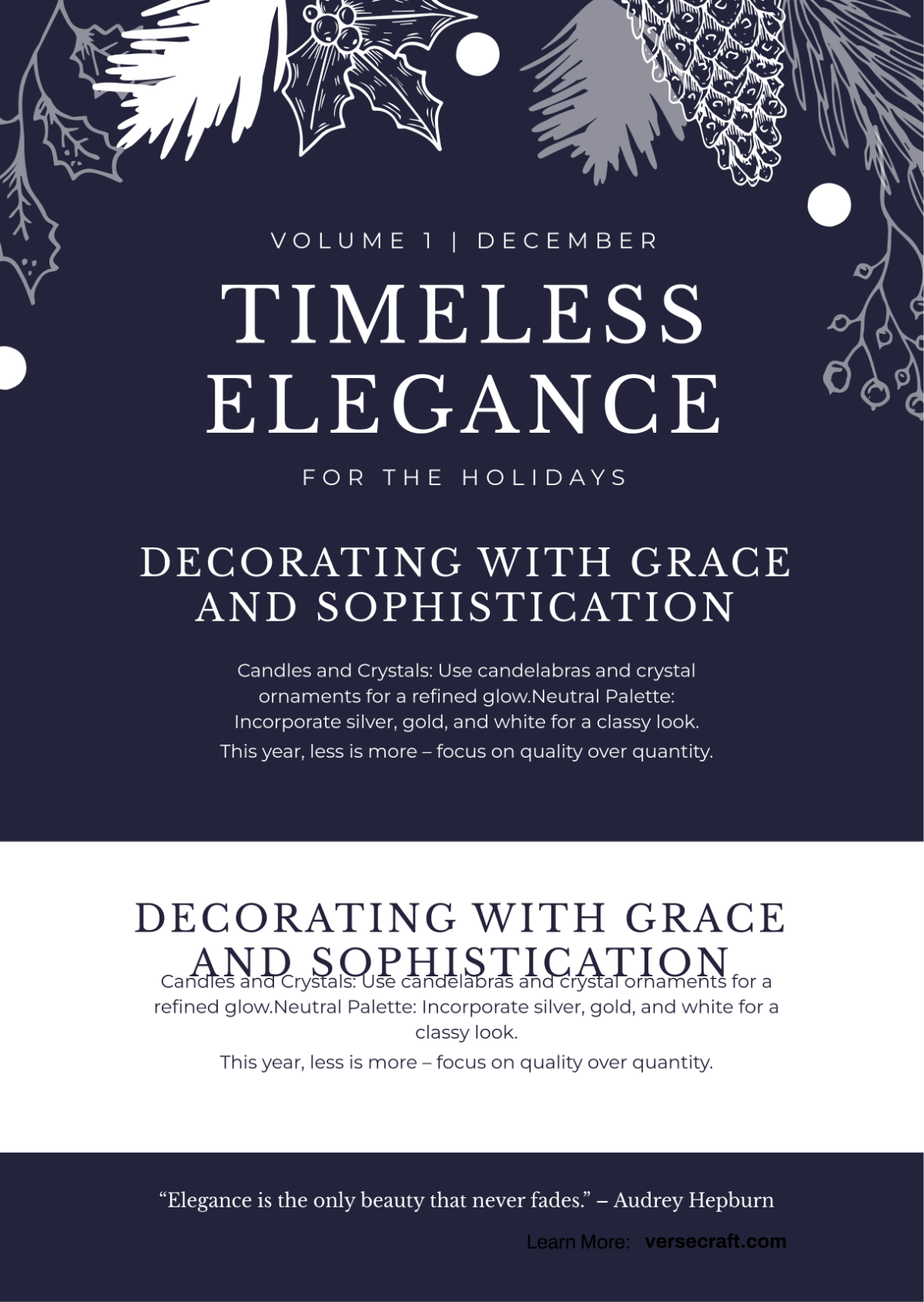
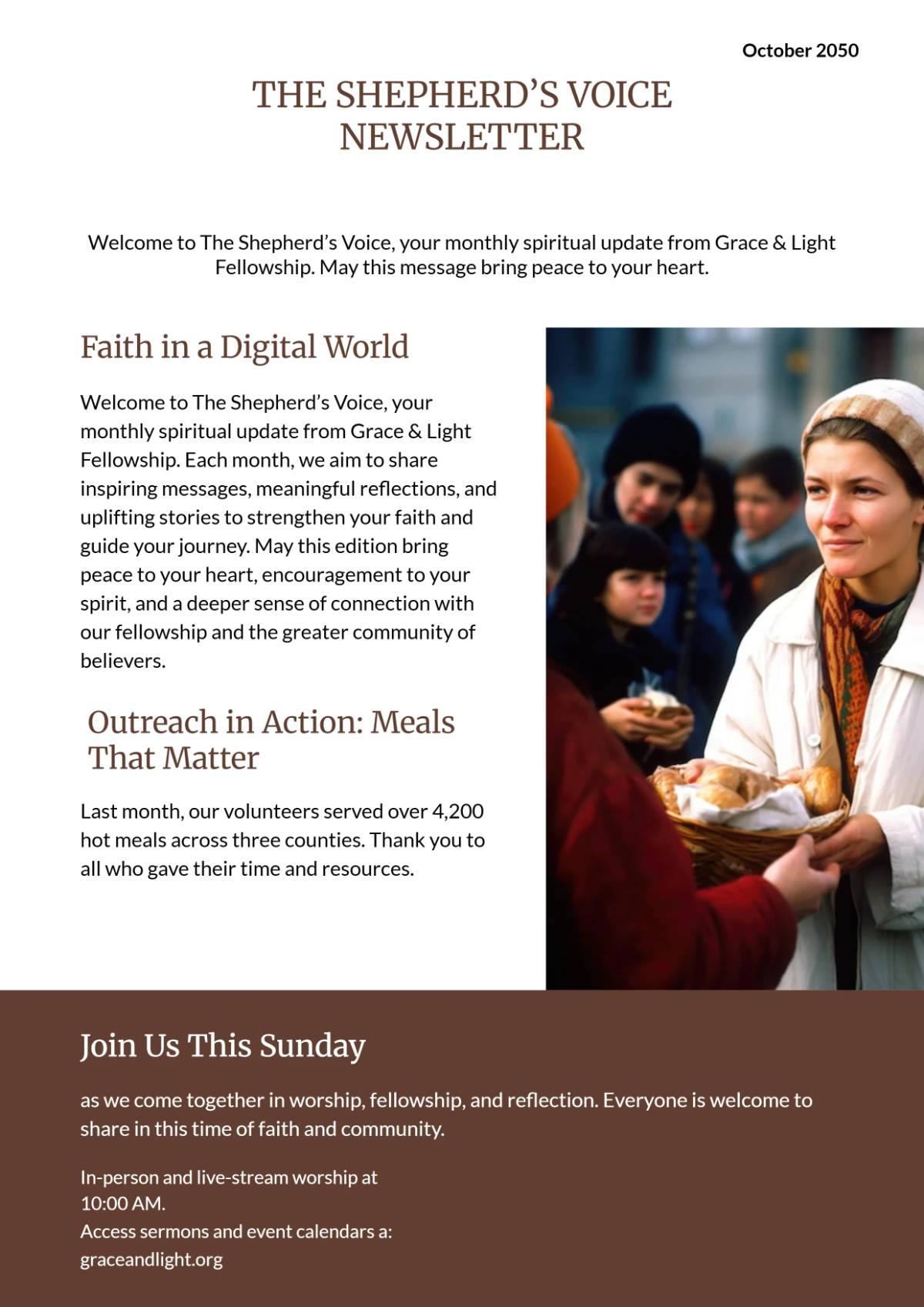
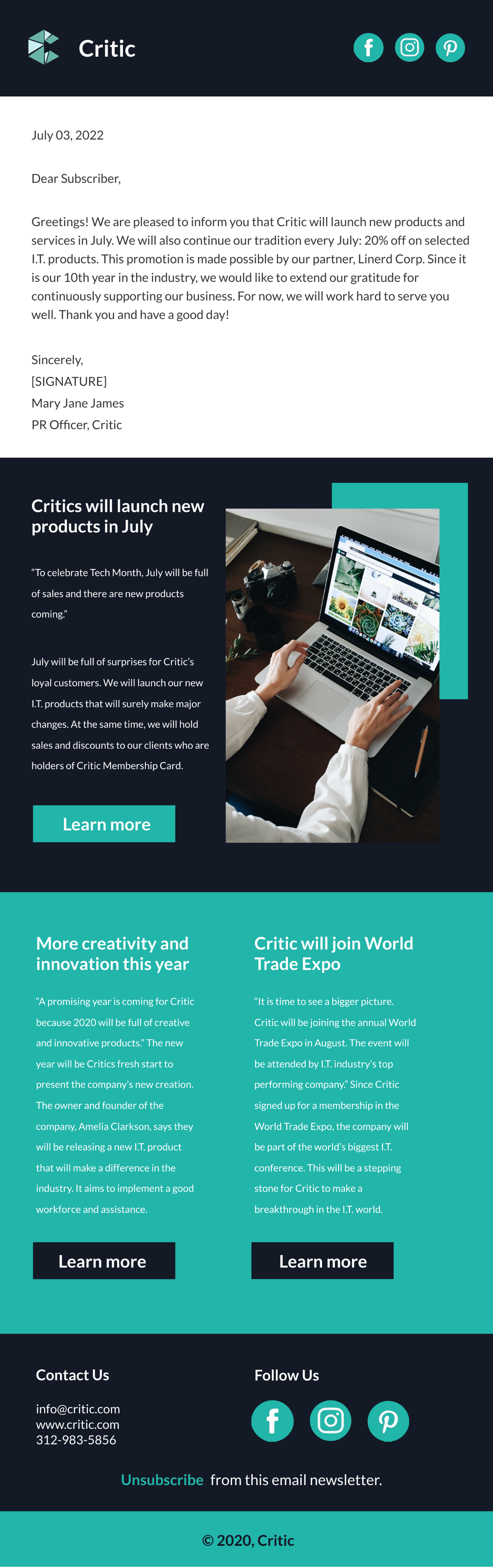
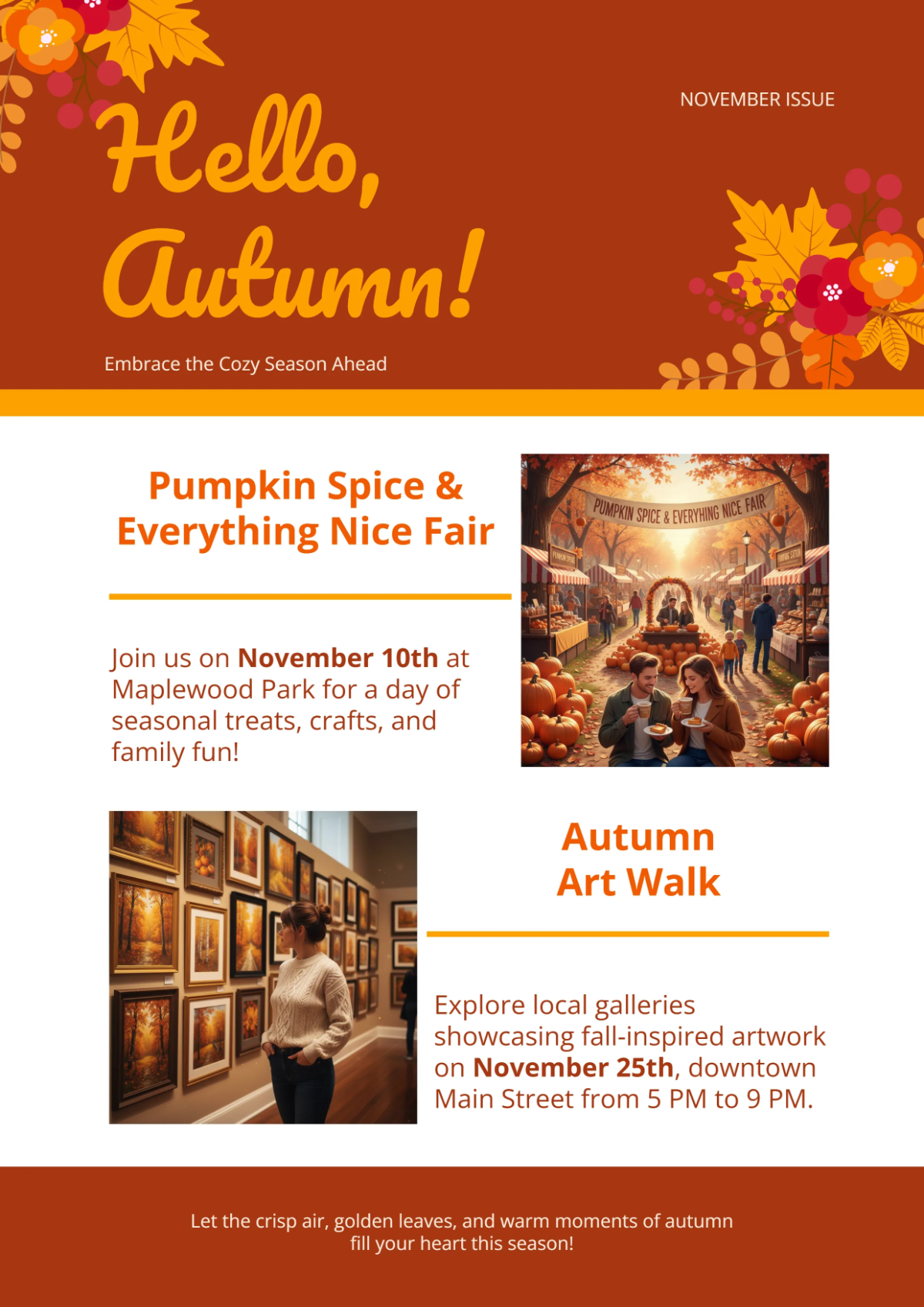
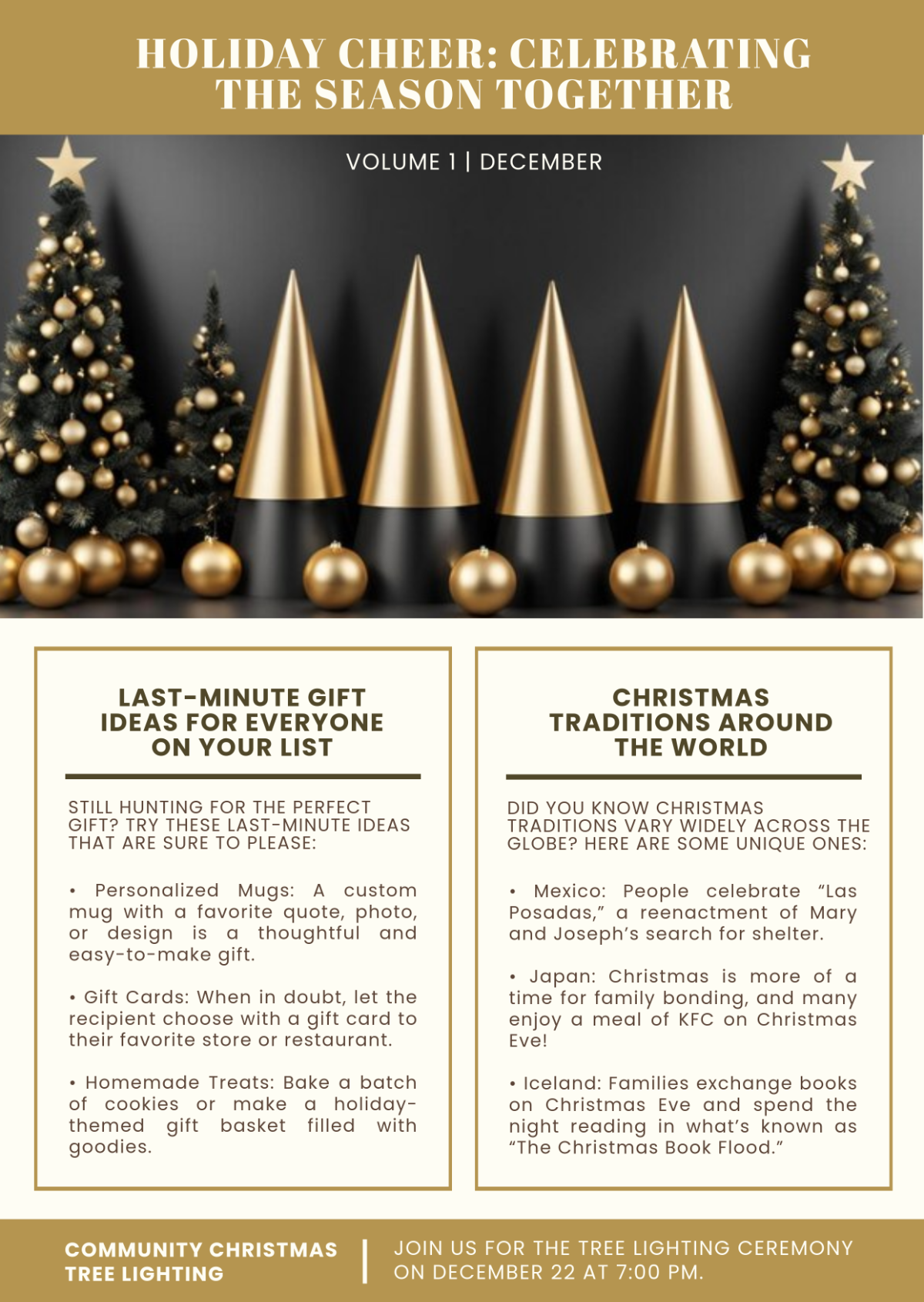
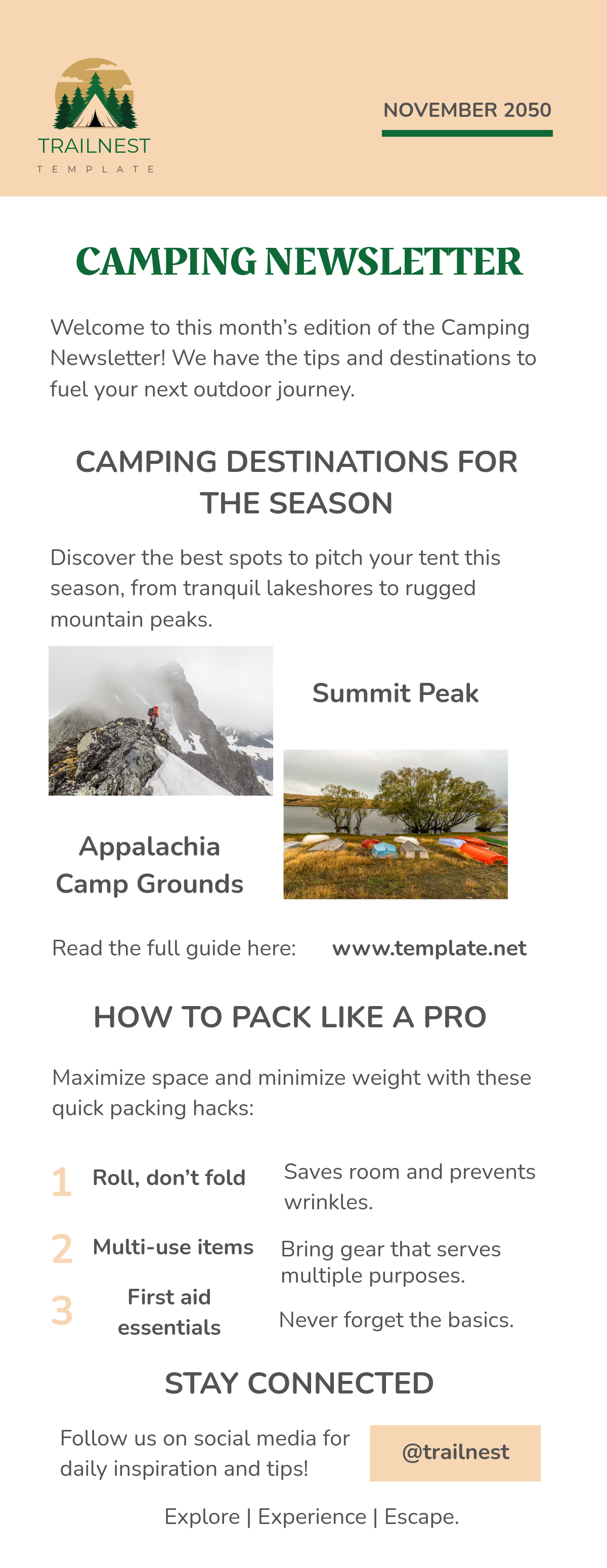
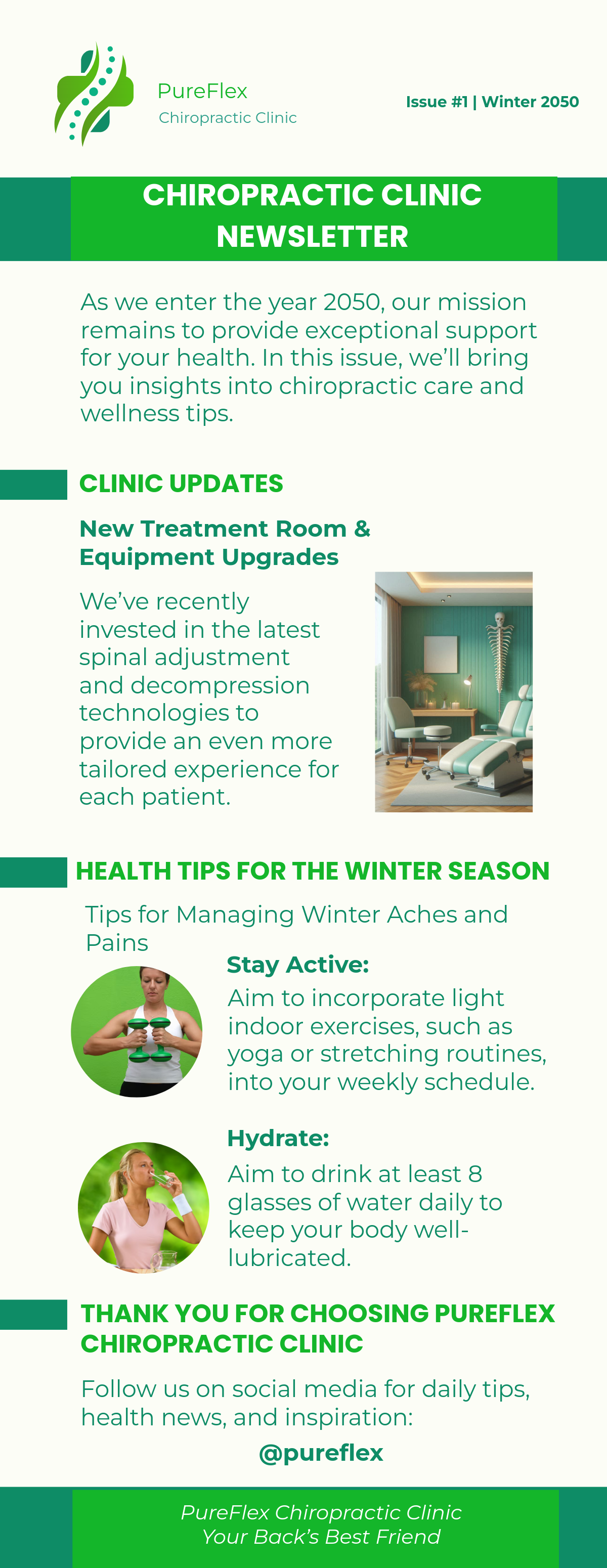
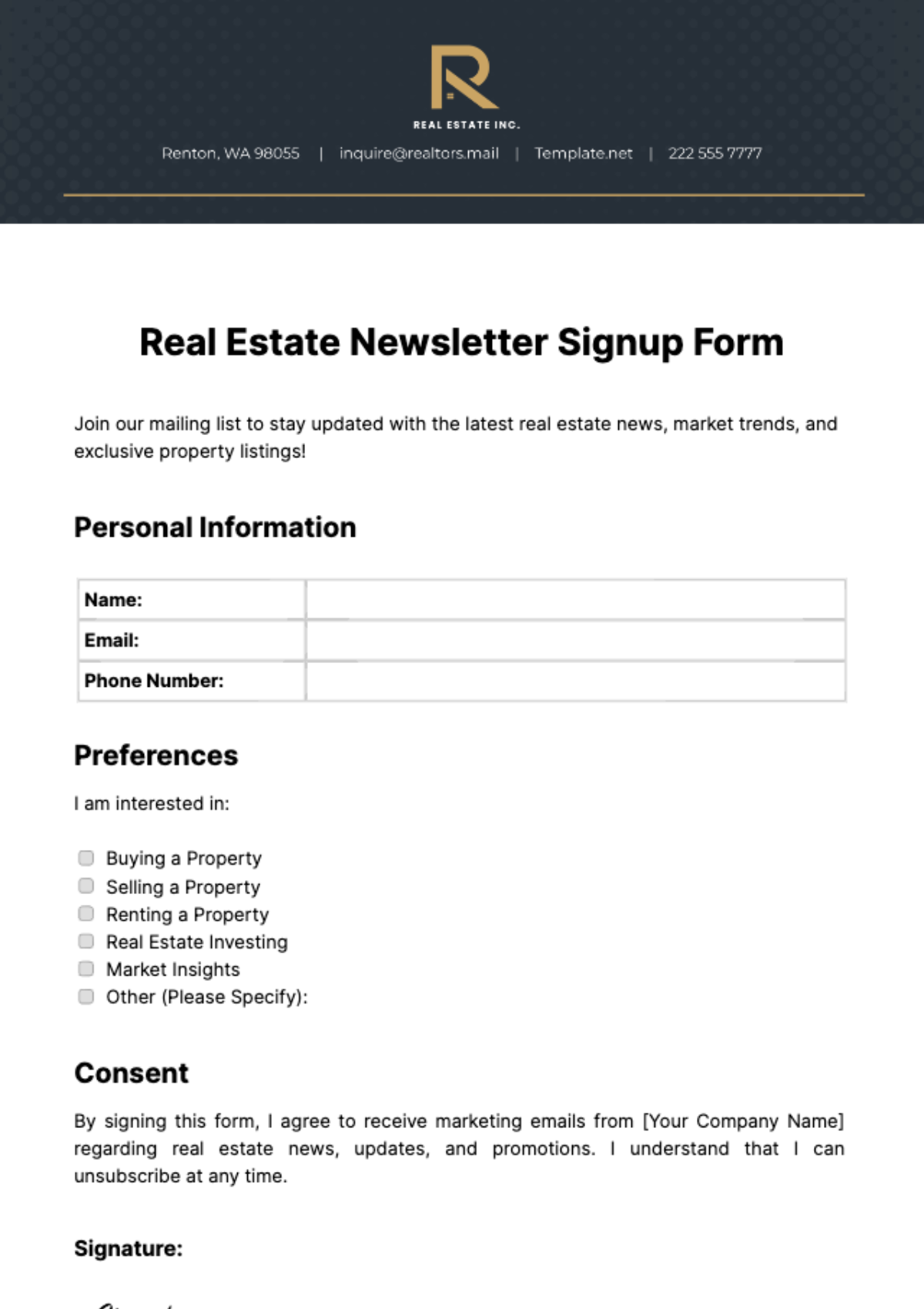
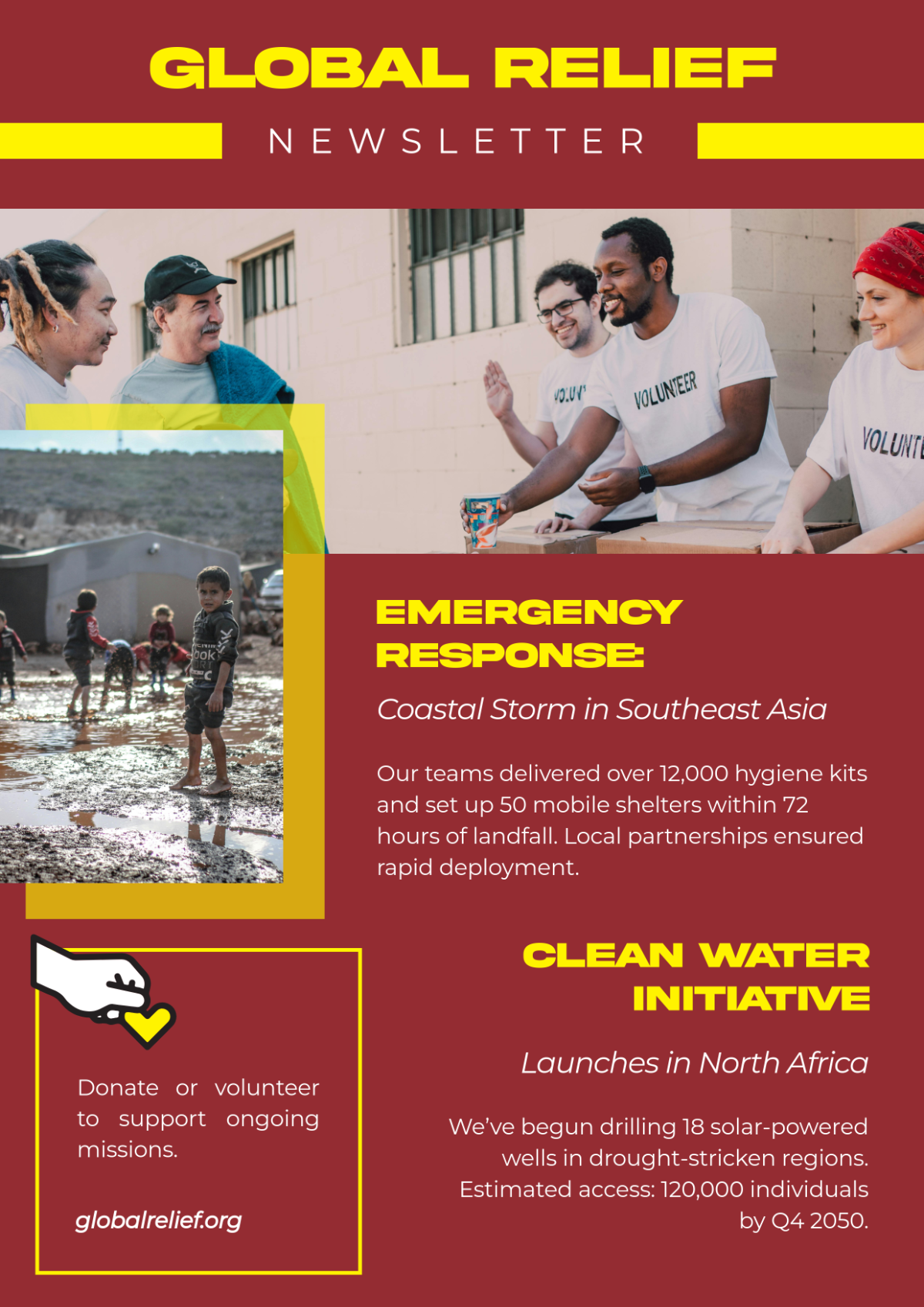
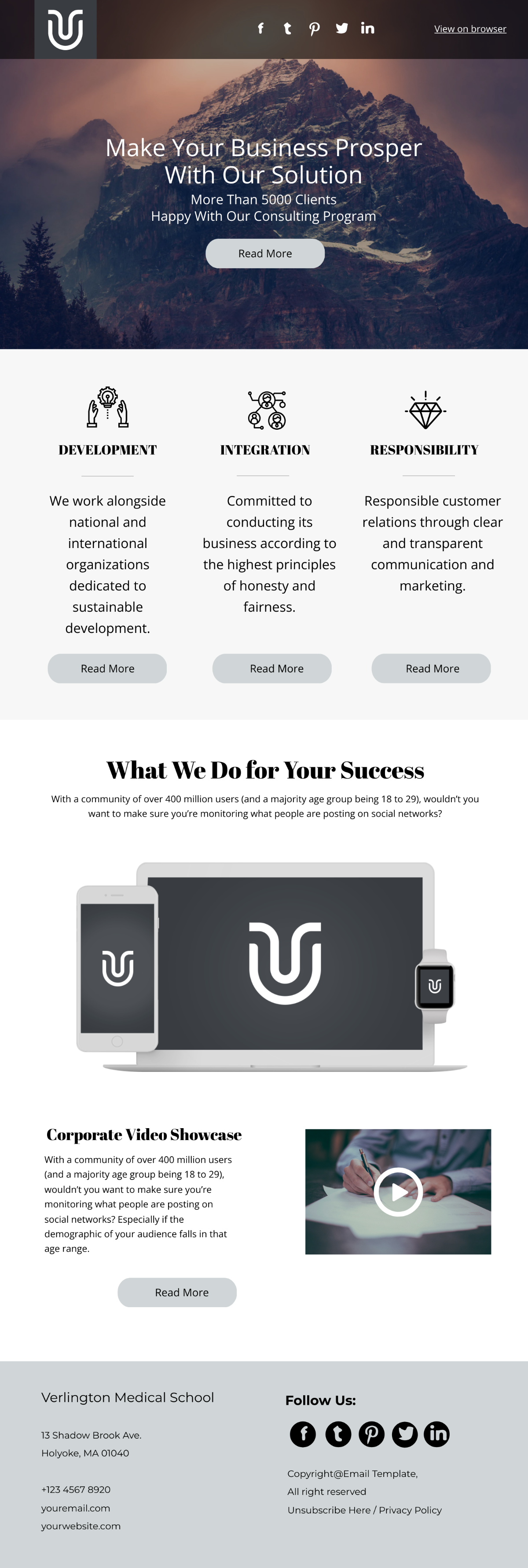
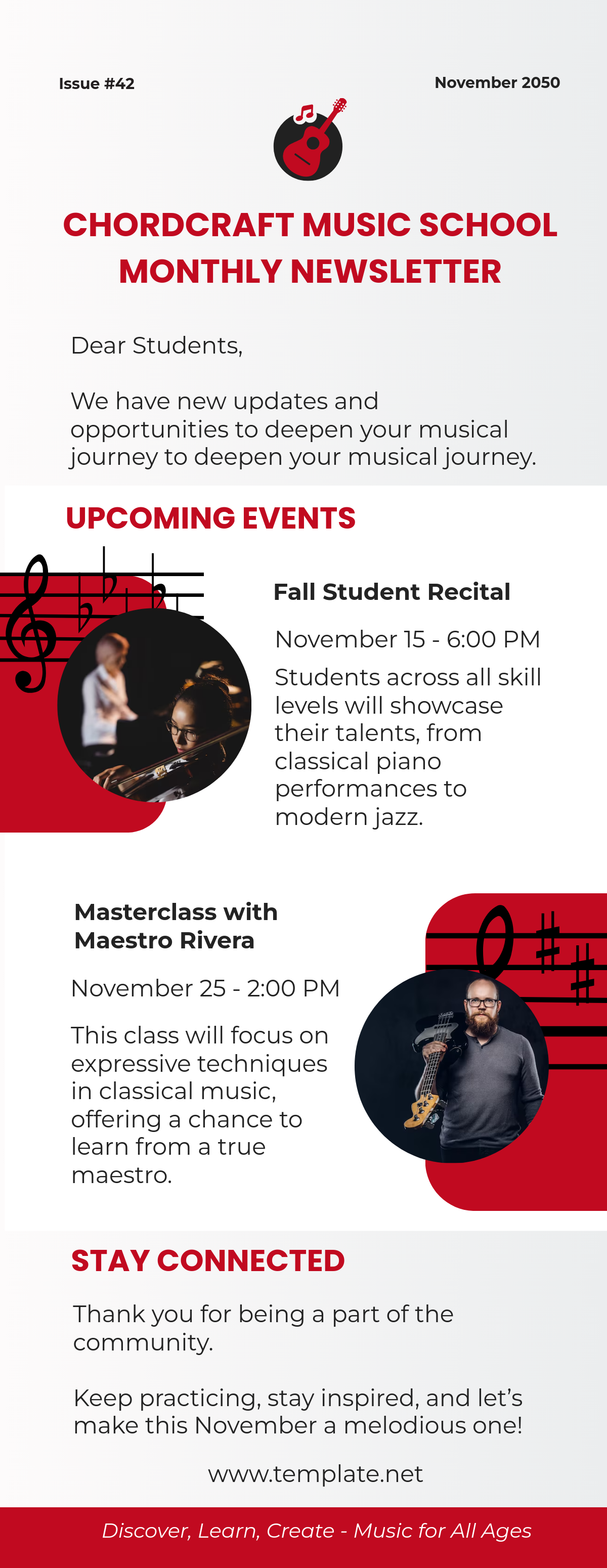
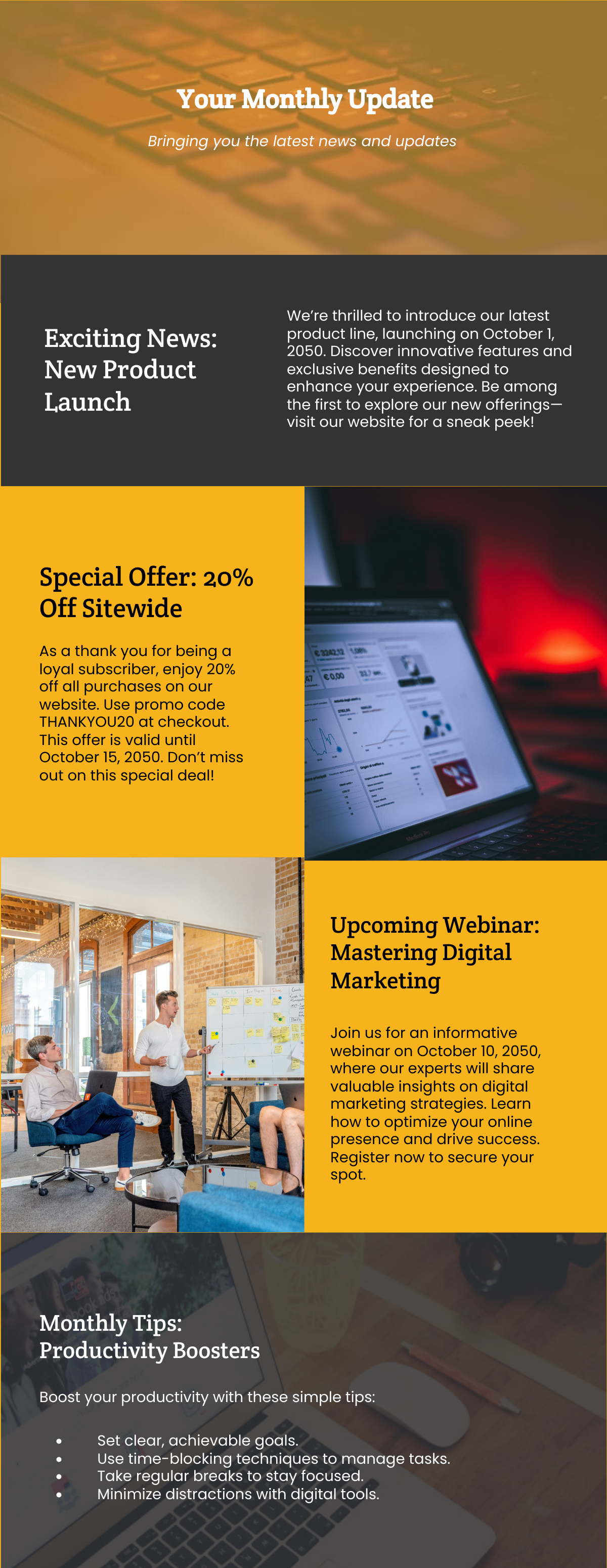
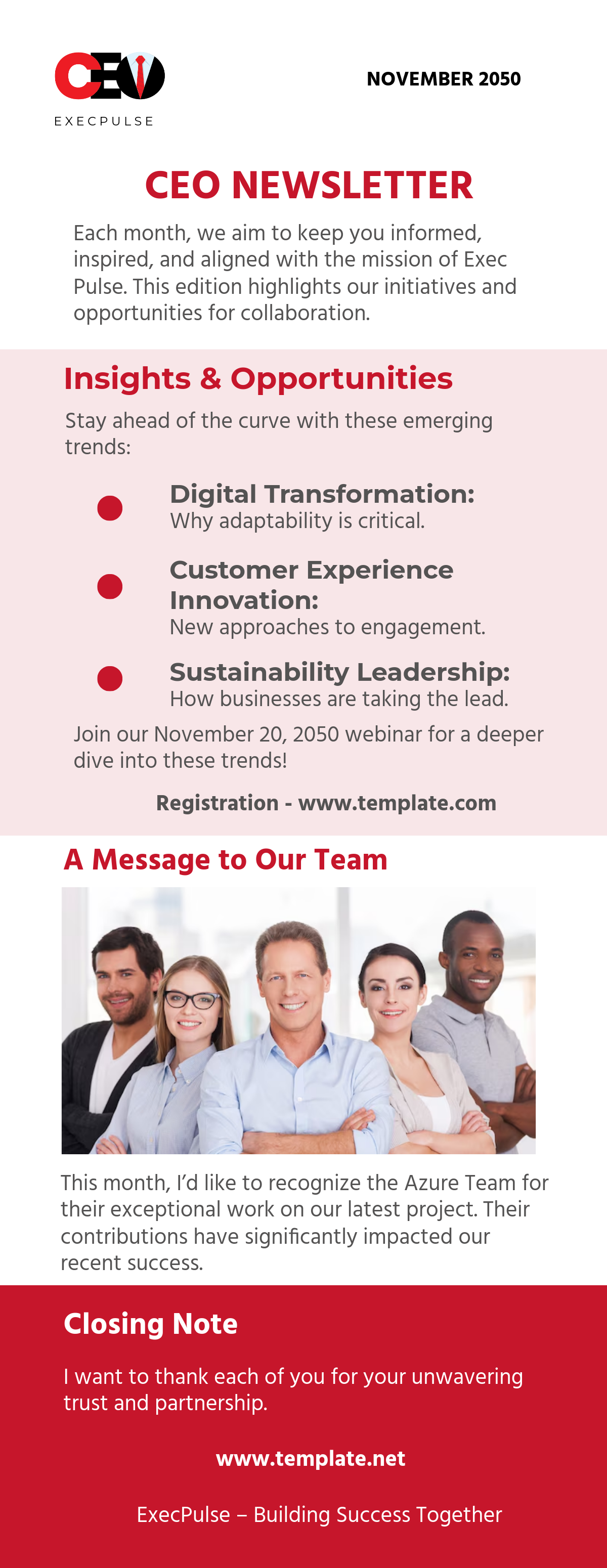
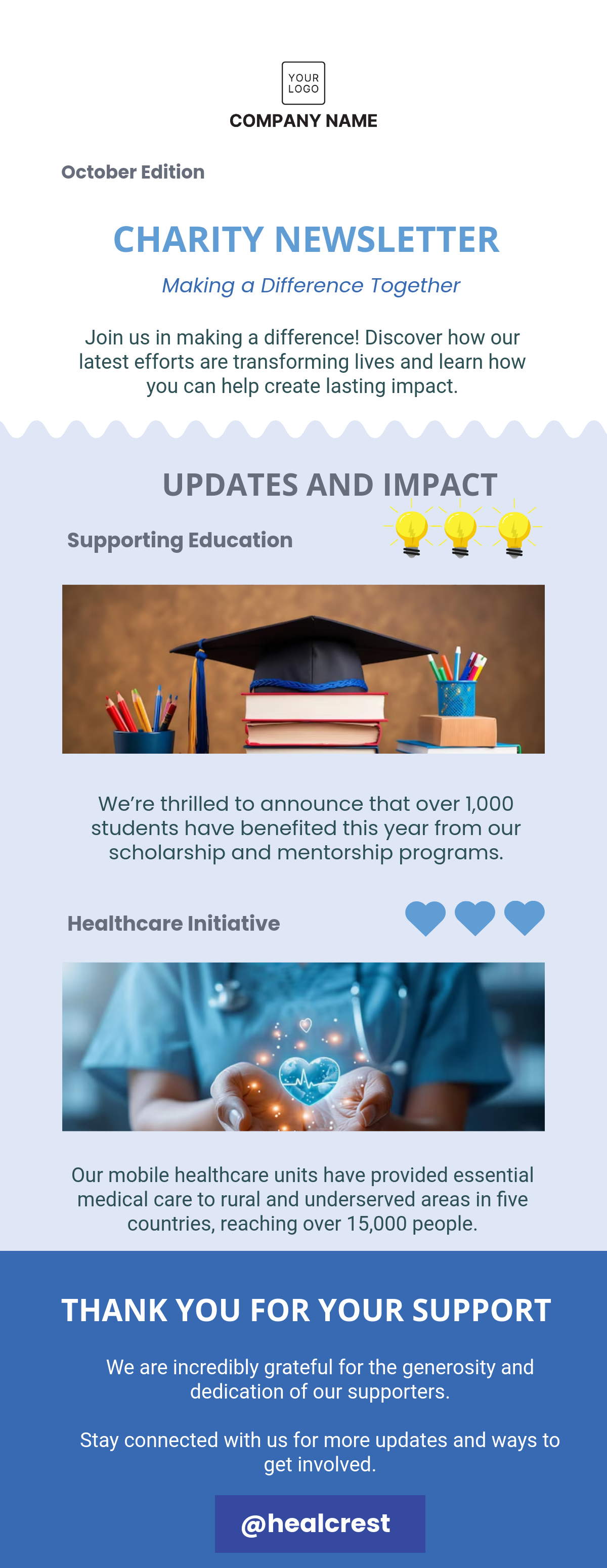
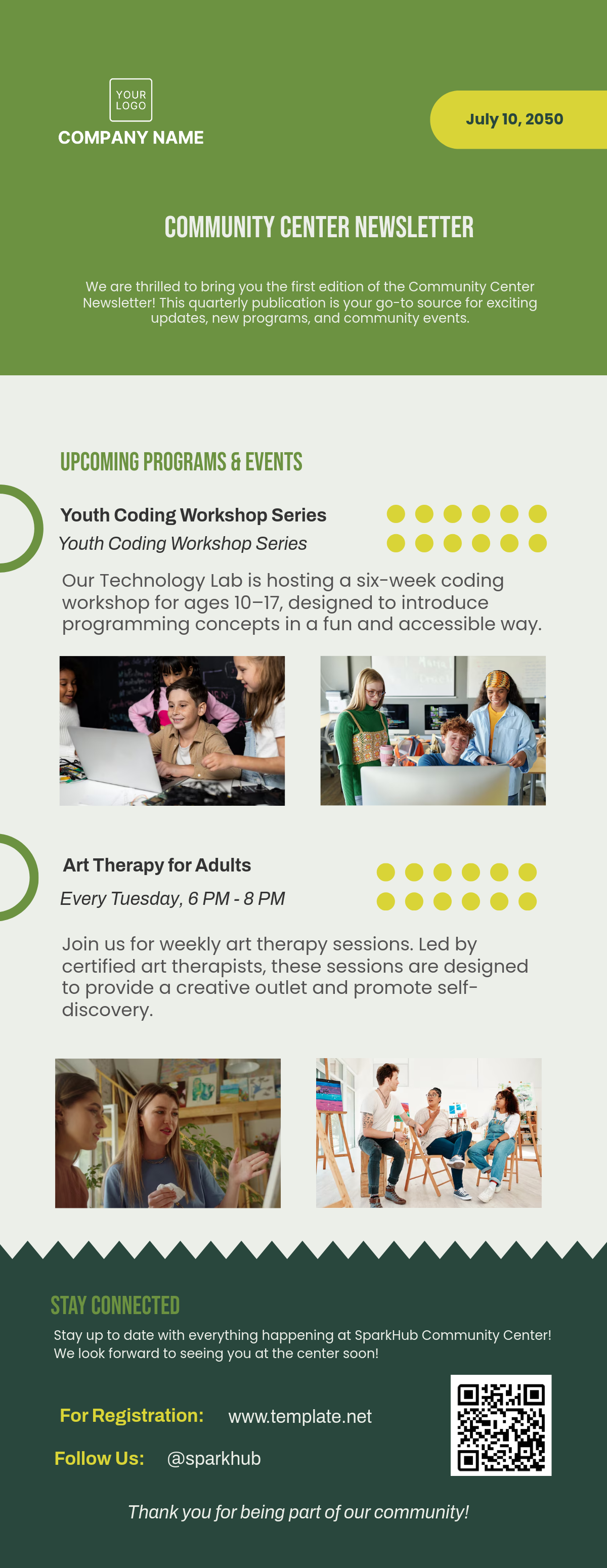
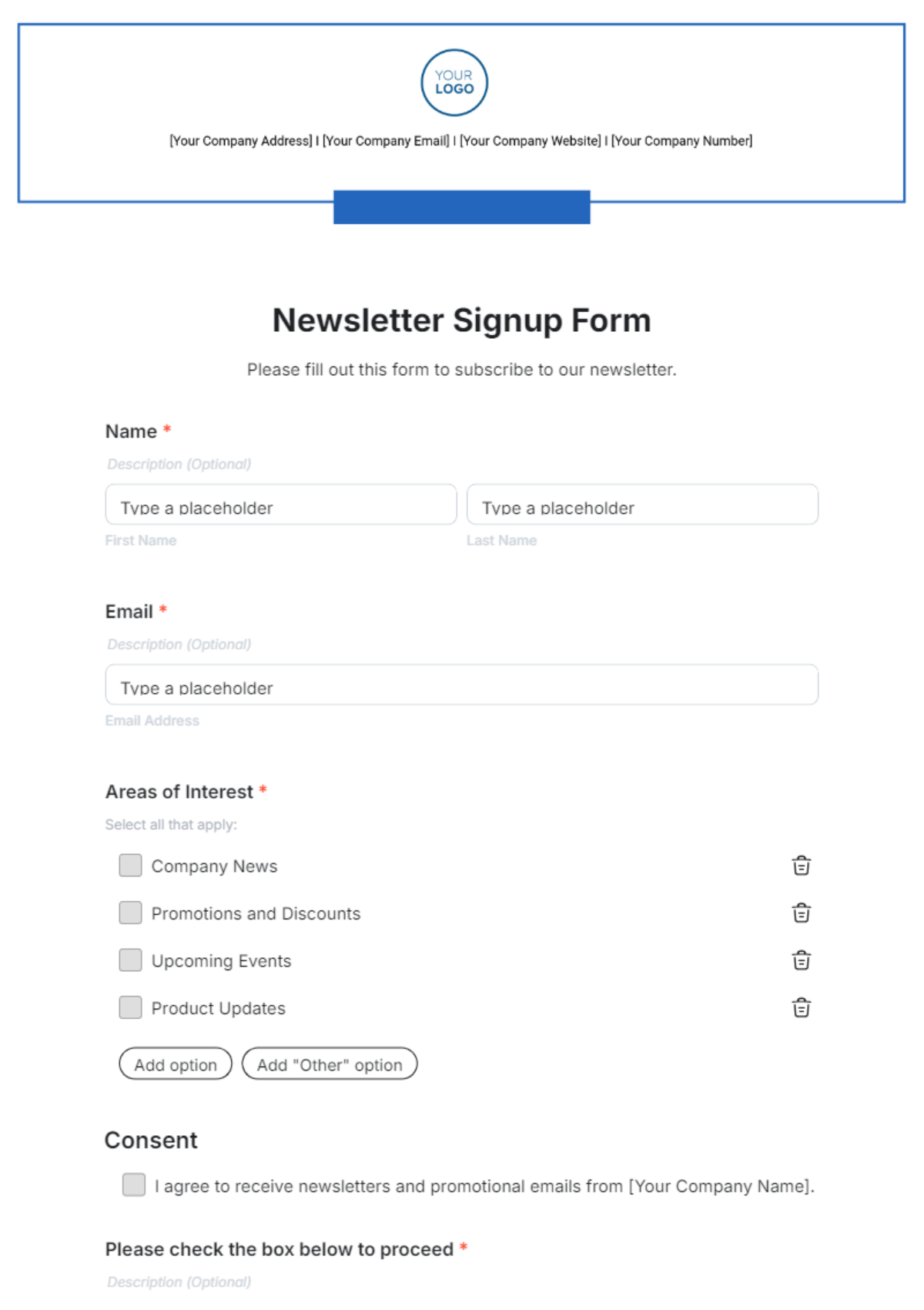
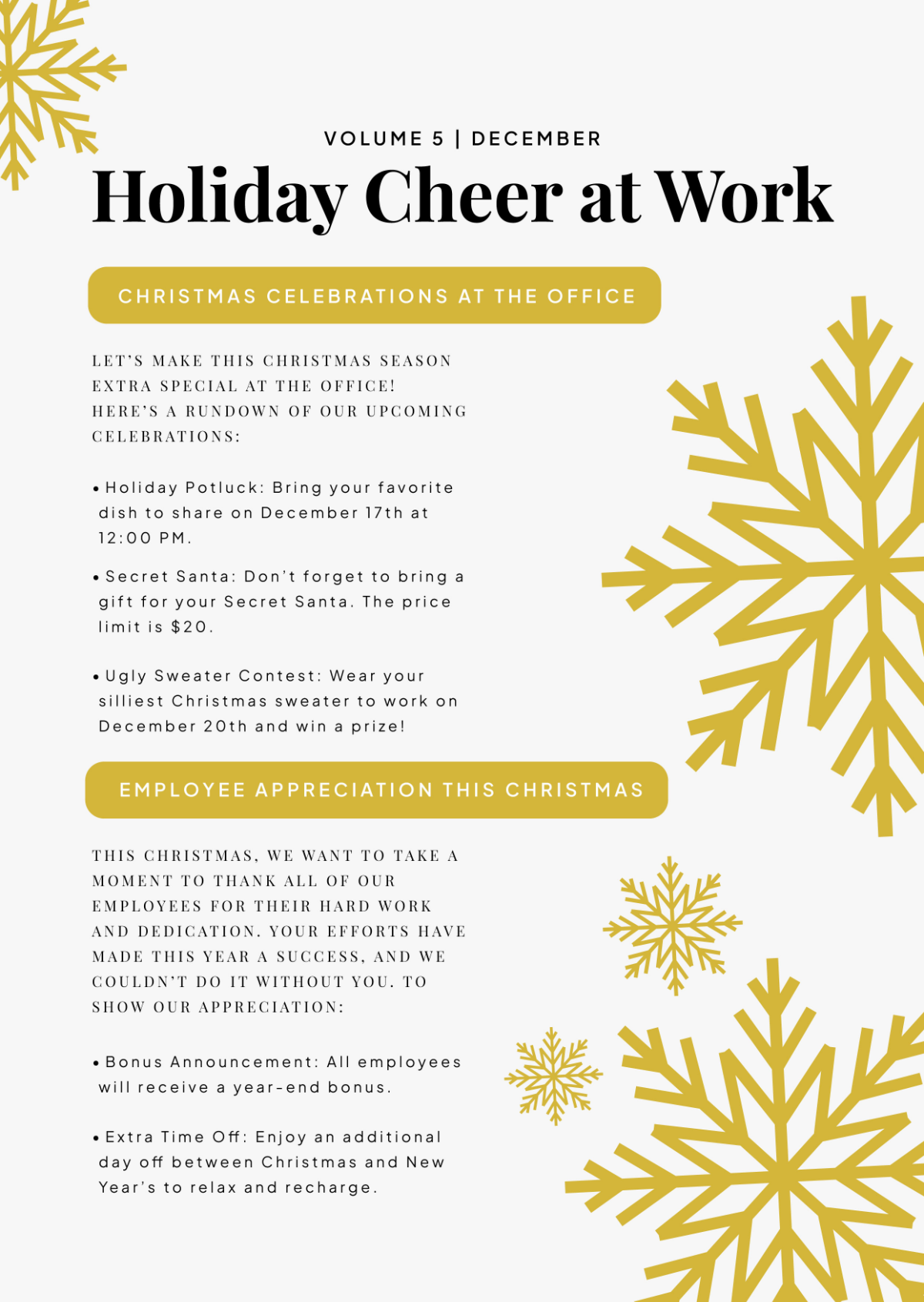
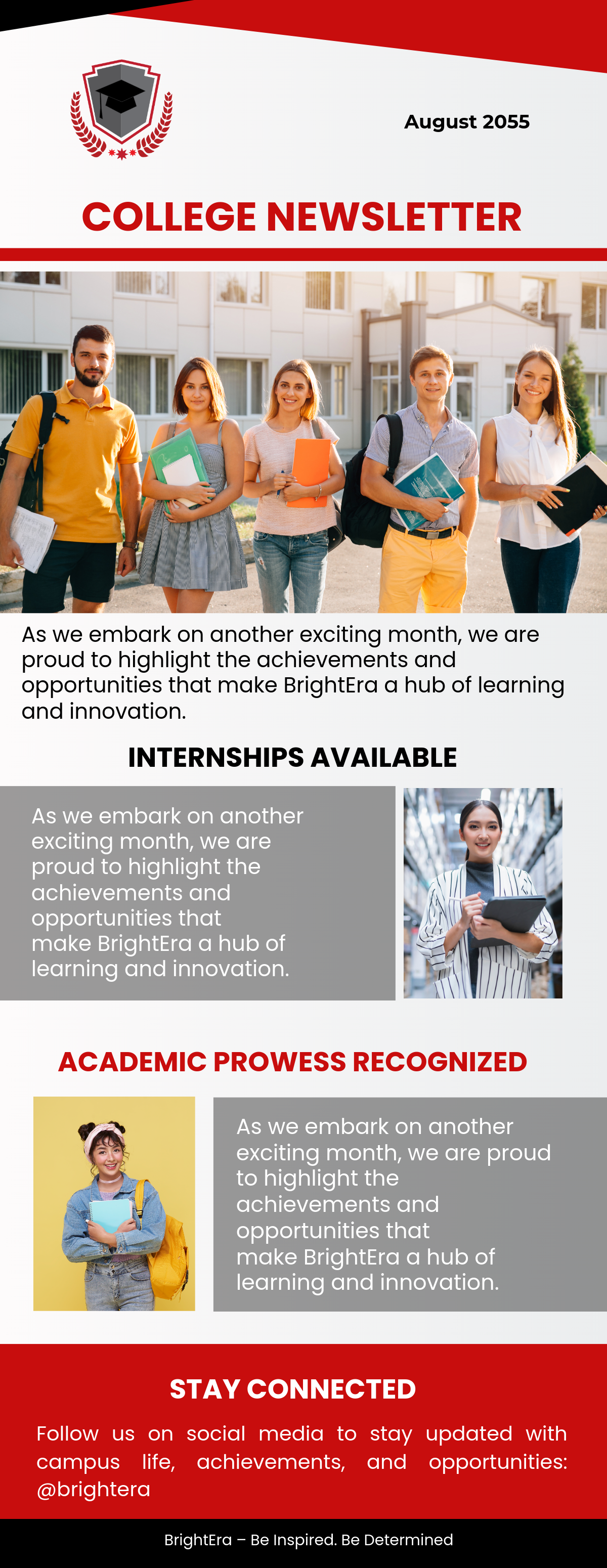
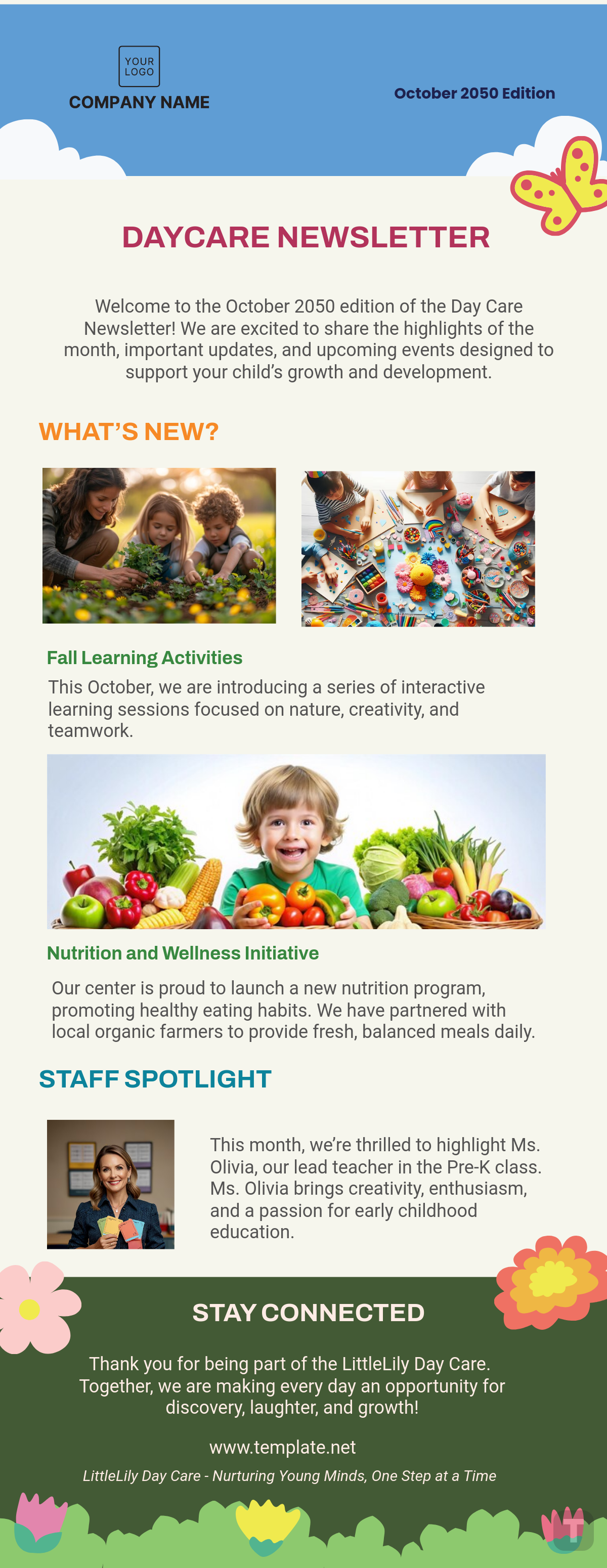
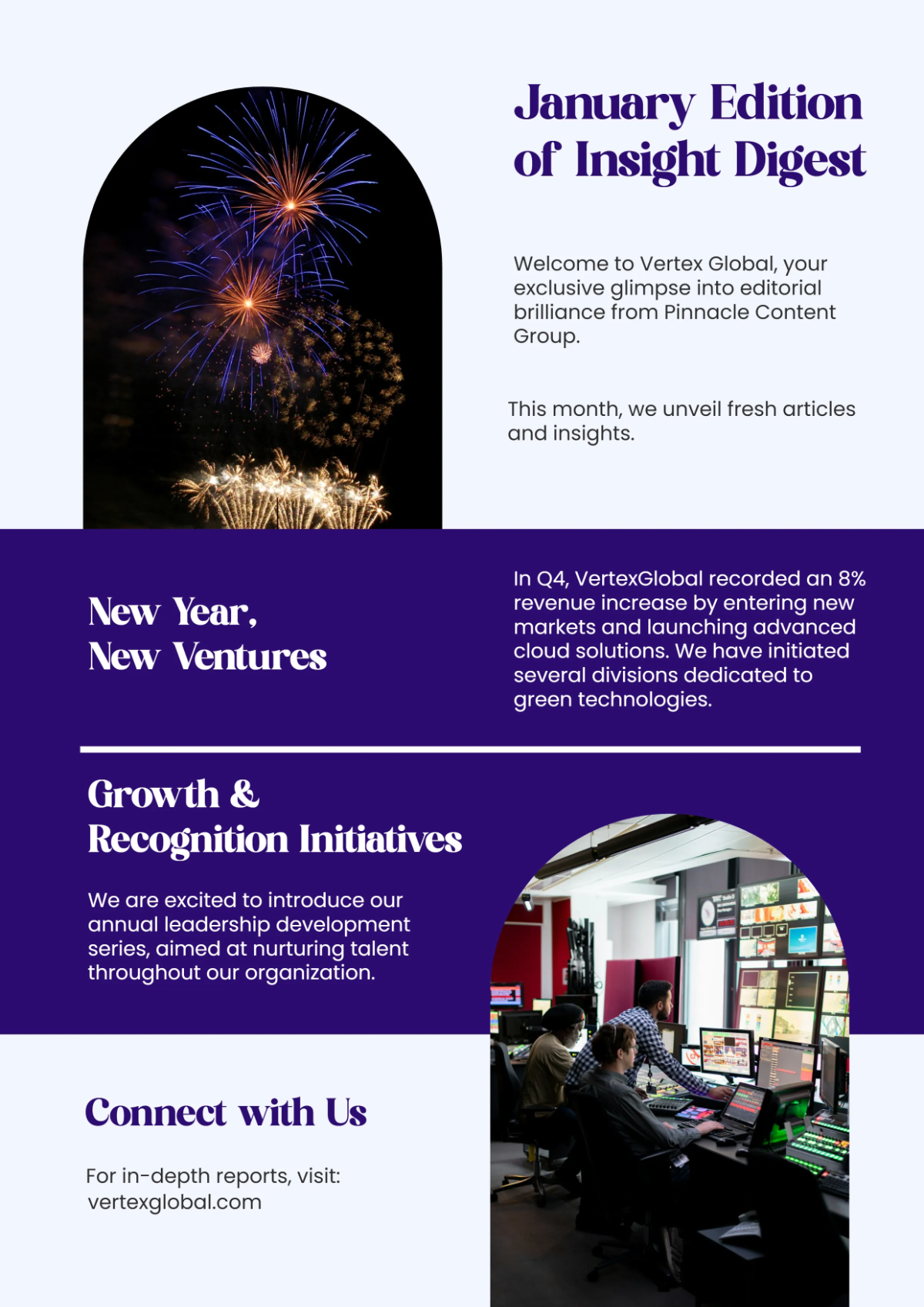
A newsletter is a regularly distributed publication, typically focused on sharing news, updates, or informational content with a targeted audience. Newsletter templates provide a structured format for you to organize and present your content clearly and attractively.
Why should I use a Newsletter?
You should use a newsletter to maintain consistent communication, build relationships, and share valuable information directly with your audience. Newsletters help increase engagement, brand awareness, and customer loyalty through timely updates and personalized content.
Who uses Newsletters?
Newsletters are used by businesses, nonprofits, educators, and individuals who want to regularly share updates, promotions, or insights with subscribers. Marketing teams, community organizations, and content creators commonly rely on newsletter templates to streamline their communication efforts.
What are the best tips for designing my Newsletter?
Here are essential tips for designing your newsletter to maximize readability and engagement:
- Use a clear and consistent layout to guide readers through your content.
- Incorporate your brand colors and fonts for cohesive identity.
- Include eye-catching headlines to highlight key sections.
- Balance text with relevant images to maintain interest.
- Keep content concise and scannable with bullet points and short paragraphs.
- Include clear calls to action to drive reader response.
- Optimize for mobile viewing to reach all devices.
- Use white space effectively to avoid clutter.
- Test your newsletter before sending to ensure functionality.
- Maintain consistent sending frequency to build audience expectation.
What file formats can I download for my Newsletter?
Template.net offers newsletter templates in multiple export formats allowing easy editing and sharing. You can download templates as Outlook, Word, Apple Pages, PDF, Google Docs, and Publisher formats.
Can I create a Newsletter using AI?
Template.net provides an AI-powered tool that generates new newsletter designs from your prompts, helping you quickly create professional layouts. Use the Newsletter Generator to start designing with AI assistance.
What are the ideal digital pixel dimensions for my Newsletter?
Choosing the right digital pixel dimensions ensures your newsletter displays well on various devices. Common sizes include:
- 600 × 800 pixels for standard email newsletters
- 800 × 1200 pixels for longer content
- 1080 × 1920 pixels for mobile-optimized newsletters
- 1200 × 1500 pixels for high-resolution displays
- Responsive design that adapts to screen sizes
What visual elements should I include in my Newsletter?
Incorporating the right visual elements enhances your newsletter's appeal. Consider including:
- Branded headers and footers with logos
- High-quality images and graphics for engagement
- Consistent color schemes matching your brand
- Icons and bullet points for clarity
- Buttons for calls to action
- Whitespace for readability
- Dividers and borders to separate sections
What are the benefits of using a Newsletter for my business?
Using a newsletter offers multiple benefits that help grow your business:
- Direct communication with your audience
- Increased brand awareness and loyalty
- Opportunity to share promotions and updates
- Cost-effective marketing channel
- Improved customer engagement and feedback
- Enhanced website traffic through links
- Measurable results via analytics
